 ProMapRanker
Best Cloud Phone Service in 2026


Growing businesses needing a full suite · Pricing starts at: $20 per user per month
Key takeaways
- RingCentral and Nextiva are the safest all-round picks, with entry prices from $15 to $20 per user per month.
- Zoom Phone and Google Voice are the cheapest adds for teams already on those platforms.
- Dialpad leads for AI transcription on every plan, while Ooma leads for simple small-team pricing.
- Check number porting, call quality on your network, and whether taxes and fees are included.
Quick comparison
| Pick | Great for | Pricing starts at | Free tier | |
|---|---|---|---|---|
| RingCentral | Growing businesses needing a full suite | $20 per user per month | Free trial | Visit |
 Nextiva | Reliability and human support | $15 per user per month | No | Visit |
 Dialpad | AI transcription and summaries | $15 per user per month | Free trial | Visit |
 Ooma Office | Very small teams moving off landlines | $19.95 per user per month | Free trial | Visit |
 Zoom Phone | Teams already using Zoom | $10.50 per user per month | Free trial | Visit |
 Vonage | Businesses that may build on APIs later | $13.99 per user per month | No | Visit |
 8x8 | International calling teams | See website | No | Visit |
 Grasshopper | Solo operators needing a business line | $14 per month | Free trial | Visit |
 Google Voice | Google Workspace micro-teams | $10 per user per month | No | Visit |
 OpenPhone | Text-heavy small teams | $15 per user per month | Free trial | Visit |
The best cloud phone service
We compared official pricing pages, feature lists, and public documentation for each option below, then sorted them by fit for different team sizes and budgets. Use the table above for a fast scan, then read the full write-up for the option that matches your work.
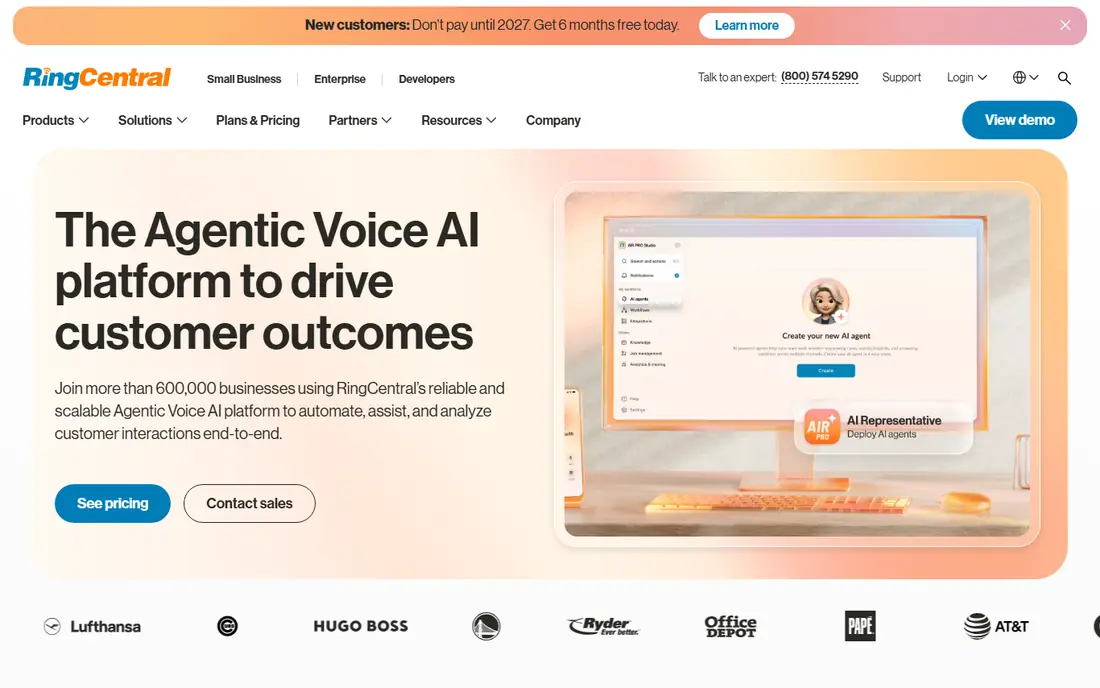
RingCentral is the all-round pick for a growing business that wants phone, video, team messaging, and fax in one system. The Core plan starts at $20 per user per month when billed annually, with video, messaging, and a wide integration library included.
The trade is admin effort. Advanced routing, call queues, and analytics are strong, but a small team may not need that depth at first. A 14-day free trial lets you test call quality, mobile apps, and routing with your real numbers before committing.
- Voice, video, messaging, and fax in one app
- Large integration library
- Advanced routing
- Higher tiers add cost
- Setup needs more admin time than simple tools

Nextiva suits a small business that values reliable calling and human support over the widest feature list. Core pricing has been listed from $15 per user per month when billed annually, covering voice, messaging, and customer engagement tools.
Check the tier carefully, because advanced routing and analytics sit higher up the range. The value here is a focused phone system with support that small teams can actually reach, rather than a suite with features the team never opens.
- Clear published entry price
- Call routing and customer tools
- Strong support reputation
- No free trial in many cases
- Higher tiers rise quickly in price
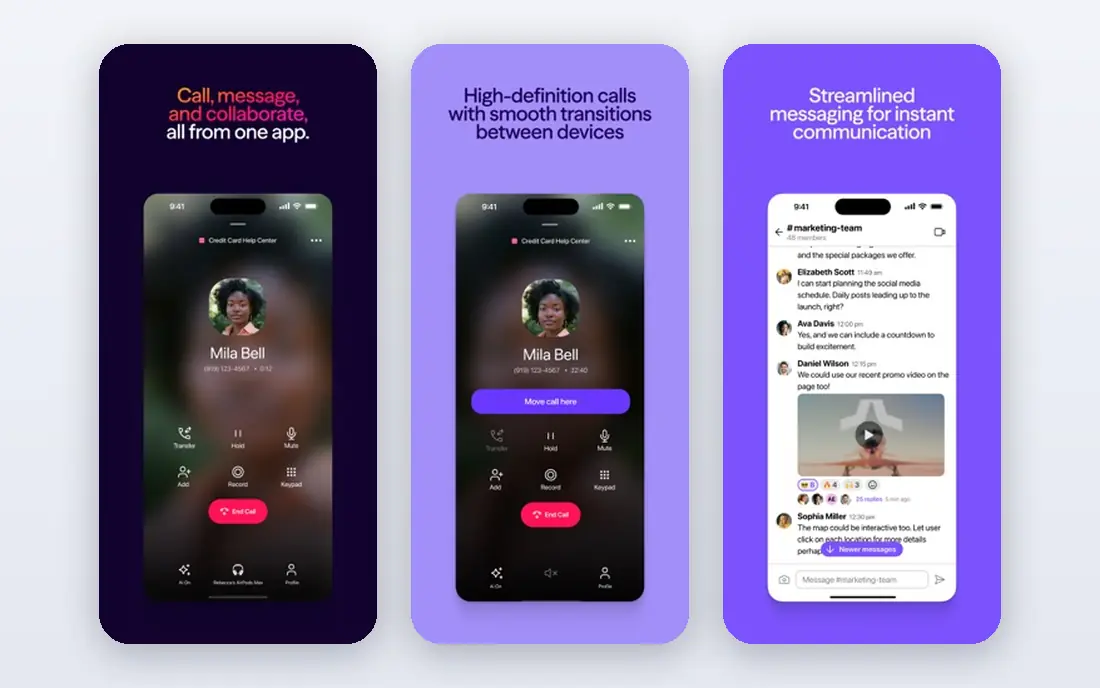
Dialpad puts AI transcription, summaries, and action items on every plan, not only on premium tiers. That matters for sales and support teams that need searchable call notes without buying a separate transcription tool.
Standard pricing starts at $15 per user per month when billed annually, with a free trial available. CRM integrations and deeper analytics need higher tiers, so check your CRM setup before choosing. For AI-first teams, the built-in transcription is the main reason to shortlist it.
- AI transcription on every plan
- Call summaries and action items
- Modern interface
- CRM integrations sit on higher tiers
- Monthly billing costs more than annual
Ooma Office is the simple pick for a very small team moving off landlines. Essentials costs $19.95 per user per month, includes a virtual receptionist, and does not require an annual contract, which keeps the commitment low.
The limit is depth. Call recording, CRM integrations, and analytics sit on higher tiers, so a growing support team may outgrow the entry plan. For a shop, clinic, or office that mainly needs reliable calling and a professional greeting, the simplicity is the point.
- Simple flat pricing
- Virtual receptionist on entry plan
- No annual contract required
- Call recording and CRM features need higher tiers
- Fewer advanced routing options
Zoom Phone adds calling to the Zoom app a team already uses for video, which means one app, one login, and less training. Metered US and Canada plans have been listed from $10.50 per user per month when billed annually.
The trade is routing depth. Supervisor tools and complex call flows are lighter than on dedicated phone platforms. If your team already lives in Zoom, the low price and familiar app make it an easy first test. If call routing is your core need, compare it with RingCentral or Nextiva.
- Low entry price
- Same app for video and calling
- Call handoff to video
- Routing depth is lighter than dedicated phone platforms
- Needs a Zoom base plan in some cases
Vonage offers business phone plans from $13.99 per user per month when billed annually, with a path to communication APIs for teams that later want custom voice, messaging, or verification features. That dual path suits a business that may build custom workflows later.
The total can rise with add-ons such as call recording and advanced CRM links, so price the full feature set you need. For a straightforward small office, simpler tools may be cheaper. For a team with developer resources, the API option is a real advantage.
- Flexible plans
- API options for custom builds
- CRM integrations
- Add-ons raise the total
- Support and setup vary by plan
8x8 suits teams with heavy international calling, because select plans include unlimited calling to up to 48 countries. Voice, video, chat, and fax sit in one platform, with a contact center upgrade for support teams.
Pricing is quoted, so request a quote for your countries, user count, and call volume before comparing it with published-price rivals. The international coverage is the reason to take the extra sales step. For a US-only team, published-price tools are easier to compare.
- Unlimited calling to many countries on select plans
- Video and chat included
- Contact center upgrade
- Pricing is quoted
- Entry cost is unclear without a sales conversation
Grasshopper gives a solo operator a business number, extensions, and voicemail on a personal phone, without buying desk phones or a full phone system. True Solo pricing has been listed from $14 per month when billed annually.
The limit is scale. It is a business line app, not a full multi-user contact platform, so a growing team will need to move on. For a freelancer, consultant, or single-owner shop, the flat price and simple setup are exactly the right trade.
- Flat monthly price for solos
- Business number on a personal phone
- Simple setup
- Not a full multi-user phone system
- Advanced routing is limited
Google Voice adds a business phone line to Google Workspace, with a Starter price of $10 per user per month plus the Workspace subscription. It suits a micro-team that already uses Gmail, Calendar, and Drive and wants simple calling without a new platform.
The trade is depth. Meaningful features such as multi-level auto attendant and advanced reporting need Standard at $20 or Premier at $30 per user per month. For a small Workspace team with simple calling needs, the low entry price and familiar admin are strong reasons to choose it.
- Low entry price
- Works inside Google Workspace
- Simple admin
- Needs a Workspace subscription
- Advanced features need higher tiers
OpenPhone, now known in some listings as Quo, suits text-heavy small teams that share numbers and inboxes. Starter pricing starts at $15 per user per month when billed annually, with a free trial available.
Shared inboxes, internal threads, and a modern mobile app make it easy for a small team to handle calls and texts together. The limit is call center depth: large support queues and complex routing are better served by RingCentral, Nextiva, or 8x8. For a startup or agency, the texting workflow is the draw.
- Shared numbers and inboxes
- Strong texting workflow
- Modern mobile app
- Call center depth is lighter than enterprise rivals
- Per-user pricing adds up
How we picked these
We compared official pricing pages, product documentation, and public reviews for cloud phone services. We kept only services that exist today, that offer business calling in the US, and that publish enough detail to judge fit. Where pricing is quoted, we wrote See website rather than guessing. We did not claim hands-on call testing, and we noted where a price requires annual billing or a separate base subscription.
How to choose a cloud phone service for a small business
Start with how your team actually communicates. A sales team needs call recording, CRM links, and coaching tools. A small office needs a professional greeting, voicemail, and reliable mobile apps. A solo operator needs a business number on a personal phone. Pick the system that does your main job well, not the one with the longest feature list.
Test call quality and porting first
Porting your existing number, testing call quality on your office and home networks, and checking emergency calling setup are the steps that matter most. Test the mobile app on a real call, check voicemail transcription, and confirm how taxes, fees, and international minutes are billed. A low headline price means little if call quality drops during peak hours.
Price the full seat count
Most services charge per user per month, so count every staff member who needs a direct line or extension. Check whether annual billing is required for the listed price, whether desk phones are included or extra, and whether call recording, analytics, or CRM links need a higher tier.
Frequently asked questions
What is the best cloud phone service for small business?
RingCentral and Nextiva are strong all-round picks, with Ooma best for very small teams that want simple pricing. Zoom Phone and Google Voice are best for teams already on those platforms.
What is the best cloud telephony service for AI features?
Dialpad leads here, because AI transcription, summaries, and action items are included on every plan. RingCentral also offers AI summaries, with depth varying by tier.
How much does a cloud phone service cost?
Entry prices in this list range from $10 to $20 per user per month, with Grasshopper at $14 per month for solos. Taxes, fees, desk phones, and higher-tier features can raise the total.
Can I keep my existing business number?
Most cloud phone services support number porting, but timing and eligibility vary by carrier. Start the port early, keep your old service active until the port completes, and test the new number before cancelling the old one.
Do I need desk phones for a cloud phone service?
No. Most services work through mobile and desktop apps, with desk phones optional. Buy desk phones only for staff who prefer a physical handset or work in noisy areas where a headset is not practical.
Sources
See where you really rank - block by block
ProMapRanker scans Google Maps across a grid of your service area. Simple monthly plans from $19, white-label on every plan.
Start freeKeep reading
 zscaler alternatives
Best Zscaler Alternatives in 2026
Looking for zscaler alternatives? We compare 9 SASE and zero trust platforms on architecture, data protection, pricing, and fit for your network and team.
Read → zapier alternatives free
Best Zapier Alternatives Free in 2026
Nine automation tools for zapier alternatives free in 2026, all with genuinely free tiers, plus free plan limits, starting prices and upgrade paths explained.
Read → which platform is best for online reputation
Which Platform Is Best for Online Reputation in 2026
Wondering which platform is best for online reputation? We compare 8 review, listing, and response tools for small and multi-location businesses and agencies.
Read →