 ProMapRanker
Best Cloud Infrastructure for Large Companies in 2026

Key takeaways
- Large companies need more than cheap compute, including regions, compliance controls, support and exit options.
- AWS, Azure and Google Cloud cover the widest service range, while Oracle and IBM suit specific enterprise workloads.
- Pay-as-you-go pricing makes small tests cheap, but committed use and data transfer costs shape the real bill.
- Free tiers and trial credits help with trials, yet they expire or cap usage, so plan the move to paid billing early.
- Our pick for most large companies is AWS for breadth, with Azure as the stronger choice for Microsoft-centred estates.
Quick comparison
| Pick | Great for | Pricing starts at | Free tier | |
|---|---|---|---|---|
 Amazon Web Services | Widest service range | See website | Yes | Visit |
 Microsoft Azure | Microsoft-centred enterprises | See website | Yes | Visit |
 Google Cloud | Data, analytics and AI workloads | See website | Yes | Visit |
 Oracle Cloud | Oracle database workloads | See website | Yes | Visit |
 IBM Cloud | Regulated and hybrid estates | See website | Yes | Visit |
 Alibaba Cloud | Asia-Pacific coverage | See website | Free trial | Visit |
 DigitalOcean | Simpler predictable projects | See website | Free trial | Visit |
 OVHcloud | European hosting with clear pricing | See website | No | Visit |
 Vultr | Simple global compute | See website | Free trial | Visit |
 Akamai Cloud | Content delivery and edge compute | See website | Free trial | Visit |
The best cloud infrastructure for large companies
Enterprise cloud choice is a long-term decision. It affects where data lives, how teams build software, what compliance evidence is available, and how hard it is to move later. The providers below differ in service breadth, regional coverage, pricing style and enterprise support, and the right pick often depends on the systems a company already runs.
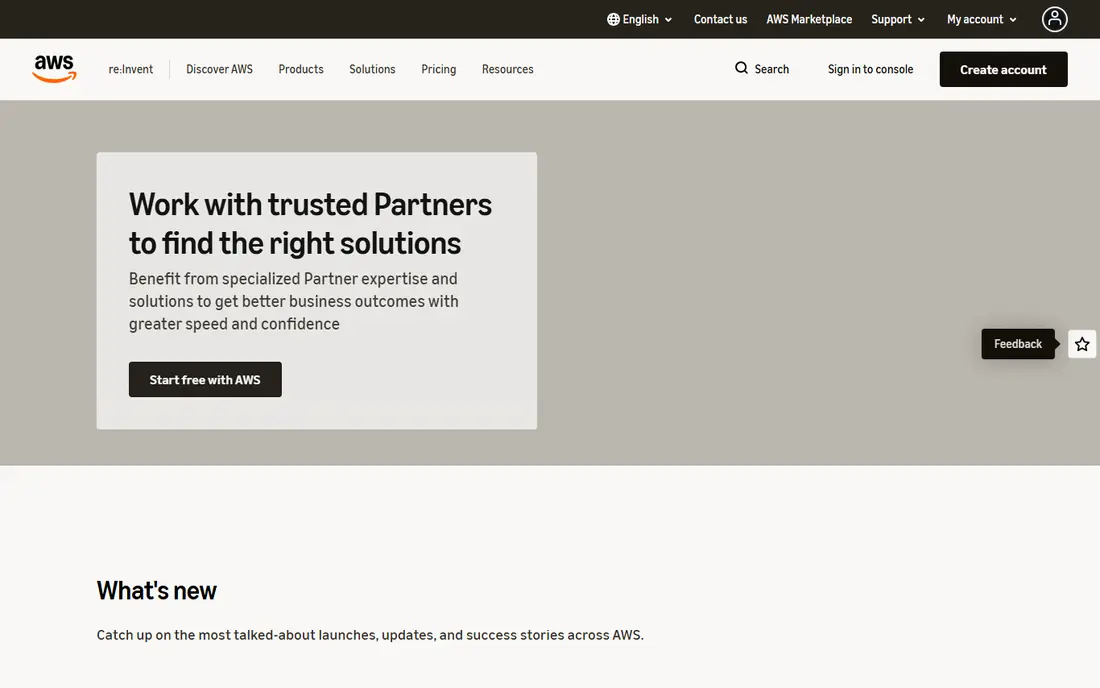
Amazon Web Services, known as AWS, offers the widest range of compute, storage, database, analytics and AI services in this guide. Large companies use it for web apps, data platforms, machine learning and global delivery, often across many accounts and regions. The partner network and marketplace also make it easier to add security, monitoring and industry tools.
That breadth brings a cost management job. Services bill by use, region and data transfer, so an unguarded account can grow quickly. Large buyers usually set budgets, tagging rules and committed-use plans to keep spend in line. For a company that wants choice and scale above all, AWS is a strong default.
- Largest service catalogue
- Many regions and partners
- Mature enterprise controls
- Pricing can be hard to forecast
- Many services need governance to control cost
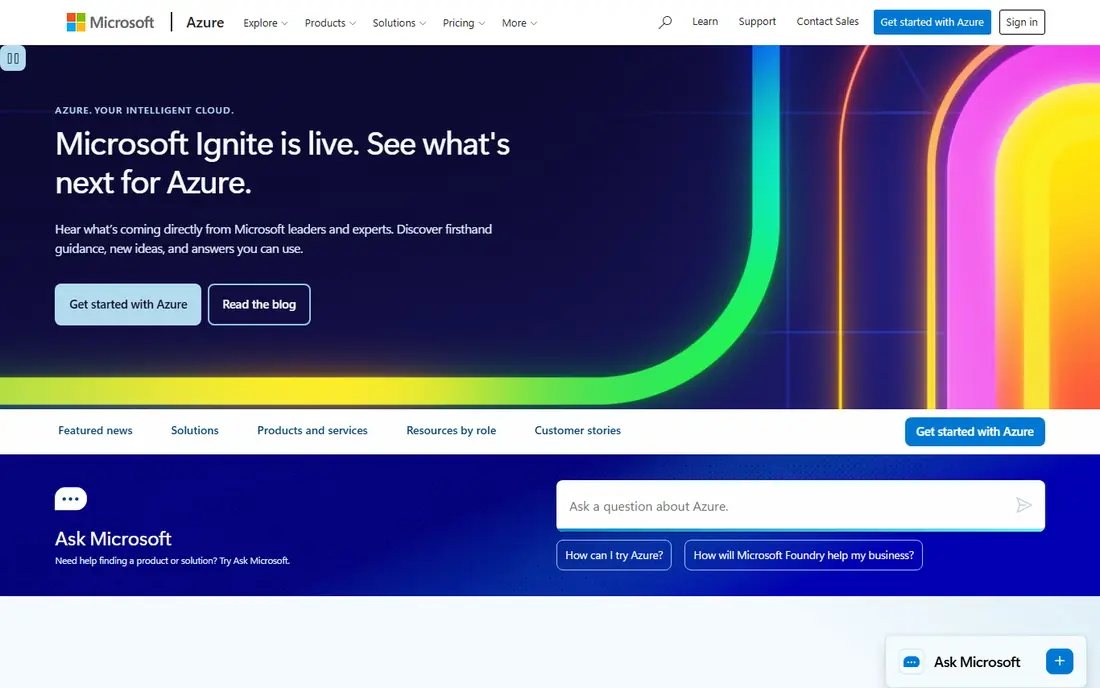
Microsoft Azure fits companies that already run Windows Server, SQL Server, Microsoft 365 or Active Directory. Identity, security and licensing links make it easier to extend an existing Microsoft estate into the cloud, and hybrid tools help run workloads across on-premises systems and Azure. Enterprise agreements and committed-use options also suit large buyers with predictable spend.
Newcomers may find the service catalogue and pricing pages hard to compare at first, and regional price differences matter. A team with little Microsoft history should compare Azure with AWS and Google Cloud on the exact services it will use. For a Microsoft-centred company, Azure is often the simplest path.
- Strong fit with Microsoft 365 and Active Directory
- Hybrid tools
- Enterprise agreements
- Service naming and pricing can confuse newcomers
- Costs vary by region
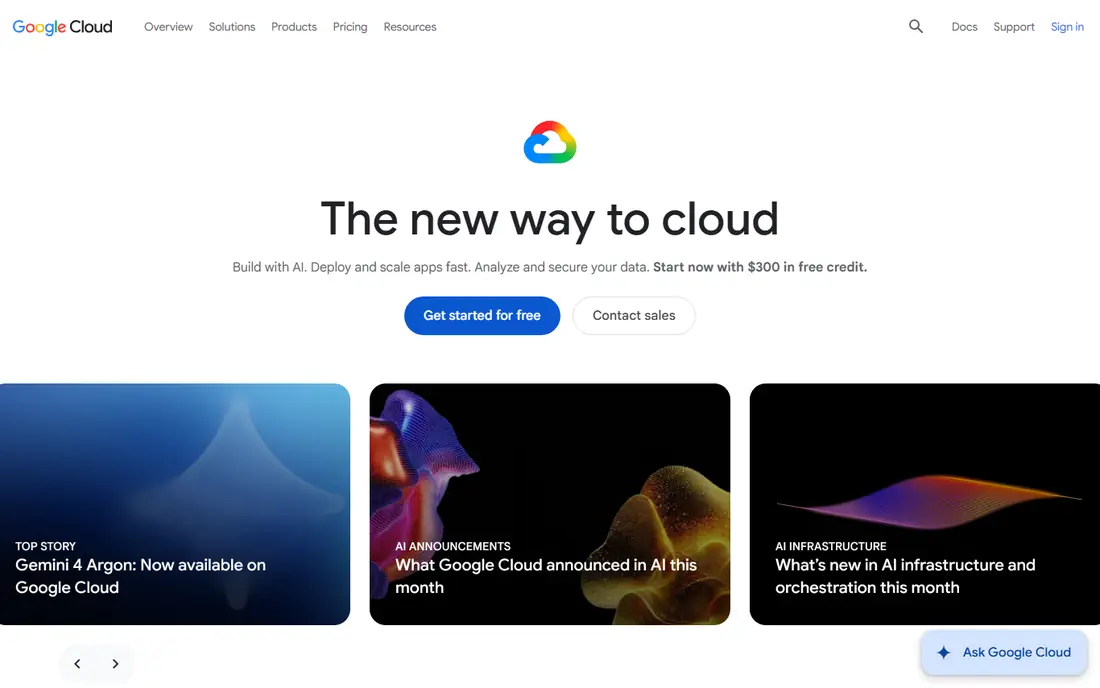
Google Cloud, often called GCP, appeals to teams built around data, analytics and AI. BigQuery, its data warehouse, and its AI platform are widely used for large-scale analysis and model work, while Kubernetes, which Google helped develop, gives a clear path for container workloads. Its global network also helps with fast, reliable delivery.
The service catalogue is narrower than AWS in some enterprise areas, and premium support costs extra. Companies with a large legacy estate may need more integration work. For data-heavy and AI-led teams, Google Cloud is a compelling choice.
- Strong data and AI tools
- Clear container and Kubernetes story
- Global network
- Smaller enterprise service range than AWS
- Support tiers add cost
Oracle Cloud Infrastructure, known as OCI, is the natural home for Oracle Database, Oracle applications and workloads that need strong database performance. Its always free tier covers basic compute, storage and database use, and its monthly data transfer allowance is larger than many rivals, which helps data-heavy apps. Oracle also works with Azure and Google Cloud through multicloud links, so a database can sit in OCI while apps run elsewhere.
Outside Oracle workloads, the service range is smaller than the top three providers. A company with little Oracle software should test whether its general services meet its needs. For an Oracle-heavy estate, OCI can cut database cost and transfer cost at once.
- Strong Oracle Database performance
- Generous free data transfer allowance
- Always free tier
- Smaller service range
- Best value is tied to Oracle workloads
IBM Cloud suits regulated companies and firms with a large IBM estate, including mainframe and Power systems. Its hybrid tools and OpenShift container platform help run workloads across on-premises systems and cloud, while its controls support finance, health and government use cases. IBM consulting can also help with migration and modernisation work.
The general service catalogue is smaller than AWS or Azure, so a team should check the exact services it needs. Pricing and support also vary by deal, which means a direct quote matters. For a regulated, hybrid estate, IBM Cloud is a serious option.
- Strong hybrid and mainframe links
- Regulated industry controls
- OpenShift platform
- Service range is narrower
- Enterprise deals need careful scoping
Alibaba Cloud is the leading choice for companies that need strong coverage in China and across Asia-Pacific. Its regions, content delivery and e-commerce services support firms selling into those markets, and pricing in its core regions can be competitive. Global companies with a large Asian customer base often run Alibaba Cloud alongside a US or European provider.
US teams should review data residency, compliance and support coverage before committing, since rules and local support differ by region. A company with no Asia-Pacific footprint gains less from its main strength. For Asia-led growth, it is a key provider to test.
- Strong China and Asia-Pacific regions
- Competitive pricing in its core markets
- Broad service set
- Data residency and support need careful review
- Less familiar to US teams
DigitalOcean appeals to teams that want simple, predictable cloud pricing without a large enterprise contract. Droplets, managed databases, storage and app hosting come in clear sizes, which makes budgeting easier for a defined project. Setup is fast, and documentation is direct, so a small team can launch without a cloud specialist.
Large companies with strict compliance, many regions or a need for hundreds of managed services will find the range narrower. DigitalOcean fits best as a platform for specific apps, developer projects or a subsidiary, rather than a single enterprise-wide cloud. For that job, its clarity is a real benefit.
- Clear flat pricing
- Simple managed services
- Fast setup for smaller projects
- Less enterprise breadth
- Fewer compliance options than hyperscalers
OVHcloud, based in Europe, offers public cloud, private cloud and dedicated servers from its own data centres. Companies that need European data residency, predictable pricing or dedicated hardware often consider it, and its range covers compute, storage, databases and network services. For a European subsidiary or a data-sensitive workload, that base is useful.
Its global footprint is smaller than the hyperscalers, and support tiers vary by product. A US company with global users should test latency and support coverage before a wide rollout. For European hosting with clear pricing, OVHcloud is worth a trial.
- European data centre base
- Clear dedicated and public cloud options
- Competitive prices
- Smaller global footprint
- Enterprise support needs checking
Vultr offers simple cloud compute in many locations, with clear hourly and monthly pricing. Teams use it for web hosting, test environments, content delivery and apps that need a server in a specific region. Provisioning is fast, and the interface stays simple, which suits developers who want a server without a long setup process.
Managed services and enterprise controls are narrower than the hyperscalers, so a large company should not expect the same compliance or support depth. Vultr works best for defined compute workloads or as a second provider. For simple global compute, it is efficient and direct.
- Many global locations
- Simple instance pricing
- Fast provisioning
- Narrower managed service range
- Enterprise controls are limited
Akamai Cloud, built on the former Linode platform, combines cloud compute with Akamai content delivery and security services. Companies that deliver video, large files or global web traffic value that mix, since content can be cached and served close to users. Edge compute also lets some work run nearer to the audience.
As a general enterprise cloud, its managed service range is smaller than AWS, Azure or Google Cloud. A company should test it for delivery-heavy workloads, rather than as a full replacement for a hyperscaler. For performance-led delivery, Akamai Cloud is a strong fit.
- Strong content delivery network
- Edge compute options
- Global performance focus
- Less of a general enterprise cloud
- Pricing needs a direct check
How we picked these
We compared official provider pages, pricing models, regional coverage and enterprise features for providers active in October 2026. We favoured providers with a real enterprise offer, multiple regions and managed services, and we included simpler providers where they suit a defined large-company workload. We used See website for starting prices where pricing is usage-based and varies by region, size and commitment, rather than inventing a single figure.
What to check before you commit
Start with the workload, not the provider brand. List the services you will actually run, the regions you need, the compliance rules that apply, and the data transfer volume in and out of the cloud. Price that exact setup with each finalist, including support, backups and monitoring, and test it in a pilot region.
Check exit options early. Ask how data exports work, what formats are used, and how long a migration would take. Review identity controls, audit logs and incident response, and confirm support hours for your time zones. A provider that fits your current stack, your compliance needs and your team skills will cost less over time than a cheaper list price with the wrong fit.
Frequently asked questions
Which cloud is best for a large company?
There is no single best cloud, since fit depends on existing systems, regions and compliance needs. AWS offers the widest range, Azure fits Microsoft estates, and Google Cloud suits data and AI work. Shortlist two providers, price your real workload, and run a pilot before a wide move.
How does cloud pricing work for large companies?
Most enterprise cloud pricing is pay-as-you-go, based on compute time, storage, requests and data transfer, with discounts for committed use over one or three years. Support, backups and premium services add cost. Use the provider calculator with your exact sizes and regions, and set budgets and alerts from day one.
Is a single cloud or multicloud better?
A single cloud is simpler to govern, staff and secure, while multicloud can reduce dependence on one provider and place workloads where they fit best. Multicloud also adds complexity, cost and skills needs. Many large firms start with one primary cloud and add a second only for a clear reason, such as region or a specific service.
What is data egress, and why does it matter?
Data egress is data sent out of a cloud to the internet or another provider, and it is usually billed per gigabyte after a free allowance. High-traffic apps, backups and multicloud links can make egress a large part of the bill. Check the free allowance and per-gigabyte rate for your regions before you commit.
How hard is it to move from one cloud to another?
Moving is possible, but it takes planning, especially for databases, identity controls and managed services that differ between providers. Portable tools such as containers and standard databases help, while provider-specific services need rework. Keep an exit plan and test data exports before a full migration.
Sources
- https://aws.amazon.com/pricing/
- https://azure.microsoft.com/en-us/pricing/
- https://cloud.google.com/pricing
- https://www.oracle.com/cloud/pricing/
- https://www.ibm.com/cloud/pricing
- https://www.alibabacloud.com/pricing
- https://www.digitalocean.com/pricing
- https://www.ovhcloud.com/en/public-cloud/pricing/
- https://www.vultr.com/pricing/
- https://www.akamai.com/pricing
See where you really rank - block by block
ProMapRanker scans Google Maps across a grid of your service area. Simple monthly plans from $19, white-label on every plan.
Start freeKeep reading
 zoro.to alternatives
Best Zoro.to Alternatives in 2026
We compare the best zoro.to alternatives in 2026, listing only legal licensed anime streaming services, from Crunchyroll to free options for fans today.
Read → zip alternatives
Best Zip Alternatives in 2026
We compare the best zip alternatives for buy now, pay later in 2026, covering pay-in-4 plans, fees, spending limits, and credit reporting options today.
Read → yesware alternatives
Best Yesware Alternatives in 2026
Compare the best yesware alternatives for sales email tracking, templates, and sequences, with current pricing and honest tradeoffs for small sales teams.
Read →