 ProMapRanker
Best Cloud Infrastructure Companies Reviews in 2026


Teams that need the widest service choice · Pricing starts at: See website
Key takeaways
- AWS has the widest service range, while Azure fits teams already on Microsoft tools.
- Google Cloud suits data, analytics and Kubernetes-heavy work.
- DigitalOcean, Linode, Vultr and OVHcloud give simpler, more predictable bills for smaller teams.
- Oracle and IBM suit enterprises with existing Oracle or IBM systems and strict compliance needs.
- Egress, storage and support costs matter as much as compute price, so model a real workload before you choose.
Quick comparison
| Pick | Great for | Pricing starts at | Free tier | |
|---|---|---|---|---|
| Amazon Web Services | Teams that need the widest service choice | See website | Yes | Visit |
 Microsoft Azure | Teams on Microsoft 365 and Windows Server | See website | Yes | Visit |
 Google Cloud | Data, analytics and Kubernetes teams | See website | Yes | Visit |
 IBM Cloud | Regulated industries and IBM system users | See website | Yes | Visit |
 Oracle Cloud | Oracle Database and enterprise applications | See website | Yes | Visit |
 DigitalOcean | Developers and small teams that want simple pricing | $4 per month | Free trial | Visit |
 Akamai Linode | Predictable VPS and dedicated CPU hosting | See website | Free trial | Visit |
 Vultr | Low-cost VPS in many locations | See website | Free trial | Visit |
 OVHcloud | European hosting and dedicated servers | See website | Free trial | Visit |
The best cloud infrastructure companies
Cloud infrastructure means rented compute, storage and networking, plus managed services such as databases and Kubernetes. The firms below range from global hyperscalers to smaller VPS providers, and the right choice depends on workload, team skill and budget.
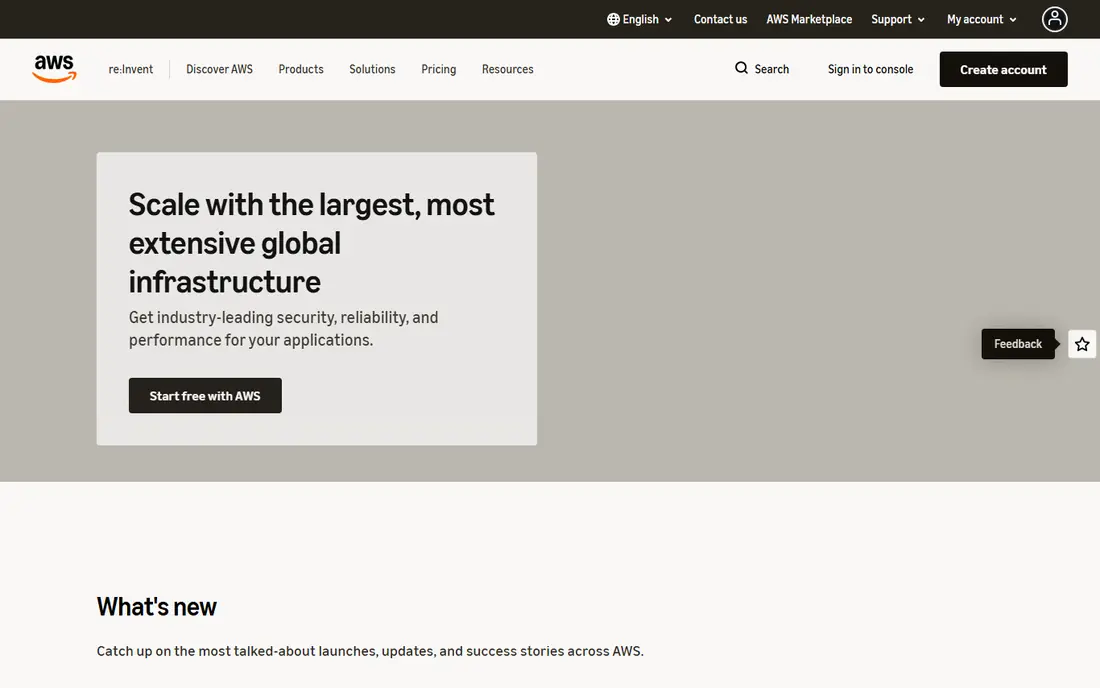
Amazon Web Services, known as AWS, offers compute, storage, databases, machine learning, analytics and networking across many regions. EC2, S3, RDS, Lambda and EKS cover most workloads, and the free tier gives new accounts limited use of many services for a set period. That breadth helps a team that may need a new service next year without changing provider.
The cost is complexity. Pricing varies by instance, region, storage class and transfer, and a bill can grow through services a team forgot to turn off. Use budgets, alerts and tagging from day one, and start with a small instance for a test workload. For a team that needs scale and choice, AWS remains the default comparison point.
- Largest service catalogue
- Many regions
- Deep compliance and partner range
- Pricing is complex
- Egress and data transfer can surprise new users
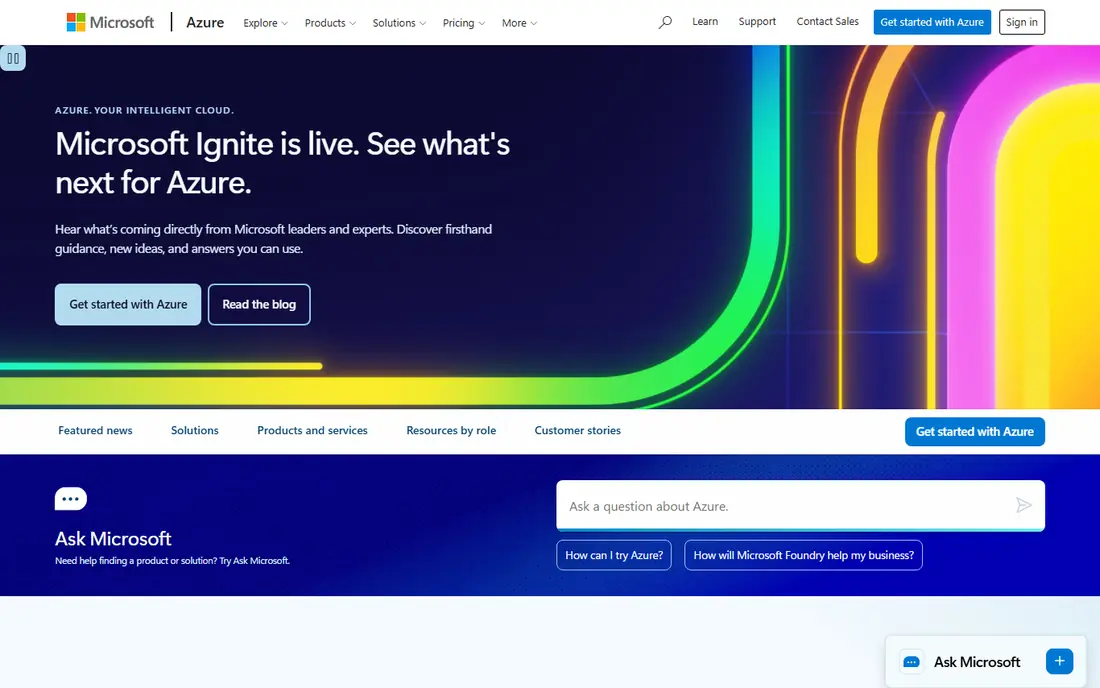
Microsoft Azure suits companies already using Microsoft 365, Active Directory, Windows Server or SQL Server, because identity, licensing and hybrid controls line up well. Azure Virtual Machines, Azure SQL, App Service and Azure Kubernetes Service cover common workloads, and Azure Arc extends management to on-premises servers. A free account gives limited credits and always-free services for testing.
Azure is not the simplest cloud for a solo developer, and its portal holds a large number of services that can confuse a first project. Licensing benefits for existing Microsoft customers can change the total cost, so check those terms before you compare headline compute prices. For Microsoft shops, Azure is usually the easiest enterprise fit.
- Strong hybrid tools with Azure Arc
- Deep Microsoft integration
- Many regions
- Portal and pricing can feel dense
- Some services need careful region checks
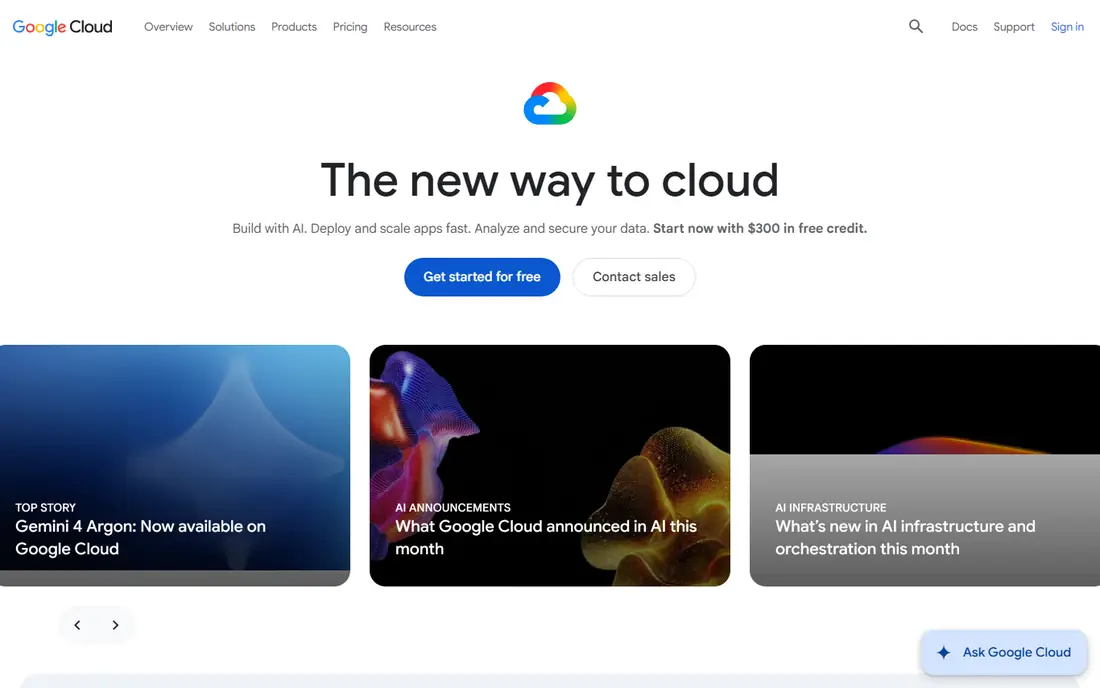
Google Cloud, often called GCP, is known for Kubernetes, which Google helped create, and for BigQuery analytics and Vertex AI. Compute Engine, Cloud Storage, Cloud SQL and Google Kubernetes Engine cover the core, and custom machine types let a team size a virtual machine to its exact CPU and memory needs. A free tier and trial credits help new users test a workload.
Google Cloud suits data-heavy and container-heavy teams, while a team that needs a very specific enterprise application may find a deeper catalogue on AWS or Azure. Pricing is pay-as-you-go with committed use discounts for steady workloads, so model a month of real traffic before you commit. For analytics and Kubernetes, Google Cloud is a strong first choice.
- Strong Kubernetes and BigQuery heritage
- Custom machine types
- Global network
- Smaller enterprise partner range than AWS in some sectors
- Pricing varies by service
IBM Cloud targets banks, insurers, health care and government teams that need strict controls and hybrid deployment. It offers virtual servers, bare metal, Kubernetes, databases and AI services, with a focus on compliance and data residency. Teams running IBM software or mainframe-linked systems can find a smoother path here than on a general cloud.
The drawback is scale of community and third-party content. Tutorials, templates and partner tools are fewer than for AWS, Azure or Google Cloud, so a small team may need more in-house skill. For a regulated enterprise with IBM ties, IBM Cloud is worth a formal review alongside a hyperscaler.
- Focus on regulated sectors
- Strong hybrid and mainframe links
- Watson and AI services
- Smaller developer community than hyperscalers
- Service range is narrower in places
Oracle Cloud Infrastructure, known as OCI, suits teams running Oracle Database, E-Business Suite or PeopleSoft, where database performance and licensing matter. The Always Free tier gives a small amount of compute, storage and databases at no cost, which helps students and small projects. Oracle also offers a large free outbound transfer allowance compared with some hyperscalers.
For a general web team with no Oracle systems, OCI may feel narrower, with fewer tutorials and community examples. Check whether your database and application versions are supported, and test performance on a real workload. For Oracle-heavy work, OCI often gives a better price and performance fit than a general cloud.
- Always Free tier for small use
- Strong Oracle Database performance
- Generous free egress allowance
- Less broad for general developers
- Some services lag hyperscalers
DigitalOcean gives developers Droplets, managed databases, Spaces object storage, App Platform and managed Kubernetes with clear monthly prices. Entry Droplets start around $4 per month in recent pricing summaries, and bandwidth overages are listed at $0.01 per GB, which is lower than many hyperscaler egress rates. New accounts have received trial credits in the past, so check the current offer.
DigitalOcean is not a full enterprise platform with the same compliance and service depth as AWS or Azure. Larger teams may miss some managed services and need to build more themselves. For a startup, agency or side project that wants predictable hosting without a complex bill, DigitalOcean is our pick for most people in the smaller provider group.
- Simple Droplet pricing
- Managed databases and Kubernetes
- Generous included bandwidth
- Fewer enterprise services than hyperscalers
- Support tiers matter at scale
Akamai Linode, formerly Linode, offers virtual machines, dedicated CPU plans, object storage, managed databases and Kubernetes with straightforward hourly and monthly pricing. That clarity suits teams that want a VPS they can size and forget, rather than a large catalogue of managed services. Akamai ownership adds a global network and security services for larger buyers.
Linode will not match AWS or Google Cloud for breadth, and some teams will need to add their own monitoring, backups or managed databases. For a team that knows Linux, wants a stable VPS and values a simple bill, Linode is a solid, long-running choice.
- Clear VPS plans
- Dedicated CPU options
- Global data centres under Akamai
- Managed service range is smaller than hyperscalers
- Support is tiered
Vultr offers cloud compute, bare metal, dedicated servers, block storage and managed databases across many locations, with hourly billing and monthly caps. That location range helps teams serving users in several regions, and the low entry price suits test servers, small sites and side projects. One-click apps for common stacks speed up setup.
Vultr is a VPS provider first, so teams that want a large managed platform may need to add their own tools for monitoring, backups and scaling. Check data transfer allowances, because they vary by plan and location. For cost-sensitive hosting with global reach, Vultr is worth comparing with DigitalOcean and Linode.
- Many data centre locations
- Hourly billing
- Bare metal and dedicated options
- Managed services are thinner
- Support and extras vary by plan
OVHcloud, based in France, offers VPS, dedicated servers, public cloud and hosted private cloud, with a strong European footprint. Some US VPS plans list unlimited traffic with a port speed set by plan, which helps traffic-heavy sites. That makes OVHcloud a good fit for European companies and for teams that need dedicated hardware at a lower price than a hyperscaler.
The US presence and partner range are smaller than AWS or Azure, and support quality can vary by plan and region. Check data residency, backup options and support hours before you commit. For European hosting and dedicated servers, OVHcloud is a credible alternative to the larger clouds.
- Large European data centre range
- Dedicated and VPS options
- Unlimited traffic on some VPS plans
- Support and interface can vary by region
- US presence is smaller than hyperscalers
How we picked these
We compared official pricing pages, service catalogues and free tier pages for firms that sell cloud infrastructure in the US in October 2026. We included hyperscalers and smaller providers, and we excluded firms that only sell web hosting without cloud compute, storage and networking. Where pricing is usage-based or quoted, we marked it as See website rather than printing a single figure.
What to check before you choose
Model a real workload, not a brochure instance. List CPU, memory, storage, database size, expected traffic and outbound data, then price that workload on two or three providers. Egress is the most common surprise, so pay close attention to transfer rates and free allowances.
Next, check regions, compliance and support. A provider with a data centre near your users will give lower latency, and a regulated team needs to confirm certifications and data residency. Support hours and response times matter when a site is down, so read the support plan before you rely on a low headline price.
Finally, avoid lock-in where you can. Use standard tools, containers and infrastructure code, and keep backups in a format you can move. That discipline lets you change provider later without rebuilding the whole system.
Frequently asked questions
Which are the best cloud infrastructure companies now?
AWS, Microsoft Azure and Google Cloud lead on range and scale, while DigitalOcean, Linode, Vultr and OVHcloud lead on simple pricing for smaller teams. Oracle and IBM suit enterprises with existing systems from those vendors.
What is the cheapest cloud provider for a small website?
DigitalOcean, Linode, Vultr and OVHcloud usually cost least for a small VPS, with entry plans in the low single digits per month. Hyperscalers can also be cheap for a tiny site on a free tier, but their bills grow faster with traffic and extra services.
Do cloud providers offer a free tier?
Yes. AWS, Azure, Google Cloud, IBM Cloud and Oracle Cloud all offer free tiers or trial credits, and Oracle has an Always Free tier for small resources. Free tiers limit size and time, so check the terms before you build a production site on them.
Which cloud is best for Kubernetes?
Google Cloud has a strong Kubernetes heritage, and Azure and AWS also offer managed Kubernetes with wide tooling. DigitalOcean and Linode offer simpler managed Kubernetes for smaller teams, which can be easier to run day to day.
How do I avoid a surprise cloud bill?
Set budgets and alerts, tag resources by project, turn off test servers, and review egress and storage each month. Start small, measure a real month of traffic, and only commit to reserved or annual pricing once usage is stable.
Sources
See where you really rank - block by block
ProMapRanker scans Google Maps across a grid of your service area. Simple monthly plans from $19, white-label on every plan.
Start freeKeep reading
 zscaler alternatives
Best Zscaler Alternatives in 2026
Looking for zscaler alternatives? We compare 9 SASE and zero trust platforms on architecture, data protection, pricing, and fit for your network and team.
Read → zapier alternatives free
Best Zapier Alternatives Free in 2026
Nine automation tools for zapier alternatives free in 2026, all with genuinely free tiers, plus free plan limits, starting prices and upgrade paths explained.
Read → which platform is best for online reputation
Which Platform Is Best for Online Reputation in 2026
Wondering which platform is best for online reputation? We compare 8 review, listing, and response tools for small and multi-location businesses and agencies.
Read →