 ProMapRanker
Best Cloud Data Integration Platforms in 2026

Key takeaways
- Managed connectors save the most time when your sources change often, but usage-based pricing needs close watching.
- Open source options give you control over hosting and custom connectors, at the cost of more maintenance work.
- Warehouse-native tools suit teams that already live in Snowflake, BigQuery, or Redshift.
- Small teams should start with a free tier and one or two sources before committing to a large contract.
- Security, schema handling, and support for change data capture matter more than a long connector list alone.
Quick comparison
| Pick | Great for | Pricing starts at | Free tier | |
|---|---|---|---|---|
 Fivetran | Fully managed connectors | See website | Yes | Visit |
 Airbyte | Open source and custom connectors | See website | Yes | Visit |
 Informatica Intelligent Data Management Cloud | Enterprise governance and quality | See website | No | Visit |
 Hevo Data | No-code pipelines for smaller teams | See website | Yes | Visit |
 Stitch | Simple, low-maintenance replication | $100 per month | No | Visit |
 Matillion | Warehouse-native transformation | See website | Free trial | Visit |
 SnapLogic | Visual enterprise integration | See website | No | Visit |
 Boomi | Low-code application integration | See website | Free trial | Visit |
 Azure Data Factory | Microsoft cloud workloads | See website | No | Visit |
The best cloud data integration platforms
These platforms move data from apps, databases, and files into a warehouse or lake where it can be analysed. We compared connector coverage, pricing models, transformation options, and how much day-to-day care each one needs.
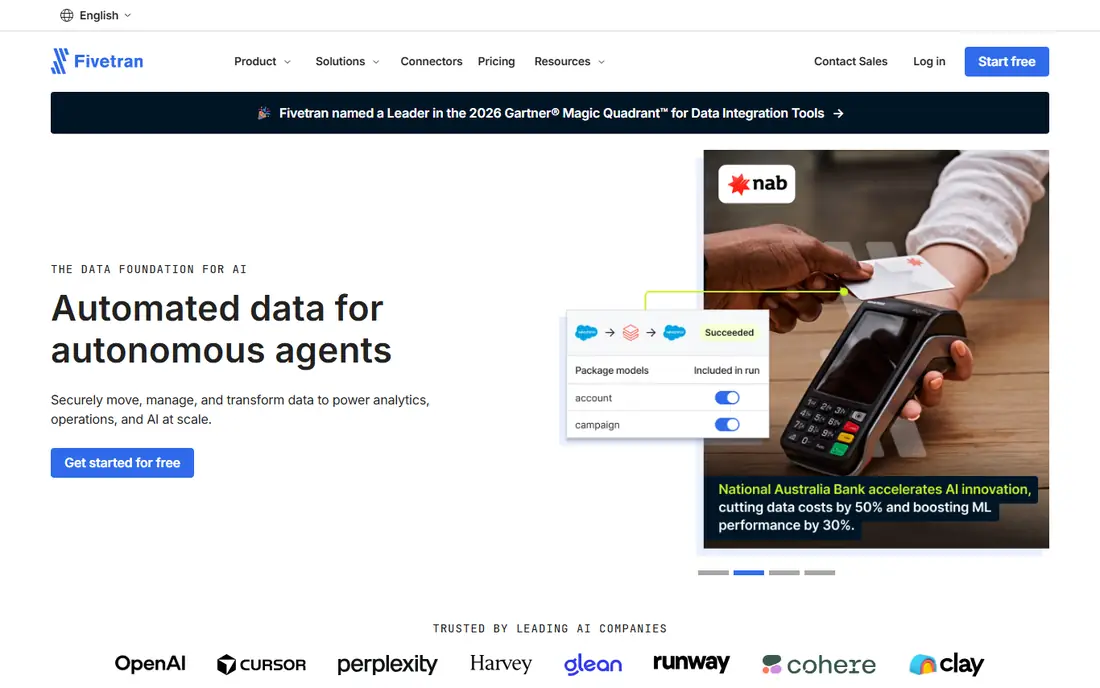
Fivetran suits teams that want connectors to just work. You pick a source and a destination, and the platform handles extraction, loading, and many schema changes without a custom script for each source. That matters when marketing, sales, and finance tools all update their APIs at different times. Our pick for most teams with a busy SaaS stack is Fivetran, provided the budget is checked against monthly active rows.
The catch is cost control. Pricing is tied to usage, so a new source or a backfill can change the bill. Teams should set expectations early, review usage each month, and test a small set of sources first. Transformations run in the warehouse, often with dbt-style models, which keeps the loading step simple but puts more work on the analytics side.
- Large managed connector set
- Automatic schema handling
- Change data capture on many sources
- Usage-based costs can grow fast
- Less control over low-level pipeline code
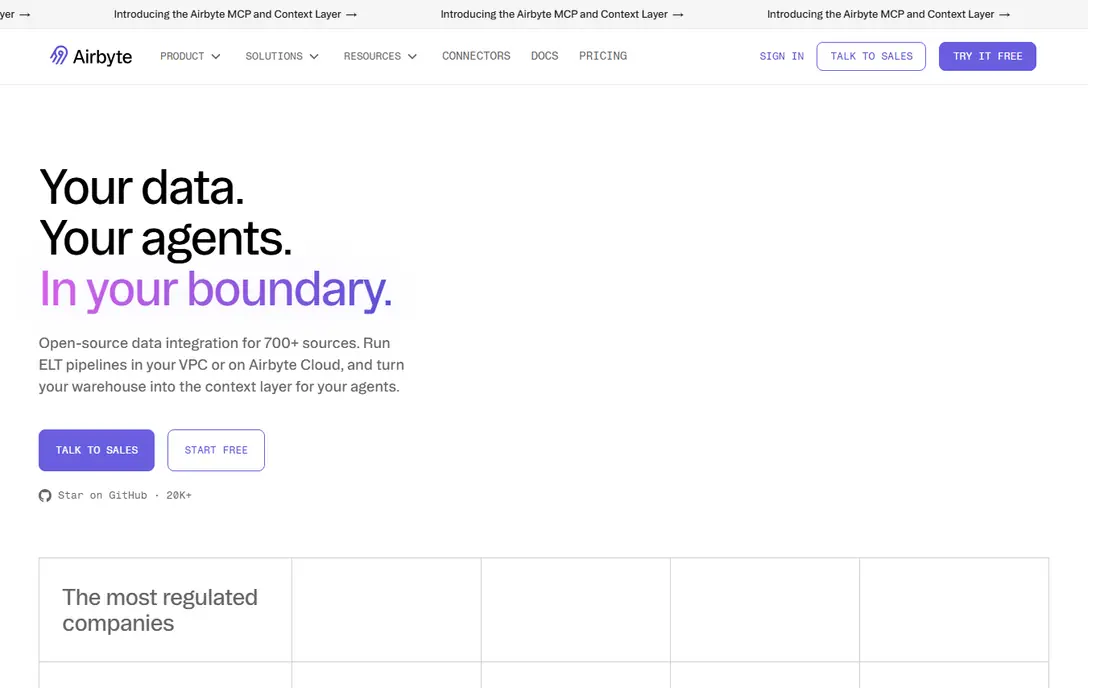
Airbyte is a strong choice when you need a connector that does not exist elsewhere, or you want to host the platform yourself. The open source code and connector development kit let a data engineer build or adjust a connector rather than waiting for a vendor roadmap. Cloud plans remove much of the hosting work, while still keeping the same connector approach.
The trade-off is ownership. A self-hosted deployment needs monitoring, upgrades, and capacity planning, which smaller teams may not want. Cloud pricing also needs a trial with real volumes, because test data rarely shows the full cost of frequent syncs. For teams with engineering capacity, that control is worth it.
- Open source core
- Large connector community
- Self-hosting option
- Self-hosted setup needs engineering time
- Cloud pricing depends on usage
Informatica Intelligent Data Management Cloud
Great for: Enterprise governance and quality
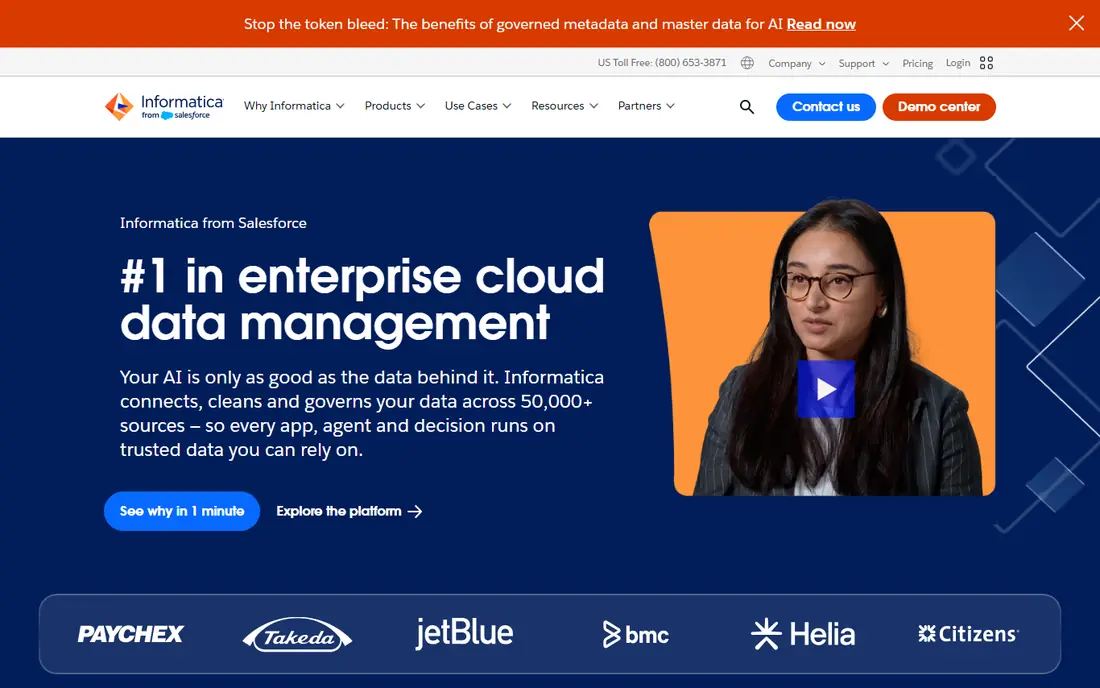
Informatica fits large organisations where governance is not optional. It brings integration together with data quality, cataloguing, and policy controls, so a central data team can set rules once and apply them across sources. That breadth helps in regulated industries and in companies with many business units sharing one warehouse.
The downside is scope. Implementation takes planning, and pricing is quote-based, so a small team will struggle to judge value from a website alone. It is best shortlisted when compliance, lineage, and quality checks are core requirements, not nice extras. Ask for a scoped pilot tied to two or three priority sources.
- Broad governance and data quality tools
- Strong enterprise controls
- Wide source support
- Enterprise pricing and setup effort
- More than small teams need
Hevo works well for a team that needs data moving this week, not after a long project. Pipelines are set up through a guided interface, and the platform handles schema drift for common sources. That keeps a small analytics team focused on reports instead of pipeline repairs. The free tier is useful for a proof of concept with limited events.
Limits appear as volume grows or when transformations get complex. Heavier logic is better handled in the warehouse, and tier limits mean you should check event counts before relying on a low tier in production. For straightforward replication from SaaS tools to a warehouse, Hevo is a practical, low-friction pick.
- Quick no-code setup
- Managed schema changes
- Free tier for small volumes
- Fewer advanced transformation options than warehouse-native tools
- Event limits on lower tiers
Stitch is for teams that want replication without a large feature set to learn. You connect a source, choose a destination, and let scheduled syncs run. That simplicity is a real benefit for a startup or a small business that needs reliable data for reporting and does not have a dedicated data engineer. Pricing is easier to predict than some usage models, because it is tied to rows in a tier.
The limit is what happens after loading. Stitch does not try to be a full transformation platform, so cleaning and modelling belong in the warehouse. If your main need is dependable extraction and loading, that focus is fine. If you need complex in-pipeline logic, shortlist a warehouse-native tool instead.
- Fast setup for common sources
- Clear row-based tiers
- Minimal ongoing care
- Limited transformation features
- Fewer connectors than larger platforms
Matillion takes a different approach: it runs transformations inside your cloud warehouse rather than on a separate engine. That can keep data movement efficient and lets you use warehouse compute you already pay for. The visual designer helps analysts build pipelines without writing every step by hand, while still allowing SQL and Python where needed.
It makes less sense if you do not have a clear warehouse strategy yet. Pricing is quote-based, so you need a demo and a scoped estimate based on your warehouse and pipeline count. For teams already committed to a major cloud warehouse, Matillion is a strong, focused choice.
- Push-down processing in the warehouse
- Visual pipeline design
- Strong Snowflake, BigQuery, and Redshift support
- Quote-based pricing
- Best value only when you already use a supported warehouse
SnapLogic suits enterprises that need to connect applications as well as move data to a warehouse. Its visual builder, with prebuilt connectors called Snaps, lets integration teams assemble flows for APIs, files, and databases without starting from code each time. That breadth helps when a project spans CRM, ERP, and cloud storage in one flow.
The platform is priced for enterprise use, so smaller teams should expect a sales conversation rather than a self-serve checkout. Advanced flows still need design skill, even with a visual tool. Shortlist SnapLogic when application integration and data movement belong in the same platform.
- Visual pipeline builder
- Broad application and API connectors
- Enterprise controls
- Quote-based pricing
- Learning curve for advanced patterns
Boomi is a long-running integration platform that covers application integration, data movement, and API management in one place. Low-code tools and templates speed up common patterns, such as syncing orders between a storefront and an ERP system. Hybrid deployment options help companies that still run some systems on premises.
Costs depend on connections and usage, so a trial should mirror real message volumes. Boomi also rewards teams that invest in integration design, because a rushed flow can be hard to maintain later. For mid-size and large companies consolidating many app connections, it is a dependable shortlist option.
- Low-code design
- Large connector and template set
- Cloud and hybrid deployment
- Pricing varies by use
- Complex integrations still need skilled builders
Azure Data Factory is the natural pick for teams already running on Azure. It connects Azure storage, databases, and analytics services with little extra setup, and it can also pull from on-premises sources through a runtime. Pipelines can be built visually or in code, which suits mixed teams of analysts and engineers.
The catch is focus. Outside Azure, other tools may offer a simpler connector story or clearer pricing. Azure pricing is usage-based across activities, data movement, and integration runtimes, so cost estimates should use a realistic pipeline, not a single test run. Inside a Microsoft-centred stack, it is hard to beat for fit.
- Deep Azure integration
- Visual and code-based pipelines
- Serverless scaling
- Best inside Azure
- Pricing has several metered parts to track
How we picked these
We compared official product pages, pricing pages, connector lists, and public documentation for each platform, and we checked third-party comparisons published in October 2026 for pricing clues. We favoured platforms that are live and supported now, with clear documentation and a real path from trial to production. We left out tools that had reached end of life or that only covered one narrow source type.
We also weighed who each tool is really for. A platform that is excellent for an enterprise data team can be a poor fit for a five-person company, and the reverse is also true. That is why the list mixes managed, open source, and warehouse-native options instead of ranking on connector count alone.
What to check before you buy
Start with sources and destinations
List every source you need in the first three months, plus the warehouse or lake you will load into. A long connector list means little if your CRM, billing tool, or database is missing or only partly supported. Check sync frequency, change data capture, and how schema changes are handled for those exact sources.
Model the real cost
Ask each vendor for a price based on your row counts, sync frequency, and number of connections, not a generic tier. Run a trial with production-like volumes where possible, and watch for backfills, which can spike usage-based bills. A tool that looks cheap on a small test can become costly at daily sync scale.
Plan transformations and ownership
Decide where cleaning and modelling will happen: in the pipeline, in the warehouse, or in a separate tool. Name one owner for pipelines, alerts, and failed syncs, even on a small team. Good alerting and clear logs save more time than a slightly larger connector list, because failed syncs are what break reports.
Frequently asked questions
What is the best cloud data integration platform for a small team?
Hevo Data or Stitch often fit small teams best, because setup is fast and ongoing care is low. Airbyte Cloud is worth a look if you need a custom connector or want open source flexibility. Start with one or two sources and check the bill after a full month of real syncs.
What is the difference between ELT and ETL?
In ELT, data is extracted and loaded into the warehouse first, then transformed there. In ETL, data is transformed before loading. Most cloud tools on this list favour ELT, because cloud warehouses handle transformation well and raw data stays available for later modelling.
Do I need change data capture?
Change data capture helps when source tables are large and change often, because only changed rows are moved. It reduces load time and cost compared with full refreshes. For small, stable tables, a scheduled full sync may be simpler and fine.
Is open source data integration cheaper?
Open source code can be free, but hosting, monitoring, and maintenance are not. Self-hosted Airbyte can be cost-effective for teams with engineering time, while cloud plans trade some control for less operational work. Compare total effort, not licence cost alone.
How do I avoid surprise bills?
Use a trial with real volumes, limit initial sync frequency, and review usage weekly during the first month. Ask the vendor what a backfill costs, and set alerts for row or credit thresholds where the platform supports them. Keep unused connections paused or removed.
Sources
- https://fivetran.com
- https://airbyte.com
- https://www.informatica.com
- https://hevodata.com
- https://www.stitchdata.com
- https://www.matillion.com
- https://www.snaplogic.com
- https://boomi.com
- https://azure.microsoft.com/en-us/products/data-factory
- https://zapier.com/blog/data-integration-tools/
- https://www.integrate.io/blog/what-is-the-best-fivetran-alternative/
See where you really rank - block by block
ProMapRanker scans Google Maps across a grid of your service area. Simple monthly plans from $19, white-label on every plan.
Start freeKeep reading
 zoho inventory alternatives
6 Alternatives to Zoho Inventory, Compared on Price and Fit
Zoho Inventory alternatives: 6 tools compared on price, free plans and fit. Katana leads the list for manufacturers. Fit and flaws are laid out for each entry.
Read → zoho crm alternatives
Best Zoho CRM Alternatives (2026)
Need Zoho CRM alternatives? We compare 7 tools on cost, free access and who each suits. Every pick gets a straight assessment. Built for quick decisions.
Read → zelle alternatives
Best Zelle Alternatives in 2026
Compare the best Zelle alternatives for sending money to friends, paying sellers and moving funds abroad, with honest notes on fees, speed and safety in 2026.
Read →