 ProMapRanker
Best Cloud Cost Optimization Tools in 2026

Key takeaways
- Kubecost is the strongest pick for Kubernetes cost allocation, with a free core for smaller clusters.
- Vantage is the easiest multi-cloud starting point for smaller teams, with a free tier and clear per-service pricing.
- CloudZero suits teams that need cost per customer or per feature, rather than a simple total bill view.
- Harness, Cast AI, and ProsperOps move beyond reporting by automating savings, commitments, or cluster scaling.
- Native cloud tools are free with your provider, but they stop at one cloud, so multi-cloud teams need a cross-provider tool.
Quick comparison
| Pick | Great for | Pricing starts at | Free tier | |
|---|---|---|---|---|
 Kubecost | Kubernetes cost allocation | Free | Yes | Visit |
 CloudZero | Unit economics and cost per customer | See website | No | Visit |
 Vantage | Developer-friendly multi-cloud visibility | Free | Yes | Visit |
 Harness Cloud Cost Management | Cost control inside engineering workflows | Free | Yes | Visit |
 Broadcom CloudHealth | Enterprise multi-cloud governance | See website | No | Visit |
 IBM Apptio Cloudability | Enterprise chargeback and forecasting | See website | No | Visit |
 Cast AI | Automated Kubernetes cost optimization | See website | Free trial | Visit |
 ProsperOps | Automated commitment management | See website | No | Visit |
 nOps | Automated AWS cost optimization | See website | No | Visit |
The best cloud cost optimization tools
Cloud bills grow quietly: an idle cluster, an oversized database, or a forgotten test environment. Cost tools help in two ways. Some show where money goes, by team, service, or customer. Others act on it, by rightsizing, buying commitments, or scaling clusters. We compared official pricing, free tiers, and coverage for the main FinOps and Kubernetes cost platforms.
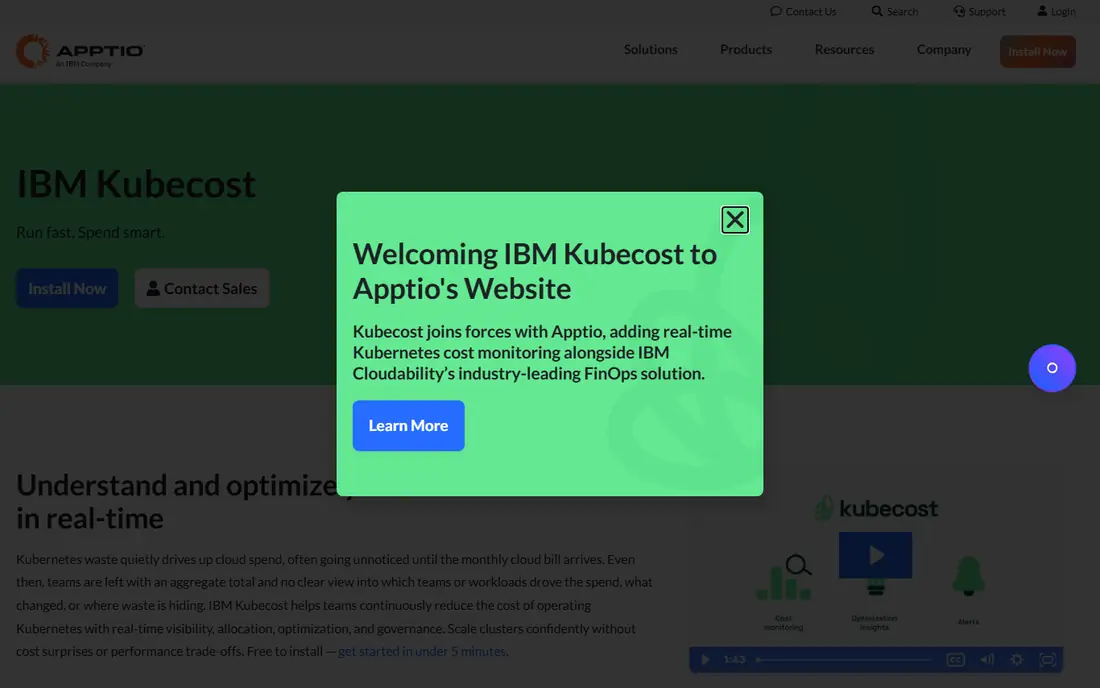
Kubecost is a strong fit for Kubernetes teams who need to know which workload costs what. Pod-level allocation turns a cluster bill into team and service costs, which makes ownership clear. Pricing starts at Free, and the free plan status is Yes. That combination makes it worth a short test on a real task before you commit to a wider rollout. The catch is that it reports Kubernetes costs well but does not buy commitments or cover every cloud service. Start with the free core, tag namespaces by team, and review idle resources weekly. If that trade-off fits your routine, it is easy to recommend. If it does not, one of the other picks in this list is a better match.
- Namespace, deployment, and pod-level allocation
- Idle resource detection
- Free core for smaller clusters
- Does not manage commitments
- Does not cover non-Kubernetes services in depth
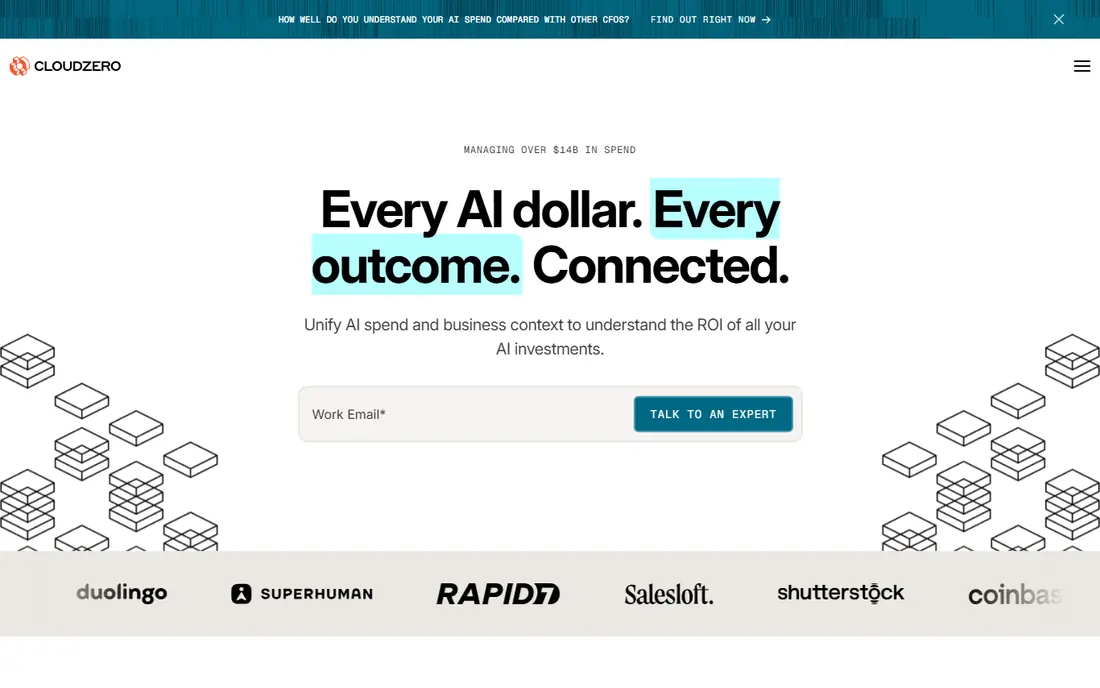
For teams that need to know cost per customer or per product, CloudZero deserves a close look. Unit costs link engineering work to business results, which helps pricing and product decisions. Pricing starts at See website, and the free plan status is No. The key question is whether its strengths match the job you do most often. The catch is that custom pricing means small teams need a sales conversation before they can test fully. Define one unit cost, such as cost per customer, before the demo, and check how cleanly the tool calculates it. If that trade-off fits your routine, it is easy to recommend. If it does not, one of the other picks in this list is a better match.
- Cost per customer, feature, and team
- Multi-cloud and SaaS coverage
- AI cost attribution
- Custom pricing
- No free tier for full use
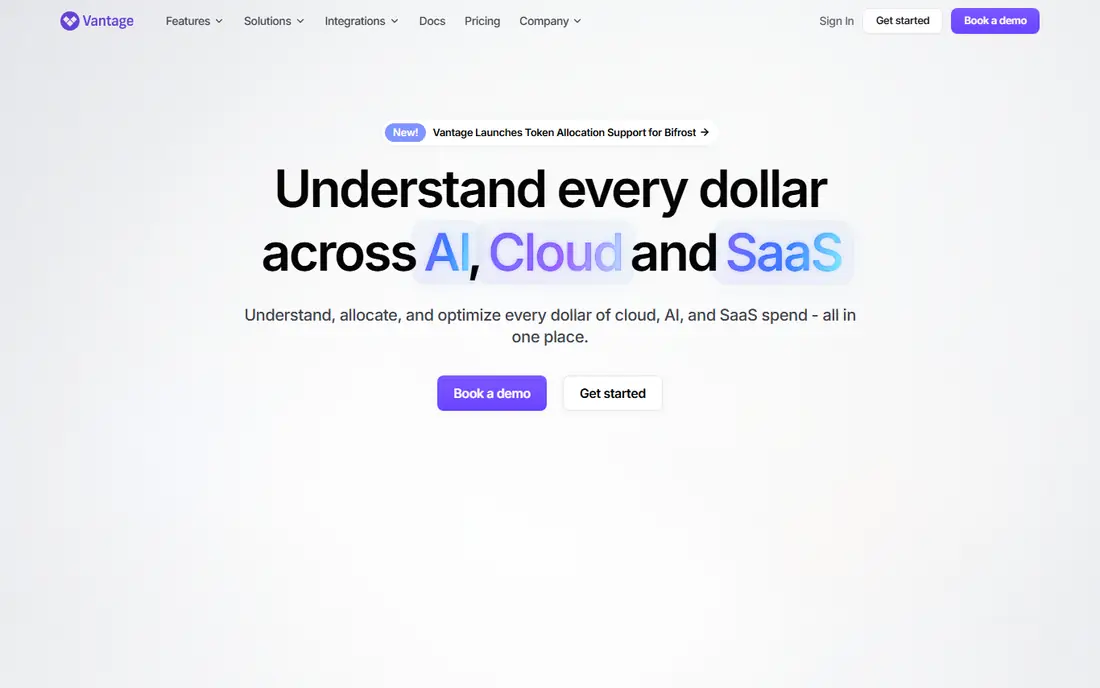
Start with Vantage if you are looking for a tool for startups and small teams who need fast multi-cloud visibility. Clear reports and a free tier make it easy to start without a FinOps hire. Pricing starts at Free, and the free plan status is Yes. It is not perfect for every use, but it covers the core job well. The catch is that recommendations still need manual action or a separate commitment tool. Connect all providers on day one, set a budget alert, and review recommendations weekly. If that trade-off fits your routine, it is easy to recommend. If it does not, one of the other picks in this list is a better match.
- Multi-cloud plus SaaS cost reports
- Unit cost tracking
- Free tier for smaller spend
- Does not purchase commitments itself
- Kubernetes depth is limited without paid tiers
Harness Cloud Cost Management is a strong fit for engineering teams already using Harness for delivery. Cost control inside delivery workflows helps engineers see spend where they ship code. Pricing starts at Free, and the free plan status is Yes. That combination makes it worth a short test on a real task before you commit to a wider rollout. The catch is that percentage pricing can grow with spend, so check the math at your scale. Test it on one cluster first, set automation guardrails, and review savings monthly. If that trade-off fits your routine, it is easy to recommend. If it does not, one of the other picks in this list is a better match.
- Cost visibility plus automation
- Kubernetes cost control
- Free tier under a spend threshold
- Pricing is a percentage of cloud spend on paid tiers
- Full value needs Harness adoption
For large enterprises with multi-cloud governance needs, Broadcom CloudHealth deserves a close look. Policy and chargeback tools suit large firms with formal FinOps processes. Pricing starts at See website, and the free plan status is No. The key question is whether its strengths match the job you do most often. The catch is that it is heavy for a small team, and pricing needs a sales quote. Ask for a scoped pilot on one cloud, and check policy reporting for your finance team. If that trade-off fits your routine, it is easy to recommend. If it does not, one of the other picks in this list is a better match.
- Multi-cloud governance, policy, and reporting
- Chargeback and rightsizing
- Long enterprise history
- Percentage-of-spend pricing
- Setup can be heavy for small teams
Start with IBM Apptio Cloudability if you are looking for a tool for finance-led FinOps teams at larger firms. Chargeback and forecasting help finance teams allocate cloud spend fairly across business units. Pricing starts at See website, and the free plan status is No. It is not perfect for every use, but it covers the core job well. The catch is that it needs a dedicated owner to keep allocations and forecasts accurate. Start with one business unit, agree allocation rules, and expand only after finance trusts the numbers. If that trade-off fits your routine, it is easy to recommend. If it does not, one of the other picks in this list is a better match.
- FinOps reporting, chargeback, and forecasting
- Commitment and rightsizing guidance
- Multi-cloud coverage
- Enterprise pricing
- Implementation needs FinOps ownership
Cast AI is a strong fit for Kubernetes teams who want automation, not just reports. Automation that scales clusters and rightsizes workloads can cut waste without constant manual work. Pricing starts at See website, and the free plan status is Free trial. That combination makes it worth a short test on a real task before you commit to a wider rollout. The catch is that automation needs careful guardrails, and pricing is custom. Start in read-only mode, review recommendations, and enable automation gradually. If that trade-off fits your routine, it is easy to recommend. If it does not, one of the other picks in this list is a better match.
- Automated cluster scaling and rightsizing
- Multi-cloud Kubernetes support
- Read-only start option
- Custom pricing
- Kubernetes focus means non-cluster spend needs another tool
For AWS teams who want commitment savings without manual buying, ProsperOps deserves a close look. Automated commitment management removes the timing risk of buying Savings Plans by hand. Pricing starts at See website, and the free plan status is No. The key question is whether its strengths match the job you do most often. The catch is that it is not a full visibility platform, so pair it with a reporting tool. Check your current commitment coverage first, and compare the fee model with expected savings. If that trade-off fits your routine, it is easy to recommend. If it does not, one of the other picks in this list is a better match.
- Automated Savings Plan and Reserved Instance management
- Savings sharing model
- AWS focus
- Savings-based pricing
- Coverage is narrower than a full FinOps platform
Start with nOps if you are looking for a tool for AWS teams who want hands-off optimisation. Automation across rightsizing and commitments suits AWS teams without a dedicated FinOps engineer. Pricing starts at See website, and the free plan status is No. It is not perfect for every use, but it covers the core job well. The catch is that multi-cloud teams will need another tool for Azure or Google Cloud. Start with recommendations only, review actions for a month, and then enable automation in stages. If that trade-off fits your routine, it is easy to recommend. If it does not, one of the other picks in this list is a better match.
- Automated rightsizing and commitment actions
- Waste detection
- AWS-focused optimisation
- AWS focus limits multi-cloud use
- Full automation needs trust in its actions
How we picked these
We compared official feature pages, pricing pages, and app store listings, and we favoured products that exist and work today and truly fit the topic. We checked free tiers, starting prices, and platform support, and we used See website where a price could not be verified from a vendor page. We did not claim hands-on testing, and we did not invent features, prices, or awards. Where products overlap, we kept the pick with the clearest fit for a distinct reader need. We also weighed honest weaknesses. A tool with a strong free plan but a narrow platform, or a powerful platform with quote-based pricing, can still earn a place if the trade-off is clear. That is why each product above names a best fit and a catch, so you can match the list to your own budget, devices, and workflow rather than chasing the highest feature count.
What to check before you choose
Start with a baseline before you buy. Record last month spend by service, team, and environment, then check which tool explains that spend most clearly. For Kubernetes teams, allocation by namespace and workload matters most. For finance teams, chargeback, forecasting, and unit costs matter most. For engineering teams, automation matters most, but automation needs guardrails: set approval steps for commitment purchases and scaling changes, and test them on a non-production cluster first. Check coverage for every provider you use, including SaaS and AI services, since a tool that only covers AWS will miss a growing part of the bill. Finally, measure savings after 30 and 90 days, and compare them with the tool fee, since a percentage-of-spend price can grow as you grow. Check the current vendor page for price, free plan, and platform support before you buy or sign up, since terms change. A short trial on a real task will tell you more than a feature list, and it will reveal problems with speed, accuracy, or support before they affect a larger project. Keep your current tool running during the trial, so you can switch back if the new pick does not fit.
Frequently asked questions
What are the best tools for cloud cost optimization?
Kubecost for Kubernetes, Vantage for multi-cloud visibility, and CloudZero for unit economics are strong starting points. Harness, Cast AI, and ProsperOps add automation for commitments and scaling. The best mix usually pairs one visibility tool with one automation tool.
What are the best cloud cost optimization platforms for FinOps teams?
CloudZero, Vantage, IBM Apptio Cloudability, Flexera One, and Harness are the main FinOps platforms for visibility, allocation, and chargeback. Choose by team size, cloud mix, and whether you need unit costs or formal chargeback reports.
Is there a free cloud cost optimization tool?
Yes. Kubecost offers a free core, Vantage offers a free tier, and OpenCost is open source for Kubernetes allocation. Native AWS, Azure, and Google Cloud cost tools are also free with your provider account. Free tiers have limits on scale or features, so check them for your spend level.
How do cloud cost tools actually save money?
Visibility tools save money only when teams act on idle resources, oversized instances, and unused commitments. Automation tools save money directly by rightsizing, scaling clusters, or managing commitment purchases. The largest savings usually come from a mix: clear ownership, regular reviews, and safe automation.
Do I need a cost tool if I already use AWS Cost Explorer?
Not always for a single-cloud team. AWS Cost Explorer, Azure Cost Management, and Google Cloud billing tools cover basic reporting well. A third-party tool becomes worth it for multi-cloud use, Kubernetes allocation, unit costs, or automated commitment and scaling work.
Sources
- https://www.kubecost.com
- https://www.cloudzero.com
- https://www.vantage.sh
- https://www.harness.io
- https://www.broadcom.com/products/cloudhealth
- https://www.apptio.com/products/cloudability
- https://www.cast.ai
- https://www.prosperops.com
- https://www.nops.io
- https://www.designrush.com/agency/it-services/trends/cloud-cost-management-tools
See where you really rank - block by block
ProMapRanker scans Google Maps across a grid of your service area. Simple monthly plans from $19, white-label on every plan.
Start freeKeep reading
 zoho inventory alternatives
6 Alternatives to Zoho Inventory, Compared on Price and Fit
Zoho Inventory alternatives: 6 tools compared on price, free plans and fit. Katana leads the list for manufacturers. Fit and flaws are laid out for each entry.
Read → zoho crm alternatives
Best Zoho CRM Alternatives (2026)
Need Zoho CRM alternatives? We compare 7 tools on cost, free access and who each suits. Every pick gets a straight assessment. Built for quick decisions.
Read → zelle alternatives
Best Zelle Alternatives in 2026
Compare the best Zelle alternatives for sending money to friends, paying sellers and moving funds abroad, with honest notes on fees, speed and safety in 2026.
Read →