 ProMapRanker
Best Cloud Computing Platforms in 2026


Widest service range · Pricing starts at: Pay as you go
Key takeaways
- The big three clouds offer the widest service ranges, but smaller clouds are often cheaper and simpler for a single app or website.
- Pay as you go pricing means the headline instance price is only part of the bill, since data transfer, storage and support can add up.
- AWS, Azure and Google Cloud all offer new account credits, while DigitalOcean, Vultr and Linode offer low monthly starting prices.
- If your team already uses Microsoft 365 or Google Workspace, that existing account often tips the choice toward Azure or Google Cloud.
- For a simple web app, a platform like Render or Heroku can save days of setup, even if the monthly cost is higher than raw virtual servers.
Quick comparison
| Pick | Great for | Pricing starts at | Free tier | |
|---|---|---|---|---|
| Amazon Web Services (AWS) | Widest service range | Pay as you go | Free tier | Visit |
 Microsoft Azure Microsoft Azure | Microsoft shops and enterprises | Pay as you go | Free tier | Visit |
 Google Cloud Google Cloud | Data, analytics and AI workloads | Pay as you go | Free tier | Visit |
 DigitalOcean DigitalOcean | Simple developer projects | From $4 per month | Free trial | Visit |
 Akamai Linode Akamai Linode | Low cost virtual servers | From $5 per month | Free trial | Visit |
 Vultr Vultr | Many global locations | From $4 per month | Free trial | Visit |
 Oracle Cloud Oracle Cloud | Enterprise and database workloads | Pay as you go | Free tier | Visit |
 IBM Cloud IBM Cloud | Regulated and hybrid workloads | Pay as you go | Free tier | Visit |
 Render Render | Simple app deployment | Free | Yes | Visit |
The best cloud computing platforms
We compared cloud platforms on service range, pricing model, free tiers, developer experience and fit for different team sizes. The right pick depends less on who is biggest and more on what you plan to run.
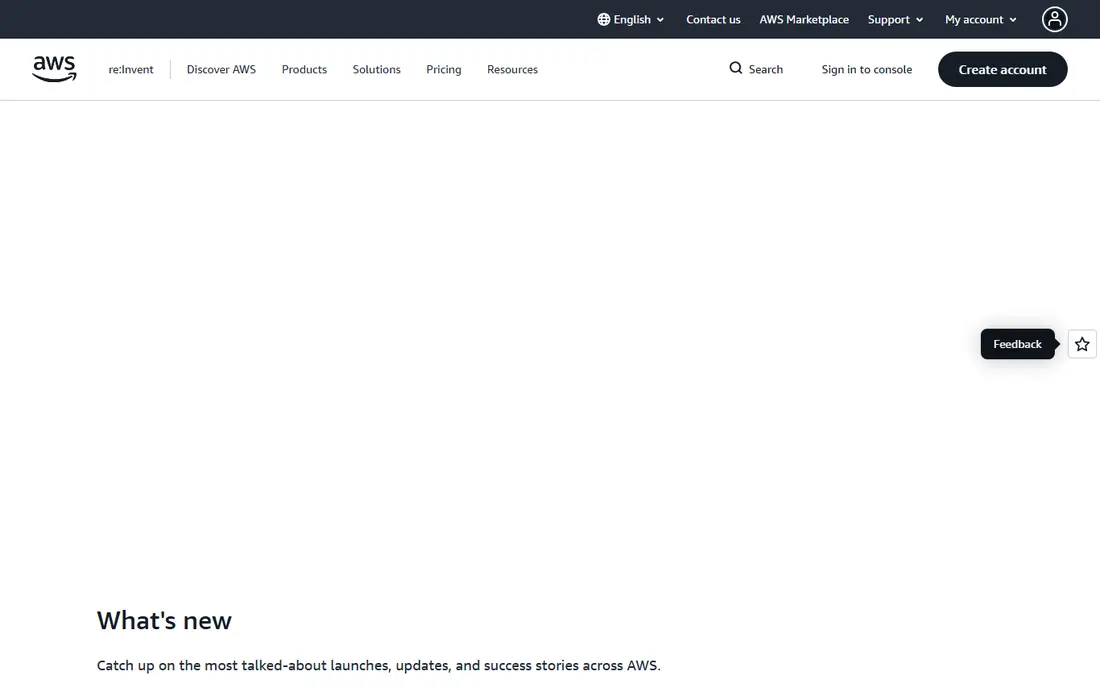
AWS is the default choice when you need almost any cloud service, from virtual servers and object storage to managed databases, machine learning and serverless functions. Its catalog is larger than any rival, and most third party tools, tutorials and hiring pools assume AWS first. That breadth matters for teams building complex products with many moving parts. The downside is complexity and cost control. With hundreds of services and many pricing dimensions, a small team can run up a bill through data transfer, storage requests or idle resources if billing alerts are not set. AWS offers a free tier and new account credits, but the free tier has limits and time bounds. Choose AWS when breadth, ecosystem and scale matter most, and set budgets from day one.
- Largest service catalog
- Huge partner and talent pool
- Global regions
- Pricing is complex
- Support costs extra on higher tiers
- Easy to overspend without billing alerts
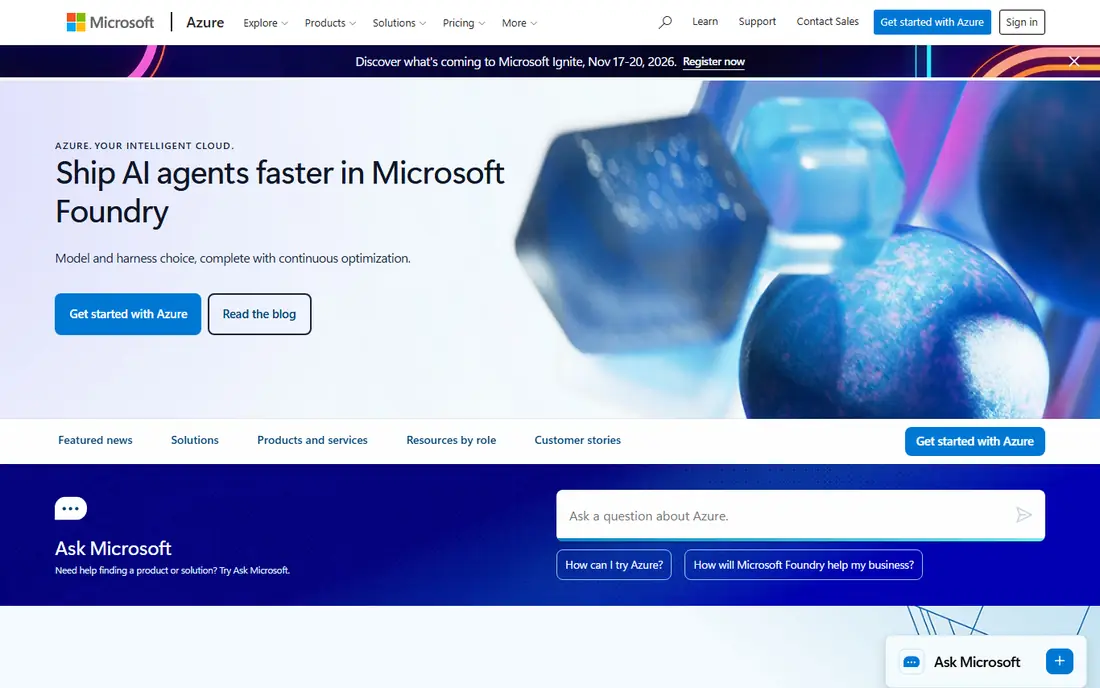
Azure is the natural pick for organizations already running Windows Server, SQL Server or Microsoft 365. Identity ties into Entra ID, Office apps connect directly, and hybrid tools help bridge on site servers and cloud resources. Enterprises with Microsoft agreements often get better commercial terms through Azure than through a standalone purchase. For a small startup with no Microsoft footprint, Azure offers less obvious advantage over AWS or Google Cloud, and the portal can feel busy for first time users. New accounts get credit for a limited period plus a set of free services for twelve months. If your stack is Microsoft based, Azure will usually save integration time that outweighs small price differences elsewhere.
- Strong Microsoft 365 and Windows integration
- Enterprise compliance options
- Hybrid cloud tools
- Portal can feel crowded
- Pricing also complex
- Some services lag AWS in maturity
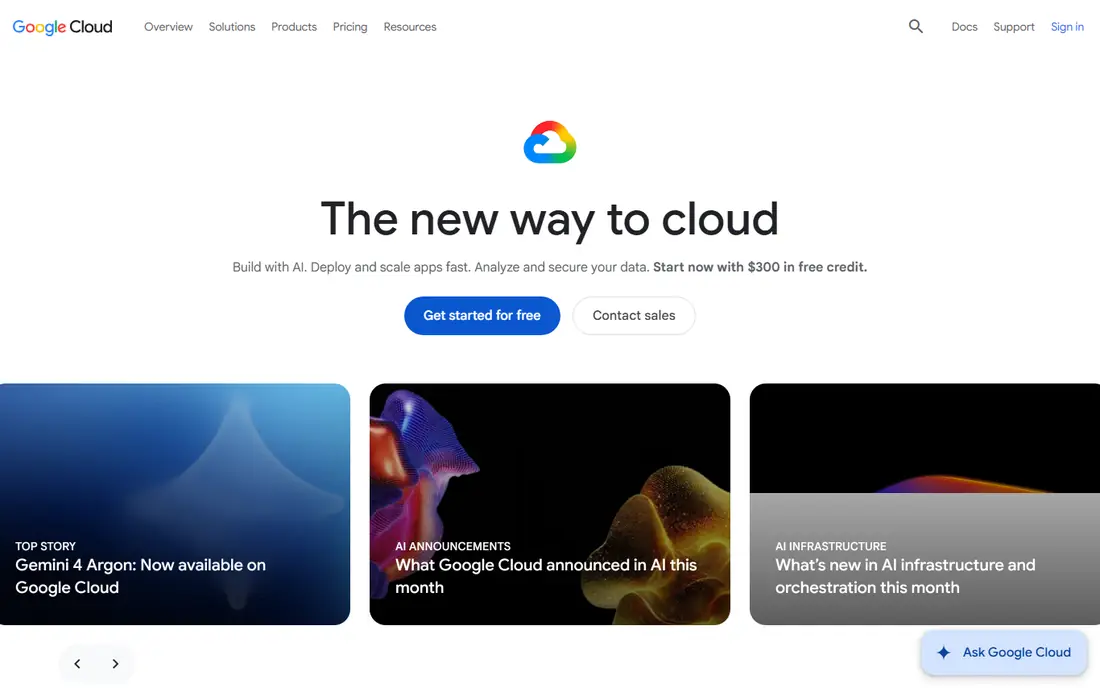
Google Cloud stands out for data and AI work, with BigQuery for analytics, Vertex AI for model work and Google Kubernetes Engine, which grew out of the system that created Kubernetes. Its pricing includes automatic discounts for virtual machines that run for most of the month, which helps teams that do not want to manage long term commitments. New accounts get a credit for a limited trial period plus an ongoing free tier for some services. The catalog is narrower than AWS, and some enterprise features are newer, so teams with very specific compliance or legacy needs should check service availability in their region first. For data heavy apps, AI projects and teams already on Google Workspace, Google Cloud is often the most productive choice.
- Strong BigQuery and Kubernetes origins
- Automatic sustained use discounts
- Generous new account credit
- Smaller service catalog than AWS
- Support pricing varies
- Fewer regions in some areas
DigitalOcean built its reputation on Droplets, which are simple virtual servers with flat monthly prices that are easy to predict. The control panel is clean, the docs are strong, and managed databases and Kubernetes let a small team grow without hiring a cloud specialist. Basic Droplets start at $4 per month for a small server, which makes testing cheap. You will not find the same breadth of managed AI, enterprise compliance or region coverage as the big three, and backups add a percentage to the server price. For a personal project, a SaaS prototype or a small business website, DigitalOcean is often the fastest path from idea to a live server.
- Clear flat pricing
- Excellent docs
- Managed Kubernetes and databases
- Smaller global footprint than hyperscalers
- Fewer enterprise services
- Backup costs extra
Linode, now part of Akamai, competes directly with DigitalOcean on price and simplicity. Its Nanode plan starts at $5 per month, and its larger plans often give more memory per dollar than other developer clouds. Billing is hourly with a monthly cap, and the platform covers virtual servers, object storage, managed Kubernetes and databases for common workloads. The managed service range is not as broad as the hyperscalers, and the control panel feels more utilitarian than DigitalOcean. That will not bother Linux focused developers, who tend to value price and control over polish. If you want a low cost server you manage yourself, Linode is a strong, no fuss option.
- Good value per gigabyte of memory
- Simple pricing
- Strong Linux focus
- Managed services are narrower than DigitalOcean
- Support tiers vary
- Interface is less polished
Vultr appeals to teams that need servers close to users in many countries, since it offers more data center locations than most developer clouds. Cloud Compute plans start at about $4 to $5 per month, with hourly billing that suits short lived test environments. GPU instances and bare metal servers sit on the same account, which helps teams that mix regular apps with AI or game servers. The smallest plans are very small, so production apps usually need a step up in size. Support is ticket based, and managed platform services are thinner than on Render or Heroku. Choose Vultr when location coverage and flexible billing matter more than a fully managed platform.
- Wide region choice
- Hourly billing
- GPU and bare metal options
- Small plans have little memory
- Support is ticket based
- Managed services are limited
Oracle Cloud is easy to overlook, but it has become a serious option for database heavy and enterprise workloads, and its always free tier includes small virtual machines and databases that stay free within limits. That makes it useful for learning, testing and small internal tools. Oracle databases run natively, which matters for teams already tied to Oracle software. The developer community and third party tutorial pool are smaller than for AWS or Google Cloud, so finding help can take longer. Pricing for large enterprise services is often negotiated rather than listed. If you run Oracle databases or want a free tier that does not expire after a trial, Oracle Cloud deserves a test.
- Strong database heritage
- Generous always free tier
- Competitive egress terms
- Smaller developer community
- Interface learning curve
- Some services are enterprise focused
IBM Cloud fits organizations that need hybrid setups, with on site systems linked to cloud resources through Red Hat OpenShift. That focus, plus compliance tooling for regulated industries, makes it a common choice in finance, health care and government related work. A free tier lets teams try core services before committing. For a startup building a consumer app, IBM Cloud offers less community momentum and fewer simple starting templates than the developer clouds. Prices for many enterprise services are quoted rather than listed. Pick IBM Cloud when hybrid architecture or regulated compliance is a core requirement, not just a nice to have.
- Hybrid cloud and Red Hat OpenShift focus
- Compliance options
- Enterprise support
- Smaller public cloud share
- Developer experience varies by service
- Pricing is often quote based
Render is the pick in this list for developers who want to deploy a web app without managing servers. You connect a Git repository, Render builds and runs the app, and managed Postgres, Redis and background jobs are available on the same platform. A free tier covers basic web services, which makes it ideal for prototypes, portfolios and small internal tools. Free services have limits and can sleep, so production apps need a paid plan, and costs can rise faster than raw virtual servers as traffic grows. Render also has fewer regions than the big clouds. If your goal is to ship an app quickly with minimal operations work, Render saves more time than any other option here.
- Very simple deployment from Git
- Free tier for web services
- Managed databases and cron jobs
- Free tier services sleep or have limits
- Fewer regions than hyperscalers
- Costs rise with scale
How we picked these
We compared official pricing pages, free tier terms, service catalogs, docs and public reviews for cloud platforms available in October 2026. We included the three hyperscalers for breadth, three developer clouds for price and simplicity, two enterprise focused clouds for database and hybrid needs, and one managed platform for teams that want to avoid server management. We left out niche providers with no clear US pricing or with services that had been discontinued. Cloud pricing changes often and depends on region, instance size and data transfer, so we used starting prices and free tier terms as a guide and wrote Pay as you go where the total depends on usage. Always run the vendor pricing calculator for your workload before committing.
How to choose the right cloud platform
Start with your workload, not the brand, and match the platform to the work you will actually do.
Match the platform to your team size
Solo developers and small teams usually do best on DigitalOcean, Linode, Vultr or Render, where pricing is flat and setup is fast. Midsize product teams with data or AI work often fit Google Cloud, while Microsoft based companies fit Azure. Large enterprises with many services and compliance needs tend to land on AWS or Azure, with IBM or Oracle for specific database and hybrid cases.
Watch the costs that are not in the headline price
Data transfer out of the cloud, storage requests, load balancers, NAT gateways and backups can add more than the server itself. Set billing alerts, tag resources by project, and delete idle servers and old snapshots. Use the free tier or trial credit to run a realistic load test before you scale, so the first real bill does not surprise you.
Check regions, compliance and exit options
Pick a region close to your users for lower latency, and check that the services you need are available there. If you handle health, payment or personal data, confirm the compliance programs and data residency options on the vendor site. Keep your app portable by using containers and standard databases where possible, so moving providers later is painful but not impossible.
Frequently asked questions
Which cloud platform is best for beginners?
Render and DigitalOcean are the easiest starting points for beginners, since both offer simple pricing and clear docs. Render is best if you want to deploy from Git without managing a server, while DigitalOcean is best if you want to learn how a virtual server works. AWS, Azure and Google Cloud have more to learn, but also more free tier resources to practice with.
Which cloud platform is best for small businesses?
For most small businesses, the best cloud computing platform is the one that matches the tools they already use. Microsoft 365 users fit Azure, Google Workspace users fit Google Cloud, and businesses with a simple website or app fit DigitalOcean or Render. Price alone should not decide it, since integration and support time often cost more than the server bill.
What is the best cloud computing software for AI workloads?
Google Cloud is a strong choice for AI, thanks to Vertex AI, BigQuery and its TPU options, while AWS offers the widest range of managed AI services and GPU instance types. Azure ties AI work into Microsoft tools and OpenAI services. The best choice depends on your models, data location and team skills, so test a small workload on two platforms before committing.
Is there a free cloud computing platform?
Yes, several platforms offer free tiers, including AWS, Azure, Google Cloud and Oracle Cloud, plus a free tier on Render for basic web services. Free tiers usually have usage limits, time limits or both, so read the terms before building a production app on them. Oracle Cloud stands out for an always free tier that does not expire after a trial period.
How much does cloud computing cost per month?
Cloud costs range from free for a tiny test app to thousands of dollars for a busy production system. A small virtual server costs about $4 to $12 per month on a developer cloud, while a comparable hyperscaler instance can cost more once storage, transfer and support are added. Use the vendor calculator with your expected traffic and storage to get a realistic monthly figure.
Should I choose AWS, Azure or Google Cloud?
Choose AWS for the widest service range and largest ecosystem, Azure for Microsoft integration and enterprise agreements, and Google Cloud for data, analytics and Kubernetes based work. Many companies end up using more than one cloud for different workloads, but starting with one keeps costs and skills simpler.
Sources
- https://aws.amazon.com
- https://azure.microsoft.com
- https://cloud.google.com
- https://www.digitalocean.com
- https://www.linode.com
- https://www.vultr.com
- https://www.oracle.com/cloud/
- https://www.ibm.com/cloud
- https://render.com
- https://www.verikost.com/blog/aws-vs-azure-vs-google-cloud-pricing
- https://platops.com/resources/blog/aws-vs-azure-vs-gcp/
See where you really rank - block by block
ProMapRanker scans Google Maps across a grid of your service area. Simple monthly plans from $19, white-label on every plan.
Start freeKeep reading
 zendesk alternatives
Best Zendesk Alternatives in 2026
Compare the best Zendesk alternatives in 2026, from budget help desks to AI-first support tools, with current pricing, free plans, and honest trade-offs.
Read → wordpress alternatives
Best WordPress Alternatives in 2026
Looking for the best WordPress alternatives? We compare 8 free and paid options for blogs, business sites, stores, and developer-led projects in 2026.
Read → which real estate company has the best training
Best Real Estate Company Training in 2026
Compare which real estate company has the best training, from Keller Williams and eXp to Compass and Coldwell Banker, by program, mentor, and fit in 2026.
Read →