 ProMapRanker
Best Cloud Company in 2026


Global scale and service breadth · Pricing starts at: See website
Key takeaways
- Hyperscalers offer the widest service catalog, but their pricing and billing take real effort to manage.
- Smaller developer clouds win on simple, predictable pricing for standard web apps and virtual servers.
- Free tiers and credits help you learn a platform, but they rarely cover production workloads for long.
- Data transfer costs can matter more than server prices, so check egress fees before you commit.
- Pick the provider that fits your team skills and your main workload, not the one with the longest feature list.
Quick comparison
| Pick | Great for | Pricing starts at | Free tier | |
|---|---|---|---|---|
| Amazon Web Services | Global scale and service breadth | See website | Yes | Visit |
 Microsoft Azure | Microsoft shops and hybrid work | See website | Yes | Visit |
 Google Cloud | Data and machine learning work | See website | Yes | Visit |
 DigitalOcean | Simple predictable developer cloud | $4 per month | No | Visit |
 Vultr | Low cost compute in many locations | See website | No | Visit |
 Oracle Cloud | Enterprise databases and steady pricing | See website | Yes | Visit |
 IBM Cloud | Regulated and hybrid enterprise work | See website | No | Visit |
 Akamai Linode | Simple virtual servers for mid market teams | See website | No | Visit |
 Hetzner | Low cost European hosting | See website | No | Visit |
The best cloud companies
We compared providers on service breadth, pricing clarity, free tiers, regional coverage, and fit for different team sizes. The list below covers global hyperscalers and smaller clouds, since a startup and a large enterprise rarely need the same provider.
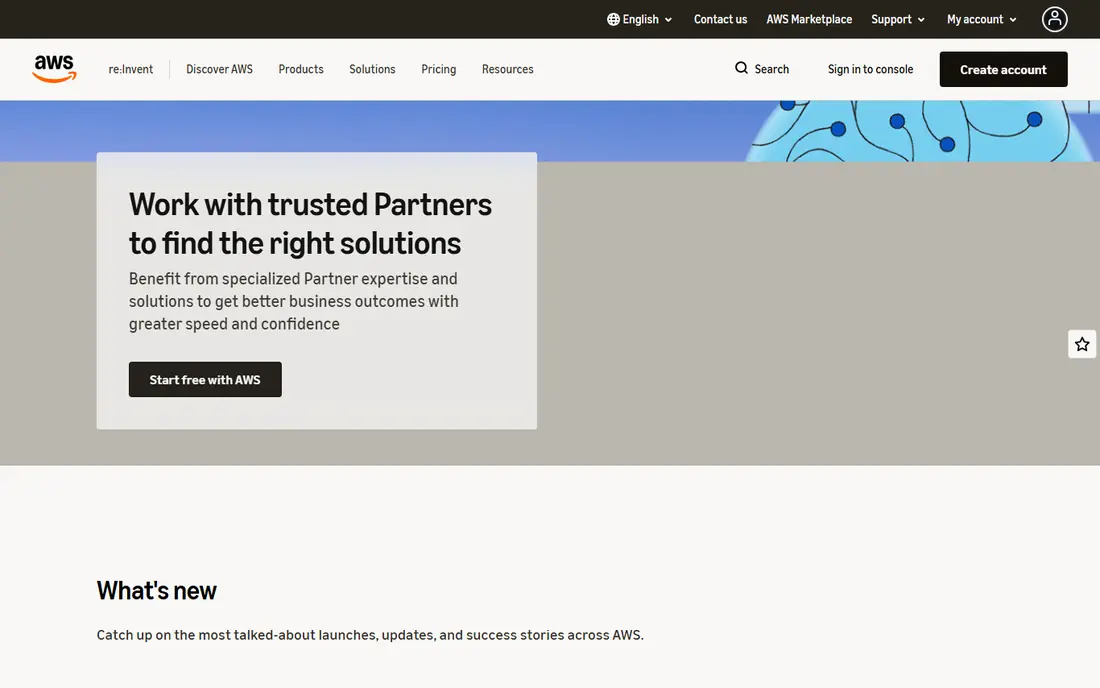
Amazon Web Services, known as AWS, remains the default choice for teams that need almost any managed service at global scale. Its catalog covers compute, storage, databases, analytics, and machine learning, with regions and availability zones that support demanding uptime and compliance needs. Large companies value its identity controls, audit tools, and partner network.
That breadth comes with cost and complexity. Pricing varies by service, region, and usage pattern, and data transfer out of AWS can become a large line item. Small teams should start with a narrow set of services, set billing alerts on day one, and review usage monthly. AWS suits teams that will use its depth, not teams that only need a few virtual servers.
- Widest catalog of managed services
- Many global regions
- Strong compliance and identity controls
- Pricing is complex and billing needs active management
- Data transfer fees add up
- Learning curve is steep for new teams
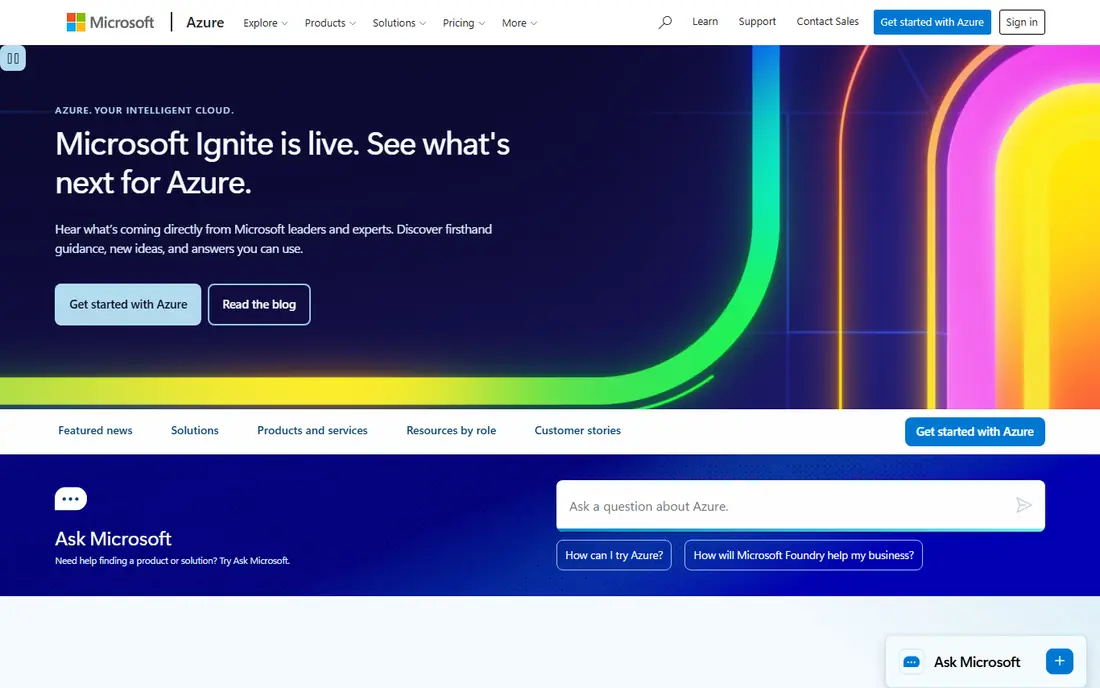
Microsoft Azure is the natural pick for organizations already invested in Microsoft 365, Windows Server, and Active Directory. Identity, hybrid management with Azure Arc, and Windows licensing integration reduce friction for those teams. New accounts receive credits and a set of always free services, which helps with learning and small pilots.
Azure also serves Linux and open source workloads well, but its advantage is clearest for Microsoft centered shops. As with AWS, billing needs attention, and the service catalog is large enough to confuse new users. Start with the services your team already knows, and expand only when a workload clearly needs a new managed service.
- Tight fit with Microsoft 365 and Windows workloads
- Strong hybrid tools
- Free tier with credits for new accounts
- Pricing is also complex
- Some services feel uneven across regions
- Linux focused teams may prefer another cloud
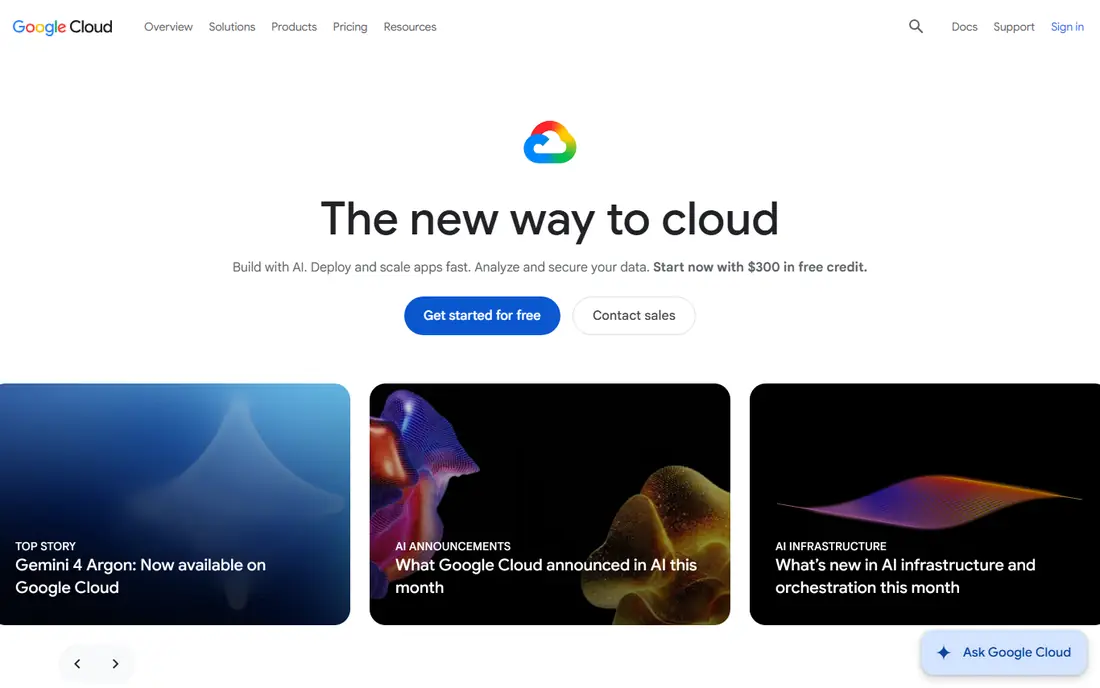
Google Cloud stands out for data heavy work. BigQuery, its managed analytics warehouse, and its machine learning platform attract teams that process large datasets or train models. Its global network is a real strength for low latency applications, and new customers receive credits plus an always free tier for small virtual machines and other basics.
Teams that run mainly Windows or legacy enterprise apps may find Azure or AWS a closer fit. Google Cloud also rewards careful cost control, since analytics and machine learning costs scale with data volume. It is our pick for data and AI led teams that want managed tools without running their own clusters.
- Strong data analytics and machine learning tools
- Global private network
- Generous new customer credits
- Smaller enterprise partner network than AWS and Azure in some sectors
- Windows workloads are less central
- Pricing varies by service
DigitalOcean is built for developers and small teams that want a virtual server without a pricing calculator. Basic Droplets start at 4 dollars per month, and App Platform offers a free tier for static sites with paid plans from 5 dollars per month. Managed databases, object storage, and Kubernetes cover the common needs of web apps and APIs.
The limits are honest ones. You will not find the same depth of managed AI, analytics, or enterprise services as on AWS or Google Cloud. For a standard web app, an API, or a small SaaS product, that simplicity is a benefit, not a gap. DigitalOcean is our pick for most people who just need reliable hosting with a bill they can predict.
- Simple flat pricing
- Clear control panel and documentation
- Managed databases and Kubernetes for small teams
- Smaller service catalog than hyperscalers
- Fewer regions
- Enterprise compliance needs may require another provider
Vultr competes with DigitalOcean on price and location choice, with cloud compute listed from around 2.50 dollars per month for shared CPU instances in some comparisons, and higher rates for performance instances. It offers bare metal servers and GPU instances, which suit compute heavy work and AI inference on a budget. Developers who manage their own servers will find the API and control panel straightforward.
Managed services are thinner than on a hyperscaler, so teams should expect to run their own databases and monitoring for many workloads. That trade off suits technical teams that value low cost and location choice over a fully managed stack. Check the exact price for your instance type and region, since headline rates vary.
- Low entry prices for compute
- Many global locations
- Bare metal and GPU options for demanding work
- Fewer managed services than hyperscalers
- Support is more self service
- Pricing varies by instance type and region
Oracle Cloud Infrastructure, known as OCI, is the strongest choice for companies that run Oracle Database or Oracle enterprise apps. It offers high performance compute and storage, and its network pricing is often simpler than hyperscaler egress models. An always free tier covers small compute and database resources for learning and small projects.
Teams without Oracle workloads may find less reason to choose OCI, since its community, tutorials, and third party integrations are smaller than those of AWS and Azure. For Oracle centered enterprises, though, the database performance and pricing model can make it the clear winner. Review licensing terms closely before migration, since they affect total cost.
- Strong fit for Oracle Database workloads
- Flat network pricing in many cases
- Always free tier for small resources
- Smaller developer community than AWS and Azure
- Service catalog is enterprise focused
- Migration from Oracle licensing needs care
IBM Cloud suits regulated enterprises and companies with existing IBM systems. Hybrid deployment through OpenShift lets teams run workloads across on premises systems and cloud, and its security and compliance controls appeal to finance, health care, and government buyers. Integration with IBM Z and Power systems is a distinct advantage for legacy estates.
Prices in comparisons start higher than developer clouds, with virtual machines listed from around 53 dollars per month in some roundups. That reflects an enterprise focus, not a developer hosting play. Small teams should look elsewhere, while large regulated organizations should weigh IBM Cloud against Azure and AWS on compliance and hybrid needs.
- Hybrid deployment with OpenShift
- Strong security and compliance story
- Fit for IBM Z and Power workloads
- Higher entry prices in many comparisons
- Smaller developer community
- Service catalog is enterprise focused
Linode, now part of Akamai, offers straightforward virtual servers with predictable pricing and solid support. It suits agencies, mid market companies, and developers who want a reliable Linux server without hyperscaler complexity. Its documentation and community guides help smaller teams manage servers, backups, and networking with confidence.
The catalog is narrower than AWS or Azure, and teams that need many managed AI or analytics services will outgrow it. For standard web hosting, application servers, and development environments, Linode remains a dependable choice. Compare its current instance prices with DigitalOcean and Vultr for your region before you commit.
- Simple virtual server pricing
- Good documentation and support
- Global data centers under Akamai
- Managed services are narrower than hyperscalers
- GPU and AI options are limited
- Larger enterprises may need more services
Hetzner is popular with price sensitive teams, especially in Europe, for its low cost cloud and dedicated servers. Its pricing often undercuts larger providers by a wide margin for comparable CPU and storage, which makes it attractive for personal projects, agencies, and startups that can manage their own servers. Data centers in Germany and Finland support European data residency needs.
The trade off is scope. Locations outside Europe are limited, managed services are fewer, and support expects more technical skill from the customer. Teams that need global regions, managed databases at scale, or enterprise compliance should choose a hyperscaler instead. For a European hosted web app on a tight budget, Hetzner is hard to beat on price.
- Very low prices for dedicated and cloud servers
- Strong European data centers
- Clear pricing for standard servers
- Mainly European locations
- Support is more self service
- Fewer managed services than larger clouds
How we picked these
We compared official provider pages and 2026 provider roundups that listed entry prices, free tiers, and service strengths. We favored providers with a clear, current offering and a distinct fit, and we avoided listing providers whose pricing we could not confirm at all. We did not run workloads ourselves, so we focused on documented services, pricing pages, and free tier terms rather than benchmark claims.
How to choose a cloud provider
Start with your workload, not the provider brand. A static website, a standard web app, a data warehouse, and a machine learning training job need very different services. Write down your compute, storage, database, and network needs, plus any compliance or data residency rules, and shortlist only providers that meet those needs without excess.
Next, model the full bill. Include compute, storage, database, and data transfer, plus support and any managed service fees. Use the provider pricing calculator with realistic usage, and set billing alerts before you launch. A provider that looks cheap on server prices can become expensive once data transfer and managed services are added.
Finally, consider your team. A small team benefits from simple pricing, good documentation, and managed services that reduce operational work. A large team with cloud engineers can use a hyperscaler catalog fully and negotiate discounts. Pick the provider your team can actually run well, and keep your deployment portable enough to move if prices or needs change.
Frequently asked questions
Which cloud company is best for a small business?
For most small businesses with a standard website or app, DigitalOcean, Vultr, or Linode offer simple pricing and enough managed services. Hyperscalers make sense when you need specific managed services, global scale, or compliance features that smaller clouds do not offer.
Is there a free cloud provider?
Several providers offer free tiers and new customer credits, including AWS, Azure, Google Cloud, and Oracle Cloud. These tiers suit learning and small pilots, but production workloads usually exceed free limits quickly. Check which services stay free after credits expire.
Why do cloud bills vary so much month to month?
Cloud bills follow usage, so traffic spikes, larger datasets, and data transfer can raise costs fast. Set billing alerts, review usage by service each month, and shut down idle resources. Reserved or committed use discounts can lower steady workloads, but only buy them once usage is stable.
Should I use more than one cloud provider?
Multi cloud setups add resilience and bargaining power, but they also add complexity in networking, identity, and billing. Most small teams do better with one provider done well. Larger teams may split workloads by fit, such as one provider for data and another for general compute.
What is data egress, and why does it matter?
Egress is the fee for moving data out of a cloud provider network to the internet or another provider. It matters because it can exceed server costs for data heavy apps. Check egress rates before you choose, and keep frequently accessed data close to your users.
Sources
- https://www.digitalocean.com/resources/articles/cloud-service-providers
- https://www.digitalocean.com/resources/articles/ibm-cloud-alternatives
- https://aws.amazon.com
- https://azure.microsoft.com
- https://cloud.google.com
- https://www.digitalocean.com
- https://www.vultr.com
- https://www.oracle.com/cloud
- https://www.ibm.com/cloud
- https://www.linode.com
- https://www.hetzner.com
See where you really rank - block by block
ProMapRanker scans Google Maps across a grid of your service area. Simple monthly plans from $19, white-label on every plan.
Start freeKeep reading
 zoro.to alternatives
Best Zoro.to Alternatives in 2026
We compare the best zoro.to alternatives in 2026, listing only legal licensed anime streaming services, from Crunchyroll to free options for fans today.
Read → zip alternatives
Best Zip Alternatives in 2026
We compare the best zip alternatives for buy now, pay later in 2026, covering pay-in-4 plans, fees, spending limits, and credit reporting options today.
Read → yesware alternatives
Best Yesware Alternatives in 2026
Compare the best yesware alternatives for sales email tracking, templates, and sequences, with current pricing and honest tradeoffs for small sales teams.
Read →