 ProMapRanker
Best Cloud-Based Signage Software for Business in 2026


Small firms testing signage on a budget · Pricing starts at: $8 per screen per month
Key takeaways
- Per-screen pricing is the real cost driver, so multiply the monthly rate by screen count before you judge a plan.
- Yodeck and OptiSigns offer the lowest honest starting points, with free tiers for one and three screens respectively.
- Cloud signage needs a player per screen, which may be a smart TV app, a stick or a small computer, so budget hardware too.
- ScreenCloud and NoviSign suit larger or interactive estates, while Xibo suits IT teams that prefer to self-host.
- Check offline playback, scheduling and proof-of-play before you commit, since those features decide daily reliability.
Quick comparison
| Pick | Great for | Pricing starts at | Free tier | |
|---|---|---|---|---|
| Yodeck | Small firms testing signage on a budget | $8 per screen per month | Yes | Visit |
 OptiSigns | Offices and restaurants wanting drag-and-drop | $10 per screen per month | Yes | Visit |
 ScreenCloud | Franchises and multi-location brands | $20 per screen per month | Free trial | Visit |
 TelemetryTV | Data dashboards and operations teams | $8 per device per month | Free trial | Visit |
 Rise Vision | Schools and nonprofits | See website | Free trial | Visit |
 NoviSign | Interactive kiosks and touch displays | $14 per screen per month | Free trial | Visit |
 PosterBooking | Tight budgets and small shops | Free | Yes | Visit |
 Xibo | IT teams that prefer to self-host | Free | Yes | Visit |
 Play Digital Signage | Lean teams wanting simple cloud signage | $8 per screen per month | Yes | Visit |
The best cloud-based signage software for business
We compared cloud signage platforms that a business can run from one dashboard, with remote updates, scheduling and screen monitoring. Each entry below covers price, free tier and the estate it fits best.
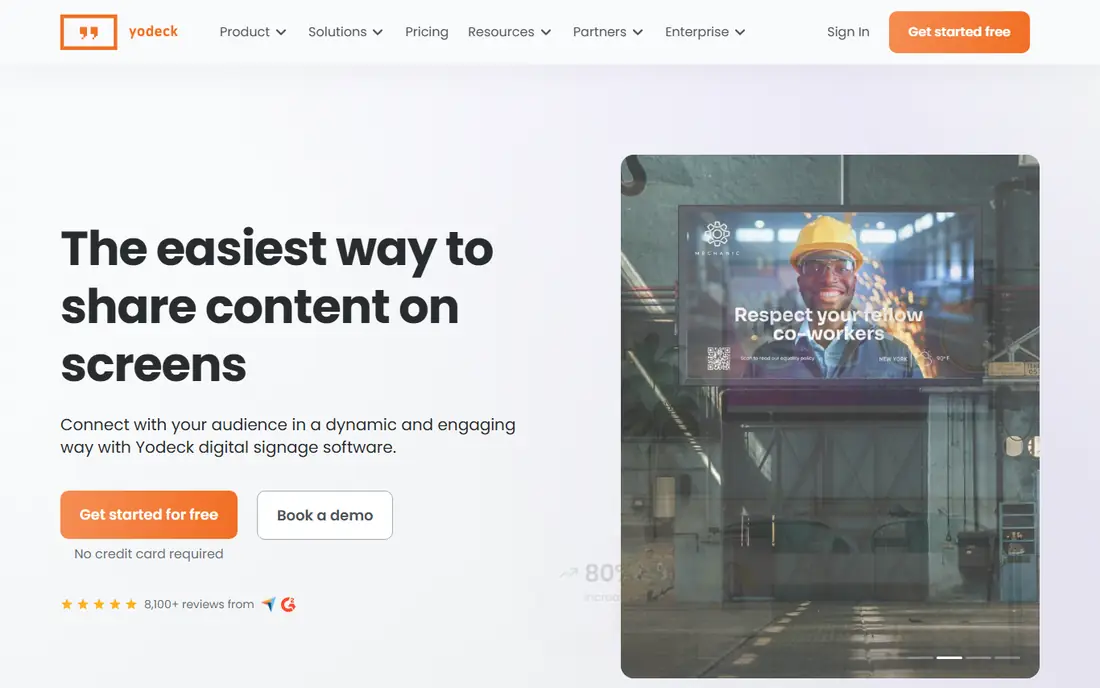
Yodeck is the most sensible starting point for a small business with a few screens. One screen is free on the basic tier, and paid plans start at $8 per screen per month, with Premium and Enterprise tiers above that. The dashboard covers playlists, scheduling and remote monitoring without a steep learning curve.
The free tier is genuinely useful for a single lobby or menu screen, but it ends when you add a second screen. Yodeck players often run on Raspberry Pi hardware, which keeps player costs down, though you should confirm current player bundles on the vendor site. For a small estate, Yodeck gives the lowest honest total in this list.
- Free for exactly one screen on the basic tier
- Low paid rate
- Raspberry Pi player option
- Free tier limited to one screen
- Higher tiers add cost per screen
- Advanced enterprise features cost more
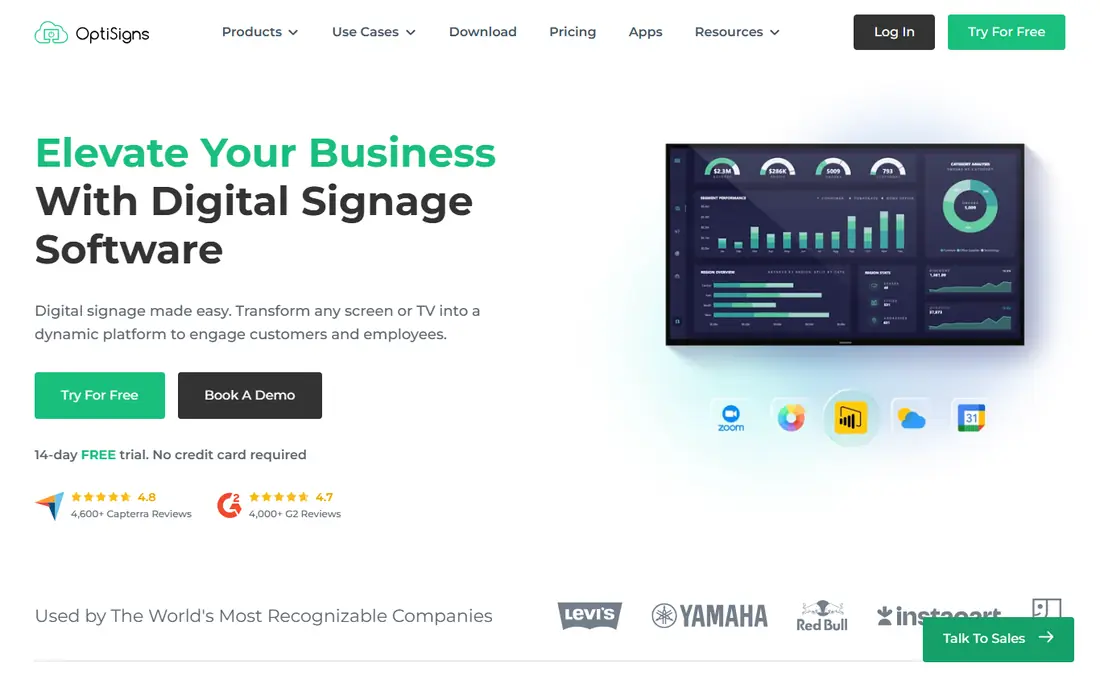
OptiSigns suits offices, cafes and restaurants that want to build screens fast without design skills. The drag-and-drop editor, templates and app integrations cover menus, announcements, social feeds and dashboards. Paid plans start at $10 per screen per month for Standard, with Pro Plus, Engage and Enterprise tiers above it.
The free tier covers up to three screens but shows vendor branding on screen, which may not suit a customer-facing storefront. Add-ons also bill per screen, so a large estate can grow quickly in cost. For a small team that values support and a wide app library, OptiSigns is a strong second pick after Yodeck.
- Free for up to three screens with branding
- Large app and template library
- Helpful support for small teams
- Free tier shows OptiSigns branding
- Add-ons bill per screen
- Higher tiers rise to $30 and $45 per screen
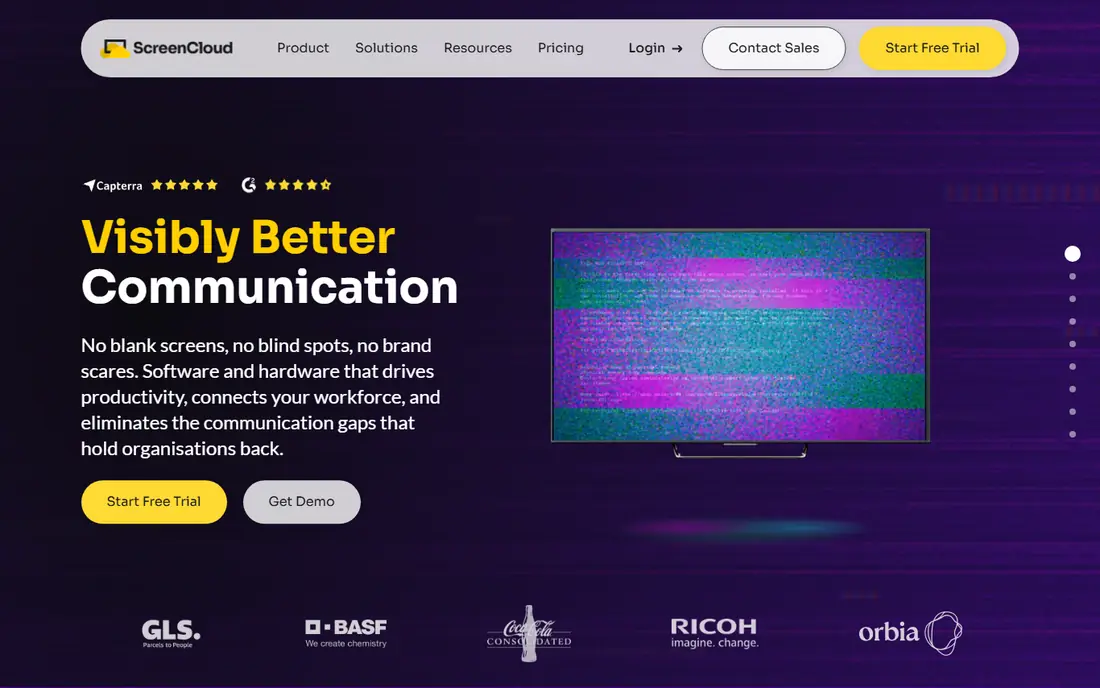
ScreenCloud is built for companies that run signage across many sites and need central control. Core starts at $20 per screen per month billed annually, with Pro at $30 and a five-screen minimum, and monthly billing costs more. The platform covers internal communications, dashboards, apps and screen groups with permissions for different locations.
That control comes at a price that small single-site firms may not need. There is a trial, but no permanent free tier, so budget the full per-screen cost from the start. If you run a franchise or a corporate estate and need consistent content across sites, ScreenCloud justifies its higher rate.
- Strong for internal communications and multi-location control
- Dashboard and app integrations
- Enterprise controls
- Higher starting price than budget rivals
- Pro tier has a five-screen minimum
- No permanent free tier
TelemetryTV stands out for operations teams that need live numbers on a wall, not just slides. It connects to data sources, builds dashboards and mixes them with announcements and media, all managed from the cloud. Pricing starts at $8 per device per month, which keeps a dashboard estate affordable.
The platform is less of a pure menu-board tool, so restaurants wanting dayparted menus may prefer OptiSigns or Yodeck. Higher tiers add features and cost, and there is no permanent free tier, only a trial. Test your data connections during the trial, since dashboard value depends on live feeds working reliably.
- Strong live data and dashboard apps
- Low starting device rate
- Good for operations walls
- Less focused on simple menu boards
- Higher tiers cost more
- Trial only, no free tier
Rise Vision has a long history in schools, where signage must carry announcements, schedules and emergency alerts from one dashboard. Templates and scheduling suit classrooms, hallways and campuses, and central management helps a small IT team run many displays. Education discounts may apply, so schools should ask directly.
Pricing for Rise Vision is listed in different ranges across guides, so we show See website rather than lock in a rate that may not match your plan. Retail firms may find other tools better for menu boards and promotions. For schools and nonprofits, Rise Vision remains a practical, education-aware pick.
- Strong for schools and emergency alerts
- Template library for education and nonprofits
- Central management
- Pricing varies and is best confirmed by quote
- Less suited to retail menu boards
- Trial only for most buyers
NoviSign suits businesses that need touchscreens, kiosks or interactive directories, not just passive slides. Its editor supports touch zones, forms and interactive widgets, and recent versions add AI-assisted content help for non-designers. Business plans start at $14 per screen per month billed annually, with Business Plus and Premium tiers above that.
For a simple slideshow estate, NoviSign costs more than budget rivals without adding value. For a lobby kiosk, a wayfinding screen or a self-service display, the interactive tools justify the rate. Use the 30-day trial to test touch response on your actual hardware before you commit.
- Drag-and-drop editor with touch and kiosk support
- AI-assisted content help
- Good for interactive displays
- Higher starting rate than Yodeck or OptiSigns
- Annual billing for the lowest rate
- No permanent free tier
PosterBooking appeals to small shops that want signage without a monthly bill at first. Its free offer covers up to 10 screens for an initial period, with a watermark in some versions, and paid plans start from $52 per month for 10 screens in current guides. Setup is simple, which suits a cafe or salon owner with no IT team.
The free tier is a trial-style offer rather than a permanent free plan for every case, so read the current terms on the vendor site. Enterprise controls and integrations are thinner than ScreenCloud or TelemetryTV. For a small estate on a tight budget, PosterBooking is still worth testing first.
- Free tier for small estates
- Simple setup for shops and cafes
- Low paid entry for larger estates
- Free offer has time and watermark limits in some guides
- Fewer enterprise controls
- Paid plans rise with screen count
Xibo is the pick for IT-led teams that want full control and no per-screen licence. The open-source version is free when you self-host it, and it covers layouts, scheduling, datasets and player management. That model suits councils, schools and firms with in-house IT and strict data rules.
Self-hosting is also the catch. You run updates, backups and security, and you need a server and player hardware. Xibo Cloud removes that burden from $4.90 per display per month in current guides, but that is a separate paid product. Choose self-hosted Xibo only if your team can own the server.
- Open source and free when self-hosted
- No per-screen licence for self-hosted use
- Strong scheduling and layout tools
- You host and maintain the server
- Setup needs IT skill
- Hosted cloud version is paid
Play Digital Signage keeps the promise simple: a cloud dashboard, a low per-screen rate and a free first screen. Pricing starts at $8 per screen per month, which matches Yodeck at the entry level. Lean teams that want slides, images and videos without a large platform will find it easy to learn.
The trade-off is depth. The app range and enterprise controls are thinner than ScreenCloud or OptiSigns, and large multi-site estates may outgrow it. For a single shop, office or clinic with a handful of screens, that simplicity is a benefit, not a flaw. Test the player app on your TV hardware during the free period.
- Simple cloud dashboard
- First screen free
- Low starting rate for small estates
- Smaller app range than OptiSigns
- Fewer enterprise features
- Support and scale limits for large estates
How we picked these
We compared vendor pricing pages and current signage pricing guides for cloud platforms that are still sold in 2026. We favoured a mix of budget, mid-range and enterprise tools, plus one open-source option, and we kept prices as published per-screen rates where available. Where pricing varied across guides, we wrote See website rather than present a disputed rate as fact.
How to cost a signage estate honestly
Multiply the per-screen rate by your screen count and by 12, then add player hardware, mounts, installation and content time. A $8 rate looks cheap for one screen and costs $960 a year for 10 screens, before hardware. Also check contract terms, since annual billing lowers the monthly rate but locks you in for a year.
Test before you scale
Run one screen for two weeks on your real hardware and network. Check offline playback when the internet drops, scheduling across time zones, and how fast a content change reaches the screen. Confirm who can publish, who approves content, and how you prove a promotion actually played.
Frequently asked questions
How much does cloud signage software cost?
Published cloud rates in 2026 run from free tiers for one to three screens up to $20 or more per screen per month for enterprise tools. Budget $8 to $14 per screen per month for most small and mid-size estates, plus player hardware.
Do I need special hardware for digital signage?
Not always. Many platforms run on a smart TV app, a media stick or a small computer such as a Raspberry Pi. Dedicated players cost more but tend to be more reliable for estates that run all day.
What is the best free signage software?
Yodeck is free for one screen, OptiSigns is free for up to three screens with branding, and Xibo is free when self-hosted. Each free tier has limits, so match the tier to your screen count and branding needs.
Can cloud signage work if the internet drops?
Many players cache content and keep playing during a short outage, but live data feeds will stop updating. Check the offline cache length and behaviour for your chosen player before you rely on it in a storefront.
Is cloud signage better than a USB stick slideshow?
For one screen that rarely changes, a USB slideshow may be enough. Cloud signage wins when content changes often, screens sit in several places, or you need scheduling, remote updates and proof that content played.
Sources
See where you really rank - block by block
ProMapRanker scans Google Maps across a grid of your service area. Simple monthly plans from $19, white-label on every plan.
Start freeKeep reading
 worlds best local seo company
8 Worlds Best Local SEO Companies for Map Pack Growth in 2026
Compare the worlds best local seo company options for Google Business Profile work, citations, reviews, and multi-location rankings and reporting in 2026.
Read → world's best web hosting company
World's Best Web Hosting Company in 2026
Searching for the world's best web hosting company? We compared 10 hosts on price, renewal rates, speed, and support to help you choose well today in 2026.
Read → who's got the best nanny tax services
Who's Got the Best Nanny Tax Services in 2026
We answer who's got the best nanny tax services, comparing full filing, back taxes, software, and pricing so families can handle nanny taxes correctly.
Read →