 ProMapRanker
Best Cloud-Based CRM for the Service Industry in 2026


Enterprise service operations · Pricing starts at: $25 per user per month
Key takeaways
- Service industry CRM means more than contacts: it covers jobs, scheduling, dispatch, quotes, invoices and customer history.
- Field-service CRMs suit trades and home services, while general CRMs suit agencies, consultancies and multi-service firms.
- Jobber and Housecall Pro fit small field teams, while ServiceTitan fits larger multi-technician operations.
- Price the full stack, including seats, dispatch, payments and marketing add-ons, not just the entry plan.
- A free plan helps a solo operator start, but check user limits and feature limits before you grow on it.
Quick comparison
| Pick | Great for | Pricing starts at | Free tier | |
|---|---|---|---|---|
| Salesforce | Enterprise service operations | $25 per user per month | Free trial | Visit |
 HubSpot CRM | Small teams starting free | Free | Yes | Visit |
 Zoho CRM | Budget general CRM | See website | Free trial | Visit |
 Jobber | Small field-service teams | $29 per month | Free trial | Visit |
 ServiceTitan | Large field-service operations | See website | No | Visit |
 Housecall Pro | Home service teams | $59 per month | Free trial | Visit |
 Freshsales | Sales-led service teams | See website | Free trial | Visit |
The best cloud-based crm for service industry
A cloud-based CRM for the service industry keeps customer records, jobs, appointments, quotes and payments in one online system that office staff and field staff can both use. The right choice depends on your trade: a plumbing or HVAC firm needs dispatch and job history, while a consulting or cleaning firm may need pipelines, contracts and recurring bookings. The tools below mix field-service platforms with general CRMs that service firms actually use.
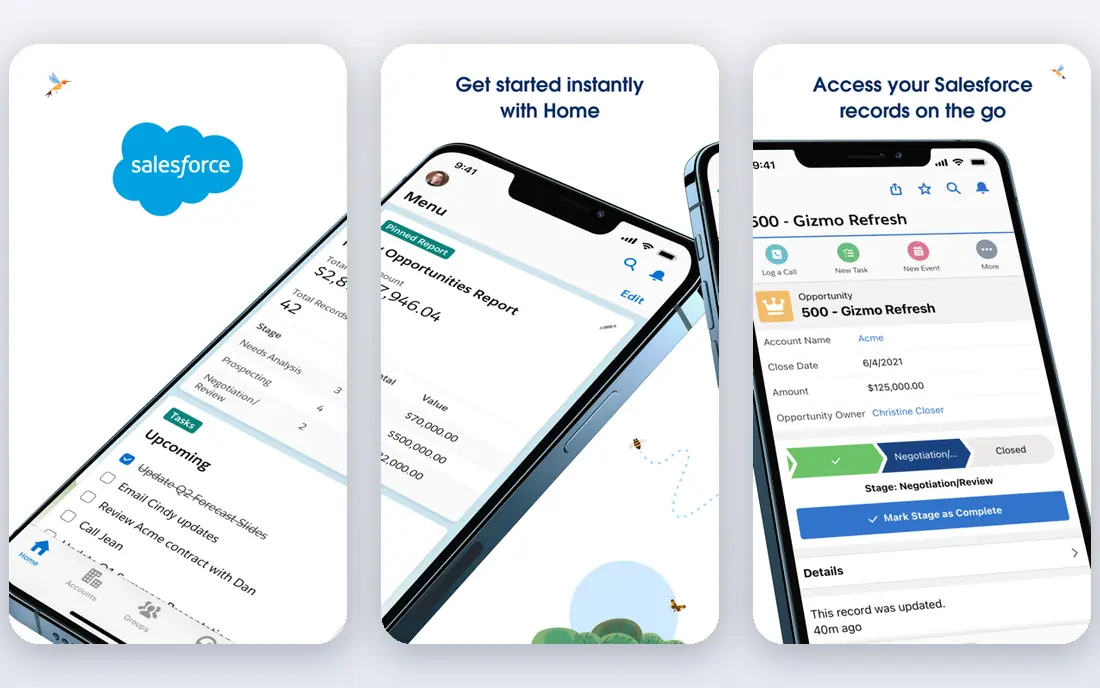
Salesforce is the enterprise option for service firms that need deep customer records, automation and reporting across sales and service. Its CRM tracks leads, accounts, cases and jobs, while Field Service options add scheduling and dispatch for field teams. Large service firms with several branches or complex pricing gain from that depth.
The cost is setup as much as licences. Salesforce Starter starts at $25 per user per month in the pricing we found, but implementation, admin time and add-ons raise the real total. Small firms with a handful of staff will find it heavy. Salesforce fits larger service firms that already have, or plan to hire, CRM administration.
- Deep CRM, automation and reporting
- Field Service options for dispatch
- Wide integration options
- Setup and admin effort is high
- Total cost rises with add-ons
- Heavy for very small teams
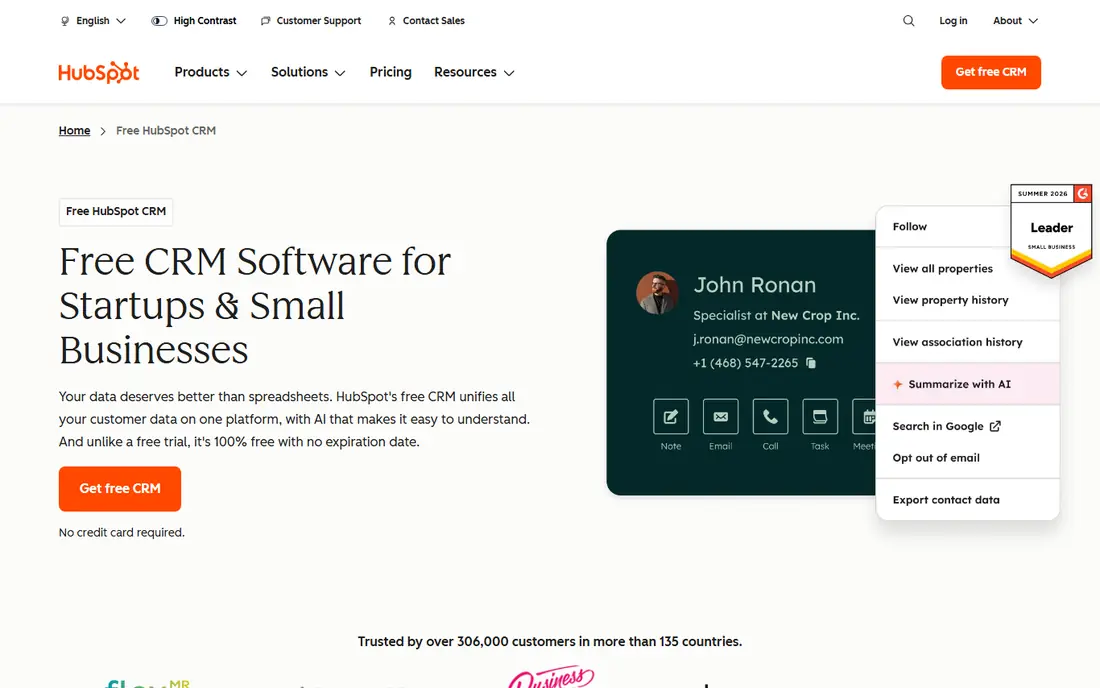
HubSpot CRM is a sensible start for service firms that mainly need contacts, deals, tickets and follow-up in one place. The free plan covers contact management, pipelines, live chat and basic ticketing, which is enough for a solo operator or a small agency to replace spreadsheets. Paid plans add automation, quotes, reporting and service tools.
HubSpot is not a full field-service dispatch system, so trades firms that need technician tracking and job costing may need another tool or an integration. Check whether your scheduling and invoicing needs are covered before committing. HubSpot fits service firms that sell and support through a pipeline, rather than through heavy field dispatch.
- Free CRM to start
- Pipelines, tickets and email tools included
- Easy to learn for small teams
- Field dispatch depth is limited
- Advanced automation sits on paid plans
- Per-seat costs grow with team size
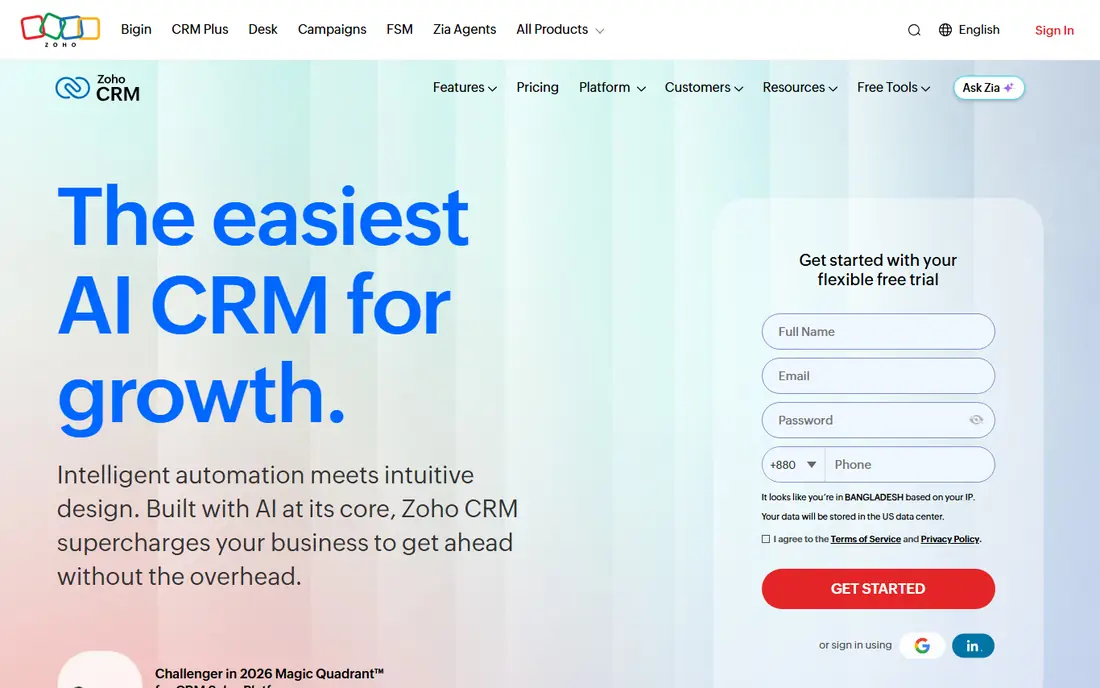
Zoho CRM gives service firms a broad general CRM at a price below Salesforce, with leads, contacts, deals, automation and reporting. Its workflow rules can handle follow-ups, task assignment and customer notifications, which covers much of what a service firm needs day to day. Integration with other Zoho apps, including books, desk and projects, extends it further.
Zoho CRM alone is not a dispatch system, so field-service firms should check which Zoho apps cover scheduling, jobs and invoicing. Pricing varies by edition, so we list it as quoted here. Zoho fits budget-conscious service firms that want a general CRM and are happy to build their stack inside Zoho.
- Broad CRM features at a lower price point
- Automation and workflow tools
- Wide Zoho app integration
- Interface takes time to learn
- Field-service depth needs other Zoho apps
- Pricing varies by edition
Jobber is built for home service and field service businesses, and it shows in the workflow: client records, quotes, jobs, scheduling, invoicing and payments sit in one flow. Its entry plan starts at $29 per month on annual billing in the pricing we found, with higher plans adding automation, marketing and AI tools. Small teams often pick Jobber for its clean interface and quick setup.
Larger firms may find Jobber lighter than ServiceTitan for complex dispatch, pricebooks and reporting. Marketing, pipeline and AI receptionist features also sit at the top end, so price the plan that actually covers your needs. Jobber fits small to mid-sized field teams that want one simple system for the whole job cycle.
- Built for home and field services
- Quotes, scheduling, invoicing and payments in one place
- Clean interface
- Marketing and pipeline depth sits on higher plans
- Per-user costs add up
- Larger firms may need more depth
ServiceTitan is the enterprise field-service platform for larger trades firms, with dispatch, scheduling, technician tracking, pricebooks, invoicing and reporting built for multi-technician operations. Its depth in job costing, call booking and marketing helps firms that run high volumes across several trades or branches. That is why it appears in so many contractor shortlists.
Pricing is quoted per technician, and implementation is a substantial project with training and setup work. A solo operator or a two-person firm will find it costly and heavy. ServiceTitan fits established contractors with the volume, staff and budget to use its full depth, and it rewards firms that commit to its workflow.
- Deep dispatch, pricebook and reporting
- Marketing and call tools
- Built for multi-technician trades firms
- Quoted per-technician pricing
- Implementation is a major project
- Too heavy and costly for solo operators
Housecall Pro is a friendly field-service CRM for home service teams, covering online booking, scheduling, dispatch, estimates, invoicing and payments. Its entry plan starts at $59 per month in the pricing we found, with higher plans adding marketing, automation and more users. Solo operators and small teams often pick it for fast setup and a clear mobile app for technicians.
User limits and growth features are the watch points. Some marketing and automation tools need higher plans or add-ons, and the monthly cost rises as the team grows. Housecall Pro fits small home service firms that want a quick, approachable system, and it is less suited to large multi-branch operations.
- Friendly setup for home services
- Online booking, dispatch and payments
- Consumer financing options
- User limits on lower plans
- Growth tools need higher plans or add-ons
- Price rises with team size
Freshsales, by Freshworks, suits service firms that win work through a sales pipeline, such as agencies, consultancies, cleaning firms and B2B service providers. It offers contact and deal management, built-in phone and email, AI insights and automation, with a free trial to test the fit. Teams that track leads closely and follow up in stages gain the most from it.
Freshsales is not a field dispatch system, so trades firms should check how jobs, scheduling and technician tracking would work, possibly with another Freshworks tool. Pricing varies by edition, so we list it as quoted here. Freshsales fits sales-led service firms that need a strong pipeline more than a dispatch board.
- Strong sales pipelines and AI insights
- Built-in phone and email
- Freshworks integration options
- Field dispatch depth is limited
- Pricing varies by edition
- Service features need checking against your jobs workflow
How we picked these
We compared official feature pages, pricing pages, app store listings and public reviews for cloud CRMs used by service firms in October 2026. We focused on customer records, job and appointment handling, scheduling and dispatch, quotes, invoicing and payments, plus mobile access for field staff. We favoured tools with published pricing where possible, and we noted where pricing is quoted or varies by edition. We did not claim hands-on testing, and we did not invent prices or ratings.
How to choose a service industry CRM
Start with your job flow, not a feature list. Write down how a job moves from enquiry to quote, booking, completion, invoice and follow-up, and check each tool against that flow. A trades firm should test dispatch, technician mobile access and job history, while an agency should test pipelines, contracts and recurring work. If a tool cannot handle your core flow without workarounds, it is the wrong tool even if it looks good elsewhere.
Next, price the whole team for a year, including seats, dispatch, payments, marketing and any onboarding fees. Test the mobile app with a real technician or field worker, since office demos hide field problems. Finally, import a small set of real customer records and run a trial job end to end before migrating your full customer list. A clean trial saves a painful migration later.
Frequently asked questions
What is a cloud-based CRM for the service industry?
It is an online system that stores customer records, jobs, appointments, quotes, invoices and communication history in one place. Office and field staff access the same data from browsers and mobile apps. Cloud hosting means no local server to maintain, and updates arrive from the vendor.
Should a trades firm use a general CRM or a field-service CRM?
A field-service CRM usually fits trades firms better, since it covers dispatch, job history, quotes and technician tracking. A general CRM fits agencies and consultancies that mainly need pipelines and contracts. Some firms use a general CRM plus a separate scheduling tool, but that adds integration work.
Can a solo operator use a service CRM for free?
Yes, HubSpot CRM has a free plan, and several other tools offer free trials. Check user limits, job limits and which features are actually included, since free plans often exclude automation, dispatch or reporting. A free start is useful, but plan for the paid cost as you grow.
How much does a service CRM cost?
Costs range from free for basic CRM use to quoted per-technician pricing for enterprise field-service platforms. Small field teams often pay tens to hundreds of dollars per month, while larger firms pay far more with add-ons. Price seats, add-ons and payment processing together.
Do service CRMs handle payments and invoicing?
Many field-service CRMs do, including Jobber, Housecall Pro and ServiceTitan, with estimates, invoices and card payments in the same workflow. General CRMs may need an accounting integration for invoicing. Check payment fees and payout timing, since those vary by vendor.
How long does it take to switch to a new service CRM?
A small team can migrate in days to weeks, while a larger firm with many customers, jobs and pricebooks may need weeks to months. Import a test set first, train field staff on the mobile app, and run old and new systems in parallel for a short period if possible.
Sources
See where you really rank - block by block
ProMapRanker scans Google Maps across a grid of your service area. Simple monthly plans from $19, white-label on every plan.
Start freeKeep reading
 worlds best local seo company
8 Worlds Best Local SEO Companies for Map Pack Growth in 2026
Compare the worlds best local seo company options for Google Business Profile work, citations, reviews, and multi-location rankings and reporting in 2026.
Read → world's best web hosting company
World's Best Web Hosting Company in 2026
Searching for the world's best web hosting company? We compared 10 hosts on price, renewal rates, speed, and support to help you choose well today in 2026.
Read → who's got the best nanny tax services
Who's Got the Best Nanny Tax Services in 2026
We answer who's got the best nanny tax services, comparing full filing, back taxes, software, and pricing so families can handle nanny taxes correctly.
Read →