 ProMapRanker
Best Cloud-Based Accounting Automation Software in 2026


US small businesses · Pricing starts at: $38 per month
Key takeaways
- QuickBooks Online and Xero remain the safest defaults, because accountants and banks already work with both.
- Bank feeds, invoice reminders, and recurring bills do most of the daily saving, so test those three workflows first.
- Wave and Zoho Books keep costs low for small teams, while NetSuite suits larger firms with several entities.
- No software alone makes books compliant, so keep a qualified accountant involved at year end.
Quick comparison
| Pick | Great for | Pricing starts at | Free tier | |
|---|---|---|---|---|
| QuickBooks Online | US small businesses | $38 per month | Free trial | Visit |
 Xero | Growing teams with unlimited users | $25 per month | Free trial | Visit |
 FreshBooks | Service businesses that invoice by project | See website | Free trial | Visit |
 Zoho Books | Budget-conscious small businesses | See website | Yes | Visit |
 Wave | Solo owners who need free core accounting | Free | Yes | Visit |
 Sage Accounting | Product sellers and multi-currency work | See website | Free trial | Visit |
 Oracle NetSuite | Larger firms needing full ERP accounting | See website | No | Visit |
 FreeAgent | Freelancers and small firms | See website | Free trial | Visit |
The best cloud-based accounting automation software
We compared cloud accounting tools on bank feeds, invoicing, bill handling, reporting, and the cost of adding users. This is general information only, not tax or accounting advice, and software alone does not make books compliant.
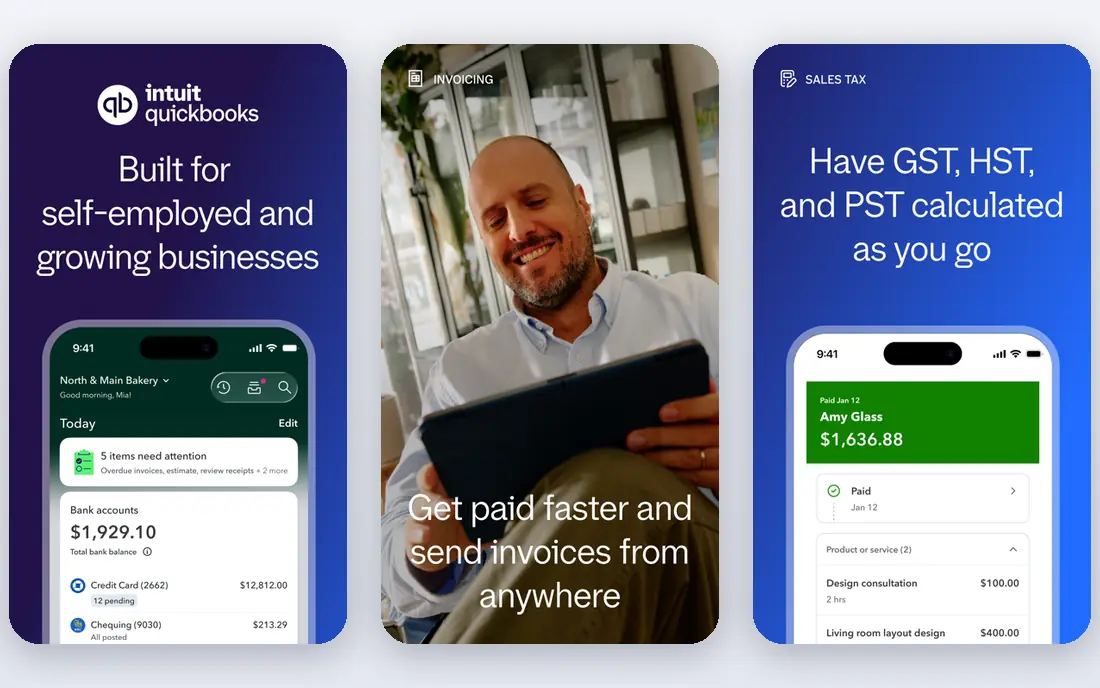
QuickBooks Online is the default choice for many US small businesses, and that familiarity is a practical benefit. Most accountants know it, many banks connect to it, and a large set of apps integrates with it. Bank transactions can be matched to categories, invoices can be sent with payment links, and recurring bills reduce repeated data entry.
The catch is the price curve as a team grows. Entry plans limit users, so a business that adds staff may need a higher plan sooner than expected. Payroll is an add-on rather than part of the core price. If your accountant already uses QuickBooks, that alone can justify the cost, but check user limits before you commit.
- Wide accountant support
- Strong bank feeds and invoicing
- Payroll and inventory options on higher plans
- Per-user pricing adds up
- Higher plans cost much more than entry plans
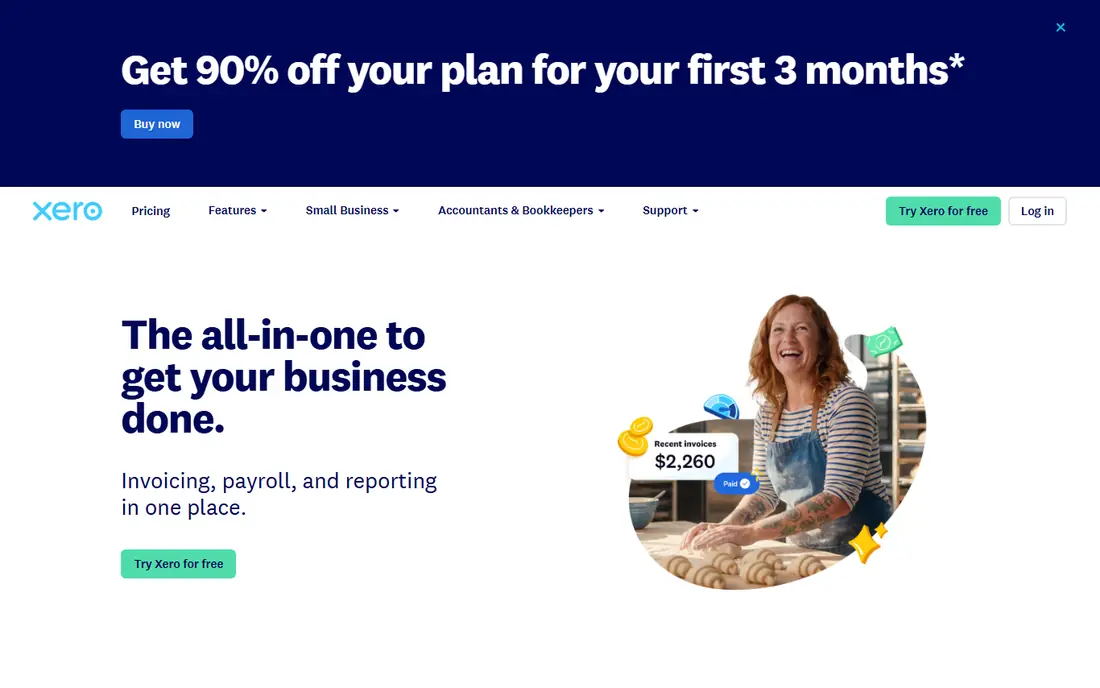
Xero stands out for teams that need several people in the books without paying per seat. Its bank reconciliation is clear, with suggested matches that speed up the weekly close. Invoicing, bill capture, and reporting cover the core needs of most small firms, and multi-currency support sits on the top small business plan.
US payroll is the main gap, since it relies on an integration such as Gusto rather than a built-in service. The entry plan also caps monthly invoices and bills, so growing firms should price the middle plan. For a team that values shared access and tidy reconciliation, Xero is a strong pick.
- Unlimited users on every plan
- Clean bank reconciliation
- Strong app ecosystem
- Payroll in the US needs a partner app
- Entry plan limits invoices and bills
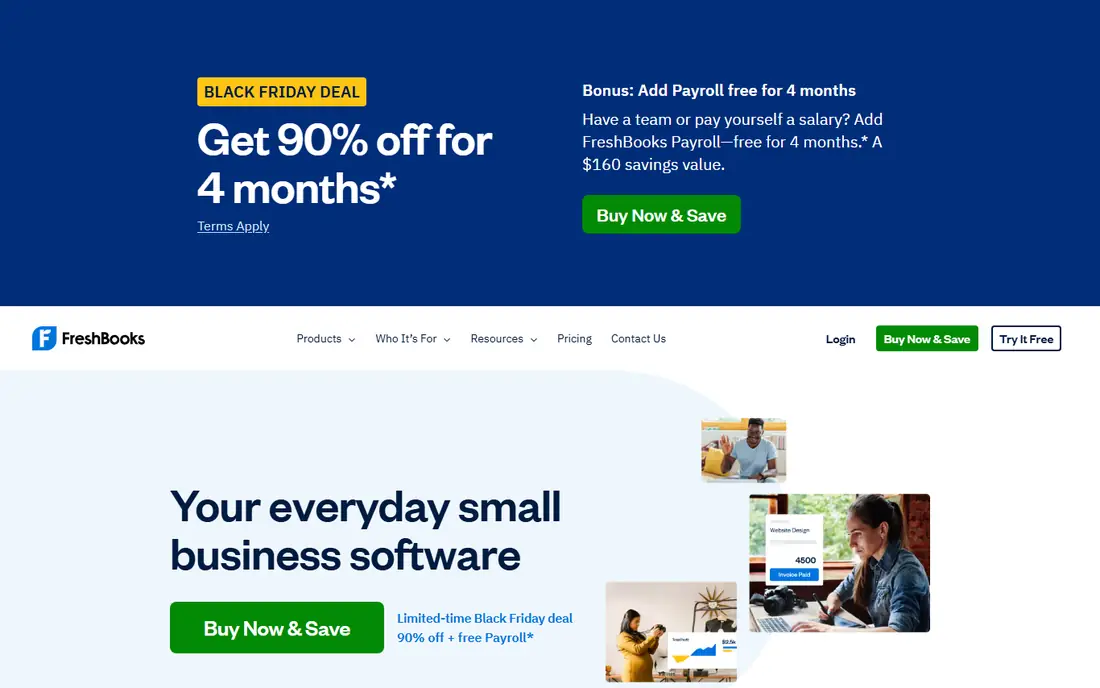
FreshBooks is built around getting paid for services, and that focus shows in its invoicing. Time can be tracked against a project, expenses can be attached, and an invoice can be sent from the same record. Clients get a portal where they can view invoices and pay, which cuts down on chasing messages.
It is less suited to a business that lives on stock control or complex inventory. Lower plans also limit the number of billable clients, so an agency with many clients should check that limit first. For freelancers and service firms, the clean billing flow is the reason to choose it.
- Polished invoicing and time tracking
- Simple client portal
- Easy expense capture
- Client limits on lower plans
- Inventory support is limited
Zoho Books gives small firms a lot of automation for the money. Recurring invoices, payment reminders, bank feeds, and client portals are included in a tidy package. Businesses already using Zoho CRM or Zoho Inventory get extra value from the shared data, since contacts and items do not need to be entered twice.
The trade-off is ecosystem fit. If your accountant or your other tools revolve around QuickBooks or Xero, Zoho may need more explaining at tax time. The free plan also has limits on users and transactions, so it suits very small firms best. For a price-sensitive owner who wants automation without a large monthly bill, it is hard to beat.
- Good automation at a low price
- Free plan for eligible small businesses
- Works well with other Zoho apps
- Accountant familiarity varies by region
- Some advanced features sit on higher plans
Wave is the honest low-cost starter in this list. Its core accounting, invoicing, and receipt capture cost nothing, which makes it a good first step for a solo owner or a new side business. Setup is quick, and the interface keeps the basics visible rather than burying them in menus.
Paid services sit around that free core. Payment processing and payroll carry fees, and reporting is simpler than in tools built for larger firms. A business that outgrows Wave will eventually need a paid platform with deeper inventory or multi-entity support. Until then, it keeps the books in order at no monthly cost.
- Core accounting and invoicing are free
- Simple setup
- Payment processing available as a paid add-on
- No built-in payroll in the core free plan
- Fewer advanced reporting options
Sage Accounting suits small firms that sell products and deal with customers in more than one currency. Invoicing, quotes, bank reconciliation, and basic stock tracking cover the day-to-day work. The higher plan adds multi-currency handling, which matters for firms that buy or sell abroad.
In the US, Sage does not enjoy the same accountant network as QuickBooks, so ask your accountant before switching. Some screens also feel older than newer rivals. For a product business that wants dependable accounting with currency support, Sage remains a solid option.
- Solid invoicing and stock basics
- Multi-currency on higher plans
- Long track record in accounting
- Interface feels dated in places
- US accountant support is thinner than QuickBooks
NetSuite is a step beyond small business accounting. It combines the general ledger with inventory, order management, CRM, and procurement, so a growing firm can run more of the business in one system. Multi-entity consolidation and multi-currency reporting suit firms with subsidiaries or international sales.
That depth comes with cost and effort. Pricing is quoted, implementation is a project rather than an afternoon setup, and smaller firms may find it heavier than they need. Choose NetSuite when separate tools and spreadsheets are slowing the finance team, not when a simple ledger would do.
- Full financial management with inventory and CRM
- Multi-entity and multi-currency support
- Strong reporting
- Quote-based pricing
- Implementation takes time and often needs a partner
FreeAgent is aimed at freelancers, contractors, and small firms that want the numbers explained in plain terms. Its dashboard shows cash flow, outstanding invoices, and tax estimates in one view. Time tracking, expenses, and invoicing sit together, so a solo professional can run the business side without several apps.
It is not built for large companies with complex consolidation or deep inventory needs. Its strongest accountant network is in the UK, so US buyers should check local support first. For a small firm that wants clarity over complexity, FreeAgent is a friendly choice.
- Clear dashboard for cash flow and tax estimates
- Time tracking and invoicing included
- Simple bank feeds
- Less suited to large or complex firms
- US support is narrower than UK support
How we picked these
We compared official feature pages, pricing pages, and app store listings, and weighed bank feeds, invoicing, bill automation, reporting, user limits, and integration depth. We favoured tools that exist and work today, with current pricing or a clear quote model, and we left out tools whose core accounting was discontinued or unverifiable.
Choosing the right accounting automation tool
Start with the work you actually do each week. If most time goes on invoicing and chasing payment, pick the tool with the best invoice reminders and client portal. If bank reconciliation eats your time, prioritise matching quality and bank coverage. A short trial with real transactions tells you more than a feature list.
Check user limits, payroll needs, and accountant fit before paying for a year. A cheap plan that charges per user can cost more than a pricier plan with unlimited users once staff are added. Ask your accountant which format they prefer for year-end reports, and confirm that your bank, payment provider, and shop system connect cleanly.
Set up rules for recurring transactions, review the books weekly, and keep receipts attached to expenses. Automation saves time only when the categories are right, so spend an hour setting up the chart of accounts and tax settings at the start. Revisit the plan each year as headcount and transaction volume change.
Frequently asked questions
What is cloud-based accounting automation?
It is accounting software run online that imports bank transactions, sends invoices, reminds customers to pay, and posts recurring bills with less manual entry. You log in from a browser or app, and your accountant can view the same books with permission.
Is cloud accounting software safe?
Reputable vendors use encryption, access controls, and backups, but you still need strong passwords, two-factor sign-in, and limited user permissions. Review who can view, edit, and export financial data, and keep an offline copy of key reports.
Can accounting software replace an accountant?
No. Software records and organises transactions, while an accountant advises on tax, compliance, and judgement calls. This article is general information only, not tax or accounting advice, so talk to a qualified professional about your situation.
How much should a small business pay?
A solo owner can start free with Wave or a low-cost Zoho Books plan, while most small teams pay a monthly subscription in the range shown above. Add payroll, payment fees, and user costs to the headline price before comparing plans.
What should I check in a free trial?
Connect your bank, send a test invoice, record a bill, and run a profit and loss report. If any of those steps feels awkward, try another tool, since you will repeat those tasks every week.
Sources
See where you really rank - block by block
ProMapRanker scans Google Maps across a grid of your service area. Simple monthly plans from $19, white-label on every plan.
Start freeKeep reading
 what’s the best risk software for enterprises
What Is the Best Risk Software for Enterprises in 2026
We compared what’s the best risk software for enterprises on risk registers, controls, third-party risk, and reporting, with pricing notes for large teams.
Read → what's the best pam software for enterprises
What is the Best PAM Software for Enterprises in 2026
Find what's the best pam software for enterprises, with vaulting, session recording, just in time access and pricing compared for large enterprise IT teams.
Read → what’s the best grc software
What Is the Best GRC Software in 2026
We compared what’s the best grc software on risk, compliance, audit and vendor risk, so teams can pick a platform that fits their frameworks and budget.
Read →