 ProMapRanker
Best Cloud Backup Service for Small Business in 2026


Laptop-only teams wanting simplicity · Pricing starts at: $99 per computer per year
Key takeaways
- Per-computer pricing suits laptop-only teams, while storage-based pricing suits teams with servers or large datasets.
- Sync is not backup, since a deleted or encrypted file can sync everywhere, while versioned backup keeps earlier copies.
- Test a restore before you need one, including a large file and a full machine, not just a single document.
- Backup software alone does not make an organisation compliant, so check HIPAA, SOC 2, and other requirements separately.
Quick comparison
| Pick | Great for | Pricing starts at | Free tier | |
|---|---|---|---|---|
| Backblaze Business Backup | Laptop-only teams wanting simplicity | $99 per computer per year | No | Visit |
 IDrive Business | Teams with servers and many devices | See website | No | Visit |
 Carbonite Safe | Teams wanting set-and-forget backup | See website | No | Visit |
 Acronis Cyber Protect | Teams wanting backup plus endpoint security | See website | No | Visit |
 CrashPlan | Small teams wanting per-user pricing | $8 per user per month | No | Visit |
 Druva | Teams needing SaaS and endpoint backup | See website | No | Visit |
 Veeam Data Platform | Teams with virtual machines and servers | See website | No | Visit |
 MSP360 Backup | Teams wanting flexible cloud storage choice | See website | No | Visit |
 Spanning Backup | Teams needing Google Workspace or Microsoft 365 backup | See website | No | Visit |
The best cloud backup services for small business
We compared cloud backup services for small businesses on pricing model, server support, version history, restore options, and admin controls. Backup software alone does not make an organisation compliant where relevant, so treat compliance claims as a starting point and confirm requirements with your own advisers.
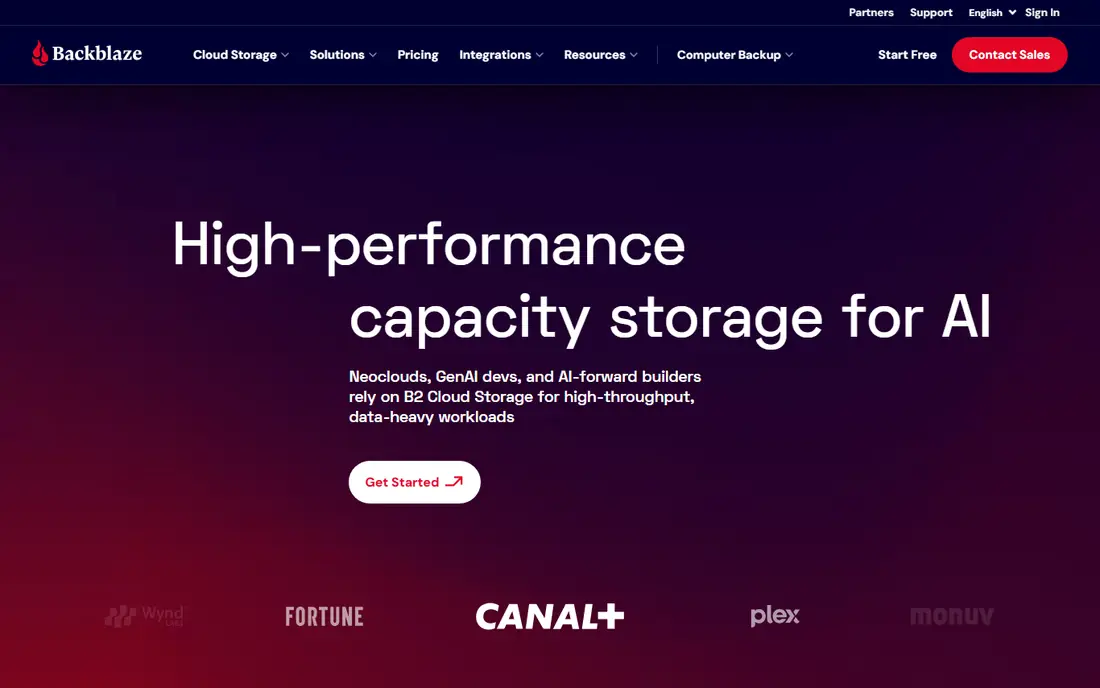
For buyers who want a clear starting point, Backblaze Business Backup is the simplest pick for teams that mainly need to protect employee laptops. Business Backup is listed at $99 per computer per year with unlimited storage, which makes budgeting predictable. Setup is close to install and forget, with a one-year version history for changed files.
The catch is that one licence covers one computer, so a growing team pays per device, and server cover needs a different plan Count devices, not just staff, before comparing Backblaze with storage-based rivals. Check the current price and terms on the official site before you commit, since plans and limits change.
- Unlimited storage per computer
- Simple setup
- One-year version history
- Restore by mail option
- One licence covers one computer
- Server backup costs extra
- No mobile backup
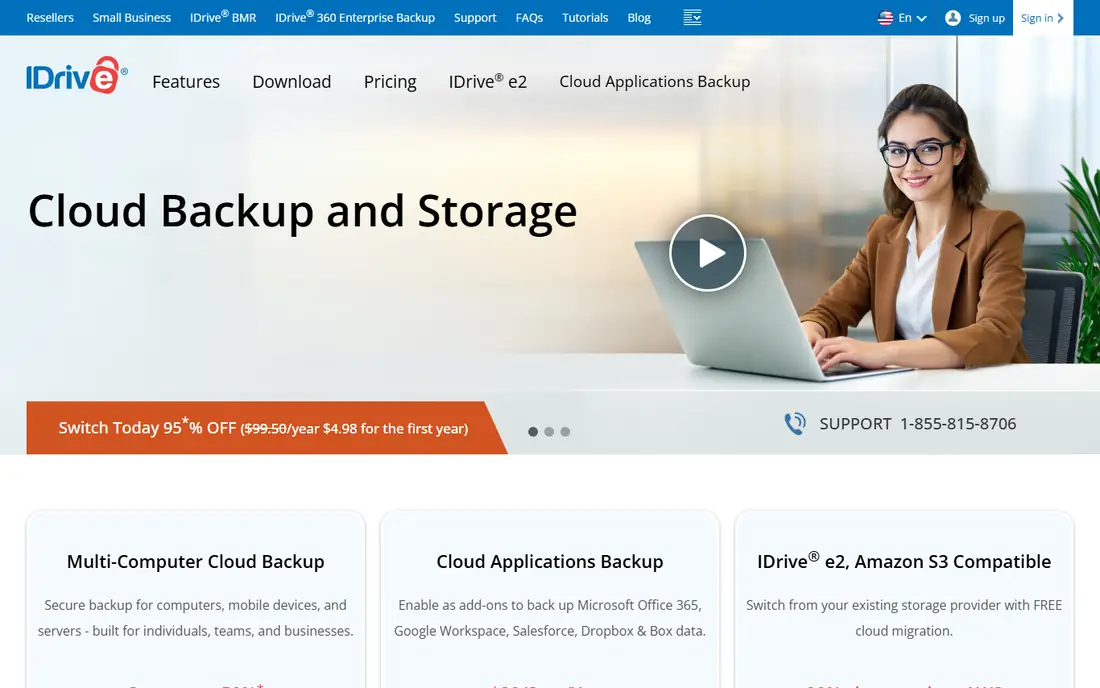
If cost control matters more than extra features, IDrive Business suits teams that have outgrown personal backup and need servers covered too. Its business plans cover unlimited devices under one storage pool, with server backup for SQL, Exchange, and file shares. A central console lets admins add and remove devices, which matters once staff turnover begins.
The catch is that storage is capped by tier, and moving to a larger tier can raise the bill sharply Forecast next year data growth before choosing a tier, not just this year usage. Check the current price and terms on the official site before you commit, since plans and limits change.
- Unlimited devices on one storage plan
- Server backup included
- Central admin console
- Shipped-drive restore
- Storage caps apply
- Interface feels dated
- Tier jumps can be uneven
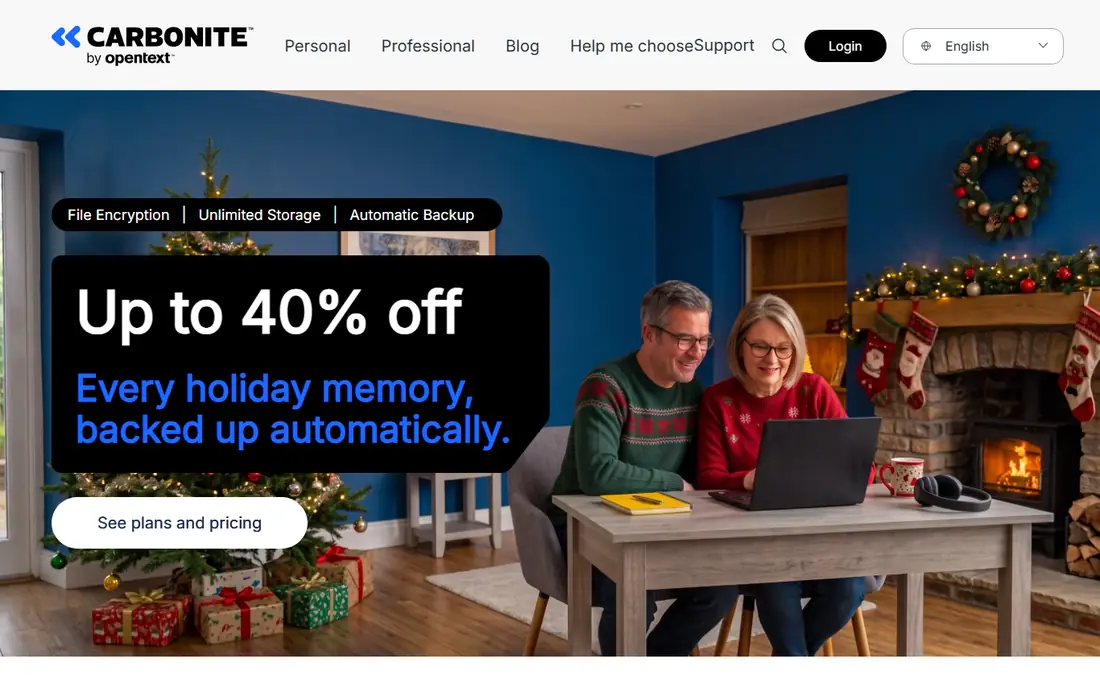
Teams with a tight deadline should look closely at Carbonite Safe is a long-established option for teams that want automatic backup without daily attention. Its Safe plans back up computers automatically, with external drive backup on suitable plans. That set-and-forget style suits small offices without dedicated IT staff.
The catch is that restore speeds have drawn criticism in some reviews, which matters during a real incident Test a restore early, so slow recovery does not surprise you later. Check the current price and terms on the official site before you commit, since plans and limits change.
- Automatic unlimited backup for one computer on some plans
- External drive backup
- Long-established brand
- Restore speeds criticised in some reviews
- Higher tiers needed for fuller features
Buyers who already use a related platform will find Acronis Cyber Protect combines backup with endpoint security, which suits teams that want fewer agents on each machine. Full system imaging allows a full machine restore, not just file recovery. Built-in anti-malware and ransomware protection add a layer beyond storage alone.
The catch is that setup is more involved than Backblaze or Carbonite, and pricing varies by tier Compare the total cost with separate backup and security tools before assuming a bundle saves money. Check the current price and terms on the official site before you commit, since plans and limits change.
- Full system imaging
- Backup plus anti-malware and ransomware protection in one agent
- Bare-metal recovery
- More complex setup than simple backup tools
- Cost rises with security tiers
When simplicity is the priority, CrashPlan suits small teams that prefer per-user pricing over per-device or storage tiers. Its small business pricing is reported at $8 per user per month with unlimited storage. That model is easy to forecast when each staff member has one main machine.
The catch is that scans can use noticeable system resources, which may annoy staff on older laptops Run a trial on your oldest machines, not just new ones, before rolling out. Check the current price and terms on the official site before you commit, since plans and limits change.
- Unlimited storage per user in small business plans
- Endpoint protection focus
- Simple admin
- Resource use during scans criticised
- Server backup is not its main strength
For a larger or more complex setup, Druva is a cloud-native choice for teams that also need SaaS app backup, not just laptops. It covers endpoints and cloud apps from a central console, which helps distributed teams. Ransomware recovery features focus on clean restores, not just storing copies.
The catch is that pricing is often quoted, and the platform feels more enterprise-oriented than Backblaze Get a written quote for your endpoint and SaaS counts together, not separately. Check the current price and terms on the official site before you commit, since plans and limits change.
- Cloud-native backup for endpoints and SaaS apps
- Central management
- Ransomware recovery features
- Quote-based pricing for many teams
- More enterprise-oriented than the simplest tools
Shoppers who value hands-on support should consider Veeam Data Platform is the pick for teams running virtual machines or servers that need fast recovery. Its platform supports virtual, physical, and cloud workloads with instant recovery options. Disaster recovery orchestration helps larger small businesses plan for site-level incidents.
The catch is that pricing and setup complexity exceed simple endpoint tools, so laptop-only teams gain little Use Veeam when servers or virtual machines are central, not for a handful of laptops. Check the current price and terms on the official site before you commit, since plans and limits change.
- Strong virtual machine and server backup
- Instant recovery options
- Disaster recovery orchestration
- Enterprise pricing and complexity
- Overkill for laptop-only teams
If you plan to grow quickly, MSP360 Backup suits IT-led teams that want to choose their own cloud storage behind the backup software. It works with major storage providers, so teams can pick storage by price, region, or compliance needs. Server and workstation backup sit in one management console, which helps small IT providers.
The catch is that storage bills sit on top of licence fees, so the total cost needs both parts counted Add storage and transfer costs to the licence price before comparing with all-in-one rivals. Check the current price and terms on the official site before you commit, since plans and limits change.
- Works with major cloud storage providers
- Server and workstation backup
- Central management for IT providers
- Storage costs are separate from licence fees
- Setup needs more IT knowledge
A careful buyer will note that Spanning Backup fills a gap many teams miss, since SaaS data is not always backed up by endpoint tools. It backs up Google Workspace and Microsoft 365 data daily, with point-in-time restore for mail, files, and more. That cover matters when an account is deleted or ransomware hits cloud files.
The catch is that it does not back up laptops or servers, so it must sit alongside an endpoint tool Pair Spanning with an endpoint service, and test a SaaS restore, not just a file restore. Check the current price and terms on the official site before you commit, since plans and limits change.
- Dedicated backup for Google Workspace and Microsoft 365
- Daily automated backup
- Point-in-time restore
- Does not replace endpoint backup
- Needs pairing with a laptop or server tool
How we picked these
We compared vendor pricing pages and October 2026 small business backup comparisons, checking pricing model, device and storage limits, server support, version history, restore methods, and admin controls. We used See website where pricing depends on workload, storage, or a quote.
We did not test restores ourselves, and we did not claim compliance outcomes from backup alone. Where sources disagreed on a price, we used the more conservative figure or See website, and we advise readers to confirm retention and restore terms in writing.
How to choose cloud backup for a small business
Start with an inventory. List laptops, desktops, servers, virtual machines, and SaaS apps, then note how much data each holds. A laptop-only team and a team with a file server need different tools, and buying the wrong model is the most common waste.
Then compare pricing models on your real numbers. Per-computer pricing is predictable for laptops, storage pricing suits mixed devices, and per-user pricing suits staff with one main machine. Run the maths for five, ten, and twenty devices, since the cheapest model can change as you grow.
Check version history and retention. A backup that keeps only recent copies may not help if ransomware or corruption goes unnoticed for weeks. Longer version history, immutable copies where offered, and clear retention rules matter more than raw storage size.
Finally, test restores on a schedule. Restore a single file, a folder, and, where possible, a full machine, and time each test. A backup that has never been restored is a hope, not a plan, so put restore tests on the same calendar as software updates.
Frequently asked questions
Is cloud sync the same as cloud backup?
No, sync copies changes everywhere, so a deleted or encrypted file can spread to all devices. Backup keeps versioned copies from earlier points in time, which lets you restore files before deletion or encryption.
How much should a small business pay for cloud backup?
It depends on devices, data size, servers, and retention. A laptop-only team may pay about $99 per computer per year for Backblaze Business, while storage-based or server plans vary widely, so compare total cost for your inventory.
Do I need server backup if I use Google Workspace or Microsoft 365?
Yes, if you run local servers, databases, or file shares, since SaaS backup tools do not cover those systems. Pair a SaaS backup tool with endpoint and server backup for full cover.
Does backup make my business HIPAA or SOC 2 compliant?
No, backup software alone does not make an organisation compliant. Compliance depends on access controls, agreements, policies, and audits as well, so confirm requirements with your compliance advisers.
How often should backups run?
Most small businesses benefit from continuous or daily backup, with more frequent backup for changing files. The right frequency depends on how much work you can afford to lose, known as your recovery point objective.
What is the best restore test for a small business?
Restore a single file, a folder, and a full machine or virtual machine, and time each test. A single-file test alone does not prove you can recover from a server failure or ransomware incident.
Sources
See where you really rank - block by block
ProMapRanker scans Google Maps across a grid of your service area. Simple monthly plans from $19, white-label on every plan.
Start freeKeep reading
 worlds best local seo company
8 Worlds Best Local SEO Companies for Map Pack Growth in 2026
Compare the worlds best local seo company options for Google Business Profile work, citations, reviews, and multi-location rankings and reporting in 2026.
Read → world's best web hosting company
World's Best Web Hosting Company in 2026
Searching for the world's best web hosting company? We compared 10 hosts on price, renewal rates, speed, and support to help you choose well today in 2026.
Read → who's got the best nanny tax services
Who's Got the Best Nanny Tax Services in 2026
We answer who's got the best nanny tax services, comparing full filing, back taxes, software, and pricing so families can handle nanny taxes correctly.
Read →