 ProMapRanker
Best Cloud App Deployment Platform in 2026

Key takeaways
- Vercel and Netlify are the fastest routes for frontend apps deployed from Git.
- Railway and Render suit full-stack apps that need a backend plus a database in one project.
- Heroku remains a simple PaaS option, but it has no general free tier left.
- Cloud Run and Azure App Service fit teams already inside Google or Microsoft clouds.
- Free tiers help for prototypes, but check sleep behavior, database expiry, and usage pricing before launch.
Quick comparison
| Pick | Great for | Pricing starts at | Free tier | |
|---|---|---|---|---|
 Vercel | Frontend and Next.js apps | $20 per month | Yes | Visit |
 Netlify | Jamstack sites and previews | $9 per month | Yes | Visit |
 Railway | Full-stack backends | $5 per month | Free trial | Visit |
 Render | Full-stack MVPs | See website | Yes | Visit |
 Heroku | Simple PaaS deploys | $5 per month | No | Visit |
 Fly.io | Multi-region backends | See website | Free trial | Visit |
 DigitalOcean App Platform | Managed apps plus VPS choice | $5 per month | Yes | Visit |
 Google Cloud Run | Container services on Google Cloud | See website | Yes | Visit |
 Azure App Service | Web apps on Microsoft Azure | See website | Yes | Visit |
 Cloudflare Workers | Edge apps with low egress cost | $5 per month | Yes | Visit |
The best cloud app deployment platforms
We focused on platforms where you push code and get a live app, not raw servers you must configure from scratch.
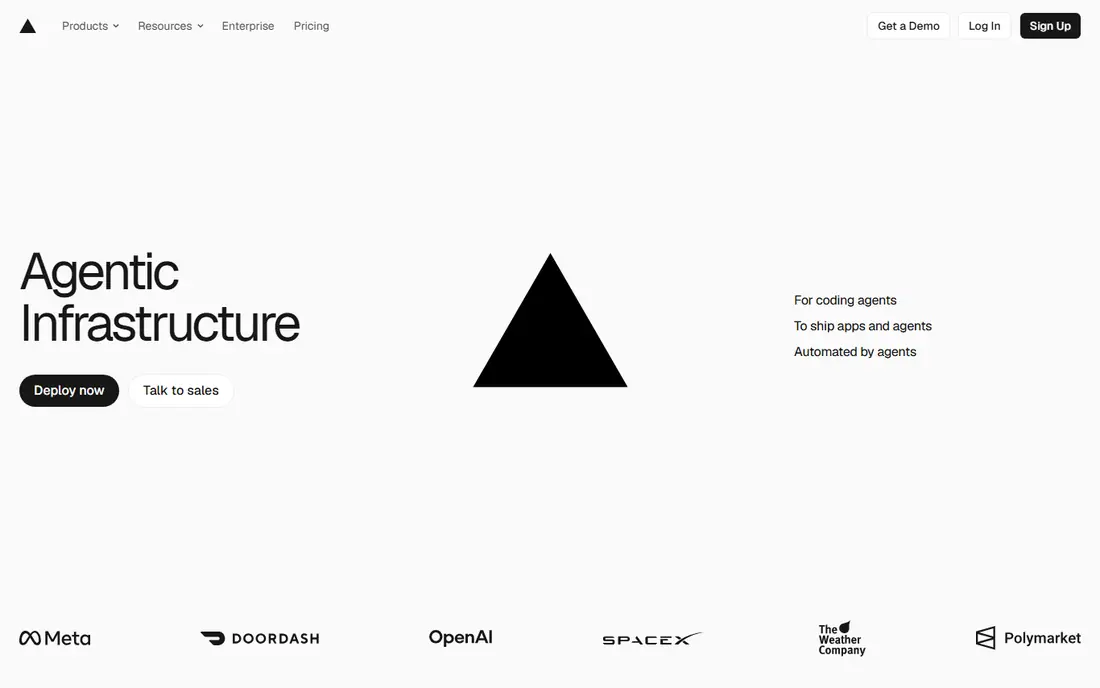
Vercel is our pick for most frontend teams. Connect a Git repo, push, and get a live URL plus a preview for every pull request. That workflow makes reviews fast, since reviewers can open the exact change instead of reading code alone.
The free Hobby tier is genuinely useful for personal projects. For commercial work, budget for the Pro plan at $20 per user per month, plus usage, and watch bandwidth and function limits as traffic grows.
- Git deploys with preview URLs
- Strong Next.js support
- Global edge network
- Hobby plan is for personal, non-commercial projects
- Usage costs can grow with traffic
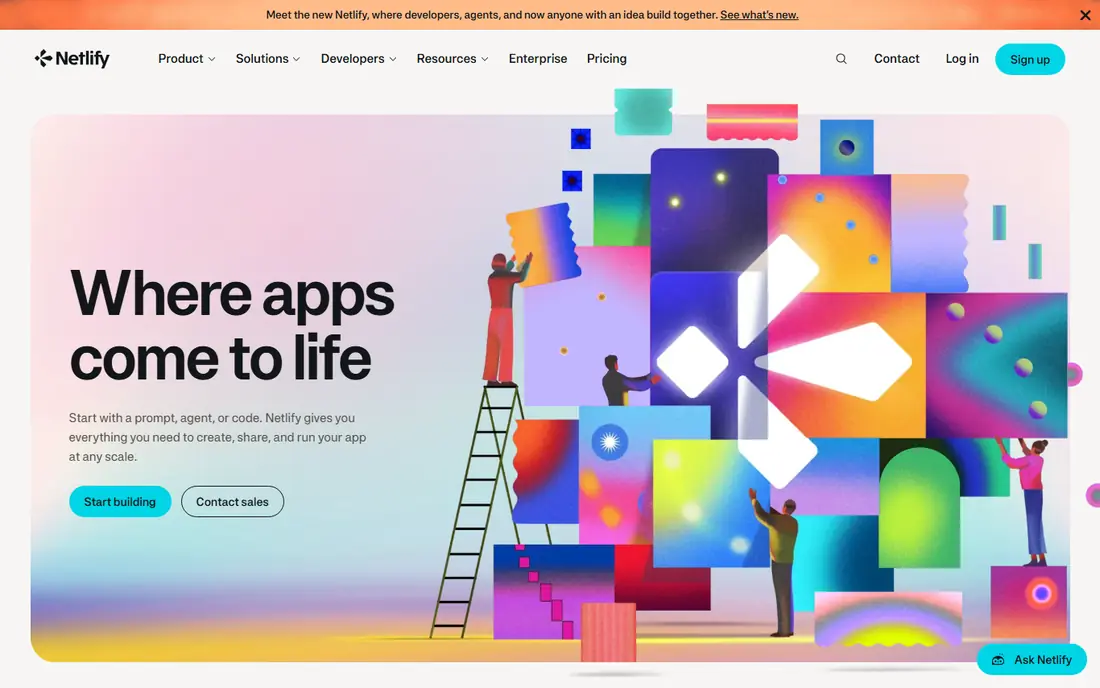
Netlify suits static and Jamstack sites, docs, portfolios, and marketing pages. The free tier covers many small sites, and the preview workflow is as smooth as Vercel for frontend work.
For apps with long-running backends, databases, or WebSockets, pair Netlify with a backend platform such as Railway or Render, rather than forcing everything into serverless functions.
- Simple Git workflow
- Deploy previews
- Forms and serverless functions included
- Credit-based usage can confuse billing
- Backend-heavy apps need another service
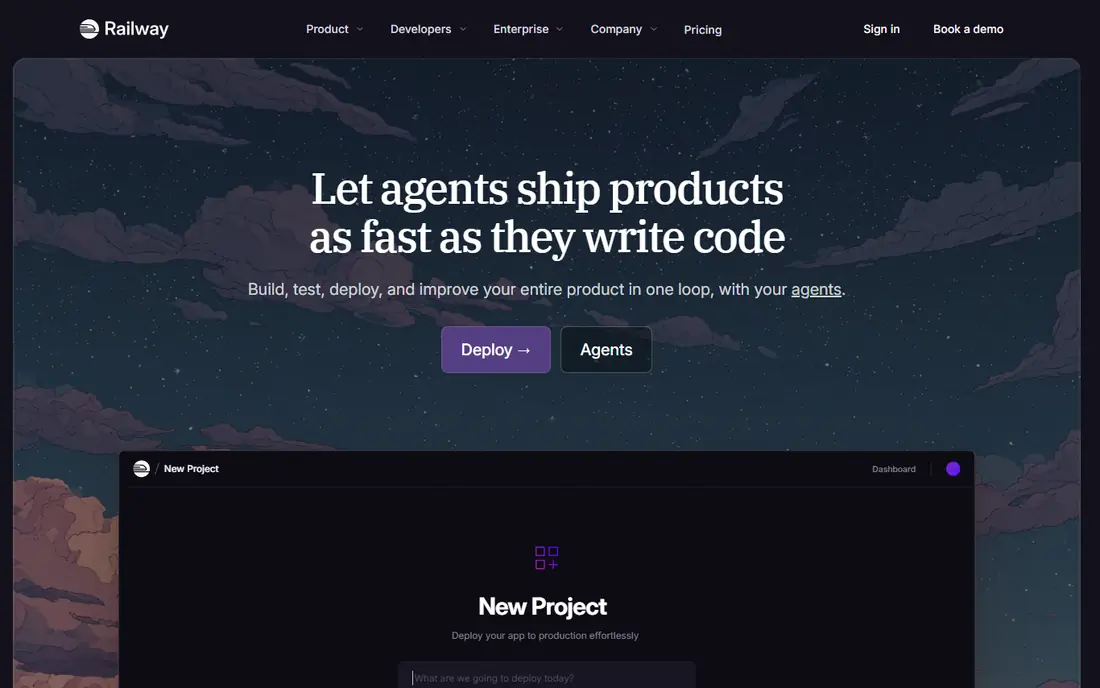
Railway is the closest modern successor to the old Heroku experience. You can add an API, a worker, and a database to one project, see how they connect, and deploy from Git without managing servers.
The Hobby plan starts at $5 per month with included usage, and Pro starts at $20 per month. For a prototype, start small and watch usage, since a busy database or worker can push the bill above the base price.
- Visual project canvas
- One-click Postgres, MySQL, Redis, and MongoDB
- Any Dockerfile or detected runtime
- Usage costs add up on busy apps
- Smaller edge footprint than Cloudflare
Render suits a small team building an MVP with a web service and a database. The product set is coherent, and the docs make it clear what each service does.
Check the current workspace pricing before you plan previews, since Render changed its workspace tiers in April 2026. Free services also spin down after 15 minutes idle, so they are not for production.
- Web services, workers, and managed Postgres in one place
- Clear Git deploys
- Free static sites
- Free web services sleep after inactivity
- Full-stack previews need a paid workspace
Heroku remains a good choice for teams that value simplicity over the lowest price. Deploy with Git, add a database or cache from the add-on catalog, and scale dynos when traffic grows.
The Eco plan starts at $5 per month, but there is no free dyno tier left, so even a hobby app costs something each month. Compare that with Railway or Render if budget is tight.
- Mature buildpacks and add-ons
- Simple dyno model
- Long track record
- No general free tier
- Costs rise fast at higher performance tiers
Fly.io fits backends where latency across regions matters, such as APIs, game servers, and real-time apps. You deploy Machines, which are fast-booting virtual machines, in the regions you choose.
It is more hands-on than a simple PaaS. If you want the least ops work, start with Railway or Render, and move to Fly.io when regional placement becomes a real requirement.
- Runs apps close to users in many regions
- Good for APIs and real-time services
- Docker-based
- Usage-based billing needs care
- More ops knowledge than Railway or Render
DigitalOcean App Platform suits developers who already use DigitalOcean or who want a managed app with the option to drop to a VPS later. App Platform handles builds and deploys from Git, while Droplets give full server control when needed.
The basic app tier starts at $5 per month, with free static hosting. Check database and worker pricing separately, since those add to the app cost.
- App Platform plus Droplets in one account
- Predictable base pricing
- Free static sites
- Fewer preview and edge features than Vercel
- Scaling costs need checking
Cloud Run is the best deployment choice inside Google Cloud. You deploy a container, it scales with requests, and it can scale to zero when idle, which keeps costs low for intermittent services.
The trade-off is setup. You need a Google Cloud project, container build, and IAM basics, so it suits teams already comfortable with cloud consoles more than first-time deployers.
- Scales to zero for idle services
- Pay for requests and resources used
- Free usage allowances
- Billing is usage-based and region-dependent
- Needs Google Cloud setup
Azure App Service fits teams already using Microsoft tools, especially .NET, SQL Server, or Azure Active Directory. It covers web apps, APIs, and background jobs with a wide range of tiers.
Start on the free tier for a prototype, then pick a Basic or Standard tier for production based on traffic and uptime needs. Confirm pricing for your region, since it varies.
- Free and shared tiers for testing
- Deep Microsoft and .NET integration
- Many scaling tiers
- Tier and region choices affect price and features
- Portal can feel complex
Cloudflare Workers suits edge APIs, redirects, caching logic, and lightweight backends that need to run close to users worldwide. The free tier is strong, and the paid plan starts at $5 per month.
It is not a drop-in replacement for a traditional server. Apps that need long-running processes, large local state, or heavy compute should run on Render, Railway, or Fly.io instead, with Workers handling the edge layer.
- Generous free tier
- No egress fees
- Global edge deployment
- Fast cold starts
- Serverless isolate model limits some workloads
- Long-running processes need another platform
How we picked these
We compared official pricing and docs pages plus October 2026 platform comparisons. We kept platforms that still deploy apps from Git or containers, that publish pricing or usage terms, and that cover frontend, full-stack, or container use cases. We left out raw VPS-only hosts and tools with no working deployment product.
We also looked at what happens after the first deploy, since that is where platforms differ most. Preview environments, rollbacks, logs, database backups, and support response all matter once an app serves real users. A platform that deploys in minutes but makes rollbacks painful can cost more time than a slower setup with clear controls. Where 2026 pricing changes made older figures unreliable, we used See website and described the pricing model instead, so readers check the current page before budgeting.
How to choose the right deployment platform
Start from your app type. Frontend only: Vercel or Netlify. Full-stack with a database: Railway or Render. Simple and mature PaaS: Heroku. Multi-region API: Fly.io. Already on Google or Microsoft cloud: Cloud Run or App Service. Edge-heavy and cost-sensitive: Cloudflare Workers.
Before launch, test the free tier limits that matter: sleep behavior, database expiry, build minutes, bandwidth, and function timeouts. Deploy a staging copy, load it lightly, and read one real invoice before you point a production domain at the platform. A platform that is cheap for a prototype can become costly once traffic, databases, and previews all grow together.
One more practical step helps: document your deploy process in a short runbook, even for a solo project. Note the repo, the branch, environment variables, database backup steps, and how to roll back a bad deploy. That document pays for itself the first time you deploy while tired or hand the project to someone else. It also makes it easier to compare platforms later, since you can see which steps each platform handles and which steps you still do by hand.
Frequently asked questions
What is the best cloud deployment tool for beginners?
Railway or Render for a full-stack app, and Vercel or Netlify for a frontend site. All four deploy from Git with little server setup, and all offer a free or low-cost starting point.
What are the best cloud platforms for app deployment for a startup?
Railway and Render balance speed and cost for an MVP, while Vercel handles the frontend layer well. As you grow, add Cloud Run, App Service, or Fly.io for the parts that need scale or regional placement.
Is there a free cloud app deployment platform?
Yes, with limits. Vercel Hobby, Netlify free, Render free static sites, Cloud Run free allowances, Azure free tier, and Cloudflare Workers free tier all work for prototypes. Production apps usually need a paid plan for always-on services and databases.
Should I use Heroku in 2026?
Heroku still works well for simple PaaS deploys, but it has no free tier and higher tiers are costly. Compare Railway and Render first if budget matters, and keep Heroku for teams that already know its workflow.
How do I avoid surprise bills on usage-based platforms?
Set billing alerts, cap usage where the platform allows it, and monitor database, bandwidth, and build usage weekly at first. Test with realistic traffic before launch, not just a single page load.
Do I need to know servers to deploy an app?
No, not on the platforms here. Git-based platforms handle builds, servers, and certificates for you. You still need to understand environment variables, databases, and basic debugging, but you do not need to manage a server by hand.
Sources
See where you really rank - block by block
ProMapRanker scans Google Maps across a grid of your service area. Simple monthly plans from $19, white-label on every plan.
Start freeKeep reading
 zscaler alternatives
Best Zscaler Alternatives in 2026
Looking for zscaler alternatives? We compare 9 SASE and zero trust platforms on architecture, data protection, pricing, and fit for your network and team.
Read → zapier alternatives free
Best Zapier Alternatives Free in 2026
Nine automation tools for zapier alternatives free in 2026, all with genuinely free tiers, plus free plan limits, starting prices and upgrade paths explained.
Read → which platform is best for online reputation
Which Platform Is Best for Online Reputation in 2026
Wondering which platform is best for online reputation? We compare 8 review, listing, and response tools for small and multi-location businesses and agencies.
Read →