 ProMapRanker
Best Cloud App Deployment in Cloud Infrastructure in 2026

Key takeaways
- Vercel and Netlify suit frontend-led apps with fast Git deploys, while Render and Railway suit full-stack apps with services and databases.
- Heroku still works for simple Git-push deploys, but it moved to a sustaining model in early 2026, so new projects should weigh that future.
- Google Cloud Run and AWS Elastic Beanstalk fit teams already inside Google Cloud or AWS, with usage-based costs rather than flat plans.
- The cheapest headline price rarely gives the full monthly cost, because databases, workers and traffic can add more than compute alone.
Quick comparison
| Pick | Great for | Pricing starts at | Free tier | |
|---|---|---|---|---|
 Vercel | Frontend and Next.js apps | Free | Yes | Visit |
 Netlify | Jamstack and full-stack sites | Free | Yes | Visit |
 Render | Full-stack apps and databases | Free | Yes | Visit |
 Railway | Fast full-stack prototypes | $5 per month | No | Visit |
 Fly.io | Apps close to users worldwide | See website | No | Visit |
 Heroku | Simple Git-push deploys | $5 per month | No | Visit |
 DigitalOcean App Platform | Predictable app hosting | $5 per month | No | Visit |
 Google Cloud Run | Container apps on Google Cloud | See website | Yes | Visit |
 AWS Elastic Beanstalk | Apps inside AWS | See website | No | Visit |
The best cloud app deployment platforms
Deploying an app in cloud infrastructure should be as close as possible to pushing code and getting a live URL. We compared platforms that deploy from Git or containers, handle builds, and run web services, workers and databases, and we checked current pricing pages before listing them.
Vercel turns a Git push into a live preview or production deploy with little setup, and that speed is why many frontend teams choose it first. It handles frameworks such as Next.js and React well, and preview links let a team review a change before it reaches users. The dashboard keeps deploys, logs and domains in one place.
The limit is scope. Vercel runs the web tier best, and a full-stack app will still need a database or worker service elsewhere, often through its marketplace. Pro starts at $20 per user per month, so a team should count seats as well as usage. For frontend-led work, it remains a strong default.
- Fast Git deploys with previews
- Strong Next.js support
- Global edge network
- Hobby plan is for personal, non-commercial use
- Backend and database work needs outside services
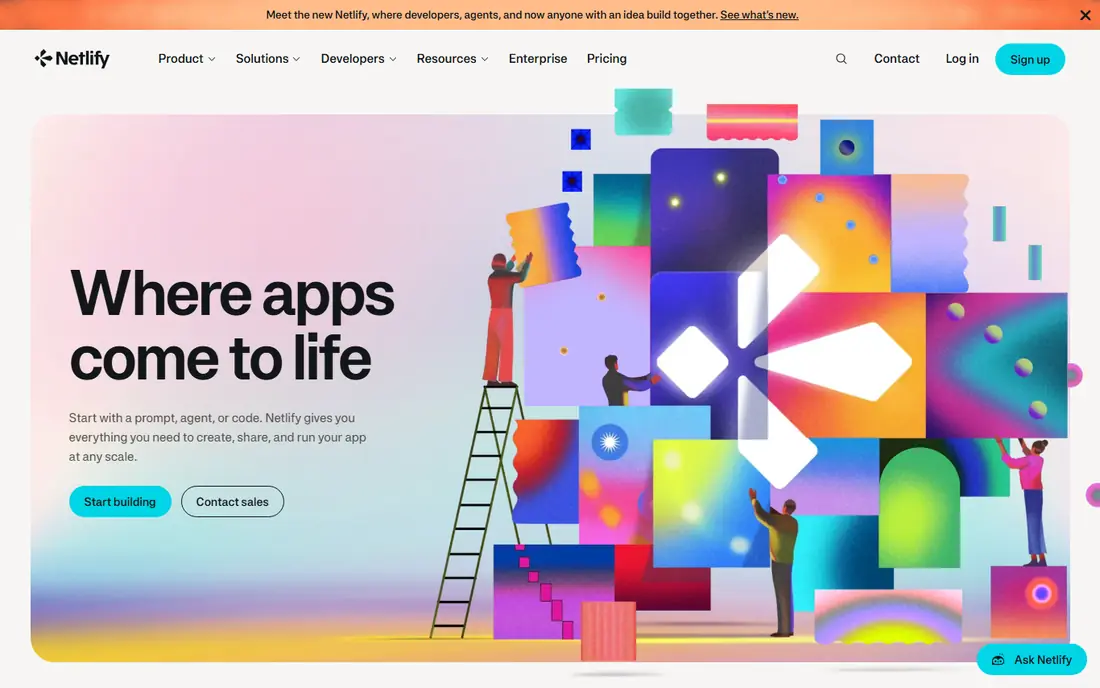
Netlify suits marketing sites, docs, portfolios and many full-stack apps that deploy from Git. A push creates a preview, and the free plan includes usage credits that cover small sites well. Built-in forms, redirects and serverless functions reduce the need for extra services on simpler projects.
Paid plans start at $9 per month for Personal and $20 per month for Pro, with usage beyond included credits billed separately. Teams should watch bandwidth and function usage, because a traffic spike can raise the bill more than the plan fee suggests. For Git-led sites, Netlify stays simple and fast.
- Free plan with usage credits
- Git deploys and previews
- Forms and serverless functions included
- Usage costs can rise with traffic
- Larger full-stack apps may need outside databases
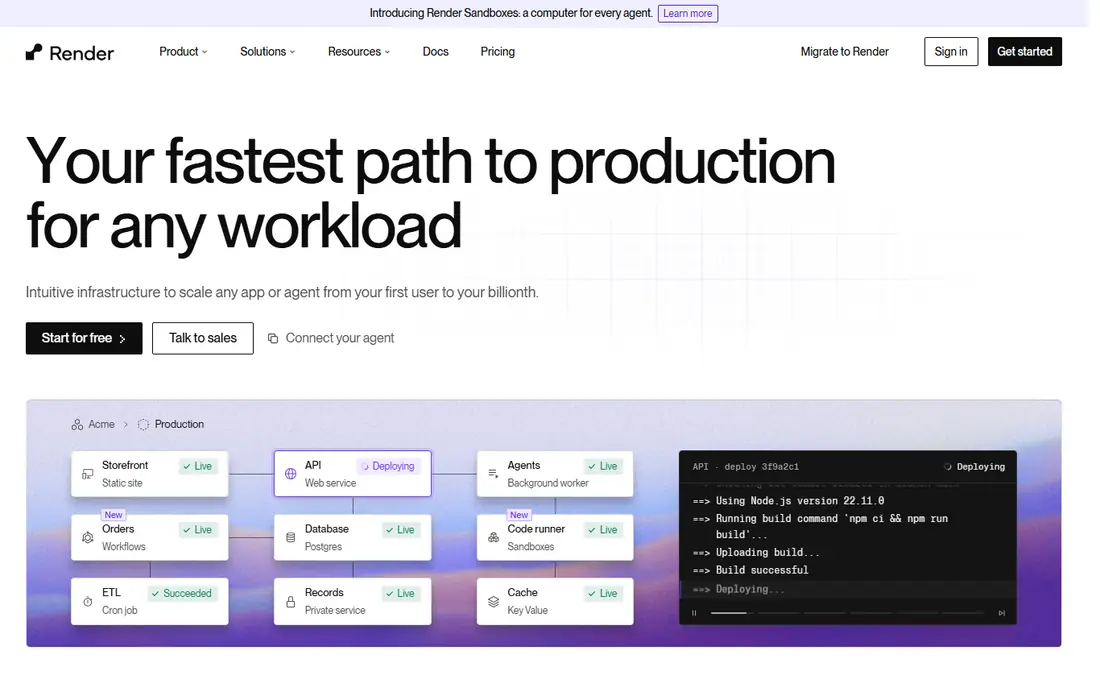
Render appeals to developers who want a modern Heroku-style flow without managing servers. Web services, background workers, cron jobs and managed Postgres can live in the same dashboard, and Git pushes trigger deploys. That single view helps a small team keep an app, its worker and its database in sync.
Free web services sleep after idle time, so they suit hobby projects more than production sites. Paid web services start around $7 per month, and a Pro workspace adds team features. Render is a good middle ground between a frontend host and a full cloud account.
- Web services, workers and managed databases in one dashboard
- Free web services with limits
- Clear Git deploys
- Free services sleep after idle time
- Team features sit on the paid Pro workspace
Railway makes it easy to spin up an app with a database, a worker and a cache, then deploy from Git. Its dashboard shows services, variables and logs together, which helps a small team move fast without learning a large cloud console. Preview environments from pull requests help teams test changes before merging.
Hobby starts at $5 per month including $5 of usage, and Pro starts at $20 per month, with extra use billed by consumption. That usage model rewards efficient apps, but a busy app can cost more than a flat plan. Railway suits prototypes and small production apps that value speed over enterprise controls.
- Simple dashboard for services and databases
- Usage-based billing
- Preview environments from pull requests
- Costs track actual usage, so idle waste is low but busy months rise
- No ongoing free tier for production
Fly.io runs app containers in regions around the world, which helps apps that need low latency for users in different places. Developers deploy with a command-line tool, and machines can scale by region and size. That control suits teams comfortable with Docker and with running their own services.
Pricing is pay-as-you-go, billed per resource, so the monthly total depends on machine size, region and database choice. A small always-on app can cost only a few dollars per month in compute, while managed Postgres adds a larger fixed cost. Fly.io rewards teams that want global placement and are happy to manage more of the stack.
- Runs containers close to users in many regions
- Pay-as-you-go pricing
- Good for Docker-based apps
- Needs more Docker and command-line comfort
- Managed Postgres costs more than compute alone
Heroku built its name on a simple promise: push code with Git, and the platform builds and runs it. That workflow still works, and its add-on marketplace covers Postgres, Redis, logging and monitoring. Solo developers and small startups value the lack of server work, even as newer platforms have copied the model.
Eco dynos start at $5 per month, with Standard dynos from $25 per month, and there is no free tier. In February 2026, Heroku moved to a sustaining model, with no change for credit-card customers but no new enterprise contracts. New projects should weigh that direction against Render or Railway, which are still adding features.
- Familiar Git-push workflow
- Add-ons for databases and services
- Little server management
- No free tier
- Enterprise contracts no longer offered to new customers after its 2026 sustaining model move
DigitalOcean App Platform gives developers a Git-based deploy path without the complexity of a large cloud console. Apps can run as containers from $5 per month, and up to three static sites can run at no cost. Teams already using DigitalOcean Droplets or managed databases can keep billing and networking in one account.
The trade-off is range. App Platform covers common web and worker patterns well, but it does not match the breadth of AWS or Google Cloud services. For a startup that wants predictable pricing and a small learning curve, that narrower scope is often a benefit rather than a gap.
- Containers from $5 per month
- Static sites free up to a limit
- Simple pricing beside Droplets and databases
- Fewer managed service options than large clouds
- Scaling controls are simpler than hyperscaler tools
Google Cloud Run runs containerised apps and scales them down when idle, so a quiet app costs little. It includes a free allowance of requests each month, and it links well to Cloud SQL, Pub/Sub and other Google services. Developers can deploy from a container image or from source with build tools.
The learning curve is higher than a simple platform-as-a-service, because Google Cloud projects, permissions and billing need care. Costs are usage-based, so a team should set CPU and memory limits and watch request volume. For teams already on Google Cloud, Cloud Run is a natural, cost-aware deploy target.
- Usage-based container hosting with scale to zero
- Free request allowance
- Strong fit with Google Cloud services
- Needs Google Cloud setup and IAM care
- Costs depend on requests, CPU and memory settings
AWS Elastic Beanstalk lets a team deploy an app to AWS without hand-building every load balancer and server. It supports common languages and Docker, and it creates the AWS resources an app needs. Teams already using RDS, S3 or CloudFront can keep their app inside the same account and network.
There is no Elastic Beanstalk platform fee, but the underlying AWS resources are billed, so the total depends on instance size, database and traffic. AWS setup, roles and region choice need more care than a simple host. For AWS-centred teams, Beanstalk gives a managed deploy path without leaving the cloud they already use.
- No platform fee beyond AWS resources used
- Deploys common languages and containers
- Fits AWS networking and databases
- AWS setup and permissions need care
- Less polished than a dedicated platform-as-a-service
How we picked these
We compared official pricing and docs pages for platforms that deploy apps from Git or containers in October 2026. We kept platforms that build, run and expose a web app with a live URL, and we left out pure static hosts that cannot run a full-stack service and pure server products that need manual setup. We used See website where pricing is usage-based or quoted, rather than inventing a flat figure.
How to choose a deploy target
Start with your app shape, not the brand. A frontend site needs fast previews and edge delivery. A full-stack app needs a web service, a worker and a database that deploy together. A container app inside a large cloud needs the deploy target that matches its existing services, not a new account for each part.
Price the whole app, not one service
Add the web service, worker, database, cache and bandwidth before comparing platforms. A $5 web service with a $20 database costs more than a $20 all-in plan that looks dearer at first glance. Run a small production-like load for a week, then read the real bill before committing to a plan.
Check deploys, rollbacks and logs
A good platform shows a deploy history, lets you roll back to a prior version, and keeps logs easy to search. Preview deploys from pull requests help teams catch errors before users see them. If rollbacks or logs are hard to reach, a simple deploy tool can become a painful one during an outage.
Plan for growth and exit
Check how the platform handles more traffic, more regions and more team members. Also check how you would export data and move an app elsewhere, because a platform that locks in data or config can cost more later than it saves now. A container-based app usually moves more easily than one tied to proprietary services.
Frequently asked questions
What is the best cloud app deployment platform for beginners?
Render and Railway are strong beginner picks for full-stack apps, because they deploy from Git and keep services and databases in one dashboard. Vercel and Netlify are easier still for frontend sites. Beginners should start with a free or low-cost tier and a small app before moving production traffic.
Is Heroku still a good choice in 2026?
Heroku still works for simple Git-push deploys, and existing credit-card customers saw no pricing change in its 2026 sustaining model move. New projects should still compare Render and Railway, because those platforms are actively adding features and may offer a clearer long-term path.
How much does it cost to deploy an app in the cloud?
A small app can cost from free on a frontend host to around $5 to $25 per month for a basic full-stack setup, plus database and traffic costs. Larger apps cost more with usage, workers and managed databases. Always price the full stack, not only the web service.
Do I need Kubernetes to deploy an app?
No. Platforms in this guide deploy apps without Kubernetes, using Git pushes or containers. Kubernetes suits large teams with many services and strict controls, but it adds complexity that most small apps do not need.
What is the difference between a platform-as-a-service and Cloud Run or Beanstalk?
A platform-as-a-service such as Render or Railway manages more of the stack for you, with a simpler dashboard. Cloud Run and Elastic Beanstalk sit inside a large cloud, giving you more control and more services to link, but they need more setup and cloud knowledge.
Sources
See where you really rank - block by block
ProMapRanker scans Google Maps across a grid of your service area. Simple monthly plans from $19, white-label on every plan.
Start freeKeep reading
 zyte alternatives
Best Zyte Alternatives in 2026
These zyte alternatives cover managed scraping APIs, proxy networks and no code tools for lawful collection from your own or consented sources only in 2026.
Read → zerto alternatives
Best Zerto Alternatives in 2026
Compare the best zerto alternatives for disaster recovery and replication, with recovery targets, cloud options and honest trade-offs for teams in 2026.
Read → zerofox alternatives
Best ZeroFox Alternatives in 2026
We compared 9 zerofox alternatives for brand protection, phishing takedowns, dark web monitoring, and social impersonation, with clear coverage notes.
Read →