 ProMapRanker
Best Cloud AI Services for Startups in 2026


Broad cloud AI platform · Pricing starts at: See website
Key takeaways
- Startups usually need a model API first and a full cloud platform second, so do not buy a large platform before the product needs it.
- Free tiers and startup credit programs can carry a prototype, but they expire, so track usage and set spending limits early.
- Model choice, data location, and egress costs affect the bill as much as the headline token price.
- Pick a provider that matches your team's skills, because a powerful platform that no one can operate will slow a startup down.
Quick comparison
| Pick | Great for | Pricing starts at | Free tier | |
|---|---|---|---|---|
| Amazon Web Services | Broad cloud AI platform | See website | Free trial | Visit |
 Google Cloud | Vertex AI and Gemini | See website | Free trial | Visit |
 Microsoft Azure | Azure OpenAI and enterprise AI | See website | Free trial | Visit |
 OpenAI | Model APIs for products | See website | No | Visit |
 Anthropic | Claude APIs for products | See website | No | Visit |
 Hugging Face | Open models and hosting | See website | Yes | Visit |
 Replicate | Fast model deployment | See website | No | Visit |
 DigitalOcean | Simple GPU and app hosting | See website | Free trial | Visit |
The best cloud ai services for startups
A startup AI stack usually has three layers: a cloud to run the product, a model to power features, and a way to store and retrieve data. The services below cover those layers, and most startups will use two or three of them together rather than choosing only one.
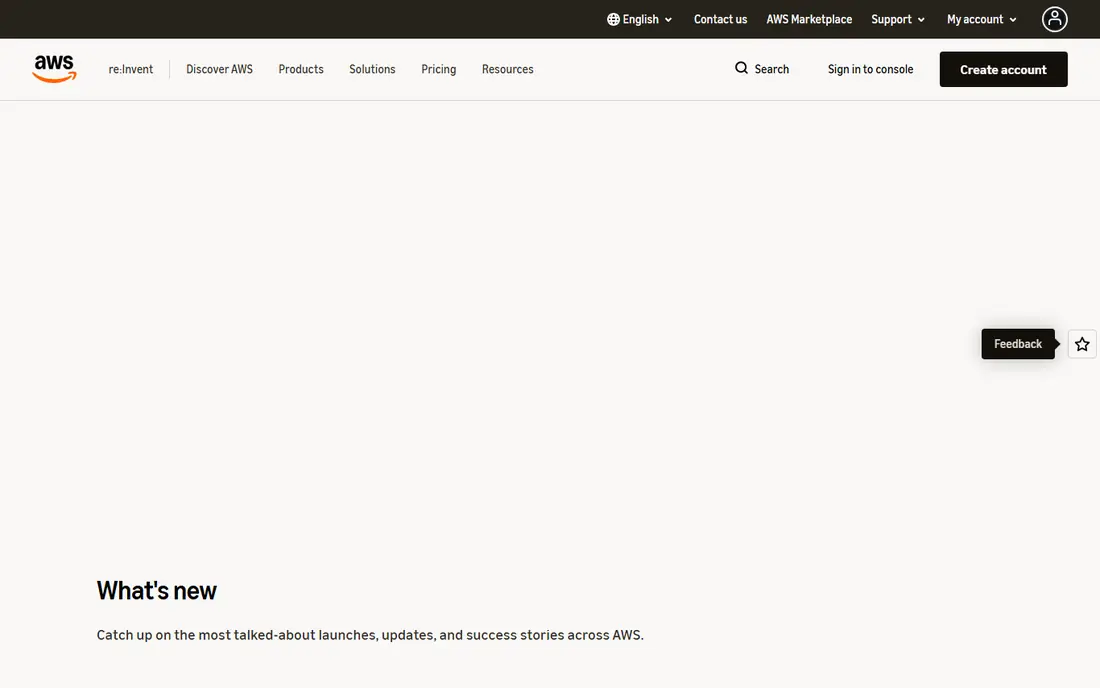
Amazon Web Services, known as AWS, gives startups access to Bedrock for foundation model APIs, SageMaker for machine learning work, and the full AWS cloud for hosting, storage, and data. That breadth suits a startup that expects to grow into data pipelines, queues, and managed databases without changing clouds. The AWS Activate program also offers credits to eligible startups, which can help in the early months.
The weakness is complexity. AWS has many ways to do the same job, and a small team can build a stack that is hard to maintain. Start with Bedrock or a single SageMaker path, set billing alerts on day one, and avoid services that need a dedicated operator until the product proves the need.
- Very broad service catalog
- Bedrock for many foundation models
- SageMaker for training and deployment
- Service sprawl can confuse small teams
- Costs need active monitoring
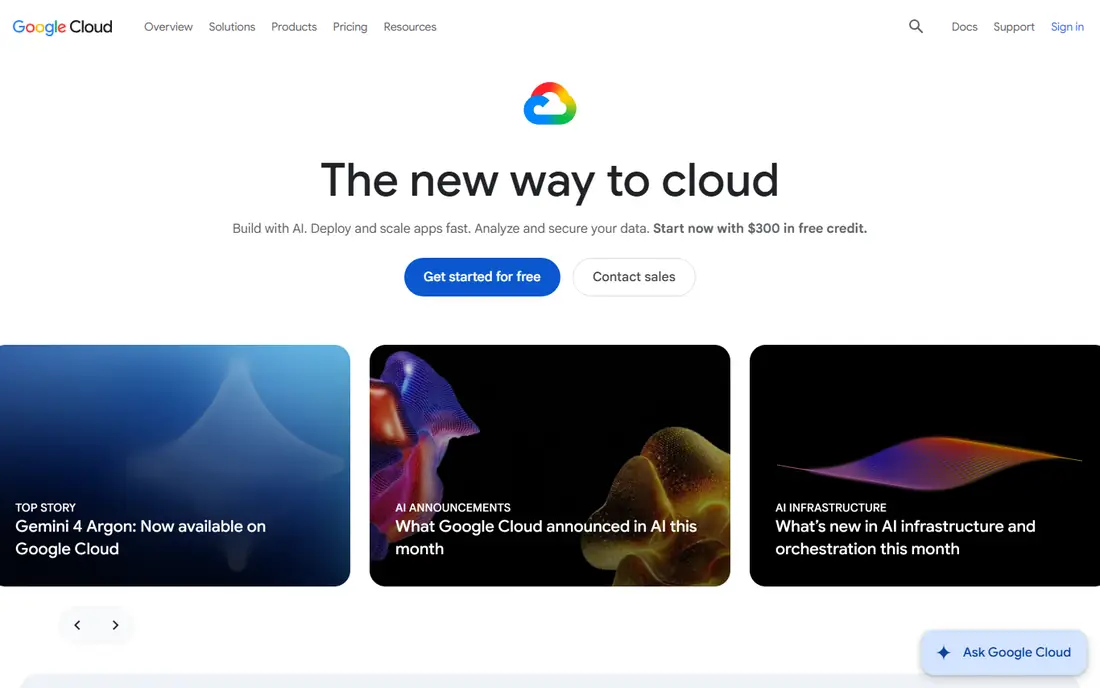
Google Cloud offers Vertex AI for building with Gemini and other models, plus BigQuery for analytics and Google Kubernetes Engine for deployment. For a data heavy startup, that combination is attractive, because AI features often sit on top of analytics and pipelines rather than standing alone. Google for Startups also offers cloud credits to eligible companies, including larger amounts for AI focused startups.
The catch is that free tier terms and credit rules change, and data use for free tier inputs may differ from paid tiers. Read the current terms for the exact service you use, and confirm whether your data will be used to improve Google products. For paid production use, those terms and the model choice matter more than the credit amount.
- Vertex AI with Gemini models
- Strong data and Kubernetes tools
- Startup credit programs
- Pricing and service choices still need careful review
- Data use terms differ by tier
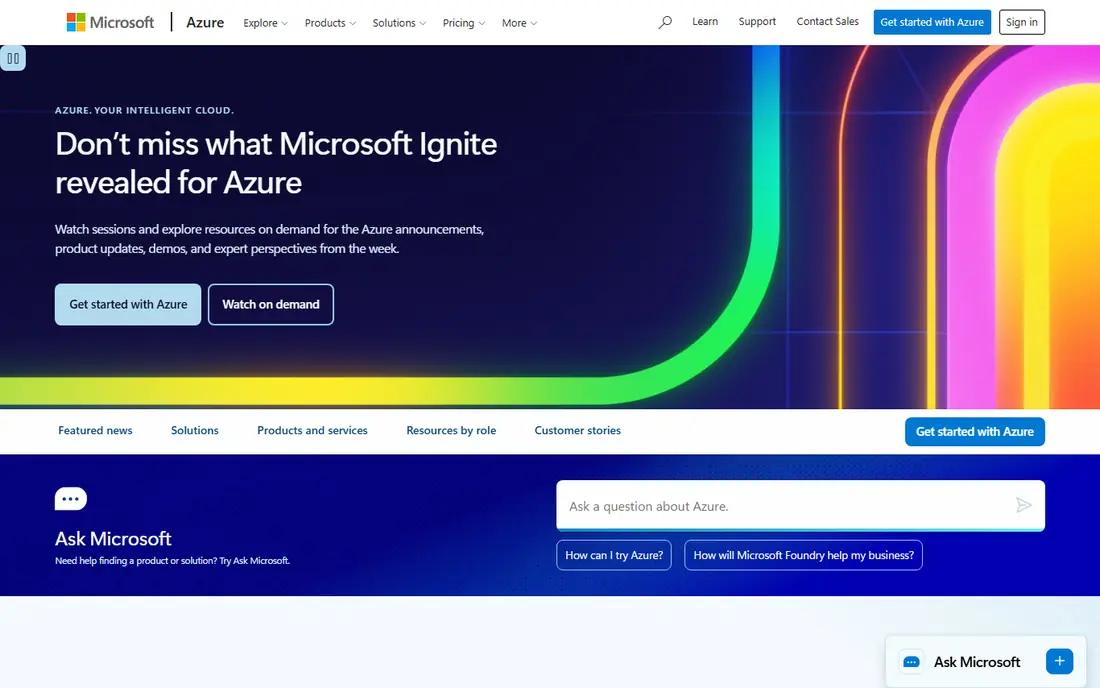
Microsoft Azure provides Azure OpenAI Service, Azure AI Foundry tools, and the wider Azure cloud for hosting and data. Startups selling to enterprise customers often benefit, because Azure identity, compliance, and Microsoft 365 integration match what those customers already use. Microsoft for Startups offers credits that are released in stages, which can support a longer runway if the startup meets program milestones.
The trade off is ecosystem lock in. A team that does not use Microsoft tools may find Google Cloud or AWS simpler, and Azure pricing still depends on models, regions, and usage. Choose Azure when enterprise fit or Microsoft integration is a real advantage, not only because credits are available.
- Azure OpenAI Service
- Strong enterprise identity and compliance tools
- Microsoft for Startups credits
- Best fit inside the Microsoft ecosystem
- Service naming can confuse new teams
OpenAI provides model APIs that many startups use for chat, summarization, coding help, and agent features, without running their own models. The API route lets a small team ship AI features quickly, test with real users, and change models as needs change. Its developer tools, documentation, and community also make hiring and troubleshooting easier than a niche provider.
The honest catch is cost control. Token usage grows with traffic, long prompts, and agent loops, so a popular feature can become expensive without limits. Set per user and per task limits, cache repeated work where possible, and test cheaper models for routine tasks before defaulting to the largest model.
- Widely used model APIs
- Strong reasoning and multimodal models
- Large developer ecosystem
- Usage based pricing can grow fast
- Model behavior changes with new releases
Anthropic offers Claude model APIs for products that need long context, document analysis, coding, and agent workflows. Startups often choose Claude for tasks where careful reading and structured output matter, such as reviewing contracts, support tickets, or research material. Anthropic also runs startup programs for selected teams, with API allocations and support, though entry is not open to every applicant.
The limitation is the same as other API providers. Usage costs scale with traffic, and model updates can change output, so teams need tests and version pinning where the API allows it. Compare Claude pricing and performance on your own tasks, because published benchmarks do not always match a startup's real prompts.
- Claude models for long documents and careful reasoning
- API plus enterprise controls
- Startup programs for selected teams
- Access to startup programs is selective
- Pricing is usage based
Hugging Face is the main hub for open models, datasets, and model demos, and it also offers inference endpoints and hosted Spaces. For a startup that wants to fine tune an open model, test several models quickly, or avoid dependence on one closed API, Hugging Face is a practical starting point. Its free tier supports experimentation, though with limits that suit prototypes rather than heavy production traffic.
The trade off is operational work. Open models still need hosting, monitoring, safety checks, and updates, and those costs appear as engineering time even when the model itself is free. Use Hugging Face to learn which model class fits, then decide whether to self host, use an inference provider, or switch to a managed API.
- Large catalog of open models and datasets
- Spaces for demos
- Inference and hosting options
- Running open models still needs engineering effort
- Support depends on plan
Replicate lets developers run open and partner models through a simple API, without setting up GPU servers. That makes it useful for startups testing image, video, audio, or language features, because a team can try a model in an afternoon and pay only for the compute it uses. Its catalog also helps teams compare models without building hosting for each one.
The catch is scope. Replicate is a model deployment service, not a replacement for a full cloud with databases, queues, and user management. It works best alongside a main cloud, with clear cost tracking per model, because GPU heavy models can cost far more than a text API call.
- Simple API for running many models
- Pay per use model
- Fast way to test image, audio, and language models
- Costs vary by model and hardware
- Less suited as a full cloud platform
DigitalOcean offers cloud hosting, GPU droplets, and its Gradient AI platform for startups that want predictable pricing and a simpler interface. A small team can host an app, add a database, and run AI workloads without learning a hyperscaler catalog. That simplicity can save weeks for a startup with one or two engineers handling infrastructure.
The limitation is breadth. A startup that later needs a wide range of managed enterprise services, global regions, or specialized compliance tools may outgrow DigitalOcean or need to add another provider. Start with DigitalOcean when simplicity and cost predictability matter most, and keep the architecture portable if growth may require a larger cloud later.
- Simpler pricing and interface than hyperscalers
- GPU droplets and Gradient AI platform
- Good for small teams
- Service catalog is narrower than AWS or Google Cloud
- Enterprise features are thinner
How we picked these
We compared official cloud and API pages, startup program descriptions, and recent cloud comparisons, and we favored services with a current free tier, trial, or startup program, plus a real production path. We used See website for starting prices because cloud AI pricing is usage based and varies by model, region, and hardware, so a single headline price would mislead. We excluded providers with no clear startup path or no current AI offering.
Keeping AI costs under control
Start with a cost budget per feature, not per month alone. Estimate tokens or GPU time for a typical user task, multiply by expected traffic, and add a margin for retries and agent loops. That simple model will reveal whether a feature needs a cheaper model, caching, shorter prompts, or a usage limit before it ships.
Next, add guardrails in code and in billing. Set spending alerts, daily caps where the provider allows them, and per user limits for expensive actions. Log model, prompt size, and output size for each call, so a cost spike can be traced to a specific feature or prompt change. Review those logs weekly in the early months, because AI costs rarely stay flat as a product grows.
Finally, keep an exit path. Store prompts, evaluation data, and model settings in your own repository, and avoid hard coding a single model into every part of the product. A startup that can switch models or providers without a rewrite has far more negotiating power, and far less risk if a provider changes pricing or terms.
Frequently asked questions
What is the cheapest way for a startup to start with cloud AI?
Start with a free tier or trial for prototyping, then move to a pay per use API for the first production feature. A model API usually costs less in engineering time than self hosting a model, even when token prices look higher at first. Apply for startup credit programs in parallel, but do not build a product that only works while credits last.
Should a startup choose AWS, Google Cloud, or Azure?
Choose the cloud your team already knows, unless a customer requirement or a specific model pushes you elsewhere. AWS offers the broadest catalog, Google Cloud suits data and Gemini work, and Azure suits Microsoft and enterprise customers. All three can run a startup product well, so team skill and customer fit matter more than a feature list.
Are startup credits worth pursuing?
Yes, if the startup meets the program rules and can use the credits before they expire. Credits can cover hosting and model costs during product development, but they do not fix a product with no users or a feature with uncontrolled costs. Read the expiry, eligible services, and milestone rules before counting credits as runway.
Do we need to train our own model?
Most startups do not. Prompting, retrieval over company data, and fine tuning an existing model usually deliver more value than training from scratch. Training makes sense only when data is unique, performance requirements are strict, and the team can fund data, compute, and evaluation work.
How do we protect customer data when using cloud AI?
Check the provider's data use terms for your exact tier, use private or enterprise tiers where data must not be used for training, and limit what is sent to a model to what the task needs. Add access controls, logging, and data retention rules, and review contracts with counsel for regulated data. A free tier is not always the right tier for customer data.
Sources
- https://www.cloudzero.com/blog/ai-pricing/
- https://www.digitalocean.com/resources/articles/comparing-aws-azure-gcp
- https://fin.ai/learn/ai-credits-for-startups
- https://aws.amazon.com
- https://cloud.google.com
- https://azure.microsoft.com
- https://openai.com
- https://www.anthropic.com
- https://huggingface.co
- https://replicate.com
- https://www.digitalocean.com
See where you really rank - block by block
ProMapRanker scans Google Maps across a grid of your service area. Simple monthly plans from $19, white-label on every plan.
Start freeKeep reading
 worlds best local seo company
8 Worlds Best Local SEO Companies for Map Pack Growth in 2026
Compare the worlds best local seo company options for Google Business Profile work, citations, reviews, and multi-location rankings and reporting in 2026.
Read → world's best web hosting company
World's Best Web Hosting Company in 2026
Searching for the world's best web hosting company? We compared 10 hosts on price, renewal rates, speed, and support to help you choose well today in 2026.
Read → who's got the best nanny tax services
Who's Got the Best Nanny Tax Services in 2026
We answer who's got the best nanny tax services, comparing full filing, back taxes, software, and pricing so families can handle nanny taxes correctly.
Read →