 ProMapRanker
Best Clock Apps in 2026: 9 Apps Compared

Key takeaways
- This article covers time-clock and clock-in apps for work, not phone alarm or world clock apps, because that is what the search terms point to for teams.
- Homebase and Jibble offer the strongest free starting points, with Homebase pricing per location and Jibble offering a free plan for unlimited users.
- Buddy Punch and ClockShark add stronger checks against buddy punching and better job costing for field teams.
- Deputy and QuickBooks Time suit teams that need compliance controls or a direct link to payroll software they already use.
Quick comparison
| Pick | Great for | Pricing starts at | Free tier | |
|---|---|---|---|---|
 Homebase | Single-location hourly teams | Free | Yes | Visit |
 Jibble | Free verified clock-ins | Free | Yes | Visit |
 Deputy | Compliance-heavy shift teams | $5 per user per month | No | Visit |
 Buddy Punch | Stopping buddy punching | $19 per month plus $4.99 per user | No | Visit |
 Connecteam | Mobile crews needing one crew app | $29 per month | Yes | Visit |
 When I Work | Shift scheduling on a budget | $2.50 per user per month | No | Visit |
 Clockify | Simple time tracking for any team | Free | Yes | Visit |
 ClockShark | Construction and field crews | See website | No | Visit |
 QuickBooks Time | QuickBooks payroll users | $20 per month plus $10 per user | No | Visit |
The best clock apps
We use the term clock apps here in the work sense: apps where staff clock in and out, managers approve timesheets, and hours feed into payroll. Everyday phone clock apps do not appear here, since they do not solve timesheets, overtime, or attendance for a team.
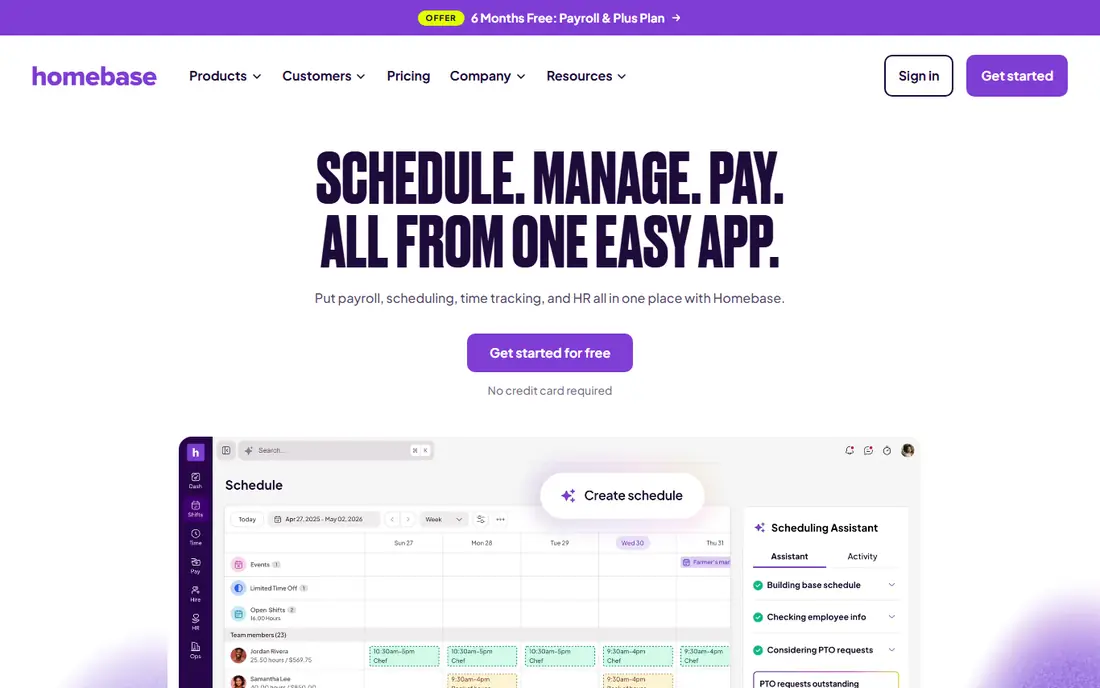
Homebase is our pick for most small hourly teams, because the free plan covers scheduling and time tracking for one location. Staff can clock in from a phone or a shared device, managers can review timesheets, and shift changes stay in the same system. That combination suits restaurants, shops, and clinics where the roster and the clock are really one job.
The pricing model helps large teams at one site, since paid plans charge per location rather than per person. The downside is that a business with several locations pays per site, and payroll is a separate add-on rather than part of the base price. For a single-site team, though, the free start is hard to beat.
- Free plan for one location
- Scheduling and time clock in one account
- Payroll available as an add-on
- Paid plans are priced per location
- Some features need higher tiers
- Payroll costs extra
Jibble stands out by offering verified clock-ins free for unlimited users, which is rare in this list. Facial verification and GPS location checks help managers trust that the person who clocked in is the person on shift, without buying hardware. Timesheets can be approved and exported for payroll, so the free plan covers the full loop for many small teams.
The trade is breadth. Jibble is a time tracker first, so teams that need deep scheduling, demand forecasting, or break compliance rules may want Deputy instead. If the main problem is honest hours at low cost, Jibble is the first app to try.
- Free plan for unlimited users
- Facial verification and GPS checks
- Timesheet approvals and payroll exports
- Scheduling depth is thinner than Deputy or Homebase
- Advanced reports sit on paid plans
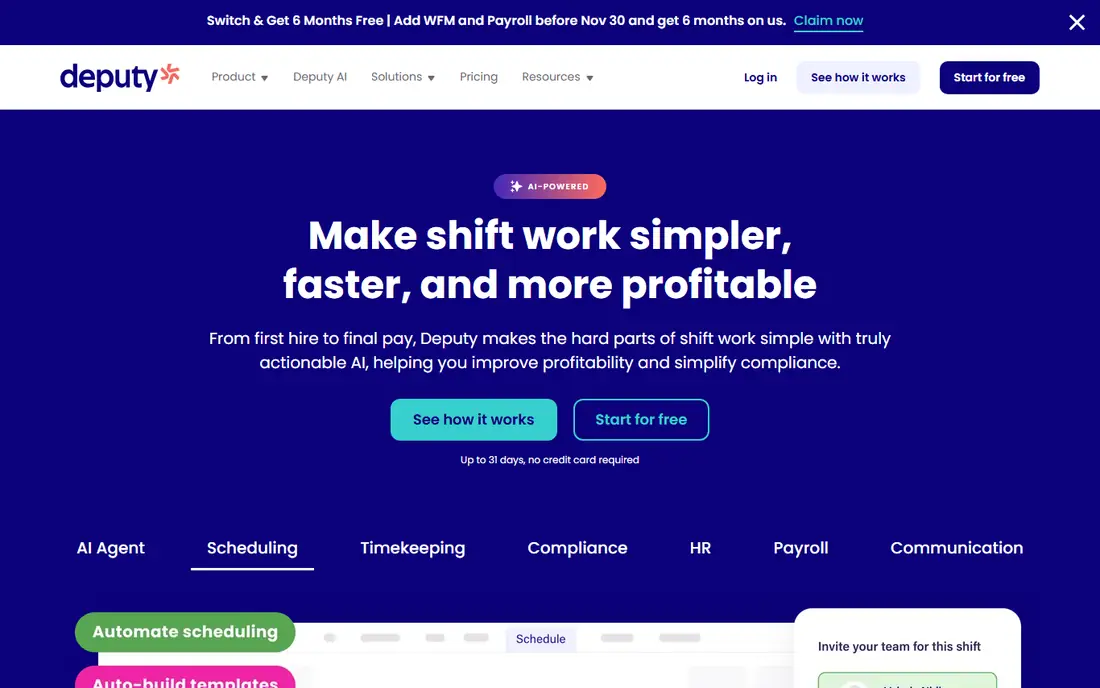
Deputy suits hospitality, retail, and care teams where breaks, overtime, and coverage rules matter as much as hours. Managers can build schedules around staffing needs, set break rules, and track attendance exceptions in one place. Staff get clear shift details on their phones, which cuts down on no-show confusion.
The cost is per user with a monthly minimum, so a large casual workforce should model the total before committing. There is a free trial, but no permanent free plan. For teams where a missed break rule or an overtime error creates real risk, that price buys control that simpler clock apps do not offer.
- Strong scheduling with work rules
- Break and attendance controls
- Minimum monthly spend stated on its pricing page
- No free plan
- Per-user pricing adds up for large teams
- Setup takes care for complex rules
Buddy Punch focuses on one problem and solves it well: making sure the right person clocks in, at the right place. Facial recognition, GPS tracking, and geofencing give managers evidence for each punch, and staff can punch in by phone, browser, or tablet kiosk. Job costing and paid time off tracking add useful depth for small businesses.
The pricing combines a monthly base fee with a per-user fee, so very small teams should check the total rather than the per-user rate alone. Scheduling is present but basic, so teams that live by complex rosters may pair Buddy Punch with a separate scheduler or choose Deputy. For trust in hours, it is a strong pick.
- Facial recognition and geofencing at clock-in
- Punch options by app, web, or kiosk
- Payroll exports to major providers
- No free plan
- Base fee plus per-user fee
- Scheduling is basic compared with scheduling-first apps
Connecteam is the all-in-one option for frontline teams who need more than a clock. The time clock sits beside scheduling, forms, checklists, and team chat, so a field crew can clock in, see the day's jobs, and submit a form without switching apps. The free plan for up to 10 users makes it easy to test with a small crew.
The compromise is depth. A team that needs advanced payroll rules or deep job costing may find Connecteam thinner than Buddy Punch or ClockShark in those areas. For mobile crews who value one app that everyone actually opens, that breadth is the point.
- Free plan for up to 10 users
- Time clock beside scheduling, forms, and tasks
- Mobile-first design for frontline staff
- Paid pricing starts at a flat monthly rate for the first users
- Depth in each area is less than specialist tools
When I Work fits shift-heavy teams where the roster is the daily headache. Managers publish shifts, staff request swaps, and availability stays visible, which reduces the back-and-forth of schedule changes. The low per-user starting price keeps it affordable for teams with many part-time staff.
Clock-in and time tracking need attention at checkout, since time tracking can sit as an add-on rather than in the base scheduling plan. Teams that need strict break compliance or verified punches should compare Deputy or Buddy Punch before choosing on price alone. For scheduling-led teams, When I Work remains a good value.
- Low per-user starting price
- Scheduling-first design
- Staff can swap shifts from their phones
- Time tracking can be an add-on
- No permanent free plan
- Compliance controls are lighter than Deputy
Clockify is the simplest free tracker in this list, and that simplicity is its strength for office and remote teams. Staff start a timer or enter hours, managers review timesheets, and reports show time by project or person. The free plan covers unlimited users, so a growing team does not hit a seat limit at the start.
The limit is verification. Clockify does not focus on GPS-verified punches or facial checks, so it suits trusted teams and project billing more than hourly crews where buddy punching is a concern. For straightforward hours and project time, it is fast to adopt and easy to keep using.
- Free plan for unlimited users
- Simple timer and timesheet views
- Reports and project tracking
- Clock-in controls are lighter than dedicated time clocks
- GPS and facial checks are not its focus
ClockShark is built for construction and field service crews who need hours tied to jobs, not just to shifts. Staff clock in from the job site, managers see time by project, and job costing shows which jobs are eating labor hours. That link between time and job cost is what separates ClockShark from general trackers.
The price structure uses a base fee plus per-user charges, so small crews should confirm the current total before signing up. There is no permanent free plan, though a trial is offered. For field teams that bill by job, the costing view often pays for itself in clearer estimates.
- Job costing by project and task
- GPS-verified mobile clock-ins
- Scheduling and time tracking for field teams
- No free plan
- Pricing depends on base fee plus per-user fees
- Best value needs a paid plan
QuickBooks Time, formerly TSheets, is the natural pick for businesses already running QuickBooks. Hours flow into payroll with less manual export, overtime rules apply in the same system, and managers approve timesheets before pay runs. GPS tracking and geofencing add checks for mobile staff.
The downside is lock-in. Teams that do not use QuickBooks pay a premium for an integration they do not need, and the base fee plus per-user fee adds up for large crews. For QuickBooks shops, though, removing the export step saves time every pay period and reduces payroll errors.
- Direct link to QuickBooks payroll
- GPS and geofencing options
- Overtime and timesheet approvals
- No free plan
- Base fee plus per-user fee
- Less value for teams outside QuickBooks
How we picked these
We compared official pricing pages, feature pages, and app store listings for live time-clock apps aimed at US teams, and we kept only apps with a clear clock-in function. We favored free or low-cost entry points, verified punches where relevant, and a clean path from hours to payroll. General alarm, world clock, and timer apps were left out, since they do not handle timesheets or attendance.
How to choose a clock-in app for your team
Start with how staff actually work
A single-site restaurant team needs scheduling and a shared clock, while a field crew needs GPS checks and job costing. Office teams often need only simple timers and project reports. Match the app to the workday, not to the feature list, and test the clock-in step with real staff before rolling it out.
Check verification and payroll fit
If buddy punching or off-site hours are a concern, prioritize facial verification or geofencing, and confirm that timesheets export cleanly to your payroll system. A trial with one pay period of real hours will show whether approvals, overtime, and exports work as promised, which a demo alone cannot prove.
Model the full monthly cost
Per-user, per-location, and base-plus-per-user pricing behave very differently as teams grow. Price the app at peak headcount, including any payroll add-on or time tracking add-on, and compare that total with the time saved on timesheet cleanup. The cheapest per-user price is not always the cheapest total.
Frequently asked questions
What is the best clock app for small business?
Homebase and Jibble are strong small business starting points, since both offer free plans. Homebase suits single-location hourly teams that also need scheduling, while Jibble suits teams that want verified clock-ins free for unlimited users.
What is the best clock in app for employees?
For verified employee clock-ins, Buddy Punch and Jibble lead on facial checks and GPS location. Deputy adds stronger scheduling and break rules, while ClockShark adds job costing for field teams that need hours tied to projects.
What are the best clock in apps for field teams?
ClockShark, Buddy Punch, and Connecteam suit field teams best, because they combine mobile clock-ins with GPS checks and job or task tracking. Clockify works for trusted remote teams, but it does not focus on verified on-site punches.
What is the best clock in app solution for payroll?
QuickBooks Time is the clearest choice for QuickBooks users, since hours flow into payroll in the same system. Homebase also offers payroll as an add-on, and most apps here export timesheets to major payroll providers.
Are there free clock apps for work?
Yes. Homebase, Jibble, Connecteam, and Clockify all offer free plans, though limits differ by users, locations, and features. Check the free plan limits before rollout, since a free plan that caps locations or users may not fit a multi-site team.
Sources
See where you really rank - block by block
ProMapRanker scans Google Maps across a grid of your service area. Simple monthly plans from $19, white-label on every plan.
Start freeKeep reading
 zscaler alternatives
Best Zscaler Alternatives in 2026
Looking for zscaler alternatives? We compare 9 SASE and zero trust platforms on architecture, data protection, pricing, and fit for your network and team.
Read → zapier alternatives free
Best Zapier Alternatives Free in 2026
Nine automation tools for zapier alternatives free in 2026, all with genuinely free tiers, plus free plan limits, starting prices and upgrade paths explained.
Read → which platform is best for online reputation
Which Platform Is Best for Online Reputation in 2026
Wondering which platform is best for online reputation? We compare 8 review, listing, and response tools for small and multi-location businesses and agencies.
Read →