 ProMapRanker
Best CLM Software in 2026

Key takeaways
- Ironclad is our pick for enterprise contract workflows, with strong workflow design and AI-assisted review.
- PandaDoc is the best starting point for sales-led teams, with published pricing from $19 per user per month.
- DocuSign CLM suits teams already using DocuSign e-signature, since it extends a familiar signing workflow.
- Juro and SpotDraft suit modern legal teams that want collaborative drafting without a heavy enterprise rollout.
- Most enterprise CLM pricing is quote-based, so budget for implementation time as well as the licence fee.
Quick comparison
| Pick | Great for | Pricing starts at | Free tier | |
|---|---|---|---|---|
 Ironclad | Enterprise contract workflows | See website | No | Visit |
 DocuSign CLM | DocuSign e-signature users | See website | No | Visit |
 PandaDoc | Sales-led contracting | $19 per user per month | Yes | Visit |
 Juro | Collaborative contract drafting | See website | No | Visit |
 Icertis | Global enterprise scale | See website | No | Visit |
 Agiloft | Custom no-code workflows | See website | Yes | Visit |
 ContractWorks | Searchable contract repository | See website | No | Visit |
 LinkSquares | Post-signature analysis | See website | No | Visit |
 SpotDraft | Legal operations automation | See website | No | Visit |
The best clm software
Contract lifecycle management software, known as CLM, covers drafting from templates, negotiation, approvals, e-signature, storage, and renewal tracking. The platforms below suit different team sizes and owners, from sales to legal.
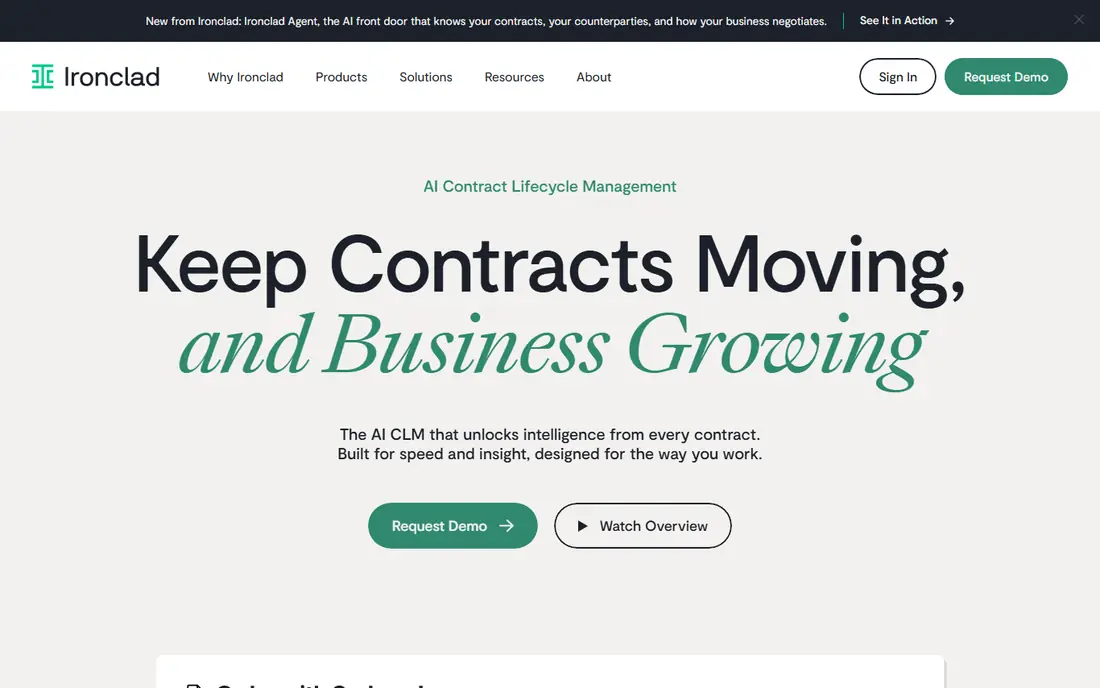
Ironclad is the platform we recommend first for legal-led teams with complex approval needs. Its workflow designer lets legal and business teams build intake, drafting, review, and approval steps that match how contracts actually move through the company. AI tools can extract key terms and flag non-standard language, which speeds review without replacing legal judgment. Once signed, contracts sit in a searchable repository with renewal and obligation tracking.
The cost and rollout are the trade-offs. Pricing is quote-based and often reaches five figures annually, and implementation can take months when workflows and templates need design work. Small teams may find a lighter tool faster and cheaper. For a growing company that needs consistent, auditable contract process, Ironclad is a strong investment.
- Strong workflow designer
- AI clause extraction and risk flagging
- Searchable repository
- Quote-based pricing
- Implementation can take months
- More than small teams need
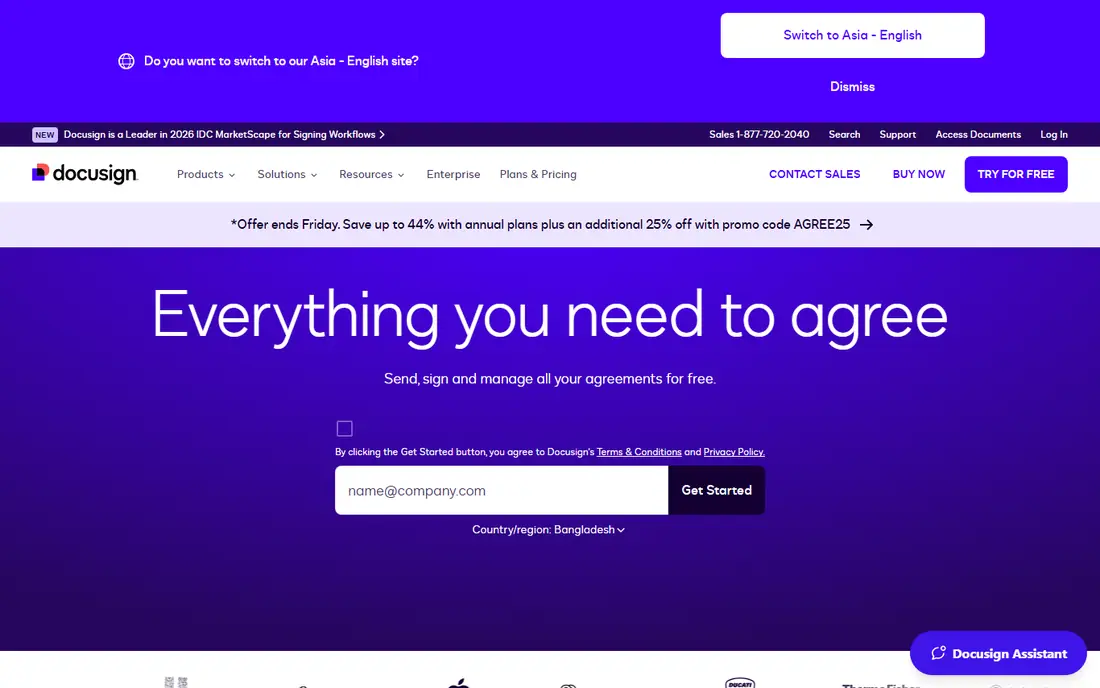
DocuSign CLM makes sense when your team already signs with DocuSign. It adds contract generation, negotiation workflows, approvals, and a repository around the e-signature step, so teams do not need to learn a separate signing tool. Integrations with CRM and document systems help sales and legal teams share the same contract record. For companies with high signing volume, that continuity matters.
CLM pricing itself is not published, so budgeting needs a quote, and implementation can take time for complex workflows. Teams that do not already use DocuSign may find a standalone CLM tool simpler. If DocuSign is already part of your stack, CLM is a natural extension rather than a fresh system to adopt.
- Extends familiar DocuSign signing
- Contract generation and workflow automation
- Broad integrations
- CLM pricing is quote-based
- Implementation can be long
- Best value inside the DocuSign ecosystem
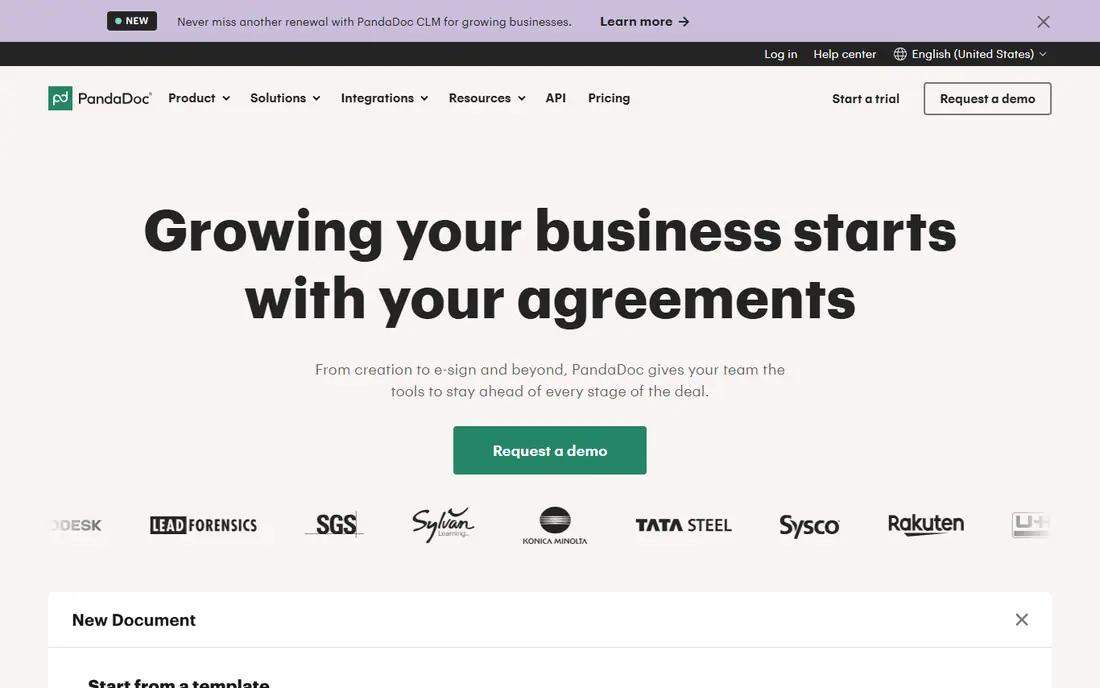
PandaDoc is the easiest CLM-adjacent tool to start with, especially for sales teams. You can create proposals, quotes, and contracts from templates, send them for e-signature, and track opens and completions in one place. Setup is self-serve, and published pricing from $19 per user per month makes budgeting simple. For a small business that needs faster closing rather than deep legal workflow design, PandaDoc is a practical choice.
Legal teams with complex clause libraries, multi-stage approvals, and post-signature obligation tracking may outgrow it. PandaDoc covers document generation and signing well, but it is not a full enterprise CLM platform. Use it when sales owns contracting, and consider Ironclad or Icertis when legal owns a formal lifecycle process.
- Published pricing from $19 per user per month
- Fast self-serve setup
- Proposals, quotes, and contracts in one tool
- Weaker for complex legal workflows
- AI features are more basic
- Enterprise governance is limited
Juro suits legal and commercial teams that want contracts to feel collaborative rather than bureaucratic. Drafting happens in the browser, with templates, approval workflows, and e-signature built in, so business users can start a contract without waiting for legal to open a separate system. The interface is cleaner than many enterprise tools, which helps adoption across sales and operations. AI-assisted drafting and review tools support faster first drafts.
Pricing is quote-based, which makes early budgeting harder, and the integration ecosystem is smaller than DocuSign. Juro is best for mid-sized teams that want a modern CLM without a heavy enterprise rollout. Larger companies with global compliance needs may prefer Icertis or Ironclad.
- Browser-based collaborative editing
- Template and workflow automation
- Clean interface for business users
- Quote-based pricing
- Smaller ecosystem than DocuSign
- Enterprise features need a higher tier
Icertis is built for large, global organisations with high contract volumes and strict governance needs. It covers the full lifecycle, from drafting and negotiation to post-signature obligation tracking, with AI analytics that surface risk and performance patterns across a contract portfolio. Compliance, audit trails, and role-based controls suit regulated industries and multinational teams. If your company manages thousands of contracts across regions, Icertis is designed for that scale.
The scale comes with cost and time. Pricing is enterprise quote-based, and implementation can run for many months, especially with data migration and workflow design. Mid-sized teams will likely find it heavier than needed. Choose Icertis when contract governance at global scale is the main requirement.
- Very broad enterprise CLM coverage
- AI analytics and risk scoring
- Strong governance and compliance tools
- Quote-based enterprise pricing
- Implementation can take many months
- Complex for mid-sized teams
Agiloft appeals to teams that need a CLM shaped around their own process, not a fixed template. Its no-code rules engine lets operations and legal teams build approval rules, clause handling, and custom fields without writing code. That flexibility helps companies with unusual contract types or approval chains. A free tier lets you test the core idea before a paid conversation.
Flexibility also means setup work. Configuring Agiloft well takes time, and the interface is more enterprise-focused than Juro or PandaDoc. Paid pricing is quote-based, so total cost depends on users and modules. Agiloft is a good fit when your workflow does not fit a standard CLM template and you have someone to own configuration.
- No-code rules engine for custom workflows
- Flexible data model
- Free tier for evaluation
- Quote-based pricing for paid tiers
- Configuration takes time
- Interface feels enterprise-focused
ContractWorks is the repository-first option in this list. If your main pain is finding signed contracts, tracking renewal dates, and searching clause text, ContractWorks gets you there quickly. OCR and full-text search make scanned and uploaded contracts searchable, and setup is usually faster than a full workflow CLM. Reported flat pricing with unlimited users suits teams where many people need to read contracts but few need to draft them.
Workflow automation is lighter than Ironclad or Agiloft, so teams that need multi-stage approvals and template-driven drafting may need more. Pricing is not published, though reports place it around $700 per month for a standard tier. Choose ContractWorks when a reliable, searchable repository is the priority.
- Fast repository setup
- OCR and full-text search
- Unlimited users on flat pricing reports
- Limited workflow automation compared with Ironclad
- Pricing not published
- Fewer AI drafting tools
LinkSquares stands out after signature, when the question shifts from drafting to understanding what you already signed. Its AI tools extract dates, values, obligations, and clauses from a contract portfolio, and tracking tools surface renewals before they slip. Analytics help legal and finance teams see exposure across suppliers and customers. For companies with a large backlog of signed contracts, that analysis is often more valuable than another drafting tool.
Drafting and workflow features are present but less central than in Ironclad or Juro. Pricing is quote-based and modular, so the total depends on which analysis and repository modules you choose. LinkSquares is best when post-signature visibility is the gap, and it pairs well with a drafting tool if needed.
- Strong AI extraction from signed contracts
- Obligation and renewal tracking
- Portfolio analytics
- Quote-based pricing
- Workflow drafting is less central
- Implementation needs data migration care
SpotDraft targets legal operations teams that want intake, triage, and workflow automation without a long enterprise project. Business users can submit contract requests through familiar tools, legal can triage and review in one queue, and AI assistance speeds first-pass review. Integrations with common workplace tools help adoption, since requests do not need to start in a separate portal. For a growing legal team, that intake focus solves a real bottleneck.
Pricing is quote-based, and SpotDraft is a newer brand than the enterprise incumbents, so reference customers in your industry are worth checking. Depth on the most complex enterprise workflows may vary by tier. SpotDraft is a strong modern choice for legal teams that want automation quickly, with a clear intake-to-signature flow.
- Legal intake and workflow automation
- AI review assistance
- Integrations with Slack, CRM, and docs tools
- Quote-based pricing
- Newer brand than Ironclad or Icertis
- Enterprise depth varies by tier
How we picked these
We compared official product pages, pricing pages, and current 2026 reporting on CLM pricing and features. We kept only platforms that cover the core CLM lifecycle, from drafting or repository through signature and renewal tracking, and that are live in October 2026. We favoured a mix of enterprise, mid-market, and sales-led tools, and we used See website where a vendor does not publish a price, rather than inventing a rate. We also noted where a tool is repository-first or analysis-first, so readers do not buy the wrong kind of platform.
What to check before you buy
Start by naming the owner and the main pain. If sales owns contracting and speed matters, PandaDoc or Juro may be enough. If legal owns governance and approvals, Ironclad, Icertis, or Agiloft are more likely fits. If finding and tracking signed contracts is the pain, ContractWorks or LinkSquares may solve it faster than a full workflow rollout. Pilot with your real contract types, not just a demo template.
Pricing and implementation
Published pricing is the exception in enterprise CLM, so ask for the full first-year cost, including implementation, migration, training, and any per-envelope or per-contract charges. Implementation time ranges from days for PandaDoc to months for Ironclad and Icertis. Get a scoped schedule in writing, and ask who owns template and workflow design after go-live.
AI review and human judgment
AI clause extraction and risk flagging can speed review, but they do not replace attorney judgment. Test AI accuracy on your own contract types, especially non-standard clauses and negotiated language. Check how the tool handles redlines, version history, and audit trails, since those details matter when a contract is disputed later.
Frequently asked questions
What is the best CLM software for small businesses?
PandaDoc is a good starting point for small businesses, with published pricing from $19 per user per month and fast setup. ContractWorks suits small teams that mainly need a searchable repository. Enterprise platforms such as Ironclad and Icertis are usually more than a small team needs in the first year.
Which CLM software is the best for legal teams?
Ironclad is our pick for legal-led enterprise workflows, with strong workflow design and AI-assisted review. Juro and SpotDraft suit modern legal teams that want collaborative drafting and intake automation without a heavy rollout. Icertis suits global legal teams with high volumes and strict governance needs.
What is the difference between CLM and e-signature software?
E-signature software covers signing a document. CLM covers the full lifecycle: drafting from templates, negotiation and redlines, approvals, signing, storage, and renewal tracking. Many CLM platforms include e-signature, but a signing tool alone does not manage templates, approvals, or obligations after signature.
How much does CLM software cost?
Costs range from $19 per user per month for PandaDoc to quote-based enterprise pricing that can reach five or six figures annually for Ironclad and Icertis. Repository tools such as ContractWorks are reported around $700 per month. Always ask for implementation and migration costs, since those can add a large amount in year one.
Can CLM software replace a lawyer?
No. CLM software speeds drafting, review, and tracking, and AI tools can flag risky language, but it does not replace legal judgment. Templates and high-value agreements should still be reviewed by qualified counsel, and AI-generated clauses should be checked before use. The tool makes legal work faster and more consistent, not autonomous.
Sources
See where you really rank - block by block
ProMapRanker scans Google Maps across a grid of your service area. Simple monthly plans from $19, white-label on every plan.
Start freeKeep reading
 who has the best home internet service
Who Has the Best Home Internet Service in 2026
Who has the best home internet service in 2026? Compare fiber, cable, and 5G providers on speed, price, data caps, and availability at your address today.
Read → visio alternatives
Best Visio Alternatives in 2026
Compare 9 Visio alternatives for flowcharts, org charts, and network diagrams, with free plans, pricing, and the best pick for teams and solo users in 2026.
Read → top 10 logistics software
Top 10 Logistics Software in 2026
We compared the top 10 logistics software tools for transport, warehousing, visibility and shipping, for shippers, carriers and 3PL teams in 2026 today.
Read →