 ProMapRanker
Best Clipping Software for PC in 2026

Key takeaways
- Medal is the best all-around free clipper for PC gamers who want instant replay, auto highlights and share links that play in Discord.
- OBS Studio is the best free tool for full control, but you must set up the replay buffer yourself and edit clips in another app.
- NVIDIA App is the best zero-cost option if you already have an NVIDIA card, since instant replay runs with very low performance cost.
- Xbox Game Bar is the best zero-install fallback on Windows, but it caps quality and editing compared with dedicated clippers.
- Outplayed and SteelSeries Moments are strong picks when you want automatic highlights in supported competitive games.
Quick comparison
| Pick | Great for | Pricing starts at | Free tier | |
|---|---|---|---|---|
 Medal Medal | All-around game clipping and sharing | Free | Yes | Visit |
 OBS Studio OBS Studio | Full-control recording and streaming | Free | Yes | Visit |
 NVIDIA App NVIDIA App | Instant replay on NVIDIA cards | Free | Yes | Visit |
 Xbox Game Bar Xbox Game Bar | Zero-install clipping on Windows | Free | Yes | Visit |
 Outplayed Outplayed | Automatic highlights on Overwolf | Free | Yes | Visit |
 SteelSeries Moments SteelSeries Moments | Clipping inside SteelSeries GG | Free | Yes | Visit |
 Streamlabs Desktop Streamlabs Desktop | Recording that grows into streaming | Free | Yes | Visit |
 Bandicam Bandicam | Simple high-quality game recording | Free | Yes | Visit |
The best clipping software for PC
We compared official feature pages, pricing pages, download pages and public reviews for PC clipping tools that were active in October 2026. The list below covers instant replay clippers, auto-highlight tools, full recorders and simple capture apps, so you can pick based on how much setup you want and where you share clips.
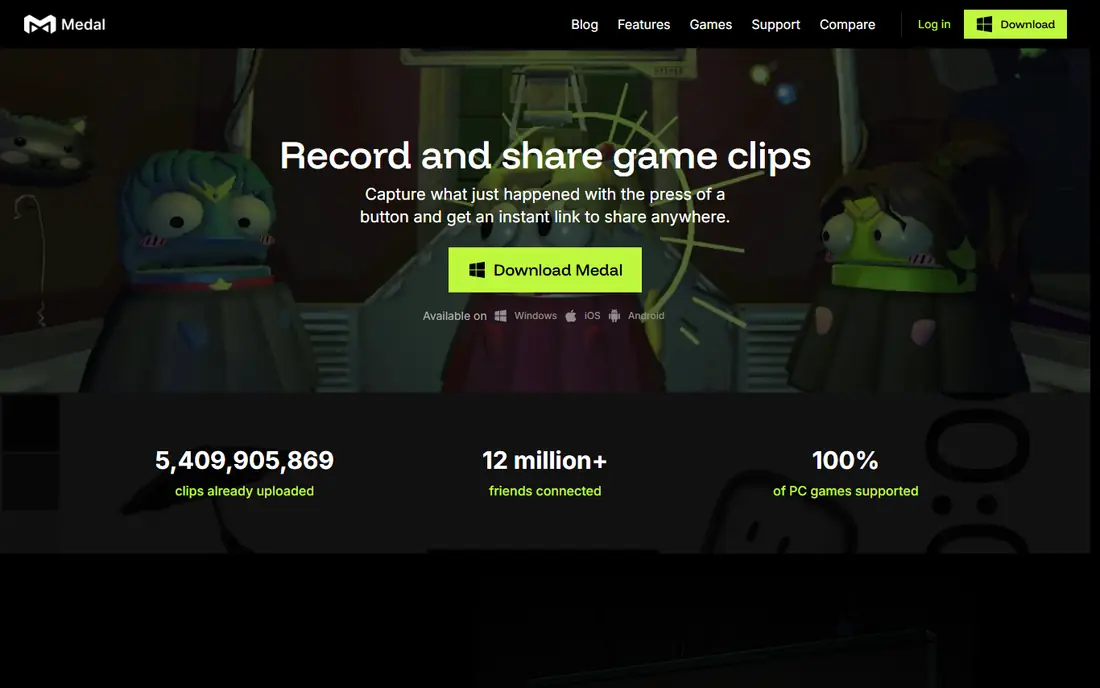
Medal is the easiest clipper to live with if you play often and share clips with friends. It keeps a replay buffer running while you play, so you press a hotkey after a good moment and save the last seconds or minutes without thinking about recording in advance. In supported games such as Valorant, Fortnite and CS2, highlights can save themselves, which means you miss fewer moments when you forget to press the key. The built-in editor covers trim, text, slow motion and separate audio tracks for game, mic and Discord, so many clips are ready to share without opening another app. Share links play inline in Discord and can be formatted for short-form video. Medal is free, with Premium listed at 9.99 dollars per month in some comparisons for longer replay, longer link hosting and no ads. The free tier shows ads and limits quick-share hosting, so check current Premium terms if you share a lot.
- Instant replay with a single hotkey
- Auto highlights in supported games
- Built-in editor and Discord-friendly share links
- Windows only for desktop clipping
- Free share links and replay length have limits without Premium
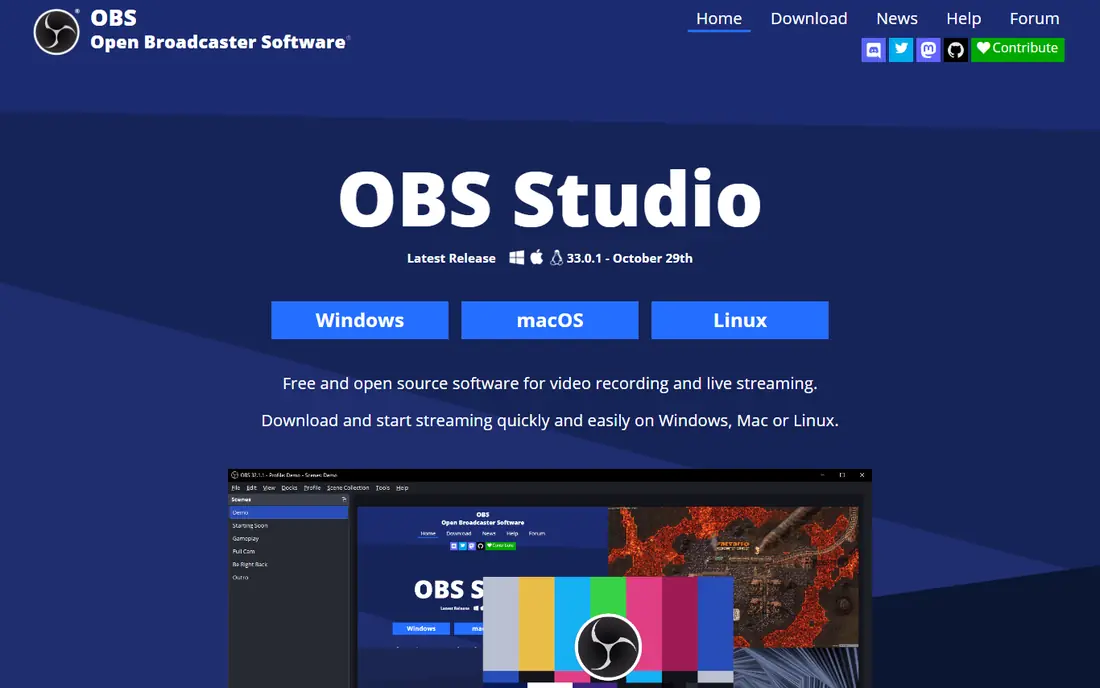
OBS Studio is not a clipper in the same sense as Medal, but it is the most capable free recorder on PC, and many creators already use it for streaming. You can record any window or display, set bitrate and encoder settings, add facecam and overlays, and stream to Twitch or YouTube from the same app. That control is why power users and streamers keep OBS even when they use a simpler clipper for quick moments. For clipping, you need to enable the replay buffer and set a hotkey, then trim the saved file in an editor. There are no auto highlights and no share links, so the workflow is longer. OBS is free and open source with no paid tier, which makes it the best choice when budget is zero and control matters more than speed. If you want one-hotkey clips with no setup, Medal will feel faster.
- Free and open source with no watermark
- Full control over scenes, sources and encoding
- Works on Windows, Mac and Linux
- Replay buffer needs manual setup
- No built-in clip editor or auto highlights
NVIDIA App, which includes the ShadowPlay instant replay feature, is the best clipper for many NVIDIA owners simply because it is already there and costs nothing extra. It keeps a replay buffer running with hardware encoding, so saving the last minutes of play has very little effect on frame rate. That low cost matters in competitive games, where a heavy recorder can hurt performance at the worst moment. Capture quality is strong, and clips save as local files you can edit or upload anywhere. The trade-off is that NVIDIA App is not a social clipper: there is no feed, no auto highlights in the Medal sense, and sharing means uploading the file yourself. If you own an NVIDIA card and want reliable instant replay without a new app, start here. If you want auto highlights and one-click sharing, add Medal alongside it.
- Instant replay with very low performance cost
- Already installed for many NVIDIA users
- High-quality capture up to 4K in supported setups
- Requires an NVIDIA graphics card
- Fewer sharing and editing features than Medal
Xbox Game Bar is the fallback every Windows PC already has, and that is its main strength. You can open it with a shortcut, record a clip or take a screenshot, and trim the result without installing anything. Background recording needs to be enabled in Windows Settings under Gaming and Captures, so take a minute to set length and quality before you need it in a match. Quality is capped at 1080p at 60 frames per second for background recording, and sharing means finding the local file and uploading it yourself. There are no auto highlights, no cloud library and no advanced editor. Game Bar is best for casual players who clip rarely, for a second PC, or for a quick capture when another app fails. Serious creators will outgrow it fast, but it is always available when you need it.
- Built into Windows with no install
- Simple capture and basic trim
- Performance widgets for FPS and system stats
- Capped at 1080p 60fps for background recording
- Only basic editing and no auto highlights
Outplayed, by Overwolf, is built around automatic highlights. In games with event detection, it detects kills, wins and other events and bookmarks them on a timeline, with clips running up to 180 seconds before and after the event in vendor descriptions. That hands-off capture suits competitive players who want a record of key moments without pressing a key after every play. Clips upload to outplayed.tv with one click and can be shared to Discord, YouTube and TikTok. The app is free, with a Premium subscription that removes ads and extends hosting, since free-tier uploads are hosted for three months in vendor comparisons. The main trade-off is the Overwolf platform itself: you need to run Overwolf, and some players prefer a standalone app. If you play supported titles and want auto highlights without managing a replay buffer, Outplayed is a strong pick.
- Automatic highlight detection in supported games
- Event timeline with bookmarks
- One-click uploads to major platforms
- Runs inside the Overwolf client
- Free uploads hosted for a limited period
SteelSeries Moments lives inside SteelSeries GG, the companion app for SteelSeries headsets, mice and keyboards. If you already run GG for device settings, Moments adds clipping without another standalone app to manage. You can capture moments, trim them and share them, with the same low-friction flow as other instant replay tools. Moments is free, which makes it easy to try alongside Medal or NVIDIA App. It is less suited to players who do not use SteelSeries gear or GG, since the main benefit is integration with that ecosystem. Editing is simpler than Medal, so creators who need text, effects and vertical formatting will still need another editor. For SteelSeries users who want quick clips from an app they already open daily, Moments is a practical choice.
- Clipping inside the GG app many players already use
- Simple capture and sharing
- Low extra setup if you own SteelSeries gear
- Tied to the SteelSeries GG ecosystem
- Fewer advanced editing tools than Medal
Streamlabs Desktop is based on OBS but adds a more guided setup, built-in alerts, overlays and widgets for streamers. That makes it a good pick if you plan to move from clipping to streaming, because you can record now and add a live setup later without learning a second app from scratch. Recording quality and scene control are close to OBS, with a friendlier first-run flow. The downside is weight: Streamlabs uses more resources than a light clipper such as Medal or NVIDIA App, and some themes and advanced features require a Prime subscription. For pure clipping, a dedicated clipper will be faster. For a creator who wants one app for recording, streaming and on-screen alerts, Streamlabs is a sensible middle ground between OBS control and Medal simplicity.
- Recording plus streaming, alerts and overlays in one app
- Easier setup than OBS for many new streamers
- Free tier for core recording
- More resource-heavy than a light clipper
- Some themes and features need Prime
Bandicam is a long-running Windows recorder that focuses on simple, high-quality capture rather than social clipping. You can record a game, a window or a screen region, with settings for quality and frame rate that are easy to understand. That simplicity suits players who want clean local files for YouTube or tutorials, and creators who record non-game content as well. The free version has limits, including a watermark and recording length limits in vendor descriptions, while the paid version is listed at around 33 dollars per year in some comparisons. Check the current Bandicam pricing page for your region before you buy, since pricing can vary. Bandicam has no auto highlights, no replay buffer in the Medal sense and no share links, so it fits best when you plan to record full sessions and edit them yourself.
- Simple interface for game and screen recording
- High-quality capture with low lag in many setups
- Good for tutorials as well as gameplay
- Free version has limits including a watermark
- No auto highlights or social sharing
How we picked these
We started with PC clipping tools that were active in October 2026, had an official download page, and could save gameplay on Windows without a paid subscription for core capture. We compared official feature pages, pricing pages and public reviews, and we kept tools that cover different jobs: instant replay, auto highlights, full-control recording, zero-install capture, streaming growth and simple local recording. We focused on facts you can check: platform support, replay length, auto highlight support, editing, sharing and whether a free tier exists. We did not claim hands-on testing that did not happen. We compared what vendors publish about capture, editing and sharing, and we noted limits such as Game Bar quality caps and free-tier hosting limits where vendors or comparisons state them. We left out tools that could not be verified as active PC clippers in October 2026.
How to choose PC clipping software
Decide how you want to capture
If you want to save moments after they happen, pick an instant replay clipper such as Medal, NVIDIA App or Xbox Game Bar. If you want highlights saved without pressing a key, pick Outplayed or SteelSeries Moments for supported games. If you want full sessions for editing, pick OBS Studio or Bandicam.
Check performance and storage first
Test any clipper in your most demanding game before you rely on it in ranked play. Check frame rate, file size and where clips save, and set a replay length that fits your drive. A clipper that costs frames or fills your drive will hurt more than a missing editing feature.
Match sharing to where you post
If you share in Discord, Medal share links save a step. If you post to TikTok or Shorts, check vertical formatting and trim tools before you commit. If you edit for YouTube, local files from OBS or Bandicam give you more control in a full editor.
Frequently asked questions
What is the best clipping software for PC gaming?
Medal is the best clipping software for PC gaming for most players, because it combines instant replay, auto highlights in supported games, a built-in editor and Discord-friendly links. OBS Studio is better for full control and streaming, while NVIDIA App is better if you already have an NVIDIA card and want low performance cost. Pick based on setup time and sharing, not just on features.
What is the best free clipping software for PC?
Medal, OBS Studio, NVIDIA App, Xbox Game Bar and Outplayed all offer free core clipping on PC. Medal is the best free all-rounder, OBS Studio is the best free tool for control, and Xbox Game Bar is the best free option with no install. Free tiers differ on ads, hosting limits and replay length, so check current terms before you rely on cloud hosting.
What is the best clipping software for gaming without lag?
NVIDIA App with hardware encoding is often the lowest-cost option on NVIDIA cards, followed by Medal with hardware acceleration. OBS Studio can also run with low cost, but only after careful encoder and bitrate setup. Test in your game at your settings, close heavy background apps, and keep replay length reasonable to avoid drive and memory pressure.
How do I clip gameplay on PC without recording all the time?
Use an instant replay buffer, which keeps only the last minutes of play in memory until you press a hotkey to save. Medal, NVIDIA App, Xbox Game Bar and Outplayed all offer this in different forms. Set the buffer length before you play, choose a hotkey you will not press by accident, and check where saved clips go so you can find them after a match.
Is OBS Studio good for clipping?
OBS Studio is good for recording and streaming, but it is not the fastest clipper. Its replay buffer can save recent play on a hotkey, yet you must set it up yourself and trim clips in another app. Use OBS when you want full control over scenes, encoding and streaming. Use Medal or Outplayed when you want fast clips with auto highlights and sharing.
What is the best software to clip gameplay for TikTok?
Medal is a strong pick for TikTok, because its editor and share formats cover short-form video and its links play well in Discord. Outplayed also supports one-click sharing to TikTok. For best results, record at high quality, trim to the moment, add text only if it helps the viewer understand the play, and export in vertical format when the platform needs it.
Sources
See where you really rank - block by block
ProMapRanker scans Google Maps across a grid of your service area. Simple monthly plans from $19, white-label on every plan.
Start freeKeep reading
 zendesk alternatives
Best Zendesk Alternatives in 2026
Compare the best Zendesk alternatives in 2026, from budget help desks to AI-first support tools, with current pricing, free plans, and honest trade-offs.
Read → wordpress alternatives
Best WordPress Alternatives in 2026
Looking for the best WordPress alternatives? We compare 8 free and paid options for blogs, business sites, stores, and developer-led projects in 2026.
Read → which real estate company has the best training
Best Real Estate Company Training in 2026
Compare which real estate company has the best training, from Keller Williams and eXp to Compass and Coldwell Banker, by program, mentor, and fit in 2026.
Read →