 ProMapRanker
7 Best Clinical Documentation Software Options for 2026


Multi-specialty groups that want voice commands along with ambient notes · Pricing starts at: Quote; third-party reported roughly 299 dollars per clinician per month for Compose and 399 dollars for Assistant
Direct answer
This list puts Suki first for multi-specialty groups that want voice commands plus ambient notes. If your case is different, Notable suits health systems that want documentation inside a wider workflow automation platform and Nuance DAX Copilot suits large health systems already invested in Microsoft and Dragon dictation. Prices, free plans and limits for all 7 tools follow.
Key takeaways
- Suki is the opening pick, best for multi-specialty groups that want voice commands plus ambient notes.
- A fair warning about Nuance DAX Copilot: among the most costly tools in this guide, with a one-time setup fee of about 650 to 700 dollars for the first user.
- Suki, Freed and the 5 others all need a premium plan or a trial, since no free plan is listed.
- Freed is the one to check for solo clinicians and small practices that want a published price and same-day setup.
Quick comparison
| Pick | Great for | Pricing starts at | Free tier | |
|---|---|---|---|---|
| Suki | Multi-specialty groups that want voice commands along with ambient notes | Quote; third-party reported roughly 299 dollars per clinician per month for Compose and 399 dollars for Assistant | No | Visit |
 Notable | Health systems that want documentation inside a wider workflow automation system | Quote; no reliable third-party per-clinician price found | No | Visit |
 Nuance DAX Copilot | Large health systems already invested in Microsoft and Dragon dictation | Quote; third-party reported roughly 369 to 600 dollars per clinician per month through resellers | No | Visit |
 Abridge | Large Epic-based health systems that want deep EHR integration | Quote; third-party reported roughly 208 to 500 dollars per clinician a month | No | Visit |
 DeepScribe | Specialty practices, notably oncology and cardiology, that require specialty-tuned notes | Quote; third-party reported roughly 350 to 500 dollars per clinician a month | No | Visit |
 Augmedix | Health systems that want a choice between completely automatic notes and human-supported documentation | Quote; third-party reported roughly 800 dollars or more per clinician a month, with wide disagreement | No | Visit |
 Freed | Solo clinicians and small practices that want a published price and same-day setup | 39 dollars per clinician per month for Starter, from the vendor pricing page checked 11 November 2026 | Free trial (7 days) | Visit |
Clinical Documentation Software, one by one
Short on time? The summary and table above give the quick view of 7 tools for clinical documentation software, and the profiles that follow give the detail behind each entry.
Suki
Great for: Multi-specialty groups that want voice commands along with ambient notes

Suki works best for multi-specialty groups that want voice commands as well as ambient notes. Suki merges ambient scribing with spoken EHR control.
Highlights: Native integration with Epic; EHR commands.
It listens to the encounter, drafts the note, and lets the clinician pull chart data, stage prescriptions and lab orders, and suggest ICD-10 and HCC codes by voice. Starting cost for Suki: quote. There is no free plan with Suki.
- Chart questions by voice
- MEDITECH Expanse
- No public pricing page, so every deal needs a sales conversation and an annual contract
Notable
Great for: Health systems that want documentation inside a wider workflow automation system
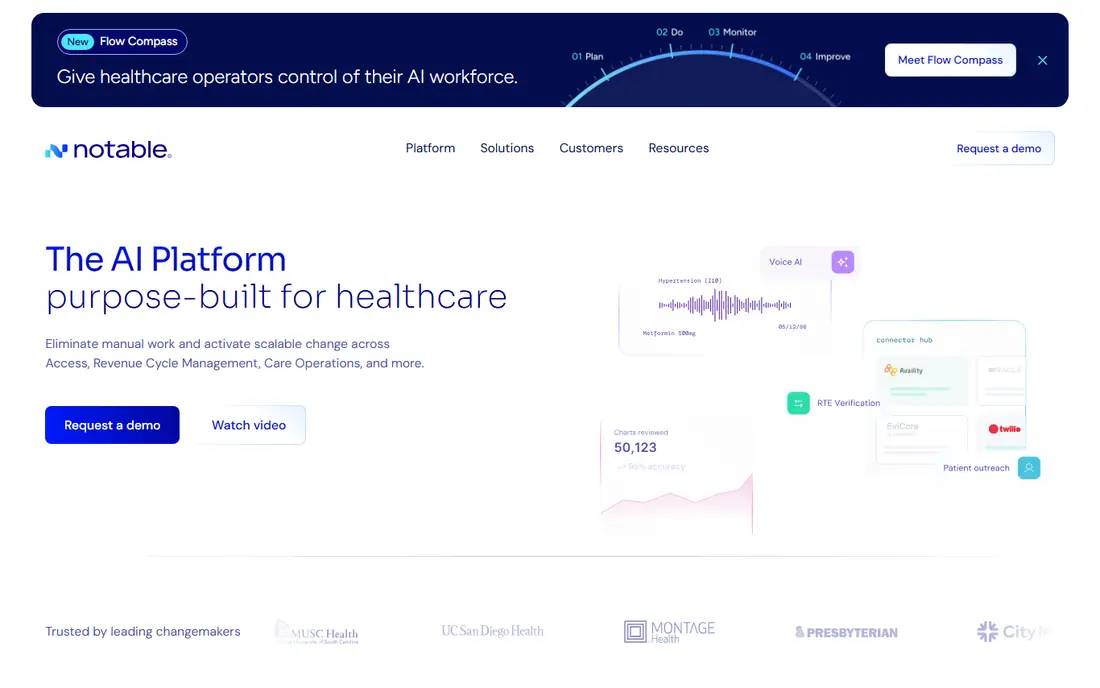
Where Notable fits: health systems that want documentation inside a wider workflow automation product. It uses AI to capture the encounter, draft documentation, and link the note to intake and follow-up steps.
Drawbacks to consider: Documentation is not the standalone focus, so a buyer who only needs a scribe may pay for system breadth they do not use.
Notable pricing: quote. Notable has no free plan.
- Documentation sits inside a broader system that automates intake, scheduling, follow-up
- Enterprise support and EHR integration are scoped to the buyer
- No published price and no usable external per-clinician figure, so buyers cannot benchmark the cost before a sales conversation
Nuance DAX Copilot
Great for: Large health systems already invested in Microsoft and Dragon dictation

Nuance DAX Copilot makes the most sense for large health systems already invested in Microsoft and Dragon dictation. Microsoft folded DAX Copilot with Dragon Medical One into Microsoft Dragon Copilot in 2025.
What to check first: The rebrand to Dragon Copilot has left pricing and licensing terms confused across resellers.
What you pay to start with Nuance DAX Copilot: quote. There is no free plan with Nuance DAX Copilot.
- Deepest history in clinical speech recognition, with native Epic integration through Hyperdrive
- Now merged with Dragon Medical One, so dictation and ambient notes sit in one product
- Among the most costly tools in this guide, with a one-time setup fee of about 650 to 700 dollars for the first user
Abridge targets large Epic-based health systems that want deep EHR integration. Abridge is an ambient AI scribe designed for enterprise health systems.
Abridge reports more than one million conversations per week. Entry price for Abridge: quote. Abridge has no permanent free option.
Drawbacks to consider: Pricing is not published, which makes budgeting hard.
- Now suggests codes alongside the note
- Deep Epic integration with notes written into the encounter workflow
- Enterprise-only sales with no self-serve signup
DeepScribe
Great for: Specialty practices, notably oncology and cardiology, that require specialty-tuned notes
Pick DeepScribe if this describes you: specialty practices, particularly oncology and cardiology, that require specialty-tuned notes. It drafts a structured note and brings E and M coding suggestions and context from prior documentation.
Entry price for DeepScribe: quote. DeepScribe has no free tier.
Trade-offs to know: Enterprise pricing puts it out of reach for most small practices.
- Built-in E and M coding suggestions
- Other complicated specialties
- No public pricing and no free trial, so buyers must commit to a sales demo first
Augmedix
Great for: Health systems that want a choice between completely automatic notes and human-supported documentation
Choose Augmedix for health systems that want a choice between completely automatic notes and human-supported documentation. None of these figures is a vendor price, so get a product-specific quote for Go, Assist, or Live.
What you pay to start with Augmedix: quote. There is no free plan with Augmedix.
The main drawbacks: Now a wholly owned subsidiary of Commure, so buyers should confirm the product roadmap and support terms in writing.
- Widest service range in this guide, with Go for automatic notes
- Assist for hybrid support
- No public price
Freed
Great for: Solo clinicians and small practices that want a published price and same-day setup
Freed is built with solo clinicians and small practices that want a published price and same-day setup in mind. Starter costs 39 dollars per clinician a month for up to 40 notes, Core costs 79 dollars for unlimited notes, and Premier costs 119 dollars a month, or 104 dollars a month billed yearly, and brings EHR push and ICD-10 coding.
Its vendor help page confirms the same three tiers as of 10 November 2026. What you pay to start with Freed: 39 dollars per clinician per month for Starter, from the vendor pricing. Free plan details: Free trial (7 days).
What Freed does well: Premier layers on EHR push.
Downsides: Starter caps notes at 40 a month.
- Referral letters
- Setup takes minutes
- EHR integration runs through a Chrome extension instead of a native API write-back, so it is not designed for large health systems
Picking the right clinical documentation software
Start with a short pilot. Check compliance before the pilot starts. Also plan for adoption.
Industry reports put usual clinician uptake at 20 to 50 percent, so budget for training.
How much to budget for clinical documentation software
Only Freed publishes a price, from 39 dollars per clinician a month. On top of that, treat every external figure as a planning range, not a price. In daily use, multiple enterprise tools carry implementation fees of 500 to 2,000 dollars per practice or per user, and annual contracts of 12 to 36 months are typical.
Comparing the main differences
Ambient clinical documentation software listens to the conversation between a clinician and a patient, then drafts a structured clinical note from that conversation. In daily use, the clinician reviews the draft, edits it, and signs it into the record. The goal is to cut the hours clinicians spend typing after clinic ends.
What went into this list
ProMapRanker used vendor pricing pages and product documentation as the base, then compared plans, free access and documented limits for 7 tools. Where a vendor does not publish a price, the entry says quote. Where a price depends on seats or billing term, the entry says so. Tools are placed by general fit for clinical documentation software, with price clarity and free access as tie-breakers. A different team can reasonably rank them differently.
What to check before you buy
- Check the current price for Suki, Freed and the rest on each vendor page, since seats and billing terms change the total.
- Run a trial of Freed with real work before paying for a year; your own workflow is the best test.
- Before choosing Suki, weigh its main limit: no public pricing page, so every deal needs a sales conversation and an annual contract.
- Confirm minimum seats and billing terms with Notable before you commit to an annual plan.
- Confirm that Suki connects to the apps your team already uses, on the plan you would actually buy.
Frequently asked questions
Does any tool for clinical documentation software here have a free plan?
A permanent free plan is not offered by Suki, Freed or the other tools here. Freed offer a trial. Plan a short evaluation period instead.
How are the tools for clinical documentation software ordered?
The order follows typical fit for clinical documentation software, with Suki first and Freed last, then price clarity and free access. It is editorial judgement, not a score, so another team could rank the tools differently.
Can I try these options before paying?
Often, yes. Freed offers a free trial. Use your own data and a real task during the test, and check what the free tier or trial limits before you rely on it.
Is Suki the right pick for everyone comparing clinical documentation software?
No single tool suits every team. Suki comes first because it fits multi-specialty groups that want voice commands as well as ambient notes, while Notable suits health systems that want documentation inside a wider workflow automation platform and Nuance DAX Copilot suits large health systems already invested in Microsoft and Dragon dictation. Match the tool to your own size, budget and workflow before deciding.
Sources
See where you really rank - block by block
ProMapRanker scans Google Maps across a grid of your service area. Simple monthly plans from $19, white-label on every plan.
Start freeKeep reading
 zscaler alternatives
Best Zscaler Alternatives in 2026
Looking for zscaler alternatives? We compare 9 SASE and zero trust platforms on architecture, data protection, pricing, and fit for your network and team.
Read → zapier alternatives free
Best Zapier Alternatives Free in 2026
Nine automation tools for zapier alternatives free in 2026, all with genuinely free tiers, plus free plan limits, starting prices and upgrade paths explained.
Read → which platform is best for online reputation
Which Platform Is Best for Online Reputation in 2026
Wondering which platform is best for online reputation? We compare 8 review, listing, and response tools for small and multi-location businesses and agencies.
Read →