 ProMapRanker
Best Client Management Software for Small Business in 2026


Small teams wanting a free, scalable start · Pricing starts at: Free
Key takeaways
- Client management for a small business is about follow-up discipline, not only storing contacts.
- Free plans from HubSpot, Zoho and Capsule help very small teams start without a large bill.
- Pipeline clarity matters most for sales-led teams, while project handoffs matter most for service teams.
- Check contact limits, automation limits and add-on costs, because headline seat prices hide those details.
- Pick the tool your team will actually update daily, even if a more powerful tool looks better on paper.
Quick comparison
| Pick | Great for | Pricing starts at | Free tier | |
|---|---|---|---|---|
| HubSpot CRM | Small teams wanting a free, scalable start | Free | Yes | Visit |
 Zoho CRM | Budget teams needing automation and breadth | Free | Yes | Visit |
 Capsule CRM | Relationship-focused small teams | Free | Yes | Visit |
 monday CRM | Visual teams wanting flexible pipelines | $15 per seat per month | Free trial | Visit |
 Pipedrive | Sales-led teams wanting pipeline discipline | $14 per seat per month | Free trial | Visit |
 Insightly | Service teams needing CRM plus projects | $29 per user per month | Free trial | Visit |
 Freshsales | Teams wanting built-in phone and email | See website | Yes | Visit |
 Keap | Teams needing CRM plus marketing automation | $199 per month | Free trial | Visit |
The best client management software for small business
Small businesses need client software that keeps contacts, conversations, deals and follow-ups in one place without enterprise complexity. The tools below cover that job from different angles: free CRMs, visual pipelines, project-linked CRMs and marketing automation. Choose on your daily workflow, not only on price.
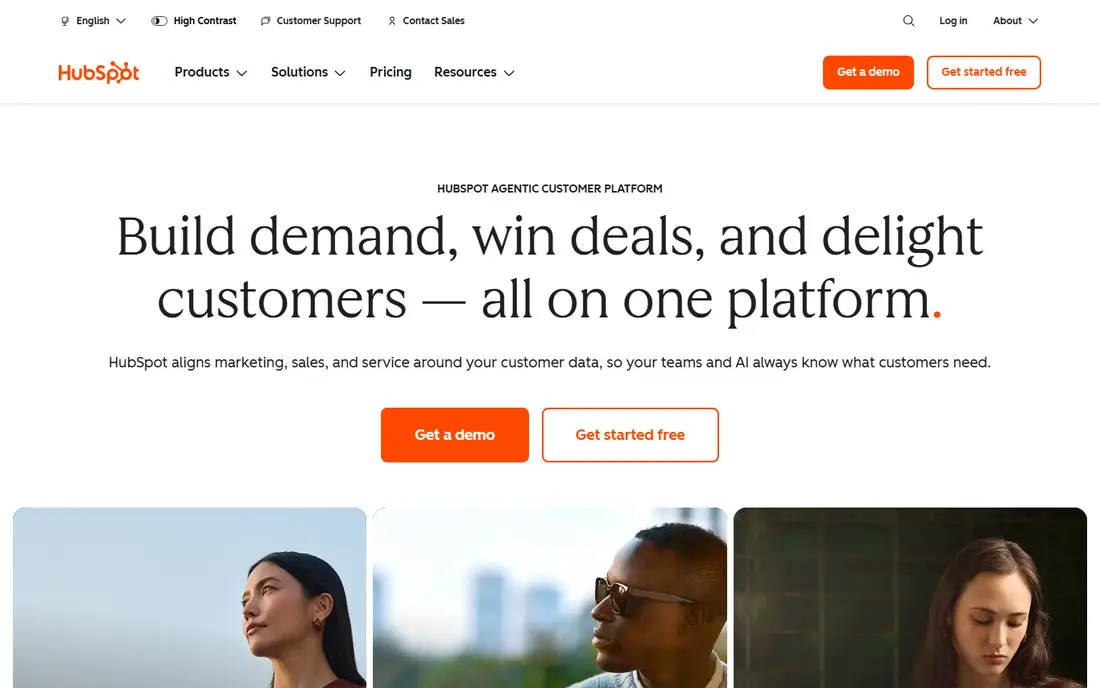
HubSpot is the safest free start for a small business. The free CRM covers contacts, companies, deals, pipelines and basic email tracking, and it scales into paid Sales, Marketing and Service Hubs when the team grows. That path avoids a painful migration later, because the same contact record can grow with the business.
The step to paid plans needs budgeting. Starter pricing is listed at $20 per seat per month in recent comparisons, while Professional adds automation and reporting at a higher price plus an onboarding fee. Start free, prove daily use, and only pay for automation you actually need.
- Genuinely useful free CRM
- Contacts, deals and pipelines included
- Scales into marketing and service tools
- Paid tiers and onboarding fees add up
- Advanced reporting needs higher plans
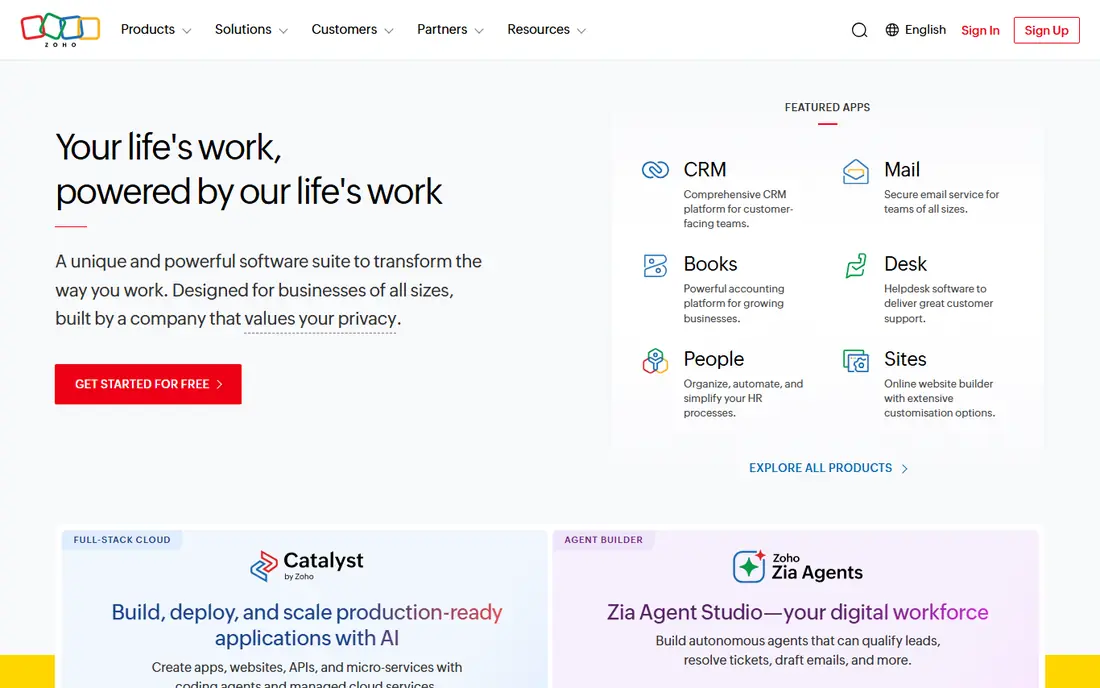
Zoho CRM gives a small business more automation per dollar than most rivals. The free plan covers up to 3 users, while Standard starts at $14 per user per month on annual billing, with Professional at $23 and Enterprise at $40. Workflow automation, scoring and forecasting help a small team follow up consistently without hiring an admin.
The interface is denser than HubSpot or Capsule, and marketing campaigns live in a separate Zoho app, which adds setup. If your team values breadth and price over minimal design, Zoho is the strongest value pick. If your team will only use contacts and a pipeline, a simpler tool may get better adoption.
- Free plan for up to 3 users
- Paid plans from $14 per user per month
- Strong automation and customisation
- Interface can feel busy for very small teams
- Some tools live in other Zoho apps
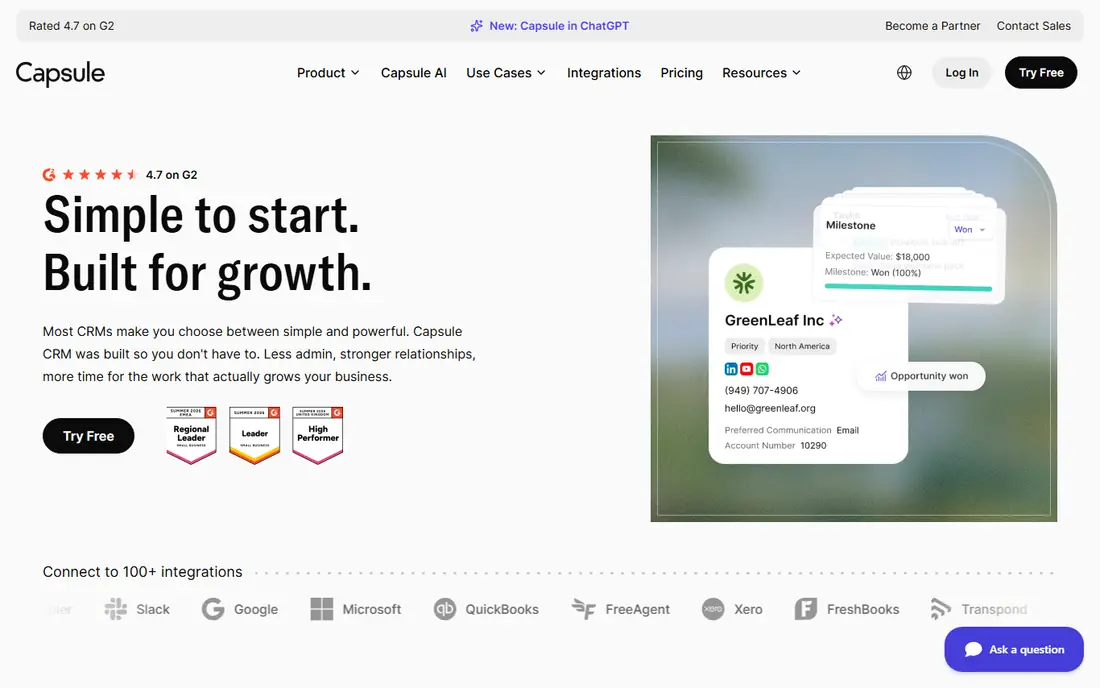
Capsule is built around relationships rather than complex sales machinery. Contacts, organisations, opportunities, tasks and pipelines sit in a clean interface that a small team can learn quickly. A free plan helps very small teams start, while paid plans add more contacts, pipelines and automation.
Its simplicity is also its limit. Teams that need deep automation, forecasting or marketing tools will outgrow Capsule sooner than HubSpot or Zoho. Check current paid pricing and contact limits at purchase, because listings vary, and trial it with your real client list before deciding.
- Simple, contact-centred design
- Free plan for small teams
- Visual pipelines and tasks
- Paid plans start around $18 per user per month in older listings
- Less depth for complex automation
Monday CRM suits small teams that think in boards, not forms. Pipelines, client tasks, follow-ups and deal stages can be viewed as boards, timelines or kanban views, and automation helps move work forward without manual chasing. Basic pricing is listed at $15 per seat per month in recent comparisons, with Standard at $20 and Pro at $33.
The catch is seat minimums and tier steps. Check the minimum seat count, automation limits and reporting on your plan, because a two-person team may pay for a third seat. For visual teams, that cost is often worth it, because the board view keeps client work visible.
- Highly visual boards and pipelines
- Flexible customisation
- Good for teams that like board-based work
- Plans start with a 3-seat minimum in recent listings
- Pricing rises with higher tiers
Pipedrive is the pipeline-discipline pick for a small sales-led business. Deals, stages, activities and next actions are clear at a glance, which helps a small team keep follow-ups on track. Annual pricing starts at $14 per seat per month for Lite, with Growth, Premium and Ultimate tiers above it, although monthly billing costs more.
It has no free plan, only a trial, and marketing add-ons cost extra. Choose Pipedrive when sales follow-up is the main job and your team will live in the pipeline daily. If you need marketing automation in the same price, HubSpot or Keap may fit better.
- Clear visual pipeline
- Easy rep adoption
- Automation and forecasting on higher tiers
- No free plan, only a trial
- Marketing tools are paid add-ons
Insightly suits service businesses where client work continues after the sale. It links contacts, organisations, opportunities and projects, so a client handoff from sales to delivery stays in one system. That clarity helps agencies, consultants and trades firms that lose track of work after winning a client.
Entry pricing is listed at $29 per user per month in recent comparisons, which is higher than free CRMs but lower than many enterprise tools. Trial a real client journey from first contact to project delivery, and check project limits and automation on your tier before committing.
- CRM plus project management
- Clear sales-to-delivery handoffs
- Relationship linking across records
- Higher entry price than free CRMs
- Less depth for large enterprise sales
Freshsales combines client management with built-in communication, so a small team can call, email and track clients without a separate dialler. It offers pipelines, AI insights, automation and forecasting on higher tiers, with a free plan for very small teams. That combination suits service and sales teams that spend much of the day on calls and emails.
Check which phone, AI and automation features are included on your exact plan, and confirm phone costs for your country. For a team already using other Freshworks tools, shared administration can also simplify setup.
- Built-in phone, email and chat
- AI pipeline insights
- Free plan for small teams
- Current pricing is quote-led for some plans
- Advanced features sit on higher tiers
Keap is for small businesses that want client management plus follow-up marketing in one system. It combines contacts, CRM, email automation, landing pages and payments, so a lead can move from enquiry to booked client to paid invoice with fewer tools. Its Pro plan is listed at $199 per month in recent comparisons, with Max at $289.
That price is higher than a basic CRM, so Keap only makes sense if you will use its automation and payments. If you only need contacts and a pipeline, a free CRM will save money. Trial Keap with a real follow-up sequence, and check contact limits, since pricing includes a set contact count with extra users charged separately in some listings.
- CRM plus marketing automation and payments
- Strong follow-up automation
- Built for small businesses
- Higher starting price
- Learning curve for automation setup
How we picked these
We compared official product pages and public pricing information for client-management and CRM tools in active use by small businesses in 2026. We favoured tools with a free plan or low entry price, clear pipelines and follow-up tools, and we wrote See website where current vendor pricing was quote-based. We did not include enterprise-only platforms that a small team cannot realistically run.
What to check before you buy
List your daily client jobs first: new enquiries, follow-ups, quotes, bookings, projects and invoices. Then check whether the tool covers those jobs, or whether you will still need separate tools for invoicing or scheduling. Confirm contact limits, automation limits, email sending limits and data export, because those limits decide the real cost.
Trial with your real client list for two weeks. Check whether the team updates records without being chased, whether follow-ups happen on time, and whether you can export everything if you leave. A tool that looks simple in a demo but gets ignored in week two is not a saving.
Frequently asked questions
What is client management software for small business?
It is software that stores client contacts, tracks conversations and deals, manages follow-ups and, in some tools, links to projects, invoicing and marketing.
Is there a good free option?
Yes. HubSpot, Zoho and Capsule all offer free plans for small teams, with limits on users, contacts or features. Start free and upgrade only when automation or reporting needs demand it.
How much should a small business pay?
Free plans work for very small teams, while paid entry pricing in this list ranges from $14 to $29 per user per month, with Keap at $199 per month for CRM plus automation. Compare totals, not only seat prices.
Do I need CRM plus marketing automation?
Only if follow-up marketing is a core part of your sales process. If it is, Keap or HubSpot may save tool costs. If not, a simple CRM such as Capsule or Pipedrive is enough.
Can I migrate later if I outgrow a tool?
Usually yes, but plan for custom fields, notes, attachments and history. Ask about export formats before signing, and keep a backup of client data outside the CRM.
What is the biggest mistake small businesses make with a CRM?
Buying on feature count instead of daily use. A CRM that the team updates every day, even a simple one, beats a powerful system that nobody opens after the first month.
Sources
See where you really rank - block by block
ProMapRanker scans Google Maps across a grid of your service area. Simple monthly plans from $19, white-label on every plan.
Start freeKeep reading
 what’s the best risk software for enterprises
What Is the Best Risk Software for Enterprises in 2026
We compared what’s the best risk software for enterprises on risk registers, controls, third-party risk, and reporting, with pricing notes for large teams.
Read → what's the best pam software for enterprises
What is the Best PAM Software for Enterprises in 2026
Find what's the best pam software for enterprises, with vaulting, session recording, just in time access and pricing compared for large enterprise IT teams.
Read → what’s the best grc software
What Is the Best GRC Software in 2026
We compared what’s the best grc software on risk, compliance, audit and vendor risk, so teams can pick a platform that fits their frameworks and budget.
Read →