 ProMapRanker
Best Client Management Software in 2026

Key takeaways
- HubSpot offers the most generous free start, while Zoho CRM offers the best value for small teams that need automation at a low per user price.
- Salesforce suits growing firms that need depth and ecosystem breadth, but setup and per user costs climb fast.
- Pipedrive and monday CRM suit teams that live in a visual pipeline or board, rather than in a complex admin console.
- HoneyBook suits service businesses that sell projects, not just deals, with proposals, contracts, and payments in one flow.
- Per user pricing multiplies with team size, so model the cost for your full team, not for one seat.
Quick comparison
| Pick | Great for | Pricing starts at | Free tier | |
|---|---|---|---|---|
 HubSpot CRM | free start with room to grow | Free | Yes | Visit |
 Zoho CRM | budget teams needing automation | $14 per user per month | Yes | Visit |
 Salesforce | growing firms needing depth | $25 per user per month | No | Visit |
 Pipedrive | visual sales pipeline | $14 per seat per month | No | Visit |
 monday CRM | board based client work | $12 per seat per month | No | Visit |
 Freshsales | low cost sales CRM with phone and email | $9 per user per month | Yes | Visit |
 Capsule | simple CRM for small teams | See website | Yes | Visit |
 Insightly | CRM plus project delivery | $29 per user per month | No | Visit |
 HoneyBook | service businesses with projects | $19 per month | No | Visit |
The best client management software
Client management software covers contacts, deals, communication, and follow-up in one place, so nothing falls through when a team grows. We compared official pricing pages and October 2026 pricing reports, with a focus on contact and deal tracking, automation, integrations, and the true cost for a small team. Prices below are entry paid tiers unless noted, and many vendors offer lower annual equivalents.
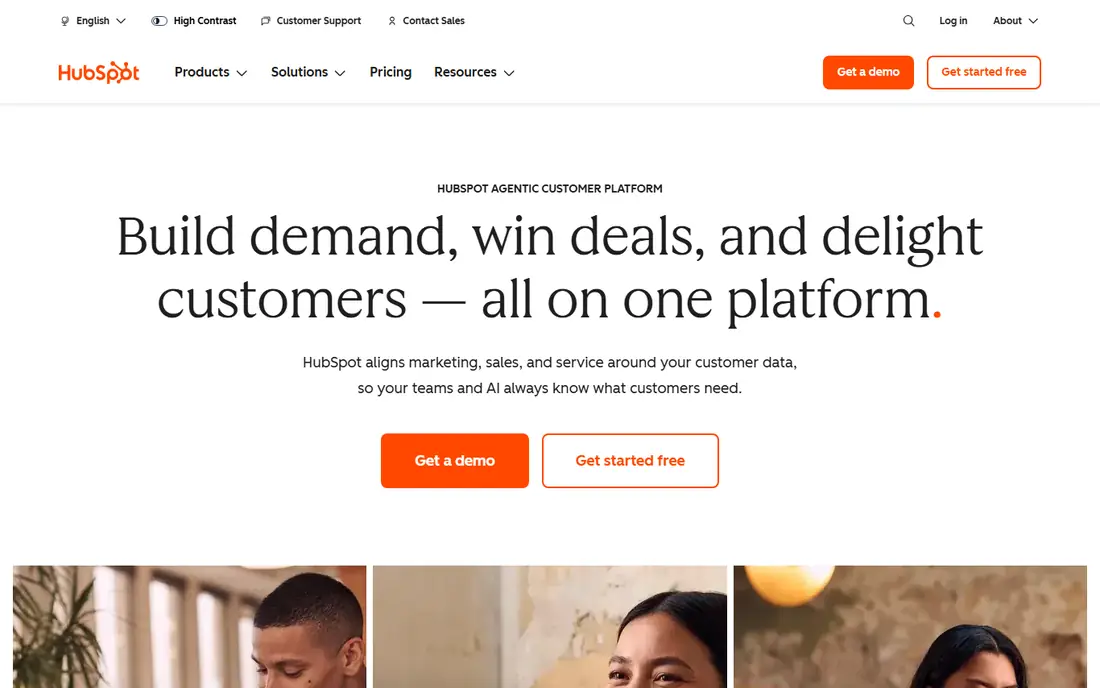
HubSpot is the easiest place to start, because the free CRM is a real working product, not a short trial. Contact and deal tracking, email tracking, live chat, and basic reporting are included free, and many small teams never need to pay. Paid Starter plans start around $20 per seat per month in recent pricing guides, with Professional far higher.
The upgrade path is both a strength and a warning. HubSpot scales to marketing, sales, and service hubs, but each hub adds cost, and Professional pricing can surprise a team that grew fast on free. Start free, track how many contacts and deals you actually manage, and upgrade only when automation or reporting limits slow you down.
- Generous free CRM with contacts, deals, and tickets
- Large integration library
- Clear upgrade path
- Jump to Professional is steep
- Costs climb as hubs and seats are added
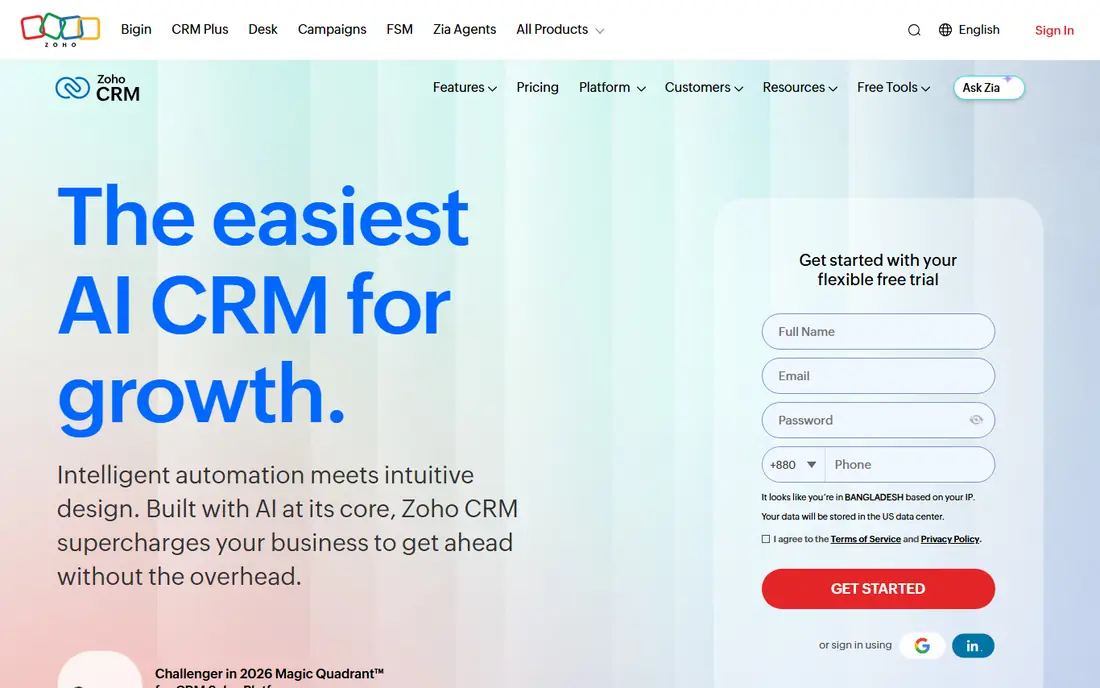
Zoho CRM offers the best value for small teams that need more than a simple pipeline. Standard starts at $14 per user per month billed annually, or $20 month to month, with workflow automation, email integration, and reporting that many budget tools reserve for higher tiers. The free plan covers up to 3 users with contact and deal tracking.
Setup is the trade-off. Zoho covers a lot of ground, and teams that rush configuration can end up with cluttered views and unused fields. Spend time on pipeline stages, required fields, and automation rules before inviting the whole team. For Zoho users already on Mail, Books, or Projects, the integration value is hard to beat.
- Free plan for up to 3 users
- Automation at budget prices
- Deep Zoho app ecosystem
- Interface can feel inconsistent
- Setup takes more care than simpler rivals
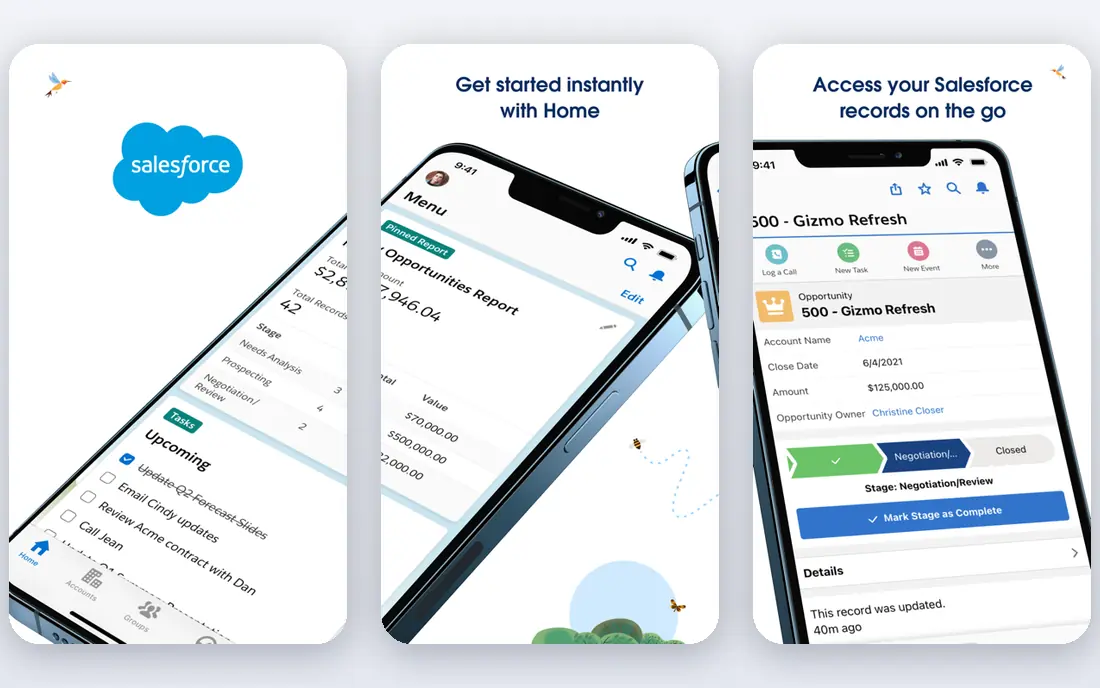
Salesforce suits firms that know they will grow and want a platform that grows with them. Starter Suite starts at $25 per user per month, with Pro Suite at $100 per user per month billed annually, and higher Sales Cloud tiers beyond that. Reporting, customization, and the AppExchange marketplace give large teams options that smaller CRMs cannot match.
Complexity is the cost. Small teams can find Salesforce heavy to configure, and implementation help is often worth paying for. A 30 day free trial helps, but use it on real data with real users, not on demo records. Choose Salesforce when depth, scale, and ecosystem matter more than the lowest monthly bill.
- Deepest ecosystem and app marketplace
- Strong reporting and customization
- Scales to enterprise
- Setup can need specialist help
- Per user costs rise quickly with higher tiers
Pipedrive is built around one idea: a deal moves across a board, and everyone can see where it stands. Lite starts at $14 per seat per month billed annually, covering lead, calendar, and pipeline management, while Growth at $39 adds full email sync, automations, sequences, and a meeting scheduler. That clarity helps sales teams that live in the pipeline all day.
The limit is breadth. Marketing tools, projects, and lead generation sit in higher tiers or add-ons, so a team that needs more than pipeline management should price Growth or Premium from the start. Pipedrive is our pick for sales led teams that want speed and clarity over admin depth.
- Clearest visual pipeline in this list
- Fast setup
- 14 day free trial with no card
- No free plan
- Automations and lead tools sit on higher tiers
monday CRM suits teams that already think in boards. Basic starts at $12 per seat per month, with a 3 seat minimum, and Standard higher, covering boards, views, and automations for client work. If your team already uses monday.com for projects, adding CRM keeps client and delivery work in one place.
Sales depth is thinner than HubSpot, Zoho, or Salesforce, especially for forecasting and complex sales processes. monday CRM works best when visual project style tracking matters more than deep sales automation, and when the team already knows the monday interface.
- Familiar board interface
- Flexible views and automations
- Good for teams already on monday.com
- 3 seat minimum on paid plans
- Native sales features are thinner than dedicated CRMs
Freshsales, from Freshworks, offers one of the lowest per seat prices in this list. Growth starts at $9 per user per month billed annually, or $11 month to month, with built-in phone, email, and chat tools that many rivals sell separately. A free plan covers up to 3 users with basic features, which suits a very small team.
Customization and depth trail Zoho and Salesforce, so larger or more complex sales processes may outgrow it. For a small team that wants phone, email, and pipeline in one low cost login, Freshsales is a strong, simple choice. Test the phone and email setup in your region before committing, since telephony coverage varies.
- Low per seat price
- Built-in phone, email, and chat
- Fast setup
- Customization trails larger CRMs
- Free plan limits users and features
Capsule suits small teams that want a CRM without a learning curve. The free plan covers 2 users, with contact, pipeline, and task tracking in a clean interface that staff learn fast. Paid Growth tiers add more users, storage, and integrations, though pricing varies and should be checked on the vendor page before budgeting.
Capsule will not match Zoho or HubSpot for automation depth or marketing tools. That is the point: it trades depth for simplicity. Choose Capsule when your main need is keeping client records, follow-ups, and deals organized, and when a complex CRM would sit unused.
- Simple, clean interface
- Free plan for 2 users
- Easy contact and pipeline tracking
- Fewer automation and marketing tools
- Paid pricing varies by tier and needs checking
Insightly suits teams that sell a project, not just a deal. Plus starts at $29 per user per month billed annually, with Professional higher, covering contacts, deals, and project delivery together. That link matters for agencies, consultants, and service firms where handoff from sales to delivery often loses detail.
The entry price is higher than Freshsales or Zoho, and there is no free plan, only a trial. Insightly earns its price when project tracking is part of client management, rather than a separate tool. If you only need pipeline tracking, a cheaper CRM will serve you better.
- CRM plus project management in one app
- Good for teams that sell projects
- 14 day free trial
- No free plan
- Higher entry price than budget CRMs
HoneyBook suits photographers, designers, coaches, planners, and other service businesses that manage clients through projects. Starter starts at $19 per month, or $16 per month billed annually in some listings, with unlimited clients and projects, invoices and payments, proposals and contracts, and a client portal. That project flow, from inquiry to payment, is the product.
It is not a traditional sales CRM for large pipelines or forecasting. Teams with complex multi-stage sales processes should look at HubSpot, Salesforce, or Pipedrive instead. For a service business that lives on bookings and deliverables, HoneyBook replaces several tools at once, which is where its value shows.
- Proposals, contracts, invoices, and payments in one flow
- Client portal
- Templates for service businesses
- Less suited to complex sales pipelines
- No free plan
How we picked these
We compared official pricing pages and October 2026 pricing reports for tools that manage clients end to end, from contact records to deals, communication, and follow-up. We favored tools with live products, clear pricing or free tiers, and a fit for small to midsize teams, and we included HoneyBook because service businesses often use it as their client system. Where pricing varied by billing term, we noted the annual figure alongside the monthly figure.
What to check before you buy
Start with your client journey, not a feature list. Map how a lead becomes a client, how a project is delivered, and how you get paid, then ask each vendor to show that exact flow. A CRM that looks strong on paper can fail if its project, proposal, or payment steps do not match how you work.
Next, count total cost for your team. Per user pricing multiplies fast: a $20 seat costs $2,400 a year for ten users, before add-ons. Check seat minimums, such as monday 3 seat minimum, and check whether automation, phone, or reporting sit on higher tiers.
Also check data import and export. Import a sample of real contacts and deals during the trial, and confirm you can export them in a standard format such as CSV. Test integrations with your email, calendar, accounting, and payment tools, since a CRM that does not connect to daily tools creates manual work. Finally, bring two or three team members into the trial and run a real deal through it. If staff avoid the tool after a week, no amount of configuration will fix adoption.
Frequently asked questions
What is the best client management software?
HubSpot CRM is the best starting point for most small teams, thanks to its free plan and clear upgrade path. Zoho CRM offers the best value for teams that need automation on a budget. Salesforce suits larger firms that need depth and scale, while HoneyBook suits service businesses that manage projects and payments together.
What is the best free client management software?
HubSpot CRM offers the most generous free plan, with contacts, deals, tickets, and basic reporting. Zoho CRM is free for up to 3 users, Freshsales is free for up to 3 users, and Capsule is free for 2 users. Start free on one of these, and upgrade only when limits on users, automation, or reporting slow you down.
What is the best client management app for small businesses?
For a small business, HubSpot, Zoho CRM, and Freshsales cover the most ground at low cost. Pipedrive suits sales led teams that want a visual pipeline, while HoneyBook suits service businesses that book projects. Pick based on whether you sell deals, projects, or ongoing services.
Is Salesforce worth it for a small business?
Salesforce is worth it when a small business plans to scale and needs deep customization, reporting, and marketplace apps. Starter Suite at $25 per user per month keeps entry costs manageable, but setup can need help, and higher tiers climb fast. A small team with simple needs will usually do better on HubSpot or Zoho first.
How much does client management software cost?
Expect roughly $9 to $25 per user per month for small business tiers, with annual billing often lower. HubSpot and several rivals offer free plans, while Salesforce Pro Suite and Keap style bundles cost far more. Always model the cost for your full team, including seat minimums and add-ons, before signing.
Can I switch client management software later?
Yes, if you keep your data clean and exportable. Before choosing a tool, confirm you can import contacts, deals, and notes, and export them as CSV or through an API. Avoid tools that lock notes, files, or history behind an export paywall. A clean trial import is the best test of a future move.
Sources
See where you really rank - block by block
ProMapRanker scans Google Maps across a grid of your service area. Simple monthly plans from $19, white-label on every plan.
Start freeKeep reading
 outreach alternatives
Outreach Alternatives in 2026
Compare outreach alternatives for 2026, from Salesloft and Apollo to HubSpot and Lemlist, with pricing, channels, features, limits, and honest trade-offs.
Read → best web conference tools
Best Web Conference Tools in 2026
Compare the best web conference tools for meetings, webinars and team calls, with current pricing, free plans and honest limits for each option here today.
Read → best voice cloning tools
Best Voice Cloning Tools in 2026
Compare the best voice cloning tools in 2026, from ElevenLabs and Descript to Resemble and Cartesia, with consent rules, pricing, licenses, and limits.
Read →