 ProMapRanker
Best CI/CD Tools for Cloud Infrastructure in 2026


GitHub-native cloud pipelines · Pricing starts at: $4 per user per month
Key takeaways
- Teams already on GitHub or GitLab usually get the best value from the built-in CI/CD, not a separate platform.
- Jenkins and Argo CD offer the most control for self-hosted and Kubernetes setups, but they need platform engineering time.
- CircleCI and Buildkite suit teams that need fast, parallel cloud builds with flexible runner options.
- Price the full setup, including minutes, runners, and maintenance time, not just the headline seat price.
Quick comparison
| Pick | Great for | Pricing starts at | Free tier | |
|---|---|---|---|---|
| GitHub Actions | GitHub-native cloud pipelines | $4 per user per month | Yes | Visit |
 GitLab CI/CD | All-in-one DevOps platform | $29 per user per month | Yes | Visit |
 Jenkins | Self-hosted full control | Free | Yes | Visit |
 CircleCI | Fast parallel cloud builds | $15 per month | Yes | Visit |
 Azure DevOps | Microsoft and Azure teams | See website | Yes | Visit |
 Buildkite | Hybrid runner model at scale | $30 per user per month | Yes | Visit |
 TeamCity | JetBrains ecosystem builds | $45 per month | Yes | Visit |
 Argo CD | GitOps delivery to Kubernetes | Free | Yes | Visit |
The best CI/CD tools for cloud infrastructure
We compared CI/CD platforms that build, test, and deploy code to cloud infrastructure, favoring current availability, cloud deployment support, and honest total cost.
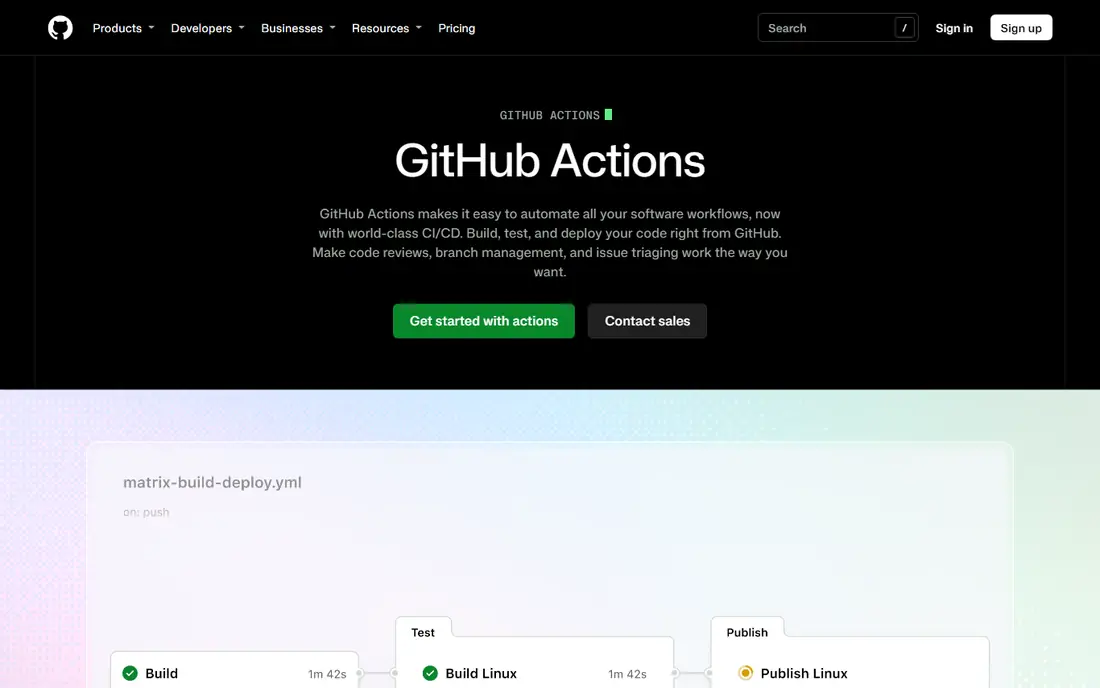
GitHub Actions is the default choice for teams whose code already lives on GitHub. Workflows run from the repo, pull in marketplace Actions for common jobs, and deploy to major clouds with first-party guides. That closeness to code review keeps pipelines visible where developers already work.
Costs need watching. Free minutes cover many small teams, but large builds on hosted runners add up, and self-hosted runners shift the cost to your own infrastructure. For most GitHub teams, Actions is the simplest path to cloud delivery, and the marketplace saves real setup time.
- Native GitHub integration
- Large Action marketplace
- Free minutes for public repos and a free tier for private repos
- Hosted runner minutes can get costly at scale
- YAML sprawl on large setups

GitLab CI/CD suits teams that want one platform for the full DevOps loop. Pipelines are defined in the repo, security scanning and container registry sit beside them, and environments track what is deployed where. That single system reduces tool sprawl for teams that would otherwise stitch several products together.
Premium pricing at 29 dollars per user per month is the main hurdle, and free tier minutes are limited. Teams already on GitLab get the most value, since switching repos just to use GitLab CI loses the integration benefit. For a team that wants one vendor for code and delivery, it is a strong pick.
- Code, CI/CD, security scanning, and registry in one platform
- Self-hosted option
- Strong environment tracking
- Premium price per user
- Platform breadth can feel heavy for small teams
Jenkins remains the control-first choice. It is free open source software you run yourself, with plugins for nearly every build, test, and deploy job. Teams with air-gapped networks, legacy systems, or strict compliance needs often stay with Jenkins because no hosted service can reach their targets the same way.
Free software is not free operation. Expect regular patching, backups, agent scaling, and plugin maintenance, which can take hours each week. Jenkins makes sense when you have platform engineering capacity and a clear need for control. Otherwise, a hosted tool will cost less in total.
- Free open source core
- Huge plugin range
- Full control over runners and networks
- Maintenance, patching, and plugin upkeep take real engineering time
CircleCI is built for cloud-native teams that care about build speed. Parallel jobs and test splitting cut feedback time on large suites, and Docker-based executors keep builds close to production images. The free tier offers a useful credit allowance for small teams to learn the platform.
Credit-based billing needs monitoring, since parallel tests consume credits quickly. Docker layer caching and other speed features can add cost on some plans. For teams that ship often and value fast feedback, CircleCI is one of the best hosted options.
- Fast parallel builds and test splitting
- Generous free credit tier
- Docker and machine runner options
- Credit use grows with parallel tests
- Caching features cost extra on some plans
Azure DevOps fits teams already invested in Microsoft and Azure. Pipelines build and deploy to Azure services with native tasks, and the free tier covers small teams with one parallel job. Boards, repos, and artifacts sit in the same family, which helps teams that already use Microsoft tooling.
The platform spans several services, so new teams should expect a learning period. Extra parallel jobs cost more, and heavy Azure infrastructure use sits on top of the DevOps bill. For Azure-first teams, though, the integration depth is hard to beat.
- Deep Azure and Microsoft integration
- Free tier for small teams
- Pipelines for repos beyond Azure Repos
- Interface spans several services
- Extra parallel jobs add cost
Buildkite splits the problem: Buildkite hosts pipeline control, while builds run on runners you manage, in your cloud or data center. That hybrid model suits teams that need control over build environments, network access, or compliance, without running a full Jenkins server. Pipelines stay fast and parallel at scale.
The trade-off is runner ownership. You still provision, patch, and scale agents, so the operational load is lower than Jenkins but not zero. At 30 dollars per user per month for Pro, larger teams should model the full seat bill. For scale with control, it is a strong middle path.
- Run builds on your own infrastructure with hosted control
- Fast parallel pipelines
- Good for large teams
- You manage runner infrastructure
- Pricing per user adds up
TeamCity, from JetBrains, is a polished build server that fits teams already using IntelliJ, Rider, or other JetBrains tools. Build chains, test reporting, and artifact handling are clear, and the cloud option removes server setup for teams that want hosted control. Self-hosted options remain for teams that need them.
Cloud pricing starts at 45 dollars a month for a small committer count, and the free tier covers a limited number of agents and configurations. It is less common than GitHub Actions or GitLab CI, so marketplace depth is smaller. For JetBrains-heavy teams, the integration polish makes it worth a trial.
- Polished build management
- Strong JetBrains IDE integration
- Cloud and self-hosted options
- Cloud entry price for small teams
- Configuration depth can overwhelm newcomers
Argo CD handles the delivery half of the pipeline for Kubernetes. It watches a Git repo as the source of truth, syncs cluster state to match it, and flags drift when live state differs. That GitOps model gives teams an audit trail for every deployment and an easy rollback path.
It is not a standalone CI tool. Pair Argo CD with GitHub Actions, GitLab CI, or Jenkins for building and testing, and let Argo CD handle the deploy to clusters. Teams already on Kubernetes will find it the cleanest delivery layer in this list, and the open source core costs nothing but cluster and staff time.
- Free open source GitOps delivery
- Declarative sync from Git to Kubernetes
- Clear drift detection
- Delivery only, not a full CI tool
- Needs a Kubernetes cluster and a CI partner
How we picked these
We compared official pricing pages, product documentation, and public reviews, and we favored tools with current availability in October 2026 and clear cloud deployment support. We used vendor-aligned pricing where verified and wrote See website where pricing was unclear or varied by plan. We treated Jenkins and Argo CD as free open source software, with infrastructure and staff time as the real cost.
How to choose for cloud delivery
Start with where your code lives. GitHub teams should start with Actions, GitLab teams with GitLab CI, and Azure teams with Azure DevOps, since built-in tools remove integration work. Add a separate tool only when the built-in option misses a real requirement, such as Kubernetes GitOps or strict self-hosting.
Next, price minutes, runners, and maintenance together. A free tool with heavy upkeep can cost more than a paid hosted tool, and a cheap seat price can hide costly hosted minutes. Run a real pipeline on a non-critical project first, and compare build time, failure clarity, and total monthly cost before migrating critical services.
Frequently asked questions
What is the best CI/CD tool for cloud infrastructure?
GitHub Actions for GitHub teams, GitLab CI/CD for GitLab teams, and CircleCI for cloud-native speed. Jenkins and Argo CD suit teams that need self-hosted control or Kubernetes GitOps delivery.
Is Jenkins still worth using in 2026?
Yes, for teams that need full control, air-gapped builds, or legacy integration, and that have platform staff to maintain it. Most small teams get better total value from a hosted tool.
What is the best free CI/CD tool?
GitHub Actions offers a strong free tier, Jenkins is free open source software you host yourself, and Argo CD is free for Kubernetes delivery. The best free choice depends on your hosting and maintenance capacity.
Do I need both a CI tool and Argo CD?
Only for Kubernetes delivery. Use a CI tool to build and test, and Argo CD to sync Git state to clusters. Teams deploying to virtual machines or serverless platforms usually do not need Argo CD.
How much does CI/CD cost for a team of 10?
Small usage often fits free tiers or low entry plans. GitLab Premium would cost 290 dollars a month at 29 dollars per user, while GitHub Actions costs depend on seats plus extra hosted minutes, and Jenkins costs depend on infrastructure and staff time.
Sources
See where you really rank - block by block
ProMapRanker scans Google Maps across a grid of your service area. Simple monthly plans from $19, white-label on every plan.
Start freeKeep reading
 zscaler alternatives
Best Zscaler Alternatives in 2026
Looking for zscaler alternatives? We compare 9 SASE and zero trust platforms on architecture, data protection, pricing, and fit for your network and team.
Read → zapier alternatives free
Best Zapier Alternatives Free in 2026
Nine automation tools for zapier alternatives free in 2026, all with genuinely free tiers, plus free plan limits, starting prices and upgrade paths explained.
Read → which platform is best for online reputation
Which Platform Is Best for Online Reputation in 2026
Wondering which platform is best for online reputation? We compare 8 review, listing, and response tools for small and multi-location businesses and agencies.
Read →