 ProMapRanker
Best CI CD Tools in 2026: 9 Tools Compared

Key takeaways
- GitHub Actions is the default for teams whose code already lives on GitHub, with 2,000 free Linux minutes per month on many plans.
- GitLab CI/CD suits teams that want repos, pipelines, and security scanning from one vendor instead of stitching tools together.
- Jenkins remains the strongest self-hosted choice, but its free software cost is paid in hosting and maintenance time.
- CircleCI and Buildkite suit teams that need speed or scale, while Argo CD covers the deployment side for Kubernetes.
- Azure DevOps, Bitbucket Pipelines, and TeamCity win mainly when a team already lives in the Microsoft, Atlassian, or JetBrains ecosystem.
Quick comparison
| Pick | Great for | Pricing starts at | Free tier | |
|---|---|---|---|---|
 GitHub Actions | GitHub-native teams | Free | Yes | Visit |
 GitLab CI/CD | All-in-one DevOps | Free | Yes | Visit |
 Jenkins | Self-hosted control | Free | Yes | Visit |
 CircleCI | Cloud speed and parallelism | $15 per month | Yes | Visit |
 Azure DevOps | Microsoft and Azure teams | Free | Yes | Visit |
 Bitbucket Pipelines | Atlassian teams | Free | Yes | Visit |
 Buildkite | Hybrid scale | Free | Yes | Visit |
 TeamCity | JetBrains shops | Free | Yes | Visit |
 Argo CD | GitOps Kubernetes delivery | Free | Yes | Visit |
The best ci cd tools
We compared these tools on hosting model, pipeline style, free tier, pricing, and ecosystem fit. The best tool is usually the one closest to where your code already lives, not the one with the longest feature list.
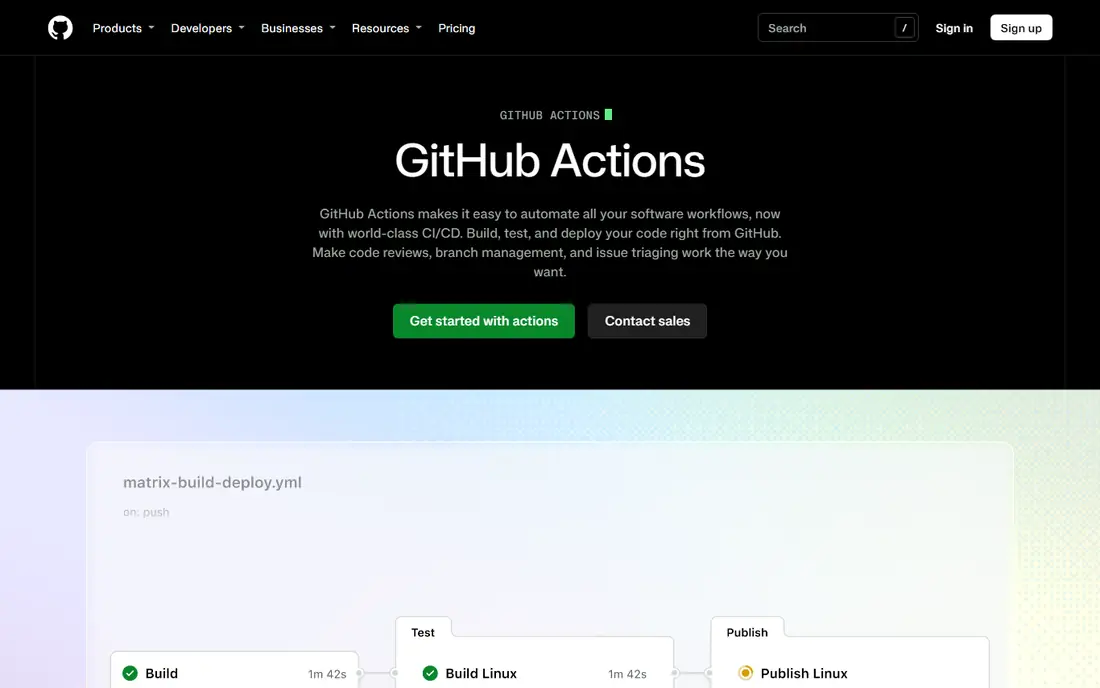
GitHub Actions is the path of least resistance for most teams in 2026. If code lives on GitHub, workflows trigger on pushes, pull requests, schedules, and dozens of other events without a separate CI server. The marketplace offers thousands of reusable actions for common jobs, from testing and linting to building containers and deploying to cloud providers.
The free tier covers small teams well, with public repos receiving generous free minutes. Paid Team plans start at $4 per user per month, with per-minute charges beyond the included allowance. Watch macOS and Windows rates, which run higher than Linux, and model credit use before a large migration. For GitHub teams, Actions is the default to beat.
- Built into GitHub
- 2,000 free Linux minutes per month on many plans
- Huge marketplace of reusable actions
- Complex workflows still need YAML debugging
- MacOS minutes cost far more than Linux
- Pricing changes need watching

GitLab CI/CD suits teams that want one vendor for the whole delivery chain. Merge requests show pipeline status, test results, and security findings in the same view as the code change, which shortens the loop between a failed test and a fix. Self-hosted runners let teams keep builds on their own infrastructure while GitLab manages the pipeline definition.
The free tier includes limited CI minutes on SaaS, and Premium starts at $29 per user per month with a larger minute allowance. Teams that use GitLab only for CI, while hosting code elsewhere, lose much of the benefit. GitLab wins when a team commits to the platform for repos, issues, pipelines, and scanning together.
- Pipelines, repos, and security scanning in one platform
- Self-hosted runners
- Premium adds stronger controls
- Premium starts at $29 per user per month
- Free CI minutes are modest on SaaS
- Breadth takes time to learn
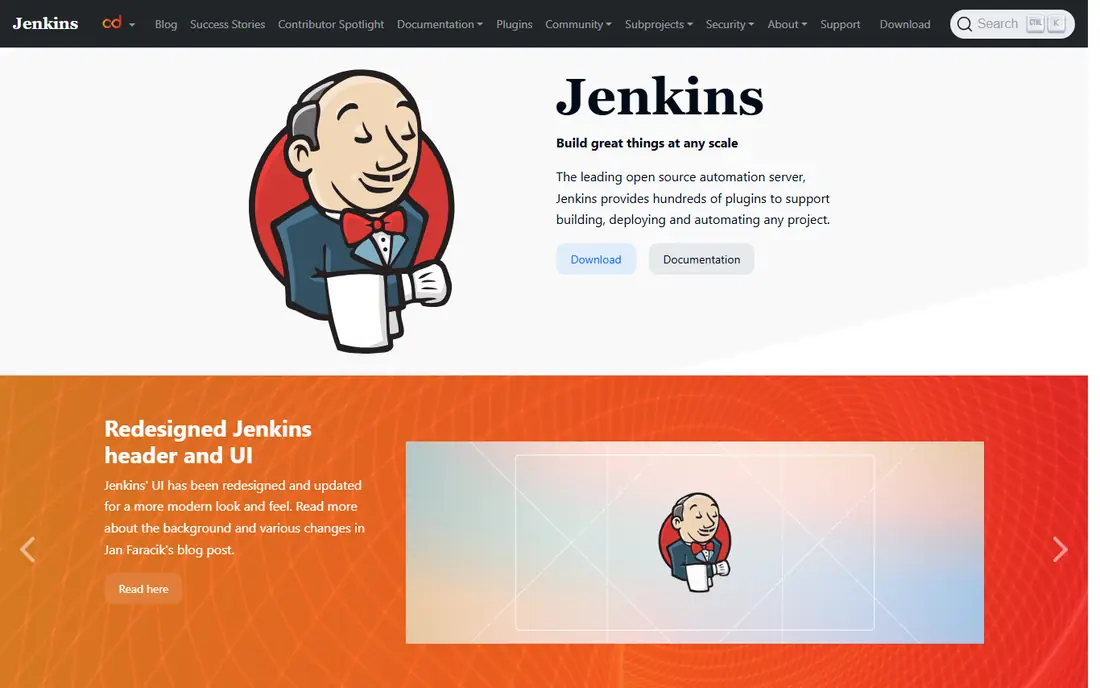
Jenkins is the self-hosted standard for teams that need full control. It runs on your servers, reaches private networks and special hardware, and supports pipelines written as code with a vast plugin library. Organizations with compliance or network limits that rule out hosted runners can still automate builds, tests, and deployments with Jenkins.
The software costs nothing, but the total cost is not zero. Servers, storage, backups, plugin updates, and security patches need ongoing attention, and that labor grows with scale. Jenkins suits teams with operations skill and a clear reason to self-host. Teams without that need usually ship faster on a hosted platform.
- Free and open source
- Runs anywhere
- Plugin library covers almost any tool or target
- Hosting, updates, and plugin care take real time
- Interface feels dated
- Security patching is your job
CircleCI appeals to cloud-native teams that value build speed. Parallelism, caching, and test splitting cut waiting time for large suites, and the platform works with GitHub and other hosts rather than locking you to one repo provider. The free tier includes a monthly credit allowance that covers small projects and evaluation.
Credit pricing is the honest catch. Different resource classes consume credits at different rates, and macOS builds cost far more than Linux builds, so a bill can surprise a team that only modeled Linux minutes. Model a typical month, including your most expensive jobs, before committing. For teams where developer waiting time is the bottleneck, CircleCI's speed can justify the modeling work.
- Fast parallel builds
- Credit-based scaling
- Supports many repos, not just one host
- Credit math is hard to model
- MacOS builds consume credits fast
- Performance plan starts at $15 per month
Azure DevOps suits teams already building on Microsoft technology. Azure Pipelines handles builds and releases, Repos hosts Git code, Boards tracks work, and Artifacts stores packages, all under one account. Integration with Azure services and with Visual Studio makes deployment to Azure straightforward, and the free tier covers small teams with a parallel job and a monthly minute allowance.
Costs grow through extra parallel jobs, which are priced per job per month on many plans. Teams outside the Microsoft ecosystem may find GitHub Actions or GitLab simpler. Inside a Microsoft shop, Azure DevOps keeps planning, code, pipelines, and releases in one place with single sign-on and audit controls.
- Pipelines, repos, boards, and artifacts in one suite
- Free tier for small teams
- Strong Azure integration
- Extra parallel jobs cost $40 per month each on many plans
- Suite breadth can overwhelm
- Best value inside Microsoft shops
Bitbucket Pipelines is the natural CI choice for teams that already use Bitbucket and Jira. Pipelines run from a YAML file in the repo, build status appears in pull requests, and Jira issues can show deployment status without extra integration work. That closeness between planning and delivery is the main reason to choose it over a standalone CI tool.
The free tier includes limited build minutes, and paid Standard plans scale by user. Teams that host code on GitHub or GitLab gain nothing from Pipelines. For Atlassian shops, though, Pipelines removes a vendor and a login, and it keeps the delivery record where the team already plans work.
- Built into Bitbucket Cloud
- Tight Jira integration
- Simple YAML configuration
- Free minutes are modest
- Standard pricing varies by user count
- Tied to Bitbucket repos
Buildkite splits the problem: Buildkite manages pipelines and the control plane, while agents run on your own cloud account. That hybrid model suits large teams because compute costs stay on your cloud bill, where you can use existing discounts and capacity, rather than on a vendor per-minute rate. Paid plans offer unlimited builds, which simplifies budgeting for high-volume teams.
The trade-off is responsibility. You provision, scale, and maintain agents, and Pro pricing starts at $30 per user per month on top of infrastructure costs. Small teams rarely need this model. Large teams with strong cloud operations and heavy build volume often find Buildkite cheaper and more flexible than pure hosted runners at scale.
- You run agents on your own cloud account
- Unlimited builds on paid plans
- Hybrid model suits large scale
- Pro starts at $30 per user per month
- You pay for agent infrastructure separately
- Setup needs cloud skill
TeamCity, from JetBrains, suits teams that already use IntelliJ, Rider, or other JetBrains tools. Build chains model complex dependencies between builds, test diagnostics help find flaky tests, and the Kotlin DSL lets teams define pipelines in code with IDE support. The free tier covers small self-hosted setups with limited agents and configurations.
Cloud pricing and self-hosted maintenance are the costs to weigh. TeamCity Cloud starts at a monthly figure for a small team, while self-hosting needs the same care as Jenkins. Teams standardized on JetBrains tools will feel at home. Teams elsewhere will find larger ecosystems on GitHub Actions or GitLab.
- Strong build chains and diagnostics
- Kotlin DSL for pipelines as code
- Free tier for small teams
- Cloud pricing starts around $45 per month for small teams
- Self-hosted setup needs admin time
- Smaller marketplace than GitHub Actions
Argo CD covers a different job from the other tools here: delivery to Kubernetes by GitOps. You declare the desired state in Git, Argo CD syncs the cluster to match, and it reports drift when live state differs from Git. Rollback means reverting a Git commit, which gives a clear audit trail for every deployment.
Argo CD is not a CI tool on its own. Pair it with GitHub Actions, GitLab CI, or Jenkins for building and testing, and let Argo CD handle the deployment step. Teams that do not run Kubernetes gain nothing from it. Teams that do run Kubernetes often find GitOps safer and easier to audit than push-based deploys from a pipeline script.
- Free and open source
- Git as the source of truth for deployments
- Drift detection and rollback
- Kubernetes only
- It is a delivery tool, not a full CI system
- Setup needs Kubernetes skill
How we picked these
We compared official pricing pages, documentation, and feature descriptions, and we favored tools with a live CI or CD flow in October 2026. We covered hosted, self-hosted, hybrid, and GitOps models rather than listing nine hosted tools. Where pricing varies by users, minutes, or credits, we used the published starting figure and noted the model that drives the real bill.
How to choose without overbuying
Start where your code lives. GitHub teams should trial Actions first, GitLab teams should trial GitLab CI, Bitbucket teams should trial Pipelines, and Microsoft teams should trial Azure DevOps. Only move to a standalone tool when the built-in option fails on a specific need, such as special hardware, scale, or Kubernetes delivery.
Model the real bill before you migrate
Free minutes and headline prices hide the real cost. Count your monthly build minutes by operating system, your parallel jobs, and your largest resource classes. Run a representative month on a trial or on the free tier, then compare the projected bill across two tools. A tool that looks cheap on Linux minutes can cost far more once macOS or GPU jobs enter the mix.
Keep pipelines boring and visible
Use pipeline-as-code, require tests on every pull request, and show build status where reviewers already work. Avoid clever pipeline tricks that only one person understands. A boring pipeline that every engineer can read and fix beats a clever pipeline that fails mysteriously at release time.
Frequently asked questions
What is the best ci cd tool?
GitHub Actions is the best default for GitHub teams, GitLab CI/CD is the best all-in-one choice, and Jenkins is the best self-hosted choice. The best tool depends on where your code lives, whether you can use hosted runners, and how much build volume you run each month.
What are the best continuous integration tools for small teams?
GitHub Actions, GitLab CI/CD, and Bitbucket Pipelines all offer free tiers that cover small teams well. Start with the tool built into your code host, since it needs no extra setup and shows build status in pull requests. Move to a standalone tool only when you outgrow free minutes or need special runners.
What is the best ci cd platform for Kubernetes?
Argo CD is the best delivery tool for Kubernetes because it uses Git as the source of truth and detects drift. Pair it with GitHub Actions, GitLab CI, Jenkins, or CircleCI for building and testing. That combination gives you CI for code quality and GitOps for safe, auditable deployment.
What is the best ci cd software for self-hosting?
Jenkins is the best self-hosted CI tool overall because it is free, runs anywhere, and supports almost any target through plugins. TeamCity is a strong alternative for JetBrains shops, and Buildkite offers a hybrid model where you run agents on your own cloud account. Budget for maintenance time, not just software cost.
How much do CI/CD tools cost?
Many tools start free, with paid plans from $4 per user per month for GitHub Team, $15 per month for CircleCI Performance, and $29 per user per month for GitLab Premium. Jenkins and Argo CD are free software, but hosting and maintenance add real cost. Usage-based charges for minutes, credits, or parallel jobs usually drive the final bill.
Should CI and CD be the same tool?
Not always. Many teams use one tool for CI, such as GitHub Actions, and another for CD, such as Argo CD for Kubernetes. That split works when each tool does its job well and the handoff between them is clear. A single platform is simpler to manage, but a split stack can be safer for complex deployments.
Sources
See where you really rank - block by block
ProMapRanker scans Google Maps across a grid of your service area. Simple monthly plans from $19, white-label on every plan.
Start freeKeep reading
 who has the best home internet service
Who Has the Best Home Internet Service in 2026
Who has the best home internet service in 2026? Compare fiber, cable, and 5G providers on speed, price, data caps, and availability at your address today.
Read → visio alternatives
Best Visio Alternatives in 2026
Compare 9 Visio alternatives for flowcharts, org charts, and network diagrams, with free plans, pricing, and the best pick for teams and solo users in 2026.
Read → top 10 logistics software
Top 10 Logistics Software in 2026
We compared the top 10 logistics software tools for transport, warehousing, visibility and shipping, for shippers, carriers and 3PL teams in 2026 today.
Read →