 ProMapRanker
Best Christmas List App in 2026

Key takeaways
- GiftList is our overall pick for families, with lists from any store, groups for up to 50 people, and a Secret Santa draw in the same free app.
- Elfster leads for Secret Santa rules, while Giftster suits a private family group used year after year.
- The most useful feature for grandparents is reserving a gift from a link without an account, which GiftList, Farha, and Listful offer.
- All nine apps start free, so test sharing and reserving with two relatives before asking the whole family to join.
Quick comparison
| Pick | Great for | Pricing starts at | Free tier | |
|---|---|---|---|---|
 GiftList | Families sharing lists from any store | Free | Yes | Visit |
 Elfster | Secret Santa with exclusion rules | Free | Yes | Visit |
 Giftster | Private family group year after year | Free | Yes | Visit |
 MyRegistry | Cash funds and multi-store registries | Free | Yes | Visit |
 Wishes | Fast sharing with one link | Free | Yes | Visit |
 Farha | Easy access for grandparents | Free | Yes | Visit |
 Listful | Simple wishlists from any store | Free | Yes | Visit |
 Giftful | Simple lists for kids and family | Free | Yes | Visit |
 Amazon Wishlist | Shoppers who buy mostly on Amazon | Free | Yes | Visit |
The best Christmas list apps
We compared official sites and app store listings for Christmas list apps that are live in October 2026. The nine below all let families share wishes and hide claimed gifts from the recipient, but they differ on store coverage, Secret Santa tools, and how easily relatives can join.
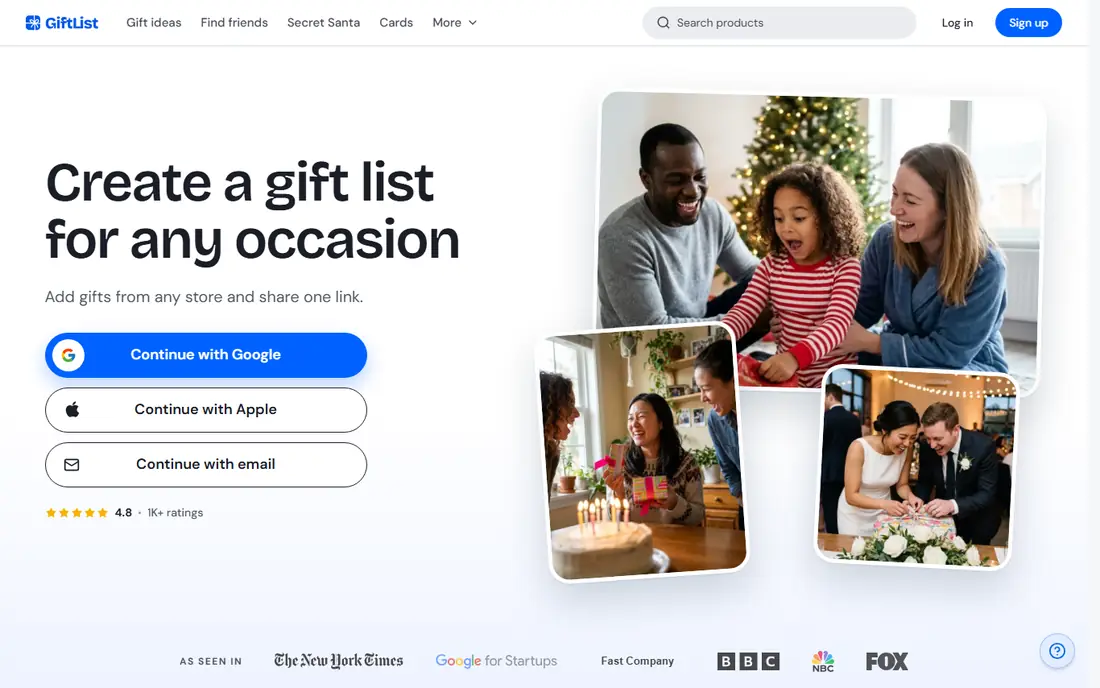
GiftList is our pick for most families because it covers the three jobs that matter: making a list, sharing it, and avoiding duplicates. Each person makes lists from any store, a family group gathers the lists each person chooses to share, and relatives can reserve gifts on the website without an account by giving a name and email. Claimed gifts stay hidden from the list owner until they are revealed.
The built-in Secret Santa draw is a bonus that keeps the whole exchange in one app. Setup takes a few minutes, and the free tier covers the core features most families need. Relatives who only shop once a year will appreciate that they do not need an account just to reserve a gift.
- Lists accept gifts from any store
- Family groups hold up to 50 people
- Secret Santa for up to 100 people in the same app
- Web import needs a browser extension on some stores
- Younger kids need a parent account
- Some relatives may prefer a simpler single list
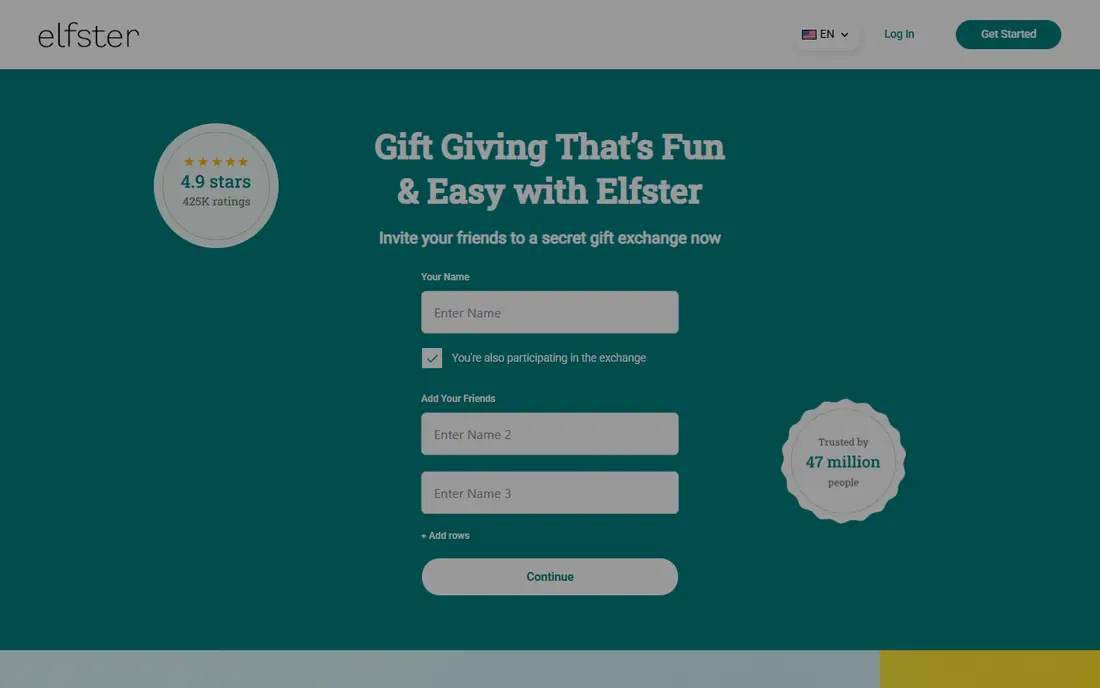
Elfster is the classic choice when the draw itself is the hard part. Exclusion rules keep couples or household members apart, the organizer can set rules for kids, and each person gets their match by email. Wishlists sit beside the draw, so a Santa can see ideas without asking around.
For a plain family list without a draw, Elfster is less direct than GiftList or Listful. It still works well for groups that run a Secret Santa every year and want the rules handled properly. Start the draw early, since late joiners complicate exclusions.
- Strong Secret Santa tools with exclusions
- Wishlists included
- Matches sent by email
- List tools are less universal than GiftList
- Some features need an account
- Interface is busier for first-time users
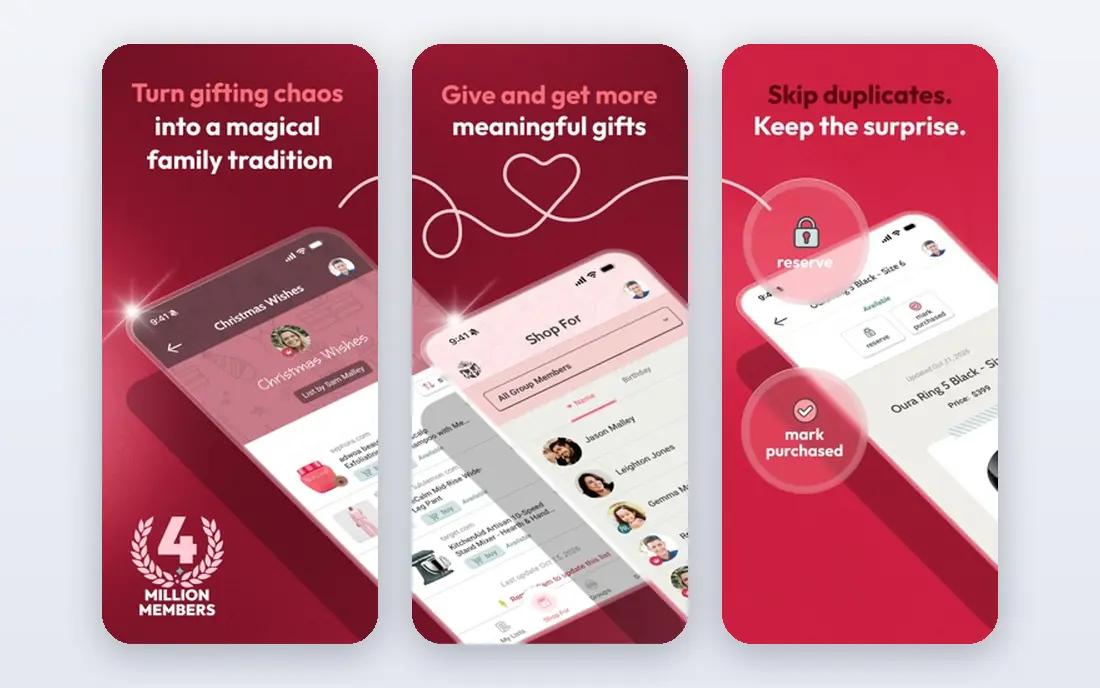
Giftster suits families that want one private group for every birthday and Christmas, not just one season. Group folders organize branches of an extended family, child accounts let kids keep their own lists, and a name draw sits inside the same group. That continuity is its main strength.
New users should allow time for setup, since the interface is less modern than GiftList or Wishes. Once the group is running, though, yearly reuse is simple. Giftster fits tight family groups that will use the same group for years.
- Private groups for extended family
- Child accounts
- Name draw included
- Interface looks older than newer rivals
- First setup takes longer
- Store coverage is more limited than universal lists
MyRegistry is the strongest pick when gifts include cash funds or items from several store registries. It pulls products, experiences, and cash contributions into one page, which helps relatives who prefer to contribute money rather than pick a product. Purchase tracking helps avoid duplicates.
For a simple family Christmas list, MyRegistry can feel overbuilt. Its registry structure suits weddings and baby showers as much as Christmas, so families that only need a wish list may prefer a lighter app. Use it when funds and multi-store coverage matter most.
- Pulls registries from many stores into one list
- Cash funds for experiences and contributions
- Purchase tracking
- Feels formal for a casual Christmas list
- Setup is heavier than a simple wishlist
- Best for milestone events
Wishes is the fastest way to get a list in front of relatives. A wishlist can be built in minutes and shared with one link that others can open without an account. A Secret Santa generator and a simple exchange with wishlists sit alongside the main list tool.
Families that need deep group folders or long-term organization may outgrow Wishes. For a single Christmas, or for a group that wants minimal setup, its speed is a real advantage. Share the link in the family chat and let shoppers reserve from there.
- Wishlists built in minutes
- Shared with one link
- Secret Santa generator included
- Smaller feature set than GiftList
- Group tools are simpler
- Some relatives may want a full family group
Farha focuses on the relative who rarely downloads apps. A shared link lets grandparents open a list and reserve a gift without an account, which removes the most common barrier for older shoppers. Kids lists and duplicate prevention cover the family basics.
As a newer app, Farha has a smaller community and fewer integrations than long-running rivals. Test it with one grandparent before rolling it out to the whole family. If link-based reserving is your top need, Farha is a strong contender.
- Relatives can reserve from a link without an account
- Family-focused design
- Kids lists included
- Newer app with a smaller user base
- Paid tiers listed on app stores
- Fewer store integrations than GiftList
Listful is a clean, simple wishlist maker that works on web, iOS, and Android. Items can come from Amazon, Target, Etsy, and any online store, and one link shares the list with family. Price tracking alerts shoppers when a wish drops in price, which helps bargain hunters.
Secret Santa and group tools are less developed than Elfster or Giftster, so Listful suits families that mainly need a shared list. Its free tier covers the core job well, and the interface is easy for first-time users.
- Lists from any store
- One-link sharing
- Price tracking on wishes
- Optional paid tiers on app stores
- Secret Santa tools are thinner
- Group features are simpler than Giftster
Giftful keeps Christmas lists simple. Family members make lists, share them, and mark gifts as claimed so duplicates are avoided. That simplicity helps kids and relatives who want a list without learning a full registry system.
Shoppers who buy from many different stores may find its coverage narrower than GiftList or Listful. For families that shop at a handful of familiar stores, Giftful is enough. Pick it when ease matters more than universal store support.
- Simple list creation
- Family sharing
- Claimed gifts hidden from recipients
- Store coverage is narrower than universal lists
- Fewer advanced features
- Smaller app than leaders
Amazon Wishlist is the practical pick when nearly everything on a list already sits on Amazon. Most US shoppers already have an account, and adding items takes seconds. Purchase tracking helps avoid duplicates for Amazon orders.
The limit is clear: items from other stores do not belong here. Families that shop across Target, Etsy, and small shops need a universal list instead. Use Amazon Wishlist as a supplement, or as the main list only when Amazon covers almost every wish.
- Huge Amazon catalog
- Easy for existing Amazon shoppers
- Purchase tracking on Amazon items
- Limited to Amazon items
- No built-in Secret Santa draw
- Sharing and privacy controls are basic
How we picked these
We compared official sites, app store listings, and independent family comparisons in October 2026. We kept apps that are live today, let families share lists, and hide claimed gifts from the recipient. We favored apps with free starting tiers and a clear way for relatives to reserve gifts, and we left out discontinued list tools and single-store tools with no sharing.
How to set up a list the whole family will use
Pick one app and one link, then send that link to everyone at the same time. Ask each person to add at least three wishes at different prices, and ask shoppers to reserve gifts as soon as they buy. Reserving is the step that prevents duplicates, so explain it in the first message, not after two aunts buy the same item.
For Secret Santa, set the draw date, exclusion rules, and a spending range before names are drawn. Keep kids lists separate where the app allows it, and remind relatives that claimed gifts stay hidden from the recipient. A short test with two relatives will reveal any account or link problems before the full family joins.
Frequently asked questions
What is the best Christmas list app?
GiftList is our overall pick for families, with any-store lists, groups, and Secret Santa in one free app. Elfster is best for Secret Santa rules, and Giftster suits a private group used year after year. The best app is the one your least technical relative can actually open.
What is the best app for a Christmas list shared with family?
GiftList, Farha, and Listful all let relatives reserve gifts from a link without an account, which helps grandparents and occasional shoppers. Giftster suits larger extended families that want group folders. Test link sharing with two relatives before inviting everyone.
What are the best Christmas apps for lists and shopping?
GiftList and Listful cover wishlists from any store, while Amazon Wishlist covers Amazon-only shopping well. MyRegistry adds cash funds for relatives who prefer to contribute money. Pair a universal list with a budget tool if you also need spending tracking.
Do Christmas list apps cost money?
All nine apps in this list start free, with core list and sharing features included. Some list optional paid tiers on app stores for extra features. Most families will not need to pay, so start free and upgrade only if a paid feature solves a real problem.
Can relatives reserve a gift without an account?
Yes, on GiftList, Farha, and Listful, relatives can reserve from a shared link by giving a name and email on the website. Other apps may ask shoppers to sign in first. Check this feature before choosing, since it decides whether grandparents can shop easily.
How do I avoid duplicate Christmas gifts?
Use an app that marks gifts as claimed and hides claimed gifts from the list owner. Ask every shopper to reserve a gift at purchase time, not later. A shared list only works when reserving becomes a habit for the whole family.
Sources
See where you really rank - block by block
ProMapRanker scans Google Maps across a grid of your service area. Simple monthly plans from $19, white-label on every plan.
Start freeKeep reading
 zoho inventory alternatives
6 Alternatives to Zoho Inventory, Compared on Price and Fit
Zoho Inventory alternatives: 6 tools compared on price, free plans and fit. Katana leads the list for manufacturers. Fit and flaws are laid out for each entry.
Read → zoho crm alternatives
Best Zoho CRM Alternatives (2026)
Need Zoho CRM alternatives? We compare 7 tools on cost, free access and who each suits. Every pick gets a straight assessment. Built for quick decisions.
Read → zelle alternatives
Best Zelle Alternatives in 2026
Compare the best Zelle alternatives for sending money to friends, paying sellers and moving funds abroad, with honest notes on fees, speed and safety in 2026.
Read →