 ProMapRanker
Best Chatbot Apps in 2026


Support and product messaging · Pricing starts at: $29 per seat per month
Key takeaways
- Intercom, Zendesk, and HubSpot suit teams that already run support or CRM work in those platforms.
- Tidio, Crisp, and LiveChat suit smaller teams that need live chat plus a chatbot without enterprise pricing.
- ManyChat and Chatfuel suit social and messaging channels, while Drift suits B2B lead capture and meeting booking.
- AI pricing now matters as much as seat pricing, since some platforms charge per automated resolution or conversation.
- Test a chatbot with your ten most common questions before signing, since demo answers can hide gaps in real data.
Quick comparison
| Pick | Great for | Pricing starts at | Free tier | |
|---|---|---|---|---|
| Intercom | Support and product messaging | $29 per seat per month | No | Visit |
 Zendesk | Large support teams | $55 per agent per month | No | Visit |
 Tidio | Small stores and websites | Free | Yes | Visit |
 HubSpot | CRM-led chatbots | Free | Yes | Visit |
 Drift | B2B lead capture | See website | No | Visit |
 Freshchat | Omnichannel support teams | See website | Yes | Visit |
 ManyChat | Instagram and Messenger automation | $15 per month | Yes | Visit |
 LiveChat | Conversion-focused live chat | $20 per agent per month | No | Visit |
 Crisp | Budget omnichannel support | $25 per seat per month | Yes | Visit |
 Chatfuel | Messenger and WhatsApp bots | See website | Yes | Visit |
The best chatbot apps
These are the best chatbot platforms and best chatbot software options for websites, support desks, and messaging channels. Some are full helpdesks with AI agents, while others are focused chatbot builders. Prices below are starting prices where vendors publish them, and AI usage fees may apply on top of seat prices.
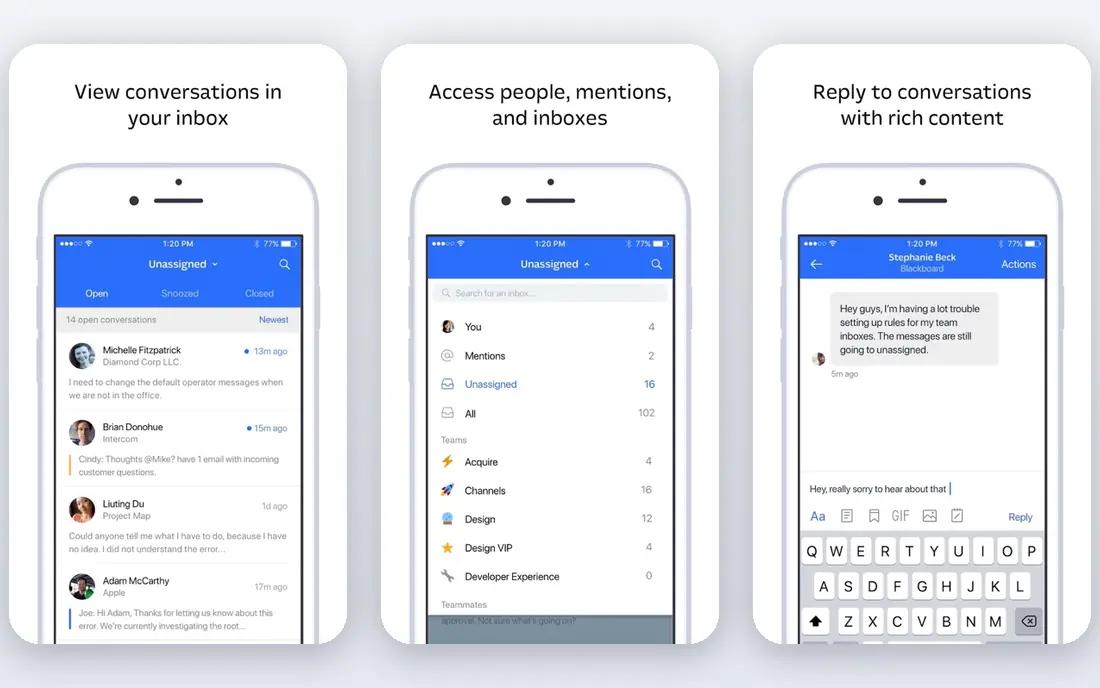
Intercom suits SaaS and product-led teams that want chat, support, and messaging in one place. Its Fin AI agent answers common questions from help center content, and human agents take over when a conversation needs judgment. That handoff matters, since a bot that traps customers in loops will hurt trust.
The catch is total cost. Seat pricing plus per-resolution AI charges can add up for high-volume teams, so model your monthly chat volume before signing. For teams that already use Intercom for support, it is a strong and coherent choice.
- Strong AI agent for resolving common support questions
- Combines chat, help center, and outbound messages
- Deep product and CRM integrations
- AI resolutions can add usage costs
- Pricing grows with seats and usage
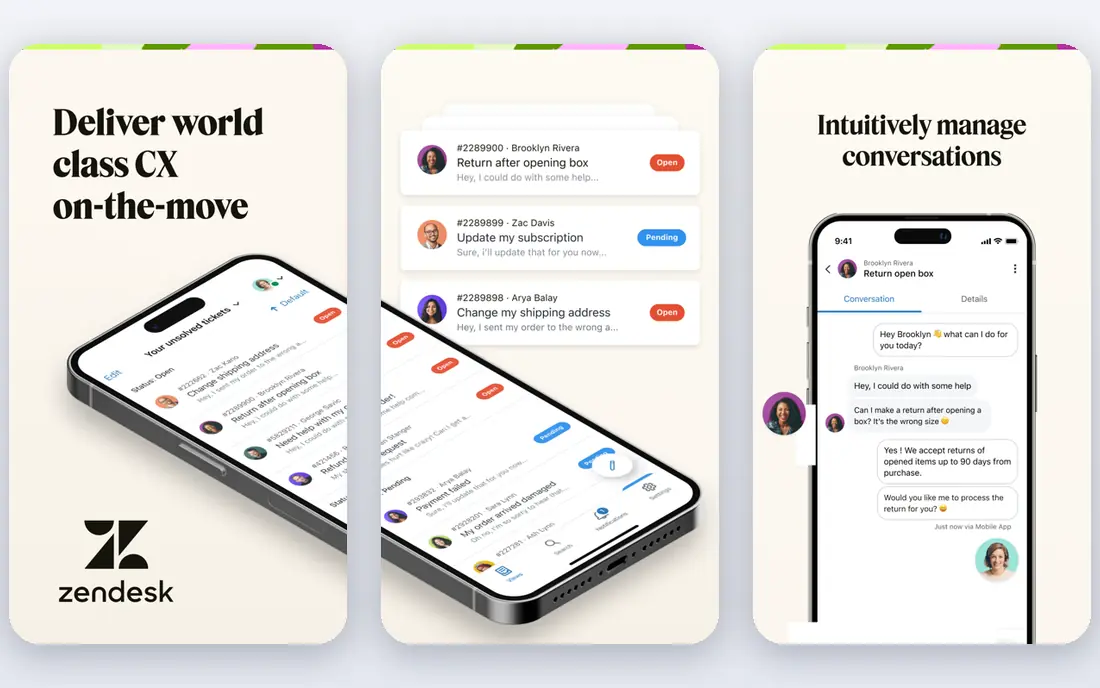
Zendesk fits teams that run support at scale across email, chat, and social channels. Its AI agents can answer, route, and summarize tickets, and its workflow tools help managers track volume and quality. Teams that already use Zendesk for tickets will find the chatbot fits their existing queues and reports.
Smaller teams may find the setup and price heavier than a focused chat tool. AI pricing also needs careful review, since automated resolutions are billed separately from seats. For large support operations, Zendesk remains a dependable platform.
- Full support suite with tickets, chat, and AI agents
- Strong reporting and workflow tools
- Wide app marketplace
- AI resolutions add usage costs
- Setup can feel heavy for small teams
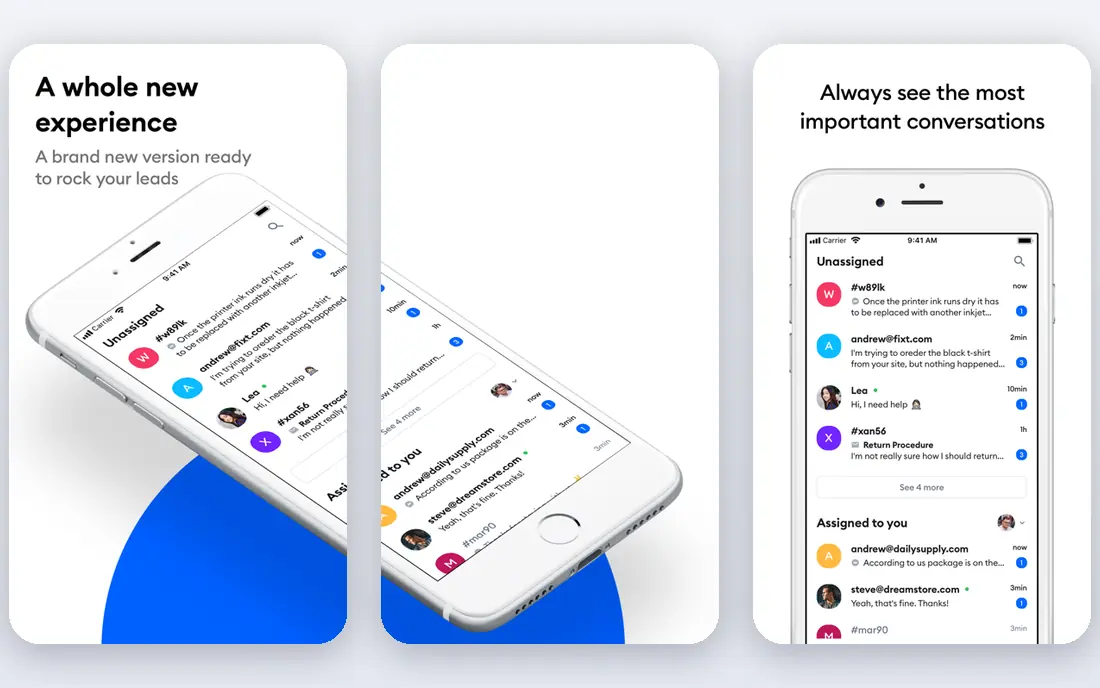
Tidio is our pick for small teams that want a chatbot quickly. The free plan covers basic live chat, and paid plans add the Lyro AI agent and automation flows. Its visual builder makes it easy to map a conversation without code, which suits store owners and small marketing teams.
AI costs need attention. Lyro conversations come in monthly packs, so a busy store should check how many AI conversations it actually needs. For a small site with moderate chat volume, Tidio offers good value and a gentle learning curve.
- Free plan for getting started
- Lyro AI agent for common questions
- Visual flow builder for custom bots
- AI conversations are billed in packs on paid plans
- Advanced features need higher tiers
HubSpot suits teams whose customer data already lives in HubSpot. Its free chatbot builder can qualify leads, book meetings, and route chats to the right team, and every conversation links to a contact record. That CRM link is the main reason to choose it over a standalone chat tool.
The limit is AI pricing and platform scope. Basic chatbots are free, but AI agents sit on paid tiers with credit-based billing. Teams that do not use HubSpot CRM may get less value. For HubSpot users, it is the most natural chatbot choice.
- Free chatbot builder inside HubSpot CRM
- Leads flow straight into contacts and deals
- AI agent options on paid tiers
- AI agent features need paid seats and credits
- Full platform pricing can rise fast
Drift focuses on turning website visitors into sales conversations. Its chatbots qualify visitors, route high-intent accounts to sales staff, and book meetings without a long email exchange. That sales focus sets it apart from support-first tools such as Zendesk and Intercom.
Pricing is custom, and Drift now sits within Salesloft, so small teams should expect an enterprise sales process. Support-heavy teams may also prefer a helpdesk platform. For B2B sales teams, Drift is a strong specialist.
- Built for B2B conversations and meeting booking
- Intent-based routing to sales teams
- Strong CRM integrations
- Pricing is custom and enterprise-focused
- Less suited to small support teams
Freshchat suits mid-sized teams that want one inbox for web chat, WhatsApp, Instagram, and email. Its bot builder handles common questions and hands off to agents with context, and Freshdesk integration turns chats into tickets when needed. That omnichannel view helps teams that serve customers in several places.
AI pricing and add-ons need checking, since Freddy AI features may sit outside the base plan. Teams that only need website chat may find a simpler tool cheaper. For omnichannel support on a budget, Freshchat is worth a trial.
- Chat across web, WhatsApp, and social channels
- No-code bot builder with handoff to agents
- Links to Freshdesk for tickets
- AI features may need add-ons
- Pricing varies by region and plan structure
ManyChat is the choice for social-first businesses. It automates Instagram direct messages, Messenger chats, and WhatsApp flows, and it can capture leads, send offers, and answer FAQs in those channels. Creators and small brands often use it to turn comments and messages into subscribers and sales.
It is not a full helpdesk, so teams that need ticket queues and deep support reporting should pair it with a support tool. Pricing also scales with contacts, so a growing audience raises the bill. For social messaging, ManyChat is a leader.
- Strong Instagram, Messenger, and WhatsApp automation
- Visual flow builder for campaigns
- Useful for lead capture and sales
- Less suited to full support ticketing
- Pricing scales with contacts
LiveChat suits teams that use chat to sell as well as support. Its chat window is fast, its automation can greet visitors and route chats, and its reports show which chats lead to sales or resolved issues. Sales and support teams can share the same tool without a heavy helpdesk setup.
The drawback is that there is no free plan, and AI capabilities may require separate products. Teams that need a full AI agent should confirm what is included before buying. For conversion-focused chat, LiveChat is a reliable option.
- Fast live chat with chatbots and automation
- Strong reporting on chat performance
- Many integrations for sales and support
- No free plan
- AI features may sit in separate products or add-ons
Crisp appeals to small teams that want one inbox without a large bill. It covers live chat, email, and social messages, and its chatbot builder handles common replies and routing. Setup is quick, which suits startups and small stores.
Bot depth is the limit. Crisp does not match Intercom or Zendesk for advanced AI agents, so teams with high support volume may outgrow it. For budget omnichannel support, it offers a good balance of price and simplicity.
- Free plan for basic chat
- Omnichannel inbox for chat, email, and social
- Simple setup for small teams
- Bot features are more basic than specialist AI platforms
- Higher tiers needed for advanced automation
Chatfuel suits businesses that sell and support mainly through messaging apps. Its no-code builder creates bots for Messenger, WhatsApp, and Instagram, with templates for lead capture, FAQs, and order updates. That channel focus helps brands whose customers rarely visit a website help center.
It is less useful as a standalone website support desk, and pricing varies with contacts. Teams that need full ticketing should pair it with a helpdesk. For messaging automation, Chatfuel is a practical choice.
- No-code bots for Messenger, WhatsApp, and Instagram
- Templates for lead capture and sales
- Useful analytics for bot flows
- Focused on messaging channels, not website helpdesks
- Pricing depends on contacts and features
How we picked these
We compared official pricing pages, feature pages, and public help documentation for chatbot platforms that are live in October 2026. We favored tools with clear channel coverage, human handoff, and published pricing or free plans, and we included both support platforms and messaging specialists. We did not claim hands-on testing, and we used See website where pricing is custom or varies by plan structure.
How to choose the right chatbot platform
Start with your main channel. Choose a helpdesk platform for website and email support, a social tool for Instagram and Messenger, and a B2B tool for sales qualification. Then check how the bot hands off to a human, since a smooth handoff matters more than a long feature list.
Model total cost, not just seat price. Add AI resolutions, conversation packs, and contact-based pricing to your monthly estimate, and test with real chat volume. Set clear rules for what the bot may answer, what it must escalate, and how it handles personal data. Review bot transcripts weekly at first, and fix the questions it gets wrong before adding more automation.
Questions to ask before you buy
Ask how the bot uses your help center and customer data, and whether answers include sources or confidence checks. Ask what happens when the bot cannot answer, and whether a human can see the full chat history. Ask about data retention, privacy controls, and integrations with your CRM or helpdesk. A short trial with real questions will reveal gaps faster than a demo script.
Frequently asked questions
What is the best chatbot platform?
Intercom and Zendesk suit support teams, HubSpot suits CRM-led teams, and Tidio suits small teams on a budget. The best chatbot platform depends on your channels, team size, and whether you need support, sales, or both.
What is the best chatbot software for small businesses?
Tidio and Crisp suit small businesses because they offer free plans and simple setup. ManyChat suits small brands that sell mainly through Instagram or Messenger, while HubSpot suits small teams already using its CRM.
What are the best chatbot solution platforms for support?
Intercom, Zendesk, and Freshchat are strong support platforms because they combine AI agents with ticket queues, reporting, and human handoff. Choose the one that matches your existing helpdesk and channel mix.
How much does chatbot software cost?
Costs vary widely. Some tools start free, some start around $15 to $29 per month or per seat, and enterprise tools use custom quotes. AI usage fees for resolutions or conversations can add to the base price, so check the full pricing page.
Do chatbots replace human support agents?
No, good chatbots handle common questions and route complex cases to humans. Teams should keep a clear handoff path, review transcripts, and avoid letting a bot handle sensitive account, payment, or safety issues without human review.
Sources
See where you really rank - block by block
ProMapRanker scans Google Maps across a grid of your service area. Simple monthly plans from $19, white-label on every plan.
Start freeKeep reading
 who has the best home internet service
Who Has the Best Home Internet Service in 2026
Who has the best home internet service in 2026? Compare fiber, cable, and 5G providers on speed, price, data caps, and availability at your address today.
Read → visio alternatives
Best Visio Alternatives in 2026
Compare 9 Visio alternatives for flowcharts, org charts, and network diagrams, with free plans, pricing, and the best pick for teams and solo users in 2026.
Read → top 10 logistics software
Top 10 Logistics Software in 2026
We compared the top 10 logistics software tools for transport, warehousing, visibility and shipping, for shippers, carriers and 3PL teams in 2026 today.
Read →