 ProMapRanker
Best Cash Flow Management Software in 2026


Rolling forecasts from Xero or QuickBooks · Pricing starts at: See website
Key takeaways
- Dedicated forecast tools such as Float, Pulse and Dryrun give a clearer forward view than a general accounting report alone.
- If you already use QuickBooks Online or Xero, start with a tool that connects to that ledger, because manual data entry is where forecasts go stale.
- Simple tools suit owners who want a weekly cash view, while scenario tools suit finance teams testing hires, delays and price changes.
- Quote-based pricing is common at the mid-market end, so ask for the full annual cost, including users, entities and onboarding, before you compare.
- This is not financial advice. Forecasts are estimates based on assumptions you enter, and they should be checked against bank balances and invoices.
Quick comparison
| Pick | Great for | Pricing starts at | Free tier | |
|---|---|---|---|---|
| Float | Rolling forecasts from Xero or QuickBooks | See website | Free trial | Visit |
 Pulse | Simple cash view for owners | $29 per month | Free trial | Visit |
 Dryrun | Hands-on scenario planning | $39 per month | Free trial | Visit |
 QuickBooks Online | Accounting plus cash insights | $20 per month | Free trial | Visit |
 Xero | Accounting with multi-user access | $27 per month | Free trial | Visit |
 Fathom | Reporting and forecasting for firms | See website | See website | Visit |
 Agicap | Daily cash across banks and entities | See website | Free trial | Visit |
 LivePlan | Forecasting through a business plan | $20 per month | No | Visit |
 Jirav | Budgeting, forecasting and reporting | $50 per month | See website | Visit |
The best cash flow management software
We compared official feature pages, pricing pages and public documentation for tools that are live in October 2026. Our pick for most small teams is Float when you already use Xero or QuickBooks Online, and Pulse when you want the simplest possible view.
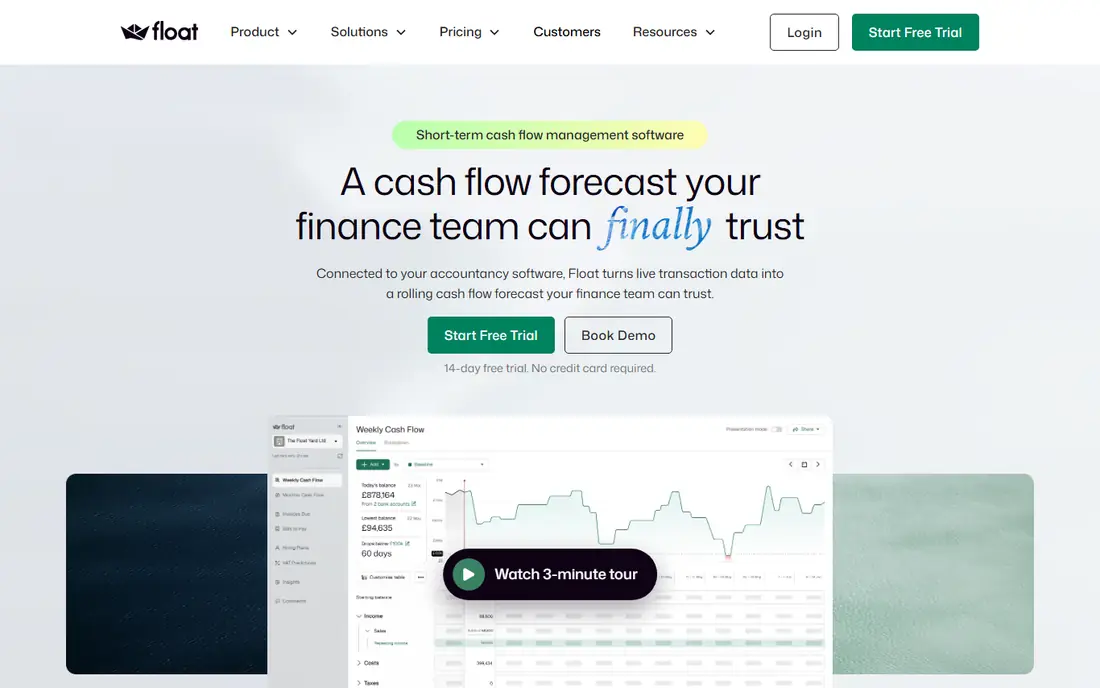
Float turns ledger data into a forward cash view without rebuilding the forecast in a spreadsheet each week. It shows a short-term weekly view for day-to-day decisions and a monthly view behind it, and you can set expected payment dates, split invoices into part payments, and test scenarios. That combination helps owners see the effect of a late payer before it becomes a crisis.
The main limit is connection scope. If your accounting sits elsewhere, Float may not fit until that connection is added. Pricing also varies by plan and region, so confirm the plan that matches your revenue band and entity count. A 14-day trial in current listings gives time to test whether the forecast matches your bank reality.
- Reads invoices and bills from your ledger
- Rolling weekly and monthly views
- Scenario testing for delays and new work
- Only connects to Xero and QuickBooks Online in current listings
- Pricing is not a single simple public figure in all regions
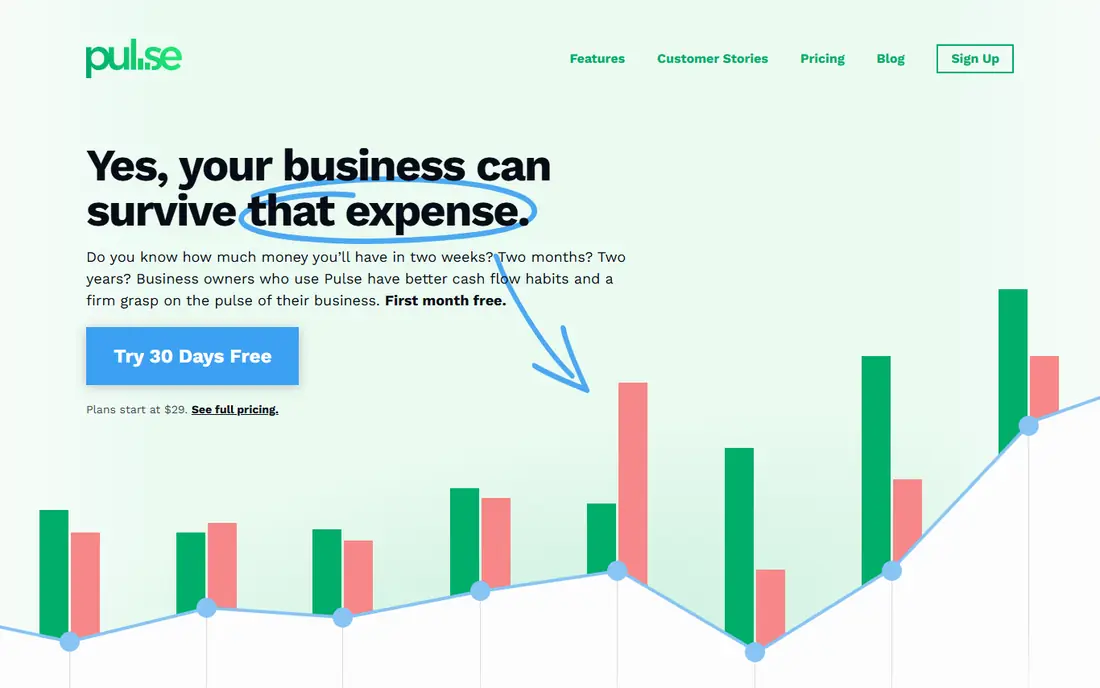
Pulse is built for owners who want to understand cash without learning finance jargon. You enter income and expenses, build scenarios, and watch the projected balance over time. The interface stays focused, which is a strength when the alternative is a spreadsheet that nobody updates.
The trade-off is depth. A company with many entities, complex project billing or heavy bank automation may outgrow Pulse quickly. For a solo owner or small team, that simplicity is the point. Use the trial period to check whether manual entry stays manageable as transaction volume grows.
- Clear dashboard without finance training
- Weekly, monthly and yearly views
- Shareable reports for accountants
- Less depth for complex multi-entity modeling
- Fewer accounting integrations than larger platforms

Dryrun suits finance leads and advisors who want control over assumptions. You can test a delayed invoice, a cost rise or a revenue drop side by side, rather than looking at a single forecast line. Project-based forecasting also helps service firms and agencies that bill in phases.
The catch is effort. Dryrun rewards users who set assumptions carefully and update them regularly, and it can feel heavy for an owner who only wants a quick balance check. If your cash cycle is seasonal or irregular, that extra control is worth it. If it is simple and steady, a lighter tool may be enough.
- Side-by-side scenario comparisons
- Invoice and cash basis forecasting
- Project-based views for service firms
- More setup than a simple dashboard
- Integration list is narrower than the largest platforms
QuickBooks Online is the practical choice for many US small businesses because accounting, invoicing and cash visibility live together. The entry Solopreneur plan suits a solo owner, while Simple Start, Essentials, Plus and Advanced add users, inventory and workflow features as the business grows. Its cash flow planner on higher plans helps owners look ahead without a separate forecast tool at first.
The limits are user caps and total cost. Each plan caps users, and payroll, payments and advanced features add to the bill. If your main need is a deep rolling forecast with many scenarios, pair QuickBooks with Float or Dryrun rather than stretching its built-in view. Confirm the current list price, because Intuit raised several plan prices in 2026.
- Large US accountant ecosystem
- Invoicing, bank feeds and reporting in one place
- Cash flow tools on higher plans
- User caps per plan
- Price rises with tiers and add-ons such as payroll
Xero appeals to teams where several people need access without per-seat charges. Early suits a very small operation, Growing removes invoice and bill caps, and Established adds analytics, multi-currency and project features. For US firms with overseas clients, multi-currency handling is a genuine advantage.
The entry plan is the trap. Early caps invoices at 20 and bills at 5 per month in current listings, which most active businesses outgrow fast. Budget for Growing or Established from the start if volume is real. Xero also pairs well with Float, which is a common route for owners who want a stronger forecast on top of Xero.
- No per-user fees on plans in current listings
- Unlimited invoices on Growing and above
- Strong multi-currency support
- Entry plan caps invoices and bills
- US payroll is handled through a partner route
Fathom suits accounting firms and businesses that want reporting and forecasting together, rather than a forecast alone. It connects to accounting data, builds forecasts, and presents results in reports that clients and boards can read. Multi-entity consolidation is a key reason larger groups choose it.
The pricing model needs care. Because Fathom prices per company, a group with many entities should get a full quote before comparing it with a flat-rate tool. It is also more than a solo owner usually needs. For a firm managing many clients, the reporting quality can save enough time to justify the structure.
- Combines reporting, forecasting and consolidation
- Good fit for accounting firms and multi-entity groups
- Clear visual reports
- Priced per company, so costs scale with entities
- Not a simple owner-only dashboard
Agicap is aimed at mid-market finance teams that manage cash daily across banks and entities. It pulls bank and accounting data into a daily position, helps track receivables and payables, and supports scenario work for larger operations. That daily view matters when cash moves across accounts and countries.
The downside for small businesses is fit and process. Pricing is quote-based, and setup takes more time than signing up for a $29 dashboard. If you run one entity and one bank account, Agicap is likely more tool than you need. If treasury work is already a daily job, it earns its place on a shortlist.
- Daily cash positions across banks
- Multi-entity views
- Bank and accounting connections for mid-market teams
- Quote-based pricing makes comparison slower
- Implementation effort is higher than a simple app
LivePlan helps owners who think in plan terms: set a forecast, track actual results against it, and share a clean plan with a lender or partner. It is less about daily bank positions and more about whether the business is on track against its plan. That framing suits startups and growing firms writing or updating a plan.
The limitation is daily cash control in 2026. LivePlan will not replace a daily treasury view for a complex operation, and it lacks a free trial in current listings, although a money-back guarantee is offered. Use it when the plan and the forecast need to stay linked, and pair it with your accounting tool for actuals.
- Plan, forecast and track in one place
- Helpful for lenders and investors
- Straightforward setup for owners
- No free trial in current listings, with a money-back guarantee instead
- Less suited to daily treasury work
Jirav sits between a cash dashboard and a full planning platform. Companies use it to build budgets, run forecasts and report against plan in one system, with driver-based models that link headcount, revenue and costs. That structure helps growing firms that have outgrown spreadsheet planning.
The cost is complexity. Jirav needs someone who owns the model and updates drivers, and it is not the fastest way to get a simple weekly cash view. For a finance team planning a year ahead, that depth is valuable. For an owner who only needs next month's balance, a lighter tool will feel faster.
- Budgeting, forecasting and reporting in one planning system
- Driver-based models
- Good for growing companies
- More system than a simple cash dashboard
- Setup and modeling take finance time
How we picked these
We compared official feature pages, pricing pages and public documentation for tools live in October 2026, and we favored tools that connect to real accounting or bank data, offer a forward forecast rather than only past reports, and publish a price or a clear quote route. We included both dedicated forecast tools and accounting platforms with cash tools, because many buyers start from the accounting system they already use. We did not invent prices for quote-based tools, and we noted where pricing varies by region or entity count.
What to check before you pay
Start with your accounting system and your bank setup, then choose the forecast layer that fits them. A tool that cannot read your ledger will rely on manual entry, and manual entry is the first thing to slip when work gets busy.
Test the forecast against reality
Run the tool for a month alongside your bank balance and open invoices. Check whether predicted receipts match actual payment dates, and adjust payment timing assumptions where they differ. A forecast that looks neat but misses late payers by weeks is worse than a rough forecast you trust.
Count entities, users and banks
Quote-based tools often price by company or entity, while accounting tools cap users per plan. List every entity, bank account and person who needs access before you ask for a quote. That list prevents a low headline price from turning into a much larger annual bill.
Decide how often you will update it
A daily treasury tool needs daily attention, while a weekly rolling forecast needs a weekly review habit. Pick the cadence you will actually keep. A simple tool updated weekly beats a powerful tool updated once a quarter.
Frequently asked questions
What is the best cash flow management software for a small business?
For a small US business on QuickBooks Online or Xero, Float gives a strong rolling forecast, while Pulse gives the simplest owner view. If you do not yet use accounting software, QuickBooks Online or Xero covers accounting plus basic cash insight, with a dedicated forecast tool added later if needed.
What are the best cash flow management tools for forecasting?
Float, Dryrun, Agicap, Fathom and Jirav are the strongest forecasting options here, with different depths. Float suits ledger-based rolling forecasts, Dryrun suits scenario testing, Agicap suits daily multi-entity cash, Fathom suits firm reporting, and Jirav suits full budgeting and planning.
Is there free cash flow management software?
Most dedicated tools here offer a trial rather than a permanent free plan, and accounting tools offer trials as well. A spreadsheet can work for a very small operation, but it needs manual updating and lacks bank connections. Use trials to test whether automated connections save enough time to justify a subscription.
How much does cash flow management software cost?
Prices in this list run from $20 per month for LivePlan and QuickBooks Online entry plans and $29 per month for Pulse, to quote-based pricing for Float, Fathom and Agicap. Mid-market and multi-entity quotes can be much higher, so ask for the annual total including users and entities.
Can cash flow software replace my accountant?
No. Software improves visibility and forecast discipline, but it does not replace professional advice on tax, compliance or financing decisions. Share forecasts with your accountant or bookkeeper, and treat them as estimates, not guarantees. This is not financial advice.
Sources
See where you really rank - block by block
ProMapRanker scans Google Maps across a grid of your service area. Simple monthly plans from $19, white-label on every plan.
Start freeKeep reading
 zscaler alternatives
Best Zscaler Alternatives in 2026
Looking for zscaler alternatives? We compare 9 SASE and zero trust platforms on architecture, data protection, pricing, and fit for your network and team.
Read → zapier alternatives free
Best Zapier Alternatives Free in 2026
Nine automation tools for zapier alternatives free in 2026, all with genuinely free tiers, plus free plan limits, starting prices and upgrade paths explained.
Read → which platform is best for online reputation
Which Platform Is Best for Online Reputation in 2026
Wondering which platform is best for online reputation? We compare 8 review, listing, and response tools for small and multi-location businesses and agencies.
Read →