 ProMapRanker
Best Cash Advance Apps No Subscription in 2026

Key takeaways
- EarnIn, Gerald and Klover are the clearest no-subscription options, but each makes money in a different way, so read the fee details before you choose.
- A free advance is not always a fast advance, since standard transfers can take one to three business days while instant transfers often carry a fee.
- Bank-linked options such as Chime MyPay, Current and Varo only work if you hold the matching account, so eligibility matters as much as the headline limit.
- Small limits are common at first, and your limit usually grows with steady deposits and a clean repayment record.
Quick comparison
| Pick | Great for | Pricing starts at | Free tier | |
|---|---|---|---|---|
 EarnIn | workers paid on a regular schedule | Free | Yes | Visit |
 Gerald | small advances with no fees at all | Free | Yes | Visit |
 Klover | small advances without a membership charge | Free | Yes | Visit |
 Chime MyPay | existing Chime customers | Free | Yes | Visit |
 MoneyLion Instacash | free standard advances with optional extras | Free | Yes | Visit |
 Current Paycheck Advance | Current customers with regular payroll deposits | Free | Yes | Visit |
 Varo Advance | Varo customers who want an advance in their bank app | See website | No | Visit |
 Albert Instant | higher limits plus budgeting help | Free | Yes | Visit |
 Payactiv | workers whose employer offers the service | See website | Yes | Visit |
The best cash advance apps no subscription
This is not financial advice. Cash advances carry fees and repayment risk, and a short-term advance can make the next pay period tighter if you borrow more than you need. Every app below was checked for a genuine no-subscription route, which means you can request an advance without paying a monthly membership. Optional tips and express transfer fees still exist on several of them, and we flag those plainly.
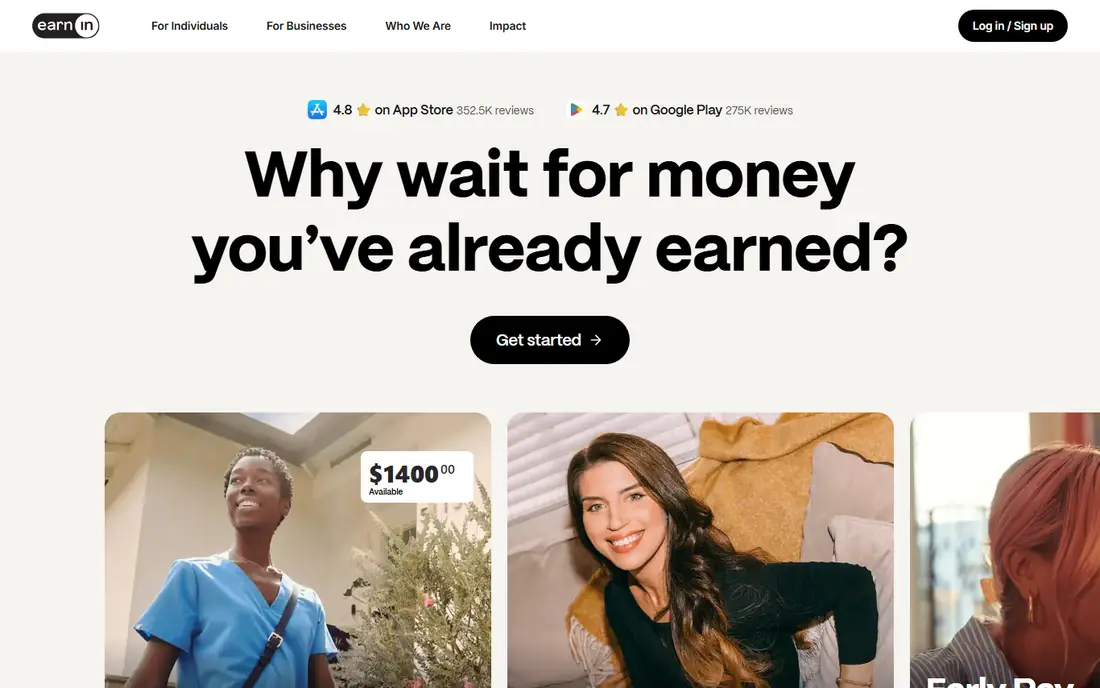
EarnIn bases its advances on pay you have already earned, which is why it asks for a work schedule, pay details or a connected bank account. That model suits salaried and hourly workers with predictable paydays, and it feels less like a loan product than some alternatives. The free standard transfer usually takes one to three business days, so plan ahead if the bill is not urgent.
The catch is speed. If you need money in minutes, the optional Lightning Speed fee applies, and tips are suggested during the flow. Tips are optional, but the prompt can feel like pressure when money is already tight. Set your tip to zero if you do not want to pay it, and check the total cost before you confirm.
- No mandatory monthly fee
- Advances up to $1,000 per pay period for qualifying users
- Standard transfers are free
- Instant transfers carry a Lightning Speed fee
- New users often start with a much lower limit
- Earnings must be verified
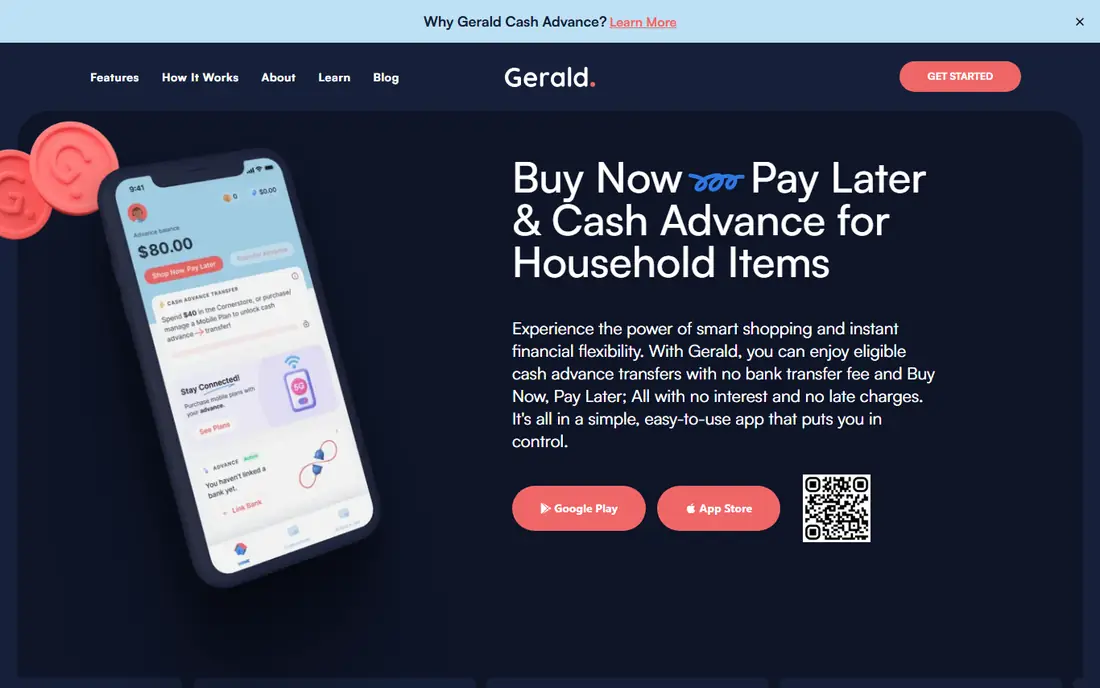
Gerald works differently from the rest of this list. You shop through its built-in buy now, pay later store first, and that step makes a fee-free cash advance transfer available. For people who already buy household items through the app, that trade feels fair. For people who only want cash, it is an extra step that may feel like a hurdle.
The upside is real: no monthly fee, no interest and no fee for a fast transfer to a supported bank. The downside is the ceiling. At up to $200, Gerald covers a grocery gap or a small bill, but it will not cover rent or a large repair. Treat it as a small, clean option rather than a general safety net.
- No subscription, interest, transfer fee or tip prompt
- Instant transfers for supported banks
- Simple repayment on payday
- Advance limit is lower than most rivals at up to $200
- You must make a buy now, pay later purchase first
- The shopping step will not suit everyone
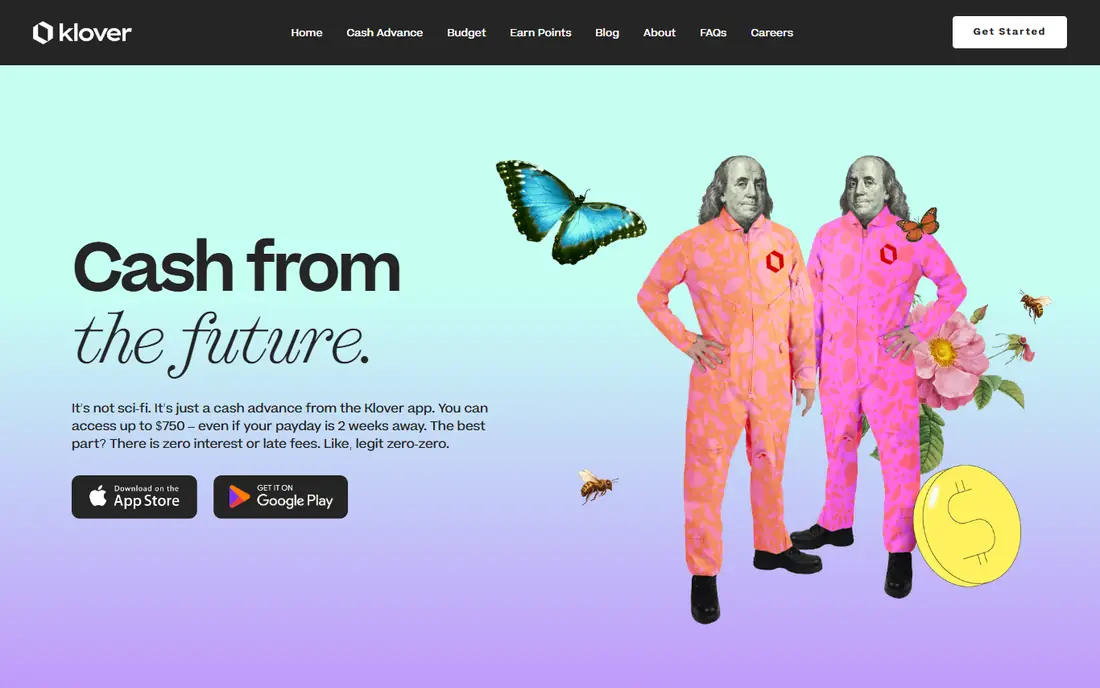
Klover asks for a bank connection and a pattern of direct deposits, then sets a limit based on that history. Its optional Klover+ plan exists, but you do not need it to request an advance, which is why it belongs on this list. Points earned from surveys, receipts and other tasks can reduce express fees, though earning enough points takes time.
Read the privacy terms before you sign up. Klover is open about using data to support advertising and data services, and that trade is the price of a free tier. If that trade bothers you, Gerald or a bank-linked option may fit better, even with a lower limit.
- No mandatory monthly membership
- Advances up to $750 for qualifying users
- Points can offset some express fees
- Express fees can be high on larger advances
- The app uses your data to support advertising and related services
- Limits depend on deposit history
Chime MyPay is a feature inside Chime, not a separate advance app, so it only helps if you already bank with Chime or are willing to switch. Qualifying direct deposits are required, and your limit builds over time. The appeal is simplicity: the advance sits inside the same app you use for spending, saving and direct deposit.
The limit of up to $500 covers many short gaps, but it is not the highest here. Standard funding is the no-fee route, while faster funding can add a charge. If you already use Chime, MyPay is one of the cleanest no-subscription choices. If you do not, opening a new bank account just for an advance is rarely worth it.
- No mandatory subscription
- No-fee standard funding option
- Advances up to $500 for qualifying users
- Requires a Chime checking account with qualifying direct deposits
- Expedited funding may cost extra
- Not a standalone app
MoneyLion Instacash is useful because the free standard route is genuinely usable, even if it takes up to five business days in some cases. That delay makes it a poor choice for an emergency today, but a fair choice for a bill due later in the week. The app also offers budgeting, investing and credit building tools, which some users value and others will ignore.
Watch the upsell path. MoneyLion sells optional paid products, and higher Instacash limits can depend on holding a MoneyLion account and routing deposits there. Use the free advance on its own terms, and do not buy an add-on just to raise a limit you may not need.
- Standard delivery is free
- Advances up to $500, and up to $1,000 for some eligible customers
- No interest on the advance itself
- Instant delivery carries a fee
- Higher limits may require a MoneyLion account and direct deposit
- Extra paid products sit alongside the free advance
Current Paycheck Advance
Great for: Current customers with regular payroll deposits
Current Paycheck Advance suits people who already receive pay into Current. The advance is based on eligible payroll deposits, so gig income or irregular deposits may not qualify in the same way. When it does qualify, the no-subscription structure keeps the base cost at zero, which is the point of this list.
Speed is the usual trade. Standard delivery avoids the extra charge, while instant delivery can cost more, and the exact fee is shown in the app. Check that fee before you confirm, since a small advance with a fast-delivery fee can cost more in percentage terms than it first appears.
- No mandatory subscription for the advance
- Advances up to $750 or more under some offers
- Built into the Current account
- Requires a Current account and eligible payroll deposits of at least $200
- Instant delivery fees may apply
- Limits vary by offer
Varo Advance is included because it charges no monthly membership, but it is not free in the same way as Gerald or EarnIn standard transfers. An advance fee applies, so read the fee shown in the app for your amount before you accept. That fee is the honest cost of this option, and it may still beat a late fee or an overdraft charge, but it is not zero.
Eligibility builds slowly. Varo looks at direct deposit history and account activity, and limits grow over time for qualifying customers. If you already bank with Varo, the convenience is clear. If you do not, do not open an account only for this feature without comparing the fee against a free standard transfer elsewhere.
- No separate subscription to join
- Advance sits inside the Varo app
- Qualifying limits can reach $700 over time
- An advance fee applies
- Requires a Varo bank account and qualifying direct deposits
- Not a standalone advance app
Albert Instant stands out for its higher ceiling, which matters when a $200 or $500 limit will not cover the gap. It does not always require direct deposit to qualify, which helps people with less regular pay patterns. The budgeting and saving tools in the wider app are a bonus if you use them, though they are not required for the advance.
The cost detail to watch is the transfer route. Moving money instantly to an Albert Cash account is the cheapest path, while sending it to an external account can add a fee. Repayment is also due in days rather than weeks, so only borrow an amount you can repay without cutting into essentials.
- Advances up to $1,000 for eligible users
- No mandatory monthly subscription for the advance
- Instant to an Albert Cash account
- Transfers to an outside account can carry a fee
- The wider app includes optional paid features
- Repayment is due quickly
Payactiv is different from every other entry here because your employer must offer it. If yours does, it is one of the strongest no-subscription routes, with higher limits than most direct-to-consumer apps. Access is tied to wages you have already earned, which keeps the amount grounded in real pay rather than a credit line.
If your employer does not offer Payactiv, this entry will not help you, and that is worth knowing before you spend time on signup. Ask your payroll or human resources team whether earned wage access is available, and check which transfer options are free. For workers with access, it deserves a place near the top of the list.
- No subscription charged to the worker
- Advances up to $1,500 for eligible users
- Access is based on earned wages
- Only available through a participating employer
- Availability and transfer method affect cost and speed
- Not open to the general public
How we picked these
We compared official feature pages, pricing pages, app store listings and public help pages for each product, and we kept only apps with a genuine no-subscription route to an advance. Apps that require a monthly membership to request an advance were left out, even when they are popular. We also checked whether the advance was tied to a specific bank account or employer, since that changes who can actually use it. We did not claim hands-on testing, and limits here are maximums for qualifying users, not amounts everyone will receive.
What to check before you borrow
Start with the total cost, not the headline limit. Add any express fee, transfer fee or optional tip, then compare that total against the cost of waiting for a standard transfer. A free standard transfer that arrives in two days is often the best deal, while a fast transfer on a small amount can be costly in percentage terms. Check the repayment date as well, since most advances are collected on your next payday or within days.
Next, check eligibility before you rely on an app. Bank-linked advances need the matching account and qualifying deposits, employer programs need a participating employer, and earned-wage apps need verifiable pay. If you do not meet those tests, your real limit may be far below the advertised maximum. Finally, treat repeated advances as a warning sign. If you need an advance every pay period, a budget review, a bill payment plan or help from a nonprofit credit counselor may solve more than another advance.
Frequently asked questions
What is the best cash advance app with no subscription?
EarnIn is a strong general pick for workers with regular pay, while Gerald is the cleanest choice for a small advance with no fees at all. The best option depends on whether you already bank with Chime, Current or Varo, since those bank-linked advances can be simpler if you already hold the account. Compare the free standard delivery time against any express fee before you decide.
Are there cash advance apps with no subscription and no fees?
Gerald is the clearest example, since it charges no subscription, interest, transfer fee or tip, once you have used its buy now, pay later feature. EarnIn and Klover also offer no-subscription advances, but optional tips or express fees can still apply. Read the fee shown at checkout for your exact amount and speed, since that is the real price.
How fast can I get a cash advance without a subscription?
Standard transfers are usually free but can take one to five business days, depending on the app and your bank. Instant transfers are often available for a fee, except where a bank-linked or Gerald transfer to a supported bank is free. If you need money today, check the instant option and its fee before you accept the advance.
Do cash advance apps without a subscription check credit?
Most apps on this list do not run a hard credit check for an advance, and they set limits from income, deposits and account activity instead. That does not mean approval is automatic, since deposit history and repayment behaviour still matter. Chime describes MyPay as a line of credit, so read its terms if that detail matters to you.
What happens if I cannot repay a cash advance on time?
Repayment is usually taken automatically on payday or on the scheduled date, so a failed repayment can leave your bank account short. Some apps allow an extension or a new repayment date, while others may pause future advances until the balance is repaid. Contact support before the due date if you know you cannot pay, and avoid borrowing again to cover the first advance.
Sources
See where you really rank - block by block
ProMapRanker scans Google Maps across a grid of your service area. Simple monthly plans from $19, white-label on every plan.
Start freeKeep reading
 zscaler alternatives
Best Zscaler Alternatives in 2026
Looking for zscaler alternatives? We compare 9 SASE and zero trust platforms on architecture, data protection, pricing, and fit for your network and team.
Read → zapier alternatives free
Best Zapier Alternatives Free in 2026
Nine automation tools for zapier alternatives free in 2026, all with genuinely free tiers, plus free plan limits, starting prices and upgrade paths explained.
Read → which platform is best for online reputation
Which Platform Is Best for Online Reputation in 2026
Wondering which platform is best for online reputation? We compare 8 review, listing, and response tools for small and multi-location businesses and agencies.
Read →