 ProMapRanker
Best Card Scanning App in 2026

Key takeaways
- The best card scanning app for most people is one with accurate text capture, easy editing, and clean export to contacts or a CRM.
- CamCard and ScanBizCards suit solo professionals, while Sansan and Covve suit teams that need sharing, enrichment, and CRM links.
- Free tiers are useful for a handful of cards, but event work and batch scanning usually need a paid plan.
- Always review a scan before saving it, since a wrong email address is worse than a missing field.
Quick comparison
| Pick | Great for | Pricing starts at | Free tier | |
|---|---|---|---|---|
 CamCard | Accurate solo scanning | See website | Yes | Visit |
 ScanBizCards | Detailed contact capture | See website | Yes | Visit |
 Covve | Contact enrichment | $119 per year | Yes | Visit |
 HiHello | Digital cards plus scanning | Free | Yes | Visit |
 Haystack | Free individual scanning | Free | Yes | Visit |
 Blinq | Events and networking | Free | Yes | Visit |
 Habsy | Batch scanning | Free | Yes | Visit |
 Popl | Digital sharing and follow-up | Free | Yes | Visit |
 Sansan | Large team contact management | See website | No | Visit |
The best card scanning apps
We compared business card scanners on capture accuracy, editing, batch scanning, export, and CRM links. A good scanner saves the card image, lets you fix fields fast, and sends clean contacts where you actually use them.
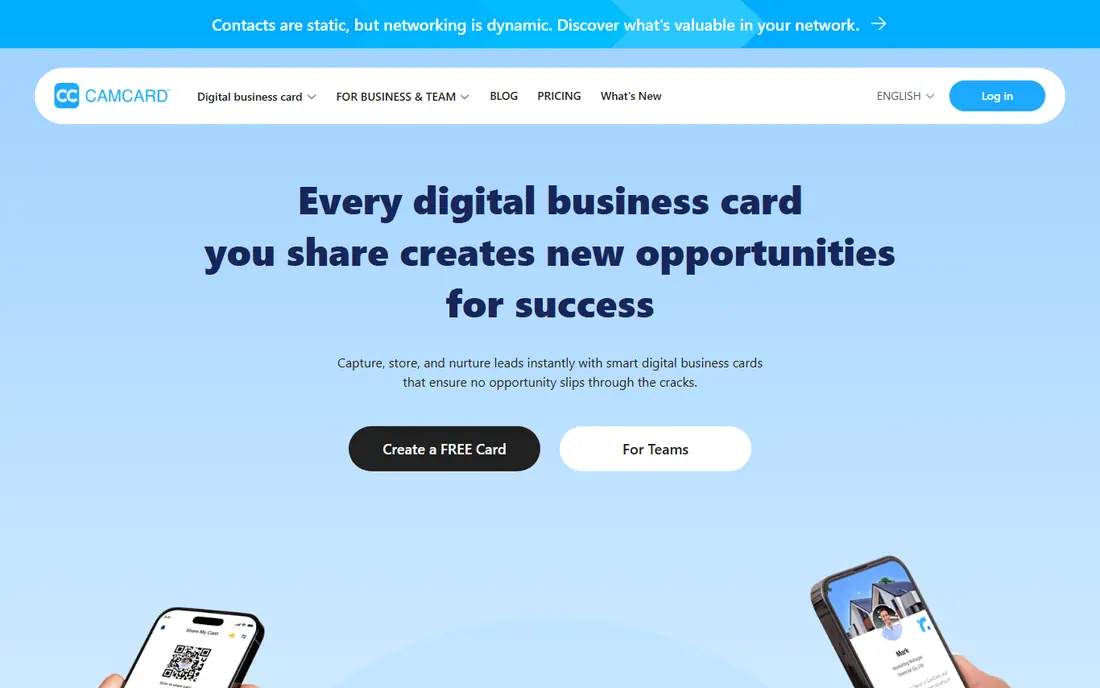
CamCard has been a business card scanner for years, and that history shows in its capture and contact management. You photograph a card, review the fields, and save a clean contact with notes, tags, and sharing options. Multi-language support helps at international events where cards are not all in English.
The main frustration is pricing. CamCard does not publish a simple paid price for every plan, so you may need to check the app store or contact sales for business pricing. For a solo professional who wants a dependable scanner and does not need a full team CRM, CamCard remains a solid choice.
- Long track record
- Multi-language capture
- Card management and sharing
- Paid pricing is not published clearly
- Team features vary by plan
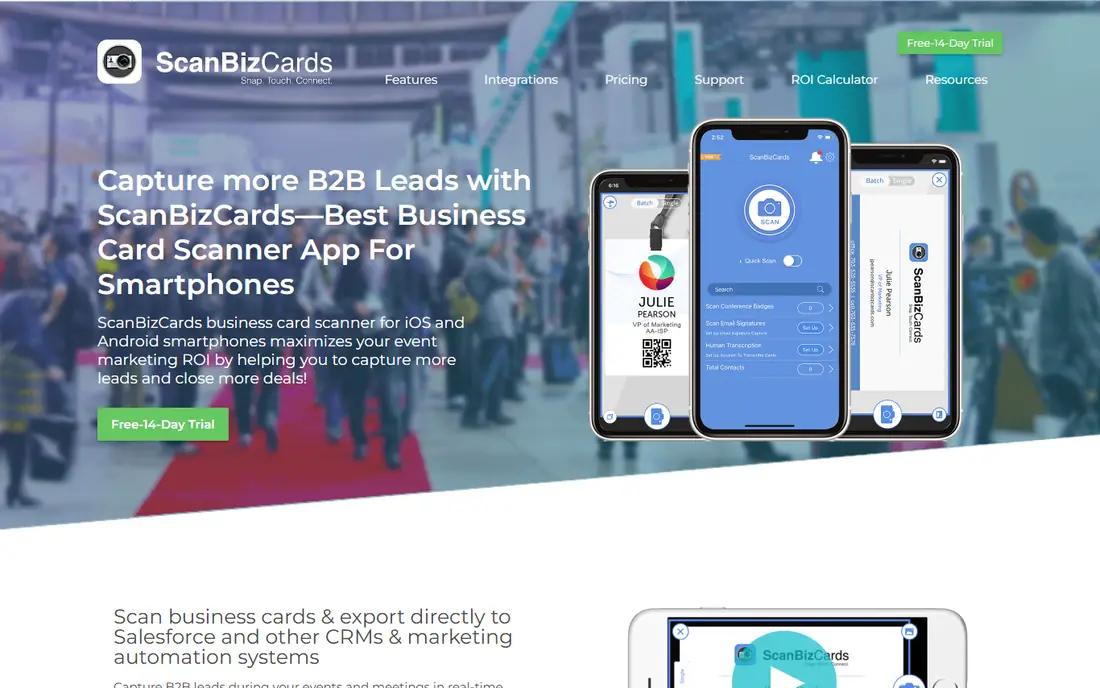
ScanBizCards focuses on getting the contact right, including a human transcription option for cards that automatic reading struggles with. That matters for unusual layouts, foil text, or handwritten notes on a card. You can add notes, group contacts, and export to Salesforce or other tools, which suits sales work after a conference.
The app design feels older than newer rivals, and the free version has limits on exports and groups. Still, if accuracy after a big event matters more than a modern look, ScanBizCards is a practical pick, especially for users who already work with a CRM.
- Human transcription option
- CRM export
- Notes and groups for contacts
- Interface feels dated
- Paid plan needed for full features
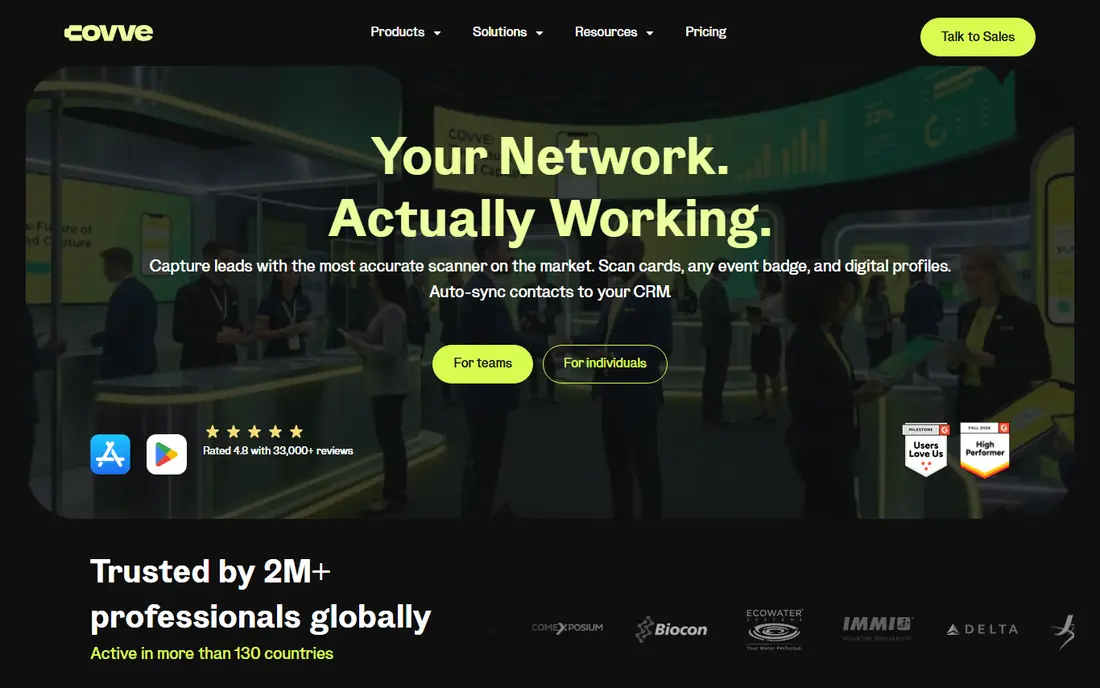
Covve goes beyond scanning by enriching contacts with extra context, reminders, and notes so you remember why you met someone, not just their phone number. The scanner reads cards in many languages, and the app helps you follow up before a new contact goes cold. Export and Salesforce links make it useful for sales and networking professionals.
The yearly price is higher than a basic scanner, and the free tier only covers a limited number of scans. If you scan cards weekly and want follow-up tools built in, Covve can justify that cost. If you scan only a few cards a year, a free scanner is a better fit.
- Smart enrichment
- Notes and reminders
- Salesforce and export options
- Yearly price is higher than some rivals
- Free scans are limited
HiHello pairs card scanning with digital business cards, so you can both capture paper cards and share your own card by link or QR code. The digital card supports social links and custom fields, which helps when a paper card cannot hold everything. Team plans add shared cards and controls for companies.
The free plan limits scanning to 5 cards per month, which is fine for occasional use but not for events. Paid plans start from a low monthly figure for individuals and teams, but check the current pricing for your team size. HiHello suits professionals who want one home for both paper and digital cards.
- Free starter plan
- Digital cards with many fields
- Team sharing options
- Free scans are limited to 5 per month
- Paid team plans add cost
Haystack offers a free option for individual users, which makes it a good first scanner if you do not want to pay before you know your volume. The app creates visual digital cards and tries to fill gaps in scanned details, so a card with a missing job title or company can still become a useful contact.
Team plans start from a low per-user monthly figure, but solo users may never need them. Haystack is less widely integrated than Covve or Sansan, so check export options if you rely on a specific CRM. For free, low-volume scanning with a clean result, Haystack is worth trying.
- Free for individual users
- Visual card designs
- Gap-filling for missing details
- Team features need a paid plan
- Smaller ecosystem than larger rivals
Blinq is built for conferences and networking events, where you meet many people fast and need to capture and follow up without slowing the conversation. You can create multiple digital cards, scan paper cards, and use AI notes to remember context after each meeting. Apple Watch support helps when your phone is in your pocket.
The free tier covers basic digital cards and contact creation, while Premium adds more features at $9.99 per month. If you attend events often, Blinq is a strong pick. If you only scan a few cards a year, the free tier or a simpler scanner may be enough.
- Free digital cards
- Event capture
- Apple Watch support
- Premium needed for full features
- Premium is $9.99 per month
Habsy is designed for the moment after an event when you have a stack of cards to process. Batch scanning lets you capture many cards in one session, and you can also import cards from photos already in your gallery or from QR codes. That workflow saves a lot of time compared with scanning one card at a time and typing notes between each one.
The paid plan costs $99.99 per user per year, which is a real commitment for a scanner, though the free tier is generous for testing. Habsy is newer than CamCard or ScanBizCards, so check its export and CRM options against your workflow. For heavy event scanning, its batch speed is a clear advantage.
- Free scanning with batch capture
- Gallery and QR imports
- Fast event workflow
- Paid plan is $99.99 per user per year
- Newer brand than long-running rivals
Popl started with digital card sharing by QR code and tap, and it now includes card scanning as part of a wider contact and follow-up product. That makes it useful if you want to share your own card instantly and capture other people's cards in the same app. Paid plans add automated follow-up and team features.
Some Popl pricing is quote-based, so the exact cost for a team may not be clear from the site alone. For individuals, the free tier is enough to test sharing and basic scanning. Popl suits networkers who share their card as often as they collect others.
- Free basic sharing
- QR and tap sharing
- Follow-up automation on paid plans
- Paid pricing is quote-based for some plans
- Card scanning is part of a wider product
Sansan is the team and company option in this list. It turns scanned cards into a shared company contact database, with controls for who can see and use contacts, and a scanner option for high-volume offices. That shared view stops contacts from living only in one salesperson's phone.
The trade-off is scale. Sansan is built for larger companies, with a reported 10-user minimum and a yearly contract, and pricing is not published as a simple monthly figure. Small teams and solo users should choose a lighter scanner instead. For a company that treats contacts as a shared asset, Sansan is the most complete tool here.
- Company-wide contact database
- Scanner hardware option
- Strong data controls
- Built for larger companies
- 10-user minimum reported
- No published simple price
How we picked these
We compared official feature pages, pricing pages, and app store listings in October 2026, and we kept only scanners that are live and clearly fit business card capture, whether as a solo app or a team product. We noted where Microsoft Lens has been retired from iOS, and we did not list it as a live option. Where pricing was not published or varied by plan, we wrote See website rather than publishing a guess.
How to choose a card scanner for your workflow
Start with volume. If you scan fewer than five cards a month, a free tier from HiHello, Haystack, Blinq, or Habsy is enough. If you scan a stack after every event, batch scanning in Habsy or a paid plan in Covve or ScanBizCards will save more time than a free app that forces one-by-one capture.
Next, check what happens after the scan. A scanner that exports cleanly to your phone contacts, email, or CRM is worth more than one with a prettier design but messy export. Test it on your hardest cards first, such as dark backgrounds, small type, or vertical layouts, and review every field before you save. A scanner is only as good as the contact it creates.
Plan for events before you arrive
Charge your phone, clear storage for card photos, and decide how you will add context, such as a note about where you met. After the event, process cards the same day while the conversation is fresh, and send a short follow-up within a day or two. The scanner saves time, but the follow-up is what turns a card into a relationship.
Frequently asked questions
What is the best app for scanning cards?
CamCard is a strong all-round pick for solo users, while ScanBizCards suits accuracy-focused users and Sansan suits large teams. For free scanning, Haystack, Habsy, and Blinq are good starting points. The best choice depends on how many cards you scan and where the contacts need to go next.
What is the best card scanning app for business cards on iPhone?
CamCard, ScanBizCards, Covve, and Blinq all work well on iPhone, with different strengths in accuracy, enrichment, and event follow-up. Test the free tier of two apps on the same set of cards and compare how many fields need manual fixing. That quick test tells you more than a feature list.
Are free business card scanners accurate enough?
For clean, standard cards, yes. Free scanners from Habsy, Haystack, and Blinq handle common layouts well, but unusual fonts, foil, or damaged cards still need a manual check. Always review the name, email, and phone number before saving, and use human transcription in ScanBizCards if a card keeps failing automatic reading.
Can a card scanner export to a CRM?
Yes, several in this list do. ScanBizCards, Covve, and Sansan offer CRM export or direct links, while most others export to phone contacts or CSV. Check your specific CRM before paying, since export formats and field mapping vary by app and plan.
How many cards can I scan for free?
It varies. HiHello offers 5 free scans per month, while Habsy and Haystack offer broader free scanning for individuals. Covve offers a limited free trial of scans. If you attend events, expect to need a paid plan for batch work and full export.
Should I still carry paper business cards?
Paper cards still help at events, since handing someone a card is faster than asking them to type a link. A scanner plus a digital card, such as HiHello, Blinq, or Popl, gives you both options: paper for the moment, and a clean digital contact for follow-up.
Sources
See where you really rank - block by block
ProMapRanker scans Google Maps across a grid of your service area. Simple monthly plans from $19, white-label on every plan.
Start freeKeep reading
 zscaler alternatives
Best Zscaler Alternatives in 2026
Looking for zscaler alternatives? We compare 9 SASE and zero trust platforms on architecture, data protection, pricing, and fit for your network and team.
Read → zapier alternatives free
Best Zapier Alternatives Free in 2026
Nine automation tools for zapier alternatives free in 2026, all with genuinely free tiers, plus free plan limits, starting prices and upgrade paths explained.
Read → which platform is best for online reputation
Which Platform Is Best for Online Reputation in 2026
Wondering which platform is best for online reputation? We compare 8 review, listing, and response tools for small and multi-location businesses and agencies.
Read →