 ProMapRanker
Caption Software for Video Editing in 2026: Top 5 Compared
Direct answer
If you need quick social video captioning, CapCut is the first tool to look at here. Listed starting prices: Kapwing from $16 a month, Happy Scribe from $17 per month and Descript from $16 per person a month. If your case is different, Kapwing suits prompt-driven video projects online and Happy Scribe suits accurate transcription before captioning. Prices, free plans and limits for all 5 tools follow.
This ProMapRanker guide covers 5 options for caption software for video editing. Each profile lists a starting price, free plan details, strengths and drawbacks, so you can drop poor fits quickly.
Key takeaways
- CapCut sits first on this list: quick social video captioning.
- CapCut, Kapwing, Happy Scribe, Descript: these are the 4 tools out of 5 that offer a free plan.
- Adobe Premiere Pro suits captions inside a full editing suite.
- The main caution on Kapwing: automatic output still needs manual review.
Quick comparison
| Pick | Great for | Pricing starts at | Free tier | |
|---|---|---|---|---|
 CapCut | Quick social video captioning | See website | Yes | Visit |
 Kapwing | Prompt-driven video projects online | $16 a month | Yes | Visit |
 Happy Scribe | Accurate transcription before captioning | $17 per month | Yes | Visit |
 Descript | Text-based caption and audio editing | $16 per person a month | Yes | Visit |
 Adobe Premiere Pro | Captions inside a full editing suite | See website | Not stated | Visit |
The full caption software for video editing list
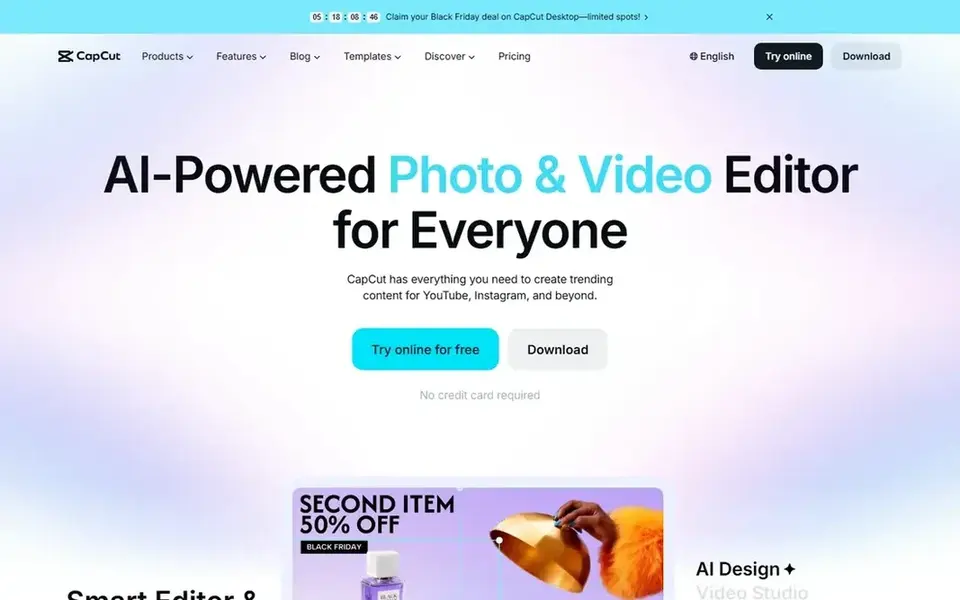
For quick social video captioning, CapCut is a natural candidate. CapCut is an AI video editor for YouTube and Instagram style content, offering smart templates, creative effects and editing on desktop, mobile or in the browser.
As for the details, project complexity can also become harder to run as videos grow. More specifically, captions fit naturally into this social-first workflow, which makes it a practical choice for creators publishing often across channels and wanting fast, styled results. CapCut does not show a starting price in this comparison, so check the vendor site for current pricing. CapCut offers a free plan.
Trade-offs to know: Less suited to long-form professional postproduction.
- Available on desktop
- AI-powered editing with smart templates
- Template-driven results can look similar across creators
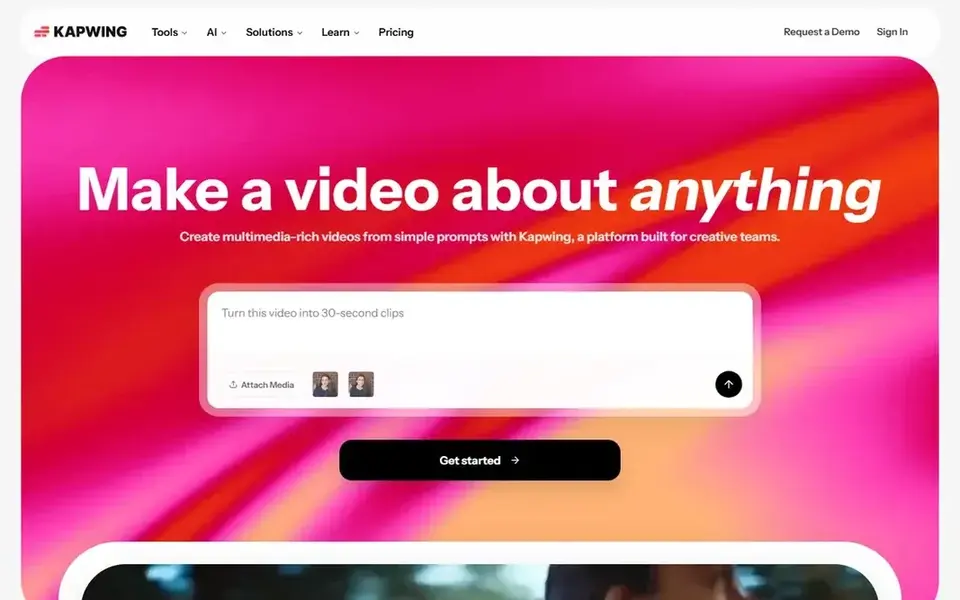
Kapwing targets prompt-driven video projects online. Kapwing is an online video product that can produce full video projects from a single prompt and supports creating, editing and expanding content across channels.
It is a poor fit for frame-accurate finishing work. Starting cost for Kapwing: $16 per month. Kapwing offers a free plan.
Where it falls short: Automatic output still needs manual review.
- Aimed at multi-channel content work
- Create full projects from a single prompt
- Not a deep postproduction environment
Happy Scribe makes the most sense for accurate transcription before captioning. It is not a video editor, so caption timing, styling and burning in happen in another tool.
On top of that, choose a full editor or a subtitle-focused product if you want captioning and editing in one place. The transcription-first focus also means visual editing features are absent. Entry price for Happy Scribe: $17 per month. Happy Scribe has a free plan.
Honest limits: Not a full video editing environment.
- Compliance-focused positioning
- Handy for meetings and interviews
- Caption styling happens elsewhere
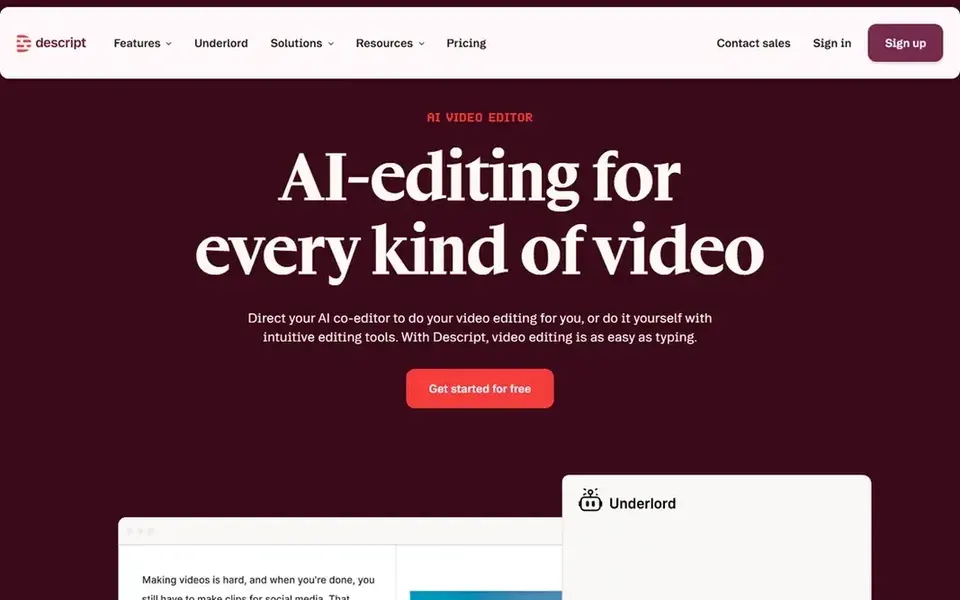
Pick Descript if this describes you: text-based caption and audio editing. Choose a traditional editor if your projects are effects-heavy instead of dialogue-driven. In daily use, editors raised on frame-accurate timelines may find the text-first model limiting for complicated visual work.
What users get: Record, transcribe.
It is also most handy when you keep recording and publishing inside the same environment. Descript is an AI video and audio editor built around the idea that editing should be as simple as editing text. It records, transcribes, edits and publishes in a single tool, so captions and cuts follow the transcript. Descript starts at: $16 per person per month. Descript offers a free plan.
Drawbacks to consider: Text-first approach may feel unusual to timeline editors.
- Caption work tied straight to spoken content
- Edit and publish in one tool
- Best value comes from staying inside its workflow
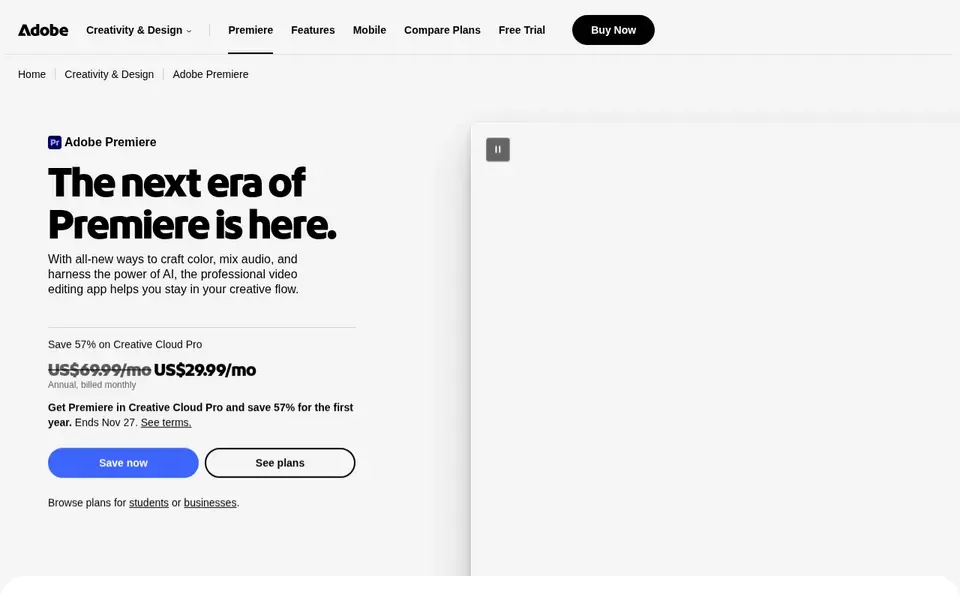
Adobe Premiere Pro targets captions inside a full editing suite. Premiere Pro is professional video editing and postproduction software from Adobe, handling editing and trimming, effects, audio mixing and video extension. Pick something lighter if your primary need is auto-generated subtitles for short social posts instead of full postproduction.
Captions are handled within the same timeline where the rest of the edit happens, which fits editors who want one environment for cutting and captioning. It also demands a capable machine. Adobe Premiere Pro does not show a starting price in this comparison, so check the vendor site for current pricing. Trial and free access: Not stated.
What users get: Manages extended video projects.
Where it is weaker: Steeper ramp-up time for newcomers.
- Caption tools sit alongside trimming
- Fits professional postproduction workflows
- Heavier than browser-based caption tools
How we compared the tools
Pricing pages, product documentation and feature lists were the main sources, and every entry carries at least one honest drawback. Plan names, prices and limits change often. Treat the figures here as a starting point and verify them with the vendor. Tools are placed by general fit for caption software for video editing, with price clarity and free access as tie-breakers. A different team can reasonably rank them differently.
What to confirm before you sign up
- Confirm the entry price on the vendor page. For CapCut and Adobe Premiere Pro that means a quote rather than a fixed price.
- Check what the free option really includes: CapCut, Kapwing, Happy Scribe and Descript offer a free plan, and usage caps differ.
- Read the limits listed for CapCut first: less suited to long-form professional postproduction.
- Let daily users try Adobe Premiere Pro on real work; their feedback beats any feature checklist.
- Confirm the exact Kapwing plan that includes your must-have features.
Frequently asked questions
Which tool is a good match for text-based caption editing?
The first pick on this list is CapCut, because it suits quick social video captioning. Kapwing is better for prompt-driven video projects online, and Happy Scribe for accurate transcription before captioning. Check price and limits against your own needs before choosing.
Do I need a full video editor to add captions?
Transcription and subtitle tools can produce caption files that you bring into an editor later. A full editor makes sense when captioning is one step in a bigger postproduction workflow and you want everything in one timeline.
Do these tools publish their prices?
Not all of them. CapCut and Adobe Premiere Pro publish no starting price, so expect a quote request for those. The rest, Kapwing included, show a starting price, though seats and billing terms still change the final cost.
Which options for caption software for video editing have a free plan?
On this list, CapCut, Kapwing, Happy Scribe and Descript include a free plan. Caps on seats, usage or features are common, so test the free plan against your real workload.
Is CapCut the right pick for everyone comparing caption software for video editing?
No single tool suits every team. CapCut comes first because it fits fast social video captioning, while Kapwing suits prompt-driven video projects online and Happy Scribe suits accurate transcription before captioning. Match the tool to your own size, budget and workflow before deciding.
What is the cheapest option for caption software for video editing in this list?
On published monthly entry prices, Kapwing is the lowest here at $16 per month. Entry price is only part of the cost, because seats, add-ons and billing terms can change the total. Prices, free plan details and limits for all 5 tools in this Caption software for video editing roundup sit on the individual cards above.
Sources
See where you really rank - block by block
ProMapRanker scans Google Maps across a grid of your service area. Simple monthly plans from $19, white-label on every plan.
Start freeBrowse all guides
← Best AI Voice Dictation Software for Remote Teams in 20265 Best Software for Creating AI Videos from Images in 2026 →
 best ai video training software for compliance teams
Best AI Video Training Software for Compliance Teams (2026)
Best AI video training software for compliance teams in 2026: 5 tools with starting prices, free plans and limits. Caveats come with every verdict. No filler.
Read → best ai video editing software for real estate agents
5 Best AI Video Editing Software for Real Estate Agents for 2026
5 products for the best AI video editing software for real estate agents, ranked by fit, with starting costs and free tiers. Plus the drawbacks of each tool.
Read → best ai video editing service online
AI Video Editing Service Online in 2026: Top 6 Compared
6 options for the best AI video editing service online, with entry costs, free tiers and the buyer each one serves. Limits and pricing notes included. No hype.
Read → best free image to video ai tools
Best Free Image to Video AI Tools in 2026
Best free image to video AI tools compared for 2026, with real free tiers, watermarks, clip limits and commercial rules from ten tools that still work free.
Read → best voice translator app
Best Voice Translator App in 2026
Compare the best voice translator app options in 2026, from free conversation tools to paid voice translation, with languages and offline support noted.
Read → best ai voice agent platforms
Shortlist
Best AI voice agent platforms in 2026: 7 tools with starting prices, free plans and limits. Fit and flaws are laid out for each entry. Updated for 2026.
Read →More in Video, Audio & Podcasts · All guides A to Z by date · Latest guides