 ProMapRanker
Best Capacity Planning Tools in 2026

Key takeaways
- Float is our pick for most teams that need clear visual scheduling without a heavy setup.
- Resource Guru and Runn suit smaller teams that want simple bookings and forecasting at a lower price.
- Kantata, BigTime and Meisterplan fit larger firms that need portfolio views, finance links and scenario planning.
- Price by scheduled person or resource seat, not by headline plan alone, because seat rules change the bill fast.
- A trial with real projects and real time off data is the fastest way to tell whether a tool fits your team.
Quick comparison
| Pick | Great for | Pricing starts at | Free tier | |
|---|---|---|---|---|
 Float | Visual scheduling for teams | $7 per person per month | Free trial | Visit |
 Resource Guru | Simple bookings for people and rooms | $5 per person per month | Free trial | Visit |
 Runn | Forecasting and utilisation | $7 per resource seat per month | Free trial | Visit |
 Kantata | Large professional services firms | See website | No | Visit |
 Tempo Planner | Jira-based capacity planning | $10 per user per month | Free trial | Visit |
 BigTime | Services firms that bill time | $20 per user per month | Free trial | Visit |
 Productive | Agencies wanting one operations hub | $10 per user per month | Free trial | Visit |
 Meisterplan | Portfolio and scenario planning | See website | No | Visit |
The best capacity planning tools
Capacity planning answers a plain question: do we have enough people, with the right skills, free at the right time to do the work we have promised. Good tools show bookings, time off, tentative work and utilisation in one view, and they flag overload before it becomes a missed deadline. We compared official pricing pages and feature descriptions, and we focused on tools that are live in 2026 and that teams actually use for scheduling and forecasting.
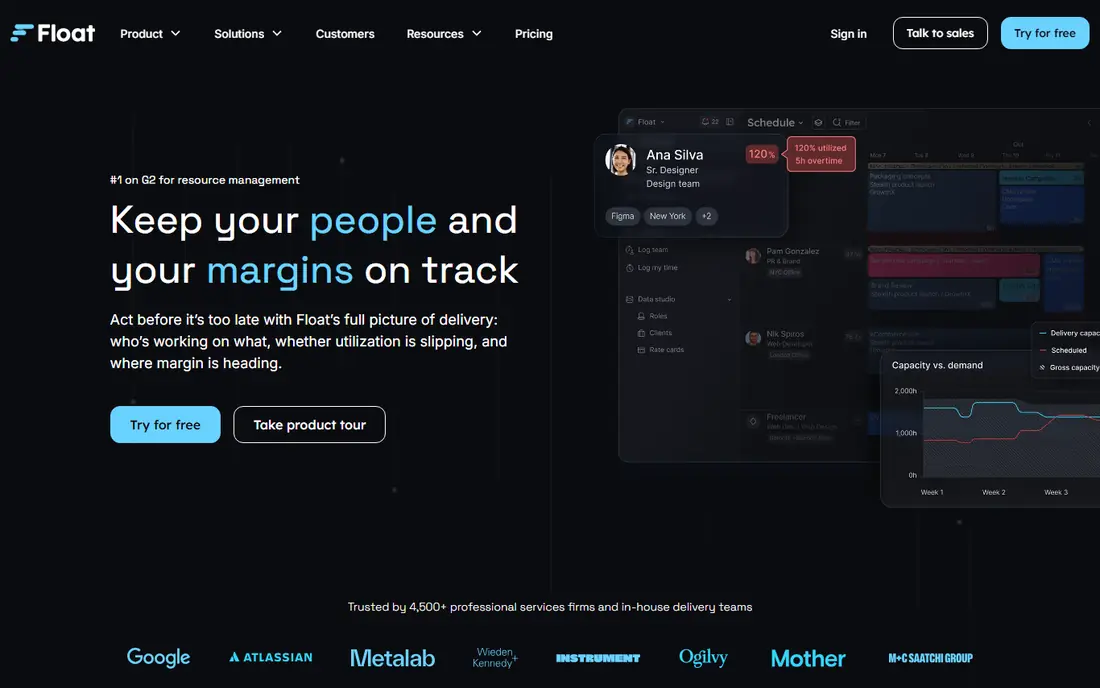
Float is our pick for most teams because its schedule is easy to read at a glance. Managers can see who is booked, who is free, who is on leave and who is over capacity without building a report first. Plans start at $7 per scheduled person per month for Starter, with Pro at $12, and a free trial is offered. That clarity helps teams that double-book people by accident and need a single source of truth for availability.
The limits are about depth. Time tracking and fuller finance views sit on higher plans, and pricing by scheduled person means a large team pays for every person on the schedule, even part-time staff. Float is less suited to firms that need deep portfolio finance in the same tool. For scheduling and capacity visibility, though, it is hard to beat for speed and ease of use.
- Clear visual schedule
- Capacity and time off in one view
- Strong integrations with project tools
- Time tracking sits on higher plans
- Costs rise with scheduled headcount
- Reporting depth is limited on Starter
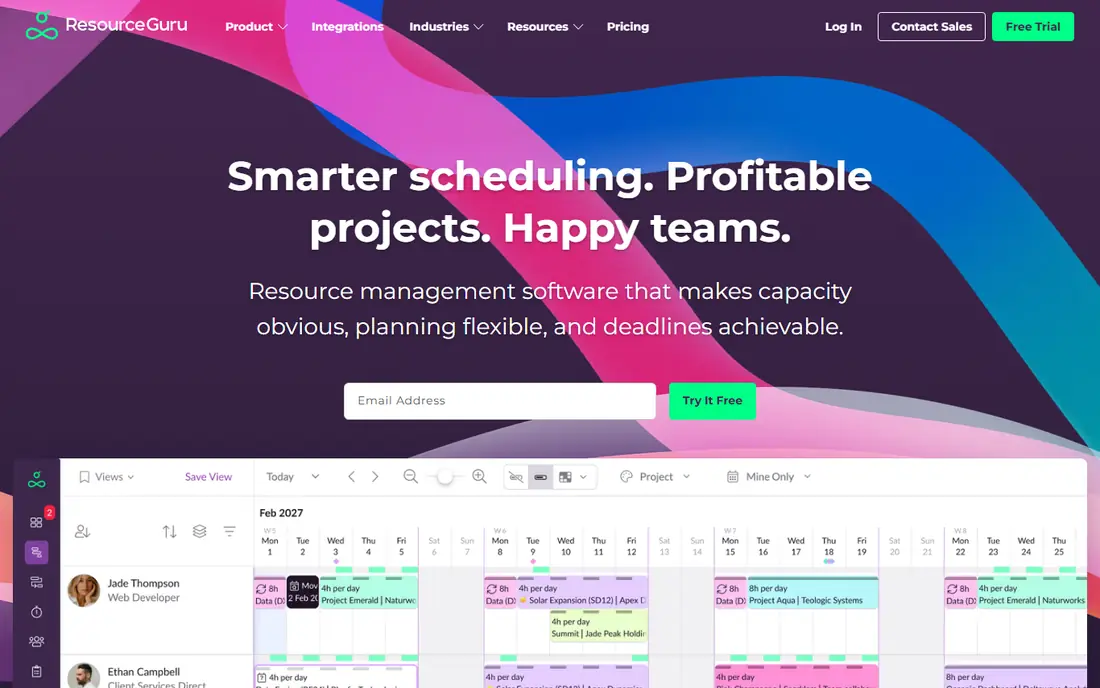
Resource Guru is a good fit for small teams that need fast bookings without a long setup. Plans start at $5 per person per month, with higher tiers at $8 and $12, and clash detection warns you when a person or room is double-booked. It also books equipment and rooms, which helps studios, clinics and service teams that juggle more than people alone.
Reporting and forecasting are lighter than in dedicated forecasting tools, so firms that need scenario planning may outgrow it. Skills filters exist, but keeping them current takes manual work. For a small team that mainly needs to know who is free, when, and for what, Resource Guru offers strong value at a low price.
- Very low starting price
- Clash detection for bookings
- Books people, rooms and equipment
- Reporting is basic on lower plans
- Forecasting is lighter than Runn or Kantata
- Setup for skills is manual
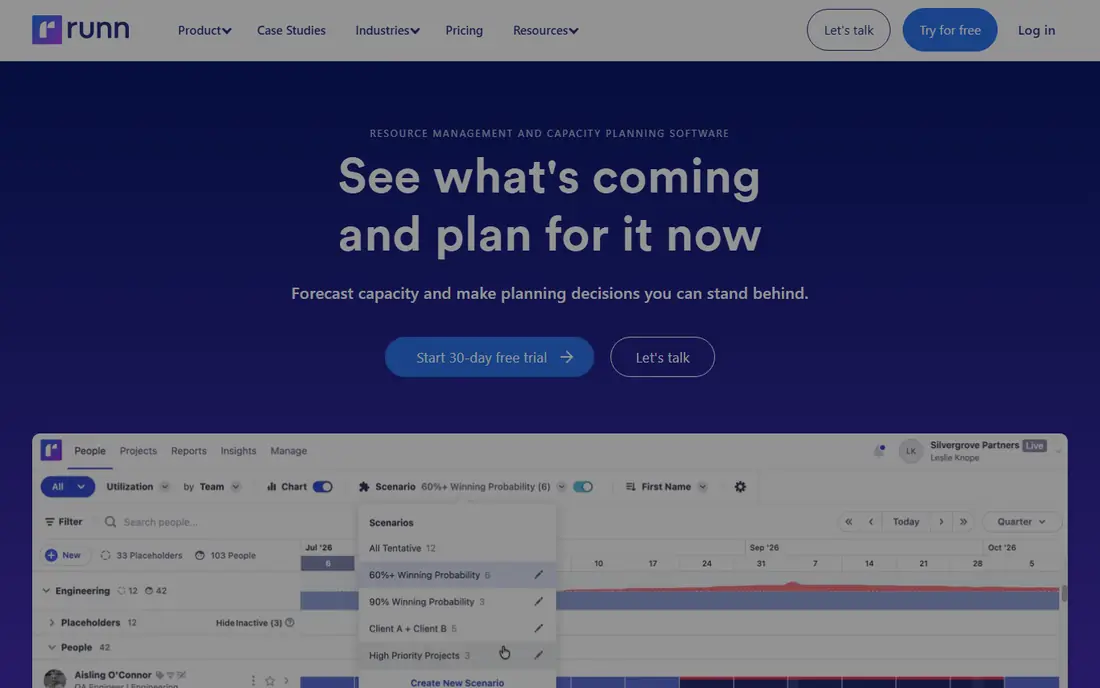
Runn focuses on the forward view: can we staff the work that is coming, and what happens if a project moves. Capacity and utilisation charts show planned work against availability, tentative projects can be modelled before they are confirmed, and saved scenarios let managers compare options. Lite pricing starts at $7 per resource seat per month, with Standard higher, and a trial is offered.
The catch is seat rules. Some plans carry a minimum seat count, which matters for very small teams. Runn is also less of a full HR or payroll tool than some larger platforms. For firms whose main problem is forecasting, especially agencies and consultancies with project pipelines, Runn is a focused and useful choice.
- Clear capacity and utilisation charts
- Tentative projects and scenarios
- Project finance views
- Minimum seat counts on some plans
- Fewer deep HR features
- Pricing has changed over time, so confirm current rates
Kantata, formerly Mavenlink and Kimble, is built for professional services firms with dozens or hundreds of billable staff. It links resource forecasting to project financials, so managers can see not just who is free, but what a staffing choice means for margin. Skills matching and portfolio reporting help larger firms staff complex work across teams and offices.
Pricing is by quote, and implementation is a project in itself for large firms. Small teams will find Kantata heavy and costly. For mature services firms that need one system for resources, projects and finance, that depth is the reason to choose it over a simpler scheduling tool.
- Resource forecasting plus project financials
- Skills matching
- Portfolio reporting for large firms
- Quote-only pricing
- Implementation takes time
- More than small teams need
Tempo Planner is the natural pick for teams that already live in Jira. It adds visual capacity planning for individuals and teams, with planned work set against availability and actual time. Cloud pricing starts at $10 per user per month in published listings, with a free trial, though licence size must match the Jira licence, so confirm the total before budgeting.
Outside Jira, Tempo Planner makes little sense, and that is its main limit. Teams on other project tools should look at Float or Runn instead. For Atlassian shops, though, keeping capacity inside the tool where work already lives reduces double entry and keeps plans close to real tickets.
- Built for Jira teams
- Visual team capacity views
- Plans and actuals in one place
- Needs Jira to make sense
- Pricing depends on Jira licence size
- Less useful outside Atlassian teams
BigTime suits consulting, IT services and engineering firms that bill for time and need staffing tied to profit. Essentials pricing starts at $20 per user per month, with resource management offered as a module or standalone option. An availability heatmap shows where staff are free or overloaded, and planned work can be compared with actual utilisation and margin.
The setup takes more work than Float, and the full value depends on using time and invoicing features together. Firms that only need a schedule may find BigTime more than they need. Firms that bill hours and want staffing decisions linked to financial results will get more from it than from a scheduling-only tool.
- Availability heatmap
- Staffing tied to margins
- Time and invoicing in one system
- Resource management is a module on some plans
- Learning curve for full setup
- Price rises with add-ons
Productive is built for agencies and small consultancies that want resource planning, budgets, time tracking and profitability reports in one place. Essential pricing starts at $10 per user per month, with Professional at $29 on monthly billing in published listings. Placeholders let managers plan for roles before a hire is named, which helps agencies pitch and staff work early.
Some deeper features sit on higher plans, so check what your tier includes before you rely on a report. Productive is less proven for very large enterprises than Kantata, but for agencies that want one hub rather than three separate tools, it offers a strong balance of price and scope.
- Resource planning plus budgets and time tracking
- Profitability reports
- Low starting price
- Depth varies by plan
- Smaller review base than larger rivals
- Agencies get more value than other sectors
Meisterplan fits programme and portfolio managers who need to compare whole portfolios, not just book individuals. Roadmaps show projects across departments, scenario comparison shows what happens if priorities change, and capacity views reveal where teams are overloaded across the portfolio. Pricing is custom and per resource, so a quote is needed.
Day-to-day scheduling detail is lighter than in Float or Resource Guru, and Meisterplan works best when project data is already clean and current. For PMOs and larger firms that plan at portfolio level, it is a strong choice. For small teams that need a daily schedule, a simpler tool will fit better.
- Portfolio roadmaps across teams
- Scenario comparison
- Cross-team capacity views
- Quote-only pricing
- Less day-to-day scheduling detail
- Needs clean project data to work well
How we picked these
We compared official pricing pages, feature descriptions and trial options, and we favoured tools that are live in 2026 and that show capacity, time off and utilisation in a usable way. We did not claim hands-on testing, and we did not invent prices or features. Where pricing was quote only, we say so, and where published prices differed across sources, we used the vendor-facing figure and advise readers to confirm it on the pricing page before buying.
How to pick the right capacity tool
Start with your planning unit
Some teams plan by person, some by role, and some by project. If you plan by person and need clash detection, Float or Resource Guru will feel natural. If you plan by tentative project and need scenarios, Runn or Meisterplan will fit better. If you plan by margin and billable hours, BigTime or Kantata will link staffing to finance. Naming your unit first prevents buying a tool built for a different problem.
Test with real time off and tentative work
A demo with clean data hides the hard parts. Load real leave, part-time patterns, public holidays and two tentative projects, then see how the tool handles overload and re-planning. Check whether managers can move work without breaking the plan, and whether the team can see their own schedule clearly. If the trial feels confusing with real data, it will feel worse in a busy month.
Check seat rules and renewal terms
Capacity tools often price by scheduled person, resource seat or licence size, and those rules change the bill. Count part-time staff, contractors and placeholders in your estimate, and ask what happens when headcount grows mid-year. Confirm trial length, contract length and what exports you keep if you leave, so a tool change does not strand your planning history.
Frequently asked questions
What are the best capacity planning tools?
Float is our pick for most teams on visual scheduling, Runn for forecasting, Resource Guru for low-cost bookings, and Kantata or Meisterplan for portfolio planning. The best tool depends on team size, planning unit and whether you need finance links.
What is the best capacity planning software for small teams?
Resource Guru and Float suit small teams well, thanks to low starting prices and simple schedules. Runn also works for small firms that need forecasting, provided its seat minimum fits your team size.
What are the best tools for capacity planning in Jira?
Tempo Planner is the clear pick for Jira teams, because it plans capacity inside the Atlassian workflow. Teams outside Jira should use a standalone tool such as Float or Runn instead.
What is the best capacity planning software platform for agencies?
Productive and Runn both suit agencies, with Productive offering budgets and profitability reports in one hub and Runn offering stronger forecasting and scenario views. BigTime also fits agencies that bill time and track margin closely.
How much does capacity planning software cost?
Starting prices in this list run from $5 per person per month with Resource Guru to $20 per user per month with BigTime, while Kantata and Meisterplan price by quote. Always model your full seat count, not just the headline rate.
Do capacity planning tools offer a free trial?
Most tools in this list offer a free trial, including Float, Resource Guru, Runn, Tempo Planner, BigTime and Productive. Use the trial with real projects and leave data to judge fit before you pay.
Sources
See where you really rank - block by block
ProMapRanker scans Google Maps across a grid of your service area. Simple monthly plans from $19, white-label on every plan.
Start freeKeep reading
 zscaler alternatives
Best Zscaler Alternatives in 2026
Looking for zscaler alternatives? We compare 9 SASE and zero trust platforms on architecture, data protection, pricing, and fit for your network and team.
Read → zapier alternatives free
Best Zapier Alternatives Free in 2026
Nine automation tools for zapier alternatives free in 2026, all with genuinely free tiers, plus free plan limits, starting prices and upgrade paths explained.
Read → which platform is best for online reputation
Which Platform Is Best for Online Reputation in 2026
Wondering which platform is best for online reputation? We compare 8 review, listing, and response tools for small and multi-location businesses and agencies.
Read →