 ProMapRanker
Best Campaign Management Software in 2026

Key takeaways
- Campaign tools split into two kinds: marketing suites that run email and ads, and work tools that plan tasks, owners, and deadlines.
- HubSpot Marketing Hub is the strongest all-in-one pick for teams that need contacts, email, and reporting in one account.
- Asana, monday.com, ClickUp, Wrike, and Smartsheet are better when the main problem is coordinating people and dates across channels.
- Free plans help small teams start, but automation, reporting, and audience size usually set the real price as a campaign grows.
- Before you buy, list your channels, your contact count, and who approves work, since those three facts decide which tier you will actually need.
Quick comparison
| Pick | Great for | Pricing starts at | Free tier | |
|---|---|---|---|---|
 HubSpot Marketing Hub | All-in-one marketing campaigns | Free | Yes | Visit |
 monday.com | Visual campaign boards | $9 per user per month | Yes | Visit |
 Asana | Cross-team campaign tasks | $10.99 per user per month | Yes | Visit |
 ClickUp | Most features per dollar | $7 per user per month | Yes | Visit |
 Wrike | Marketing operations at scale | $10 per user per month | Yes | Visit |
 Smartsheet | Spreadsheet-style campaign plans | $9 per user per month | Free trial | Visit |
 Mailchimp | Email campaigns for small teams | See website | Yes | Visit |
 ActiveCampaign | Email automation and CRM | See website | Free trial | Visit |
 Salesforce Marketing Cloud | Enterprise multi-channel campaigns | See website | No | Visit |
 Zoho Campaigns | Budget email campaigns | See website | Yes | Visit |
The best campaign management software
We compared official pricing pages, feature pages, and public documentation for tools that plan, run, and measure campaigns. Here are ten that cover the main ways teams work, from a single email series to a multi-channel launch.
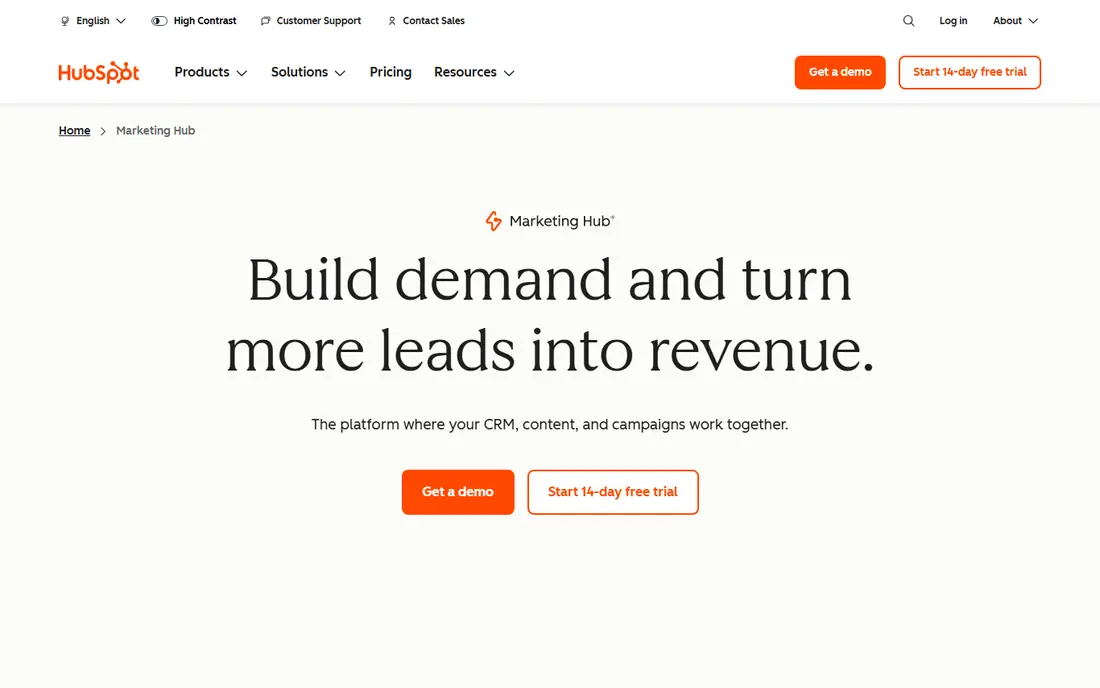
HubSpot Marketing Hub suits a team that wants one record for each contact and one place to build a campaign around it. You can send email, build landing pages, track social posts, and see which campaign brought in each lead, without stitching several tools together. The free tier lets a small team start with forms, contacts, and basic email.
The catch is growth cost. As your marketing contacts and seats rise, so does the bill, and the deeper automation and attribution features sit on Professional and Enterprise plans. Price it on your real contact count, not on the free tier, and test the reporting on a real campaign before you upgrade.
- Contacts, email, landing pages, and reporting in one place
- Free tier for small teams
- Strong automation on paid plans
- Paid tiers rise sharply with contacts and seats
- Full automation sits on higher plans
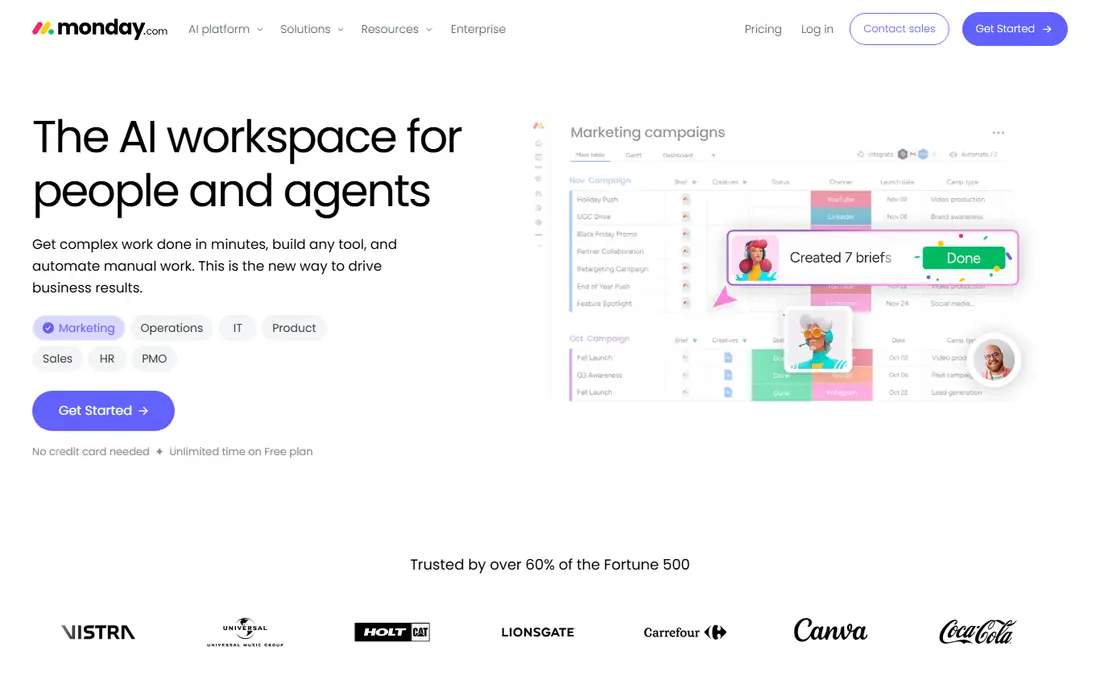
monday.com is a good fit when campaign work stalls because no one can see who owns each task or when it is due. Boards, timelines, and calendars make the whole launch visible, and automations can assign work, send reminders, and move items as they progress. It works well for teams that run many small campaigns at once.
Lower plans cap automation actions, so a team that relies on many rules should check the Pro tier. monday.com does not run email sends or ad buying on its own, so pair it with an email tool when the campaign itself needs sending, not just planning.
- Boards that most teams learn quickly
- Timelines, calendars, and automations
- Free viewers for stakeholders
- Automation actions are capped on lower plans
- Seats are sold with minimums on some plans

Asana suits marketing, design, and sales teams that must share one campaign plan without losing track of approvals. Every task has an owner and a due date, and timelines show how design, copy, and launch dates depend on each other. That clarity helps when a launch involves several departments.
The free Personal plan covers small teams, but timelines and dashboards arrive on Starter at $10.99 per user per month, and portfolios sit higher still. Asana plans work, it does not send marketing email itself, so treat it as the coordination layer and add a sending tool for the campaign itself.
- Clear task ownership and due dates
- Timelines and portfolios on paid plans
- Easy to adopt across departments
- Portfolios and advanced reporting need higher tiers
- Per-user cost adds up for large teams
ClickUp fits teams that want one workspace for tasks, docs, goals, and campaign calendars without paying suite prices. The free tier covers unlimited tasks and members, and the $7 per user per month Unlimited plan adds more storage, integrations, and reporting. Small teams get a lot for the price.
That depth has a cost in setup time. ClickUp offers so many views and settings that a team can spend its first week configuring instead of launching. Start with one campaign template, keep custom fields few, and add complexity only after the team uses the basic board every day.
- Low paid entry price
- Many views, docs, and automations in one workspace
- Generous free tier
- Depth of options can slow setup
- Some advanced features need higher tiers
Wrike suits mid-size and larger marketing teams that run campaigns with formal approvals, asset reviews, and cross-team handoffs. Its workflows handle briefs, proofs, and sign-offs in a structured way, which helps when many people touch one asset before it goes live. The Team plan starts at $10 per user per month.
Automation limits on that plan are the main watch point, since rules stop at the cap and the next tier raises the price. Wrike is a planning and operations tool first, so you will still need email and ad tools to send and buy the campaign itself.
- Flexible views and approval workflows
- Strong for creative and marketing operations
- Free plan for basic work
- Automation caps on Team plan
- Higher tiers needed for full reporting and resource tools
Smartsheet fits teams that already think in spreadsheets and want that layout with better sharing, forms, and dashboards. Campaign intake forms, content calendars, and status reports all sit in one grid-based system, which operations teams tend to adopt fast. Pro starts at $9 per member per month when billed yearly.
There is no permanent free plan, only a trial, and Pro caps automations, so heavy workflow use needs the Business tier. Smartsheet plans and tracks campaigns well, but it does not send email campaigns or manage ad audiences, so pair it with a sending tool when needed.
- Familiar grid layout for operations teams
- Forms, reports, and dashboards
- Good for intake and tracking
- No permanent free plan
- Automation caps on Pro
- Per-member pricing adds up
Mailchimp is a sensible first email tool for a small business that sends newsletters, promos, and simple automated series. The builder is easy to learn, templates look clean, and the free tier lets you test sends on a small list before paying. For many local businesses, that is enough to run a steady campaign rhythm.
The limit is scale. As your audience grows, the monthly price follows it, and features such as advanced segmentation, multivariate testing, and deeper automation sit on paid plans. Check the current pricing page for your exact audience size, since list size drives the bill more than seat count.
- Easy email builder and audience tools
- Templates and basic automation
- Free tier for small lists
- Price rises with audience size
- Advanced automation and testing need paid plans
ActiveCampaign suits teams that want email to react to what a contact actually does, such as opening, clicking, visiting a page, or buying. Its automation builder handles branching series well, and the built-in CRM keeps sales follow-up in the same record as marketing sends. That combination helps service businesses that nurture leads over weeks.
Complex automations take time to design and test, and a mistake in a branch can send the wrong message to a whole segment. Start with one simple welcome or follow-up series, test it on internal contacts, and only then add scoring and longer branches.
- Strong automation builder
- Contact scoring and CRM features
- Good for behavior-based email series
- Pricing is quote and tier based, so confirm your tier
- Learning curve for complex automations
Salesforce Marketing Cloud fits large teams that run email, mobile, social, and advertising campaigns from one data model. Its segmentation and journey tools handle large audiences and complex paths, and it connects to Salesforce CRM and many other systems. Enterprises with dedicated marketing operations staff get the most from it.
For a small team, it is usually too much. Pricing is quote-based, setup takes longer, and you may need specialist help to build journeys and reports. Choose it when audience size, channel count, and data rules already outgrow simpler email tools, not as a first campaign tool.
- Deep multi-channel campaign tools
- Strong data and segmentation for large audiences
- Wide integration options
- Quote-based pricing and longer setup
- More tool than a small team needs
Zoho Campaigns is a practical pick for a budget-conscious team that mainly needs email sends, templates, and simple automation. It integrates with other Zoho apps, which helps if your contacts, CRM, or forms already live there. The free tier covers small lists and basic sends.
Expect lighter reporting and fewer advanced journey options than HubSpot or ActiveCampaign. That is a fair trade when the campaign is a newsletter or a promo series rather than a complex multi-step nurture program. Check the current pricing page for your list size before you rely on a quoted figure from a review.
- Low-cost email sending for small lists
- Templates and basic automation
- Fits teams already using Zoho apps
- Fewer advanced features than larger suites
- Reporting depth is lighter
How we picked these
We compared official pricing pages, feature descriptions, and public documentation for tools that plan, send, or measure campaigns. We kept only tools that exist and work now and that clearly fit campaign work, and we mixed marketing suites with work planning tools because most teams need both sides. We left out single-channel ad tools that do not help plan or measure a full campaign.
What to check before you pay
Match the tool to the bottleneck in your current campaigns. If work gets lost between teams, start with Asana, monday.com, ClickUp, Wrike, or Smartsheet. If sends, lists, and follow-up are the problem, start with HubSpot, Mailchimp, ActiveCampaign, or Zoho Campaigns. If you need both, HubSpot is the closest single answer, but it costs more as contacts grow.
Count contacts, seats, and channels
Price a campaign tool on three numbers: how many contacts you will email, how many people will use the tool, and how many channels you will run. Suites charge mainly on contacts, work tools charge mainly on seats, and enterprise tools charge on both plus setup. Get a written quote on your real numbers, and ask what happens to price when each number doubles.
Run one real campaign first
Use a trial or free tier on a real, small campaign with real deadlines and approvals. Check that reports show which channel and message brought each lead, that approvals do not stall work, and that unsubscribes and bounces are handled cleanly. A tool that looks good in a demo but slows approvals will cost more in missed launches than it saves in subscription fees.
Frequently asked questions
What is the best campaign management tool for a small team?
For a small team, Mailchimp or Zoho Campaigns covers email sends at low cost, while ClickUp or Asana covers planning. HubSpot Marketing Hub is the best single tool if you want contacts, email, and reporting together and can accept higher paid tiers as you grow.
What are the best campaign management platforms for multi-channel campaigns?
HubSpot Marketing Hub and Salesforce Marketing Cloud handle email, social, landing pages, and reporting in one system. Salesforce fits large enterprises with complex data, while HubSpot fits mid-size teams that want a faster setup and a free starting tier.
Do I need a work tool and a marketing tool?
Many teams do, since planning tools track tasks and approvals while marketing tools send messages and track contacts. You can start with one side, whichever hurts more today, and add the other when handoffs or reporting start to break down.
How much does campaign management software cost?
Work tools in this guide start from $7 to $10.99 per user per month, while marketing suites often start free and then charge by contacts and tier. Enterprise tools are quote-based, so always price on your contact count, seat count, and channel list.
Can free plans run a real campaign?
Yes, for a small list and a simple campaign, since HubSpot, Mailchimp, Zoho Campaigns, monday.com, Asana, ClickUp, and Wrike all offer free tiers. Free plans limit automation, reporting, and audience size, so move to a paid tier when those limits start to slow a launch.
Sources
- https://www.hubspot.com/pricing/marketing
- https://monday.com/pricing
- https://asana.com/pricing
- https://clickup.com/pricing
- https://www.wrike.com/pricing
- https://www.smartsheet.com/pricing
- https://mailchimp.com/pricing
- https://www.activecampaign.com/pricing
- https://www.salesforce.com/marketing-cloud/pricing
- https://www.zoho.com/campaigns/pricing
See where you really rank - block by block
ProMapRanker scans Google Maps across a grid of your service area. Simple monthly plans from $19, white-label on every plan.
Start freeKeep reading
 zscaler alternatives
Best Zscaler Alternatives in 2026
Looking for zscaler alternatives? We compare 9 SASE and zero trust platforms on architecture, data protection, pricing, and fit for your network and team.
Read → zapier alternatives free
Best Zapier Alternatives Free in 2026
Nine automation tools for zapier alternatives free in 2026, all with genuinely free tiers, plus free plan limits, starting prices and upgrade paths explained.
Read → which platform is best for online reputation
Which Platform Is Best for Online Reputation in 2026
Wondering which platform is best for online reputation? We compare 8 review, listing, and response tools for small and multi-location businesses and agencies.
Read →