 ProMapRanker
Best Calorie Counter App in 2026

Key takeaways
- Cronometer offers the deepest free nutrition detail, while MyFitnessPal offers the broadest food database for restaurant and packaged foods.
- Lose It is the simplest paid upgrade for many beginners, with Premium listed at $39.99 per year in several current listings.
- If you want coaching that adjusts targets from your weight trend, MacroFactor and Noom take very different routes, and only one is a pure tracker.
- A free plan is enough for basic calorie and macro logging in most of these apps, so start free and pay only for a feature you actually use weekly.
- Calorie estimates are guides, not medical measurements. Talk with a clinician or dietitian before changing your intake for a health condition.
Quick comparison
| Pick | Great for | Pricing starts at | Free tier | |
|---|---|---|---|---|
 MyFitnessPal MyFitnessPal | Broadest food database | Free | Yes | Visit |
 Cronometer Cronometer | Micronutrient detail | Free | Yes | Visit |
 Lose It Lose It | Simple daily budgets | Free | Yes | Visit |
 YAZIO YAZIO | Fasting plus tracking | Free | Yes | Visit |
 FatSecret FatSecret | Budget-friendly tracking | Free | Yes | Visit |
 MacroFactor MacroFactor | Adaptive macro targets | $11.99 per month | Free trial | Visit |
 MyNetDiary MyNetDiary | Balanced detail and coaching | Free | Yes | Visit |
 Lifesum Lifesum | Guided plans and habits | Free | Yes | Visit |
 Noom Noom | Behavior lessons and coaching | See website | Free trial | Visit |
The best calorie counter app
We looked for apps that make daily logging quick, show calories and macros clearly, and keep working when life gets busy. The nine below cover free tracking, detailed nutrition, fasting, coaching, and adaptive targets.
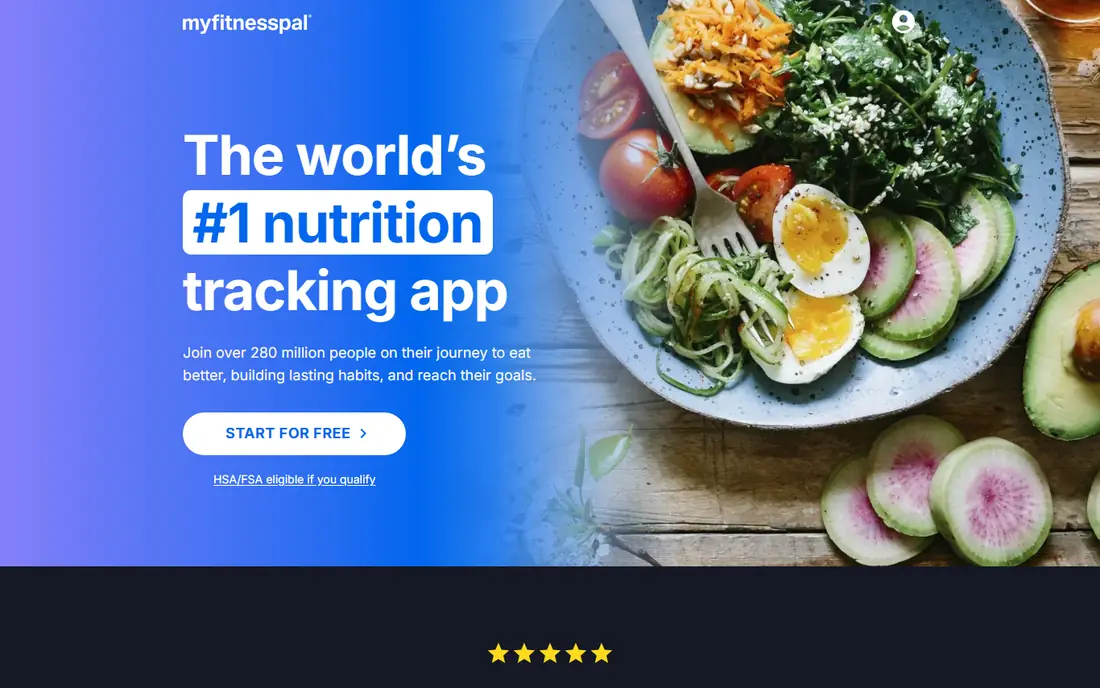
MyFitnessPal remains the default choice for people who eat out often or buy many packaged foods. Its database, listed at more than 20 million foods on its homepage, makes it easier to find chain restaurant items and branded products without typing a full nutrition label by hand. That breadth matters on busy days, when a slow search is often the reason a log gets skipped.
The free tier covers basic food and exercise logging, macro percentages, and progress tracking. Premium, listed at $19.99 per month or $79.99 per year, adds barcode scanning, meal scan, voice logging, gram-based macro goals, and an ad-free experience. Premium+ adds meal planning. If you already have years of saved meals here, that history alone can make the app worth keeping. If you are starting fresh and want barcode scanning free, Cronometer and FatSecret deserve a closer look first. Note that calorie targets from any app are estimates, and people with diabetes, eating disorders, or other health conditions should check targets with a clinician.
- Very large food database
- Food and exercise logging on web and mobile
- Saved meals and recipes for repeat days
- Barcode scanning and meal scan sit in Premium
- Free tier includes ads
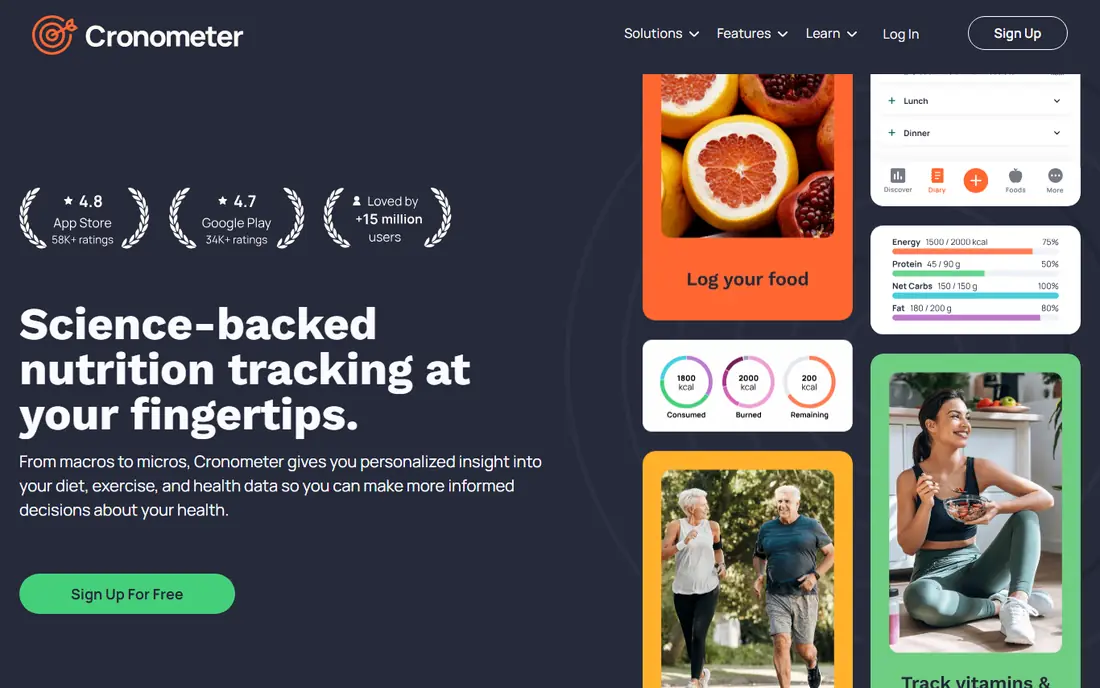
Cronometer is our pick for readers who want to know more than calories. The free Basic tier tracks a long list of vitamins, minerals, and other nutrients, and its entries lean on verified sources rather than a pile of unchecked user entries. That makes it a strong choice for people following a specific eating pattern, checking iron or vitamin D intake, or comparing foods by nutrient density rather than calories alone.
Gold, listed at $10.99 per month or $59.99 per year, adds up to 95 nutrients, an ad-free view, photo and voice logging, a fasting timer, custom charts, and longer reporting. The free tier already includes barcode scanning, device sync, and data export, which is more generous than most rivals. The trade-off is presentation. Cronometer shows a lot of detail on one screen, so beginners may need a few days to learn which numbers matter to them and which can be ignored.
- Free barcode scanning
- Tracks up to 84 nutrients on the free tier
- Verified food entries with clear data sources
- Interface can feel dense at first
- Photo and voice logging sit in Gold
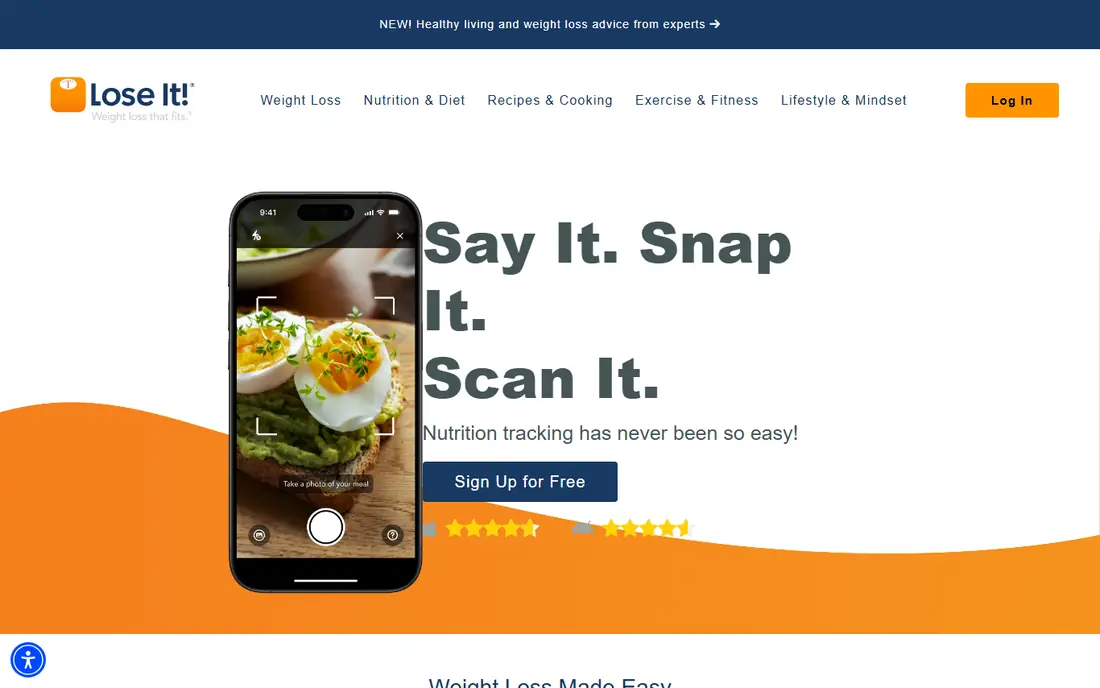
Lose It starts with a personal calorie budget based on your age, height, weight, and goal, then keeps the daily view focused on that one number. That simplicity is the point. You log food, watch the budget, and check weight and progress without wading through dozens of nutrient charts. For many beginners, that narrow focus makes logging easier to repeat.
The free Basic tier covers food, exercise, and weight tracking plus access to the food database. Premium, listed at $39.99 per year in current listings, adds barcode scanning, smart photo logging, voice logging, custom nutrient goals, water and sleep tracking, and future meal logging. Lose It is a good fit if you want a friendly weight-loss tracker and do not need deep micronutrient analysis. People who want detailed vitamin tracking should pair this choice with Cronometer, or pick Cronometer instead.
- Clear daily calorie budget
- Snap It photo logging and voice logging
- Simple progress charts
- Barcode scanning sits in Premium
- Micronutrient detail is lighter than Cronometer
YAZIO suits readers who want calorie tracking and intermittent fasting in one app. The fasting timer, daily diary, and activity tracking sit together, so you do not need a second app to watch an eating window. Its layout is calm and easy to read, which helps when you are logging quickly between meals.
The free tier covers basic calorie, macro, and activity tracking. Pro, listed at $47.90 per year in current listings, adds fasting plans, recipes, meal plans, and deeper analysis. YAZIO is less useful if your main need is a huge database of United States chain foods, where MyFitnessPal still leads. It is a strong middle option for people who value a tidy interface and a fasting timer more than the largest possible database.
- Intermittent fasting timer built in
- Clean daily diary
- Recipes and meal plans in Pro
- Some fasting and analysis features sit in Pro
- Database is smaller than MyFitnessPal
FatSecret is the best free calorie tracking app for readers who do not want to pay for basic tools. Barcode scanning and the full food database stay free, which sets it apart now that several rivals put scanning behind a subscription. You can log meals, track weight, and join community challenges without a paid plan.
Premium, listed at about $6.99 per month in current listings, adds an ad-free view, meal planning, and deeper reports. The catch is polish and entry quality. FatSecret looks older than Lose It or YAZIO, and because many entries come from users, it pays to check a nutrition label when a number looks odd. If free access matters most, those are fair trade-offs, and the price of the paid tier stays low for people who later want more.
- Barcode scanning in the free tier
- Large food database
- Community features and challenges
- Interface feels dated next to newer apps
- Some entries are user-submitted and need checking
MacroFactor is built for lifters and dieters who run structured cuts and bulks. Instead of holding you to a fixed target for months, it uses your logged food and weight trend to estimate expenditure and adjust calories and macros over time. That approach can feel more honest than a static calculator, especially after the first few weeks when bodies and routines change.
Plans are listed at $11.99 per month, $47.99 for six months, or $71.99 per year, with a free trial but no permanent free tier. The app also includes food logging by search, barcode, and voice, plus detailed charts. It is more than most casual trackers need, and the price reflects that. Choose MacroFactor if you will log consistently and want targets that respond to your data. Choose a free tracker if you only need a daily calorie check.
- Targets adjust from your logged weight and intake trend
- Clear expenditure estimate
- Strong barcode and voice logging
- No ongoing free plan
- Less useful for people who only want simple calorie counting
MyNetDiary sits between simple calorie counting and full nutrition analysis. Its database emphasizes checked entries, and it offers tracking options that suit people watching blood sugar or following a clinician-guided plan. Meal scan, barcode scanning, and daily coaching prompts help on days when typing every item feels like too much work.
The free tier covers basic logging and tracking. Premium, listed at $59.99 per year in current listings, adds meal scan, advanced reports, and more coaching features. MyNetDiary is a sensible pick for readers who want more structure than FatSecret but do not want the dense nutrient tables of Cronometer. As with any tracker, its health features support, but do not replace, medical advice, and glucose or medication decisions belong with your care team.
- Verified food entries
- Diabetes and blood sugar tracking options
- AI meal scan and coaching prompts
- Premium features can feel spread across tiers
- Interface has a learning curve for new users
Lifesum works well for people who want guidance, not just a blank diary. It offers diet plans, habit tracking, water tracking, and meal ideas alongside calorie and macro logging, so the app can suggest a next step rather than only recording the last meal. The visual diary is easy to scan, and that matters when you are checking progress at a glance.
The free tier covers basic tracking. Premium, listed at about $45 per year in current listings, adds full diet plans, detailed macro and nutrient breakdowns, and more recipes. Lifesum is less detailed on micronutrients than Cronometer, and its plans are general wellness guidance, not personal medical nutrition therapy. Pick it if structure and habits help you stay consistent, and pick a plainer tracker if you only want numbers.
- Diet plans and habit tracking in one place
- Clean visual diary
- Barcode scanning and meal ideas
- Best plans sit in Premium
- Calorie focus may suit weight goals more than detailed nutrition work
Noom is different from the other apps here because its main product is behavior change, not just a food diary. Short daily lessons cover habits, triggers, portion awareness, and motivation, and coaching support is part of the program. Food logging, weight tracking, and activity tracking support that program, but they are not as deep as a dedicated nutrition app.
Pricing varies by plan length and current offer, so we list it as See website rather than a single number that may not match your checkout. Current listings often show multi-month plans from about $169 for four months upward. Noom fits readers who have tried simple trackers and stopped, and who want lessons and accountability to change the routine around food. It is not the best pick if you only want a free calorie counter, and it is not a substitute for treatment for an eating disorder or a medical condition.
- Daily lessons on habits and psychology
- Coaching support
- Weight and activity tracking in one app
- Higher price than pure trackers
- Calorie logging is less detailed than Cronometer or MyFitnessPal
How we picked these
We compared official feature pages, pricing pages, and app store listings, plus public reviews and privacy information where it helped explain a trade-off. We favored apps with a working free tier or trial, a clear way to log food quickly, and a food database that covers everyday meals. We also weighed the honest catches, such as paywalled barcode scanning, dense interfaces, and plans that are general guidance rather than medical advice. We did not claim hands-on testing, and prices can change by region, store, and promotion, so check the vendor page before you pay.
What to check before you pay
Start with the free tier for two weeks
Two weeks is enough to learn whether you will log on busy days, weekends, and restaurant meals. Pay attention to search speed, barcode results, and whether the daily view shows what you need without extra taps. If logging already feels like a chore in week one, a paid upgrade will rarely fix it, and a simpler app may suit you better.
Match the app to your real goal
A weight-loss budget, a macro plan for training, a fasting window, and a micronutrient check are different jobs. Lose It and Lifesum suit simple budgets and habits. MacroFactor suits adaptive training targets. Cronometer suits nutrient detail. Noom suits habit lessons. Picking by goal keeps you from paying for features that look good in a feature list but stay unused.
Check privacy and data export
Read the privacy policy for how food, weight, and health data are stored and shared, and check whether you can export your diary. Cronometer and MyFitnessPal offer export options that vary by tier, and other apps vary as well. If you may switch apps later, export matters more than a small price difference now. Also check device sync for your watch or scale before you commit to a year.
Treat targets as estimates
App targets come from formulas and self-reported activity, so they can miss by a useful margin in either direction. Use trends over weeks, not one day, and adjust with a clinician or dietitian if you have a health condition, take medication that affects appetite or weight, are pregnant, or have a history of disordered eating. A tracker should support steady habits, not push very low intakes.
Frequently asked questions
What is the best free calorie counter app?
FatSecret and Cronometer are the strongest free options for different reasons. FatSecret keeps barcode scanning and its database free, while Cronometer gives deeper nutrient detail and free barcode scanning. MyFitnessPal and Lose It also offer free tiers, but their fastest capture tools now sit in paid plans.
What is the best macro tracking app?
Cronometer is the best macro tracking app for detail, because it shows macros alongside a long list of micronutrients and uses verified entries. MacroFactor is the better choice if you want macros that adjust from your weight trend, and MyFitnessPal suits people who need the widest database for restaurant foods.
What is the best calorie tracking app for beginners?
Lose It is a good starting point because it gives you one daily budget and a simple diary. YAZIO is another easy option, especially if you also want a fasting timer. Start free, log for two weeks, and only upgrade if a paywalled feature would clearly save you time each day.
Is the best free food tracking app enough for weight loss?
For many people, yes, if logging stays consistent. A free app can show calories, macros, and weight trends, which are the core tools for a calorie budget. Paid plans mainly add faster logging, deeper reports, and coaching, so they help most when you already log regularly and hit a specific limit.
What is the best nutrition tracker app for detailed vitamins and minerals?
Cronometer leads here, with up to 84 nutrients on its free tier and up to 95 on Gold. That depth helps people who want to check iron, calcium, vitamin D, or other specific nutrients over time. Just remember that food entries and portion estimates still carry error, so use the pattern across weeks rather than one meal.
How accurate are calorie counting apps?
Calorie counts are estimates based on database entries, portion sizes, and activity formulas, so they are rarely exact. Photo logging adds another layer of estimation. The most useful approach is consistent logging, honest portions, and watching weight and energy trends over weeks, with a clinician involved when health conditions are part of the picture.
Sources
See where you really rank - block by block
ProMapRanker scans Google Maps across a grid of your service area. Simple monthly plans from $19, white-label on every plan.
Start freeKeep reading
 youtube alternatives
Best YouTube Alternatives in 2026
Looking for youtube alternatives in 2026? We compare Vimeo, Dailymotion, Twitch, Rumble, and more on price, audience, monetization, control and privacy.
Read → what's the best ai tool for photo editing
What Is the Best AI Tool for Photo Editing in 2026
What is the best AI tool for photo editing? We compare ten tools for 2026, from Photoshop and Lightroom to Luminar, Topaz, Canva and mobile editors today.
Read → twitter alternatives
Best Twitter Alternatives in 2026
Compare the best twitter alternatives for 2026, from Bluesky, Threads, and Mastodon to Reddit, Tumblr, and Micro.blog, with free plans and audience notes.
Read →