 ProMapRanker
Best Calling App in 2026: 10 Apps Compared

Key takeaways
- TextNow is our pick for a free US phone number with unlimited calls and texts to the US and Canada over Wi-Fi.
- Google Voice suits people already using Gmail and Google services who want a second number with voicemail transcription.
- WhatsApp, Signal and Telegram are best for app-to-app calls, especially international calls where both sides use the same app.
- Apps that give you a real phone number can call landlines and people without the app, while app-only services cannot.
- Call quality depends on your internet connection, so test an app on your home Wi-Fi before relying on it for important calls.
Quick comparison
| Pick | Great for | Pricing starts at | Free tier | |
|---|---|---|---|---|
 TextNow | Free US number and calls | Free | Yes | Visit |
 Google Voice | Second number for Google users | Free | Yes | Visit |
 WhatsApp | International app-to-app calls | Free | Yes | Visit |
 Viber | Video and international calls | Free | Yes | Visit |
 Signal | Private calls and messages | Free | Yes | Visit |
 TextFree | Free text and call alternative | Free | Yes | Visit |
 Talkatone | Free US calls without a plan | Free | Yes | Visit |
 Dingtone | Free number with earned credits | Free | Yes | Visit |
 Telegram | Large group and voice calls | Free | Yes | Visit |
 Messenger | Calls inside Facebook contacts | Free | Yes | Visit |
The best calling apps
We compared the apps on whether they provide a real phone number, call regular numbers, support video, protect privacy and work across Android, iOS and the web. All of the apps below are free to download, with paid extras for international calls or extra features.
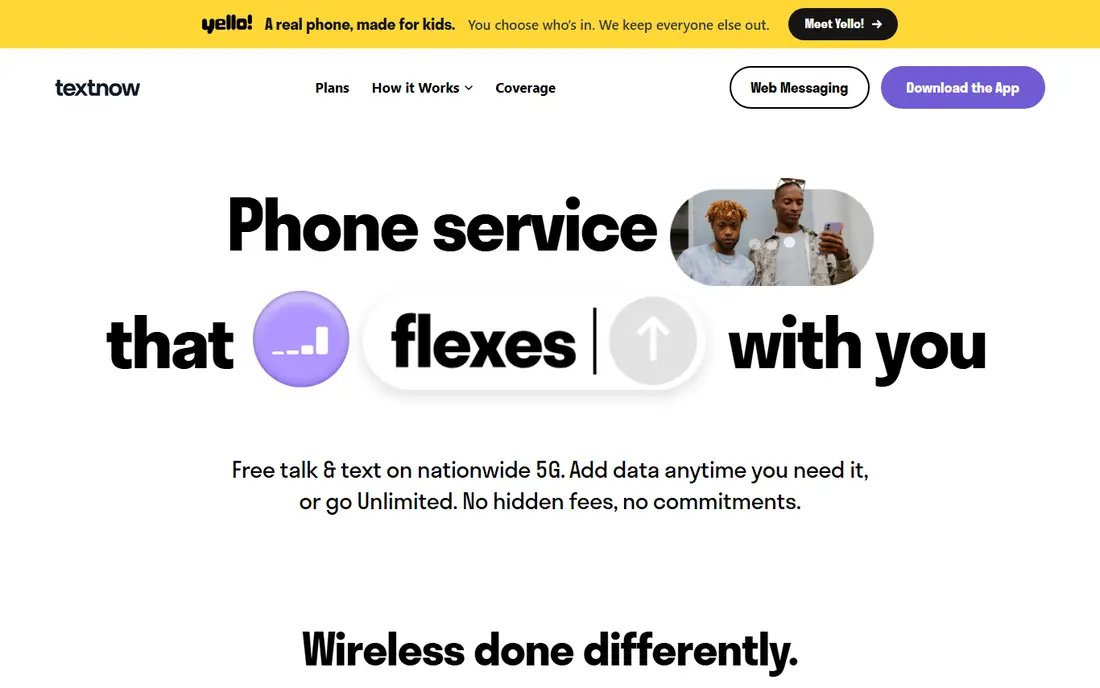
TextNow gives you a real phone number without a phone plan, which is why it tops this list. You can call and text any US or Canada number from the app over Wi-Fi or mobile data, including landlines, and you can also buy a SIM for paid cellular service if you want it. International calls are available at per-minute rates or free to selected countries, depending on the current offer.
The free service is supported by ads, and you need to keep using the number to keep it, unless you pay for a number-locking add-on. Those are fair trade-offs for a free number, but they matter if you plan to use the number for bank or account verification. For a second line, a backup phone or a first phone for a family member, TextNow is the most complete free option.
- Free US or Canada number
- Unlimited calls and texts to the US and Canada
- Optional paid mobile service
- Ads in the free tier
- Number can be reclaimed if unused
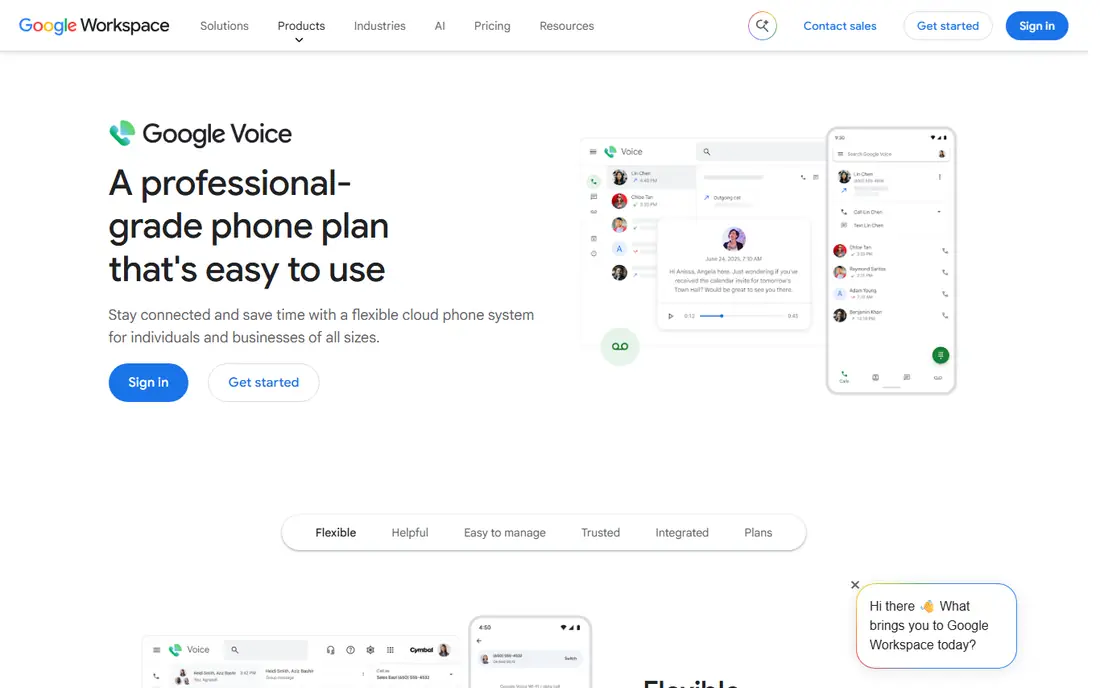
Google Voice is the best calling app for people who already live in Gmail, Google Calendar and Google Contacts. You get a free US number, unlimited calls and texts to the US and Canada, voicemail transcription and call forwarding to your existing phones. Calls can be made from the app or a web browser, which is handy when your phone is charging or out of reach.
Setup has a catch. You need a Google account and a personal mobile number to verify, and the free plan does not support 911 calls, so it should not be your only phone service in an emergency. Google can also reclaim a number after a long period without use. For a work line, a side business or a spam-filtering second number, Google Voice is excellent.
- Free US number
- Voicemail transcription
- Call forwarding and web calling
- Requires a Google account and a verifying mobile number
- No 911 support on the free plan
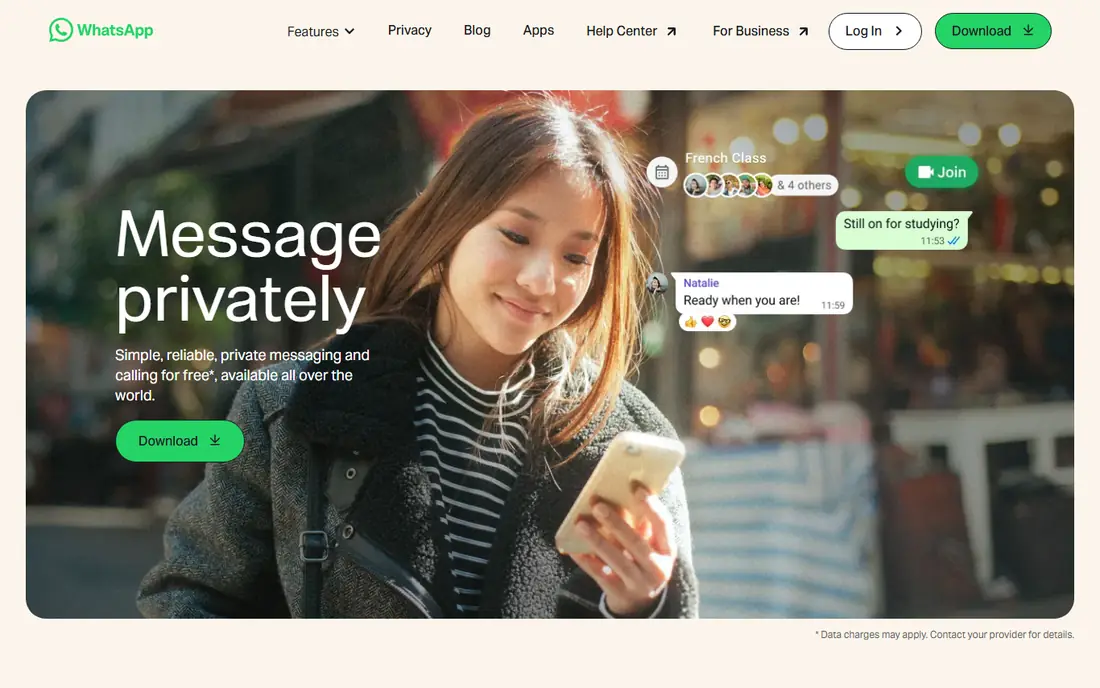
WhatsApp is the default calling app for much of the world, and for good reason. Voice and video calls between WhatsApp users are free over Wi-Fi or mobile data, with end-to-end encryption and group calls for family chats. It works on Android, iOS and desktop, and it uses your existing phone number as your identity, so setup takes minutes.
The limit is that the other person must also use WhatsApp. You cannot call a landline, a business line or a friend who has not installed the app. For international family calls, though, WhatsApp is usually the simplest choice, since the person you want to call probably already has it. Keep it as your main app-to-app caller, and pair it with TextNow or Google Voice for regular numbers.
- Free voice and video calls worldwide
- Group calls up to 32 people
- End-to-end encryption
- Both sides need WhatsApp
- Cannot call a regular phone number
Viber combines free app-to-app calling with a paid option for calling regular numbers. Viber Out lets you call landlines and mobiles in many countries at per-minute rates, which fills the gap left by WhatsApp for people whose contacts do not all use the same app. Video calls, group chats and stickers make it a full messaging app, not just a dialer.
In the United States, Viber has fewer users than WhatsApp, so your contacts may not all be there. That matters less for international calls, where Viber is strong in Eastern Europe, Southeast Asia and parts of the Middle East. If your family or friends already use Viber, it is a reliable and well-rounded calling app.
- Free app-to-app calls and video
- Paid Viber Out calls to regular numbers
- Large international user base
- Smaller US user base
- Paid out-calls cost extra
Signal is the calling app we recommend when privacy comes first. Voice and video calls are end-to-end encrypted by default, the app carries no ads, and its nonprofit structure means your data is not the product. Call quality is generally strong, and group calls work well for small groups. Setup uses your phone number, and contacts who use Signal appear automatically.
The user base is smaller than WhatsApp, so you may need to ask friends to install it. Signal also lacks some of the extras found in larger apps, such as business lines or paid out-calls to regular numbers. For private conversations with family, colleagues or a partner, Signal is the most trustworthy choice in this list.
- End-to-end encrypted calls
- No ads or tracking
- Open-source design
- Both sides need Signal
- Fewer extra features than rivals
TextFree is a close alternative to TextNow, offering a free US phone number with unlimited texting and calling to the US and Canada over Wi-Fi. It suits tablets, older phones and anyone who wants a second number without a plan. The app is simple to set up, and you can pick an area code from the available options.
The free tier includes ads, and features such as voicemail transcription or removing ads may require a paid upgrade. Number retention rules also apply, so use the number regularly if you want to keep it. TextFree is worth trying if TextNow does not offer a number in your preferred area code, or if you simply prefer its interface.
- Free US number
- Unlimited texts and calls to the US and Canada
- Works on Wi-Fi
- Ads in the free tier
- Some features require paid upgrades
Talkatone has offered free Wi-Fi calling for years, and it remains a dependable option for a free US number. You can call and text most US phone numbers, including landlines, without a cellular plan, and Talkatone-to-Talkatone calls work worldwide. That makes it useful for travelers who want to call home over hotel Wi-Fi without roaming charges.
The app is simpler than TextNow or Google Voice, with fewer extras such as voicemail transcription or business features. Ads support the free tier, and paid options remove them or add international credit. For straightforward free US calling from a tablet or a phone without a plan, Talkatone does the job well.
- Free US number
- Calls to most US numbers including landlines
- Works over Wi-Fi
- Ads in the free tier
- International calls are paid
Dingtone gives you a free phone number and lets you earn calling credits through in-app activities, which can then be used for calls to regular numbers. That credit system suits occasional callers who want a second number for a specific purpose, such as selling online or signing up for a service without sharing a main number. The app also supports texts, voicemail and international calls.
The credit model is the catch. Free calls depend on earning or buying credits, so it is less straightforward than TextNow unlimited US calling. Ads are also present in the free tier. Dingtone is best for light, occasional use or as a backup number, rather than as your main daily calling app.
- Free phone number
- Credits earned for calls
- International calling options
- Free credits require activity
- Interface carries ads
Telegram is better known for messaging, but its calling features are strong. One-to-one voice and video calls are free and encrypted, and group voice chats can host large numbers of participants, which suits clubs, classes and remote teams. The app syncs across phone, tablet and desktop, so you can take a call on whatever device is nearby.
As with WhatsApp and Signal, the other person must use Telegram, and you cannot dial a landline or a regular mobile number from it. Telegram also asks for a phone number at signup, though you can control who sees it. For communities and groups already on Telegram, its calling tools are a natural and capable addition.
- Free voice and video calls
- Large group voice chats
- Works on many devices
- Both sides need Telegram
- Cannot call regular phone numbers
Messenger lets you call Facebook contacts by voice or video without needing their phone number, which is handy when you only know someone through Facebook. Group calls, screen sharing and chat features are built in, and the app works on Android, iOS and the web. For family members who are already on Facebook, it is often the easiest way to reach them.
The drawback is the account requirement and the privacy trade-off. You need a Meta account, and you should review privacy and contact settings before using it heavily. Messenger also cannot call regular phone numbers. Use it for social calls with people you already connect with on Facebook, and keep a real-number app for everything else.
- Free voice and video calls
- No phone number needed for many contacts
- Group calls
- Requires a Facebook or Meta account
- Privacy settings need attention
How we picked these
We compared official feature pages, app store listings and public reviews for calling apps that work in October 2026. We kept apps that offer free calls, a real phone number, or a large app-to-app network, and we excluded services that have ended, including Skype, which Microsoft retired in 2025. We favored apps with clear free tiers, usable call quality and support for Android, iOS or the web.
How to pick the right calling app for your needs
Start by deciding whether you need a real phone number. If you want to call businesses, landlines or people without the app, choose TextNow, Google Voice, TextFree or Talkatone. If most of your calls are with family abroad who already use one app, WhatsApp, Viber or Telegram will be simpler and cheaper.
Then check the details that affect daily use. A free number needs regular use to stay active, and some free plans do not support emergency calls, so keep a regular phone service for emergencies. Test call quality on your usual Wi-Fi and mobile data, check international rates before calling abroad, and review privacy settings for any app that syncs your contacts. The best setup for many people is two apps: one for a real number, and one for app-to-app calls.
Frequently asked questions
What is the best calling app?
TextNow is our overall pick for a free US number, while Google Voice suits Google users and WhatsApp suits international app-to-app calls. The best calling app depends on whether you need to call regular numbers or only people who use the same app.
What is the best free talk and text app?
TextNow and TextFree both offer a free number with unlimited calls and texts to the US and Canada over Wi-Fi. Google Voice is another strong free option, with voicemail transcription and web calling, though it needs a verifying mobile number at signup.
What is the best app for calling internationally?
WhatsApp and Viber are strong for free app-to-app international calls, while Viber Out and Dingtone let you call regular numbers abroad at per-minute rates. Check the rate for your destination before calling, since prices vary by country.
What is the best Android phone app for calling?
The built-in phone app on Android handles regular calls, but TextNow, Google Voice and WhatsApp add free Wi-Fi calling, a second number and international options. Choose based on whether you need a new number or just cheaper calls to people who use the same app.
Can I make phone calls without a phone plan?
Yes, apps such as TextNow, Google Voice, TextFree and Talkatone let you call over Wi-Fi without a cellular plan. You still need an internet connection, and free plans may not support emergency calls, so keep that limit in mind.
Do calling apps work on a tablet?
Yes, most of the apps in this list work on tablets over Wi-Fi, including TextNow, Google Voice, WhatsApp, Telegram and Messenger. A tablet app with a free number can turn an old tablet into a useful second phone for home use.
Sources
See where you really rank - block by block
ProMapRanker scans Google Maps across a grid of your service area. Simple monthly plans from $19, white-label on every plan.
Start freeKeep reading
 zscaler alternatives
Best Zscaler Alternatives in 2026
Looking for zscaler alternatives? We compare 9 SASE and zero trust platforms on architecture, data protection, pricing, and fit for your network and team.
Read → zapier alternatives free
Best Zapier Alternatives Free in 2026
Nine automation tools for zapier alternatives free in 2026, all with genuinely free tiers, plus free plan limits, starting prices and upgrade paths explained.
Read → which platform is best for online reputation
Which Platform Is Best for Online Reputation in 2026
Wondering which platform is best for online reputation? We compare 8 review, listing, and response tools for small and multi-location businesses and agencies.
Read →