 ProMapRanker
Best Call Tracking Software for Donut Shops in 2026

Full call tracking and routing · Pricing starts at: See website
Direct answer
CallTrackingMetrics is my top pick for donut shops because it tracks phone orders and Google Business Profile calls without a heavy setup. It offers a free trial, so you can test call flows before committing. If you mainly want simple call reports at a low entry point, look at CallRail. If you want to connect calls to form and chat leads, WhatConverts is the other option worth comparing.
I compared these tools from vendor documentation and public sources, not from hands-on tests. I looked at how each one handles phone orders, Google Business Profile calls, call routing and reporting for a small food business. The list below is ordered by fit for a donut shop, not by overall size or feature count.
Key takeaways
- Donut shops get most orders by phone, so call tracking shows which channels actually ring the counter.
- Dynamic number insertion keeps your main shop number visible while tracking Google Business Profile and ad calls.
- Call recordings and transcripts help you catch missed pickup, wrong hours and repeated order questions.
- Call tracking only works if staff answer the phone, so route calls to a number someone actually watches.
- Check how each tool bills extra numbers and minutes, because a busy Friday can add up.
Quick comparison
| Pick | Great for | Pricing starts at | Free tier | |
|---|---|---|---|---|
| CallTrackingMetrics | Full call tracking and routing | See website | Free trial | Visit |
 CallRail | Simple call attribution | See website | Free trial | Visit |
 WhatConverts | Calls and leads in one view | See website | Free trial | Visit |
 Nimbata | Small local businesses | See website | Not stated | Visit |
 CallScaler | Pay-per-use call tracking | See website | Not stated | Visit |
 Invoca | Larger multi-location brands | See website | Not stated | Visit |
 Localo | GBP and local visibility | See website | Free plan | Visit |
The best call tracking software for donut shops compared
CallTrackingMetrics is a call tracking platform built around routing, recording and reporting. For a donut shop it fits when you want to know which calls come from Google Maps, your website or a paid ad, and you want those calls to land on the right phone. It is a good match for a shop with more than one line or a manager who handles orders.
In daily use, you can give each channel its own tracking number and let dynamic number insertion swap the number on your website for visitors from different sources. Calls to your Google Business Profile can be routed to the counter phone during opening hours and to a mobile after close. Recordings and transcripts help you review missed pickups or repeated questions about hours and custom orders.
The limits are practical. A single small shop with one phone line may find the setup heavier than needed, and the feature set goes well beyond what a donut counter uses. Skip it if you only want a simple count of calls per month.
- Call routing and IVR menus
- call recordings and transcripts
- integrations with Google Ads and analytics
- Setup takes planning
- pricing scales with usage
CallRail is one of the most common call tracking tools for small local businesses. It assigns tracking numbers to your marketing channels and shows which source produced each call. For a donut shop, that means you can see whether calls come from your Google Business Profile, your website or a local ad.
The workflow is straightforward. You add a tracking number, set call flows, and review calls in a dashboard that shows source, duration and recording. If a customer calls about a large order, you can listen back and confirm what was discussed. Form tracking also helps if you take catering inquiries through a website form.
The main limit is cost creep. Each additional tracking number and minute can add to the bill, so a shop with many channels should map out what it really needs. It is a good fit for a single shop that wants clean attribution without a complex setup.
- Easy call tracking numbers
- clear source reporting
- call recordings and form tracking
- Extra numbers can add cost
- advanced routing needs a higher tier
WhatConverts is a lead tracking tool that puts phone calls, web forms and chats in one place. A donut shop that takes catering requests by phone and by form can see both in a single report, which makes it easier to judge which channel brings real orders.
You can tag calls by source, record them and mark which ones turned into orders. That is useful when you want to compare a Google Business Profile call with a website form for a birthday order. The reporting is built around leads rather than raw call counts.
The limit is scope. A small counter shop with one phone and no web forms will pay for features it never uses. Skip it if you only need call tracking and nothing else.
- Combines calls, forms and chats
- lead reporting
- call recording
- More features than a small shop needs
- setup takes time
Nimbata is a call tracking service aimed at small local businesses. For a donut shop it offers a lighter path than the larger platforms: tracking numbers, call recording and source reporting without a long setup. It suits an owner who wants to see which calls come from Google Maps and which come from the website.
The day-to-day use is basic. You route calls to your shop line, review recordings and check which source produced each call. That helps you decide whether to put more effort into your Google Business Profile or a local ad.
The limit is depth. It has fewer integrations and less advanced routing than the bigger tools, so a multi-location donut business may outgrow it. A single shop that wants simple attribution will find it enough.
- Simple call tracking setup
- call recording
- source attribution
- Fewer integrations
- smaller feature set
CallScaler is a call tracking service built around pay-per-use billing. That model can suit a donut shop with seasonal spikes, where call volume is heavy around holidays and quiet in between. You track calls and pay for what you use rather than a fixed plan.
In practice you set up tracking numbers, route calls to the shop and review recordings and source data. It covers the basics: which calls came in, where they came from and what was said. For a shop that wants attribution without a large monthly commitment, that is the appeal.
The limits are reporting depth and support scale. It is not as polished as the larger platforms, and a shop that needs advanced routing or many integrations should look elsewhere. It fits a small owner who wants simple, usage-based tracking.
- Pay-per-use model
- call recording
- simple reporting
- Less polished reporting
- smaller support footprint
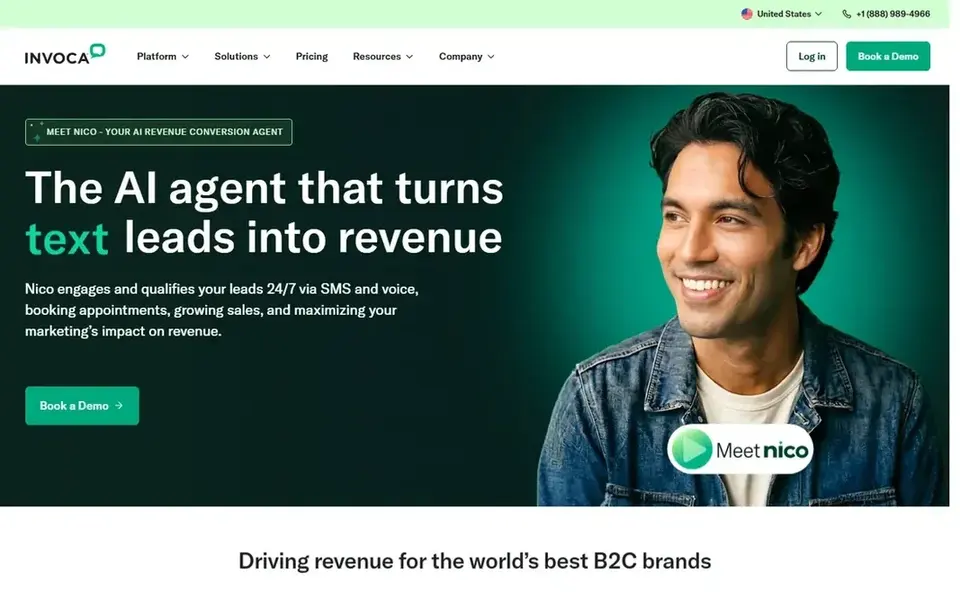
Invoca is a call intelligence platform used by larger brands. It analyzes call conversations and connects them to marketing data. For a donut shop with several locations and a marketing team, it can show which campaigns drive calls and what customers ask about.
The workflow is heavier than a small shop needs. You set up call flows, connect marketing sources and review conversation analytics. That is useful for a regional chain that wants to compare locations and campaigns.
The limit is clear. A single donut counter will not use most of the platform, and pricing is quote-based. Skip it unless you run multiple locations and have someone to manage the data.
- Advanced call intelligence
- conversation analytics
- enterprise integrations
- Overkill for one shop
- quote-based pricing
Localo is a local SEO tool focused on Google Business Profile management and local visibility. For a donut shop it helps with the listing side: keeping hours, photos and posts current, and watching how the shop appears in local search. Call tracking is a smaller part of what it does.
The fit is for an owner who wants one place to manage the Google listing and see basic call data. You can keep the profile accurate and check local rankings, then use the call data as a rough signal rather than a full attribution system.
The limit is depth. It is not a dedicated call tracking platform, so a shop that needs routing, recordings and source-level call reports should pair it with a call tool or choose one of the options above.
- Google Business Profile management
- local rank tracking
- simple reports
- Call tracking is basic
- not a dedicated call platform
How I chose
I built this list from vendor documentation and public sources, not from hands-on tests. I read each vendor's own description of call tracking, routing, recording and reporting, then checked how those features map to a donut shop's real workflow: phone orders, catering inquiries, Google Business Profile calls and after-hours messages. I did not run trials or measure call quality myself, so treat the details as a starting point for your own checks.
The second filter was fit and limits. A tool that is excellent for a multi-location brand can be too heavy for a single counter, and a simple tool can be too thin for a shop with several phone lines. I ordered the list by how well each option suits a small food business, and I noted where a tool is likely to be more than a donut shop needs. Pricing and plan details change, so confirm them on each vendor's site before you decide.
What to check before you buy
- Confirm how many tracking numbers you need and whether extra numbers add cost.
- Check whether dynamic number insertion works with your website platform.
- Ask how calls are routed after hours, since a donut shop closes early.
- Confirm call recording rules in your area and tell staff when calls are recorded.
- Check whether the tool connects to Google Business Profile and Google Ads.
- Review minute limits and overage charges before a busy holiday weekend.
Frequently asked questions
What is the best call tracking software for a donut shop?
CallTrackingMetrics is my top pick because it handles routing, recording and source reporting in one place, and it offers a free trial. CallRail is a simpler option for a single shop, and WhatConverts suits a shop that also takes web form orders. The right choice depends on how many phone lines and channels you manage.
Do I need call tracking if I only have one phone line?
You can still benefit. Call tracking shows which calls come from Google Maps, your website or an ad, even with one line. If you only want a rough count, a simpler tool may be enough. If you want to know which channel brings orders, tracking numbers are worth the setup.
How does call tracking help with Google Business Profile calls?
It assigns a tracking number to the calls that come from your profile, so you can see how many calls the listing produces. That helps you judge whether profile updates, photos and posts are working. Check that the tool supports the call source you want to measure before you buy.
Will call tracking change the number customers see?
With dynamic number insertion, visitors from different sources may see a tracking number while your main number stays on the listing and in other places. Confirm how each tool handles this, because the setup affects how calls are attributed. Tell regular customers if the number they see changes.
Can call tracking help with catering and large orders?
Yes. Recordings and transcripts let you review what a customer asked for, and source data shows whether the call came from your listing, website or an ad. That is useful for catering inquiries that need a follow-up. Make sure staff know calls may be recorded.
Sources
See where you really rank - block by block
ProMapRanker scans Google Maps across a grid of your service area. Simple monthly plans from $19, white-label on every plan.
Start freeBrowse all guides
← Best Review Request Software for Tile Installers in 2026Best Call Tracking Software for Gymnastics Gyms in 2026 →
 best review request software for pool builders
Best Review Request Software for Pool Builders in 2026
A pool builder's guide to review request software in 2026: how each tool handles long projects, photo reviews, and follow-ups after the final invoice.
Read → best review request software for mobile home dealers
Best Review Request Software for Mobile Home Dealers in 2026
A practical guide to the best review request software for mobile home dealers in 2026, covering texting, email asks, review routing and Google policy.
Read → best review request software for electronics repair shops
Best Review Request Software for Repair Shops in 2026
A practical guide to the best review request software for electronics repair shops in 2026, compared from vendor docs and public sources.
Read →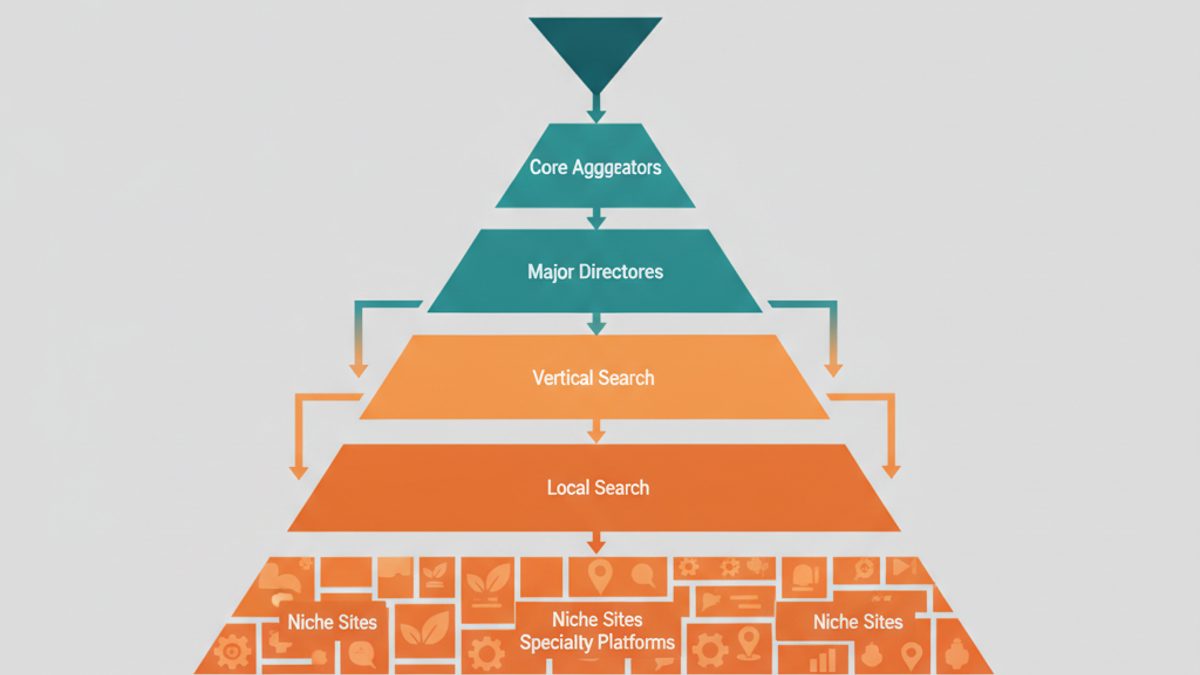 top local citation sites
Top Local Citation Sites Every Business Should Be On
The top local citation sites and data aggregators that feed the local ecosystem, with priorities.
Read → google maps rank tracker
Google Maps Rank Tracker: Track Your Map Pack Position Over Time
Track your Google Maps rankings over time with geo-grid scans and trend history. Here is how to do it right.
Read → best ai rank tracker software
Best AI Rank Tracker Software in 2026
Compare the best AI rank tracker software for tracking brand positions in AI answers daily, with pricing, engines, and reporting compared for teams today.
Read →More in Local SEO & Google Maps · All guides A to Z by date · Latest guides