 ProMapRanker
Best Call Recording Software in 2026

Key takeaways
- Phone apps such as Rev Call Recorder and TapeACall suit personal calls, while Otter, Fireflies and Fathom suit meetings and sales calls.
- Gong and CallRail suit larger teams with coaching, analytics or marketing attribution needs, at a much higher price.
- Consent law varies by state and country, so tell every participant you are recording and get consent where it is required.
- Check retention limits before you buy, because some plans delete or hide recordings after weeks or months.
- Free plans are useful for testing, but transcripts, CRM sync and long storage usually sit on paid plans.
Quick comparison
| Pick | Great for | Pricing starts at | Free tier | |
|---|---|---|---|---|
 Rev Call Recorder | Free iPhone phone recording | Free | Yes | Visit |
 TapeACall | Phone recording on iPhone and Android | $9.99 per month | Free trial (7 days) | Visit |
 Otter.ai | Live transcripts during meetings | Free | Yes | Visit |
 Fireflies.ai | Sales teams with many integrations | Free | Yes | Visit |
 Fathom | Free meeting recording for small teams | Free | Yes | Visit |
 Gong | Enterprise sales coaching and forecasting | See website | No | Visit |
 CallRail | Marketing call tracking and recording | $50 per month | Free trial | Visit |
 Dialpad | Business phone system with recording built in | $15 per user per month | Free trial (14 days) | Visit |
 Aircall | Small call centre and support teams | $30 per user per month | Free trial | Visit |
The best call recording software
We compared tools that record phone calls, video meetings or both, with transcripts and search. The best call recording tool for you depends on whether you record personal calls, sales calls or marketing calls, and on the consent rules that apply.
A short consent note first. Recording laws vary by state and country, and some places require every participant to agree. Tell people you are recording, use the app consent prompts where available, and do not record a call you have no right to record. This article is not legal advice.
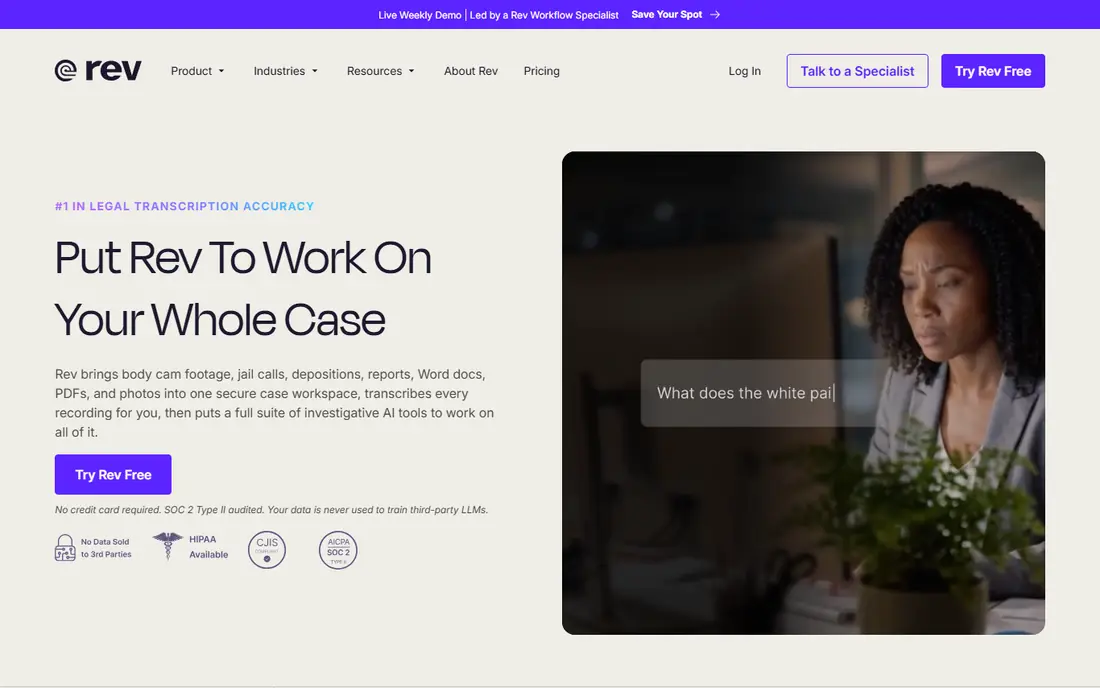
Rev Call Recorder is the best free starting point for iPhone users who record personal or work phone calls. You record incoming and outgoing calls through the app, with no subscription and no stated limit on length or number of calls, and you can download the audio later. An optional paid transcription service, with human transcription, is available if you need text rather than audio.
The limits are clear. Rev Call Recorder is iPhone only and needs a US number to register, so Android users need another app on this list. It also uses call merging, which adds a step to each recording. For free, occasional phone recording on an iPhone, it is hard to beat, provided you follow consent rules.
- Free recording with no subscription
- No limit on call length in the app
- Optional human transcription
- IPhone only
- Requires a US number
- Transcription is paid
- Call merging can feel clunky
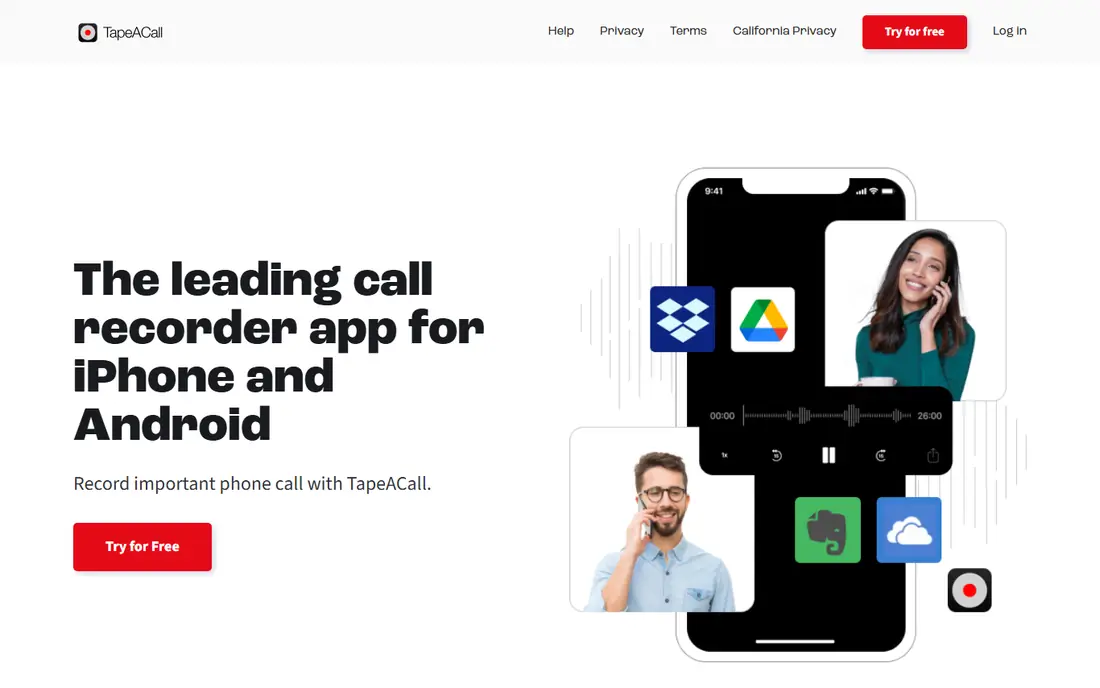
TapeACall is the cross-platform phone recorder on this list, with apps for iPhone and Android that record through a conference call. Paid plans offer unlimited call recording, cloud storage tied to your account, sharing to cloud drives and email, and AI transcripts. That makes it a practical choice for journalists, researchers and anyone who records phone interviews regularly.
TapeACall needs three-way calling enabled by your carrier, and if that feature is off, recording will not start. Pricing is $9.99 per month or $59.99 per year in many listings, though some sources report a higher annual price, so confirm the current rate before renewing. If your carrier supports conferencing, TapeACall is the most straightforward paid phone recorder here.
- Unlimited calls on paid plans
- Cloud storage and sharing
- AI transcripts on paid plans
- Needs three-way calling from your carrier
- Annual price has risen in some listings
- No free tier
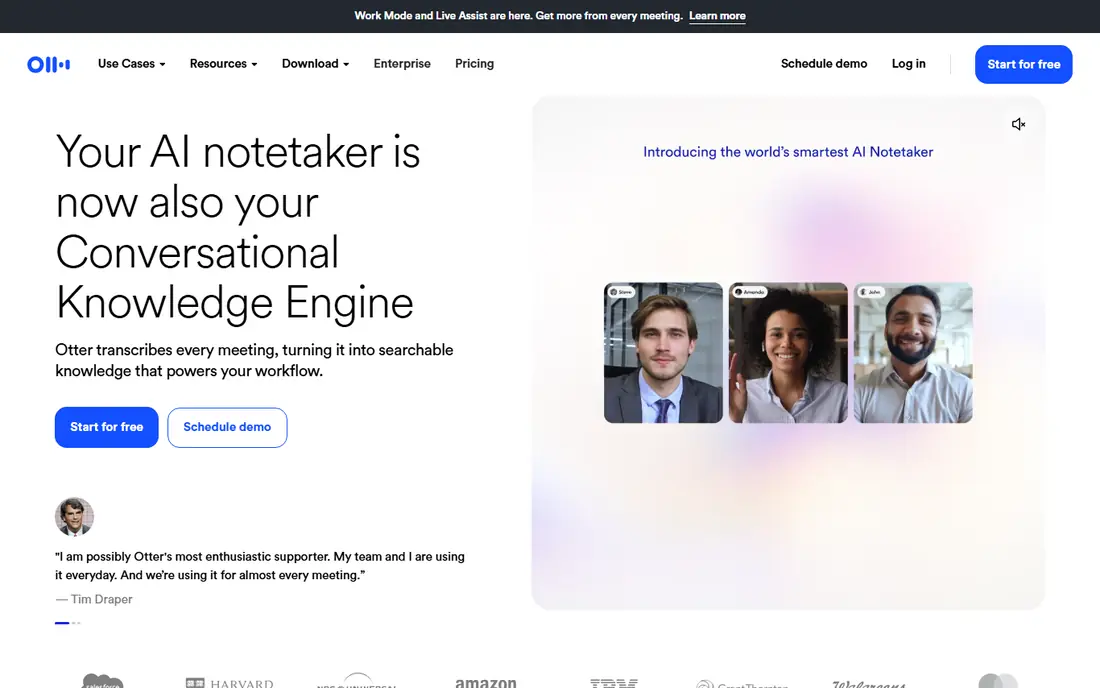
Otter.ai joins Zoom, Google Meet and Microsoft Teams calls, transcribes live, and turns the conversation into searchable notes, summaries and action items. That live view is useful when you need to follow a discussion and capture decisions without replaying a full recording. The free plan is a genuine way to test it, with a capped monthly minute allowance.
Paid plans start at $8.33 per user per month billed annually for Pro, with more minutes and features, while full CRM field sync sits on higher plans. Accuracy depends on microphones, accents and background noise, so check names and figures against the recording for important calls. For meeting notes you can search, Otter is a strong, widely used pick.
- Live transcription
- Meeting summaries and action items
- Zoom, Meet and Teams support
- Free plan caps minutes
- CRM field sync needs higher plans
- Accuracy varies with audio quality
Fireflies.ai records meetings across Zoom, Meet, Teams and other platforms, transcribes them, and builds a searchable library with AI summaries, soundbites and topic tracking. Its integration list, covering CRM, docs and collaboration tools, is a major reason sales teams pick it over simpler notetakers. Pro starts at $10 per seat per month billed annually, with unlimited transcription.
The free plan is useful for testing, but CRM integrations are not included, and a bot joining the call is visible to participants, which some clients dislike. Storage allowances also vary by plan, so check how long recordings stay searchable. For a sales team that lives in its CRM, Fireflies offers a good balance of price and depth.
- Unlimited transcription on paid plans
- Many integrations
- Searchable call library
- Soundbite clips
- No CRM integrations on the free plan
- Bot joins calls by default
- Storage limits vary by plan
Fathom is the best free meeting recorder for small teams. The free plan offers unlimited recordings and transcripts, with AI summaries and action items, across Zoom, Meet and Teams. Setup is quick, the interface is uncluttered, and the summaries are genuinely useful for follow-up without replaying an hour-long call.
Paid plans add more: Premium and Team plans are listed around $15 to $16 per user per month billed annually, while Business, at $25 per user per month, adds full CRM field sync and coaching features. The free plan limits advanced AI summaries and CRM sync, and a bot joins calls. If you want to test meeting recording at no cost, start with Fathom.
- Unlimited free recordings and transcripts
- Fast summaries
- CRM sync on paid plans
- Advanced summaries limited on free plan
- CRM field sync needs Business
- Bot joins calls
Gong is the enterprise end of this list. It records sales calls and meetings, analyses deals, tracks competitors and talk patterns, scores coaching moments, and feeds pipeline forecasting, with native two-way CRM sync. For a large sales organisation, that depth can change how managers coach and how leaders forecast.
The price reflects that scope. Gong is sold by quote, with a per-user licence plus a platform fee, and published estimates put it far above the other tools here. Small teams will pay for reporting they never open. If you run a large sales team and need deal intelligence rather than just a recording, Gong is the benchmark. If you only need transcripts, pick a cheaper tool.
- Deep deal and pipeline analytics
- Coaching and talk tracking
- Native CRM sync
- Conversation search
- Quote-only pricing
- Platform fee on top of per-user cost
- Overkill for small teams
CallRail is different from the other tools here, because it starts with marketing. It assigns tracking numbers to ads and campaigns, records the calls those numbers receive, transcribes and scores them, and shows which campaigns produced calls. That makes it a strong pick for agencies, local businesses and marketing teams that need proof of what their ads delivered.
CallRail plans start at $50 per month billed annually for the entry bundle, with higher bundles at $95, $150 and $195 per month, plus usage charges for extra numbers and minutes. It is not a meeting notetaker, and it will not join a Zoom call as a bot. If your question is which marketing produced a call, CallRail answers it. If your question is what was said in a meeting, use Otter, Fireflies or Fathom.
- Call tracking numbers
- Unlimited call recording on plans
- Attribution and scoring
- Many integrations
- Built for marketing, not general meetings
- Usage charges add up
- Higher plans cost much more
Dialpad is a business phone system first, and a call recorder second, which is exactly the point for many small businesses. Calls, texts and meetings live in one app, with AI transcription and recaps on supported plans, and call recording controls that vary by plan. You do not need a separate recorder bolted onto your phone system.
Check the plan carefully. Standard starts at $15 per user per month billed annually, while automatic recording needs Pro at $25 per user per month, and recording access windows apply after a standard period. For a team that wants one phone system with recording, transcripts and messaging together, Dialpad is a coherent choice. For personal phone recording, Rev or TapeACall are cheaper.
- Calling, messaging and meetings in one app
- AI transcripts and recaps
- Automatic recording on Pro
- Automatic recording needs Pro at $25
- Recording access window limits apply
- Per-user pricing adds up
Aircall is built for teams that handle a high volume of phone calls, such as support and sales desks. It offers call recording, AI transcripts and pause-and-resume on its entry plan, with shared numbers, integrations and analytics for managing a team. That makes it a practical step up from a personal recorder when several agents share the same lines.
The entry plan costs $30 per user per month with a three-licence minimum, so the starting monthly total is $90, and older recordings move out of the main dashboard after a storage window. For a solo user, that is too much. For a small call team that needs recording, transcripts and team management in one phone system, Aircall is a focused, capable pick.
- Recordings and AI transcripts on entry plan
- Pause and resume
- Integrations
- Shared numbers
- Three-licence minimum
- Dashboard storage window for older calls
- Per-user cost adds up
How we picked these
We compared official pricing pages, help pages and recent comparisons for tools that record phone calls, meetings or marketing calls in October 2026. We favoured tools that still operate, that offer a clear recording and consent workflow, and that cover different jobs: personal phone calls, meetings, sales coaching, marketing attribution and team phone systems. We excluded tools that only transcribe uploaded files with no call recording, and we note where pricing is quote-only or where storage limits apply.
What to check before you record
Consent comes first, every time. Laws vary by state and country, and some require all parties to agree before recording starts. Use the app consent prompt or a spoken notice at the start of the call, and keep a record of consent for business calls. If a participant objects, stop recording. Do not use a recorder to capture a call secretly where the law forbids it.
Next, check storage and search. A recording you cannot find is useless, so test search, transcripts and export before you commit. Ask how long recordings stay in the dashboard, whether transcripts stay searchable after audio expires, and how to download or delete recordings. For sales and support teams, CRM sync matters too: a transcript that never reaches the customer record will not help follow-up.
Finally, match the tool to the call type. Phone recorders use merging or conferencing and suit one-to-one calls. Meeting bots suit Zoom, Meet and Teams, but some clients dislike a bot joining. Marketing tools suit tracked inbound calls, not internal meetings. Buying the wrong type is the most common mistake on this list, and it is avoidable with a short trial on real calls.
Phone calls or meetings
Phone apps record through your carrier or a conference bridge. Meeting tools join as a participant or bot. Pick the mechanism that fits your calls, and test it with a colleague before using it with a client.
Transcripts or audio only
Transcripts save time, but they are not perfect. Check names, numbers and commitments against the audio for important calls, and keep the original recording where your retention policy requires it.
Frequently asked questions
What is the best app for recording calls on a phone?
Rev Call Recorder is the best free iPhone option, with no subscription for recording. TapeACall is the best paid cross-platform option, with unlimited calls, cloud storage and AI transcripts on paid plans. Android users who want a free start should test TapeACall trial terms, since Rev is iPhone only.
What is the best software for call recording in sales?
Fireflies.ai and Fathom are the best value picks for most sales teams, with transcripts, summaries and CRM options at modest prices. Gong is the best choice for large teams that need deal analytics, coaching and forecasting, but it is quote-only and far more expensive. Otter.ai suits teams that want live transcripts during the call itself.
Is it legal to record a phone call without telling the other person?
It depends on where you and the other participants are, because some states and countries require consent from every party, while others require only one party to consent. Tell every participant you are recording and get consent where it applies, and do not record secretly where the law forbids it. This article is not legal advice, so check the rules for your location before recording business calls.
What is the best call recording tool for meetings?
Fathom offers the strongest free meeting recording, with unlimited recordings and transcripts. Fireflies.ai offers broader integrations and a searchable call library, while Otter.ai offers live transcription during the meeting. All three join Zoom, Meet and Teams, so the choice turns on price, CRM needs and whether a bot joining bothers your clients.
Do call recording apps work for marketing calls?
CallRail is built for that job, with tracking numbers, recording, transcription and attribution that show which ads produced calls. General meeting tools do not offer tracking numbers or campaign attribution. If marketing proof is the goal, buy a tracking tool. If meeting notes are the goal, buy a notetaker.
How long are call recordings kept?
It varies by tool and plan. Some phone apps keep recordings while your subscription is active, while some business tools limit dashboard access after weeks or months and require archiving or support requests for older files. Check the retention policy on the vendor site before you buy, especially for compliance, disputes or coaching records.
Sources
See where you really rank - block by block
ProMapRanker scans Google Maps across a grid of your service area. Simple monthly plans from $19, white-label on every plan.
Start freeKeep reading
 zoho inventory alternatives
6 Alternatives to Zoho Inventory, Compared on Price and Fit
Zoho Inventory alternatives: 6 tools compared on price, free plans and fit. Katana leads the list for manufacturers. Fit and flaws are laid out for each entry.
Read → zoho crm alternatives
Best Zoho CRM Alternatives (2026)
Need Zoho CRM alternatives? We compare 7 tools on cost, free access and who each suits. Every pick gets a straight assessment. Built for quick decisions.
Read → zelle alternatives
Best Zelle Alternatives in 2026
Compare the best Zelle alternatives for sending money to friends, paying sellers and moving funds abroad, with honest notes on fees, speed and safety in 2026.
Read →