 ProMapRanker
Best Call Blocker App in 2026

Key takeaways
- Start with your carrier spam filter and the free National Do Not Call Registry, then add an app for calls that still get through.
- Hiya and Nomorobo offer low cost, focused blocking, while Truecaller offers the broadest caller identification.
- RoboKiller and YouMail add screening and voicemail tools that help when spam texts and calls are both a problem.
- Should I Answer and Call Control suit readers who want a free or low cost blocker with less data sharing.
- No app catches every spoofed call, so let unknown calls go to voicemail when you are expecting an important call from an unfamiliar number.
Quick comparison
| Pick | Great for | Pricing starts at | Free tier | |
|---|---|---|---|---|
 Hiya | Focused spam blocking | $3.99 per month | Yes | Visit |
 Truecaller | Identifying unknown callers | $9.99 per month | Yes | Visit |
 RoboKiller | Aggressive robocall blocking | $39.99 per year | Yes | Visit |
 Nomorobo | Low cost blocking for phones and landlines | $2.99 per month | No | Visit |
 YouMail | Blocking plus voicemail | Free | Yes | Visit |
 Call Control | Free blocking with a personal list | $9.99 per year | Yes | Visit |
 Should I Answer | Privacy focused free blocking | Free | Yes | Visit |
 CallApp | Caller ID with a large database | See website | Yes | Visit |
 TrapCall | Unmasking blocked and private numbers | See website | No | Visit |
The best call blocker apps
Call blockers work by matching incoming numbers against spam databases, community reports and carrier data, then blocking, labeling or sending a call to voicemail. We compared apps on blocking strength, caller identification, screening, price, platform support and privacy handling.
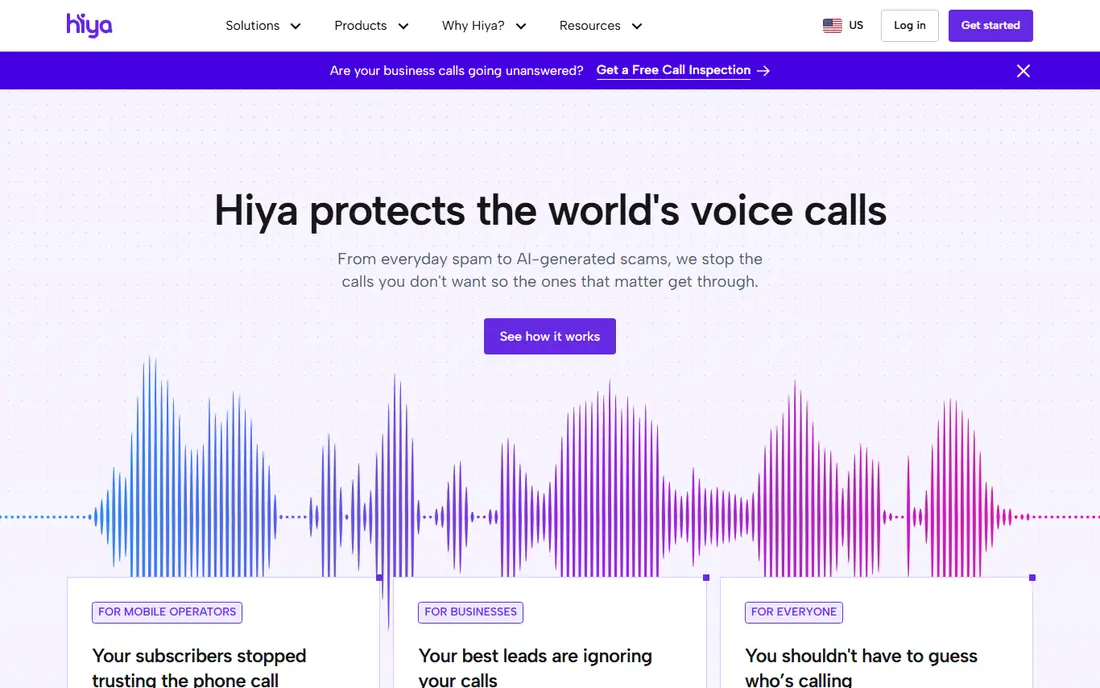
Hiya is a clean first pick for readers who want blocking without a large social app attached. Its free tier covers caller identification and spam flagging, while Premium adds screening, voice checks and live fraud warnings. The App Store listings we reviewed show Premium at $3.99 per month, $9.99 per quarter or $24.99 per year.
The limits are geographic and naming depth. Some paid screening features are listed for the United States and Canada only, and Hiya can be weaker than Truecaller at naming legitimate businesses. For a reader whose main problem is spam volume, Hiya is a strong and low cost choice.
- Clear spam labeling and blocking
- Call screening and fraud warnings on paid plans
- Does not rely on uploading your contacts in the same way as some rivals
- Paid features are limited to the United States and Canada in current listings
- Weaker at naming some legitimate callers
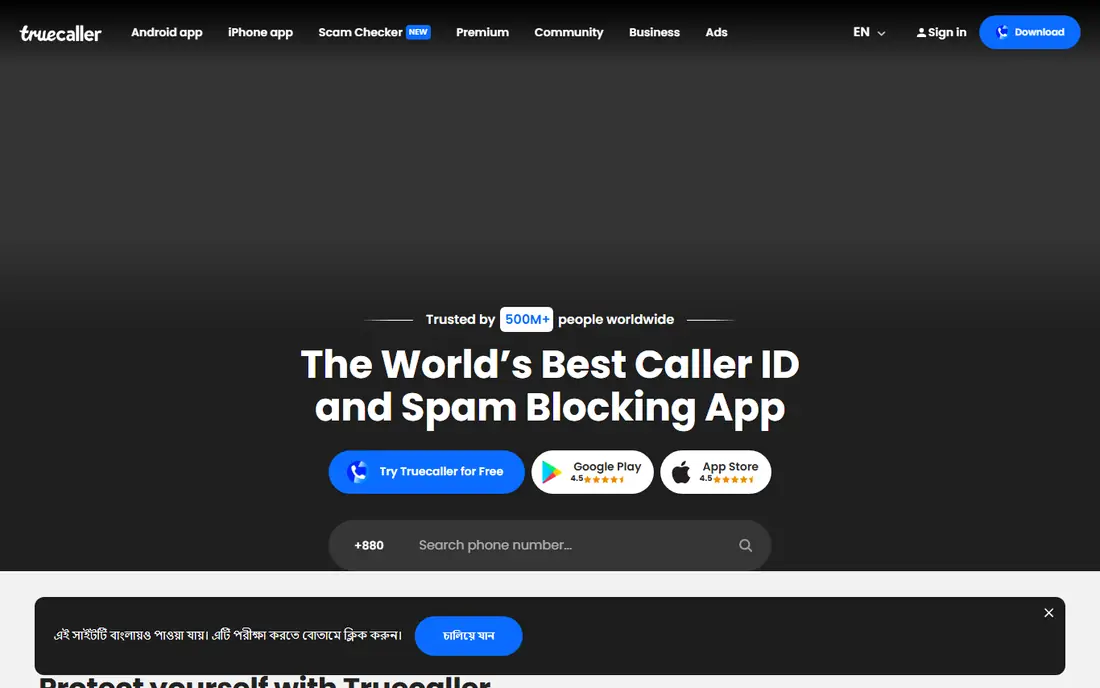
Truecaller is best when the question is who is calling, not just whether to block. Its community database names many unknown numbers, so a reader can decide before answering. Premium adds an AI assistant that can answer spam calls, ask why the caller is calling, and send a live transcript.
Privacy is the honest trade off. Truecaller builds its database in part from user contributed contact data, which has raised concerns for readers who do not want their number shared that way. Readers who value naming depth over data minimalism will accept that trade. Readers who do not should look at Hiya or Should I Answer.
- Very large community caller database
- Spam blocking and SMS filtering
- AI assistant screening on Premium
- Free version shows ads
- Contact data handling raises privacy questions for some readers
- IPhone features are more limited than Android
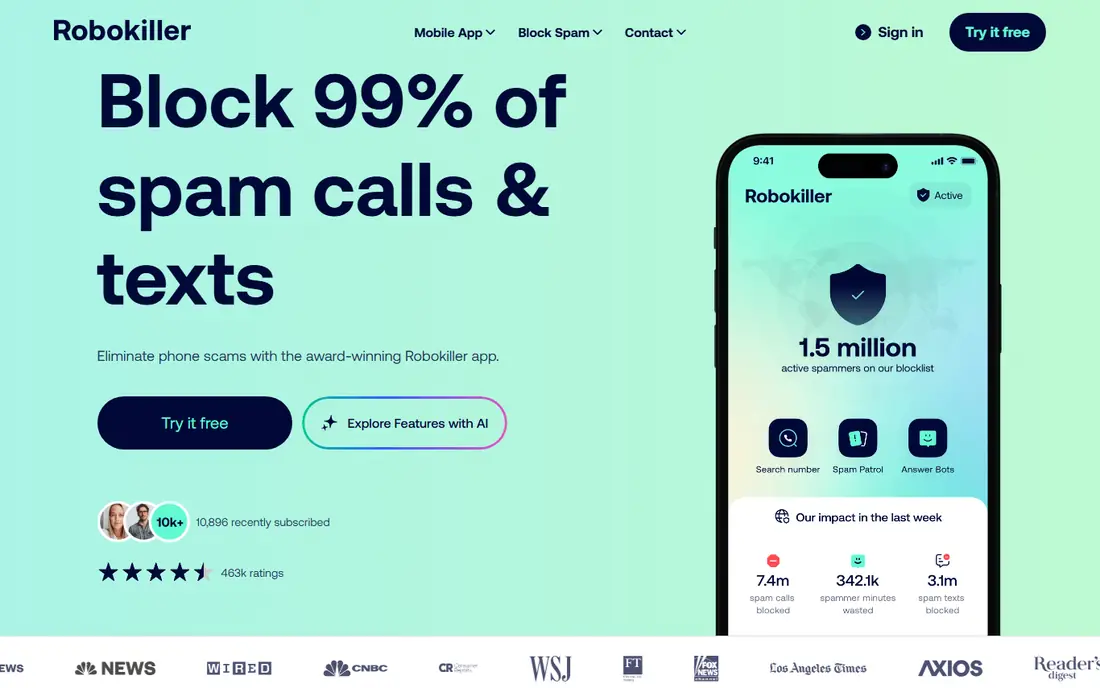
RoboKiller takes a firmer approach than a simple block list. It uses audio fingerprinting to spot spam calls, and Answer Bots can waste a spam caller time with recorded replies. Current listings show a limited free product beside a paid annual plan at $39.99 per year in the official purchase flow we reviewed, with promotions that vary by entry point.
Aggressive blocking has a cost. Some users report legitimate calls being flagged, so readers expecting calls from new numbers should check the blocked log often. RoboKiller suits readers with persistent robocall volume who want screening to do more work than a label alone.
- Audio fingerprinting for spam calls
- Answer Bots that engage spam callers
- Real time screening and transcription on paid plans
- No permanent free tier in older guides, with a limited free product now listed
- Some legitimate calls can be flagged by aggressive filters
Nomorobo is the value pick for a household. Basic mobile blocking is listed at $2.99 per month or $19.99 per year, with Max at $59.99 per year and Family at $79.99 per year for up to four devices. A separate landline plan at $39.99 per year per supported line helps homes that still use a home phone.
It does less than screening apps that answer calls and transcribe them. Nomorobo is best when the goal is simple, reliable blocking at a low price, not when a reader wants an assistant to screen every unknown call. For a household with several phones, the Family plan is easy to justify.
- Low monthly price
- Landline support for supported lines
- Family plan for up to four devices
- No free plan
- Feature set is narrower than screening focused rivals
YouMail is more than a blocker, since it also replaces voicemail with a spam free inbox. Its free plan covers basic spam blocking, reverse lookup and a safe voicemail box, while Plus at $5.99 per month billed annually adds unlimited screening and more storage. Essentials at $11.99 per month billed annually adds a second number and maximum protection.
The free plan limits matter. Fifty stored messages and limited transcriptions mean heavy voicemail users will need a paid plan. YouMail suits readers who want blocking and voicemail in one app, especially readers who get many spam voicemails as well as spam calls.
- Free basic blocking and voicemail
- Plays out of service messages to spam callers
- Paid plans add screening and a second number
- Free plan caps stored messages at 50
- Paid plans needed for full screening and larger voicemail storage
Call Control is a good free starting point, especially on Android where it can act as a dialer replacement. Its free tier covers community blocking and a personal block list, while a paid tier at $9.99 per year in current guides adds extra features. That low paid price makes it easy to test without a large commitment.
Database depth is the limit. In some regions, community reports are thinner than Truecaller or Hiya data, so a new spam number may slip through until it is reported. Call Control suits readers who want a free, simple blocker and who are willing to build a personal block list over time.
- Generous free tier
- Personal block and allow lists
- Community based spam database
- Database depth varies by region
- Interface is simpler than larger rivals
Should I Answer is our pick for privacy focused readers. The full app is free, and it does not build its value on uploading a user address book in the way larger caller ID apps do. It labels and blocks spam based on its own database and user reports, with a focus on keeping data handling simple.
The trade off is coverage. A smaller database means some legitimate callers may show as unknown, and there is no AI assistant to screen calls. Readers who want maximum privacy and a free blocker will accept that. Readers who want the broadest naming should choose Truecaller instead.
- Full app is free
- No contact upload model like larger databases
- Offline database option on some platforms
- Smaller database than Truecaller
- Fewer screening and assistant features
CallApp combines caller identification, spam blocking and dialer tools in one app. It suits readers who want a fuller phone app, not just a background blocker, and it includes recording options where local law allows it. The free tier covers basic identification and blocking for a first test.
Buyers should check current pricing and recording rules before paying. Call recording consent laws vary by state and country, and some features differ between Android and iPhone. CallApp is best for Android readers who want a dialer plus blocker and who check local recording rules first.
- Caller ID and spam blocking
- Call recording options where allowed
- Contact and dialer features
- Pricing and feature availability vary by platform and region
- Call recording laws vary by location
TrapCall solves a different problem from the other apps here. When a call arrives as blocked, private or restricted, TrapCall can in many cases reveal the real number and send it to voicemail for review. That helps readers who get harassing or repeated calls from hidden numbers and need to know who is calling before deciding how to respond.
It is paid only, and unmasking depends on carrier and number type, so it will not reveal every hidden call. Readers should check the current plan and trial terms at checkout. TrapCall suits readers with a specific hidden number problem, not readers who only want general spam blocking.
- Unmasks many blocked, private and restricted calls
- Voicemail transcription
- Block list controls
- Paid only
- Unmasking does not work for every number type or carrier setup
- Price varies by plan
How we picked these
We compared official pricing pages, app store listings and current 2026 call blocker guides, and we kept only apps that are still sold for iPhone or Android and that block or label spam calls in a direct way. We favored apps with a clear free tier or low entry price, and we used See website where pricing varied by platform or plan. We did not claim hands on testing, and we treated vendor blocking percentages as marketing claims, not measured results.
What to check before you pay
Turn on carrier protection first. T-Mobile Scam Shield, AT and T ActiveArmor and Verizon Call Filter offer free spam labeling and blocking that stack with an app. Adding a number to the National Do Not Call Registry is free and cuts legal sales calls, though it will not stop illegal scammers. An app should be the second layer, not the only layer.
Check privacy settings before installing. Some apps ask for contact access to build a caller database, while others work without it. Read what data is collected, whether contacts are uploaded, and how to opt out. If privacy matters more than naming depth, choose a privacy focused app and accept that some legitimate callers may show as unknown.
Test with real calls for two weeks. Keep a note of calls that were blocked wrongly, calls that slipped through, and calls that went to voicemail when they should have rung. Check the blocked log when you expect a call from a new number, such as a clinic, school or delivery service. A blocker that is too aggressive can cause more harm than a few spam calls.
Frequently asked questions
Do call blocker apps work on iPhone and Android?
Most do, but features differ by platform. Android allows deeper call screening and dialer replacement, while iPhone limits what a third party app can do during a call. Check the app store listing for your exact phone model and operating system version before paying, and enable the app under phone settings after install.
Why do some spam calls still get through?
Spoofed numbers rotate quickly, and new numbers may not yet be in a spam database. Neighbor spoofing, where a spam number looks like a local number, also slips past list based blocking. No app catches every call, which is why letting unknown calls go to voicemail is a useful habit for important calls.
Is it safe to let an app answer calls for me?
Screening can reduce interruptions, but it also means an app handles calls on your behalf. Check what the assistant says, whether transcripts are stored, and how to review screened calls. For sensitive calls, such as medical or financial calls, answer directly or use a callback number you already trust.
Should I pay for a call blocker if my carrier offers one free?
Start with the free carrier filter and add a paid app only if spam volume stays high. Paid apps add screening, voicemail, unmasking or broader databases that a carrier filter may not offer. Test a free tier first, and cancel if the paid features do not reduce unwanted calls in a clear way.
What should I do about a scam call that gets through?
Hang up, do not call back a number from a suspicious message, and do not share codes, passwords or payment details. Block and report the number in the app, and contact a bank or service directly using a number from its official website or card if the caller claimed to represent it. Report persistent scams to the Federal Trade Commission.
Sources
See where you really rank - block by block
ProMapRanker scans Google Maps across a grid of your service area. Simple monthly plans from $19, white-label on every plan.
Start freeKeep reading
 zoho inventory alternatives
6 Alternatives to Zoho Inventory, Compared on Price and Fit
Zoho Inventory alternatives: 6 tools compared on price, free plans and fit. Katana leads the list for manufacturers. Fit and flaws are laid out for each entry.
Read → zoho crm alternatives
Best Zoho CRM Alternatives (2026)
Need Zoho CRM alternatives? We compare 7 tools on cost, free access and who each suits. Every pick gets a straight assessment. Built for quick decisions.
Read → zelle alternatives
Best Zelle Alternatives in 2026
Compare the best Zelle alternatives for sending money to friends, paying sellers and moving funds abroad, with honest notes on fees, speed and safety in 2026.
Read →