 ProMapRanker
Best Calendar Scheduling Tools in 2026


Simple meeting links for teams · Pricing starts at: $10 per seat per month
Key takeaways
- The best online calendar scheduling tools save the back and forth of finding a time, but the right one depends on meetings, client services, or sales routing.
- Cal.com offers the strongest free plan for individuals, while Calendly remains the easiest choice for teams that just need booking links.
- Service businesses should weigh intake forms, payments, and staff calendars, not just the booking page look.
- Check per seat pricing carefully, since a low headline price can grow fast once a whole team is added.
Quick comparison
| Pick | Great for | Pricing starts at | Free tier | |
|---|---|---|---|---|
| Calendly | Simple meeting links for teams | $10 per seat per month | Yes | Visit |
 Cal.com | Free individual scheduling | Free | Yes | Visit |
 Acuity Scheduling | Client appointments and services | $16 per month | No | Visit |
 Doodle | Group polls and shared availability | See website | Yes | Visit |
 Setmore | Small staff teams on a budget | $5 per user per month | Yes | Visit |
 SavvyCal | Polished one to one booking | $10 per user per month | Free trial | Visit |
 YouCanBookMe | Calendar driven booking pages | $8.10 per month | Yes | Visit |
 SimplyBook.me | Feature heavy service booking | $13.90 per month | Yes | Visit |
 Zoho Bookings | Zoho users and small teams | $6 per user per month | Yes | Visit |
 Square Appointments | Bookings plus card payments | Free | Yes | Visit |
The best calendar scheduling tools
A good scheduling tool does three jobs: it shows real availability, it collects the details you need before the meeting, and it sends reminders that cut no shows. The tools below handle those jobs in different ways.
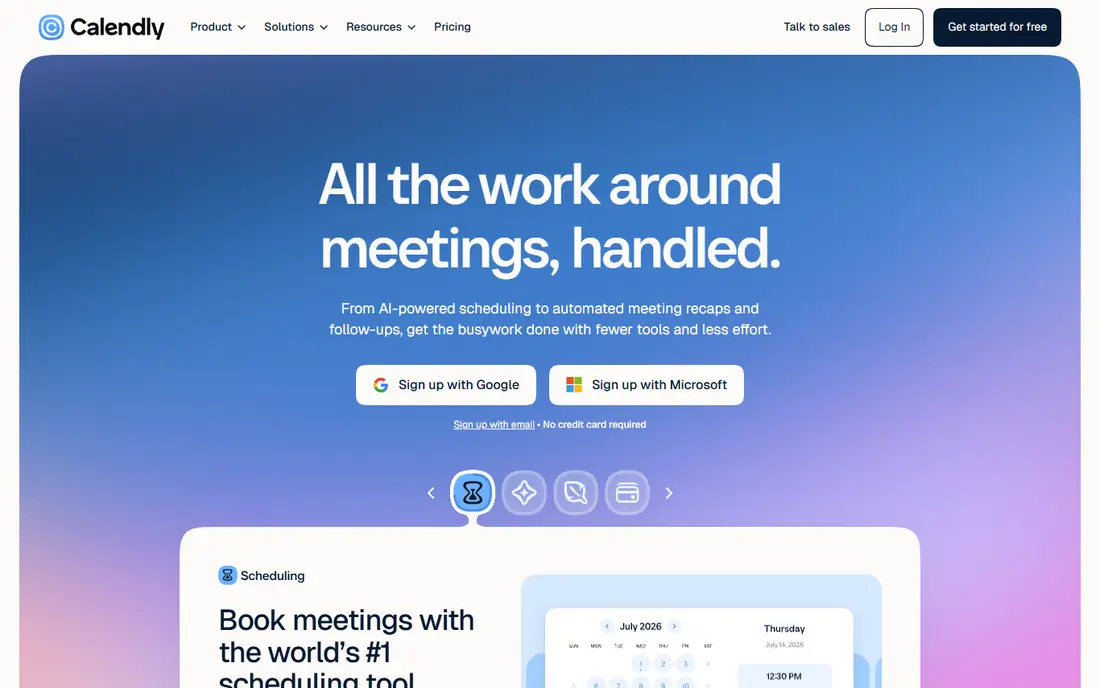
Calendly is our pick for most people who just need a booking link that works. You create event types, connect a calendar, share a link, and invitees pick a time that is actually free. Reminders, buffer times, and video links keep the meeting from needing a second round of messages.
The limit shows up at team scale. Each seat costs money, and some routing and branding controls need a higher plan. If your whole company books through Calendly, price the full seat count before you commit, and test the free plan first for a single user.
- Fast setup
- Google and Outlook sync
- Round robin and team routing options
- Per seat pricing adds up
- Deeper customization sits on higher plans
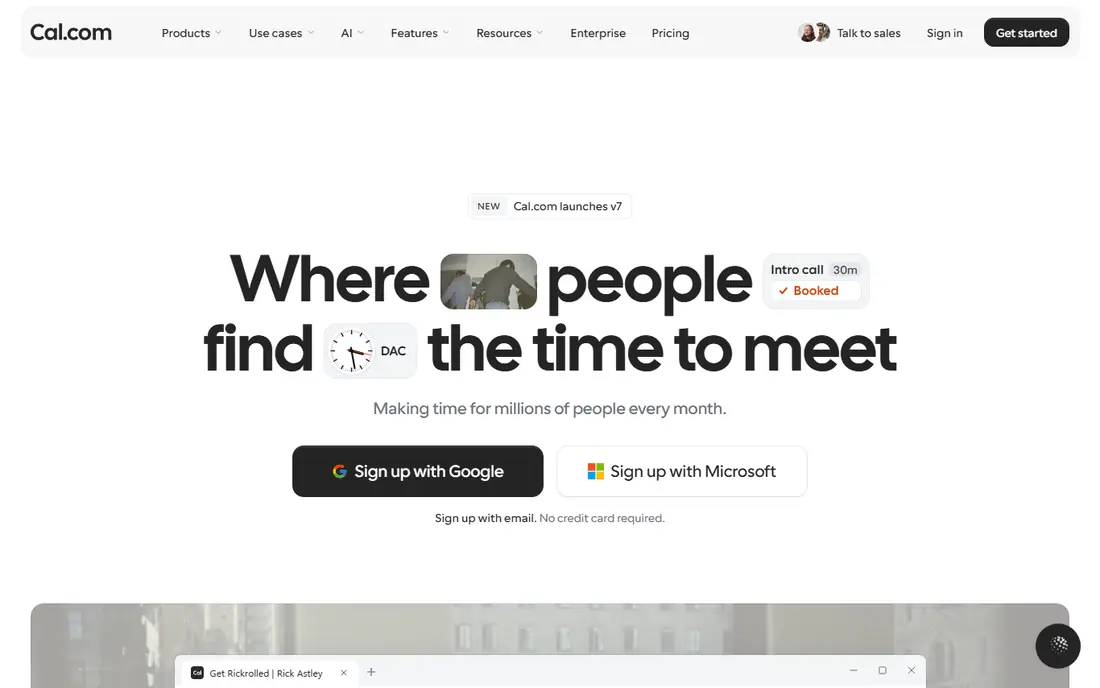
Cal.com stands out because its free plan is genuinely useful. One user gets unlimited event types, which beats the single event type limit on some rival free plans. You can also self host if privacy or control matters, though most users will take the hosted version and skip that work.
For teams, paid plans add seats, workflows, and admin controls. The interface is plain rather than flashy, but the booking experience for guests is clear. If budget is tight and you want room to grow, start here.
- Free individual plan with unlimited event types
- Open source and self host option
- Many calendar and video integrations
- Team features cost more
- Setup can feel technical for non developers

Acuity Scheduling, now part of Squarespace, suits service businesses that sell time. A salon, clinic, coach, or consultant can offer classes, group bookings, packages, and memberships, collect intake details before the visit, and take payment at booking. That depth is why it beats a plain meeting link for client work.
The trade-off is complexity. Building calendars, services, forms, and payment rules takes an afternoon, not ten minutes. It is worth that time if clients book paid services, but it is more than most people need for internal meetings.
- Intake forms and packages
- Multiple staff calendars
- Payment and gift certificate support
- No free plan
- Setup takes longer than simpler meeting tools
Doodle solves a different problem: getting ten people to agree on a time. Send a poll with options, let people mark what works, and pick the slot with the most votes. That approach beats a long email thread when no single host controls the calendar.
For one to one client booking, Doodle is thinner than Acuity or Calendly. Use it when group agreement is the bottleneck, and pair it with a service booking tool if you also sell appointments.
- Easy group availability polls
- Simple booking pages
- Good for finding a time across many people
- Less depth for paid client services
- Team controls vary by plan
Setmore is a strong value pick for a small team. The free plan covers a handful of users, and the paid plan stays low per user while adding reminders, staff scheduling, and integrations. A barbershop, tutoring team, or small clinic can run bookings without a large monthly bill.
You give up some polish and depth. Advanced routing, detailed analytics, and complex service rules are stronger elsewhere. If low cost and simple staff booking matter most, Setmore is hard to beat.
- Free plan for up to four users
- Staff calendars and reminders
- Payment integrations
- Reporting is thinner than premium rivals
- Design feels plain
SavvyCal focuses on the guest experience for one to one meetings. Invitees can overlay their own calendar while picking a time, which cuts the guesswork that leads to reschedules. Hosts get single use links, team scheduling, and a tidy page that looks professional without much setup.
It is not a full service business platform. There are no deep class packs or intake workflows of the kind Acuity offers. For consultants, founders, and salespeople who live on one to one calls, that focus is a strength.
- Calendar overlay for invitees
- Clean booking experience
- Sensible defaults for busy people
- No permanent free plan
- Less suited to large service businesses
YouCanBookMe builds booking pages directly from your calendar, which keeps availability honest. You can add custom questions, set buffers, and create pages for different services or team members. It suits freelancers who have outgrown a single link and want more control without a heavy platform.
The pricing model needs a careful read, since calendars and pages shape the bill. Count how many team members and booking pages you need, then compare the total against a per seat rival before choosing.
- Booking pages tied closely to calendar availability
- Customizable forms
- Team pages
- Pricing is per calendar in places
- Interface is functional rather than modern
SimplyBook.me appeals to businesses with unusual requirements. It covers memberships, coupons, multiple locations, and many add on features that simpler tools skip. A business with classes, recurring services, and varied staff roles can often build its exact workflow here.
That breadth brings clutter. The admin area has many settings, and busy months can cost more if your plan counts bookings. Shortlist it when a simpler tool misses a must have feature, and trial it with a real service before paying.
- Long feature list for services
- Memberships and packages
- Multi staff and multi location support
- Priced by bookings on some plans
- Interface can feel busy
Zoho Bookings makes most sense if your team already uses Zoho. Bookings flow into CRM records, calendars sync, and staff pages stay consistent across the suite. The per user price is low, which helps a small team that books a lot of meetings.
Outside Zoho, the case is weaker. Standalone users may prefer Calendly or Cal.com for wider integrations and larger communities. If Zoho is already your office, though, this is the calendar scheduling app for scheduling that fits with the least extra work.
- Low per user price
- Native Zoho CRM and app links
- Booking pages and reminders
- Best value inside Zoho
- Less well known outside that system
Square Appointments suits a business that takes card payments in person. A salon or barbershop can book, remind, check out, and track clients in one system, with a free option for a single location. That payment link removes a separate checkout step at the front desk.
The catch is commitment to Square. If you already use Square hardware and payments, that is a plus. If you use another payment provider, the value drops, and multi location pricing needs a check before you scale.
- Free single location option
- Card payments built in
- Client records and reminders
- Tied to Square payments
- Paid plans rise by location
How we picked these
We compared official pricing pages, feature lists, and public reviews for tools that offer a booking page, calendar sync, and reminders. We kept tools that are live in October 2026 and that cover meetings, client services, or group scheduling. Where prices differed by billing period, we used the annual figure noted in the product block and flagged the need to confirm the total for your team size.
Choosing the right scheduling tool
Start by naming the main booking type. Internal meetings need a clean link and calendar sync. Paid client services need intake forms, staff calendars, and payments. Group decisions need polls. Sales teams need routing to the right rep and CRM sync. One tool rarely leads on all four.
Next, test the guest view. Book a test slot from a phone, check the reminder emails, and see what happens when a guest reschedules. Small friction there causes more no shows than any feature list suggests. Also check time zones, buffers between meetings, and limits on meeting length, since those details shape daily work.
Finally, price the whole team. A free plan for one user can hide a steep per seat bill for ten. Add payment processing fees and text reminder costs where they apply, and confirm whether annual billing locks you in. A two week trial with real bookings tells you more than a demo video.
Frequently asked questions
What is the best calendar app for scheduling meetings?
Calendly is the simplest safe choice for meetings, and Cal.com is the best free alternative for individuals. Pick Calendly for fast team setup, and Cal.com when budget or open source control matters more.
What is calendar scheduling software with best reviews for client services?
Acuity Scheduling and SimplyBook.me both score well for client services, thanks to intake forms, staff calendars, and payments. Acuity is easier to explain to clients, while SimplyBook.me offers a longer feature list.
Which tool is best for group scheduling?
Doodle is best for group polls, since people vote on times rather than booking a fixed slot. Use it for team events, interviews with several panel members, and community meetings.
Is there a free calendar scheduling tool that is actually useful?
Yes. Cal.com offers unlimited event types free for one user, and Setmore offers a free plan for small teams. Both cover real booking work, though paid plans add team controls and reminders.
How much does calendar scheduling software cost per month?
Expect free to about 16 dollars per month for a single user on entry plans, and 5 to 20 dollars per seat per month for teams. Service platforms with payments and multi location support cost more.
Sources
See where you really rank - block by block
ProMapRanker scans Google Maps across a grid of your service area. Simple monthly plans from $19, white-label on every plan.
Start freeKeep reading
 zscaler alternatives
Best Zscaler Alternatives in 2026
Looking for zscaler alternatives? We compare 9 SASE and zero trust platforms on architecture, data protection, pricing, and fit for your network and team.
Read → zapier alternatives free
Best Zapier Alternatives Free in 2026
Nine automation tools for zapier alternatives free in 2026, all with genuinely free tiers, plus free plan limits, starting prices and upgrade paths explained.
Read → which platform is best for online reputation
Which Platform Is Best for Online Reputation in 2026
Wondering which platform is best for online reputation? We compare 8 review, listing, and response tools for small and multi-location businesses and agencies.
Read →