 ProMapRanker
Best Calendar Apps in United States in 2026


Free everyday calendar in the US · Pricing starts at: Free
Key takeaways
- Google Calendar, Apple Calendar, and Outlook Calendar cover most US households free, with US holidays built in.
- Fantastical suits Apple and Windows users who want fast natural language entry and calendar sets.
- TimeTree is the strongest shared calendar for families, teams, and groups across phones.
- Morgen and Reclaim.ai help busy users who manage several calendars, tasks, and bookings at once.
- US time zones, daylight saving changes, and state holidays matter, so check holiday and time zone handling before you switch.
Quick comparison
| Pick | Great for | Pricing starts at | Free tier | |
|---|---|---|---|---|
| Google Calendar | Free everyday calendar in the US | Free | Yes | Visit |
 Apple Calendar | Apple users in the US | Free | Yes | Visit |
 Microsoft Outlook Calendar | Work and Microsoft 365 users | Free | Yes | Visit |
 Fantastical | Natural language entry and sets | $6.99 per month | Yes | Visit |
 TimeTree | Shared family and group calendars | Free | Yes | Visit |
 Proton Calendar | Private encrypted calendar | Free | Yes | Visit |
 Notion Calendar | Calendar for Notion users | Free | Yes | Visit |
 Reclaim.ai | Protecting focus time | $10 per month | Yes | Visit |
 Morgen | Several calendars plus tasks | $15 per month | Free trial | Visit |
The best calendar apps in united states
We compared official feature pages, pricing pages, and app store listings for calendars that work well in the United States, including US holiday support, time zone handling, and cross-device apps. A calendar earns a place here only if it runs on current phones and computers in October 2026.
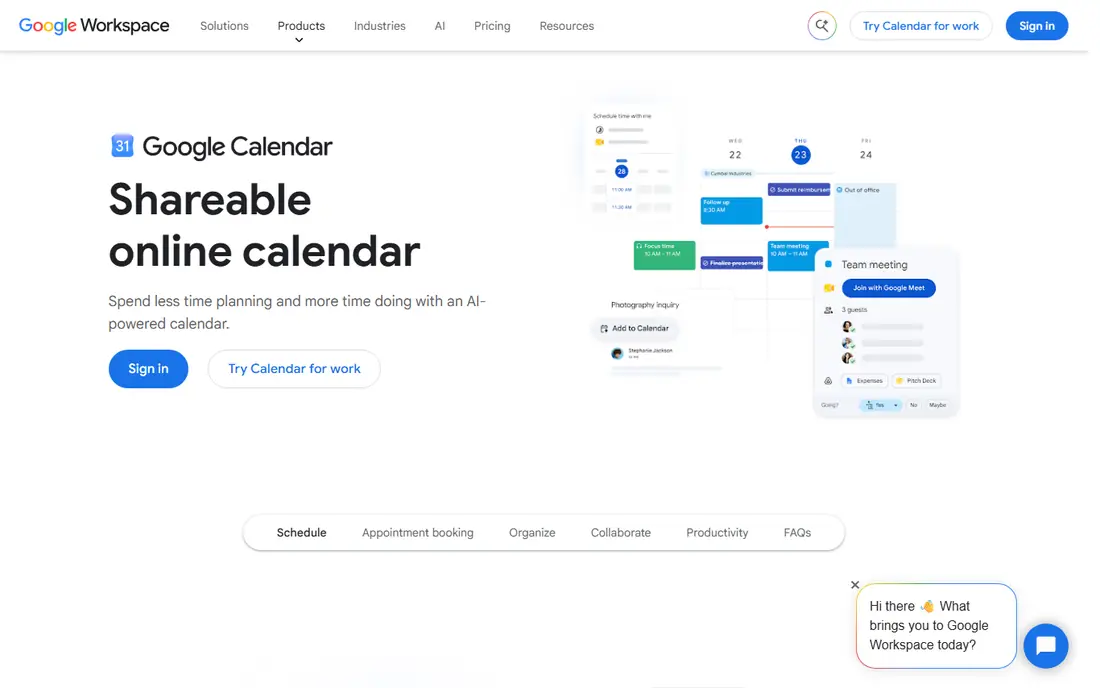
Google Calendar is the safe default for most US households. It is free, it is already on most Android phones, and it syncs across devices without fuss. US public holidays can be added in a few taps, and shared calendars let a household or team see the same dates. Gmail, Meet, and Drive links also sit close to events, which helps when plans change.
Paid rivals offer prettier designs and deeper scheduling, but Google Calendar does the everyday job without a bill. Its main limits are privacy, since events are not end-to-end encrypted, and booking pages, which need a paid Workspace plan. For most people, it is the calendar to beat, and it costs nothing to keep.
- Free with a Google account
- US public holidays can be added
- Works on Android, iOS, and the web
- No end-to-end encryption for events
- Booking features need a paid Workspace plan
- Design is plain beside paid rivals
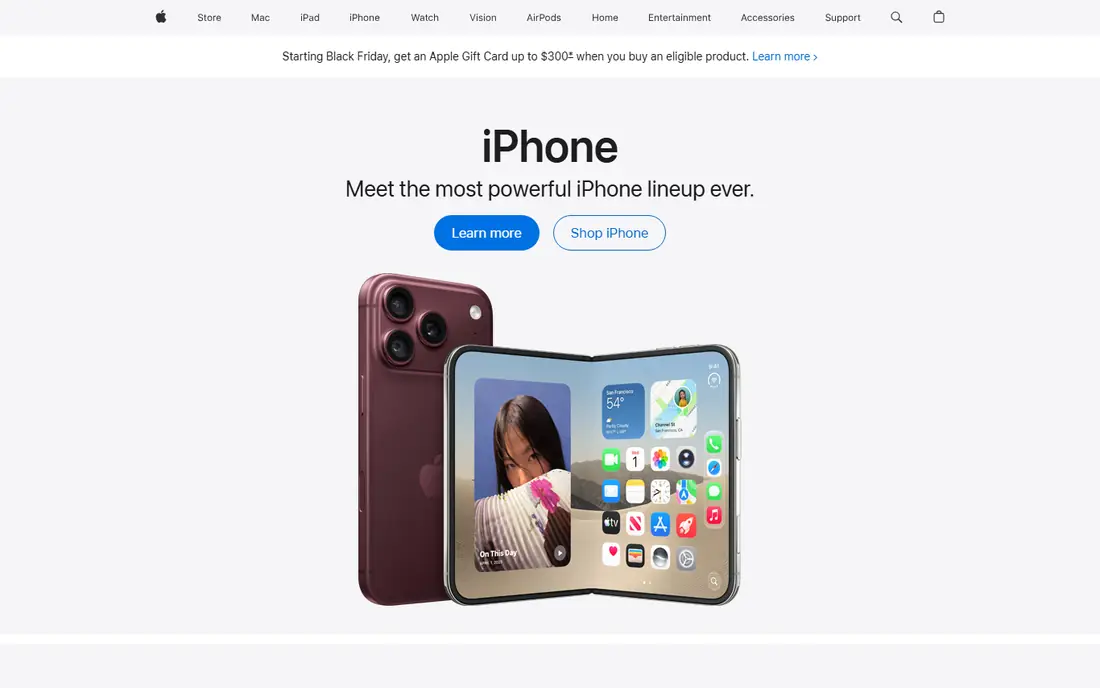
Apple Calendar wins for US households that already use Apple devices. It is preinstalled, it syncs through iCloud, and it handles US holidays, family sharing, and invitations without extra setup. A family can share calendars across iPhones, iPads, and Macs, and events appear on Apple Watch without a separate app.
The platform wall is the limit. Android and Windows users in the same household will struggle to share fully, and booking pages need another tool. For an all-Apple household, though, Apple Calendar is free, stable, and always at hand, which is why it remains a top pick despite its simplicity.
- Free and built into iPhone, iPad, and Mac
- Syncs through iCloud
- Can add Google and Exchange accounts
- No Android or Windows app
- No booking pages
- Calendar data is not end-to-end encrypted
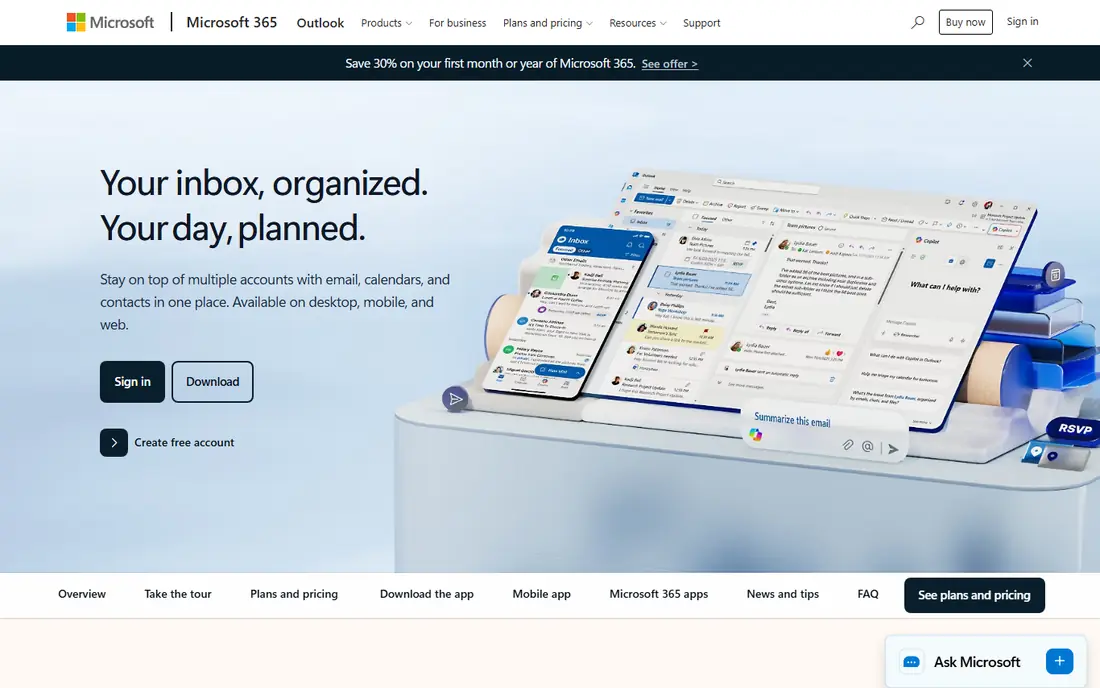
Outlook Calendar is the workhorse for US offices, schools, and teams that run on Microsoft tools. It is free on Outlook.com, and it pairs with Outlook mail and Teams, which many US employers already use. Meeting invitations, shared work calendars, and room bookings sit in one place, and apps cover Windows, Mac, Android, and iOS.
For personal use, Outlook can feel heavier than Google or Apple Calendar, and Google calendars added by subscription may refresh slowly. Microsoft 365 Personal, at $9.99 per month, adds the full Office bundle, but the calendar itself does not require that payment. If your work calendar already lives in Outlook, staying there saves more time than switching.
- Free on Outlook.com
- Strong for work mail and Teams meetings
- Apps on every major platform
- Subscribed Google calendars can refresh slowly
- Booking pages need a business plan
- Interface feels work-first
Fantastical is the polished upgrade for Apple users who want speed. Natural language entry lets you type an event much as you would say it, and calendar sets let you switch between work, family, and personal views in a tap. Weather, travel time, and conference links round out a design that feels considered rather than crowded.
The free tier covers basic viewing, but the features most buyers want sit behind Flexibits Premium, at $6.99 per month or $56.99 per year. That is a real price for a calendar when strong free options exist. Buy Fantastical for entry speed and sets, and skip it if you only need basic date keeping.
- Type events in everyday language
- Calendar sets switch groups quickly
- Runs on Apple devices and Windows
- Best features need Flexibits Premium
- Price is high for a calendar alone
- Android support is still limited
TimeTree is built for sharing first. A family, team, club, or flatshare can keep one calendar, add notes and comments to events, and see who is free without passing screenshots around. That social layer explains its popularity in the United States, where group planning often spans households and phones.
Work users may miss task tools and booking pages, and the design is plainer than Morgen or Fantastical. For shared life, plain is a strength, because everyone can use it without training. Start free, and consider the in-app premium tier only if you want the extra features it adds.
- Built for shared calendars with comments and chat
- Free tier covers core sharing
- Works across Android, iOS, and the web
- Design is simpler than paid planners
- Premium features are sold in the app and vary by store
- Less suited to complex work scheduling
Proton Calendar is the privacy pick. Event details are end-to-end encrypted, so Proton cannot read them, and the service is based in Switzerland. The free tier works on web, mobile, and desktop, and paid plans add booking pages and more storage through Proton Mail Plus or Proton Unlimited.
Privacy costs convenience. Google events import once instead of updating live, which frustrates people who keep a foot in both worlds. If your calendar holds sensitive appointments and you are willing to move fully to Proton, the trade is worth it. If live Google sync matters more, Google Calendar remains simpler.
- Event details are end-to-end encrypted
- Free tier runs on web, mobile, and desktop
- Based in Switzerland with strict privacy law
- Google events import once rather than syncing live
- Booking pages need a paid plan
- Some calendar metadata remains visible to the server
Notion Calendar suits people who already plan work and life in Notion. Events can link to Notion pages and docs, so a meeting can carry its notes, tasks, and files in one place. The calendar itself is free, with booking links included, which makes it a useful upgrade over a plain calendar for Notion users.
Standalone users get less. Calendar features alone are thinner than Fantastical or Morgen, and time zone handling for shared events needs care. If Notion is already your second brain, Notion Calendar is a natural, free addition. If you do not use Notion, a general calendar will serve you better.
- Free calendar with booking links
- Connects calendar events to Notion pages and docs
- Clean design for people already in Notion
- Best value sits inside Notion
- Standalone calendar features are thinner than Fantastical
- Time zone handling needs care for shared events
Reclaim.ai is not a calendar itself, but a layer that protects time inside Google Calendar or Outlook. It auto-schedules tasks and habits into open slots, defends focus time, and adds buffers around meetings, then reschedules when new meetings arrive. For a busy US professional whose calendar fills with meetings, that protection is the whole point.
The first week needs tuning. Reclaim can move tasks more aggressively than a user expects, until priorities and habits are set well. The mobile app also lags the web version, and larger smart meetings can consume extra attendance units on some plans. Lite is free forever with one scheduling link and one habit, and Starter is $10 per seat per month billed annually, which is enough to test whether protected time actually helps.
- Auto-schedules tasks and habits around meetings
- Defends focus time with buffers
- Works on top of Google Calendar and Outlook
- Rescheduling can feel aggressive until priorities are tuned
- Mobile app lags the web version
- Larger meetings can consume extra attendance units
Morgen closes this list for people whose problem is juggling, not just date keeping. It pulls Google, Outlook, iCloud, Fastmail, and other calendars into one view, adds tasks from tools such as Todoist and Notion, and offers booking pages and scheduling links. Time blocking, travel time, and buffers help turn a crowded week into a workable plan.
Pro costs $15 per month billed annually, or $30 per month on monthly billing, with a 14-day free trial and no ongoing free plan. For a single simple calendar, that is more than you need. For someone managing several calendars, tasks, and client bookings across US time zones, the single view can justify the cost.
- Combines Google, Outlook, iCloud, and other calendars
- Tasks, booking pages, and scheduling links in one app
- Runs on web, desktop, and mobile
- No ongoing free plan
- Monthly price is high
- Team plans need at least two seats
How we picked these
We compared official feature pages, pricing pages, and app store listings for calendars available in the United States in October 2026, and we favored apps with US holiday support, strong time zone handling, and cross-device apps. We checked that each app runs on current devices and that its free or paid terms were clear. We did not claim hands-on testing, and we treated vendor pricing as current at the time of writing.
How to choose a calendar in the United States
Start with the devices your household or team already uses. If everyone is on iPhone, Apple Calendar needs no new account. If Android and web matter most, Google Calendar will fit better. If work runs on Microsoft tools, Outlook Calendar saves the most hassle, because your work calendar is already there.
Then check time zones and holidays. A US calendar should handle Eastern, Central, Mountain, and Pacific times cleanly, adjust for daylight saving changes, and show federal holidays plus your state holidays where they differ. Shared calendars should also show the event time in each viewer's zone, not just the creator's zone.
Finally, decide how much help you want beyond dates. A free calendar covers most households. A shared calendar such as TimeTree helps groups. A layer such as Reclaim.ai, or a combined planner such as Morgen, helps busy professionals who manage tasks and bookings beside meetings. Pay only for the help you will actually use each week.
Frequently asked questions
Which calendar app is best in the United States?
Google Calendar is the best free all-round pick for most US users, because it is free, cross-platform, and handles US holidays well. Apple Calendar leads for all-Apple households, and Outlook Calendar leads for Microsoft workplaces. Fantastical, TimeTree, Morgen, and Reclaim.ai each win for a specific need, such as entry speed, sharing, or focus time.
Does Google Calendar show US holidays?
Yes, US public holidays can be added as a holiday calendar in Google Calendar, and similar holiday calendars exist in Apple and Outlook Calendar. Federal holidays are the base, and some state holidays differ, so add a state calendar if you plan around local observances. School holidays are usually a separate calendar.
Can I share a calendar across iPhone and Android?
Yes, Google Calendar, Outlook Calendar, TimeTree, Proton Calendar, Notion Calendar, Reclaim.ai, and Morgen all run across Android and iOS, with web access too. Apple Calendar is the exception, since it has no Android app. If your household mixes phones, choose a cross-platform calendar from the start.
Is Fantastical worth paying for?
Fantastical is worth paying for when natural language entry and calendar sets save you time every day. At $6.99 per month or $56.99 per year, it is not worth it for basic date keeping, where Google or Apple Calendar does the job free. Use the free tier first, and upgrade only if the entry speed and sets change how you plan.
What is Reclaim.ai, and is it a calendar?
Reclaim.ai is not a standalone calendar, but a scheduling layer that sits on top of Google Calendar or Outlook. It auto-schedules tasks and habits, defends focus time, and adds buffers, then reschedules as meetings change. It suits busy professionals whose calendars fill with meetings, and its Lite tier is free forever for basic use.
Which calendar is best for privacy?
Proton Calendar is the strongest privacy pick here, because event details are end-to-end encrypted and the service is based in Switzerland. Its syncing with Google is limited, so privacy comes with a convenience trade. Read each privacy policy before moving sensitive appointments, and share calendars only as widely as you need to.
Sources
See where you really rank - block by block
ProMapRanker scans Google Maps across a grid of your service area. Simple monthly plans from $19, white-label on every plan.
Start freeKeep reading
 zyte alternatives
Best Zyte Alternatives in 2026
These zyte alternatives cover managed scraping APIs, proxy networks and no code tools for lawful collection from your own or consented sources only in 2026.
Read → zerto alternatives
Best Zerto Alternatives in 2026
Compare the best zerto alternatives for disaster recovery and replication, with recovery targets, cloud options and honest trade-offs for teams in 2026.
Read → zerofox alternatives
Best ZeroFox Alternatives in 2026
We compared 9 zerofox alternatives for brand protection, phishing takedowns, dark web monitoring, and social impersonation, with clear coverage notes.
Read →