 ProMapRanker
Best Calendar Apps in Japan in 2026

Key takeaways
- Google Calendar is the most widely used calendar in Japan, with strong sharing and Google Meet links for work and family.
- TimeTree is the leading Japan-born shared calendar, built for families, couples, and groups that coordinate in one place.
- Jorte Calendar remains a popular Japan-focused option with flexible views and diary-style features.
- Apple Calendar and Outlook suit users already inside Apple or Microsoft systems, while Fantastical suits power users on Apple devices.
Quick comparison
| Pick | Great for | Pricing starts at | Free tier | |
|---|---|---|---|---|
 Google Calendar | Most users in Japan | Free | Yes | Visit |
 TimeTree | Shared family and group calendars | Free | Yes | Visit |
 Jorte Calendar | Japan-focused flexible views | Free | Yes | Visit |
 Apple Calendar | iPhone and Mac users | Free | Yes | Visit |
 Microsoft Outlook | Work email and calendar together | Free | Yes | Visit |
 Yahoo Calendar | Yahoo Japan users | Free | Yes | Visit |
 Fantastical | Power users on Apple devices | $6.99 per month | Yes | Visit |
 Calendars by Readdle | iPhone users wanting more views | See website | Yes | Visit |
The best calendar apps in Japan
Japan's calendar market mixes global apps with home-grown favorites, and the best choice often depends on who you share with. We compared official product pages, app store listings, and usage rankings in Japan, and we kept only calendars with a working app, Japanese language support, and a free tier or built-in service.
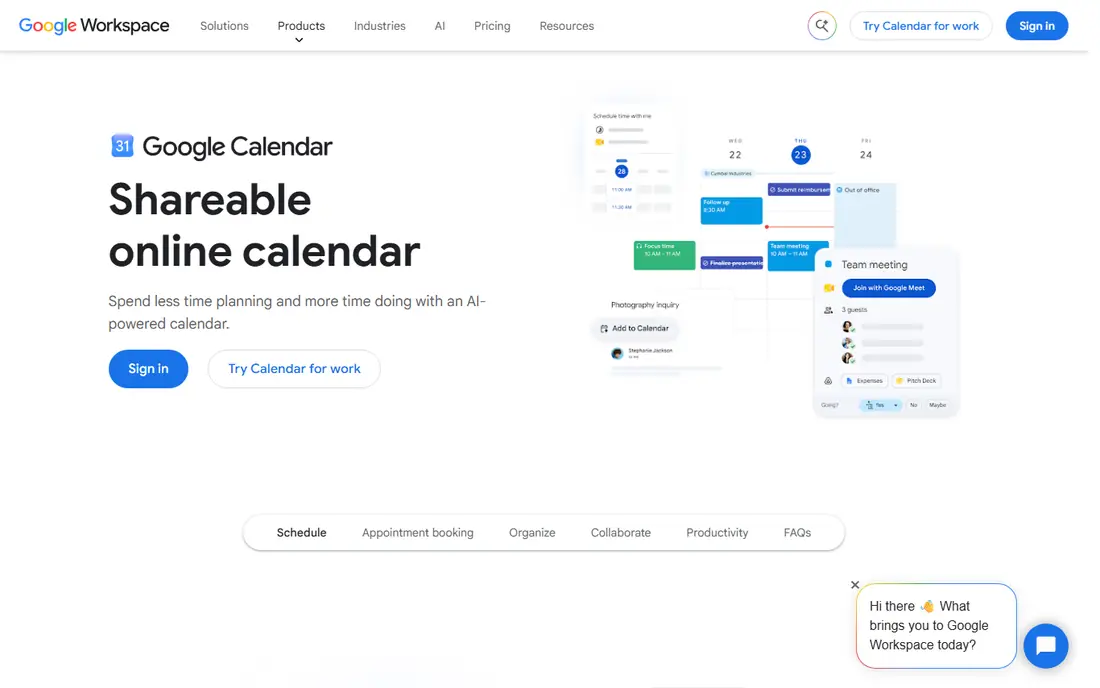
Google Calendar tops usage rankings for schedule apps in Japan, and that popularity is itself a feature. When most of your family, friends, or colleagues already use it, sharing a calendar and sending an invite takes seconds. Monthly, weekly, and daily views cover most planning needs, and Google Meet links make online meetings simple to join.
The downside is that Google Calendar is functional rather than beautiful, and power users may miss natural-language input or richer calendar sets. Paid Workspace plans add admin controls and more storage, but most personal users will never need them. For most people in Japan, this is the default calendar to try first.
- Widely used in Japan, so sharing is easy
- Monthly, weekly and daily views
- Google Meet links and task lists built in
- Design is plain compared with Fantastical
- Some advanced features need a paid Workspace plan
- Privacy controls need checking
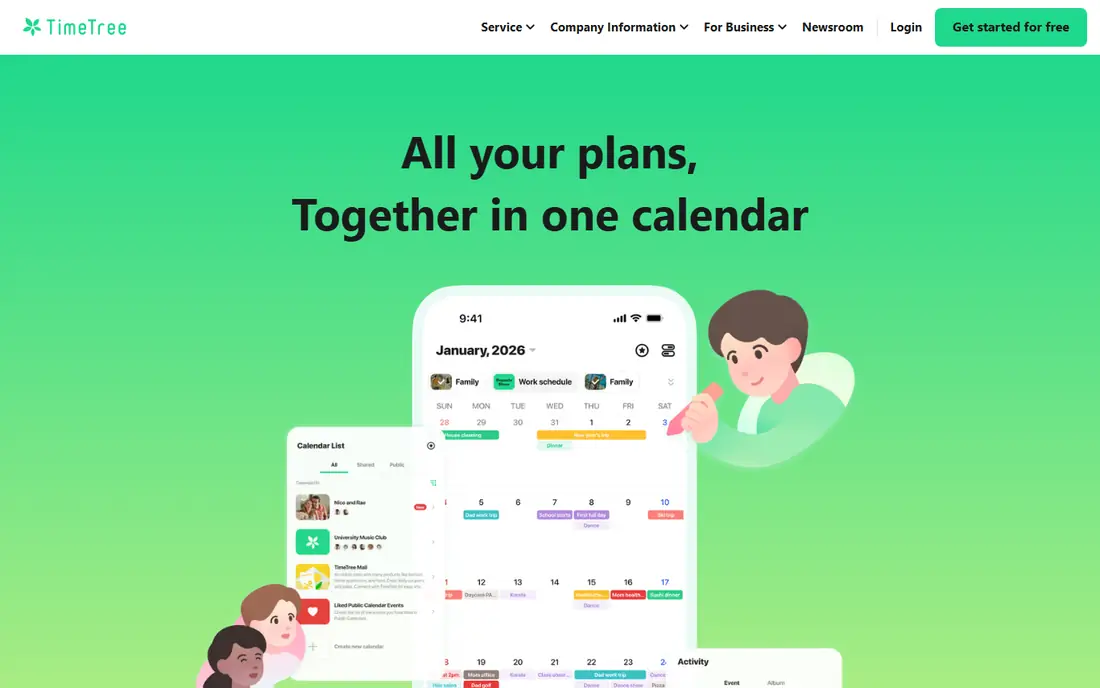
TimeTree is the Japan-born shared calendar that stands out in this list. It lets families, couples, clubs, and work groups share calendars, discuss events in calendar chat, and attach memos and files to events. Public calendars for sports teams, schools, and local events add another reason to keep it installed, and it ranks highly in Japan's free productivity charts.
The catch is that TimeTree shines when you share, and solo users may find it busier than Google Calendar. The free plan includes ads, and premium features such as ad removal and extra views need a subscription. If you coordinate with other people often, TimeTree is the most social calendar here.
- Built for shared calendars with chat and memos
- Popular in Japan for families and couples
- Public calendars for events and groups
- Free plan shows ads
- Premium features need a paid subscription
- Less suited to solo users who never share
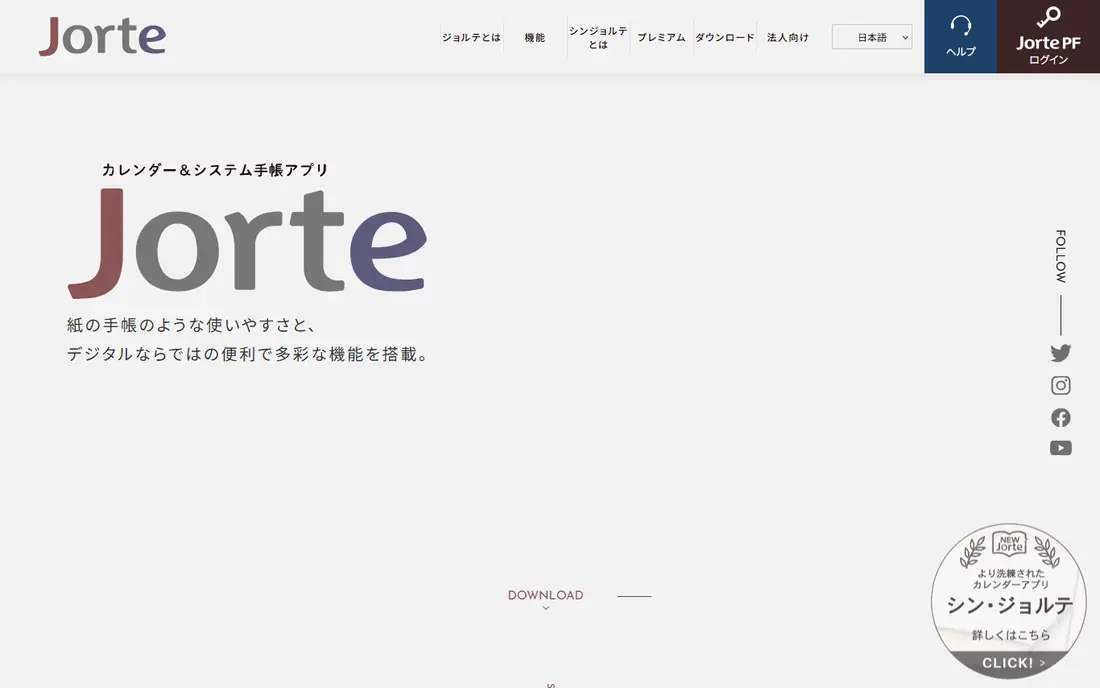
Jorte Calendar has been popular in Japan for years, and it still earns a place for users who want flexibility. It offers varied calendar views, diary entries, and memo features that go beyond a simple event list, and it can sync with Google Calendar so you do not lose your existing events. For users who treat a calendar as a diary as well as a planner, that mix is appealing.
The weakness is polish. Jorte's design feels older than TimeTree or Fantastical, and some features sit behind a paid upgrade. Its user base is also smaller outside Japan, which can matter if you share with people abroad. For Japan-focused users who like its views, though, it remains a solid choice.
- Long history in Japan with flexible calendar views
- Diary and memo features alongside events
- Syncs with Google Calendar
- Design feels dated next to newer apps
- Some features need a paid upgrade
- Smaller global user base than Google Calendar
Apple Calendar is the calendar iPhone users already own, and for many people it is enough. It syncs through iCloud across iPhone, iPad, and Mac, handles invites and reminders cleanly, and works well for personal and family planning. There is no extra app to install and no subscription to manage.
The limit is ambition. Apple Calendar lacks the natural-language input, calendar sets, and advanced scheduling features that make Fantastical popular with power users, and sharing works most smoothly with other Apple users. If you want a simple, free calendar on Apple devices, start here. If you want more control, try Fantastical next.
- Built into iPhone, iPad and Mac at no extra cost
- Syncs through iCloud
- Simple and reliable for personal use
- Fewer power features than Fantastical
- Sharing is simplest inside Apple systems
- No Android app
Microsoft Outlook suits users whose work already runs on Microsoft email. Its calendar sits next to mail, contacts, and tasks, so you can turn an email into a meeting invite without switching apps. For workplaces on Microsoft 365, Outlook calendar sharing and room booking are part of the daily workflow.
The downside is clutter. Outlook packs a lot into one app, and the free version includes ads in some views. Personal users who do not use Microsoft email may prefer Google Calendar or TimeTree. For work users, though, Outlook's combined mail and calendar flow is hard to beat.
- Email and calendar in one app
- Strong for workplaces on Microsoft 365
- Scheduling and meeting invites built in
- Free version shows ads in some places
- Interface can feel busy
- Best features need a paid Microsoft 365 plan
Yahoo Calendar, from Yahoo Japan, is the natural pick for users who already live in Yahoo Japan services. It offers simple calendar views tied to a Yahoo Japan account, and it works well for personal planning alongside Yahoo mail and other Yahoo Japan tools. For long-time Yahoo Japan users, that fit matters.
The limit is reach. Fewer people use Yahoo Calendar for sharing than use Google Calendar or TimeTree, so inviting others can be less smooth. It also lacks the power features of Fantastical. If Yahoo Japan is your main account system, it is a sensible choice. If not, Google Calendar will share more easily.
- Fits Yahoo Japan accounts and services
- Simple calendar views
- Useful for users already in the Yahoo Japan system
- Less popular than Google Calendar for sharing
- Fewer advanced features
- Mainly useful inside Yahoo Japan
Fantastical is the power user's calendar on Apple devices. You can type an event in plain words, such as dinner with a friend next Tuesday, and it will parse the date and time for you. Calendar sets let you switch between work, family, and personal views, and weather and location details appear inside events. For busy Apple users, that speed adds up.
The catch is price and platform. Full features need a Flexibits Premium subscription, listed at $6.99 per month or $56.99 per year in app store listings, and the free version is limited. Fantastical also has a long Apple-first history, so Android users should check current availability before committing. For Apple power users, it is worth the cost. For casual users, Apple Calendar is free and sufficient.
- Natural-language event input
- Calendar sets for work, family and personal views
- Weather and maps inside event details
- Paid subscription needed for full features
- No long-standing Android app history
- Price is steep for casual users
Calendars by Readdle gives iPhone users a richer calendar than Apple Calendar without the full price of Fantastical. It offers varied views, tasks, and reminders in one place, and it syncs with Google and iCloud calendars so your existing events carry over. For iPhone users who want more views and better task handling, it is a strong middle option.
The limit is platform and familiarity. Its best experience is on iPhone, and it is less widely used in Japan than TimeTree, Jorte, or Google Calendar, which can affect sharing. Paid upgrades also add some features. As a free-to-try upgrade over Apple Calendar, though, it deserves a look.
- Rich day, week and month views on iPhone
- Tasks and reminders alongside events
- Syncs with Google and iCloud calendars
- Best experience is on iPhone
- Some features need a paid upgrade
- Less known in Japan than TimeTree or Jorte
How we picked these
We compared usage rankings for schedule apps in Japan, official product pages, and app store listings, and we kept only calendars with Japanese language support and a working free tier or built-in service. We favored apps that rank highly in Japan, such as Google Calendar, TimeTree, and Jorte, alongside global options that Japanese users commonly pair with them. Prices reflect free starting tiers, with paid plans noted where vendors list them.
Choosing a calendar that others will actually use
The best calendar is often the one your family or workplace already uses, since sharing matters more than a long feature list. If your group uses Google Calendar, joining them will save more time than any single feature in another app. If your family shares schedules daily, TimeTree's shared calendars and chat may suit you better, even if Google Calendar is more popular overall.
Test sharing before you commit to a paid plan. Create a shared calendar, invite the people you coordinate with most, and add a few real events with reminders. Check how invites look on their phones, how time zones are handled for travel, and whether Japanese public holidays appear correctly. A calendar that looks good alone but confuses your group will not stay in use.
Frequently asked questions
What is the most popular calendar app in Japan?
Google Calendar ranks first in usage rankings for schedule apps in Japan, followed by Jorte Calendar and TimeTree. Popularity helps sharing, since invites and shared calendars work most smoothly when others already use the same app.
Is TimeTree only for Japan?
No, TimeTree is used in other countries as well, but it is especially popular in Japan and East Asia for family and group sharing. Its shared calendars, chat, and public calendars suit groups that coordinate often.
Does Jorte Calendar sync with Google Calendar?
Yes, Jorte can sync with Google Calendar, so you can keep your existing Google events while using Jorte's views and diary features. Check sync settings after setup to make sure events appear in both places.
Which calendar is best for iPhone users in Japan?
Apple Calendar is free and built in, Fantastical suits power users who want natural-language input and calendar sets, and Calendars by Readdle offers a middle option with richer views. Try Apple Calendar first, then upgrade only if you miss specific features.
Do these calendars show Japanese public holidays?
Most calendars here can show Japanese public holidays through a subscribed holiday calendar or a regional setting. Check the calendar's settings for Japan holidays after install, since the default set can vary by account region.
Is there a free calendar app in Japan?
Yes, Google Calendar, TimeTree, Jorte Calendar, Apple Calendar, Outlook, and Yahoo Calendar all offer free tiers or built-in services. Paid plans mainly add premium views, ad removal, or workplace features.
Sources
See where you really rank - block by block
ProMapRanker scans Google Maps across a grid of your service area. Simple monthly plans from $19, white-label on every plan.
Start freeKeep reading
 zyte alternatives
Best Zyte Alternatives in 2026
These zyte alternatives cover managed scraping APIs, proxy networks and no code tools for lawful collection from your own or consented sources only in 2026.
Read → zerto alternatives
Best Zerto Alternatives in 2026
Compare the best zerto alternatives for disaster recovery and replication, with recovery targets, cloud options and honest trade-offs for teams in 2026.
Read → zerofox alternatives
Best ZeroFox Alternatives in 2026
We compared 9 zerofox alternatives for brand protection, phishing takedowns, dark web monitoring, and social impersonation, with clear coverage notes.
Read →