 ProMapRanker
Best Calendar Apps in India in 2026

Key takeaways
- Google Calendar is the easiest default for most people in India, because it is free, widely shared and works on Android, iOS and the web.
- Zoho Calendar is a strong Indian option for teams that already use Zoho Mail or Zoho Workplace.
- Outlook Calendar suits workplaces on Microsoft 365, while Apple Calendar suits households that live inside Apple devices.
- TimeTree and TickTick add family sharing and task planning that plain calendars handle less well.
- The best choice depends less on features and more on which calendar your family, college or workplace already uses.
Quick comparison
| Pick | Great for | Pricing starts at | Free tier | |
|---|---|---|---|---|
 Google Calendar | Most people in India | Free | Yes | Visit |
 Zoho Calendar | Zoho users and Indian teams | Free | Yes | Visit |
 Microsoft Outlook Calendar | Microsoft 365 workplaces | Free | Yes | Visit |
 Apple Calendar | Apple households | Free | Yes | Visit |
 Notion Calendar | Planning plus notes and tasks | Free | Yes | Visit |
 TimeTree | Family and group sharing | Free | Yes | Visit |
 TickTick | Calendar plus tasks and habits | Free | Yes | Visit |
 Proton Calendar | Private calendar use | Free | Yes | Visit |
 Samsung Calendar | Samsung phone users | Free | Yes | Visit |
The best calendar apps in india
Calendar choice in India is often a sharing choice. A calendar that your family, team or college does not use will sit empty, however good its features look. We compared official feature pages, pricing pages, app store listings and public reviews, with attention to Indian Standard Time handling, holiday calendars, sharing and Android use, since Android is the most common phone platform in India.
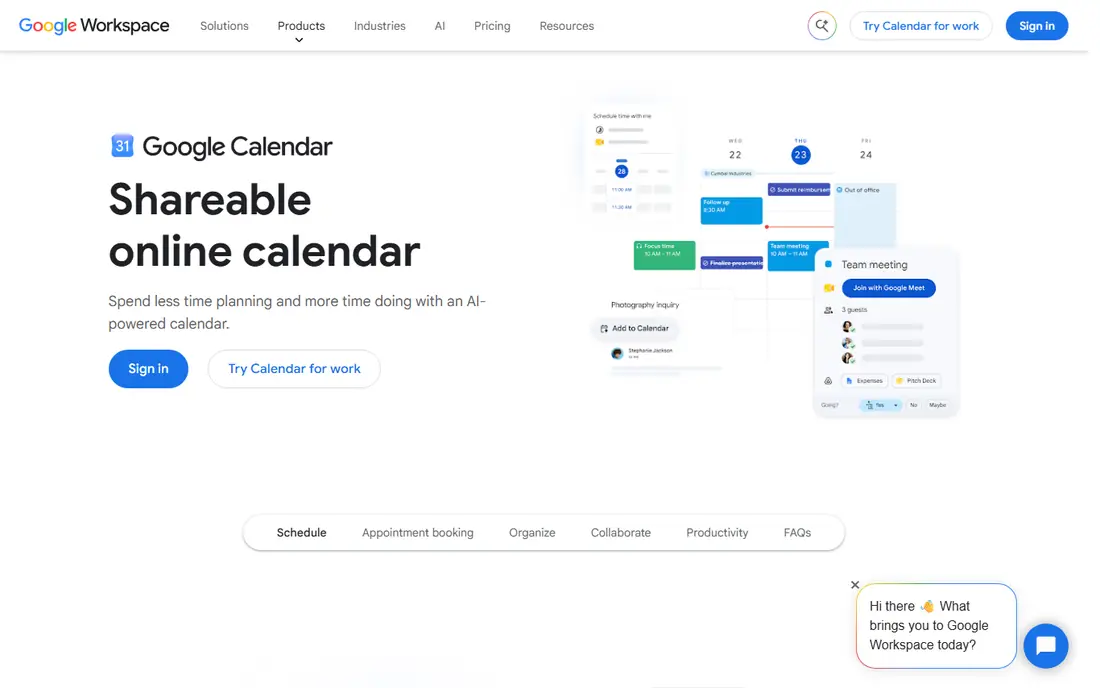
Google Calendar is the safest starting point for most people in India. It is free with a Google account, works on Android, iOS and any browser, and most colleagues and family members already have it. Sharing a calendar, sending an invite and adding a Meet link take only a few taps, which matters when plans span family, work and college.
Indian users can add holiday calendars and set Indian Standard Time as the main zone, with extra zones for calls abroad. The limit is that appointment booking pages and some business features need a paid Google Workspace plan. For personal and family use, the free tier covers the core well.
- Free and widely used
- Easy sharing and invites
- Indian holiday calendars and time zone support
- Booking pages need a Workspace plan
- Design is plain
- Privacy controls need a careful setup
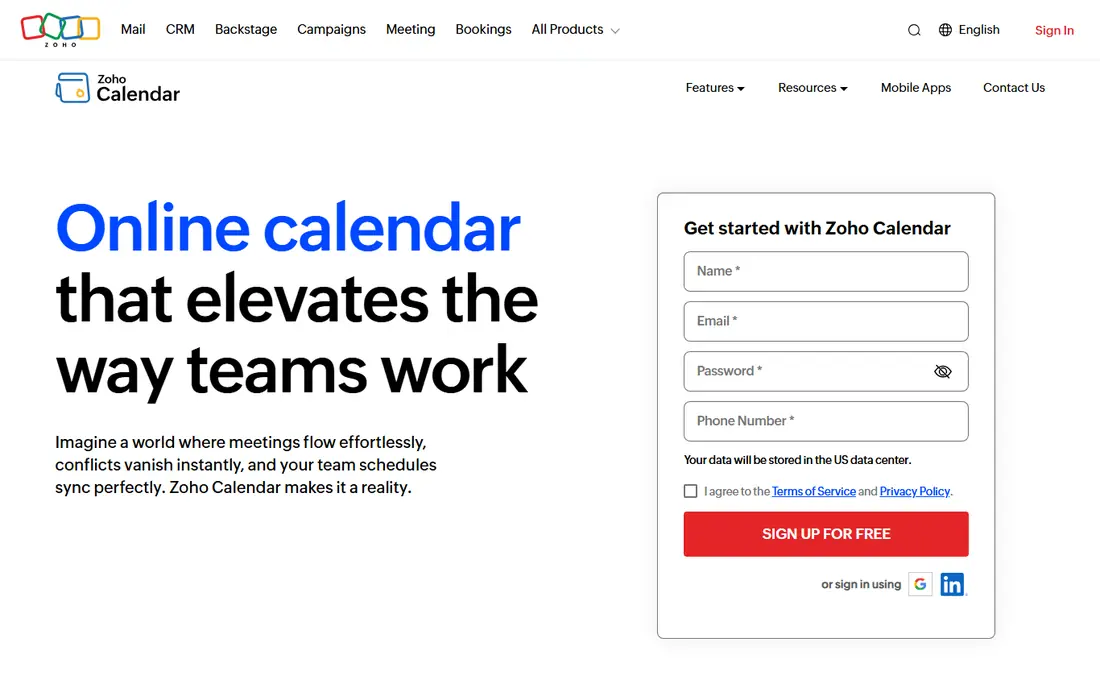
Zoho Calendar is a natural pick for Indian teams already using Zoho products. The standalone calendar is free, and it offers group calendars, sharing, reminders and resource booking for rooms and equipment. For a small business or college team on Zoho Mail, it keeps scheduling inside one account instead of adding another service.
Outside Zoho workplaces, adoption is lower, so sharing with people on Google or Outlook may need invites rather than live shared calendars. Paid Workplace plans add more admin and business features. For Zoho households and teams, though, the fit is clean and the price is hard to beat.
- Free standalone calendar
- Strong sharing and group calendars
- Tight fit with Zoho Mail and Workplace
- Less common outside Zoho workplaces
- Some advanced features need a paid Workplace plan
- Fewer third-party links
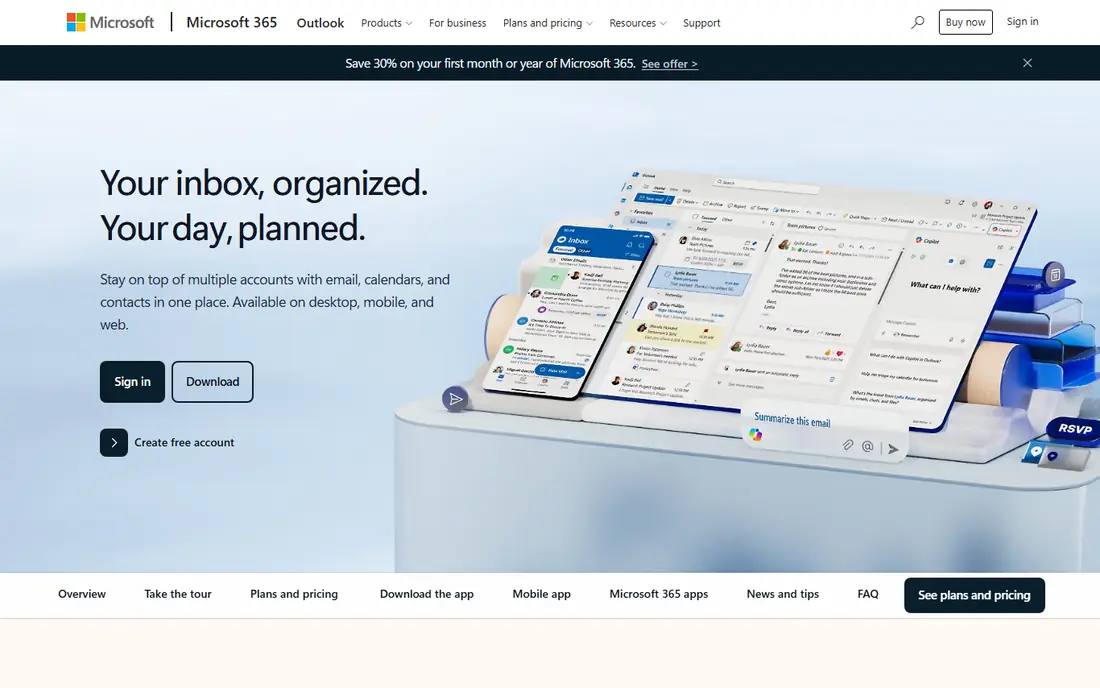
Outlook Calendar suits offices, colleges and professionals who already live in Microsoft 365. Email, calendar, Teams meetings and task lists sit close together, and scheduling a meeting from an email is quick. The free Outlook.com version covers personal use, while paid Microsoft 365 plans add Office apps and more storage.
The catch is cross-platform sharing. Google calendars added to Outlook refresh slowly and do not sync both ways as cleanly as a native calendar. Booking pages also need a business licence in many cases. If your workplace runs on Microsoft tools, those limits matter less than the office fit.
- Free on Outlook.com
- Strong Exchange and Teams links
- Good for office scheduling
- Google calendar sync is limited
- Booking pages need a business licence
- Interface can feel busy
Apple Calendar is the quiet, reliable choice for households that use iPhones, iPads and Macs. It is free, built in and syncs through iCloud, with support for adding Google and Exchange accounts. Family sharing, Siri suggestions and widgets make daily planning feel light, and there is no separate app to install or learn.
The limit is platform. There is no Apple Calendar app for Android or Windows, so mixed-device families may find sharing harder. Booking pages and team scheduling are also weaker than in Google or Outlook. For an all-Apple household, it is often the only calendar needed.
- Free and built into iPhone, iPad and Mac
- Clean design
- Adds Google and Exchange accounts
- No Android or Windows app
- No booking pages
- Calendar sharing is best inside Apple
Notion Calendar suits students and professionals who plan inside Notion already. It pulls in Google calendar events and lets you time-block work, link notes and track tasks beside the calendar. That joined view helps when a day mixes classes, deadlines, meetings and personal tasks.
It is heavier than Google or Apple Calendar, and it works best with a Notion setup already in place. Offline use is also more limited than a native calendar app. For people who already organise life in Notion, it is a strong upgrade, but for simple family scheduling it may be more than needed.
- Calendar plus notes, docs and tasks in one place
- Connects Google calendars
- Clean time-blocking view
- Needs a Notion account for full use
- Heavier than a plain calendar
- Offline use is limited
TimeTree is built for shared life, not office scheduling. Families, couples, flatmates and small teams can share one calendar, add memos to events and discuss plans inside each event. That shared view prevents the common problem of one person holding the family plan in a private calendar.
Work users may miss Exchange links, booking pages and deep task tools. The free tier also includes ads, with a paid tier removing them. For family coordination in India, where several people need the same view of school, work and festival plans, TimeTree is a friendly, practical pick.
- Shared calendars for family, couples and teams
- Simple memo and chat per event
- Works on Android and iOS
- Less suited to heavy work scheduling
- Free tier shows ads
- Business features are limited
TickTick suits people who want tasks and calendar in one place, rather than two apps that drift apart. Tasks can be dragged onto the calendar, habits can be tracked daily and a focus timer helps study and work sessions. Views for day, week and month keep a busy schedule readable.
The free tier covers a lot, but Premium adds more lists, filters and calendar features. Sharing is workable for small groups, but it is not as deep as Google Calendar sharing for a large team. Students and solo professionals in India who juggle study, work and personal tasks will get the most from it.
- Calendar, tasks, habits and focus timer in one app
- Good Android and iOS apps
- Flexible views
- Full features need a Premium plan
- Calendar sharing is simpler than Google
- Setup takes a little time
Proton Calendar is for people who want a calendar with stronger privacy than the mainstream options. Event details are end-to-end encrypted, and the free tier works on web, iOS and Android. That makes it a good personal calendar for sensitive appointments, health visits and private family plans.
The trade-off is sharing and sync. Google events import once rather than syncing live, and booking pages need a paid plan. Integrations are also fewer than Google or Outlook. For a private personal calendar, those limits are acceptable, but for team scheduling a mainstream calendar will be smoother.
- End-to-end encrypted event details
- Free tier on web and mobile
- Based in Switzerland with a privacy focus
- Google sync is import only, not live
- Booking pages need a paid plan
- Fewer integrations than Google
Samsung Calendar is the built-in option for the many people in India who use Samsung phones. It is free, fast and easy to read, and it can sync Google and Exchange calendars, so it does not force a move away from a work or family calendar. Widgets and reminders keep the next few days visible on the home screen.
On non-Samsung phones, the experience is less complete, and there is no Samsung desktop calendar to match. For Samsung owners who want a simple, native calendar without installing another app, it is a solid choice, especially when paired with Google Calendar sync.
- Free and built into Samsung phones
- Clean month and agenda views
- Syncs with Google and Exchange
- Best on Samsung devices
- Fewer features on other Android phones
- No desktop app of its own
How we picked these
We compared official feature and pricing pages, app store listings and public reviews for calendars that work well in India in October 2026. We favoured free tiers, Android and iOS apps, Indian Standard Time and holiday calendar support, and sharing that works with family, college or workplace contacts. We excluded calendars that had closed, that worked only on one desktop platform, or that required a costly subscription for basic personal use.
Choosing a calendar that others will actually use
Ask who you share plans with most, then choose the calendar they already open. A family on Android will likely share best on Google Calendar or TimeTree, while a Microsoft office will share best on Outlook. A Zoho team should start with Zoho Calendar, and an Apple household can stay with Apple Calendar. Switching everyone to a new app rarely works unless the new app solves a clear shared problem.
Time zones, holidays and reminders
Set Indian Standard Time as your main zone and add extra zones only for regular contacts abroad, so event times stay clear. Add an Indian holiday calendar, and check festival dates against local custom, because regional holidays vary across states. Use reminders for bills, school events and travel, and keep one calendar for work and one for family if mixing them causes missed events.
Frequently asked questions
Which calendar app is best in India for most people?
Google Calendar, because it is free, works on Android, iOS and the web, and is the calendar most people in India already use for sharing and invites. Zoho Calendar is a strong alternative for Zoho users, and Outlook Calendar suits Microsoft workplaces.
Is Zoho Calendar free?
Yes, Zoho Calendar is available as a free standalone product for personal and team use. Advanced business features come with paid Zoho Workplace plans, but basic calendars, sharing and reminders work on the free tier.
Can I see Indian holidays in these calendars?
Yes, Google Calendar and several others let you add holiday calendars for India. Check the dates for your state, because some holidays are regional, and confirm festival dates with family or local sources when plans depend on them.
Which calendar is best for family sharing?
TimeTree is built for family and group sharing, with a shared view, memos and discussion per event. Google Calendar also shares well and is more widely used, so it suits families where members already have Google accounts.
Does Apple Calendar work on Android?
No, there is no Apple Calendar app for Android. Apple users can share invites with Android users by email, but Android family members will need Google Calendar, TimeTree or another cross-platform app for a shared live view.
Is Proton Calendar better for privacy?
Proton Calendar encrypts event details end to end, which is stronger privacy than mainstream calendars offer. The trade-off is weaker live sync with Google and fewer integrations, so it suits a private personal calendar more than team scheduling.
Sources
See where you really rank - block by block
ProMapRanker scans Google Maps across a grid of your service area. Simple monthly plans from $19, white-label on every plan.
Start freeKeep reading
 zyte alternatives
Best Zyte Alternatives in 2026
These zyte alternatives cover managed scraping APIs, proxy networks and no code tools for lawful collection from your own or consented sources only in 2026.
Read → zerto alternatives
Best Zerto Alternatives in 2026
Compare the best zerto alternatives for disaster recovery and replication, with recovery targets, cloud options and honest trade-offs for teams in 2026.
Read → zerofox alternatives
Best ZeroFox Alternatives in 2026
We compared 9 zerofox alternatives for brand protection, phishing takedowns, dark web monitoring, and social impersonation, with clear coverage notes.
Read →