 ProMapRanker
Best Calendar Apps in Germany in 2026


Free everyday calendar in Germany · Pricing starts at: Free
Key takeaways
- Google Calendar and Apple Calendar cover most everyday needs in Germany at no extra cost.
- Business Calendar 2, made in Berlin, is the strongest Android-first option with German public holidays built in.
- aCalendar+ suits Android users who want deep control over views, colors, and recurring events.
- Morgen is the pick for people who combine several calendars with tasks and booking pages.
- German public holidays and school holidays matter more than extra features for many households, so check holiday calendars before you switch.
Quick comparison
| Pick | Great for | Pricing starts at | Free tier | |
|---|---|---|---|---|
| Google Calendar | Free everyday calendar in Germany | Free | Yes | Visit |
 Apple Calendar | Apple users in Germany | Free | Yes | Visit |
 Microsoft Outlook Calendar | Work and Microsoft 365 users | Free | Yes | Visit |
 Fantastical | Natural language entry and sets | $6.99 per month | Yes | Visit |
 Morgen | Several calendars plus tasks | $15 per month | Free trial | Visit |
 TimeTree | Shared family and group calendars | Free | Yes | Visit |
 Business Calendar 2 | Android planning in Germany | Free | Yes | Visit |
 aCalendar+ | Android control and views | See website | No | Visit |
 Proton Calendar | Private encrypted calendar | Free | Yes | Visit |
The best calendar apps in germany
We compared official feature pages, pricing pages, and app store listings for calendars that work in Germany, including German holiday support and German-made options. A calendar only earns a place here if it runs on current phones and computers in October 2026.
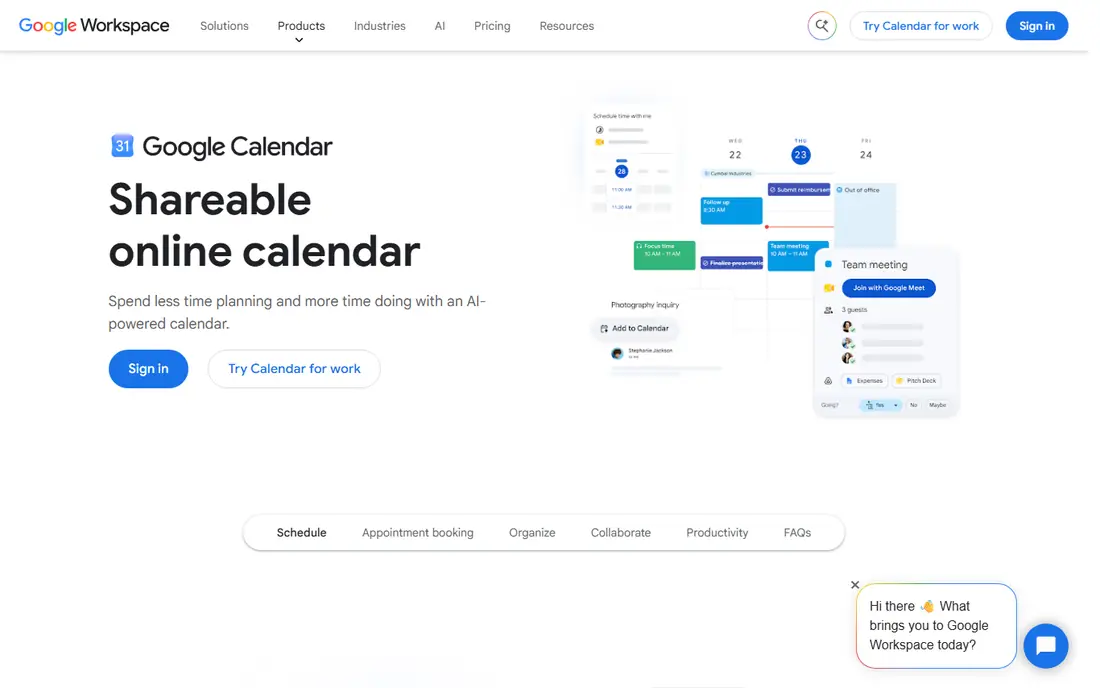
Google Calendar is the default choice for many people in Germany for a simple reason: it is free, it is already on most Android phones, and it syncs well across devices. Adding German public holidays takes a few taps, and shared calendars make it easy for a household or a small team to see the same dates. Gmail and Google Meet links also sit close to events, which helps when a meeting moves online.
The limits show up for people who want booking pages, deep privacy, or richer planning views. Google Calendar does the everyday job well, but it is not the most private option, and power users may want a paid layer on top. For most households, though, it is the sensible place to start, and it costs nothing to try.
- Free with a Google account
- German public holidays can be added
- Works on Android, iOS, and the web
- No end-to-end encryption for events
- Some advanced scheduling needs a paid Workspace plan
- Interface is plain compared with paid rivals
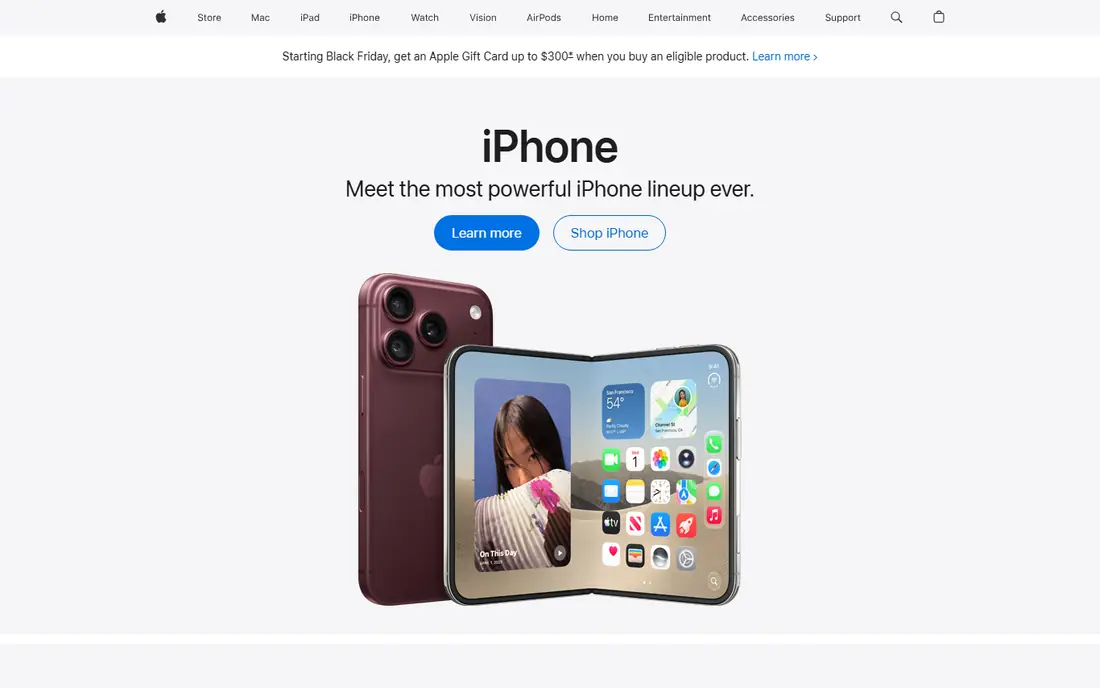
Apple Calendar wins on convenience for people who already live inside Apple devices. It is preinstalled, it syncs through iCloud, and it handles German holidays and family sharing without extra setup. A family can share calendars across iPhones and Macs, and invitations arrive in a familiar form.
The catch is the platform wall. Households with Android phones or Windows computers will find sharing harder, and people who need booking pages must look elsewhere. Still, for an all-Apple household in Germany, Apple Calendar is hard to beat, because it is free, stable, and always at hand.
- Free and built into iPhone, iPad, and Mac
- Syncs through iCloud
- Can add Google and Exchange accounts
- No Android or Windows app
- No booking pages
- Calendar data is not end-to-end encrypted
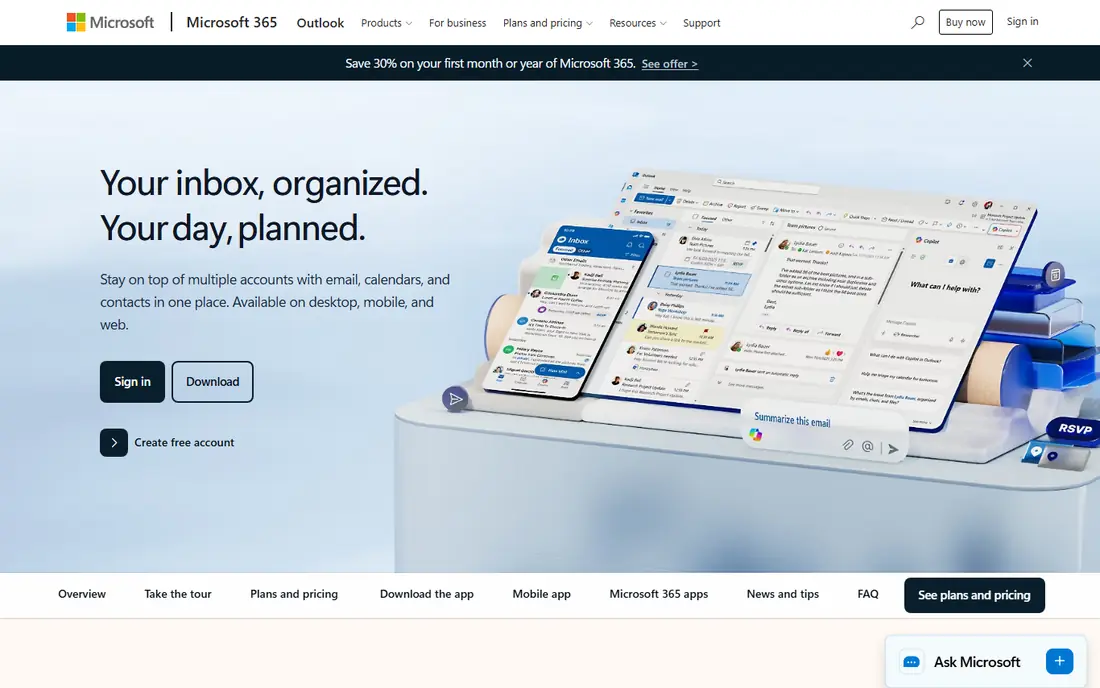
Outlook Calendar is the natural pick when work runs on Microsoft tools. It is free on Outlook.com, and it pairs with Outlook mail and Teams, which many German employers and schools already use. Meeting invitations, room bookings, and shared work calendars all sit in one place, and the apps cover Windows, Mac, Android, and iOS.
For personal use, it can feel heavier than Google or Apple Calendar, and people who mix Google calendars into Outlook may notice slower refreshes. Microsoft 365 Personal, at $9.99 per month, adds the full Office bundle, but the calendar itself does not require that payment. If your work calendar is already in Outlook, staying there saves more hassle than switching.
- Free on Outlook.com
- Strong for work mail and Teams meetings
- Apps on every major platform
- Subscribed Google calendars can refresh slowly
- Full booking features need a business plan
- Interface feels work-first
Fantastical has long been the polished option for Apple users, and it now runs on Windows too. Its natural language entry lets you type an event much as you would say it, and calendar sets let you switch between work, family, and personal views with little effort. Conference links, weather, and travel time round out a thoughtful design.
The free tier covers basic viewing, but the features most people buy Fantastical for sit behind Flexibits Premium, at $6.99 per month or $56.99 per year. That is a fair amount for a calendar when Google and Apple Calendar are free. Buy it for the entry speed and the sets, not for basic date keeping.
- Type events in everyday language
- Calendar sets switch groups of calendars quickly
- Runs on Apple devices and Windows
- Best features need Flexibits Premium
- Price is high for a calendar alone
- Android support is still limited
Morgen is for people whose calendar problem is really a juggling problem. It pulls calendars from Google, Outlook, iCloud, Fastmail, and other services into one view, adds tasks from tools such as Todoist and Notion, and offers booking pages and scheduling links. Time blocking, travel time, and meeting buffers help turn a crowded week into a workable plan.
That power comes at a price. Pro is $15 per month billed annually, or $30 per month on monthly billing, with a 14-day free trial and no ongoing free plan. For a single simple calendar, Morgen is more than you need. For someone who manages several calendars, tasks, and client bookings, the single view can justify the cost.
- Combines Google, Outlook, iCloud, and other calendars
- Tasks, booking pages, and scheduling links in one app
- Runs on web, desktop, and mobile
- No ongoing free plan
- Monthly price is high
- Team plans need at least two seats
TimeTree takes shared planning as its main job, not an afterthought. A family, a sports team, or a flatshare can keep one calendar, add notes and comments to events, and see who is free without passing screenshots around. That social layer is why it ranks well in Germany, where group planning often involves more than one household.
Work users may miss deeper task tools and booking pages, and the interface is plainer than Morgen or Fantastical. For shared family life, though, plain is a strength, because everyone can use it without training. Start free, and only consider the in-app premium tier if you want the extra features it adds.
- Built for shared calendars with comments and chat
- Free tier covers the core sharing features
- Popular in Germany for families and groups
- Design is simpler than paid planners
- Premium features are sold in the app and vary by store
- Less suited to complex work scheduling
Business Calendar 2 deserves attention in a Germany list because it is made in Berlin and built around the needs of German Android users. It syncs with Google Calendar and Exchange, shows public holidays and birthdays, and offers widgets, a year heat map for free days, and flexible recurrences such as every third week. The Pro version adds more widgets, voice input, and sharing options.
The trade-off is platform. This is an Android-first app, so Apple households should look at Fantastical or Apple Calendar instead. The free version is genuinely usable, and the paid upgrade is a one-off style purchase rather than a heavy monthly fee, which suits people who dislike subscriptions.
- Made in Berlin with German holidays and local detail
- Syncs with Google Calendar and Exchange
- Strong widgets and year heat map
- Android-first, so iPhone users get less
- Pro features are a separate purchase
- Design is functional rather than pretty
aCalendar+ is the control freak of this list, in a good way. It offers day, week, month, and year views, more than 100 calendar colors, flexible recurrences, and tasks, all on top of the Android calendar backend. Public holidays and school holidays for some countries can be added, which helps German families planning around term dates.
Because aCalendar+ is the paid version of aCalendar, buyers should check the current store price before purchase, since it varies by store and region. New users may also find the settings deep. For Android users who want their calendar to look and behave exactly as they like, that depth is the point.
- Many views, colors, and recurrence options
- Tasks from Google Tasks and CalDAV
- Made by a German developer, Tapir Apps
- Paid app, so there is no free tier for the Plus version
- Android only
- Settings depth can overwhelm new users
Proton Calendar is the pick when privacy outranks convenience. Event details are end-to-end encrypted, so Proton cannot read them, and the service is based in Switzerland. The free tier is usable on web, mobile, and desktop, and paid plans add booking pages and more storage through Proton Mail Plus or Proton Unlimited.
The cost of that privacy is weaker syncing with Google. Events import once instead of updating live, which can frustrate people who keep a foot in both worlds. If your calendar holds sensitive appointments and you are willing to move fully to Proton, the trade is worth it. If you need live Google sync, Google Calendar remains the simpler choice.
- Event details are end-to-end encrypted
- Free tier runs on web, mobile, and desktop
- Based in Switzerland with strict privacy law
- Google events import once rather than syncing live
- Booking pages need a paid plan
- Some calendar metadata remains visible to the server
How we picked these
We compared official feature pages, pricing pages, and app store listings for calendars available in Germany in October 2026, and we favored apps with German holiday support, local developers, or strong use in Germany. We checked that each app runs on current devices and that its free or paid terms were clear. We did not claim hands-on testing, and we treated vendor pricing as current at the time of writing.
How to choose a calendar in Germany
Start with the devices your household or team already uses. If everyone is on iPhone, Apple Calendar needs no new account. If Android and web matter most, Google Calendar or Business Calendar 2 will fit better. Mixing platforms is where Morgen or Outlook Calendar earns its place, because one view across services beats checking three apps.
Then check holidays and sharing. German public holidays differ by state, and school holidays differ by region, so confirm that your chosen calendar can show the right state and region. For families, a shared calendar with comments, such as TimeTree or Business Calendar 2, often matters more than advanced scheduling features.
Finally, weigh privacy against convenience. A free calendar funded by a large platform will sync widely but hold your data under that platform's rules. An encrypted calendar such as Proton Calendar protects event details but syncs less freely. Pick the balance you can live with for a year, since switching calendars mid-year is the real hassle.
Frequently asked questions
Which calendar app is most popular in Germany?
Google Calendar, Apple Calendar, and Outlook Calendar lead in everyday use in Germany, because they come free with phones and work accounts. Among third-party apps, TimeTree and Business Calendar 2 rank well in German app stores. Popularity alone should not decide the choice, since the best calendar is the one your household will actually keep updated.
Does Google Calendar show German public holidays?
Yes, German public holidays can be added as a holiday calendar, and some holidays differ by state. Check that the calendar you add matches your state, since a national list alone may miss regional holidays. School holidays are a separate calendar in many cases, so add that too if you plan around term dates.
Is Business Calendar 2 German?
Yes, Business Calendar 2 is developed by Appgenix Software, a small team in Berlin, and it includes German public holidays and local detail. It syncs with Google Calendar and Exchange, and it is Android-first. iPhone users who want a similar local feel should look at Apple Calendar or Fantastical instead.
Can I use one calendar across Android and iPhone?
Yes, Google Calendar, Outlook Calendar, TimeTree, Morgen, and Proton Calendar all run across Android and iOS, with web access too. Apple Calendar is the exception, since it has no Android app. If your household mixes phones, choose a cross-platform calendar from the start to avoid double entry.
Is Morgen worth paying for?
Morgen is worth paying for when you manage several calendars, tasks, and booking pages and want them in one view. At $15 per month billed annually, it is not worth it for a single simple calendar, where Google or Apple Calendar does the job free. Use the 14-day trial with your real calendars before deciding.
Which calendar is best for privacy?
Proton Calendar is the strongest privacy pick here, because event details are end-to-end encrypted and the service is based in Switzerland. Its syncing with Google is limited, so privacy comes with a convenience trade. Read each privacy policy before moving sensitive appointments, and avoid sharing a calendar more widely than you need to.
Sources
See where you really rank - block by block
ProMapRanker scans Google Maps across a grid of your service area. Simple monthly plans from $19, white-label on every plan.
Start freeKeep reading
 zyte alternatives
Best Zyte Alternatives in 2026
These zyte alternatives cover managed scraping APIs, proxy networks and no code tools for lawful collection from your own or consented sources only in 2026.
Read → zerto alternatives
Best Zerto Alternatives in 2026
Compare the best zerto alternatives for disaster recovery and replication, with recovery targets, cloud options and honest trade-offs for teams in 2026.
Read → zerofox alternatives
Best ZeroFox Alternatives in 2026
We compared 9 zerofox alternatives for brand protection, phishing takedowns, dark web monitoring, and social impersonation, with clear coverage notes.
Read →