 ProMapRanker
Best Calendar Apps for College Students in 2026

Key takeaways
- Google Calendar and Apple Calendar remain the strongest free starting points, because most students already have an account for one of them.
- My Study Life is the most class-focused pick, with terms, rotating schedules, classes, homework, and exams in one place.
- Notion Calendar and Todoist suit students who want notes, tasks, and dates in the same system, rather than a plain calendar alone.
- Paid apps such as Fantastical and Calendars by Readdle are worth it mainly for fast natural-language entry and a nicer daily view.
- Shared calendars matter as much as design, so check that your pick works with the accounts your classes and clubs already use.
Quick comparison
| Pick | Great for | Pricing starts at | Free tier | |
|---|---|---|---|---|
 Google Calendar | Most students | Free | Yes | Visit |
 Apple Calendar | Apple device users | Free | Yes | Visit |
 Microsoft Outlook | Campus Microsoft 365 users | Free | Yes | Visit |
 Notion Calendar | Notes plus dates | Free | Yes | Visit |
 Fantastical | Fast entry on Apple devices | $6.99 per month | Yes | Visit |
 TimeTree | Shared group calendars | Free | Yes | Visit |
 My Study Life | Class schedules and exams | Free | Yes | Visit |
 Calendars by Readdle | Apple tasks plus events | Free | Yes | Visit |
 Todoist | Assignments as dated tasks | Free | Yes | Visit |
The best calendar apps for college students
A good student calendar has to hold a messy week without turning into a second job. The picks below cover free defaults, class-specific planners, and paid upgrades for students who plan in detail.
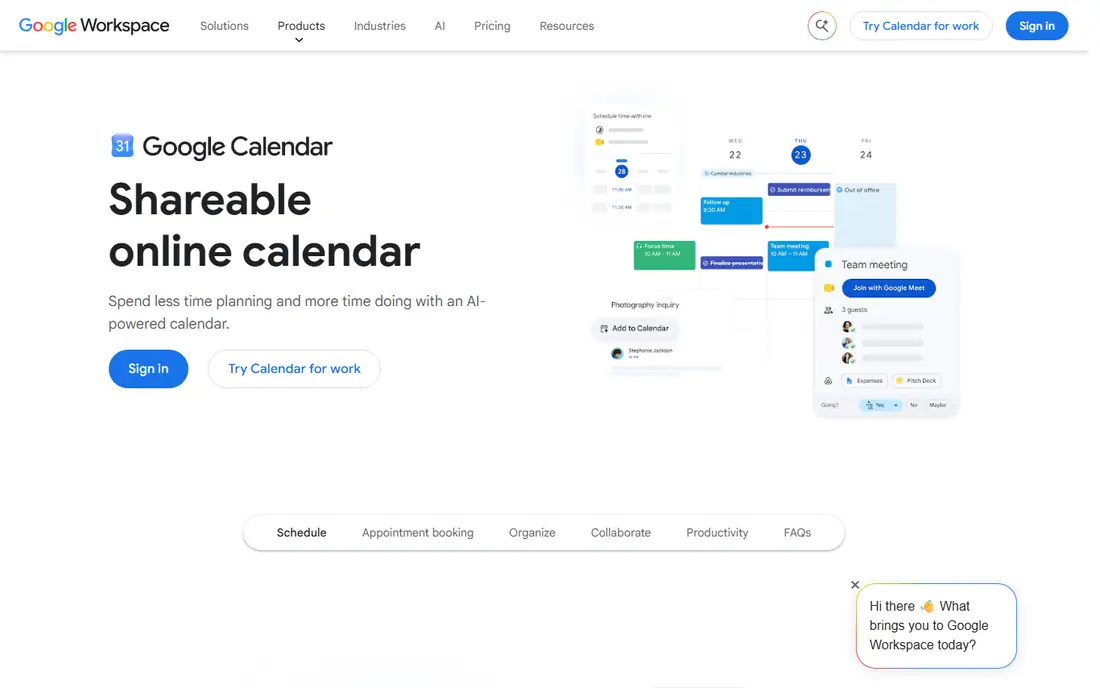
Google Calendar is our pick for most students because it is free, widely supported, and easy to share. A student can keep one calendar for classes, one for work shifts, and one for clubs, then hide any layer when the week gets noisy. Recurring lectures take seconds to set up, and reminders can arrive before class, before a study session, or before a deadline.
The catch is that Google Calendar is a calendar first, not a study planner. It does not track grades, and it does not show a class rotation in the way a school-specific app does. Students who pair it with Google Tasks, a notes app, or a simple assignment list tend to get more from it. For a shared project, the ability to invite classmates and see who accepted is still a clear strength.
- Works on web, iOS, and Android
- Easy sharing and color coding
- Strong links to Gmail, Meet, and Classroom tools
- Task handling is basic compared with a dedicated planner
- The mobile app can feel crowded with many calendars turned on
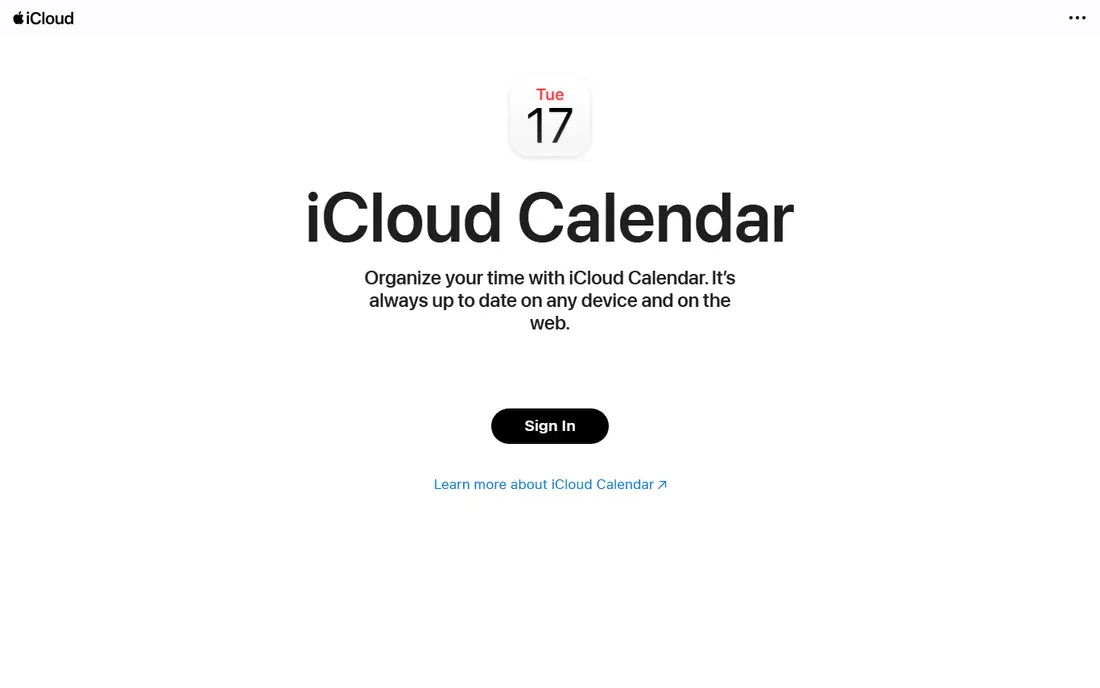
Apple Calendar suits students who already live on an iPhone or a Mac. Events sync through iCloud, and Siri can add a class or a study block without opening the app. The design stays calm, which helps when a day holds lectures, labs, office hours, and a shift at work. Location and travel time also help students who move between buildings or campuses.
Its limits show up in mixed-device households and group projects. A classmate on Android or Windows can still be invited, but the experience is not as smooth as Google Calendar for cross-platform groups. Apple Calendar also lacks built-in assignment tracking, so students need a separate list for homework and exam dates. For a single student on Apple hardware, though, it is hard to beat for zero cost and zero setup.
- Built into iPhone, iPad, and Mac
- Siri can add events by voice
- Travel time can be added to events
- The web version is weaker than the Apple apps
- Sharing with non-Apple users can take extra steps
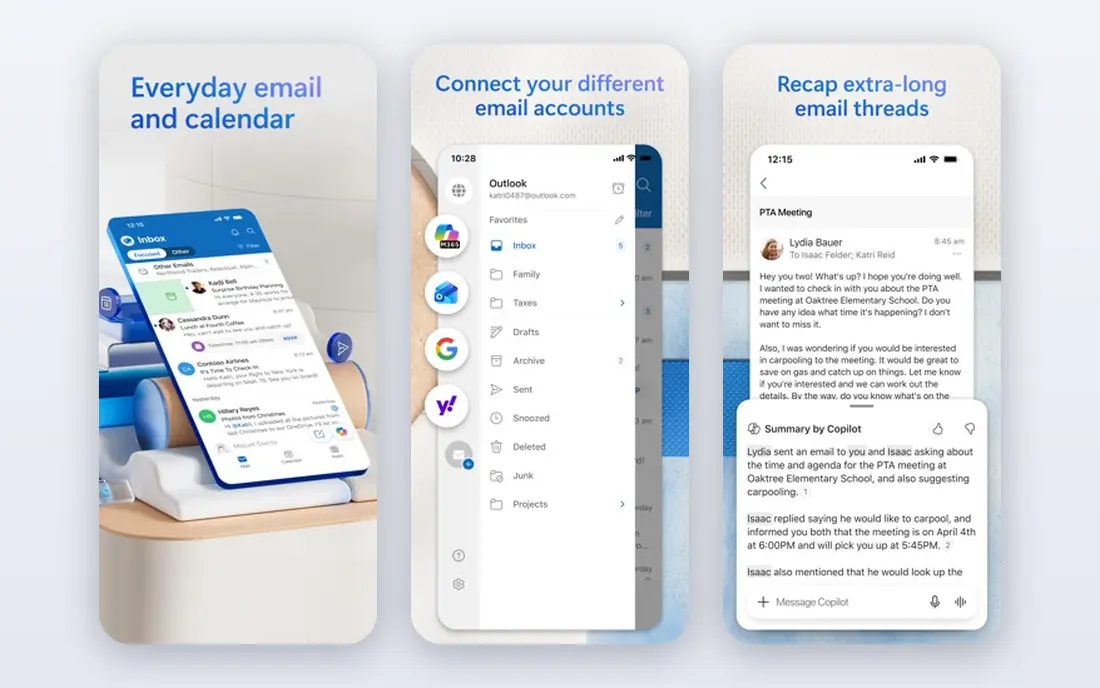
Many colleges run on Microsoft 365, and that makes Outlook the practical pick for those students. Class emails, meeting invites, and calendar events live in one account, and shared calendars work well for group projects and student organizations. Outlook also connects to Microsoft To Do, so a task list can sit beside the week without a separate app.
Outlook is less appealing as a personal calendar for students outside that system. The layout packs in mail, people, and tasks, which can distract from a simple day view. Still, when a professor sends a Teams meeting or a club uses a shared mailbox, Outlook removes friction that a separate calendar would add. Students should check whether their school account includes the full Microsoft 365 apps, since that changes what is free.
- Strong for campuses that use Microsoft 365
- Email, calendar, and tasks sit together
- Good shared calendar options
- The interface can feel busy
- Some advanced features need a paid Microsoft 365 plan
Notion Calendar is a separate calendar app that pulls in Notion pages and databases, which makes it useful for coursework planning. A student can link a project page, a reading list, or an assignment tracker to a date, then see that work on a calendar. It also connects to Google Calendar, so existing class events do not have to be rebuilt from scratch.
The downside is setup. Students who do not already use Notion may find a plain calendar faster for a simple timetable. Notion Calendar also rewards students who keep notes in one place, and it can feel like extra work for someone who only needs lecture times and reminders. For majors with long projects, group work, and research notes, the link between dates and documents is a real advantage.
- Connects calendar events with Notion notes and databases
- Clean week and month views
- Free for individual use
- Setup takes time
- It works best for students already using Notion
Fantastical stands out for speed. Typing a phrase such as a class name, a day, and a time can create an event with far fewer taps than a standard calendar form. Calendar sets let a student switch between a school view, a work view, and a full view, which helps during exam weeks when only study blocks matter. Meeting proposals and templates also help students who schedule tutoring or club meetings often.
The price is the main question. The free tier covers basic viewing and adding, but many of the features that make Fantastical appealing sit behind the paid plan at $6.99 per month or $56.99 per year, based on vendor pricing pages checked in October 2026. Students on a tight budget should try the free tier first and only pay if natural-language entry saves time every day. For Apple users who plan heavily, it is a polished upgrade.
- Natural-language entry is fast
- Calendar sets help separate school, work, and personal life
- Works across Mac, iPhone, iPad, and Windows
- The most useful features need the paid plan
- The free tier is limited
TimeTree is built around shared calendars, which fits roommates, study groups, clubs, and sports teams. One calendar can hold group events, while each member keeps private events separate. Comments on events also help a group agree on a meeting time or a room change without a separate group chat thread.
As a solo calendar, TimeTree is solid but not special. It lacks the class-specific tools of My Study Life and the note links of Notion Calendar. Its paid plan, listed at $4.49 per month in recent comparisons, adds features such as extra storage and ad removal, but most students can start free. TimeTree earns its place here for students whose main problem is coordination, not personal planning.
- Shared calendars are simple to set up
- Each member can keep a personal calendar too
- Works on iOS, Android, and the web
- It is less strong as a solo study planner
- Some useful features need the paid plan
My Study Life is the most school-specific app on this list, and that focus is its strength. Students enter their academic year, terms, and class rotation, then add homework and exams tied to each class. Rotating schedules, which confuse general calendars, are handled directly. Reminders for incomplete homework and upcoming exams help students who juggle several classes at once.
The trade-off is scope. My Study Life is not a general life calendar, and students still need something for work, social plans, and personal appointments, or they need to put everything into this one app. Recent comparisons list a paid option at $6.99 per month or $39.99 per year, while the core academic features remain free. For students who miss deadlines more than they miss meetings, this is the app to try first.
- Built for school terms, rotating schedules, classes, homework, and exams
- Syncs across web, iOS, and Android
- Free core features
- It is less useful outside school planning
- The design is more functional than stylish
Calendars by Readdle gives Apple users a combined view of events and tasks, which suits students who plan study blocks and assignment steps together. Natural-language entry speeds up adding a lecture or a deadline, and the app can pull in Google Calendar and iCloud events. The day view shows what is scheduled and what still needs doing, so a student can spot an overloaded day before it happens.
The main limit is platform. The full app is aimed at iPhone, iPad, and Mac, so students on Android or Windows should look elsewhere. Recent listings put Pro at $19.99 per year, with a lifetime option also listed, so students should check the current App Store listing before paying. For Apple users who want tasks and events in one timeline without switching apps, it is a strong middle ground between a free default and Fantastical.
- Combines events and tasks in one view
- Natural-language entry
- Works with Google Calendar and Apple calendars
- Apple devices only for the full app
- Paid Pro features are needed for the complete experience
Todoist fits students who think in assignments rather than time blocks. A task such as a paper due Friday can be added in plain words, given a priority, and sorted by project for each class. Labels help separate readings, labs, and essays, and recurring tasks cover weekly problem sets. The calendar layout on the Pro plan, listed at $7 per month billed monthly or $5 per month billed yearly in recent comparisons, turns those tasks into a week view.
Todoist is not a replacement for a class timetable on its own. It works best beside Google Calendar, Apple Calendar, or Outlook, where lectures live on the calendar and work steps live in Todoist. Students who already miss assignment steps, rather than class times, will feel the difference quickly. The free Beginner plan covers five personal projects, which is enough to test it for one semester.
- Fast task capture with natural-language dates
- Calendar layout on paid plans
- Works on almost every platform
- It is a task app first, not a full calendar
- The best calendar views need the Pro plan
How we picked these
We compared official feature pages, pricing pages, and app store listings for calendar and planner apps that students actually use, and we kept only apps that are live, cross-device or strong on a major platform, and useful for classes, exams, or group work. We favored free defaults, one school-specific planner, and paid apps only where the paid features solve a clear student problem, such as faster entry or a combined task view. We did not claim hands-on testing, and we checked prices against vendor pages and recent October 2026 comparisons where vendor pages were unclear.
What to check before you commit to a calendar app
Start with the accounts your school already gives you. If classes arrive as Google Calendar invites, or your campus runs on Microsoft 365, the matching default will save setup time and reduce missed invites. Then add one extra layer only if you have a clear gap, such as rotating classes, shared group dates, or assignment steps that keep slipping.
Match the app to your week
A student with a fixed weekly timetable needs little more than a free calendar with reminders and color coding. A student with rotating labs, clinical shifts, or studio blocks needs a planner that handles rotation without manual edits each week. A student with long projects needs tasks and notes linked to dates, not just a grid of events.
Test sharing before the semester gets busy
Invite a classmate or a club officer and check that shared events, edits, and reminders work on their device too. A calendar that looks good alone but fails in a group will cost time during group projects. Also check offline access, since lecture halls and basements do not always have a strong signal.
Keep paid plans on a short trial
Pay only after a free plan has shown a gap. Use the trial period to add a full week of real classes, work, and study blocks, then judge whether entry speed or a combined view actually saved time. Cancel before the trial ends if the answer is no, and keep the free default as a backup so no class dates are lost in a switch.
Frequently asked questions
What is the best calendar app for college students?
Google Calendar is the best starting point for most students, because it is free, works on nearly every device, and shares well with classmates. Apple Calendar is the better pick for students who use only Apple devices, while My Study Life is better for class rotations and exam tracking.
What is the best calendar app for students who also need task lists?
Todoist is the strongest task-first pick, with fast capture, priorities, and a calendar layout on its Pro plan. Notion Calendar suits students who want tasks linked to course notes, while Calendars by Readdle combines tasks and events for Apple users.
What is the best school calendar app for rotating schedules?
My Study Life is built for school terms and rotating schedules, so it handles class patterns that general calendars handle awkwardly. Students should enter the full term and rotation at the start, then add homework and exams per class to get the full benefit.
Is there a good free calendar app for college students?
Yes. Google Calendar, Apple Calendar, and Outlook are all free at the basic level, and My Study Life and TimeTree also offer free core features. Paid apps are optional upgrades, not requirements, for most student schedules.
Should a student use one calendar or two apps?
One calendar for events plus one task list is a practical setup for many students. Put lectures, meetings, and shifts on the calendar, and put assignment steps, readings, and deadlines in a task app or a school planner, then review both once a day.
Sources
- https://calendar.google.com
- https://www.icloud.com/calendar
- https://outlook.live.com/calendar
- https://www.notion.com/product/calendar
- https://flexibits.com/fantastical
- https://timetreeapp.com
- https://www.mystudylife.com
- https://readdle.com/calendars
- https://todoist.com
- https://2sync.com/blog/best-calendar-apps
- https://www.virtosoftware.com/edu/best-calendars-for-college/
See where you really rank - block by block
ProMapRanker scans Google Maps across a grid of your service area. Simple monthly plans from $19, white-label on every plan.
Start freeKeep reading
 who has the best home internet service
Who Has the Best Home Internet Service in 2026
Who has the best home internet service in 2026? Compare fiber, cable, and 5G providers on speed, price, data caps, and availability at your address today.
Read → visio alternatives
Best Visio Alternatives in 2026
Compare 9 Visio alternatives for flowcharts, org charts, and network diagrams, with free plans, pricing, and the best pick for teams and solo users in 2026.
Read → top 10 logistics software
Top 10 Logistics Software in 2026
We compared the top 10 logistics software tools for transport, warehousing, visibility and shipping, for shippers, carriers and 3PL teams in 2026 today.
Read →