 ProMapRanker
Best CAD Software for Hobbyist Makers in 2026


Hobbyists wanting free parametric 3D modelling · Pricing starts at: Free
Key takeaways
- FreeCAD is the only fully free parametric option here with no non-commercial limit.
- Tinkercad is the easiest first step, while Fusion and Onshape suit makers ready for parametric work.
- Onshape Free requires public documents, so private designs need a paid plan.
- LibreCAD covers 2D drafting, while OpenSCAD covers code-based parametric parts.
Quick comparison
| Pick | Great for | Pricing starts at | Free tier | |
|---|---|---|---|---|
| FreeCAD | Hobbyists wanting free parametric 3D modelling | Free | Yes | Visit |
 Tinkercad | Complete beginners and simple 3D prints | Free | Yes | Visit |
 Fusion 360 for personal use | Hobbyists wanting professional-grade parametric tools | Free | Yes | Visit |
 Onshape Free | Makers wanting browser CAD and collaboration | Free | Yes | Visit |
 SketchUp Free | Woodworkers and home designers wanting quick 3D | Free | Yes | Visit |
 LibreCAD | Hobbyists needing free 2D drafting | Free | Yes | Visit |
 OpenSCAD | Makers that like code-based design | Free | Yes | Visit |
 Solid Edge Community Edition | Hobbyists wanting a professional CAD feel for free | Free | Yes | Visit |
The best cad software for hobbyist
This guide compares CAD tools for hobbyist makers, from beginner browser tools to free parametric programs. Licence limits matter here, since several free tiers allow personal use only.
Licence limits are stated plainly where they apply. Fusion 360 for personal use, Onshape Free and Solid Edge Community Edition are not commercial licences, and Onshape Free documents are public. Do not use a personal or community tier for paid commercial work unless the vendor terms clearly allow it.
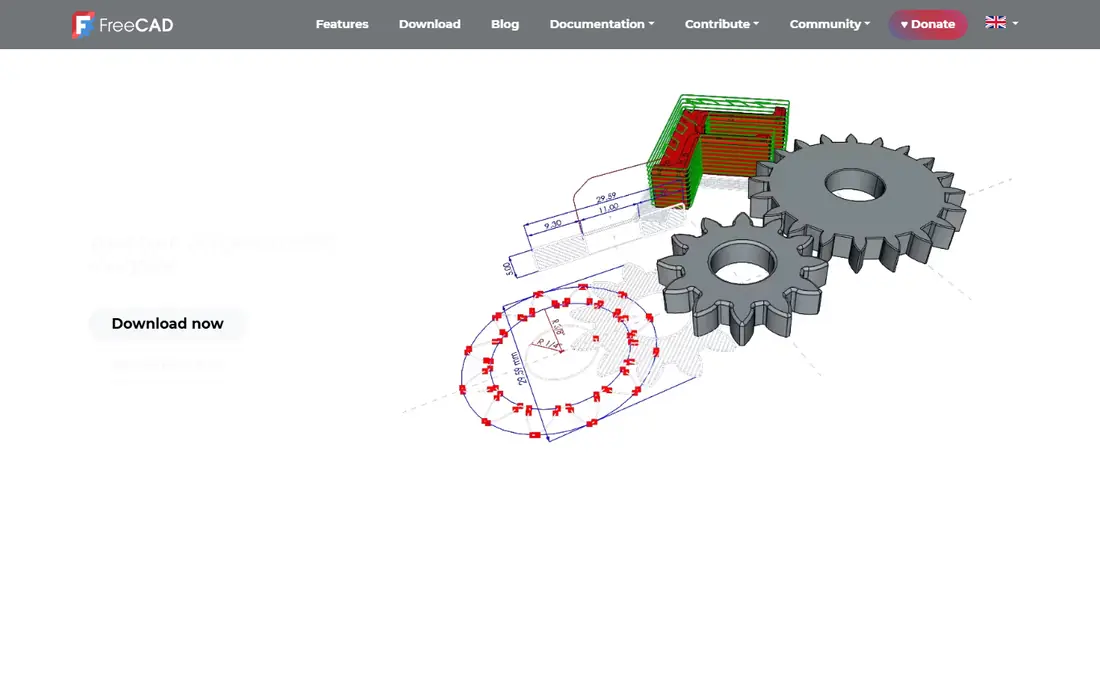
FreeCAD suits hobbyists that want real parametric modelling without paying or accepting a non-commercial limit. Sketches, parts, assemblies, sheet metal and 2D drawings sit in one open source program, and changes to a dimension update the model cleanly. That parametric approach matters for functional parts, where a bracket must fit a known hole pattern and a known printer bed, and where a later tweak should not force a rebuild from scratch.
The learning curve is steeper than Tinkercad or Fusion, and the interface feels less polished, so beginners should expect tutorial time. Support is community-based, which means answers come from forums and guides rather than a vendor help desk. Choose FreeCAD when free, open and parametric matter more than instant ease, and when the maker wants a tool that can grow with more complex projects.
- Free and open source parametric modelling
- Parts, assemblies and 2D drawings
- No licence fee
- Steeper learning curve
- Interface feels less polished
- Community support only
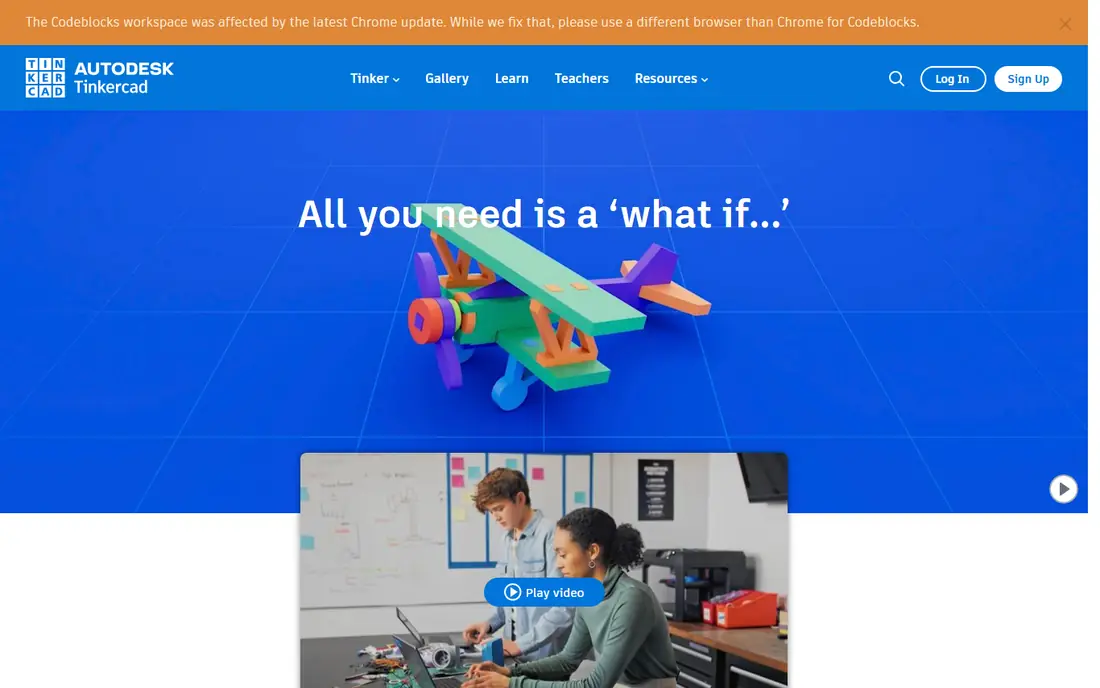
Tinkercad suits complete beginners that want a first printable model in one sitting. It runs in a browser, uses simple shapes and Boolean operations, and needs no install, which removes the usual setup barrier. That simplicity helps children, classrooms and new makers learn 3D thinking before moving to a parametric tool, and the first success often comes within an hour.
It is not suited to complex, precise or parametric work, so makers will outgrow it when parts need tight tolerances or assemblies. Drafting tools are also limited, and an account is needed to save work. Pick Tinkercad when a fast, friendly first step matters more than engineering depth, and when the goal is a simple print rather than a precise mechanical part.
- Browser-based and very easy to learn
- Shape-based modelling
- Classroom friendly
- Not suited to complex or precise parametric work
- Limited drafting tools
- Needs an account
Fusion 360 for personal use
Great for: Hobbyists wanting professional-grade parametric tools
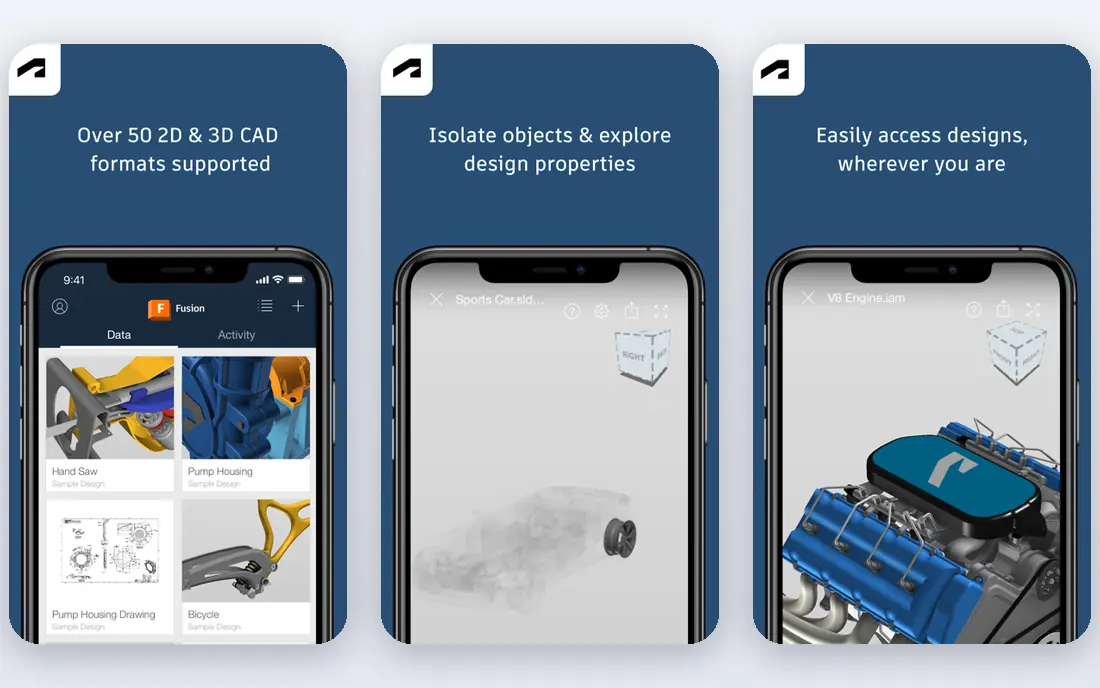
Fusion 360 for personal use suits hobbyists that want professional-grade tools for home projects. Parametric modelling, assemblies and CAM tools cover most maker projects, from printed parts to machined pieces, with a large tutorial library to learn from. Exports for 3D printing remain available, which keeps the path from design to printer short, and the workflow feels close to commercial CAD.
The personal licence is for non-commercial, home-based use only, with limits on active documents and on some exports and simulation features. Makers who later sell designs will need a paid licence, so the personal tier should be treated as a learning and hobby tool, not a business tool. Choose Fusion when professional tools matter, provided the project stays within the personal licence terms.
- Professional parametric CAD with CAM tools
- Large tutorial library
- 3D print exports
- Personal licence is non-commercial only
- Active document limit
- Some exports and simulation are restricted
Onshape Free suits makers that want modern CAD in a browser, with collaboration built in. Parametric modelling, assemblies and version control run entirely online, so a low-spec laptop can handle serious design work. Real-time collaboration and version history help clubs, classrooms and open source projects share designs cleanly, without passing files back and forth or losing track of changes.
Free documents are public, which rules out private or commercial designs, and a stable internet connection is required. Makers that need private documents must move to a paid plan, so the free tier fits open projects best. Pick Onshape Free when browser access and collaboration matter, and public documents are acceptable for the project in hand.
- Full browser CAD with version control
- Real-time collaboration
- No install
- Free documents are public
- Needs a stable internet connection
- Paid plan needed for private work
SketchUp Free suits woodworkers and home designers that think in rooms, furniture and simple structures. Push-pull modelling lets users draw a shape and pull it into 3D, which feels natural for cabinets, sheds and room layouts. The web version needs no install, and a large library of community models helps beginners start from an existing design, rather than drawing every piece from scratch.
Precise parametric control is limited, and advanced exports and desktop features need paid tiers. That makes SketchUp Free better for visual planning than for tight-tolerance mechanical parts. Choose SketchUp Free when quick visual design matters more than engineering precision, and when the project is a room, a piece of furniture or a simple structure.
- Intuitive push-pull modelling
- Web-based
- Strong for rooms and woodwork
- Free plan is web-only
- Precise parametric control is limited
- Advanced exports need paid tiers
LibreCAD suits hobbyists that need accurate 2D drawings, not 3D models. Floor plans, mechanical drawings and laser-cut patterns can be drawn precisely, with DXF support for sharing files with other tools. Its lightweight design runs well on older computers, which helps makers that do not need a heavy 3D program for a flat drawing job.
It offers no 3D modelling, so makers that need printed parts should pair it with FreeCAD, Fusion or Onshape. The interface is plain, and newcomers to CAD will still need time to learn layers, dimensions and drawing standards. Pick LibreCAD when 2D drafting, floor plans and cut patterns are the main job, and when a free, open tool with no commercial limit is preferred.
- Free and open source 2D drafting
- DXF support
- Lightweight and fast
- 2D only, with no 3D modelling
- Interface is plain
- Learning curve for CAD newcomers
OpenSCAD suits makers that prefer writing code to dragging shapes on screen. Models are defined in code, so dimensions, patterns and variants can be changed by editing a number, with repeatable results every time. That approach suits parametric parts, enclosures and mounts, where the same design must scale cleanly to new sizes, and where a small change should update every related feature.
It requires programming knowledge, and organic or sculpted forms are slow to build compared with mesh tools. There is no interactive dragging of shapes, so visual designers may find it frustrating at first. Choose OpenSCAD when code, precision and repeatability matter more than visual modelling, and when the maker enjoys a script-based workflow.
- Code-based parametric models
- Precise and repeatable dimensions
- Free and open source
- Requires programming knowledge
- No interactive dragging of shapes
- Slower for organic forms
Solid Edge Community Edition
Great for: Hobbyists wanting a professional CAD feel for free
Solid Edge Community Edition suits hobbyists that want a professional CAD feel without a subscription. Parametric parts, assemblies and drafting tools give makers a path close to commercial CAD, with a structured design workflow. That structure helps makers that plan to learn professional CAD habits, rather than only quick print models, and community learning material supports that longer learning path.
The community licence is for non-commercial use only, and makers should confirm current system and licence terms before starting a project. Its Windows focus may also matter for makers on other systems. Pick it when a professional workflow matters, provided use stays within the community licence, and when the maker wants skills that transfer to commercial CAD later.
- Professional-grade parametric CAD
- Assemblies and drafting
- Community learning material
- Non-commercial use only
- Windows focus
- Full commercial version is paid
How we picked these
We compared official product pages, pricing pages, documentation and public reviews, and we kept only tools that are live and truly fit the topic in October 2026. We checked starting prices and free tiers against vendor pages where they were published, and we wrote See website where a price was quote-based, conflicting across sources, or not published. We did not claim hands-on testing, and we weighed one concrete strength against one honest weakness for every option.
Choosing hobbyist CAD by project type and licence
Start with the project, not the brand. Simple prints suit Tinkercad, functional parts suit parametric tools, rooms and furniture suit SketchUp, and laser patterns suit LibreCAD. A tool that fits the project will teach faster than a powerful tool used for the wrong job.
Next, read the licence before you invest time. Personal and community tiers often ban commercial use, limit documents or make designs public. If a project might later be sold, choose a tool whose terms already allow that use, such as FreeCAD, LibreCAD or OpenSCAD.
Finally, check the learning path. Tutorial libraries, community models and printer export support matter as much as features, since hobbyist progress depends on help when a model fails. Pick a tool with guides for your exact goal, whether that is printing, woodwork or drafting.
Frequently asked questions
What is the best CAD software for a hobbyist beginner?
Tinkercad is the easiest first step, since it runs in a browser and uses simple shapes. Makers that want to grow into parametric design should then try FreeCAD, Fusion for personal use or Onshape Free.
Is Fusion 360 really free for hobbyists?
Yes, for personal, non-commercial, home-based projects, within its licence limits. Active documents are limited, some exports and simulation features are restricted, and commercial work needs a paid licence.
Can I sell designs made with free CAD software?
It depends on the licence. FreeCAD, LibreCAD and OpenSCAD allow commercial use, while Fusion personal use, Onshape Free and Solid Edge Community Edition do not, so check terms before selling.
Do I need a powerful computer for hobbyist CAD?
Not always. Tinkercad and Onshape run in a browser, while FreeCAD and LibreCAD are lightweight. Fusion and Solid Edge need more local power, so check system requirements before installing.
Which CAD tool is best for 3D printing?
FreeCAD, Fusion for personal use and Onshape suit precise functional prints, while Tinkercad suits simple prints and OpenSCAD suits parametric parts. SketchUp suits visual models more than precise printed parts.
Sources
See where you really rank - block by block
ProMapRanker scans Google Maps across a grid of your service area. Simple monthly plans from $19, white-label on every plan.
Start freeKeep reading
 what’s the best risk software for enterprises
What Is the Best Risk Software for Enterprises in 2026
We compared what’s the best risk software for enterprises on risk registers, controls, third-party risk, and reporting, with pricing notes for large teams.
Read → what's the best pam software for enterprises
What is the Best PAM Software for Enterprises in 2026
Find what's the best pam software for enterprises, with vaulting, session recording, just in time access and pricing compared for large enterprise IT teams.
Read → what’s the best grc software
What Is the Best GRC Software in 2026
We compared what’s the best grc software on risk, compliance, audit and vendor risk, so teams can pick a platform that fits their frameworks and budget.
Read →