 ProMapRanker
Best CAD CAM Software for Hobbyist Makers in 2026


Integrated CAD and CAM for serious hobby projects · Pricing starts at: $680 per year
Key takeaways
- Fusion 360 is the most complete hobbyist CAD and CAM package, with a free personal use tier for non commercial work and paid plans from $680 per year.
- FreeCAD and Carbide Create cost nothing to start, and they cover real parametric design and basic CNC work without a subscription.
- VCarve Desktop, MeshCAM and SheetCAM use one time pricing, which suits hobbyists who dislike subscriptions for wood and sign work.
- Safety and fit matter: check material, cutter, machine and post processor compatibility before cutting, and never assume a result is guaranteed.
Quick comparison
| Pick | Great for | Pricing starts at | Free tier | |
|---|---|---|---|---|
| Autodesk Fusion 360 | Integrated CAD and CAM for serious hobby projects | $680 per year | Yes | Visit |
 FreeCAD | Free parametric CAD with CAM workbench | Free | Yes | Visit |
 Carbide Create | Easiest free CAD and CAM start | Free | Yes | Visit |
 Vectric VCarve Desktop | Wood signs and 2.5D carving on small machines | $349 one-time | Free trial | Visit |
 Easel | Browser based CNC for first time owners | See website | Yes | Visit |
 Estlcam | Low cost CAM plus machine control | See website | Free trial | Visit |
 MeshCAM | Simple 3D milling from STL files | $250 one-time | Free trial | Visit |
 SheetCAM | 2D plasma, router and laser CAM | $279 one-time | Free trial | Visit |
 Carveco Maker | Carving, relief and sign design | See website | Free trial | Visit |
The best CAD CAM software for hobbyist makers
Hobbyist CAD and CAM means designing a part, turning it into toolpaths and cutting it on a desktop CNC, router or mill. We compared tools that a hobbyist can actually afford and learn, with a focus on free tiers, one time pricing and realistic machine sizes. A plain safety note applies to every tool here: check material, cutter, speeds, machine limits and post processor compatibility before you cut, wear appropriate protection, and do not assume any software guarantees a safe or successful result.
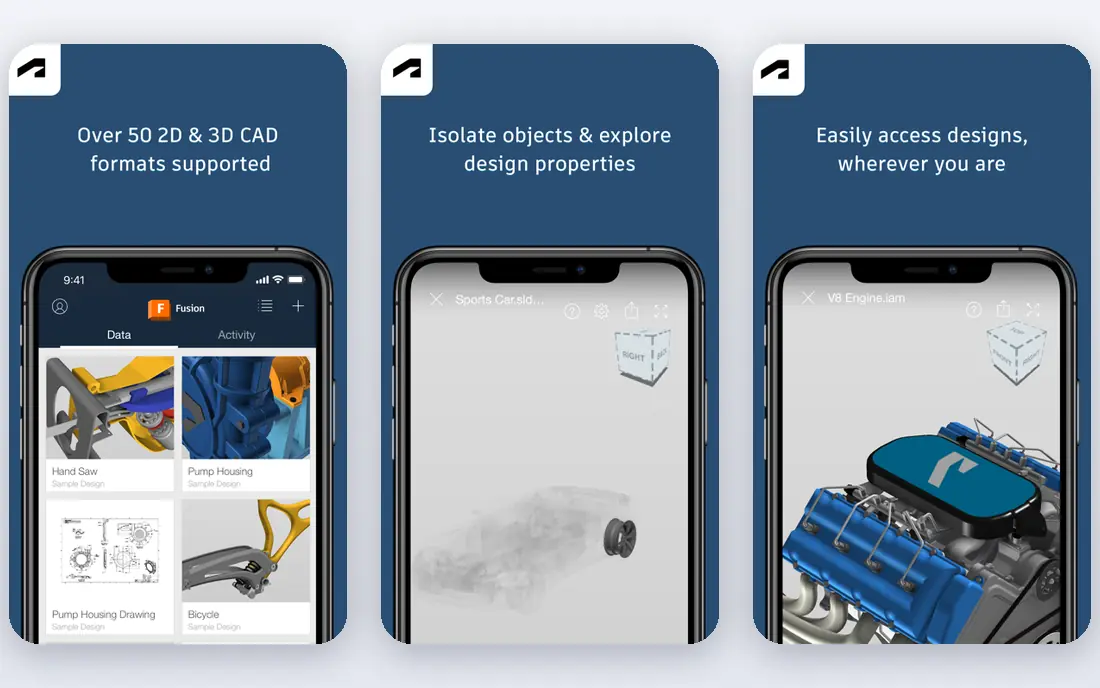
Fusion 360 is the default answer for a hobbyist who wants to grow into serious machining without switching tools every year. Parametric CAD, CAM toolpaths, assemblies, drawings and simulation live in one package, so a part can move from sketch to toolpath without exporting between programs. The personal use tier is free for non commercial work, with limits such as a cap on active documents, while commercial plans start at $680 per year.
The limits deserve attention. Personal use is not a commercial licence, and some advanced CAM features sit behind paid extensions. Fusion 360 also leans on cloud services, so offline work is more limited than a desktop only tool. If you make parts for sale, budget for a paid plan. If you make parts for yourself and want the most complete hobby package, start here.
- CAD, CAM, simulation and drawings in one package
- Free personal use tier for non commercial work
- Large tutorial community
- Paid plans start at $680 per year
- Personal tier limits documents and some CAM features
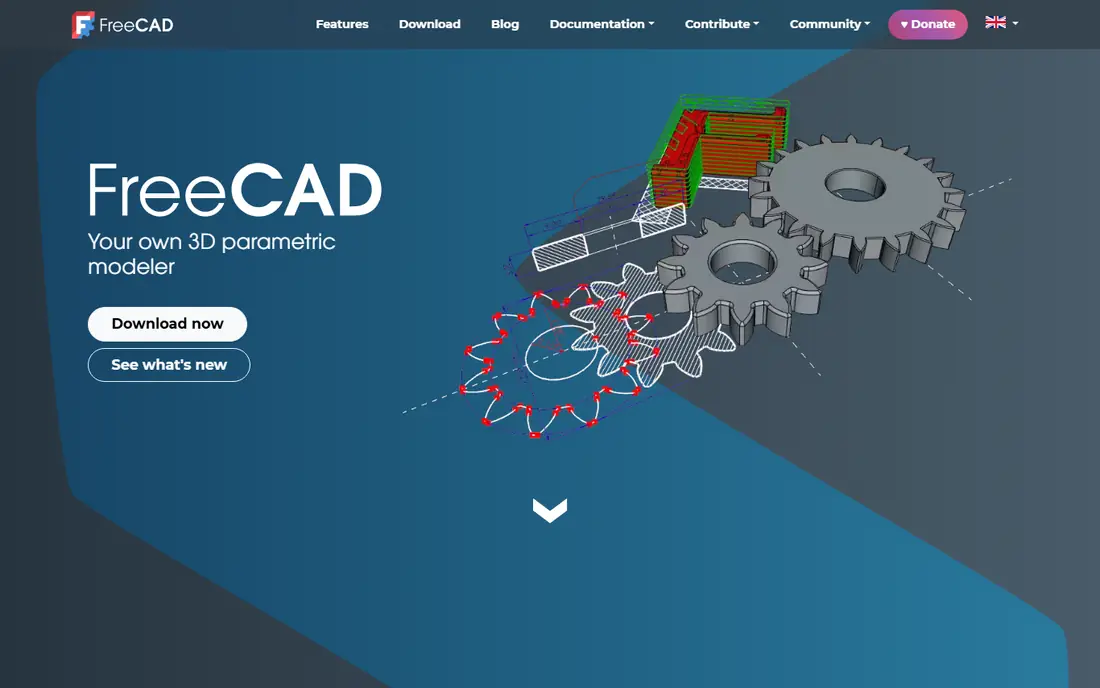
FreeCAD is the best free parametric CAD tool for a hobbyist who wants real engineering models without a subscription. Sketches, constraints, assemblies and technical drawings cover most mechanical projects, and the Path workbench can generate toolpaths for milling jobs. Because it is open source, there is no document limit, no personal use boundary to cross and no renewal to track.
The trade off is polish and learning time. The interface and workflow take longer to learn than Carbide Create or Easel, and CAM help is more community driven than tutorial led. FreeCAD suits a maker who enjoys learning the fundamentals and wants a tool that will never lock a project behind a licence change. Pair it with patience and a first simple project.
- Free open source parametric modelling
- Path workbench for CNC jobs
- No licence limits on personal or commercial use
- Learning curve is steeper
- CAM documentation is thinner than commercial tools
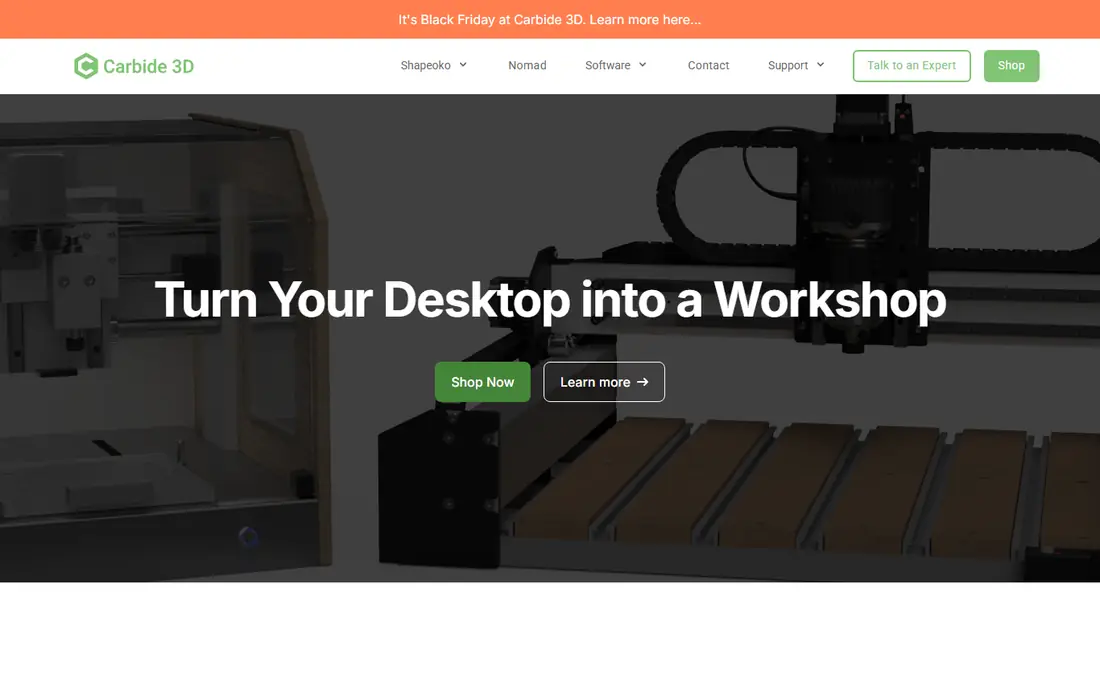
Carbide Create is the gentlest on ramp in this list. The free version handles 2D design, pockets, profiles, drilling and V carving with a clear interface, and it works well for signs, plaques, brackets and simple parts. Pro, at $120 per year as a subscription or $360 as a perpetual licence with a year of updates in recent listings, adds 3D modelling, STL import, rest machining and standard G code for non Carbide machines.
The free version will not replace Fusion 360 for complex 3D parts, and its design tools are deliberately simple. That simplicity is the point for a first time CNC owner. Start free, learn feeds, speeds and workholding on small projects, and upgrade only when a 3D or tiling job actually needs Pro.
- Free basic version
- Very easy 2D design and toolpaths
- Pro adds 3D, rest machining and standard G code
- Basic version is 2D focused
- Pro subscription or perpetual licence adds cost for 3D work
VCarve Desktop is the woodworker's favourite for a reason. It combines drawing, layout, V carving, pocketing, profiling and texture toolpaths in a package aimed at hobby machines up to 24 by 24 inches. Signs, plaques, inlays and decorative panels are its home ground, and the preview helps you spot a depth or cutter problem before you cut wood.
The Desktop limit matters. If your machine is larger, or your work becomes commercial, you will need VCarve Pro, which costs more. VCarve is also Windows focused, with Mac use through virtualisation and limited support. At $349 one time, Desktop is a fair price for a hobbyist who mainly carves wood and wants to avoid a subscription.
- Strong 2D and 2.5D design and toolpaths
- V carving and texture tools
- One time purchase for hobby machines
- Desktop edition is limited to machines up to 24 by 24 inches
- Windows focused with limited Mac support
Easel, from Inventables, removes the install step entirely. You design in a browser, set material and bit details, preview the carve and send it to a compatible CNC, which makes it ideal for a first machine in a home workshop or classroom. The free tier covers basic design and carving, while Easel Pro adds features such as V carving, 3D carving support and additional fonts and tools in recent listings.
Complexity is the limit. Easel is not a parametric CAD tool, and it will not suit a maker designing precise mechanical assemblies. It is best judged as a carving workflow, not a full CAD system. For a beginner with a desktop router who wants a first successful cut this weekend, Easel is an excellent, low friction start.
- Runs in a browser with no install
- Very simple design and carve workflow
- Good fit for Inventables machines
- Limited for complex 3D or parametric work
- Advanced features sit behind Easel Pro
Estlcam takes a different route: it focuses on CAM and machine control, rather than trying to be a full CAD suite. You import a design, create toolpaths, and in many setups control the machine from the same program, which reduces the number of tools in the chain. That directness appeals to hobbyists who already design elsewhere and want a low cost, practical CAM step.
The interface is functional, not beautiful, and design tools are basic, so most users will pair Estlcam with FreeCAD, a vector editor or another CAD tool. Pricing is low cost and licence based, so check the current price on the vendor site before budgeting. For a hobbyist who values control and low cost over polish, Estlcam is a strong, underrated pick.
- CAM plus CNC controller in one program
- Low cost licence
- Good for routers and mills with GRBL style control
- Interface is functional rather than polished
- CAD design tools are basic
MeshCAM is built for one job: turn an STL file into a 3D milling job with as little fuss as possible. You load a model, set stock and cutter details, choose roughing and finishing strategies and generate toolpaths, without navigating a full CAD interface. That simplicity suits relief carvings, moulds, organic shapes and parts designed in another program.
It is not a design tool. If you need to create or edit parametric parts, you will design in FreeCAD or Fusion 360 first and use MeshCAM only for CAM. At $250 one time, it is a fair price for a hobbyist who regularly mills 3D files and wants that step to stay simple. Check machine and post processor compatibility before buying, as with any CAM tool.
- Very simple 3D CAM workflow from STL
- One time price of $250
- Good for reliefs and organic shapes
- Limited CAD design tools
- Not a full parametric CAD and CAM suite
SheetCAM owns the 2D side of hobby CAM. It handles profiles, pockets, drilling, plasma cutting and laser work with a practical workflow, nesting to save material and post processors for many machines. For a hobbyist with a plasma table, a router or a laser who mainly cuts flat parts, SheetCAM is often the most direct tool for the job.
It will not help with 3D milling, so a maker who needs both 2D and 3D work will pair it with MeshCAM or Fusion 360. The interface is functional rather than modern, and learning the post processor setup takes a first project or two. At $279 one time, SheetCAM is a solid, long lasting purchase for flat part work.
- Strong 2D CAM for plasma, router and laser work
- One time price of $279
- Good nesting and post processor support
- 2D focused, so 3D milling needs another tool
- Interface is practical rather than modern
Carveco Maker sits between artistic design and CNC carving. It is well suited to reliefs, signs, decorative panels and artistic projects, where texture, lettering and sculpted surfaces matter more than parametric dimensions. That focus makes it a natural alternative to VCarve for makers who lean artistic rather than mechanical.
Pricing is subscription based in recent listings, so check the current Maker plan before comparing it with one time tools such as VCarve Desktop or MeshCAM. Carveco is also less obviously right for precise engineering parts, where FreeCAD or Fusion 360 will serve better. For artistic carving, though, it deserves a trial alongside VCarve.
- Strong relief, carving and sign tools
- Browser and desktop options in recent listings
- Good for artistic CNC work
- Subscription pricing in recent listings
- Less suited to precise parametric engineering parts
How we picked these
We compared official product pages, pricing pages and CNC comparisons, and we kept tools with a live product in October 2026 that a hobbyist can buy, try or use free without a commercial shop budget. We looked for CAD plus CAM coverage, free or one time pricing, machine compatibility, post processor support and learning resources. Where a vendor does not publish a clear price, we wrote See website rather than repeating a reseller price as a vendor price.
What to check before you cut
Match the software to your machine first. Check bed size, controller type, post processor, supported file formats and whether the tool exports standard G code or machine specific code. A beautiful design that your machine cannot read is wasted work, so run a small test cut in scrap material before a real project. Check material and cutter compatibility too, since wood, plastic, aluminium and steel need different speeds, feeds and cutters.
Next, plan safety and workholding. Secure the material, check tool length and clearance, preview the toolpath, and keep hands, loose clothing and dust away from the cutting area. Start with conservative speeds on a new material or cutter, and learn your machine manual before pushing for speed. No software in this list guarantees a safe cut or a perfect part, and the operator remains responsible for setup and supervision.
Frequently asked questions
What is the best free CAD CAM software for a hobbyist?
FreeCAD and Carbide Create are the best free starting points. FreeCAD gives you parametric CAD and a CAM workbench, while Carbide Create gives you the easiest 2D design and toolpath workflow. Fusion 360 personal use is also free for non commercial work, with limits on documents and some features.
Is Fusion 360 free for hobbyists?
Yes, for personal non commercial use, with limits such as a cap on active documents and restricted CAM features in recent listings. Commercial work, including parts made for sale, needs a paid plan, starting at $680 per year. Check the current personal use terms on Autodesk's site before relying on the free tier.
Do I need separate CAD and CAM software?
Not always. Fusion 360, Carbide Create and VCarve combine design and toolpaths in one package, while MeshCAM, SheetCAM and Estlcam focus mainly on CAM. Separate tools suit makers who already design in one program and only need CAM, while integrated tools suit makers who want one workflow from sketch to cut.
Which tool is best for wood signs?
VCarve Desktop and Carveco Maker are the strongest sign tools here, with V carving, lettering and texture features built for wood. Carbide Create and Easel also handle simple signs well at lower cost. Choose VCarve for a one time purchase on a small machine, and Carveco when relief and artistic carving matter most.
Can I use these tools on a Mac?
Some tools are Windows focused, including VCarve and Estlcam, while FreeCAD, Fusion 360 and browser based Easel work more easily across platforms. Check system requirements for your exact machine and operating system version before buying, especially for CAM tools with controller features.
What should I check for machine compatibility?
Check bed size, controller, post processor, file formats and G code output. Confirm that the software supports your machine model or a compatible post processor, and run a test cut in scrap material first. Material, cutter and speed choices also affect fit, so do not assume a toolpath made for one machine works unchanged on another.
Sources
- https://www.autodesk.com
- https://www.freecad.org
- https://carbide3d.com
- https://www.vectric.com
- https://www.inventables.com
- https://www.estlcam.de
- https://www.grzsoftware.com
- https://sheetcam.com
- https://carveco.com
- https://rankite.com/blog/top-cad-cam-software
- https://rankite.com/blog/best-cam-software-for-cnc
See where you really rank - block by block
ProMapRanker scans Google Maps across a grid of your service area. Simple monthly plans from $19, white-label on every plan.
Start freeKeep reading
 worlds best local seo company
8 Worlds Best Local SEO Companies for Map Pack Growth in 2026
Compare the worlds best local seo company options for Google Business Profile work, citations, reviews, and multi-location rankings and reporting in 2026.
Read → world's best web hosting company
World's Best Web Hosting Company in 2026
Searching for the world's best web hosting company? We compared 10 hosts on price, renewal rates, speed, and support to help you choose well today in 2026.
Read → who's got the best nanny tax services
Who's Got the Best Nanny Tax Services in 2026
We answer who's got the best nanny tax services, comparing full filing, back taxes, software, and pricing so families can handle nanny taxes correctly.
Read →