 ProMapRanker
Best Business VoIP Service Provider in 2026


All in one communications · Pricing starts at: $20 per user per month
Key takeaways
- RingCentral is the broadest all in one choice, while Zoom Phone and Google Voice suit teams already paying for Zoom or Google Workspace.
- Headline per user prices hide taxes, fees, and add ons, so ask for an all in monthly estimate before signing.
- Grasshopper is the flat rate pick for solo owners, and it is not a full team phone system with video and chat.
- Porting numbers, SMS registration, and call quality on your own network matter as much as the feature list.
Quick comparison
| Pick | Great for | Pricing starts at | Free tier | |
|---|---|---|---|---|
| RingCentral | All in one communications | $20 per user per month | Free trial (14 days) | Visit |
 Nextiva | Customer facing teams | $15 per user per month | No | Visit |
 Zoom Phone | Teams already using Zoom | $10.50 per user per month | No | Visit |
 Dialpad | AI call features | $15 per user per month | Free trial (14 days) | Visit |
 Vonage | API flexibility | $13.99 per user per month | No | Visit |
 Ooma Office | Simple small office setup | $19.95 per user per month | Free trial (30 days) | Visit |
 Grasshopper | Solo owners and flat pricing | $14 per month | Free trial (7 days) | Visit |
 GoTo Connect | Visual call routing | $24 per user per month | Free trial (14 days) | Visit |
 8x8 | International calling | $24 per user per month | Free trial (30 days) | Visit |
 Google Voice | Google Workspace teams | $10 per user per month | No | Visit |
The best business VoIP service providers
These providers cover voice, and in most cases video, messaging, and contact handling, for small and growing businesses.
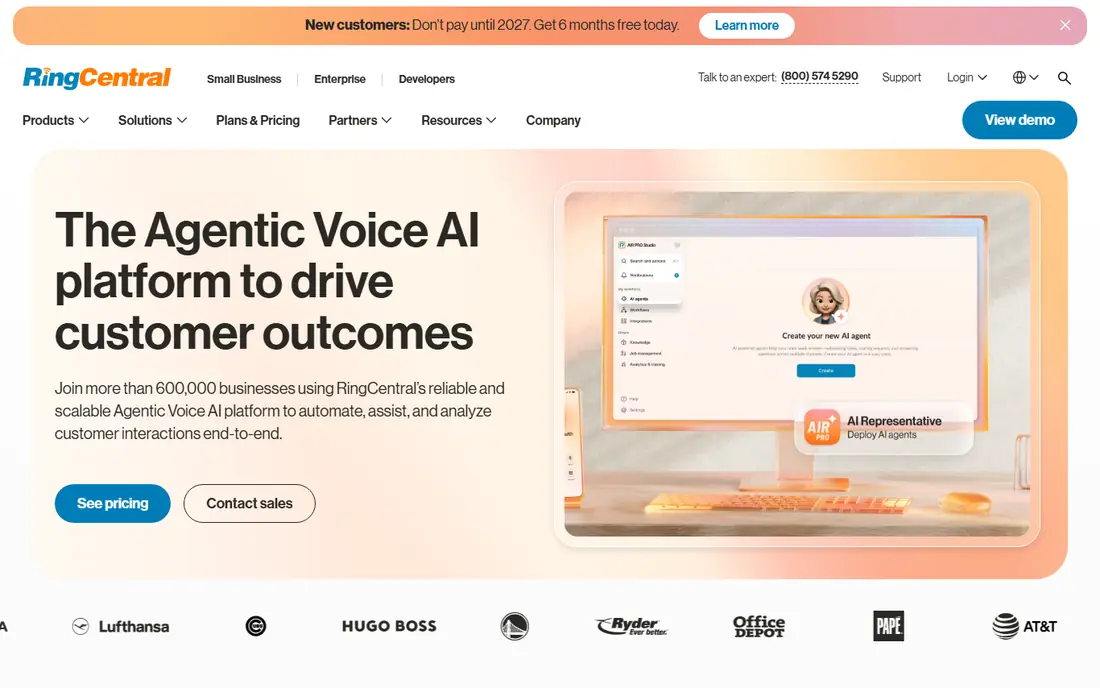
RingCentral RingEX is the default shortlist pick for a team that wants voice, video, messaging, and fax in one place without stitching tools together. The entry plan includes unlimited calling in the US and Canada, team messaging, video meetings, and AI call transcription, which covers the daily needs of most small businesses. The integration catalog is also deep, so it fits teams that already use common CRM and help desk tools.
The fine print deserves attention. Monthly billing raises the entry price above the annual rate, SMS is capped on the entry plan, and some AI features are paid add ons. We would still pick RingCentral for growing teams that want one vendor and a clear upgrade path, but we would budget the add ons, not just the headline price.
- Broad feature set
- Many integrations
- AI transcription included on entry plan
- Monthly billing costs more
- SMS limits on entry plan
- Some AI features are add ons
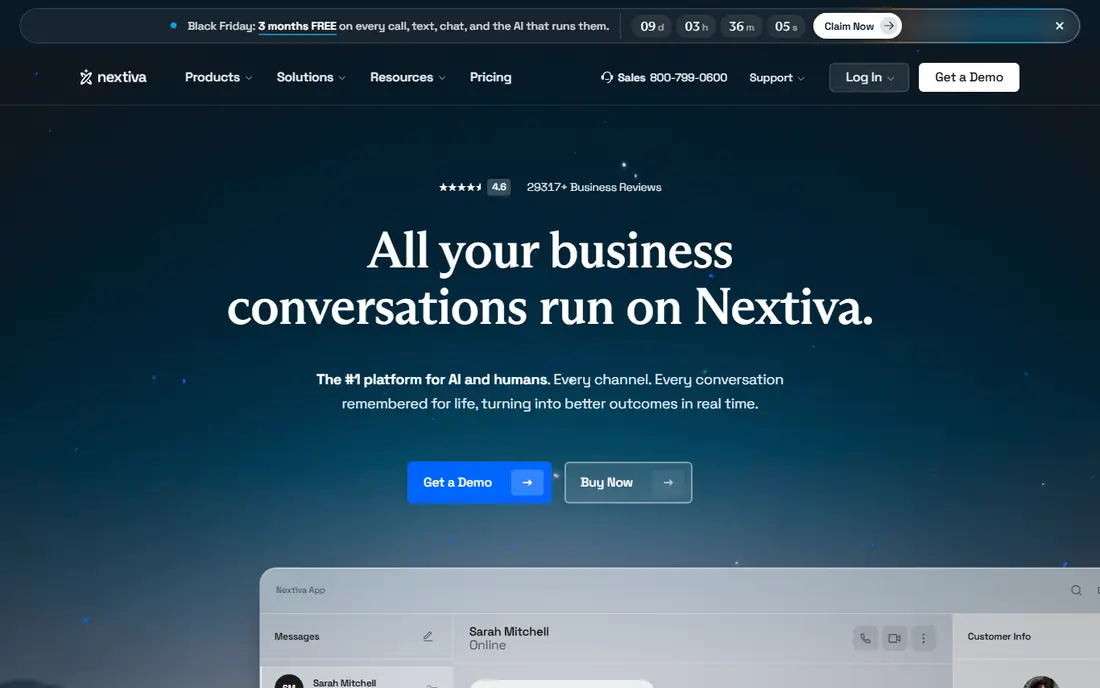
Nextiva pairs business calling with customer experience tools, including contact tracking, conversation history, and sentiment features on higher plans. That mix suits sales and support teams that spend the day talking to customers and want context on each call. The platform is known for reliable service and human support, which matters when phones are the main way customers reach you.
The trade off is complexity in the interface. New users may need a week to learn where call flows, contacts, and reports live, and the mobile app is not as polished as the desktop version. If your team values a calm, simple phone app over customer analytics, a lighter provider may fit better.
- Customer experience features
- Strong uptime record
- Helpful support reputation
- Interface can feel busy
- Mobile app trails desktop
- Fewer integrations than RingCentral
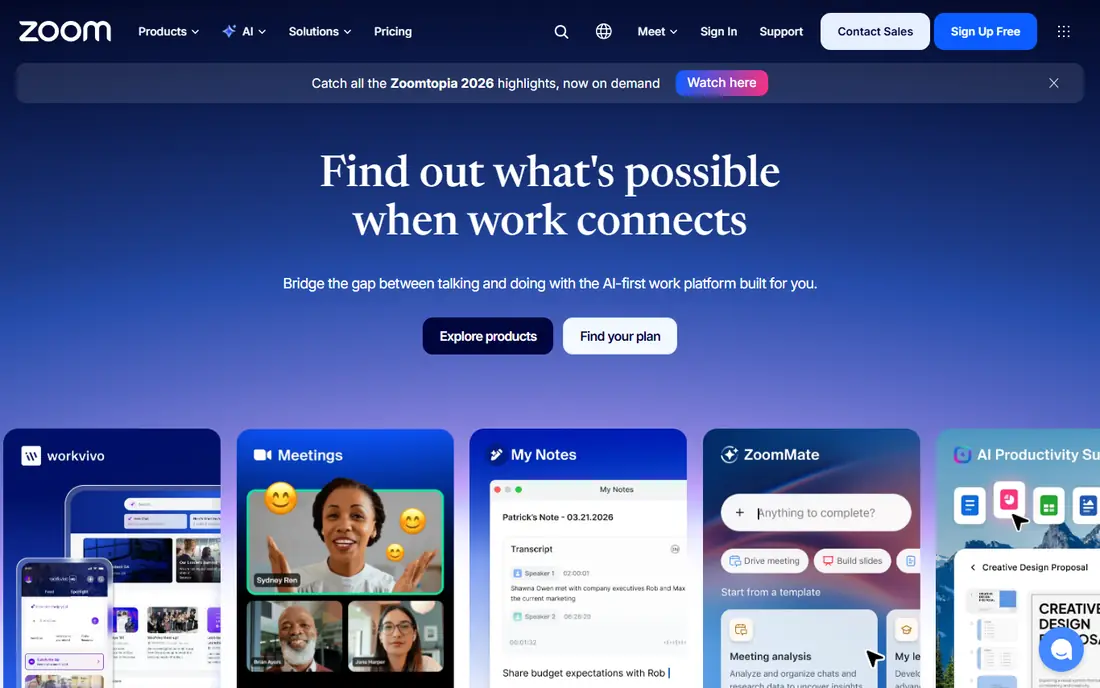
Zoom Phone is the sensible pick for a team already living in Zoom meetings. Calls, video, and chat sit in the same app, and a voice call can move to a video meeting without a new link or a second tool. The entry price is among the lowest on this list, which makes it easy to justify for a team that already pays for Zoom.
The limit is that Zoom Phone is strongest as part of Zoom, not as a standalone phone system for a team that dislikes Zoom. Advanced contact center features and some integrations cost more, and teams should confirm whether a paid Zoom plan is required. For Zoom heavy teams, though, the simplicity is the point.
- Low entry price
- Familiar Zoom interface
- Easy move from call to video meeting
- Needs a Zoom base plan in many cases
- Fewer standalone phone extras
- Contact center costs more
Dialpad stands out for AI on every call, including live transcription, call summaries, and action items that help remote teams follow up without taking notes by hand. The interface is clean, and setup is fast for a distributed team that works from laptops and phones rather than desk phones. That focus makes it a good fit for startups and sales teams that review many calls.
The catch is tiering. The most useful AI coaching and analytics features sit on higher plans, and monthly billing is higher than the annual rate. Teams that only need basic calling may pay for AI they rarely use. We would pick Dialpad when call review and coaching are part of the daily workflow, not as a generic cheap phone line.
- AI transcription and summaries on plans
- Clean interface
- Good for remote teams
- Monthly billing costs more
- Advanced AI needs higher plans
- Fewer desk phone options
Vonage Business offers business phone plans alongside a large set of communication APIs, which suits companies that may want to build custom calling, messaging, or verification features later. The entry mobile plan is low cost, and higher plans add video, CRM integrations, and contact center features. For a team with developers in house, that path from a phone system to a custom build is a real benefit.
The weakness is that Vonage plans are not all alike, and the cheapest plan is thinner than it first looks. Teams should compare what is included at each tier, including video seats and integrations, rather than assuming every Vonage feature is in every plan. If you only need plain business calling, a simpler provider may be easier to buy.
- Flexible plans and add ons
- Strong developer APIs
- Broad global calling
- Feature set varies by plan
- Support quality varies by plan
- Pricing needs careful reading
Ooma Office is built for small offices that want a phone system up fast, with desk phones, a virtual receptionist, call forwarding, and mobile apps, without a long IT project. The setup is direct, and the 30 day trial gives a small team time to test call quality and the mobile app before committing. It suits shops, clinics, and offices where phones ring at a front desk.
The limit is depth. Ooma has fewer third party integrations and less advanced contact center tooling than RingCentral or Nextiva, and video meetings are basic. If your team needs deep CRM screen pops or advanced analytics, Ooma will feel thin. If you need reliable calling with a short learning curve, it is a solid pick.
- Simple setup
- Desk phone support
- Virtual receptionist included
- Fewer advanced integrations
- Video is basic
- Pricing sits above budget picks
Grasshopper gives a solo owner or very small team a business number that rings on a personal phone, with extensions, voicemail, and call forwarding, for a flat monthly price rather than a per user price. That pricing model is the main reason to pick it: one or two people do not need to pay per seat for a full communications platform. Support is available around the clock, which helps owners who work outside office hours.
The trade off is that Grasshopper is not a full team system. It has no built in video meetings or team chat, and it lacks the CRM and contact center depth of larger providers. Once a team grows past a handful of people who need shared inboxes and call queues, it is time to move to a per user platform.
- Flat monthly price, not per user
- Simple business number on a personal phone
- 24/7 support
- No built in video meetings
- No team chat
- Limited CRM features
GoTo Connect, from the company behind GoTo Meeting, offers business calling with a visual editor for call flows, so an admin can drag and drop how calls route by time, team, or menu choice. That visual approach helps multi site businesses and teams that change routing often. Unlimited calling to many countries on some plans also helps teams with international customers.
The entry price is higher than budget picks, and the mobile app has been reported as slower under heavy use. Admins should also expect a learning period for the full settings menu. We would pick GoTo Connect for teams that value visual routing and GoTo video, and that can accept the higher starting price.
- Visual dial plan editor
- Unlimited calling to many countries
- Solid video meetings
- Higher entry price
- Mobile app can lag
- Admin menus take learning
8x8 is the pick for teams with customers or staff in many countries, since its plans include unlimited calling to a large set of countries and strong international number options. It also offers integrated contact center features, so a growing support team can add queues and analytics without switching vendors. Compliance documentation is thorough, which helps regulated teams.
The downside is price and complexity. The entry price sits above budget providers, and the admin interface can feel dense for a first time admin. Smaller US only teams may not use the international value they pay for. For global teams, though, the included international calling can offset the higher seat price.
- Unlimited calling to many countries
- Integrated contact center options
- Strong compliance support
- Higher entry price
- Admin menus feel dense
- Best value needs annual terms
Google Voice for business is the simplest pick for a team already on Google Workspace. It adds a business number, voicemail transcription, and calling inside Gmail and Google Meet, with a low entry price and fast setup. For a small team that already lives in Google tools, that simplicity is worth more than a long feature list.
The limit is scope. Google Voice is a calling tool, not a full contact center, and the Starter plan lacks a multi level auto attendant. Teams that need advanced queues, deep CRM integrations, or desk phone fleets should look elsewhere. For a Google Workspace team that needs clean, low cost calling, it is hard to beat.
- Low price
- Tight Gmail, Meet, and Calendar integration
- Simple setup
- Requires Google Workspace
- Basic call handling
- No multi level auto attendant on Starter
How we picked these
We compared official pricing pages, plan details, and public documentation for business VoIP providers that are live in October 2026, and we favored providers with published starting prices, US business calling, and a trial or clear setup path. Where a vendor did not publish a price, we wrote See website rather than estimating. We did not claim hands on testing, and we treated third party roundups as a check, not as the source for prices.
What to check before you buy a business phone system
Start with call volume and geography. Count how many people need a line, how many calls go outside the US and Canada, and how much SMS the team sends, since those three numbers shape the bill more than the seat price. Then ask for an all in monthly estimate that includes taxes, regulatory fees, E911 charges, and any required add ons, and compare that figure across vendors, not just the advertised rate.
Next, test porting and SMS registration early. Ask how long number porting takes, what is needed for business SMS registration, and whether your current numbers can move without downtime. Finally, test call quality on your own network, including mobile data and home Wi-Fi, during the trial. A phone system that sounds fine in a demo can struggle on a weak connection, and that is the kind of problem you want to find before you sign.
Frequently asked questions
What is the best business VoIP service provider for a small business?
RingCentral is the broadest pick for most small businesses, while Ooma suits very small offices that want simple setup, and Google Voice suits Google Workspace teams. The best choice depends on team size, budget, and whether you need video, chat, and contact center features in the same tool.
How much does business VoIP cost per user?
Entry prices on this list run from $10 to $24 per user per month on annual terms, plus taxes and fees. Monthly billing is usually higher, and add ons for AI, contact center, and international calling can raise the total, so ask for an all in estimate.
Can I keep my existing business phone number?
In most cases yes, through number porting, but timing varies by provider and by number type. Start the port early, keep the old service active until the port completes, and test inbound and outbound calls before you cancel anything.
Do I need desk phones for VoIP?
No. Most providers work through desktop and mobile apps, and desk phones are optional. Desk phones help front desks and shared offices, but remote teams often work fine with apps and headsets alone.
Is VoIP reliable for customer calls?
VoIP can be reliable when the internet connection is stable and the provider offers a strong uptime record. Test call quality during the trial, use a wired connection where possible for a front desk, and keep a mobile backup for outages.
What is the difference between VoIP and a virtual phone number?
VoIP is the technology that carries calls over the internet, while a virtual number is a phone number that forwards to a device or app. Grasshopper is closer to a virtual number service, while RingCentral and Zoom Phone are full VoIP platforms with calling, video, and messaging.
Sources
See where you really rank - block by block
ProMapRanker scans Google Maps across a grid of your service area. Simple monthly plans from $19, white-label on every plan.
Start freeKeep reading
 zscaler alternatives
Best Zscaler Alternatives in 2026
Looking for zscaler alternatives? We compare 9 SASE and zero trust platforms on architecture, data protection, pricing, and fit for your network and team.
Read → zapier alternatives free
Best Zapier Alternatives Free in 2026
Nine automation tools for zapier alternatives free in 2026, all with genuinely free tiers, plus free plan limits, starting prices and upgrade paths explained.
Read → which platform is best for online reputation
Which Platform Is Best for Online Reputation in 2026
Wondering which platform is best for online reputation? We compare 8 review, listing, and response tools for small and multi-location businesses and agencies.
Read →