 ProMapRanker
Best Business Phone Plans for Small Companies in 2026


growing teams that want many integrations · Pricing starts at: $20 per user per month
Key takeaways
- Nextiva and Dialpad start at $15 per user per month on annual billing, which makes them strong value picks for small teams.
- Google Voice is the cheapest entry point at $10 per user per month, but it requires Google Workspace and stays simpler than full phone platforms.
- Grasshopper uses flat monthly pricing instead of per-user pricing, so it can cost less for a solo owner or a very small team sharing one number.
- Ooma Office charges $19.95 per user per month with no annual contract, a useful option for teams that want to avoid a long commitment.
- Taxes, regulatory fees, and add-ons sit on top of most quoted prices, so always check the full checkout total before you decide.
Quick comparison
| Pick | Great for | Pricing starts at | Free tier | |
|---|---|---|---|---|
| RingCentral | growing teams that want many integrations | $20 per user per month | Free trial | Visit |
 Nextiva | small teams that want voice, video, and messaging together | $15 per user per month | No | Visit |
 Ooma Office | teams that want simple pricing with no contract | $19.95 per user per month | No | Visit |
 Dialpad | teams that want built-in call AI | $15 per user per month | Free trial | Visit |
 Zoom Phone | teams already using Zoom | $16 per user per month | No | Visit |
 Google Voice | Google Workspace teams that need a simple number | $10 per user per month | No | Visit |
 Grasshopper | solo owners who need a business number on a personal phone | $14 per month | Free trial | Visit |
 Vonage Business | teams that want flexible plans and API options | $13.99 per line per month | No | Visit |
The best business phone plans for small companies
These plans cover the range from a single business number to a full phone system with video, messaging, and call routing. We compared published pricing, core features, and the limits that matter most to small teams.
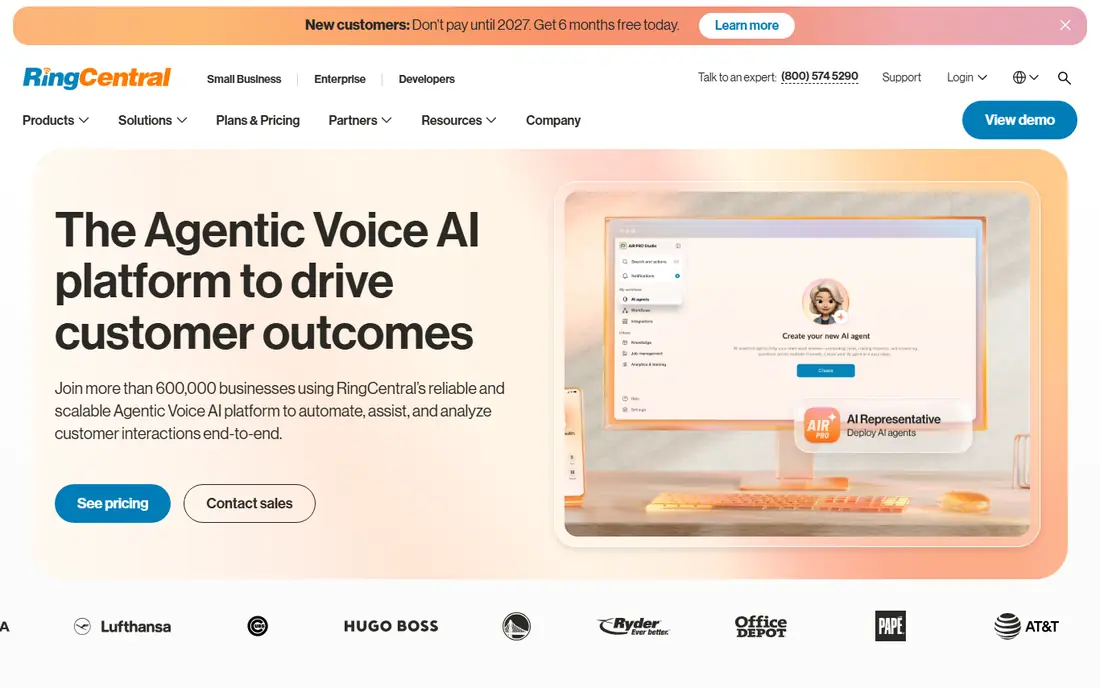
RingCentral suits a company that expects to grow past a handful of seats and wants one platform for calls, team messaging, and video. The Core plan covers the basics most small firms need, and the integration list helps it sit beside common CRM and productivity tools without extra workarounds. That breadth is the main reason we put it first for teams that plan to scale.
The catch is price and complexity. At $20 per user per month on annual billing, it costs more than the cheapest options here, and the features that make it stand out often need a higher tier. A two-person firm may pay for depth it never uses. Check which integrations your team actually needs before you commit to a year.
- Wide integration library
- Video meetings included
- Clear path to contact center tools
- Entry plan is pricier than some rivals
- Advanced integrations sit on higher tiers
- Admin setup can feel deep for a tiny team
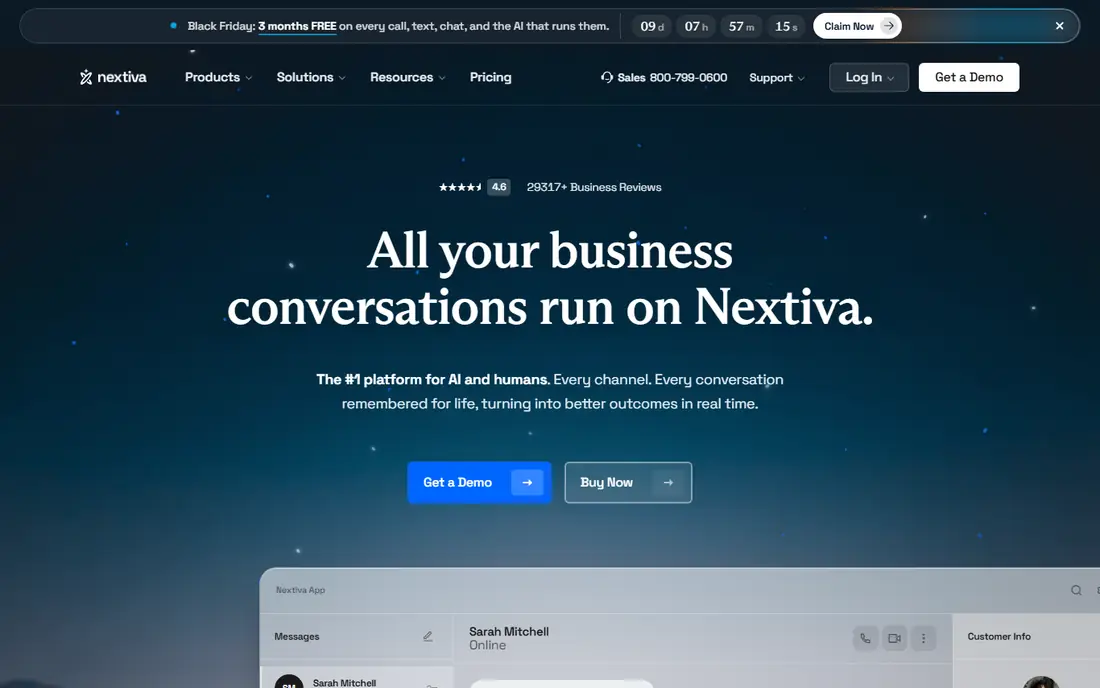
Nextiva gives a small company a lot for $15 per user per month on annual billing. Voice, video meetings, team chat, and business texting sit in one place, which reduces the need to juggle separate apps. For an owner who wants a single vendor for everyday communication, that bundle is easy to justify.
The trade-off shows up when you pay month to month or move up a tier. Monthly billing costs more, and the step to richer call center features is a clear jump in price. We would still pick it for many small teams, but only after confirming the annual total, including taxes and fees, fits the budget for a full year.
- Low entry price on annual billing
- Unified voice, video, and messaging
- Strong support reputation
- Monthly billing is notably higher
- Higher tiers rise in price fast
- No free trial listed
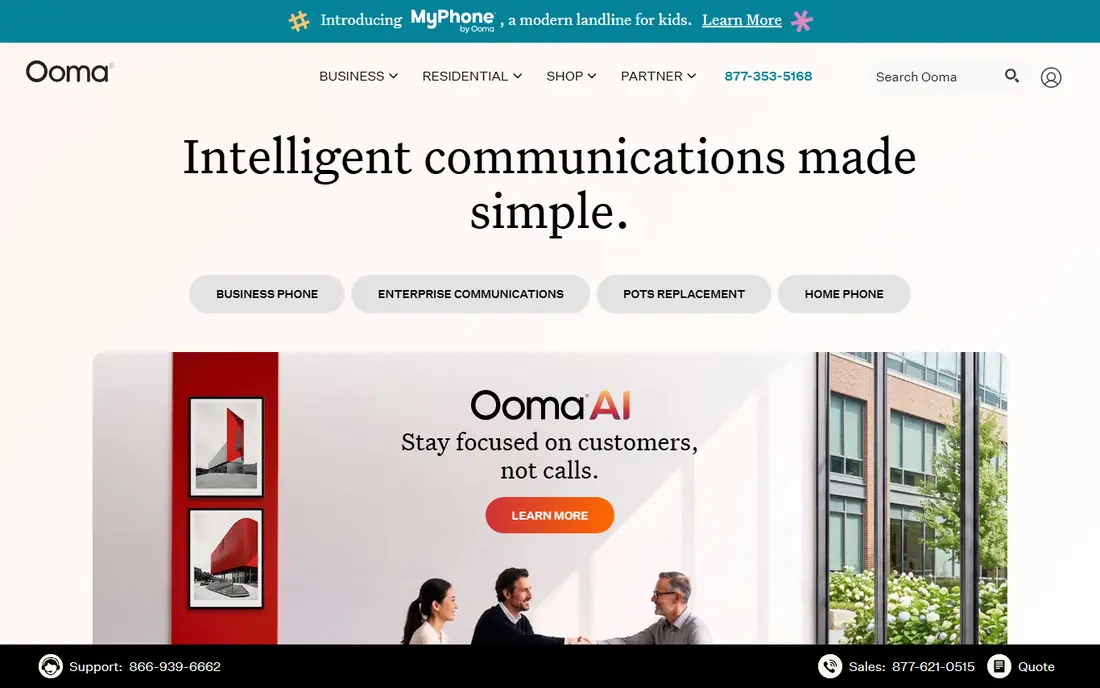
Ooma Office appeals to owners who dislike contracts and want a price that stays the same each month. The Essentials plan includes a virtual receptionist, which helps a small firm sound organized from day one. Setup is direct, and the desk phone support suits offices that still use physical handsets.
The limit is scope. If your team sends a lot of business texts or needs call recording on every plan, you will need to move up. Ooma still works well for a small office with steady call volume and simple routing needs. It is less suited to a sales team that lives in its CRM all day.
- Flat price with no annual contract
- Virtual receptionist on the entry plan
- Good fit for desk phones
- Texting and recording sit on higher tiers
- No annual discount to lower the price
- Feature list is narrower than larger platforms
Dialpad stands out because its AI features are not reserved for the top tier. Transcripts, summaries, and call notes appear on the entry plan, which helps a small sales or support team review calls without extra software. The apps feel current, and the interface is easy for new staff to learn.
The price gap between monthly and annual billing is wide, so the $15 figure only holds with a yearly commitment. CRM integrations also need a higher plan, which matters if your team logs every call in a CRM. For teams that value call insight over deep CRM links, Dialpad is a strong pick.
- AI transcription and summaries on every plan
- Clean modern apps
- Useful live coaching tools
- Monthly billing is much higher than annual billing
- Some CRM integrations need the Pro plan
- Toll-free minutes can add cost
Zoom Phone makes sense when a company already runs meetings in Zoom. Staff do not need to learn a new app, and the move from a video call to a phone call stays in one place. The unlimited US and Canada plan at $16 per user per month on annual billing is competitive for that convenience.
The weakness is depth. If you need complex call queues, detailed supervisor controls, or advanced contact center routing, dedicated phone platforms offer more. For a small team that mainly needs reliable calling beside video meetings, Zoom Phone is a practical, low-friction choice.
- Calling inside the Zoom app staff already know
- Low entry price for unlimited US and Canada calling
- Easy move from video to voice
- Routing depth is thinner than dedicated phone platforms
- Supervisor tools are limited
- Price depends on the Zoom Workplace tier
Google Voice is the simplest route to a business number for a team already paying for Google Workspace. At $10 per user per month for Starter, it undercuts every other plan in this list. Calls, texts, and voicemail work in a familiar interface, and setup takes little time.
The limit is ambition. Google Voice does not match full phone platforms on auto-attendant depth, call center tools, or advanced analytics. A solo consultant or a micro team with light call volume will find it ample. A growing support team will likely outgrow it and need to move to a fuller system later.
- Lowest entry price here
- Familiar Google interface
- Easy number setup for Workspace users
- Requires Google Workspace
- Fewer business phone features
- Higher tiers needed for richer routing
Grasshopper
Great for: solo owners who need a business number on a personal phone
Grasshopper takes a different approach from the per-user plans above. It gives a business number that rings on the phones you already own, with a flat monthly price starting at $14 on annual billing. For a solo owner, that structure can cost far less than paying per user on another platform.
The trade-off is that Grasshopper is a virtual number service, not a full office phone system. Teams that need deep call queues, desk phone fleets, or CRM call logging should look elsewhere. For a freelancer, consultant, or tiny team that mainly needs to separate business calls from personal calls, it is a neat fit.
- Flat monthly pricing, not per user
- No hardware needed
- Virtual number works on existing phones
- No full desk phone system
- AI and CRM depth is limited
- Per-account pricing can confuse larger teams
Vonage Business suits a small company that wants room to shape its plan. The Mobile plan starts at $13.99 per line per month on annual billing and covers core calling, while higher plans and add-ons cover desk phones, video, and richer features. Companies with a developer or a custom workflow may also value the API options behind the platform.
The catch is that flexibility can turn into extra cost and extra decisions. Add-ons stack up, and the monthly price sits well above the annual figure. We would pick Vonage when a team knows which features it needs and wants to build around them, rather than when it wants the simplest possible setup.
- Low annual entry price
- Flexible plan and add-on structure
- API options for custom builds
- Monthly price is higher
- Some features need add-ons
- Setup can feel less guided than simpler rivals
How we picked these
We compared official pricing pages, published plan features, app store listings, and public user reviews for the providers small companies ask about most. We favored plans with clear published pricing, a real entry tier for small teams, and features that matter day to day, such as a virtual receptionist, texting, voicemail transcription, and CRM links. We did not claim hands-on testing. Prices shown are the entry plan figures published for annual billing unless noted, and taxes and fees are extra.
What to check before you buy a business phone plan
Start with how your team actually works. Count how many people need a number, how often you text customers, and how many calls arrive at once during busy hours. A solo owner needs a different system from a five-person support team, and paying for a contact center tier you never use is a common waste.
Next, test the total cost. Annual billing lowers the monthly figure on most plans here, but it locks you in for a year. Add taxes, regulatory fees, extra numbers, toll-free minutes, and any texting registration fees to the quoted price. Ask about porting your existing number, contract length, and what happens if you need to drop a seat mid-year.
Finally, run the trial or demo with real calls. Check call quality on your office internet, test the mobile app from the places your team actually works, and confirm voicemail, routing, and texting behave as expected. A plan that looks strong on a pricing page can still feel awkward in daily use, and a short trial will reveal that fast.
Number porting and setup
Ask the provider to confirm your current number can port, and how long that takes. Keep the old service active until the port completes, so you do not miss calls. Set up the auto-attendant, business hours, and voicemail greetings before you tell customers about the new number.
When a simple plan is enough
If most calls go to one or two people, a virtual number or a simple Workspace add-on may cover you. Move to a fuller platform when you need shared inboxes, call queues, detailed analytics, or CRM logging for every call. That step is easier once you know your real call volume.
Frequently asked questions
What is the cheapest business phone plan for a small company?
Google Voice Starter at $10 per user per month is the cheapest entry price here, but it requires Google Workspace. Grasshopper at $14 per month flat can cost less overall for a solo owner, since it is not priced per user. Compare the total for your team size, not just the headline per-user figure.
Do I need a desk phone to use these plans?
No. Most of these plans work through desktop and mobile apps, and many teams never buy a desk phone. Desk phones suit offices with fixed desks and shared reception areas. If your team works from phones and laptops, app-based calling is usually enough.
Can I keep my existing business number?
In most cases, yes, through number porting. Ask the new provider to check your number before you sign up, and keep your old service active until the port finishes. Porting times vary, so plan the switch for a quiet period if possible.
Is annual billing worth it for a small company?
Annual billing lowers the monthly price on most plans here, sometimes by a large amount. It is worth it when you are sure about the provider and your team size. If your headcount may change soon, monthly billing or a no-contract plan like Ooma may be safer despite the higher price.
Which plan is best for texting customers?
Nextiva, Dialpad, and Vonage all include business texting in useful ways, but the details and limits differ by plan. Check whether texting is included on the entry tier, whether toll-free texting needs registration, and whether messages sit in a shared inbox your whole team can use.
Sources
See where you really rank - block by block
ProMapRanker scans Google Maps across a grid of your service area. Simple monthly plans from $19, white-label on every plan.
Start freeKeep reading
 zscaler alternatives
Best Zscaler Alternatives in 2026
Looking for zscaler alternatives? We compare 9 SASE and zero trust platforms on architecture, data protection, pricing, and fit for your network and team.
Read → zapier alternatives free
Best Zapier Alternatives Free in 2026
Nine automation tools for zapier alternatives free in 2026, all with genuinely free tiers, plus free plan limits, starting prices and upgrade paths explained.
Read → which platform is best for online reputation
Which Platform Is Best for Online Reputation in 2026
Wondering which platform is best for online reputation? We compare 8 review, listing, and response tools for small and multi-location businesses and agencies.
Read →