 ProMapRanker
Best Business Payroll Services in 2026


Small teams wanting clear published pricing · Pricing starts at: $49 per month plus $6 per person
Key takeaways
- Full-service payroll, where the provider files taxes for you, is worth the extra cost for most employers.
- Published pricing usually means a base fee plus a per-person fee, so total cost rises with headcount and must be compared at your team size.
- Multi-state payroll, contractor payments and benefits support are the features that most often force a switch later.
- This article is general information only. Tax and compliance rules vary by state, and it is not legal advice.
Quick comparison
| Pick | Great for | Pricing starts at | Free tier | |
|---|---|---|---|---|
| Gusto | Small teams wanting clear published pricing | $49 per month plus $6 per person | No | Visit |
 OnPay | Multi-state teams on one simple plan | $49 per month plus $6 per worker | No | Visit |
 Patriot Software | Very small teams on a tight budget | $37 per month plus $5 per worker | Free trial | Visit |
 Square Payroll | Square sellers and hourly teams | $35 per month plus $6 per person | No | Visit |
 QuickBooks Payroll | Businesses already using QuickBooks Online | $50 per month plus $7 per employee | Free trial | Visit |
 Rippling | Growing companies combining payroll, HR and IT | $40 per month plus $8 per employee | No | Visit |
 ADP Run | Small businesses planning to scale with a large provider | See website | No | Visit |
 Paychex Flex | Businesses wanting a dedicated payroll specialist | See website | No | Visit |
 Justworks | Teams wanting payroll plus HR and benefits support | $50 per month plus $8 per employee | No | Visit |
The best business payroll services
Payroll mistakes are expensive in time, penalties and trust, so the best service is the one your team will actually run correctly every pay period. We compared official pricing pages and published feature lists, with attention to tax filing, multi-state support and contractor payments. Prices below are starting plans and vary by employee count, state and add-ons.
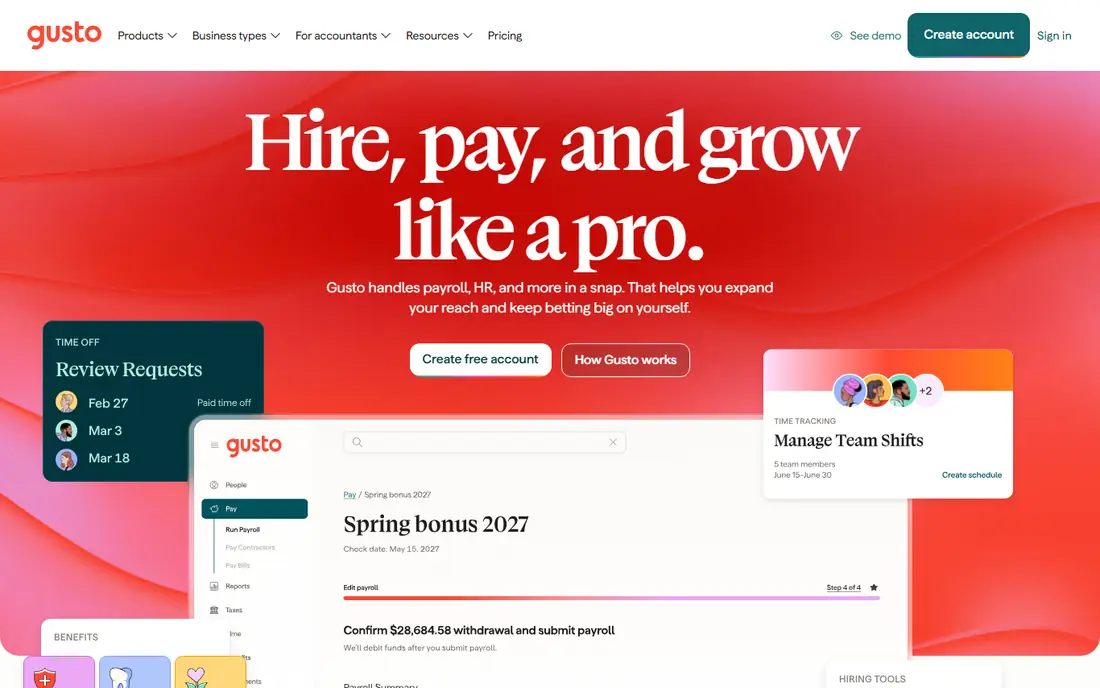
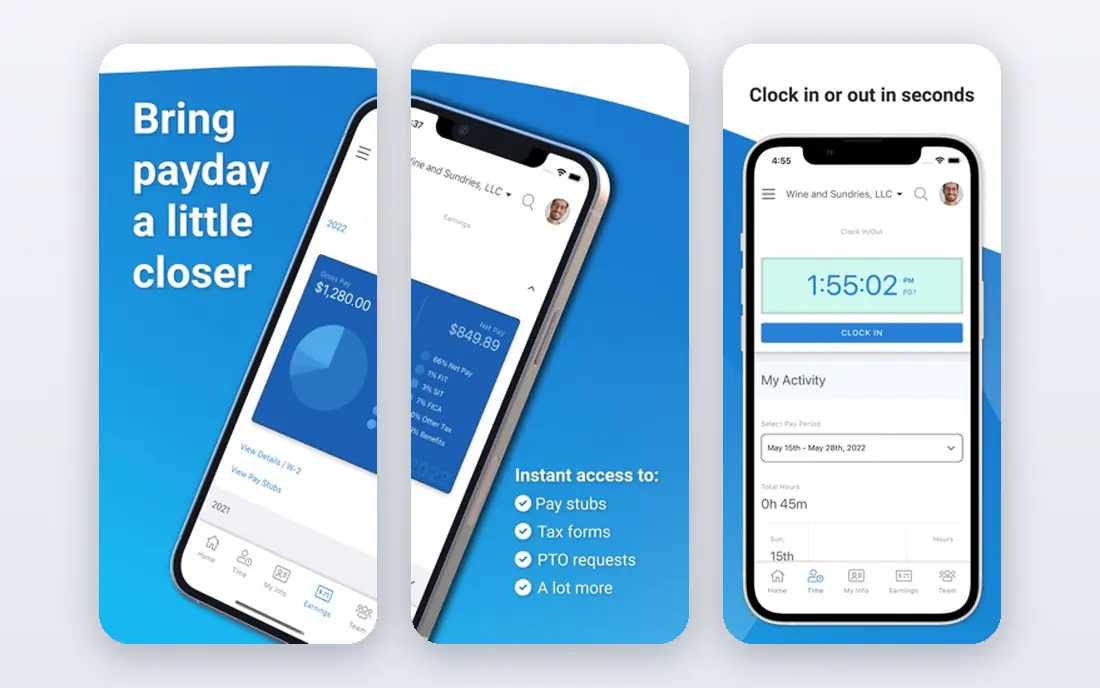
Gusto is often the first service small business owners compare, because its pricing is published and its payroll workflow is easy to follow. Employers can run payroll, file federal and state taxes and give employees access to pay stubs, tax forms and benefits information. Higher tiers add multi-state payroll, time tracking and more HR tools.
The main weakness is tiering. A team that starts on the simplest plan may need to upgrade for multi-state support or richer HR features, and those upgrades change the monthly total. Still, for a small team that wants predictable pricing and a clean setup, Gusto is a sensible default. Check the current plan details at your headcount before signing.
- Published pricing
- Full-service tax filing on paid plans
- Employee self-service and benefits options
- Cost rises with headcount and add-ons
- Some features need higher tiers
OnPay takes a different approach by offering a single payroll plan rather than a ladder of tiers. That plan includes payroll runs, tax filings and multi-state support, which makes budgeting simpler for teams spread across states. Employers can also pay contractors and manage basic HR documents without switching products.
The trade-off is breadth. OnPay does not try to match the full HR, benefits and IT suites offered by larger platforms. For a business whose main need is reliable, fairly priced payroll across states, that focus is a strength. For a company that also wants deep benefits administration or performance tools, a broader platform may fit better.
- One plan covers many payroll needs
- Multi-state filing included
- Straightforward pricing
- Fewer HR and benefits extras than larger platforms
- Interface is functional rather than polished
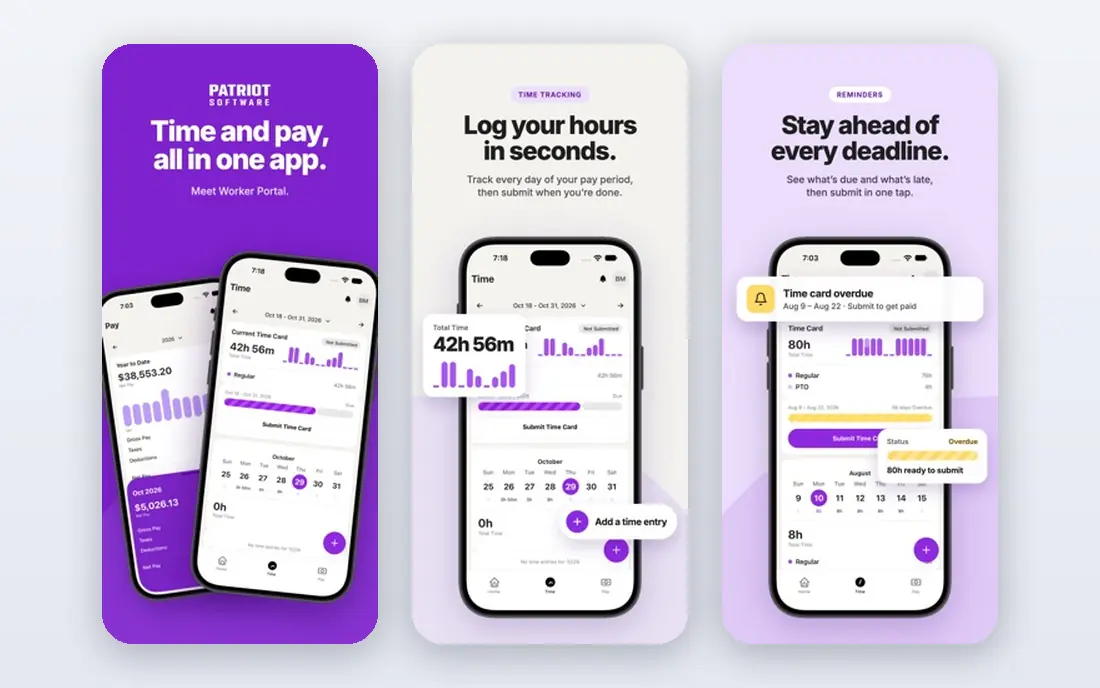
Patriot Software suits owners who want payroll done without paying for a large HR suite. Its full-service plan files taxes for you, while its cheaper basic plan leaves tax filing to the employer. That distinction matters, and most employers should choose full service unless they are confident handling filings themselves.
Support and setup are geared to small teams, which keeps the learning curve short. Larger companies may miss advanced HR tools, benefits administration and deep integrations. For a team of a handful of people with straightforward pay, Patriot offers one of the lowest full-service starting prices in this list.
- Low full-service starting price
- Simple setup
- Clear separation of basic and full-service plans
- Basic plan requires self-filing taxes
- Fewer integrations than larger rivals
Square Payroll is built for businesses already using Square for sales, scheduling or time tracking. Hours and tips can flow into payroll with less manual entry, which helps restaurants, cafes and retail shops with hourly staff. A contractor-only plan is also available for businesses that pay contractors but have no employees.
Outside the Square system, the advantage narrows. Companies with complex benefits, many salaried roles or multiple entities may prefer a broader payroll platform. For a Square-based business with hourly workers, though, the tight integration can save real time every pay period.
- Works well with Square point of sale and time tracking
- Contractor-only option available
- Federal and state filing
- Best value inside the Square system
- Less suited to complex salaried or multi-entity payroll
QuickBooks Payroll, now presented as QuickBooks Workforce in some Intuit materials, makes most sense for businesses that already run their books in QuickBooks Online. Payroll entries, tax payments and reports sit alongside accounting, which reduces double entry and reconciliation work. Employers can pay employees and contractors and file taxes through the same system.
The catch is dependence on that system. If you do not use QuickBooks Online, you are paying for integration you may not need. Higher tiers add time tracking, HR support and expert review, so compare plans at your headcount. For existing QuickBooks users, this is usually the most practical payroll choice.
- Tight QuickBooks Online integration
- Full-service tax filing
- Employee and contractor payments
- Best value for existing QuickBooks users
- Pricing rises with tiers and add-ons
Rippling goes beyond payroll by combining HR, benefits, device management and app access in one platform. When a new hire joins, payroll, benefits and system access can be set up through connected workflows, which reduces manual work as a company grows. That breadth is the reason many startups choose Rippling once headcount passes the early stage.
The cost and complexity are higher than a payroll-only service. Published starting figures vary by page and module, so request a written quote for the exact modules you need. Rippling suits growing companies that want one system for people operations. Smaller teams with simple payroll may find it more than they need.
- Payroll, HR and IT in one system
- Strong automation
- Scales to larger teams
- Pricing is quoted and can rise with modules
- Setup takes more time than a payroll-only tool
ADP Run is ADP's payroll service for businesses with up to 49 employees, and it sits within one of the largest payroll providers in the United States. That scale brings compliance resources, support for many states and a path to larger ADP platforms as a company grows. Employers can add HR tools, time tracking and benefits administration as needs change.
Pricing is custom-quoted, which makes direct comparison harder. Expect a sales conversation and a quote based on headcount, states and services. For a business that values a large, established provider and a clear upgrade path, ADP Run is worth the extra effort. For a business that wants instant published pricing, Gusto or OnPay will be quicker to compare.
- Large provider with deep compliance resources
- Scales from small teams to larger workforces
- HR add-ons
- Custom-quoted pricing
- Sales process can be slower than self-serve sign-up
Paychex Flex combines payroll software with access to payroll specialists, which appeals to owners who want a named person to call when something is unclear. The platform covers payroll, tax filing, time and attendance, HR and benefits, and it serves businesses from very small teams to larger employers. That breadth makes it a practical long-term choice for companies that expect to add services over time.
As with ADP, pricing is quoted rather than published as a single starting figure, so ask for a written breakdown. Owners should also ask who their specialist will be and how support works during busy periods. For businesses that value human support alongside software, Paychex Flex is a strong candidate.
- Dedicated specialist support on many plans
- Broad HR and benefits services
- Long track record
- Custom-quoted pricing
- Service quality can vary by representative
Justworks offers payroll alongside HR tools, compliance support and access to benefits, with a separate professional employer organisation option for companies that want Justworks to act as co-employer. That structure suits teams that want help with benefits and compliance, not just pay runs. Payroll pricing is published per employee, which helps with early budgeting.
The full bundle costs more than payroll alone, especially if a company chooses the PEO route. Teams that only need pay runs and tax filing may find a simpler service cheaper. For a growing team that wants payroll, HR guidance and benefits in one relationship, Justworks is a coherent option.
- Payroll with HR support and benefits access
- Clear per-employee pricing for payroll plan
- Compliance help
- Benefits and PEO options add significant cost
- Smaller teams may not need the full bundle
How we picked these
We compared official pricing pages, published feature lists and service descriptions for payroll providers serving US small and mid-sized businesses. We favoured providers with full-service tax filing, multi-state support or a clear path to it, and we included both payroll-only services and broader HR platforms. We did not claim hands-on testing. Prices change and vary by employee count, state and add-ons, so confirm the current quote before committing. This article is general information only, tax and compliance rules vary by state, and it is not legal advice.
What to check before you choose payroll software
Start by listing everyone you pay. Employees, contractors, tipped staff, seasonal workers and people in different states all create different requirements. A service that handles your current team well may struggle when you hire in a new state or add contractors, so ask about those cases now rather than after a hire.
Next, confirm exactly what tax filing covers. Full service should include federal and state filings, year-end W-2 and 1099 forms and payment of taxes due. Ask who pays penalties if the provider makes an error, and get that answer in writing. Also check direct deposit timing, pay schedules, time tracking and how corrections are handled when a pay run is wrong.
Finally, test the employee experience. Workers should be able to see pay stubs, update details and access tax forms without calling you each time. A short trial, a demo with your real pay types and a check of support hours will reveal more than a feature list. Choose the service that fits your team size, states and growth plans, not just the lowest starting price.
Frequently asked questions
What is the difference between basic and full-service payroll?
Basic payroll usually calculates pay and lets the employer file and pay taxes. Full-service payroll calculates pay, files taxes and pays tax authorities on your behalf. Most employers choose full service because missed filings can lead to penalties and extra work.
How is payroll pricing usually calculated?
Most providers charge a monthly base fee plus a fee per employee or per person paid. Total cost therefore rises with headcount, and some providers charge extra per state or for add-ons. Compare quotes at your actual team size, not just the headline base fee.
Can payroll software handle employees in multiple states?
Many providers can, but coverage and fees differ. Ask whether multi-state filing is included in your plan or charged per state, and whether local taxes are covered. A provider that handles your current states may still need time to set up a new state.
Do I need a separate service for contractors?
Not always. Many payroll services pay contractors and prepare 1099 forms, and some offer contractor-only plans. Check whether contractor payments, tax forms and compliance checks are included, especially if contractors are a large part of your workforce.
What happens if payroll taxes are filed late?
Late filings can lead to penalties and interest, and the rules vary by tax type and state. Full-service providers usually take responsibility for filings they handle, but employers should confirm penalty cover in writing. Keeping records clean and meeting provider deadlines reduces the risk.
Sources
See where you really rank - block by block
ProMapRanker scans Google Maps across a grid of your service area. Simple monthly plans from $19, white-label on every plan.
Start freeKeep reading
 worlds best local seo company
8 Worlds Best Local SEO Companies for Map Pack Growth in 2026
Compare the worlds best local seo company options for Google Business Profile work, citations, reviews, and multi-location rankings and reporting in 2026.
Read → world's best web hosting company
World's Best Web Hosting Company in 2026
Searching for the world's best web hosting company? We compared 10 hosts on price, renewal rates, speed, and support to help you choose well today in 2026.
Read → who's got the best nanny tax services
Who's Got the Best Nanny Tax Services in 2026
We answer who's got the best nanny tax services, comparing full filing, back taxes, software, and pricing so families can handle nanny taxes correctly.
Read →