 ProMapRanker
Best Business Instant Messaging Software in 2026

Key takeaways
- Slack and Microsoft Teams suit teams that already use many apps, while Google Chat suits teams that live in Google Workspace.
- Self-hosted options such as Mattermost and Rocket.Chat give larger or regulated teams more control over data and deployment.
- A free plan can work for a very small team, but message history limits and app limits often push growing teams to a paid plan.
- The cheapest tool is not always the best value, because a chat tool that staff avoid using will not save time.
- Before you buy, test the mobile app, the search, and the way channels are organised with the people who will use it every day.
Quick comparison
| Pick | Great for | Pricing starts at | Free tier | |
|---|---|---|---|---|
 Slack | Integration-heavy teams | $7.25 per user per month | Yes | Visit |
 Microsoft Teams | Microsoft 365 users | $4 per user per month | Yes | Visit |
 Google Chat | Google Workspace users | See website | Yes | Visit |
 Zoom Team Chat | Zoom meeting users | See website | Yes | Visit |
 Mattermost | Self-hosted teams | See website | Yes | Visit |
 Rocket.Chat | Controlled deployments | See website | Yes | Visit |
 Zoho Cliq | Zoho users | See website | Yes | Visit |
 Twist | Threaded, calm discussion | See website | Yes | Visit |
 Chanty | Small teams on a budget | $3 per user per month | Yes | Visit |
 Flock | Simple team chat | See website | Yes | Visit |
The best business instant messaging software
We looked at official feature pages, pricing pages, and app listings to compare chat tools that a business can run day to day. The list below mixes large platforms with smaller and self-hosted options, so a team of five and a team of five hundred can both find a fit.
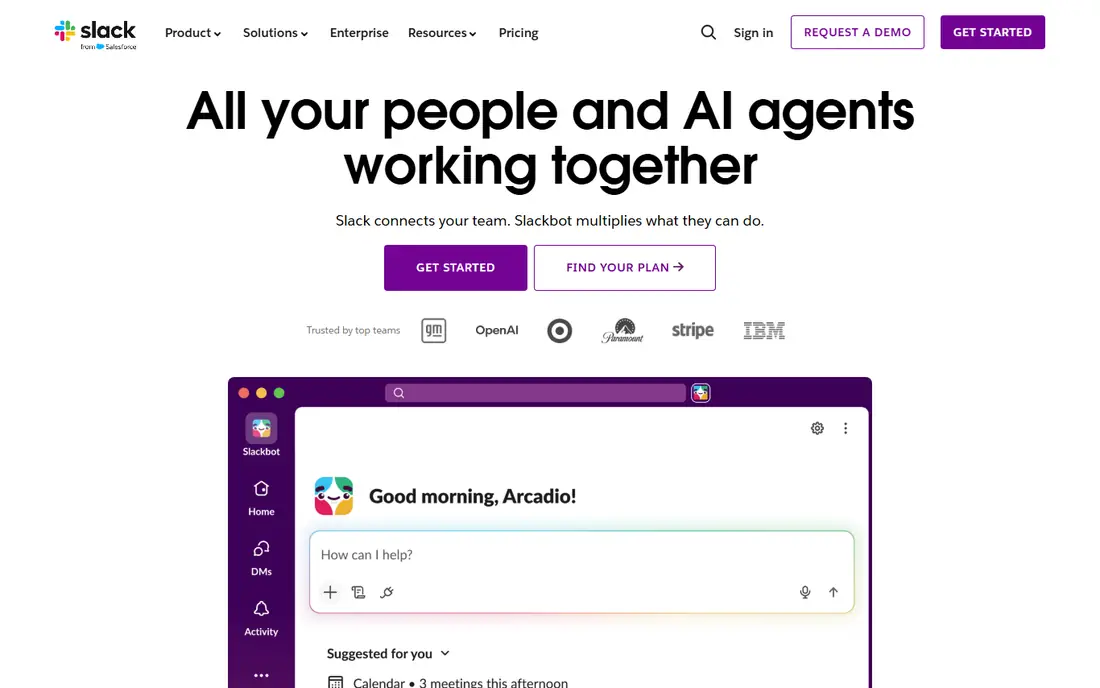
Slack organises work into channels for topics, projects, and teams, with direct messages and threads for side conversations. That structure works well when a business wants one place for quick questions, file sharing, and updates from other tools. Its app directory covers project tools, calendars, code tools, and customer support tools, so messages can carry alerts and approvals without constant tab switching.
The catch is cost and noise. The free plan limits history and app connections, which can frustrate a team that needs to find an old decision. Paid plans remove those limits, but the per-user price rises with headcount. We suggest setting clear channel rules early, such as one channel per project and threads for replies, so Slack stays useful instead of becoming a second inbox.
- Wide app directory
- Strong search on paid plans
- Channels, threads, and huddles in one place
- Free plan keeps only 90 days of message history
- Costs add up quickly for large teams
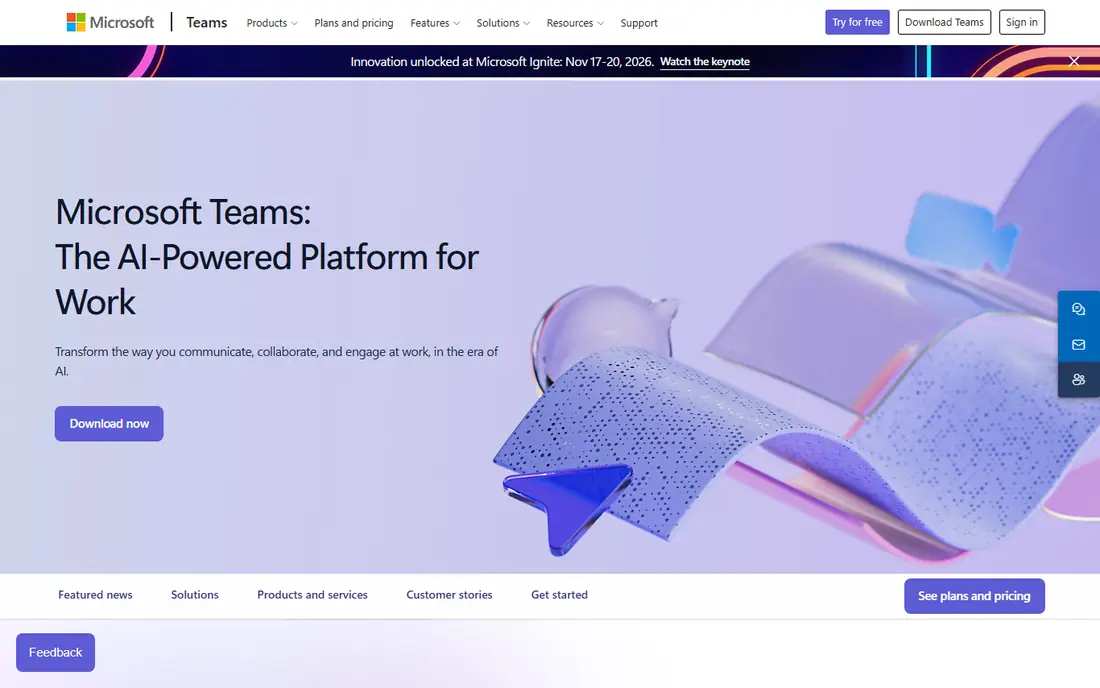
Microsoft Teams brings chat, meetings, calls, and shared files together, and it fits naturally for a business already using Outlook, Word, Excel, and OneDrive. Channels hold team discussion, while tabs can pin documents, planners, and apps that staff use often. For many small businesses, the main benefit is simple: chat is already paid for inside a bundle they use for email and documents.
The downside is that Teams tries to do a lot, and new users can feel lost among teams, channels, chats, and meetings. Admins should keep the team list short and archive old teams, or staff will struggle to find the right channel. If your business does not use Microsoft 365, compare the standalone price carefully with Slack or Google Chat before committing.
- Included in many Microsoft 365 plans
- Strong meetings and file sharing
- Guest access for outside partners
- Interface can feel crowded
- Standalone pricing depends on the bundle you choose
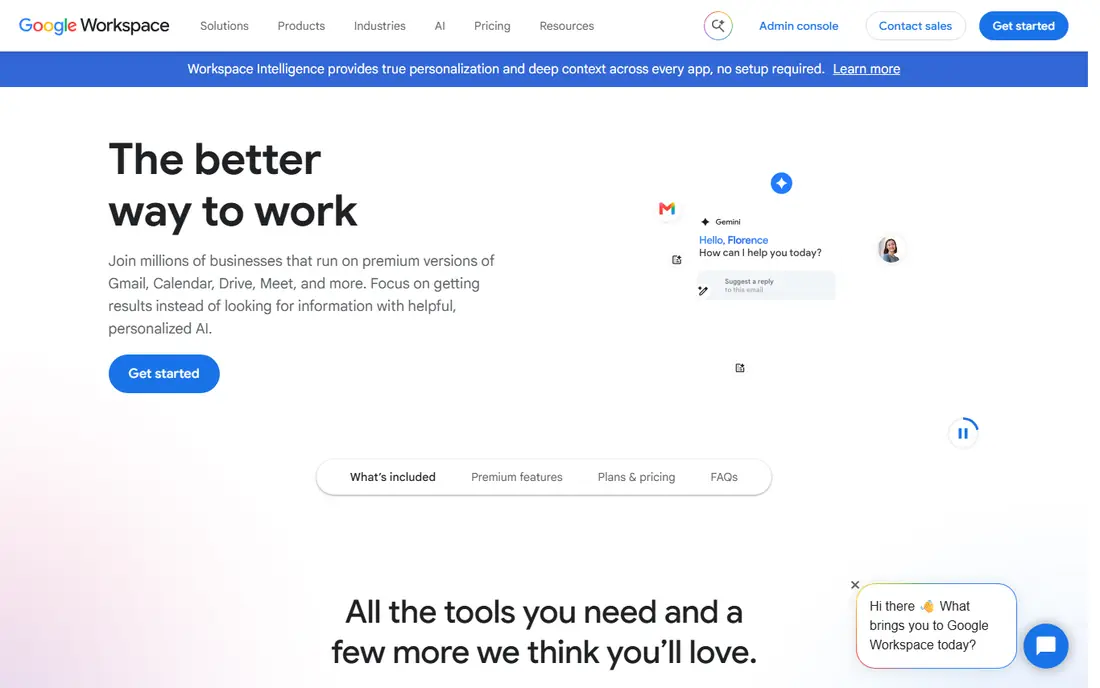
Google Chat is the chat tool inside Google Workspace, and it works best for teams that already use Gmail, Drive, Calendar, and Meet. Spaces group people around a project, with shared files and tasks close at hand, while direct messages handle quick one-to-one questions. Because it shares the same account system as the rest of Workspace, setup is usually quick and staff already know how to sign in.
Google Chat is less of a standalone purchase than a part of a suite, so a business that does not use Workspace should look elsewhere. It also has fewer chat-focused integrations than Slack, which may matter for development or support teams. For a typical office team that lives in Docs and Sheets, though, its simplicity is a real strength.
- Clean interface
- Strong search across Google Workspace
- Easy sharing of Drive files
- Fewer third-party integrations than Slack
- Sold as part of Google Workspace for business use
Zoom Team Chat is included with Zoom plans, and it gives meeting-heavy teams a chat home without buying another tool. Staff can move from a chat thread to a video call in a couple of clicks, share files in channels, and keep project talk in one place. That close link between chat and meetings helps teams that spend much of the day on calls.
As a chat-first tool, Zoom Team Chat is more plain than Slack. It covers channels, direct messages, and basic integrations well, but teams that want deep workflow automation may find it limited. If your business already pays for Zoom, it is worth testing seriously before adding a second chat subscription.
- Chat sits beside Zoom Meetings and Phone
- Channels and file sharing included
- Familiar for meeting-heavy teams
- Chat features are less deep than Slack for app automation
- Best value comes with a wider Zoom plan
Mattermost is an open source team chat platform that a business can run in its own cloud or on its own servers. Channels, direct messages, file sharing, and integrations cover the daily needs of a technical team, and playbooks can guide incident response step by step. That control appeals to teams with strict data rules, or to companies that want to keep chat data inside their own systems.
The trade-off is effort. A self-hosted install needs someone to update, back up, and monitor it, and that cost is easy to understate. Mattermost also offers hosted plans for teams that want the same product without running servers. We would shortlist it for engineering, operations, and security-minded teams, and skip it for a small office with no IT support.
- Self-hosting option
- Open source core
- Strong controls for regulated work
- Self-hosting needs technical time
- Setup is heavier than a cloud-only tool
Rocket.Chat is another open source chat platform with cloud and self-hosted options, plus tools for customer-facing chat in some plans. Teams get channels, threads, direct messages, video calls through integrations, and a wide set of apps and bots. Its flexibility suits organisations that need to shape chat around internal rules, or that want to keep data under their own control.
That flexibility comes with choices to make, and a small team may prefer a simpler cloud tool. Admins should decide early which features staff actually need, and hide the rest, or the workspace can feel cluttered. For a business with IT help and clear privacy needs, Rocket.Chat is a strong and affordable alternative to the big suites.
- Open source core
- Self-hosting and cloud options
- Broad channel and omnichannel features
- Some advanced features sit on paid plans
- Interface can feel busy at first
Zoho Cliq fits teams that already use Zoho CRM, Projects, Mail, or Books, because chat can sit beside customer records and project tasks. Channels, direct messages, audio and video calls, and bots for reminders cover most daily chat needs, and the free edition is usable for a small team. Sharing a file from Zoho WorkDrive inside a channel feels natural, rather than bolted on.
Outside Zoho, Cliq loses some of its pull, since its best integrations are with its own family of apps. Teams that use Google or Microsoft tools may find Slack or the suite chat tool a better fit. For a Zoho-centred business, though, Cliq can remove the need for a separate chat bill.
- Strong fit with Zoho apps
- Unlimited message history on paid plans in vendor listings
- Channels, bots, and calls
- Less useful outside the Zoho suite
- Some advanced tiers have a minimum user count
Twist takes a different approach from most chat tools: it organises discussion into threads inside channels, instead of one fast-moving stream. That design suits teams spread across time zones, because a person can catch up on a thread in order, without scrolling past unrelated chatter. It also reduces the feeling that every message needs an instant reply, which many remote teams welcome.
The adjustment is real. Staff who expect instant chat may find Twist slow at first, and its app list is smaller than Slack or Teams. It works best for teams that value written, thoughtful updates over constant presence. If your team runs on quick back-and-forth all day, test Twist with one project team before rolling it out widely.
- Every conversation is a thread
- Less pressure to reply at once
- Good for teams across time zones
- Smaller app ecosystem
- Staff used to live chat may need time to adjust
Chanty is a simple team chat tool aimed at small businesses that want channels, direct messages, calls, and basic task tracking without a large bill. Its interface is easy to learn, and tasks can be created from messages, which helps a small team turn chat into action. The free plan gives a small team room to try it before paying.
Chanty will not match Slack or Teams for integrations, and teams that rely on many outside apps should check the integration list first. For a team of five to twenty people that mainly needs reliable chat, file sharing, and simple tasks, the low price and clear design make it worth a trial.
- Low starting price
- Unlimited message history in vendor listings
- Built-in task management
- Fewer integrations than larger tools
- Smaller community and app list
Flock offers channels, direct messages, video calls, polls, shared notes, and reminders in a clean package. It is a good fit for a small business that wants team chat without a long setup or a long training session. Staff can create a channel for a project, share files, and set reminders for follow-up tasks from inside the chat.
Flock is less powerful than the major suites for automation and third-party apps, and larger companies may outgrow it. For a small team that wants a low-friction chat tool, and that does not need deep integrations, Flock covers the basics well. Check its current free plan limits before you rely on it for a large group.
- Easy setup
- Channels, polls, and reminders
- Free plan for small teams
- Smaller ecosystem than Slack or Teams
- Some features are basic compared with larger suites
How we picked these
We compared official feature pages, pricing pages, and app store listings for business chat tools that are available in October 2026. We looked for channels and direct messages, search and history, calls or meeting links, file sharing, admin controls, and a clear pricing page. We left out tools aimed only at personal chat, and we did not list Flowise, which reached end of life on 31 August 2026 with its repository archived. We did not claim hands-on testing; our comparison rests on published features, pricing, and plan limits.
What to check before you choose a chat tool
Start with where your team already works. If email, documents, and calendars live in Microsoft 365 or Google Workspace, the chat tool inside that suite is often the lowest-friction choice, even if a standalone tool has more features. If your team uses many separate apps, a tool with a wide integration list, such as Slack, may save more time than the suite option.
Next, check the limits that matter in daily use. Message history, file storage, guest access, and admin controls differ sharply between free and paid plans, and those limits show up weeks after signup. Ask how search works for old messages, how a new starter is added, and how you export data if you leave. A short trial with a real project team will reveal more than a feature list, especially for mobile use and notifications.
Finally, set simple rules before launch. Name channels clearly, use threads for replies, and agree on when to use chat, email, or a call. Without those rules, even a good tool fills with noise. With them, a modest tool can serve a team well for years.
Frequently asked questions
What is the best instant messaging app for business?
It depends on your existing tools. Slack suits integration-heavy teams, Microsoft Teams suits Microsoft 365 users, and Google Chat suits Google Workspace users. Small teams on a budget should also trial Chanty or Flock before paying for a larger suite.
What is the best instant messaging software for business with self-hosting?
Mattermost and Rocket.Chat both offer self-hosted options with open source cores. They suit teams that need control over data and deployment, but they need technical time for updates and backups. If you have no IT support, a hosted plan is usually the safer choice.
Is there a free business instant messaging tool?
Yes. Slack, Microsoft Teams, Google Chat, Mattermost, Rocket.Chat, Zoho Cliq, Twist, Chanty, and Flock all offer a free plan or a free edition, with limits. Check message history, storage, and app limits, because those limits often decide whether the free plan stays workable.
How much does business instant messaging software cost?
Prices in this guide start at $3 per user per month for Chanty and $4 per user per month for Microsoft Teams Essentials in published listings, with Slack Pro at $7.25 per user per month billed annually. Many tools are bundled into wider suites, so the true cost depends on what you already pay for email and documents.
Should a small business use Slack or Microsoft Teams?
Choose Teams if you already pay for Microsoft 365, since chat, meetings, and files will sit in one place. Choose Slack if your team uses many different apps and wants the widest integration list. Both offer free plans, so a short trial with your own team is the best tie-breaker.
Can business chat tools replace email?
They can replace much internal email, especially quick questions and project updates. Email still works better for formal records, outside contacts who do not use your chat tool, and messages that need a clear paper trail. Most teams do best with chat for daily talk and email for formal or external messages.
Sources
See where you really rank - block by block
ProMapRanker scans Google Maps across a grid of your service area. Simple monthly plans from $19, white-label on every plan.
Start freeKeep reading
 zoro.to alternatives
Best Zoro.to Alternatives in 2026
We compare the best zoro.to alternatives in 2026, listing only legal licensed anime streaming services, from Crunchyroll to free options for fans today.
Read → zip alternatives
Best Zip Alternatives in 2026
We compare the best zip alternatives for buy now, pay later in 2026, covering pay-in-4 plans, fees, spending limits, and credit reporting options today.
Read → yesware alternatives
Best Yesware Alternatives in 2026
Compare the best yesware alternatives for sales email tracking, templates, and sequences, with current pricing and honest tradeoffs for small sales teams.
Read →