 ProMapRanker
Best Business Card Reader Apps in 2026

Key takeaways
- CamCard remains the strongest pure scanner for most people, with batch scanning and exports, but its free plan has limits.
- Blinq, HiHello, and Popl are better when the goal is sharing your own digital card and following up, not just scanning a paper card.
- Haystack is the pick to check first if you want a free option for individual use, with team plans for larger groups.
- HubSpot and Covve suit people who want scanned contacts to land in a system they already use, rather than a separate address book.
- Accuracy still needs a quick check after every scan, since names, titles, and emails are easy to misread.
Quick comparison
| Pick | Great for | Pricing starts at | Free tier | |
|---|---|---|---|---|
 CamCard | Pure scanning with batch capture | Free | Yes | Visit |
 Blinq | Sharing your card and following up | Free | Yes | Visit |
 HiHello | Custom digital cards with scanning | Free | Yes | Visit |
 Haystack | A free option for individuals | Free | Yes | Visit |
 Covve | Contact enrichment and reminders | Free | Yes | Visit |
 Popl | Advanced sharing and team contact management | Free | Yes | Visit |
 ScanBizCards | Simple, low-cost scanning | Free | Yes | Visit |
 ABBYY Business Card Reader | Accurate multilingual scanning | Free | Yes | Visit |
 HubSpot Business Card Scanner | HubSpot users who want scans in their CRM | Free | Yes | Visit |
The best business card reader apps
A paper card is useful for about a day, then it sits in a pocket or a drawer. A good scanner turns that card into a contact you can search, email, and follow up with, without retyping every line. We compared official feature pages, pricing, and app listings for scanners, digital card tools, and CRM-linked options.
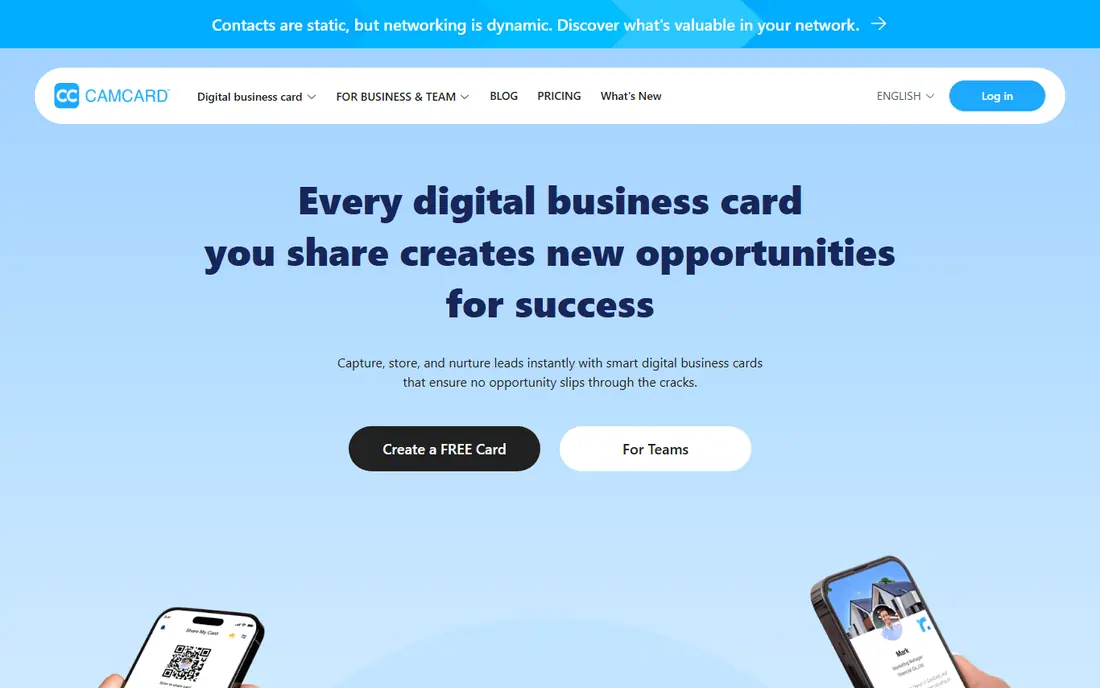
CamCard is a strong fit for people who collect many cards at events and want a clean contact list. Batch scanning and exports make it practical after a conference, when a pile of cards needs to become contacts fast. Pricing starts at Free, and the free plan status is Yes. That combination makes it worth a short test on a real task before you commit to a wider rollout. The catch is that the free plan caps scans, and proofreading adds a step when you want instant results. Scan in batches, proofread the email field first, and export to Excel or your address book the same day. If that trade-off fits your routine, it is easy to recommend. If it does not, one of the other picks in this list is a better match.
- Batch scanning and multi-language support
- Excel and CSV export
- Cloud sync across devices
- Free plan has scan limits
- Proofreading can take time on large batches
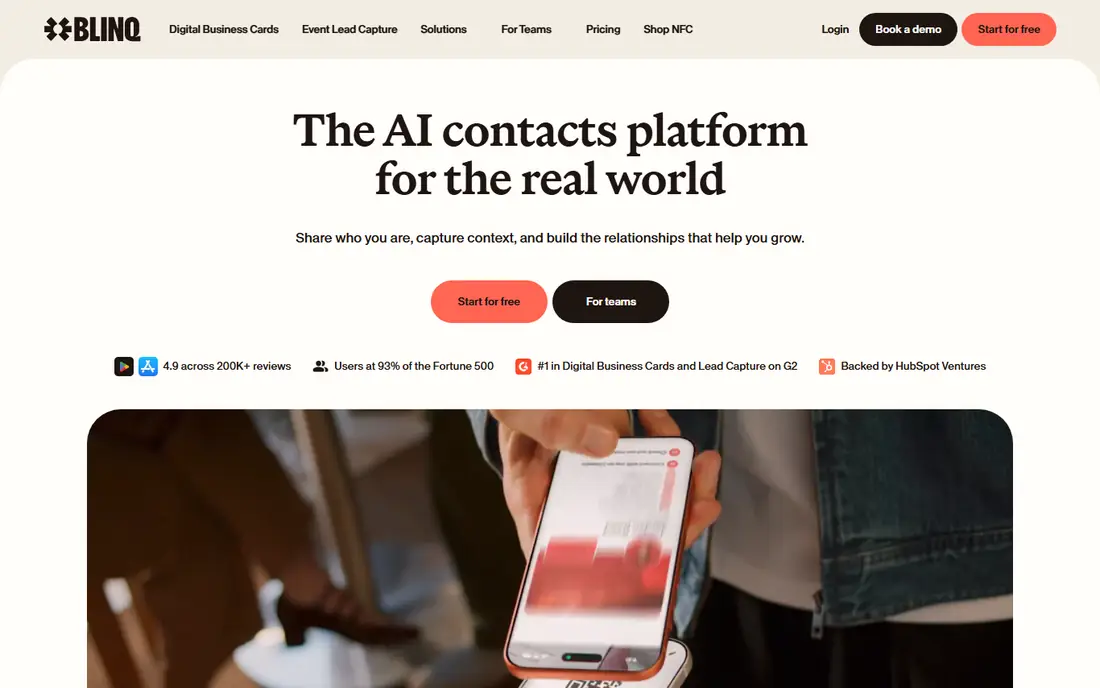
For networkers who share their own card often and want follow-up help, Blinq deserves a close look. Sharing by QR code means the other person does not need the app, and follow-up tools help after an event. Pricing starts at Free, and the free plan status is Yes. The key question is whether its strengths match the job you do most often. The catch is that pure scanning and CRM depth are lighter than a dedicated scanner on some plans. Create two cards, one for work and one for events, and test the QR share before your next meeting. If that trade-off fits your routine, it is easy to recommend. If it does not, one of the other picks in this list is a better match.
- Digital cards with QR sharing
- Unlimited contact creation on the free plan
- Follow-up tools on paid plans
- Scanning is part of a wider card-sharing product, not a pure scanner
- Premium features need a paid plan
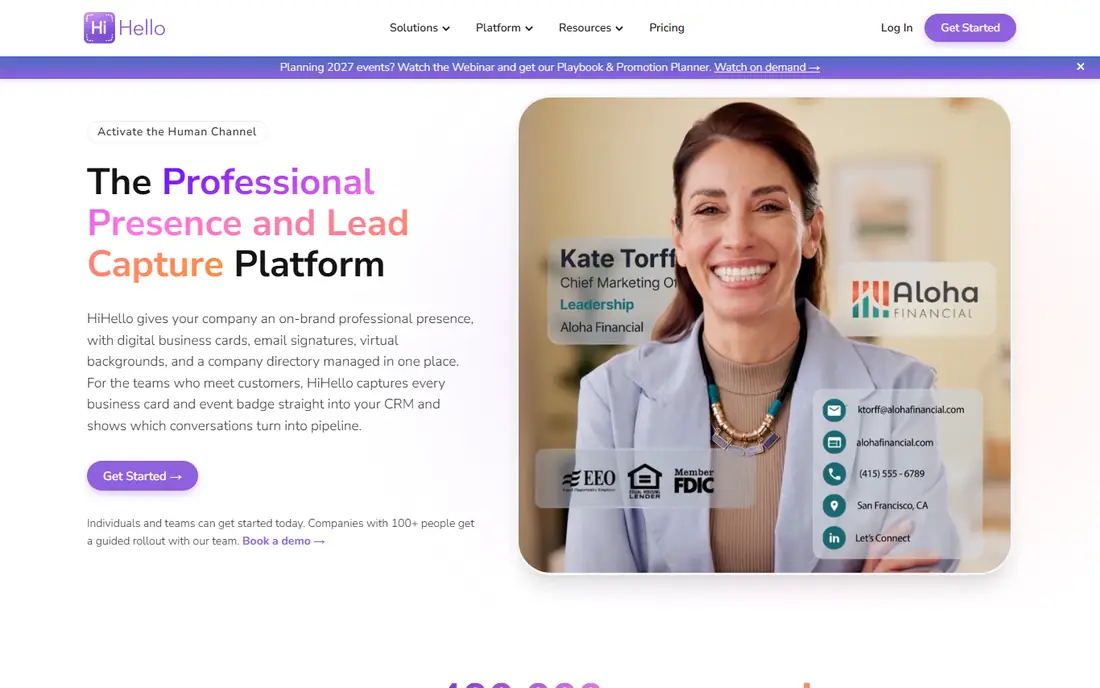
Start with HiHello if you are looking for a tool for people who want a polished digital card plus a scanner in one place. Custom fields cover social links and details that a paper card cannot hold, and team plans keep cards consistent. Pricing starts at Free, and the free plan status is Yes. It is not perfect for every use, but it covers the core job well. The catch is that the free plan is best for individuals, and team pricing needs checking for small teams. Build your card once, add the links you actually use, and scan paper cards straight into the same contact list. If that trade-off fits your routine, it is easy to recommend. If it does not, one of the other picks in this list is a better match.
- Flexible digital cards with many fields
- Scanning for paper cards
- Team card management
- Team pricing starts at a minimum team size on some plans
- Scanning is one part of a wider product
Haystack is a strong fit for individuals who want a free scanner and digital card without a subscription. Free individual use plus visual cards makes it easy to try without paying first. Pricing starts at Free, and the free plan status is Yes. That combination makes it worth a short test on a real task before you commit to a wider rollout. The catch is that gap-filling relies on web data, so check any added detail before you trust it. Try the free plan for a month, and move to a team plan only if sharing and admin controls become necessary. If that trade-off fits your routine, it is easy to recommend. If it does not, one of the other picks in this list is a better match.
- Free use for individuals
- Visual card designs
- Automatic gap-filling for missing details
- Team features need a paid plan
- CRM depth is lighter than enterprise tools
For people who want contacts that stay current and prompt follow-up, Covve deserves a close look. Enrichment and reminders turn a one-time scan into a contact you actually revisit, which is the point of collecting cards. Pricing starts at Free, and the free plan status is Yes. The key question is whether its strengths match the job you do most often. The catch is that the free plan is limited, and enrichment details still need a quick check. Add a note and a reminder at scan time, and review enriched details before you send a follow-up. If that trade-off fits your routine, it is easy to recommend. If it does not, one of the other picks in this list is a better match.
- Smart contact enrichment
- Reminders and notes
- Apple Wallet and digital sharing support
- Free plan limits features
- Paid plans are priced per user
Start with Popl if you are looking for a tool for networkers and teams who share cards at scale. The free basic sharing plan is easy to start with, and the widget makes sharing at an event quick. Pricing starts at Free, and the free plan status is Yes. It is not perfect for every use, but it covers the core job well. The catch is that advanced contact management and automation sit on paid plans, so the free plan is only a starting point. Start free for personal sharing, and test the follow-up automation on a small event before a team rollout. If that trade-off fits your routine, it is easy to recommend. If it does not, one of the other picks in this list is a better match.
- Digital card sharing for individuals on the free plan
- QR lockscreen widget
- Automated follow-up options
- Paid plans start higher for advanced team features
- Scanning is secondary to sharing
ScanBizCards is a strong fit for people who want simple scanning without a large subscription. It keeps the job simple: scan, save, and export, without a long setup or a team platform to learn. Pricing starts at Free, and the free plan status is Yes. That combination makes it worth a short test on a real task before you commit to a wider rollout. The catch is that it lacks the digital card design and enrichment tools that newer apps offer. Use it for a personal card collection, and export to CSV regularly so contacts are not locked to one app. If that trade-off fits your routine, it is easy to recommend. If it does not, one of the other picks in this list is a better match.
- Simple scanning and contact saving
- Cloud backup
- CRM export options on premium versions
- Fewer enrichment and digital card features than newer rivals
- Interface is more basic
For people who scan cards in several languages or with complex layouts, ABBYY Business Card Reader deserves a close look. ABBYY has long experience in text recognition, and multilingual support helps with international cards. Pricing starts at Free, and the free plan status is Yes. The key question is whether its strengths match the job you do most often. The catch is that pricing clarity and social sharing features lag the newer digital card apps. Test it on your hardest cards first, including non-English cards, before you choose it for a whole team. If that trade-off fits your routine, it is easy to recommend. If it does not, one of the other picks in this list is a better match.
- Strong OCR across many languages
- Keeps card layout and logos well
- Contact export options
- Pricing is not always published clearly, and it feels more document-focused than social
Start with HubSpot Business Card Scanner if you are looking for a tool for HubSpot users and small sales teams who already live in the CRM. A scan that lands straight in the CRM saves the export step, and follow-up can start from the same record. Pricing starts at Free, and the free plan status is Yes. It is not perfect for every use, but it covers the core job well. The catch is that if you do not use HubSpot, the scanner alone is not a reason to switch systems. Test a scan into a real HubSpot contact, check field mapping, and set a follow-up task at scan time. If that trade-off fits your routine, it is easy to recommend. If it does not, one of the other picks in this list is a better match.
- Scanning inside the HubSpot app
- Contacts land in the CRM
- Follow-up and email tools in the same system
- Full value depends on using HubSpot
- Standalone scanning features are narrower than CamCard
How we picked these
We compared official feature pages, pricing pages, and app store listings, and we favoured products that exist and work today and truly fit the topic. We checked free tiers, starting prices, and platform support, and we used See website where a price could not be verified from a vendor page. We did not claim hands-on testing, and we did not invent features, prices, or awards. Where products overlap, we kept the pick with the clearest fit for a distinct reader need. We also weighed honest weaknesses. A tool with a strong free plan but a narrow platform, or a powerful platform with quote-based pricing, can still earn a place if the trade-off is clear. That is why each product above names a best fit and a catch, so you can match the list to your own budget, devices, and workflow rather than chasing the highest feature count.
What to check before you choose
Start by deciding what happens after the scan. If you only need a clean contact, a pure scanner is enough. If you need follow-up reminders, team sharing, or CRM records, pick a tool that does that work for you, even if scanning is only part of it. Test accuracy on five real cards before you commit, including a card with a long job title, a non-English name, and a small font. Check the export options too, since a contact stuck in one app is not much better than a card in a drawer. Look for vCard, CSV, or direct CRM export, and check whether the app asks for access it does not need. For events, batch scanning and a quick note field matter more than design options. For sales teams, shared contacts, duplicate checks, and admin controls matter more than a pretty card. Check the current vendor page for price, free plan, and platform support before you buy or sign up, since terms change. A short trial on a real task will tell you more than a feature list, and it will reveal problems with speed, accuracy, or support before they affect a larger project. Keep your current tool running during the trial, so you can switch back if the new pick does not fit.
Frequently asked questions
What is the best app to scan business cards?
CamCard is the strongest pure scanner for most people, thanks to batch scanning, multi-language support, and exports. Blinq is stronger if you also want to share your own digital card and track follow-ups. The best choice depends on whether scanning or sharing is the main job.
Is there a truly free business card scanner app?
Yes, several apps offer a free plan, including CamCard, Blinq, HiHello, and Haystack, but free plans limit scans, cards, or features. Haystack offers free use for individuals, while other free plans cap total scans or digital cards. Check the current free plan on the vendor site before an event.
Can business card apps export to a CRM?
Many can, but the depth varies. CamCard offers CRM links, Covve and HubSpot connect scans to contact systems, and Wave and Blinq offer CRM sync on paid plans. If CRM export is the main need, test it with a real record before you buy, and check whether fields map cleanly.
How accurate are business card scanners?
Accuracy is good for clean, standard cards, but titles, company names, and unusual spellings still need a quick proofread. Apps with a proofreading step help, but they can slow a large batch. Scan in good light, keep the card flat, and check the email field first, since that is the field that matters most for follow-up.
Do I need a separate scanner if I already use a CRM?
Not always. HubSpot includes a business card scanner inside its app, so HubSpot users may not need a separate tool. A separate scanner is still worth it if you scan at events, need batch scanning, or want digital card sharing that your CRM does not offer.
Sources
See where you really rank - block by block
ProMapRanker scans Google Maps across a grid of your service area. Simple monthly plans from $19, white-label on every plan.
Start freeKeep reading
 zoho inventory alternatives
6 Alternatives to Zoho Inventory, Compared on Price and Fit
Zoho Inventory alternatives: 6 tools compared on price, free plans and fit. Katana leads the list for manufacturers. Fit and flaws are laid out for each entry.
Read → zoho crm alternatives
Best Zoho CRM Alternatives (2026)
Need Zoho CRM alternatives? We compare 7 tools on cost, free access and who each suits. Every pick gets a straight assessment. Built for quick decisions.
Read → zelle alternatives
Best Zelle Alternatives in 2026
Compare the best Zelle alternatives for sending money to friends, paying sellers and moving funds abroad, with honest notes on fees, speed and safety in 2026.
Read →