 ProMapRanker
Best Business Card App in 2026

Key takeaways
- HiHello and Blinq are the best all-round digital card apps, with scanning, sharing and team controls in one place.
- CamCard, Covve and Habsy lead for scanning paper cards, while Canva and Adobe Express lead for designing a card from scratch.
- Popl suits event teams that use NFC taps, but its team pricing is not published, so ask for a quote before you scale.
- Export matters as much as scanning. Check that contacts leave the app as a file your CRM or address book can read.
Quick comparison
| Pick | Great for | Pricing starts at | Free tier | |
|---|---|---|---|---|
 HiHello | all-round digital cards and scanning | $6 per month | Yes | Visit |
 Blinq | digital cards with lead capture | $9.99 per month | Yes | Visit |
 Popl | NFC taps and event sharing | See website | Yes | Visit |
 CamCard | scanning paper cards at scale | See website | Yes | Visit |
 Covve | scanning plus contact management | $119 per year | Yes | Visit |
 ScanBizCards | batch scanning for teams | See website | Yes | Visit |
 Habsy | free unlimited scanning | Free | Yes | Visit |
 Canva | designing cards from templates | Free | Yes | Visit |
 Adobe Express | branded card design with Adobe tools | Free | Yes | Visit |
The best business card apps
We compared scanning, digital cards, design, sharing, team controls and price, and kept only apps that still work in October 2026. The list covers the best free business card scanner app options, the best business card software for teams, and design tools for new cards.
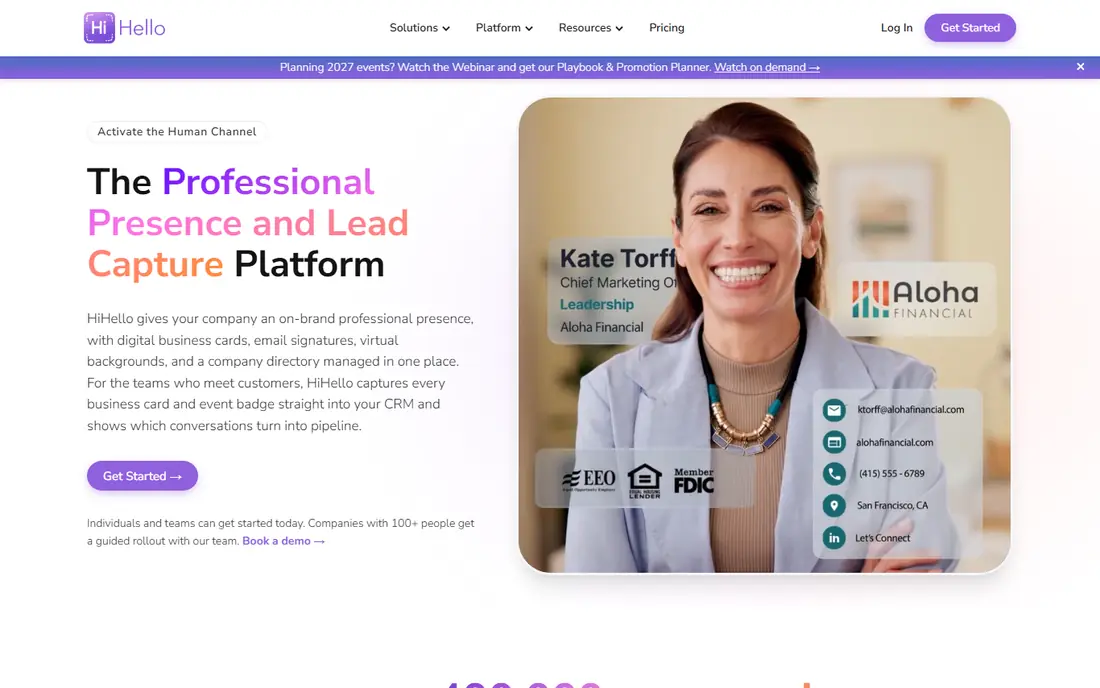
HiHello is the best all-round pick for individuals and small teams. It offers digital cards, QR and wallet sharing, plus a scanner for paper cards, and business plans sync with major CRMs. The free plan lets you test cards and sharing before you pay.
The limits are team size and scan caps. The business plan needs at least five users, and free scanning is limited to five scans a month. If you scan a full event stack, you will need a paid plan or a dedicated scanner app alongside HiHello.
- Digital cards plus scanner
- CRM sync on business plans
- Wallet cards
- Business plan needs at least five users
- Free scans limited to five a month

Blinq suits professionals who meet many people and want lead capture built in. Digital cards share by QR, link or wallet, and paid plans add enrichment and event capture. It is a polished choice for sales and event teams.
The price is the caution. Premium at $9.99 a month is high for a solo user who only needs a card, and business pricing is per user per year. Start free, test sharing with real contacts, and upgrade only when lead capture saves real follow-up time.
- Strong digital cards
- Lead capture
- Wallet and CRM options
- Premium price is high for solo users
- Some features need paid tiers
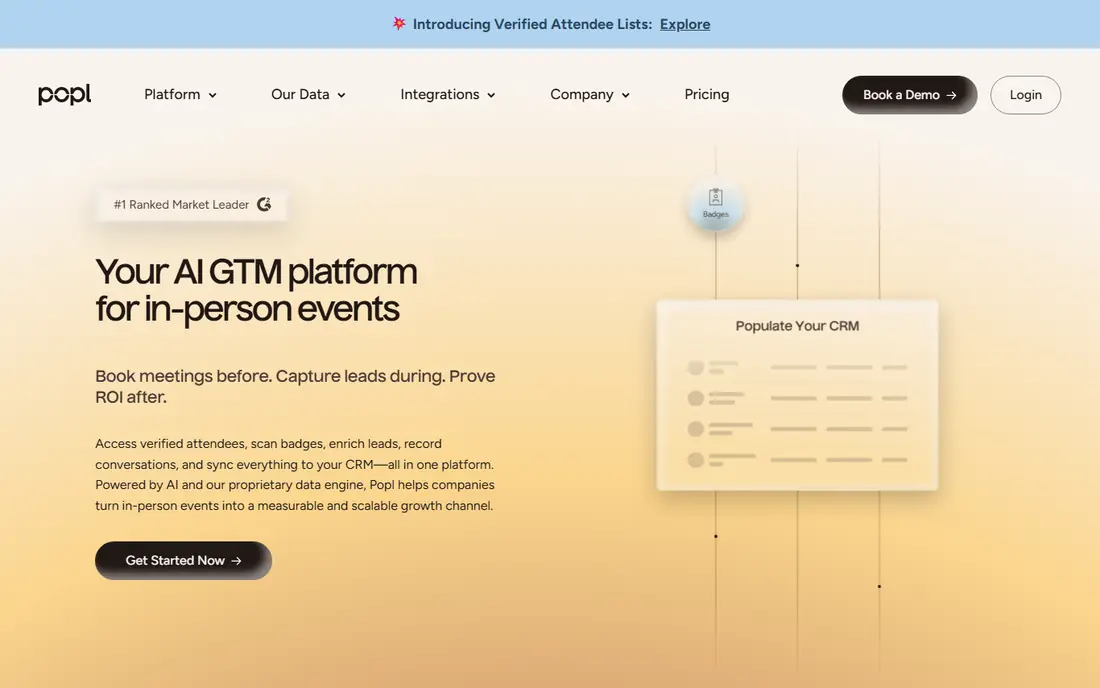
Popl is the pick for event teams that prefer a tap to a paper card. NFC cards and tags let a contact tap a phone to open your card, and event tools help capture leads at a booth. It also offers many integrations for follow-up.
The downside is pricing transparency. Team pricing is not published, so a growing team must ask for a quote. Design flexibility is also narrower than a design tool, so use Popl for sharing and capture, and Canva for a complex card design.
- NFC products
- Strong event lead capture
- Many integrations
- Team pricing not published
- Card design is less flexible than Canva
CamCard is the classic scanner in this list. It reads paper cards, creates contacts, and supports batch scanning for event stacks. For teams that still collect many paper cards, that focused scanning job matters more than a pretty digital card.
The trade-off is age and pricing. The interface feels older than HiHello or Blinq, and business pricing is on request rather than published. Test accuracy on your hardest cards first, including foil, small type and non-English names, before you commit.
- Long-running scanner
- Batch scanning
- Contact export
- Business pricing on request
- Interface feels older than newer rivals
Covve pairs scanning with a fuller contact manager, which suits people who want to keep and sort contacts after an event. The Pro plan adds business features, and a CRM add-on connects to sales tools. It is a good fit for consultants and small sales teams.
The price is steep for occasional use. At $119 a year, plus $60 a year for the CRM add-on in some listings, it only makes sense if you scan and manage contacts weekly. Occasional scanners should use a free or cheaper option first.
- Scanner plus address book
- CRM add-on
- Business focus
- Annual price is high for occasional scanning
- CRM add-on costs extra
ScanBizCards is a practical scanner for teams that collect cards at conferences. Batch scanning speeds up a full stack, and export options help move contacts into a CRM or spreadsheet. It is built for volume rather than design.
The downside is presentation. The app is functional rather than modern, and pricing varies by plan and store, so confirm the total before you buy. If you scan only a few cards a month, a free scanner will do the same job for less.
- Batch scanning
- Export options
- Team use
- Price varies
- Interface is functional rather than modern
Habsy is the best free business card scanner app in this list for Android users who scan often. Its free plan covers unlimited scanning, batch capture, QR codes and event badges, with no monthly cap. That is rare among free scanners.
The caution is newness. Habsy is a newer brand than CamCard, and its paid business features are less widely documented. Test it on your own cards, check export to your address book, and keep a backup export after each event.
- Unlimited free scanning
- Batch scanning
- QR and badge capture
- Newer brand
- Paid business features are less widely documented
Canva is the best tool for creating a business card from scratch. Templates cover modern, minimal and bold styles, and you can export for print or digital sharing. It also works for the branded payment card style briefs that some teams request, because you can design a consistent brand card.
The limit is scanning. Canva does not scan paper cards into contacts, so pair it with HiHello, CamCard or Habsy for events. Premium assets and some print finishes cost extra, so check the final design cost before you order print.
- Huge template library
- Easy design
- Print and digital export
- Not a scanner
- Some premium assets and print options cost extra
Adobe Express suits teams that already use Adobe tools and want consistent branding. It offers templates, brand kits and a large asset library, so a card can match a website and social posts. The free plan covers most basic card design needs.
The catch is also scanning. Adobe Express does not replace a scanner, and its best value comes when you already pay for Adobe services. For a one-off card, Canva free is simpler. For a full brand set, Adobe Express gives tighter control.
- Strong branding tools
- Templates
- Adobe asset library
- Not a scanner
- Best value if you already use Adobe tools
How we picked these
We compared vendor pricing pages, app descriptions and October 2026 scanner and digital card guides. We kept only apps that still work, and we weighed scanning accuracy, sharing, export, team controls and price, not app store rank alone.
We did not claim hands-on testing. Our picks reflect stated features and pricing, plus the practical need to export contacts after an event. Prices change, so confirm the plan and scan limits at checkout.
How to choose a business card app that saves contacts, not just scans them
Start with the job after the event. If you collect paper cards, pick a scanner first and check export to your CRM or address book. If you share your own details, pick a digital card first and test how it looks on a contact phone without the app installed.
Next, test accuracy on hard cards. Try foil logos, white type on dark backgrounds, small type and two phone numbers on one card. A blank field you can fill is fine. A confidently wrong email is a lost lead, so review every scanned contact before you save it.
Finally, decide on one card for yourself and one system for contacts you receive. Keep your digital card simple, with name, role, company, email and phone, plus one link. For received cards, add a note about where you met within a day, while the conversation is still fresh.
Frequently asked questions
What is the best free business card scanner app?
Habsy offers unlimited free scanning, while HiHello offers five free scans a month and CamCard offers a limited trial. For frequent scanning, Habsy is the cheapest strong option, but test export before you rely on it.
What is the best business card software for teams?
HiHello Business and Blinq Business are the strongest team picks, with branded cards, wallet sharing and CRM sync. Popl suits event teams that use NFC. Check minimum user counts and published prices before you choose.
What are the best apps for business cards for design?
Canva and Adobe Express lead for designing a new card, with templates and brand controls. Neither scans paper cards, so pair a design tool with a scanner such as CamCard, Covve or Habsy for events.
Can a business card app replace paper cards?
For many meetings, yes, because a QR link or wallet card shares details faster and avoids retyping. Paper cards still help at large events and in places with poor signal, so keep a scanner for the cards you receive.
How do I keep scanned contacts private?
Check the app privacy policy, limit contact sync to the address book you use, and delete test scans. Avoid apps that require broad access you do not need, and export contacts to your own system after each event.
Sources
See where you really rank - block by block
ProMapRanker scans Google Maps across a grid of your service area. Simple monthly plans from $19, white-label on every plan.
Start freeKeep reading
 zoho inventory alternatives
6 Alternatives to Zoho Inventory, Compared on Price and Fit
Zoho Inventory alternatives: 6 tools compared on price, free plans and fit. Katana leads the list for manufacturers. Fit and flaws are laid out for each entry.
Read → zoho crm alternatives
Best Zoho CRM Alternatives (2026)
Need Zoho CRM alternatives? We compare 7 tools on cost, free access and who each suits. Every pick gets a straight assessment. Built for quick decisions.
Read → zelle alternatives
Best Zelle Alternatives in 2026
Compare the best Zelle alternatives for sending money to friends, paying sellers and moving funds abroad, with honest notes on fees, speed and safety in 2026.
Read →