 ProMapRanker
Best Budgeting Software for Small Business in 2026


Growing businesses needing full accounting · Pricing starts at: $38 per month
Key takeaways
- QuickBooks Online is the most complete choice for growing businesses that need budgets, reporting, and accountant support in one place.
- Wave and Zoho Books give the lowest entry cost, with free plans that suit very small businesses and solo operators.
- Xero is the strongest pick for teams that need many users without per-seat fees, while FreshBooks suits service businesses built around invoicing.
- Budgeting features vary a lot by plan, so check whether budget versus actual reports are included before you buy.
Quick comparison
| Pick | Great for | Pricing starts at | Free tier | |
|---|---|---|---|---|
| QuickBooks Online | Growing businesses needing full accounting | $38 per month | Free trial | Visit |
 Xero | Multi-user teams and multi-currency work | $25 per month | Free trial | Visit |
 FreshBooks | Service businesses that invoice clients | $23 per month | Free trial | Visit |
 Wave | Solo operators on a tight budget | Free | Yes | Visit |
 Zoho Books | Cost-conscious businesses in the Zoho suite | Free | Yes | Visit |
 Sage Accounting | Simple invoicing and cash flow tracking | See website | Free trial | Visit |
 Quicken Business and Personal | Owners mixing business and personal money | $7.99 per month | No | Visit |
 Patriot Software | Small businesses wanting payroll plus accounting | $20 per month | Free trial | Visit |
 Bench | Owners who want a human bookkeeper | $199 per month | No | Visit |
The best budgeting software for small business
Good budgeting software does more than record spending. It lets you set a plan, compare real results against that plan, and spot cash flow problems early. We compared official pricing pages, feature descriptions, and plan limits for tools live in October 2026.

QuickBooks Online is the default choice for many US small businesses for a practical reason: most accountants and bookkeepers already know it. You can build budgets, track income and expenses, send invoices, and compare actual results against your plan, and that reporting depth grows with higher plans. The Simple Start plan is listed at 38 dollars per month, with Essentials, Plus, and Advanced above it for more users and features.
The trade-offs are price and complexity. A solo owner with simple income and expenses may not need this depth, and payroll is a separate add-on. If you work with an accountant, plan to grow, or need inventory and deeper reporting, QuickBooks is still the safest long-term pick, because handing your books to a professional is rarely a problem.
- Wide accountant familiarity
- Strong budgets and reports
- Large integration range
- Higher price than simpler tools
- Learning curve for new owners
- Payroll costs extra
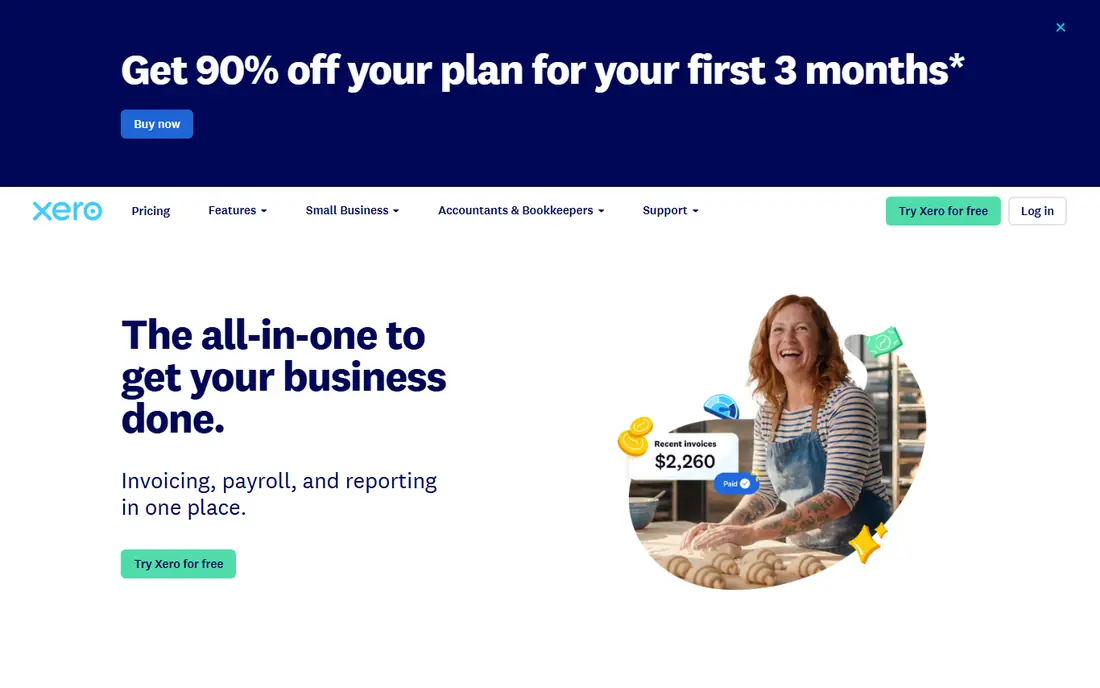
Xero suits teams where several people need access without paying per seat. The Early plan is listed at 25 dollars per month, and higher plans raise invoice, bill, and reporting limits. Budgeting tools, bank feeds, and invoicing cover the core needs of a growing service or product business, and multi-currency support helps firms with overseas clients or suppliers.
The limit to check is the lowest plan. Early caps monthly invoices and bills, so a busy business can outgrow it fast. If you have two or more people touching the books, or you bill in more than one currency, Xero often works out cheaper and simpler than per-seat rivals. If you are solo, compare its entry price against Wave or Zoho Books first.
- Unlimited users on plans
- Strong multi-currency support
- Clean dashboard
- Invoice and bill caps on the lowest plan
- Payroll setup varies by region
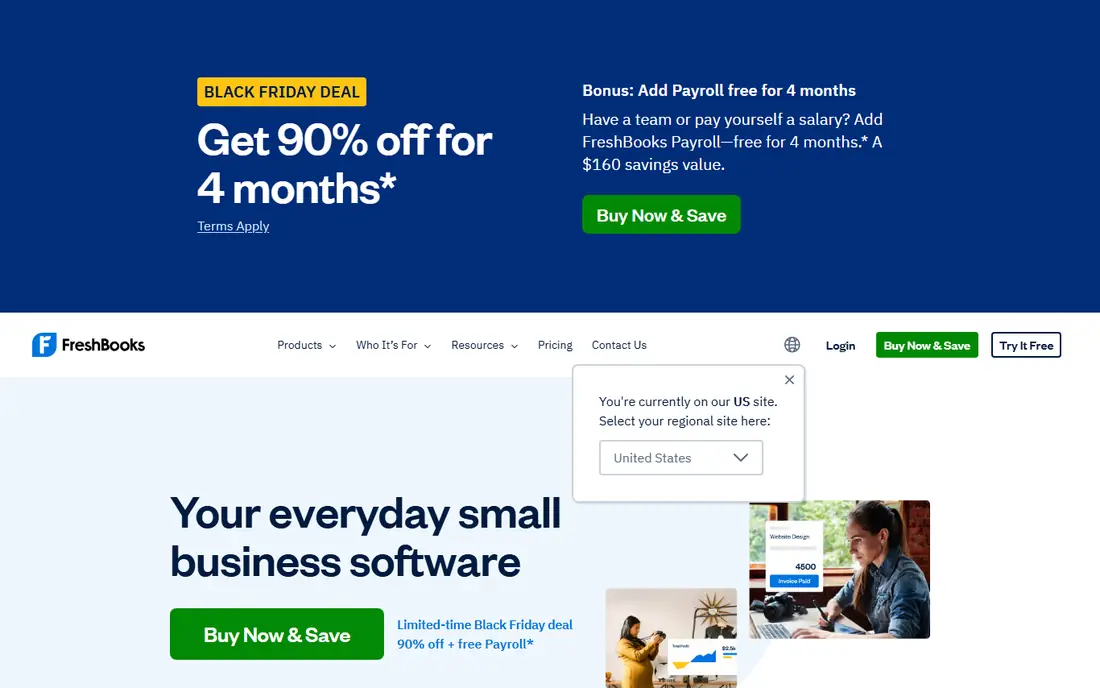
FreshBooks is built around getting paid. Service businesses can track time, turn hours into invoices, send reminders, and accept client payments with less setup than a full accounting suite. The Lite plan is listed at 23 dollars per month, and the interface stays readable for owners who do not enjoy bookkeeping.
The catch is accounting depth. FreshBooks handles invoicing and expenses well, but it is lighter on double-entry accounting, bank reconciliation, and inventory than QuickBooks or Xero. That is fine for consultants, designers, and agencies that bill by project. If your business holds stock or needs complex reporting, a fuller accounting tool will serve you better.
- Easy invoicing and time tracking
- Client-friendly payment options
- Simple interface
- Lighter accounting depth than QuickBooks or Xero
- Extra users cost more
Wave is the best starting point for a solo operator who needs proper books without a monthly bill. The free Starter plan covers accounting, invoicing, and receipt scanning, and the bookkeeping uses double-entry methods rather than a simple cash tracker. That makes it a credible tool, not just a spreadsheet replacement.
The limits show up as you grow. Automatic bank imports require the paid Pro plan, listed around 19 dollars per month in recent comparisons, and reporting stays basic compared with QuickBooks. For a side business, freelancer, or very small firm, Wave is hard to beat on value. Once you add staff, inventory, or complex reporting, plan to move up.
- Free accounting and invoicing
- Real double-entry bookkeeping
- Simple setup
- Automatic bank feeds need a paid plan
- Limited advanced reporting
Zoho Books gives small businesses full accounting features at a low entry cost. The free plan covers businesses under 50,000 dollars in annual revenue, and paid plans add users, automation, and inventory features. Project budgets help service firms track planned spending against real project costs, which is exactly what a budgeting tool should do.
The downside is ecosystem fit. Zoho Books works best beside other Zoho apps for CRM, inventory, and projects, and owners outside that suite may find fewer integrations. Support and bank connections can also feel less polished than QuickBooks in the US. If cost matters and you already use Zoho, this is a strong pick.
- Free plan for businesses under 50,000 dollars in revenue
- Project budgets
- Automation
- Full value depends on other Zoho apps
- Fewer US bank integrations than leaders
Sage Accounting suits owners who want simple, dependable bookkeeping without a steep learning curve. Invoicing, expense tracking, and cash flow views cover the daily needs of a small firm, and Sage has a long history in accounting software. Small teams can get set up quickly and hand clean records to an accountant.
The main caution is plan comparison. Sage sells several accounting products and tiers, so the features and price for your country and plan need a careful check on the vendor site. It is less of a standout for project budgeting than Zoho Books or QuickBooks Plus, but for simple invoicing and cash flow control it remains a solid, low-drama choice.
- Straightforward invoicing
- Cash flow views
- Established accounting brand
- Pricing and plan names vary
- Advanced features need higher tiers
Quicken Business and Personal is for self-employed owners whose business and personal money overlap. One subscription, listed at 7.99 dollars per month billed annually, combines business income and expenses with personal budgeting, bills, savings goals, and investment tracking. That whole-picture view helps owners who pay themselves irregularly and need to plan taxes and personal spending together.
The limit is scale. Quicken is not designed as a multi-user accounting system for a team, and a business with staff, inventory, and an external bookkeeper will usually need QuickBooks or Xero instead. For a solo owner, landlord, or freelancer who wants one place for both sides of their money, it is a practical and affordable option.
- Business and personal finances in one subscription
- Budgeting and bill tracking
- Rental property tools
- Not a full multi-user accounting suite
- Less suited to firms with staff bookkeepers
Patriot Software
Great for: Small businesses wanting payroll plus accounting
Patriot Software appeals to small employers who want accounting and payroll in one place. The Accounting Basic plan is listed at 20 dollars per month, and payroll can be added from the same vendor, which keeps employee pay, taxes, and books closer together. The interface is straightforward, and pricing is easier to read than some larger suites.
The trade-off is breadth. Patriot has fewer third-party integrations and less reporting depth than QuickBooks or Xero, so businesses with complex inventory or many apps may feel constrained. For a small firm with a handful of employees that wants payroll and books handled together, Patriot is a clean and affordable pairing.
- Accounting and payroll from one vendor
- Clear pricing
- US-based support
- Smaller integration range than QuickBooks
- Reporting is simpler
Bench is different from the rest of this list, because you are paying for people as well as software. A dedicated bookkeeper categorizes transactions, reconciles accounts, and prepares monthly statements, with the Bookkeeping Light plan listed at 199 dollars per month for smaller businesses. Owners who hate bookkeeping, or who keep falling behind, often find this the only option they actually stick with.
The cost is the obvious catch, and hands-on owners may miss direct control over every entry. Bench also suits businesses with straightforward books better than firms needing complex inventory or project accounting. If your books are months behind and that backlog is costing you decisions, Bench can be worth the price.
- Human bookkeeper does the work
- Monthly financial statements
- Tax-season support
- Highest entry price here
- Less hands-on control than doing books yourself
How we picked these
We compared official pricing pages, feature descriptions, and plan limits for budgeting and accounting tools live in October 2026. We favored tools that let owners set budgets, compare actuals, track cash flow, and produce reports a small business can act on. We excluded tools that only track personal spending, only send invoices without bookkeeping, or only offer payroll without accounting, except where a bundled payroll-plus-accounting pairing was the point.
What to check before you pay
This is not financial advice, and tax rules vary by business type and location, so check with your accountant for tax decisions. Start by listing your must-haves: number of users, invoicing volume, inventory, payroll, and multi-currency needs. Then check the plan that includes budget versus actual reporting, because entry plans sometimes leave that report out.
Run a trial on your real numbers for at least two weeks, including bank connections, invoice sending, and a budget report. Watch for caps on invoices, bills, and users, and for add-on costs like payroll and payment processing. A tool that looks cheap on the pricing page can cost more once those add-ons are included.
Frequently asked questions
What is the best business budgeting software for a growing company?
QuickBooks Online is the most complete option for a growing company, because it pairs budgets with deep reporting and wide accountant support. Xero is a close alternative for teams that need many users or multi-currency billing.
What is the cheapest budgeting software for a small business?
Wave is free for core accounting and invoicing, and Zoho Books offers a free plan for businesses under 50,000 dollars in revenue. Both suit very small firms, though paid plans are needed for bank feeds or higher limits.
Does budgeting software replace an accountant?
No. Budgeting software records and reports your numbers, but an accountant still helps with tax planning, year-end filings, and decisions that depend on your business structure. Most tools here are designed to make handing clean books to an accountant easier.
How do I set a budget in these tools?
Most tools let you set monthly or yearly targets by category, then show actual spending beside the plan. Start with last year actuals or last quarter averages, set separate targets for fixed costs and variable costs, and review the variance each month.
Which tool is best for a service business that bills by the hour?
FreshBooks is the strongest fit for hourly service work, because time tracking feeds directly into invoices. QuickBooks and Xero also handle service billing, but FreshBooks keeps the invoicing workflow simpler for solo consultants and small agencies.
Sources
See where you really rank - block by block
ProMapRanker scans Google Maps across a grid of your service area. Simple monthly plans from $19, white-label on every plan.
Start freeKeep reading
 zscaler alternatives
Best Zscaler Alternatives in 2026
Looking for zscaler alternatives? We compare 9 SASE and zero trust platforms on architecture, data protection, pricing, and fit for your network and team.
Read → zapier alternatives free
Best Zapier Alternatives Free in 2026
Nine automation tools for zapier alternatives free in 2026, all with genuinely free tiers, plus free plan limits, starting prices and upgrade paths explained.
Read → which platform is best for online reputation
Which Platform Is Best for Online Reputation in 2026
Wondering which platform is best for online reputation? We compare 8 review, listing, and response tools for small and multi-location businesses and agencies.
Read →